
Designing Wi-Fi for Schools and Universities: What Actually Works
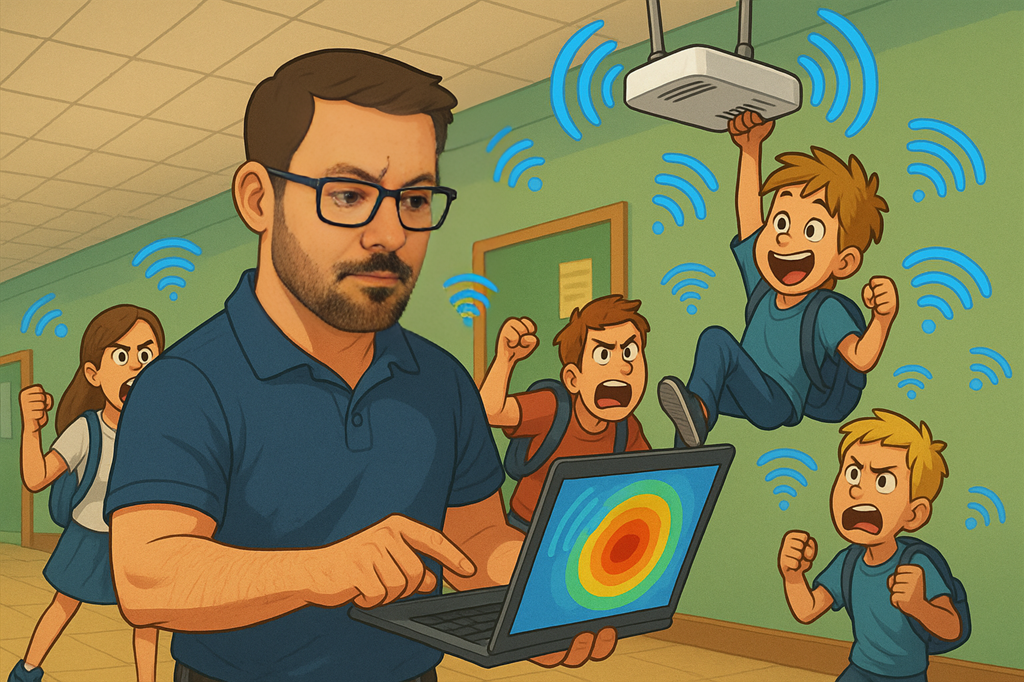
Wi-Fi in education isn’t just a nice-to-have anymore. Whether it's a small primary school or a large university campus, wireless is now the backbone of learning, teaching, and admin. But getting it right can be a challenge. You’re dealing with a mix of users, devices, buildings, and expectations, often on tight budgets with limited on-site IT support.
Here’s what I’ve learned over the years when it comes to designing wireless networks for education. These are lessons that apply whether you're refreshing an old network or starting from scratch.
Start with the Right Questions
Don’t jump into design tools before talking to the people who use the network. What are their pain points? What devices are in use? What applications matter most? Are they streaming video, running exams, accessing cloud resources, or all of the above?
Also ask why the current setup isn’t working. Is it slow? Dropping connections? Difficult to manage? Those answers will shape everything else.
Expect a Mixed Bag of Devices
Education environments are full of different device types. You’ll find Chromebooks, iPads, Windows laptops, smartphones, printers, projectors, and IoT gear, all with different capabilities. Some support 802.1X, others don’t. Some only work on 2.4 GHz. Don’t assume everything is modern or secure.
Overestimate the number of clients. Plan for older, less capable hardware. And if you're rolling out Wi-Fi 6E or Wi-Fi 7, check how many of those newer devices will actually support the 6 GHz band.
Always Do a Proper Site Survey
Good design starts with good information. A predictive design is a great starting point, but it only works if the inputs are accurate. Get proper floor plans. Measure wall attenuation if you can. If you're reusing existing infrastructure, check where the APs are, what they're running, and how the RF looks.
And after the install, do a validation survey. It's your proof that what you built matches what you planned. It also helps if things go wrong later, you’ve got a known-good baseline to compare against.
Don’t Ignore the Wired Network
Wi-Fi is only as good as the network behind it. Check the cabling, if it’s old Cat5 or runs over 100 metres, you might run into problems. Make sure the switches support PoE and VLANs properly. You want managed switches, not unmanaged boxes or injectors.
Watch your PoE budget. Tri-band APs and newer radios draw more power than older models. A switch with 24 ports may not actually power 24 modern APs at once unless it has enough wattage to go around.
Channel Width and Interference Matter
Use wider channels when you can, but only if the environment allows it. In dense areas like classrooms or lecture halls, 20 or 40 MHz channels on 5 GHz are often more reliable than 80 MHz. If you can use 6 GHz, great, it’s cleaner and less congested, especially for newer clients.
Don’t just enable everything and hope for the best. Stick to non-overlapping channels, keep transmit power balanced, and don’t forget about roaming. Clients should be able to hear at least two APs at -75 dBm or better from any point where you expect them to connect.
Make Onboarding Easy and Secure
Whether it's students bringing their own devices or staff using managed laptops, onboarding needs to be both simple and secure. Use 802.1X where you can. Consider dynamic VLANs to segment traffic. Don’t forget about guests, make sure they have access without compromising the rest of the network.
If you're aiming for scale and long-term management, certificate-based access is worth the time investment.
Is Wi-Fi 7 Worth It?
That depends. Wi-Fi 7 offers serious gains: multi-link operation, wider channels, faster modulation, and WPA3 security. If you’re building new or looking to support high-density or latency-sensitive apps like AR/VR or e-sports, it’s worth exploring.
But the wired infrastructure and device fleet need to be ready for it. Make sure the switches, cabling, and power budget can handle the upgrade. Also check how many of the devices on campus can actually benefit from Wi-Fi 7 today.
Final Thoughts
Designing Wi-Fi for education is more than just placing APs. It’s understanding how people use the network, planning for a mix of old and new devices, and making sure the wired side can keep up. It means being realistic, not idealistic, and always validating your work.
If you're working on a school or university project and want to bounce ideas around, feel free to reach out. Always happy to talk through lessons from the field.
#WiFiDesign #EducationIT #WiFi7 #WirelessNetworking #NetworkDesign #WiFiSurvey
No Comments