
Designing Better Wi-Fi: Practical Basics for Offices, Schools, and Hospitality
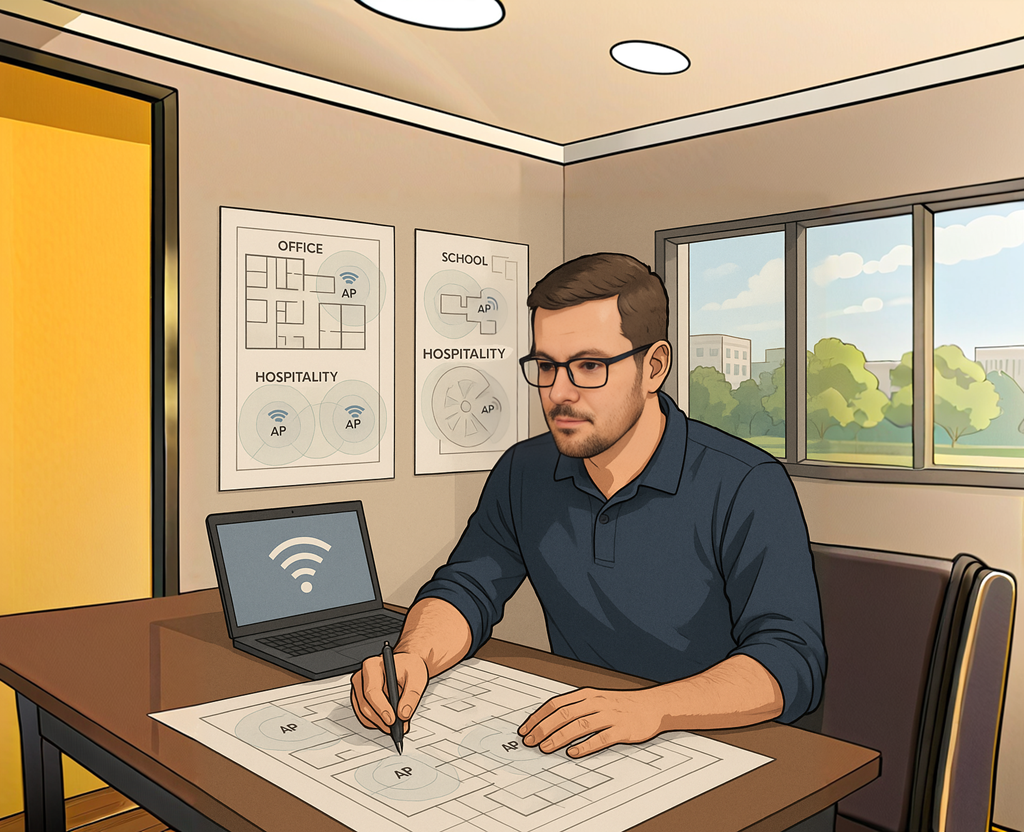
When people think about wireless design, they often jump straight to access points, coverage heatmaps, or the “latest Wi-Fi standard.” But the truth is, most Wi-Fi issues don’t start in the controller or the AP.
They usually come down to the basics being skipped.
Whether you’re designing for an office, a school, or a hospitality venue, the fundamentals matter more than anything else.
Good Wi-Fi isn’t an accident.
It’s predictable, intentional and built around how people and devices actually use the network.
Below are the core foundations I rely on in my own designs, followed by practical considerations for each environment.
Start With the Fundamentals
1. Understand the Spectrum You’re Working With
Each band behaves differently:
- 2.4 GHz: Noisy, crowded, long range and home to IoT. Use only 20 MHz channels and stick to 1, 6, 11.
- 5 GHz: The workhorse. More channels, better performance, DFS to consider and still the backbone for most enterprise clients.
- 6 GHz: Clean spectrum, no legacy baggage, and ideal for high-capacity environments. Perfect for modern devices, but requires WPA3 and proper planning for discovery.
The real skill is knowing when not to use a band.
2. Design With Capacity First, Coverage Second
A single AP can “cover” a huge area at high transmit power, but that’s not the goal in a business environment.
Capacity is the bottleneck, not reach.
Lower transmit power, more APs where needed and controlled cell sizes avoid co-channel contention and keep roaming smooth.
3. Keep Channel Widths Sensible
Just because Wi-Fi 7 has 320 MHz channels doesn’t mean you should use them everywhere.
- 2.4 GHz: 20 MHz only.
- 5 GHz: 20 MHz in high-density areas, 40 MHz where viable, 80 MHz only when carefully planned.
- 6 GHz: 80 MHz is usually the sweet spot for enterprises; 160 can work when you have the spectrum and limited overlap.
The wider the channel, the greater the interference footprint.
Use the widest channel until you can’t.
4. Avoid SSID Bloat
Each SSID adds management overhead.
Keep it simple:
- Enterprise
- Guest
- IoT
- Specialist networks (voice/RTLS) only when required
Keep it to four SSIDs or fewer across the board.
5. Build for Modern Security
WPA3 is now mainstream.
6 GHz requires it.
Transition modes “kind of work” but bring baggage.
Plan a route away from WPA2, not a permanent dependency on it.
6. Think About the Clients, Not Just the APs
Every chip behaves differently.
Some devices have poor roaming logic.
Some cling to distant APs.
Some don’t support DFS.
Some have very weak radios.
You’re designing for clients, not controllers.
Designing for Offices
Office Wi-Fi is a balancing act between performance, density, and mobility.
Key things I look at:
Device Types Laptops, softphones, collaboration tools, and wireless peripherals.
Most devices support 5 GHz well; 6 GHz adoption is increasing fast.
Requirements
- Stable roaming for voice and video
- Consistent SNR in meeting rooms
- Clean RF in high-capacity spaces like boardrooms
- Segmented IoT/wireless printer networks to avoid unnecessary broadcast traffic
Tips
- Lower AP transmit power to avoid huge overlapping cells
- Use directional antennas in tricky meeting rooms if needed
- Keep SSID count low
- Plan for roaming with 802.11k/v/r where the client base supports it
- Use 6 GHz for high-bandwidth meeting rooms and collaboration spaces
Designing for Schools
Schools are some of the hardest environments you can design for because density and client variety are extreme.
Typical challenges include:
- Hundreds of devices connecting in short bursts
- BYOD on guest networks
- Legacy 2.4 GHz-only tablets or classroom tech
- High-density exam halls, assembly spaces, and auditoriums
- Lots of walls, concrete, and uneven floorplans
What works well:
- Focus on 5 GHz and 6 GHz for staff and student devices
- Keep 2.4 GHz only for IoT and legacy tech
- Separate teaching spaces from public/common areas
- Reduce transmit power to avoid giant cells across classrooms
- Use directional antennas in sports halls and auditoriums
- Use WPA3 where possible for exam devices and modern laptops
Non-negotiable:
Do a proper validation survey.
School Wi-Fi usage changes constantly depending on term time, exams, assemblies and device mix.
This is a living network, not a one-time setup.
Designing for Hospitality
Hospitality Wi-Fi has a completely different personality from offices and schools.
Guests don’t tolerate slow logins, unreliable coverage, or complicated portals.
Key considerations:
Ease of connection Captive portals are fine, but keep them fast and simple.
DPSK/MPSK is an excellent alternative for hotels and resorts wanting security and usability.
High device counts Guests bring multiple devices. Bandwidth per user fluctuates heavily. Multicast traffic can explode if not managed.
Building architecture Hotels often have:
- thick walls
- mirrors
- elevators
- voids and cupboards used as AP locations
- highly reflective bathrooms
This makes predictive-only design risky.
Best practices:
- Smaller cell sizes to avoid coverage overlap across many rooms
- Use directional antennas in large lobbies and event spaces
- Consider 6 GHz for premium or loyalty-tier SSIDs
- Avoid overusing 2.4 GHz
- Separate IoT networks for room automation systems
- Keep SSIDs to a minimum, especially where WPA3/OWE can improve the guest experience
Final Thoughts
Great Wi-Fi design is never about one magic setting or a shiny new AP.
It’s about understanding the environment, the clients, and the reality of how the network will be used day to day.
Offices need reliability and performance.
Schools need resilience and high-density planning.
Hospitality needs seamless onboarding and predictable coverage.
But across all of them, the same fundamentals apply: simple SSIDs, sensible channel widths, good capacity planning, controlled transmit power and proper validation.
If you start with that, everything else becomes easier.
No Comments