
Designing Wi-Fi for Large Venues: Lessons From the Field
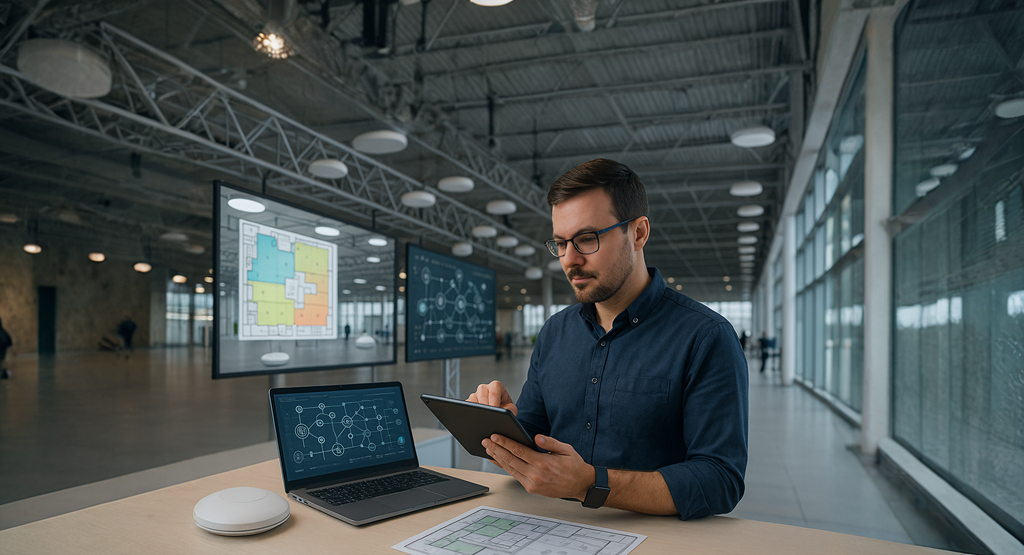
Getting wireless right in large venues is one of the most technically demanding challenges in networking. Whether it's a concert hall, arena, convention centre, or exhibition space, the expectations are always the same: stable, high-performance connectivity, everywhere.
What makes these environments difficult isn’t just size. It’s density. It's mobility. It's the unpredictable RF conditions. And it’s the fact that when things go wrong, it’s immediately visible to thousands of people.
Over the years, I’ve worked on several of these deployments. In this article, I want to share some hard-earned lessons, highlight what actually works in high-density environments, and walk through a past project I led for a 12,000-capacity venue that required full design-to-validation delivery.
Step One: Define Your Environment Before You Touch the Design
You can’t build a successful wireless deployment without understanding the operational profile of the venue.
Ask the right questions upfront:
-
What’s the expected maximum capacity and the realistic device count?
-
What’s the take-rate for devices per person?
-
What applications need priority, streaming? VoIP? Guest access?
-
How does the venue layout change per event?
-
What types of client devices are we dealing with, and how do they roam?
Without clarity on these factors, your design will either underperform or be massively over-engineered.
RF Design: Shape, Don’t Blanket
One of the most common mistakes I still see is designers “flooding” the venue with APs, usually omnis, in an effort to blanket the space with signal. More APs and more power doesn’t mean more performance.
Instead:
-
Use directional antennas (10°, 20°, 80° beamwidths) to shape coverage cells.
-
Under-seat APs in dense seating zones ensure high SNR at the device level.
-
Deploy 20 MHz channels to reduce contention and increase reuse.
-
Make use of DFS channels and spread clients across 5 and 6 GHz where supported.
-
Consider AP height, angle, and mounting position, not just coverage heatmaps.
This is about engineering signal quality, not just signal presence.
Understand the Client Side
Roaming is driven by the client, not the infrastructure. And in large venues, poor roaming behavior can quickly result in dropped calls, stuck devices, and underutilized APs.
-
Enable 802.11r (Fast BSS Transition) and 802.11k/v for improved client handoffs.
-
Tune RX-SOP thresholds to help APs ignore distant/stale clients.
-
Avoid mismatched TX power between AP and client, balance uplink/downlink performance.
-
Build your SSID strategy with legacy and modern clients in mind.
And keep your SSID count low - 3 to 5 SSIDs is a sensible maximum.
Anything more burns airtime and creates overhead.
A Deployment I Led: Wi-Fi for a 12,000-Person Indoor Venue
A few years ago, I led the wireless design and deployment for a large multi-purpose arena that held up to 12,000 people. The venue hosted live concerts, esports events, conferences, and exhibitions, all with different traffic profiles, layouts, and roaming expectations.
Design Objectives:
-
Handle up to 12,000 concurrent users
-
Maintain a 2 Mbps/user throughput baseline
-
Ensure roaming and seamless transitions across zones and floors
-
Segment traffic for guests, staff, AV teams, and IoT
-
Support both seated and standing configurations depending on event type
What the Deployment Looked Like:
-
~110 APs deployed across seating, concourses, backstage, and floor areas
-
Mix of directional ceiling/truss-mounted APs and under-seat enclosures
-
RF profiles tuned per zone - TX power, channel width, RX-SOP all tailored
-
SSIDs mapped to VLANs and user roles to apply bandwidth shaping and access control
-
Full validation surveys performed post-installation with adjustments based on real-world data
What Worked Well:
-
Directional and under-seat APs gave us excellent signal quality even during peak events
-
RF tuning per zone kept CCI low and roaming transitions tight
-
802.11r/k/v enhanced handoffs for roaming staff, VoIP devices, and tablets
-
VLAN segmentation allowed production traffic to remain isolated from guest use
-
DFS channel use and 20 MHz widths preserved airtime and improved overall client distribution
What We Had to Tweak:
-
Some initial AP placements resulted in overlap in the concourse areas, resolved with TX power reduction and angle adjustments
-
Sticky client behavior in transition zones (e.g., between bowl and concourse) was improved through RX-SOP tuning
-
Unexpected reflections from temporary LED walls and stage rigging caused a few dead zones - identified and corrected after validation
Validation Is Non-Negotiable
Design without validation is guesswork. Post-deployment surveys are essential.
Make sure to validate:
-
Coverage, SNR, and channel overlap
-
Throughput under load
-
Roaming across all areas
-
Spectrum analysis to detect hidden interference (AV gear, lighting controllers, etc.)
Tools like Ekahau Sidekick are invaluable here. And don’t validate empty venues only - test during rehearsals and partial occupancy where possible.
Final Thoughts
Designing Wi-Fi for large venues is a different game. You’re not just delivering connectivity, you’re engineering an experience under pressure.
-
Build for how the venue operates, not how the blueprint looks.
-
Don’t over-design with too many APs or SSIDs.
-
Understand your clients, both people and devices.
-
Validate, adapt, and evolve the network after go-live.
I’ve learned that the best venue networks are those that were carefully shaped, rigorously tested, and tuned for how people actually use the space, not how we hope they will.
If you’re working on a high-density Wi-Fi project and want to share ideas, feel free to reach out, always happy to chat design strategy.
No Comments