
7 Common Networking Myths (And What You Should Actually Be Doing Instead)
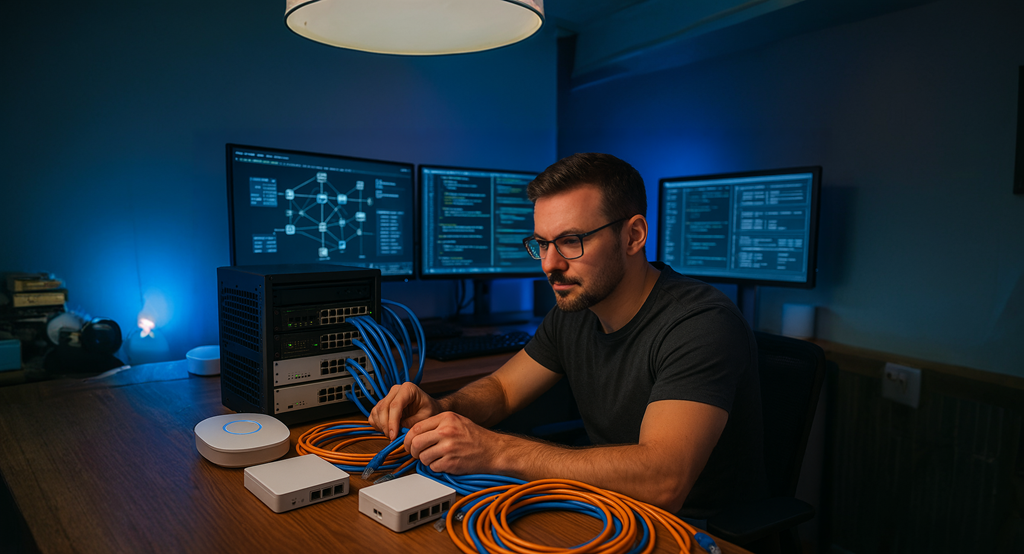
Over the years, I’ve come across a fair share of networking misconceptions. Some of these persist even in professional circles and can lead to poor performance, security gaps, or just unnecessary complexity. Let’s unpack seven of the most common myths I hear and what you should actually be doing instead.
1. "You must use static IPs"
It depends on the use case.
This one's often misunderstood. People assume static IPs should be manually assigned on every device. The problem? You risk IP conflicts, especially if that device connects to other networks.
The better approach: Use DHCP reservations. This way, your router or firewall handles static assignments cleanly and if you're self-hosting services, mDNS (like Bonjour or Avahi) can make devices easily discoverable without memorising IPs. It’s about what fits your network.
2. "Wi-Fi is just as good as Ethernet"
Not even close, yet.
Wi-Fi has come a long way, especially with Wi-Fi 6 and 7, but it still can’t compete with Ethernet when it comes to stability, latency, and performance.
When should you care? Gaming, VoIP, large file transfers, or when latency matters. Wi-Fi is for convenience. Ethernet is for reliability. It’s that simple.
3. "I don’t need a VPN"
Sometimes true, but short-sighted.
You might not need a VPN for browsing, but if you host services at home or want secure remote access, a VPN is essential. It protects your network without exposing ports or relying on third-party tools.
Use cases where VPN makes sense:
-
Accessing your home network remotely
-
Self-hosted services like media servers or internal dashboards
-
Reducing your attack surface without complicated port forwarding
4. "All Ethernet cables are the same"
They’re not.
Cat 5e, Cat 6, Cat 6a, and Cat 8 might all use the same RJ45 connector, but their capabilities differ wildly:
-
Cat 5e: Up to 1 Gbps (fine for most homes)
-
Cat 6/6a: Up to 10 Gbps (for short/long runs)
-
Cat 8: Up to 40 Gbps (overkill for most)
Gold connectors? Marketing fluff. Look for quality shielding and build standards instead.
5. "A firewall is all you need for LAN protection"
It’s just the beginning.
A firewall is vital, but it’s only one layer. Real security comes from layering:
-
DNS filtering (AdGuard Home, Pi-hole)
-
Encrypted DNS (DoH/DoT)
-
VLANs for segmentation
-
Secure browsers and hardened endpoints
You can’t just rely on perimeter defences anymore. Devices, users, and misconfigurations introduce risk from within.
6. "10Gbps networking makes everything faster"
Only where it matters.
Upgrading your LAN to 10Gbps sounds great, until you realise your broadband is still 1Gbps. That’s your bottleneck.
Where it makes sense:
-
NAS-to-PC transfers
-
Virtualisation hosts and fibre backbones
-
Heavy media workflows
10Gb is useful, but only if you're already maxing out 1Gb internally. Otherwise, it's extra cost, heat, and complexity.
7. "Unmanaged switches are pointless"
Not true at all.
Unmanaged switches are ideal for simple setups, plug and play, no config needed. For most homes or small offices, they’re cost-effective and reliable.
But... if you want VLANs, LACP, QoS, or port mirroring, you’ll need managed hardware. Just be sure you need it before adding that complexity.
Final Thoughts
There’s no one-size-fits-all network. Some setups thrive on simplicity, others require layered complexity. The key is understanding your environment, your users, and your goals.
If static IPs work for you, that’s fine. If you’re running a 10Gb virtual lab at home, even better. Just don’t fall into the trap of doing things "because someone on the internet said so."
Design your network for your needs and make sure it actually works.
No Comments