# Wireless Articles
# 🌐 Wi-Fi Best Practices 🌐
[](http://techblog.jcditservices.com/uploads/images/gallery/2024-07/image.png)
In today's interconnected world, Wi-Fi has become an essential part of our daily lives. We use it for work 💼, play 🎮, and communication with our loved ones 📞. However, while Wi-Fi provides us with convenience and flexibility, it also presents a potential security risk. In this blog post, we will discuss some essential Wi-Fi security tips and best practices that can help you protect your sensitive information and stay safe while using Wi-Fi.
1. 🔐 **Use Strong Passwords**
The first and foremost security tip is to use a strong, unique password for your Wi-Fi network. A weak password can be easily guessed by hackers 🕵️♂️, giving them access to your network and all connected devices. Use a combination of letters, numbers, and symbols to create a strong password that is difficult to crack.
2. 🔄 **Change Default SSID and Password**
Most Wi-Fi routers come with a default SSID and password. Hackers can easily guess these default credentials, gaining access to your network. Therefore, it is recommended to change the default SSID and password to something unique and strong 💪.
3. 🔒 **Use WPA2 Encryption**
WPA2 (Wi-Fi Protected Access II) is the most secure encryption protocol currently available. It encrypts all the data transmitted between your device and the Wi-Fi router, making it difficult for hackers to intercept and steal your information 🛡️. Make sure to use WPA2 encryption for your Wi-Fi network.
4. 🚫 **Disable WPS**
Wi-Fi Protected Setup (WPS) is a feature that allows you to connect devices to your Wi-Fi network easily. However, this feature is vulnerable to hacking, and it is recommended to disable it to prevent unauthorized access to your network 🚷.
5. 🔄 **Keep Your Router Firmware Updated**
Router manufacturers regularly release firmware updates to fix security vulnerabilities and improve performance. Make sure to keep your router firmware updated to the latest version to ensure maximum security 🔄.
6. 🛡️ **Use a VPN**
A VPN (Virtual Private Network) encrypts all your internet traffic and masks your IP address, making it difficult for hackers to intercept your data. Use a reliable VPN service while using public Wi-Fi networks to protect your sensitive information 🔐.
7. 🚧 **Use a Firewall**
A firewall can block unauthorized access to your network and prevent hackers from accessing your sensitive information. Make sure to enable the firewall on your Wi-Fi router and on all the devices connected to your network 🛡️.
In conclusion, Wi-Fi security should be taken seriously to protect your sensitive information from cyber threats. By following these essential Wi-Fi security tips and best practices, you can ensure maximum security and stay safe while using Wi-Fi.
\#WiFiSecurity #CyberSecurity #InternetSecurity #CyberAwareness
# 📡 Evolution of Wi-Fi: 🧭 Navigating Through the 802.11 Protocols in Today's World 🌍
[](http://techblog.jcditservices.com/uploads/images/gallery/2024-07/j9Yimage.png)[https://www.linkedin.com/pulse/evolution-wi-fi-navigating-through-80211-protocols-jarryd-de-oliveira-ozsfe/?trackingId=zRmCVrwKTT2ao7piBLod8A%3D%3D](https://www.linkedin.com/pulse/evolution-wi-fi-navigating-through-80211-protocols-jarryd-de-oliveira-ozsfe/?trackingId=zRmCVrwKTT2ao7piBLod8A%3D%3D)
In the dynamic sphere of wireless networking, the 802.11 protocols stand as the backbone of modern Wi-Fi technology. From the early days of wireless networking to the high-speed demands of today's digital world, these protocols have evolved significantly. This blog post delves into the history, progression, and current relevance of the various 802.11 protocols, offering insights into their applications in today's technology landscape.
### A Brief History of 802.11 Protocols
The journey of 802.11 protocols began with the original 802.11 standard, established in 1997, laying the groundwork for what would become a fundamental part of global communication. From 802.11a to the latest 802.11ax, each iteration brought technological advancements and improved capabilities, catering to the growing need for faster and more reliable wireless communication.
### Understanding the Different Protocols
### 802.11a
- **Frequency:** 5GHz
- **Speed and Features:** Capable of up to 54 Mbps, 802.11a was a significant step up in speed but had limited range due to its higher frequency.
- **Use Cases and Limitations:** Ideal for environments where high speed is crucial but not suitable for broader coverage areas.
### 802.11b
- **Frequency:** 2.4GHz
- **Features:** Offering up to 11 Mbps, this protocol improved the range but at the cost of lower speed.
- **Usage Scenarios:** Dominated home networks due to its better range and penetration through obstacles.
### 802.11g
- **Combination of a and b:** Provided the best of both worlds – speed of 802.11a and the range of 802.11b.
- **Frequency and Speed:** Operated on 2.4GHz with speeds up to 54 Mbps.
- **Adoption and Applications:** Quickly became the standard for both home and office use due to its balanced features.
### 802.11n (Wi-Fi 4)
- **Introduction of MIMO:** This was a game-changer, utilizing multiple antennas to increase data throughput and range.
- **Dual-band Support:** Functioned on both 2.4GHz and 5GHz bands, offering speeds up to 600 Mbps.
- **Enhanced Speed and Range:** Ideal for multimedia streaming and high-bandwidth applications.
### 802.11ac (Wi-Fi 5)
- **5GHz Band:** Focused exclusively on the 5GHz band to avoid congestion in the 2.4GHz range.
- **Advanced Features:** Introduced wider channels and higher QAM, offering speeds exceeding 1 Gbps.
- **Increased Speed and Efficiency:** Became the preferred choice for high-performance, high-density environments.
### 802.11ax (Wi-Fi 6)
- **Dual-Band Operation:** Works on both 2.4GHz and 5GHz bands, focusing on efficiency.
- **Next-Gen Features:** Incorporates OFDMA and MU-MIMO for better performance in dense environments.
- **Focused on Efficiency and Capacity:** Designed to address the challenges of crowded public networks and IoT devices.
### The Latest and Emerging Technologies
The advent of Wi-Fi 6E marks a significant leap, extending into the 6GHz band, promising even higher speeds and lower latency. The future also looks bright with 802.11ay, exploring the 60GHz band for ultra-high-speed wireless communication.
### Relevance in Today's World
Choosing the right Wi-Fi protocol depends on the specific needs of an environment. While 802.11ac may suffice for most home networks, 802.11ax is increasingly relevant in enterprise settings and densely populated areas due to its enhanced capacity and efficiency. The importance of backward compatibility also cannot be overstated, as it ensures seamless integration of various devices across different Wi-Fi generations.
The evolution of 802.11 protocols reflects the ever-changing landscape of wireless technology. Understanding these protocols is crucial for professionals to make informed decisions about network setup and optimization. As we advance, staying abreast of these developments will be key to leveraging the full potential of wireless networking.
How have the different 802.11 protocols impacted your networking experiences? Share your thoughts and experiences in the comments below!
**\#WiFi** **\#WiFiTechnology #80211Protocols**
# 🚀 Maximizing Wi-Fi Performance: 🔑 The Significance of "Least Capable, Most Important" Devices 📱
[](http://techblog.jcditservices.com/uploads/images/gallery/2024-07/cR8image.png)
[https://www.linkedin.com/pulse/maximizing-wi-fi-performance-significance-least-most-de-oliveira/?trackingId=8E0GocXwQ8KHxuSfwi8dsw%3D%3D](https://www.linkedin.com/pulse/maximizing-wi-fi-performance-significance-least-most-de-oliveira/?trackingId=8E0GocXwQ8KHxuSfwi8dsw%3D%3D)
In today's interconnected world, a reliable and efficient Wi-Fi network has become a necessity for both individuals and businesses. As technology continues to advance, the design and implementation of a robust Wi-Fi installation requires careful consideration of various factors. One key principle to keep in mind is the concept of "**Least Capable, Most Important**" devices. In this article, we will explore the significance of this principle and how it can greatly influence the success of a new Wi-Fi installation.
Understanding "**Least Capable, Most Important**" Devices:
When designing a Wi-Fi network, it is important to recognize that not all devices connected to the network possess the same capabilities or requirements. Some devices may have limited Wi-Fi capabilities, such as older smartphones, IoT devices, or legacy equipment. On the other hand, there are devices that demand high-performance Wi-Fi, like laptops, gaming consoles, or streaming devices. The "**Least Capable, Most Important**" principle emphasizes the need to prioritize the devices that rely heavily on Wi-Fi performance, despite their lower technical capabilities.
**Importance of Prioritizing Least Capable Devices**:
1. Achieving Seamless User Experience: While high-end devices can often compensate for weaker Wi-Fi signals with advanced antenna configurations or processing power, least capable devices may struggle to maintain a stable connection. By prioritizing these devices during network design, you can ensure a seamless user experience for all users, regardless of their device capabilities.
2. Enhanced Network Stability: Least capable devices often have limited signal range and lower data rates. Neglecting their requirements can lead to coverage gaps, dead zones, or frequent dropouts. By addressing the needs of these devices, you can improve overall network stability, reduce the occurrence of connectivity issues, and provide a more reliable Wi-Fi experience to all users.
3. Optimal Resource Allocation: Network resources, such as available bandwidth and airtime, are shared among all connected devices. When high-performance devices dominate the network, they may consume a disproportionate amount of these resources, leaving the least capable devices struggling to access Wi-Fi effectively. By prioritizing these devices, you can ensure fair resource allocation, promoting a balanced and efficient network environment.
**Strategies for Accommodating Least Capable Devices**:
1. Network Configuration: Optimize your Wi-Fi installation by adjusting network settings to favor least capable devices. This includes adjusting transmit power levels, channel selection, and deployment of additional access points to improve coverage and signal strength for these devices.
2. Quality of Service (QoS): Implement QoS mechanisms to prioritize traffic from least capable devices. This enables the network to allocate resources efficiently and ensures that critical applications, such as voice or video calls, are given higher priority over less time-sensitive traffic.
3. Regular Firmware Updates: Stay up to date with firmware releases from Wi-Fi device manufacturers. These updates often include bug fixes, performance enhancements, and optimizations that can benefit least capable devices and improve their Wi-Fi connectivity.
In the realm of Wi-Fi network design, considering the needs of "Least Capable, Most Important" devices is crucial for providing an optimal user experience. By prioritizing these devices, you can ensure network stability, seamless connectivity, and fair resource allocation. Remember, a successful Wi-Fi installation isn't just about catering to high-performance devices; it's about creating an inclusive environment that supports the entire spectrum of connected devices. Embracing the principle of "**Least Capable, Most Important**" can significantly enhance the overall performance and satisfaction of Wi-Fi users.
# 📶 Wi-Fi 7: The Next-Generation Wireless Standard You Should Look Out For 👀
[](http://techblog.jcditservices.com/uploads/images/gallery/2024-07/kVnimage.png)[https://www.linkedin.com/pulse/wi-fi-7-next-generation-wireless-standard-you-should-look-jarryd/?trackingId=8E0GocXwQ8KHxuSfwi8dsw%3D%3D](https://www.linkedin.com/pulse/wi-fi-7-next-generation-wireless-standard-you-should-look-jarryd/?trackingId=8E0GocXwQ8KHxuSfwi8dsw%3D%3D)
Wireless networking technologies have experienced significant evolutions since their inception, with Wi-Fi 6 being the most current widely-adopted standard as of late 2021. But as technology never rests, the next big thing is already on the horizon: Wi-Fi 7.
While Wi-Fi 7 is still in the developmental stages, its proposed capabilities indicate that it will offer groundbreaking changes in terms of speed, latency, and efficiency. In this blog, we will delve into what makes Wi-Fi 7 a revolutionary technology and explore its potential use-cases in schools, hospitals, factories, and warehouses.
### What Makes Wi-Fi 7 Special?
#### Speed and Throughput
Wi-Fi 7 is expected to offer theoretical speeds of up to 30 Gbps, a substantial leap from the 9.6 Gbps offered by Wi-Fi 6. This enables faster data transmission and accommodates more users without sacrificing speed.
#### Latency
Low latency is a significant advancement in Wi-Fi 7, expected to be as low as 1ms. This is crucial for real-time applications like video conferencing, online gaming, and industrial automation.
#### Efficiency and Range
With new modulation schemes and coding rates, Wi-Fi 7 aims for better spectral efficiency. This means that it can provide stable connections over longer distances and penetrate through obstacles more effectively.
#### MIMO Capabilities
Wi-Fi 7 will also expand on the Multiple Input, Multiple Output (MIMO) capabilities of previous generations, allowing more simultaneous data streams. This means it can handle more devices in dense areas efficiently.
#### Security Features
Wi-Fi 7 will likely adopt WPA3 as its baseline security protocol, with enhanced encryption algorithms. It may also incorporate new security features to protect against evolving cybersecurity threats, making it an excellent choice for both personal and enterprise use.
### Use Cases Across Various Sectors
#### Schools
- **Seamless Video Streaming:** High-speed and low-latency capabilities of Wi-Fi 7 make it ideal for seamless video streaming in online classes.
- **Collaborative Learning:** Wi-Fi 7 can easily accommodate smart classrooms, where interactive whiteboards, tablets, and laptops work together in a synchronized fashion.
- **Scalability:** As schools grow, so do their networking needs. Wi-Fi 7's high throughput ensures that adding more devices won't impact performance.
#### Hospitals
- **Real-time Monitoring:** Low latency allows for real-time patient monitoring, making telemedicine and remote consultations more effective.
- **Data Intensive Applications:** High speeds can accommodate the transfer of large medical files like MRIs and X-rays rapidly.
- **IoMT Integration:** Internet of Medical Things (IoMT) devices like smart inhalers or glucose monitors can be effortlessly integrated into the hospital's Wi-Fi network.
#### Factories
- **Industrial Automation:** Low latency is crucial for real-time control in industrial settings where milliseconds matter.
- **Data Analysis:** High throughput allows for rapid data collection and analysis, key for predictive maintenance and operational efficiency.
- **Robotic Collaboration:** Multiple robots can operate more efficiently through fast and reliable wireless connections, enhancing productivity.
#### Warehouses
- **Inventory Management:** Faster and more reliable Wi-Fi supports real-time inventory tracking systems.
- **Operational Efficiency:** High throughput and low latency can support an extensive range of IoT devices used in modern warehouses.
- **Security:** Surveillance cameras and other security systems can run more efficiently, with less lag and higher data quality.
Wi-Fi 7 promises to be a quantum leap in wireless technology, offering exceptional speed, low latency, and high efficiency. Its adaptability across various sectors like schools, hospitals, factories, and warehouses demonstrates its potential to be a cornerstone technology for the next decade. With enhanced security protocols, it also aims to provide a safe and secure environment for data transmission.
While still in development, the buzz around Wi-Fi 7 suggests that it's not just an incremental upgrade but a revolutionary step forward in wireless networking technology. As we await its roll-out, one thing is clear: Wi-Fi 7 will significantly influence how we connect, compute, and communicate.
So whether you are an IT administrator, a decision-maker in a corporation, or simply a tech enthusiast, Wi-Fi 7 is definitely a technology you should have on your radar.
**\#WiFi7 #WirelessTechnology #NetworkSecurity #FutureTech**
# 🔍 Demystifying the Common Misconceptions of Hiding Your SSID ❌📶
[](http://techblog.jcditservices.com/uploads/images/gallery/2024-07/gCeimage.png)
[https://www.linkedin.com/pulse/demystifying-common-misconceptions-hiding-your-ssid-de-oliveira/?trackingId=8E0GocXwQ8KHxuSfwi8dsw%3D%3D](https://www.linkedin.com/pulse/demystifying-common-misconceptions-hiding-your-ssid-de-oliveira/?trackingId=8E0GocXwQ8KHxuSfwi8dsw%3D%3D)
Hello LinkedIn community! 👋 Today, I'd like to shed some light on a topic that often sparks debate among tech enthusiasts and security-conscious individuals: hiding your SSID (Service Set Identifier). It's time to address the common misconceptions surrounding this practice and explore whether it truly enhances your network security. Let's dive in!
**Misconception 1**: **Hiding your SSID provides robust network security.**
The truth is that hiding your SSID does not offer significant security benefits. While it may seem like an effective measure, it's important to understand that the SSID is merely a network identifier used to broadcast your Wi-Fi network's name. Hiding it simply prevents your network from being visible in the list of available networks. However, this does not make your network invisible to determined attackers.
Modern hacking tools and techniques can easily discover hidden SSIDs through various means, such as wireless network sniffing. Advanced attackers can exploit network beacons, client probing, or other probing techniques to identify hidden networks. Therefore, hiding your SSID should not be considered a foolproof security measure.
**Misconception 2: Hiding your SSID improves network performance.**
Contrary to popular belief, hiding your SSID does not have any noticeable impact on network performance. The SSID broadcast is a minimal overhead in Wi-Fi communication and has a negligible effect on network speed or bandwidth. The real factors affecting network performance are signal strength, interference, and the number of connected devices. Focusing on optimizing these factors will have a more significant impact on your network's performance than hiding your SSID.
**Misconception 3: Hiding your SSID simplifies network management.**
Some argue that hiding the SSID makes it easier to manage a network by preventing unauthorized devices from connecting. However, in reality, this approach can be counterproductive. When the SSID is hidden, connecting new devices to the network becomes more cumbersome, as they must be manually configured with the exact SSID. It can be particularly challenging for non-technical users or guests who may struggle to connect to the network without the SSID being broadcast.
Instead of relying on hidden SSIDs, it is more efficient to implement strong encryption protocols (such as WPA2 or WPA3) with unique and robust passwords. These security measures, along with regular firmware updates and network monitoring, provide a much stronger defense against unauthorized access.
**Best Practices for Network Security:**
1. Use strong encryption protocols: Employ WPA2 or WPA3 encryption with long, complex passwords to secure your network effectively.
2. Regularly update firmware: Keep your routers and Wi-Fi devices up to date with the latest firmware to ensure they are patched against known vulnerabilities.
3. Implement network segmentation: Separate your network into distinct segments or VLANs to isolate critical devices from general network traffic.
4. Enable MAC address filtering: Restrict access to your network by allowing only specified MAC addresses to connect.
5. Regularly monitor network activity: Utilize network monitoring tools to detect and respond to any suspicious or unauthorized activities promptly.
**Conclusion:**
Hiding your SSID is not a silver bullet for securing your Wi-Fi network. It may give a false sense of security and add complexity to network management without providing substantial benefits. Instead, focus on implementing strong encryption, maintaining up-to-date firmware, and adopting other security best practices to protect your network effectively.
Let's move away from the misconceptions and towards a more robust and comprehensive approach to network security. Together, we can create a safer and more connected digital world!
[hashtag\#cybersecurity](https://www.linkedin.com/feed/hashtag/?keywords=cybersecurity) [hashtag\#networksecurity](https://www.linkedin.com/feed/hashtag/?keywords=networksecurity) [hashtag\#wifisecurity](https://www.linkedin.com/feed/hashtag/?keywords=wifisecurity) [hashtag\#bestpractices](https://www.linkedin.com/feed/hashtag/?keywords=bestpractices)
# 🕵️♂️ Debunking Common Wi-Fi Misconceptions: 📖 Separating Fact from Fiction 🔍
[](http://techblog.jcditservices.com/uploads/images/gallery/2024-07/n1Simage.png)
[https://www.linkedin.com/pulse/debunking-common-wi-fi-misconceptions-separating-fact-de-oliveira/?trackingId=8E0GocXwQ8KHxuSfwi8dsw%3D%3D](https://www.linkedin.com/pulse/debunking-common-wi-fi-misconceptions-separating-fact-de-oliveira/?trackingId=8E0GocXwQ8KHxuSfwi8dsw%3D%3D)
In today's hyperconnected world, Wi-Fi has become an integral part of our daily lives. It powers our homes, offices, and public spaces, enabling seamless internet access. However, amidst its ubiquity, several misconceptions and myths about Wi-Fi have taken root. In this article, we aim to debunk some of the most common misconceptions surrounding Wi-Fi and shed light on the facts behind the fiction.
**Myth 1**: Wi-Fi Signals Are Harmful to Our Health
One of the prevailing misconceptions about Wi-Fi is that it poses a health risk. Some individuals believe that the electromagnetic waves emitted by Wi-Fi routers can lead to adverse health effects. However, numerous scientific studies conducted by reputable organizations have concluded that Wi-Fi signals are well within the safe limits established by international health authorities. The power levels of Wi-Fi routers are typically very low, and there is no credible evidence linking them to harmful health effects.
**Myth 2**: More Wi-Fi Bars Means Better Connectivity
Many people mistakenly believe that the number of Wi-Fi bars on their device's interface directly correlates with the quality of their internet connection. However, the number of bars merely indicates the signal strength between your device and the Wi-Fi router. While a stronger signal may suggest better connectivity within a short range, it does not guarantee high-speed internet or reliable performance. Other factors like network congestion, device capabilities, and the quality of your internet service provider (ISP) also impact your overall Wi-Fi experience.
**Myth 3**: Wi-Fi Speed Equals Internet Speed
A common misconception is that Wi-Fi speed is synonymous with internet speed. In reality, Wi-Fi speed refers to the data transfer rate between your device and the router within your local network. However, your actual internet speed is determined by the plan provided by your ISP. If you have a slow internet plan, it will limit the overall speed of your Wi-Fi connection, regardless of how fast your router or device may be. It's important to understand the distinction between local network speed and your internet service when evaluating Wi-Fi performance.
**Myth 4**: Wi-Fi Can Penetrate All Obstacles
While Wi-Fi signals can travel through walls and some solid objects, their ability to penetrate obstacles varies depending on the materials involved. Concrete, metal, and thick walls can significantly impede Wi-Fi signals, leading to reduced signal strength and coverage. Additionally, the distance between your device and the router, as well as interference from other electronic devices, can also affect signal quality. It's essential to optimize the placement of your router and consider Wi-Fi extenders or mesh systems to improve coverage in areas with weak signals.
**Myth 5**: Wi-Fi Is Always Secure
Wi-Fi security is a crucial consideration, and assuming that all Wi-Fi networks are inherently secure is a grave misconception. Default settings on Wi-Fi routers often lack robust security features, making them vulnerable to hacking attempts. To ensure the safety of your network, it is recommended to change the default administrator credentials, enable encryption (preferably WPA2 or WPA3), and regularly update the firmware of your router. Using strong, unique passwords for your Wi-Fi network and regularly checking for suspicious devices connected to your network are additional security measures to adopt.
By dispelling these common misconceptions surrounding Wi-Fi, we can better understand its capabilities and limitations. Wi-Fi technology continues to evolve, providing faster speeds, increased coverage, and improved security. Being aware of the facts empowers us to make informed decisions when setting up and using Wi-Fi networks, optimizing our internet experience, and ensuring the security of our data.
[hashtag\#wifi](https://www.linkedin.com/feed/hashtag/?keywords=wifi) [hashtag\#wireless](https://www.linkedin.com/feed/hashtag/?keywords=wireless) [hashtag\#connectivity](https://www.linkedin.com/feed/hashtag/?keywords=connectivity)
# 🧩 Unraveling the Mysteries of Wireless PHY Rates: 🔬 Understanding Real vs. Theoretical Speeds 🚀
[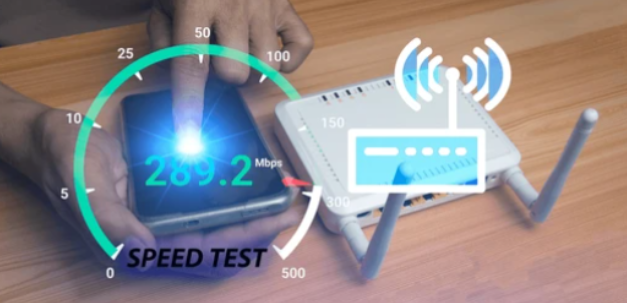](http://techblog.jcditservices.com/uploads/images/gallery/2024-07/JCfimage.png)[https://www.linkedin.com/pulse/unraveling-mysteries-wireless-phy-rates-understanding-de-oliveira-0k72e/?trackingId=zRmCVrwKTT2ao7piBLod8A%3D%3D](https://www.linkedin.com/pulse/unraveling-mysteries-wireless-phy-rates-understanding-de-oliveira-0k72e/?trackingId=zRmCVrwKTT2ao7piBLod8A%3D%3D)
In the dynamic world of wireless communication, understanding PHY rates across different frequency bands like 2.4GHz, 5GHz, and 6GHz is essential. Professionals in logistics, hospitality, and commercial sectors often face a common challenge: the discrepancy between the PHY rate displayed on devices and the actual data speeds experienced. This article aims to demystify these differences, shedding light on why they occur and their impact on your business operations.
**Explaining PHY Rates in Wireless Networks**
PHY rates, or Physical Layer rates, are theoretical maximum speeds that wireless networks can achieve. These rates vary significantly across different frequency bands. For instance, the 2.4GHz band, known for its better range but lower speed, offers different PHY rates compared to the 5GHz and 6GHz bands, which provide faster speeds but shorter ranges. Factors like channel width, modulation techniques, and MIMO (Multiple Input, Multiple Output) technology play critical roles in defining these rates.
**Physical vs. Actual Data Rates – Why They Differ**
The actual data rate experienced by users often falls short of the advertised PHY rate due to 'overhead' in wireless networks. This overhead includes elements like encryption, error correction, and network traffic management. Environmental factors like interference, signal strength, and network congestion further impact the actual data rates. Additionally, the capabilities of the devices used also affect the speeds they can achieve.
**Real-World Implications and Analogies**
**Logistics Analogy with 802.11ac and 802.11ax:**
- Imagine a delivery truck (representing your Wi-Fi network) that is advertised to carry up to 1000 packages (this is akin to the PHY rate). Under ideal conditions (no traffic, perfect weather), it can achieve this. However, in real-world scenarios (traffic, varying weather conditions), the actual number of packages delivered per trip drops significantly.
- Example: In an 802.11ac (Wi-Fi 5) network, the maximum PHY rate might be advertised as 1300 Mbps under ideal conditions. However, due to network overhead, environmental factors, and device capabilities, the actual throughput might be around 650 Mbps.
- For 802.11ax (Wi-Fi 6), the maximum PHY rate could be even higher, say 2400 Mbps, but the real-world throughput might average around 1200 Mbps due to similar constraints.
**Hospitality Analogy for Network Performance:**
- Think of a hotel with a service capacity of 500 guests (the PHY rate). Ideally, it can accommodate and provide top-notch service to all these guests. However, during peak times or due to limited staff (network congestion and interference), the actual quality of service (speed and reliability) might decrease.
- With 802.11ac, the 'service capacity' might be equivalent to serving 1300 Mbps, but the actual guest experience (data speed) might be more in the realm of 650 Mbps.
- In a more advanced setup with 802.11ax, the capacity might increase to 2400 Mbps, but actual service quality experienced by guests (users) might be about 1200 Mbps.
**Commercial Setting Analogy Using a Supermarket Checkout:**
- Picture a supermarket with 10 checkout counters (representing the Wi-Fi channels). In theory, each counter can handle 10 customers per hour (PHY rate). However, due to varying cashier efficiency and customer queries (network overhead and environmental factors), the actual number of customers processed per hour might be less.
- For an 802.11ac network, this is like having a checkout capacity (PHY rate) of 1300 customers per hour, but in reality, only managing around 650 customers.
- With an 802.11ax network, despite having a higher capacity of 2400 customers per hour, the actual number served might be closer to 1200 due to similar inefficiencies.
**Practical Tips for Optimizing Wireless Performance**
To optimize wireless performance, consider conducting thorough network planning and site surveys. Selecting the appropriate frequency band for your environment and application is crucial. Strategies to minimize interference and maximize coverage, like proper router placement and using the latest network technology, can significantly enhance performance.
Grasping the difference between theoretical PHY rates and actual data speeds is crucial for setting realistic network performance expectations and optimizing efficiency. This understanding is especially vital in dynamic environments like logistics, hospitality, and commercial sectors. By considering the factors highlighted in this article and implementing the suggested practical tips, you can significantly enhance the performance and reliability of your wireless network.
If you find this article insightful, feel free to share it within your network to help others demystify the complexities of wireless networking. Your peers may also benefit from understanding these fundamental aspects of wireless communication, fostering a more informed and efficient professional community.
# 🚀 Unleashing the Power of Wi-Fi 6E: 🌐 Expanding Horizons for Faster and More Reliable Connectivity 🔧
[](http://techblog.jcditservices.com/uploads/images/gallery/2024-07/uTOimage.png)
[https://www.linkedin.com/pulse/unleashing-power-wi-fi-6e-expanding-horizons-faster-more-de-oliveira/?trackingId=8E0GocXwQ8KHxuSfwi8dsw%3D%3D](https://www.linkedin.com/pulse/unleashing-power-wi-fi-6e-expanding-horizons-faster-more-de-oliveira/?trackingId=8E0GocXwQ8KHxuSfwi8dsw%3D%3D)
In today's hyperconnected world, where wireless devices are ubiquitous, staying connected is more important than ever. As technology continues to advance at an unprecedented pace, Wi-Fi standards have evolved to keep pace with the growing demand for faster and more reliable wireless connectivity. One such groundbreaking advancement is **Wi-Fi 6E**, which introduces a new era of wireless networking capabilities. In this blog, we will delve into the world of Wi-Fi 6E, exploring its benefits and the tremendous potential it holds for transforming our digital experiences.
**What is Wi-Fi 6E?**
Wi-Fi 6E is an extension of the existing Wi-Fi 6 standard, designed to utilize the newly available 6 GHz spectrum. By leveraging this additional spectrum, Wi-Fi 6E provides users with wider channels and less interference, resulting in improved network performance, reduced latency, and increased capacity.
**Enhanced Speed and Capacity:**
One of the key advantages of Wi-Fi 6E is its ability to deliver unparalleled speed and capacity. With the expanded spectrum in the 6 GHz band, Wi-Fi 6E can support larger channel sizes, allowing for faster data transfer rates. This means that users can enjoy seamless streaming of 4K and 8K videos, immersive virtual reality experiences, and lag-free online gaming, even in densely populated areas with multiple devices connected simultaneously.
**Reduced Interference:**
In the crowded wireless landscape, interference from neighboring networks can significantly impact network performance. Wi-Fi 6E addresses this challenge by utilizing the 6 GHz spectrum, which offers a vast amount of new, uncongested channels. This results in reduced interference and congestion, allowing devices to operate at optimal speeds. With Wi-Fi 6E, users can bid farewell to frustrating network slowdowns and enjoy a seamless browsing and streaming experience.
**Lower Latency:**
Latency, or the delay between when a command is given and when it is executed, is a critical factor for applications such as online gaming, video conferencing, and real-time communication. Wi-Fi 6E significantly reduces latency by leveraging the benefits of wider channels and reduced interference. This means faster response times, smoother video calls, and a more immersive online gaming experience.
**Improved Device Battery Life:**
Wi-Fi 6E introduces Target Wake Time (TWT) technology, which enables devices to schedule their Wi-Fi usage and conserve power more efficiently. With TWT, devices can enter a "sleep" state for longer periods, minimizing their Wi-Fi activity and extending battery life. This is particularly beneficial for battery-powered devices such as smartphones, tablets, and IoT devices, ensuring they last longer between charges.
**Seamless IoT Integration:**
The Internet of Things (IoT) has transformed the way we interact with technology, connecting various devices in our homes, offices, and cities. Wi-Fi 6E is perfectly suited for IoT integration, offering increased capacity, reduced interference, and improved performance. With the ability to accommodate a large number of connected devices simultaneously, Wi-Fi 6E enables a seamless and reliable IoT ecosystem, unlocking possibilities for smart homes, industrial automation, and smart city applications.
**Wi-Fi 6E** is a game-changer in the world of wireless connectivity, bringing faster speeds, reduced latency, and improved capacity to our digital lives. With the extended spectrum in the **6 GHz** band, **Wi-Fi 6E** provides an exceptional wireless experience, unlocking new possibilities for streaming, gaming, IoT integration, and much more. As the adoption of Wi-Fi 6E continues to grow, we can look forward to a future where our devices are more connected than ever before, enabling us to embrace the full potential of of a seamlessly interconnected world. Stay ahead of the curve and embrace the power of Wi-Fi 6E for a truly enhanced digital experience.
# 📍 Enhancing Indoor Asset and Personnel Tracking with Wi-Fi-based Real-Time Location Systems (RTLS) 🏢👥
[](http://techblog.jcditservices.com/uploads/images/gallery/2024-07/UG2image.png)
[https://www.linkedin.com/pulse/enhancing-indoor-asset-personnel-tracking-wi-fi-based-de-oliveira/?trackingId=8E0GocXwQ8KHxuSfwi8dsw%3D%3D](https://www.linkedin.com/pulse/enhancing-indoor-asset-personnel-tracking-wi-fi-based-de-oliveira/?trackingId=8E0GocXwQ8KHxuSfwi8dsw%3D%3D)
Real-time location systems (RTLS) utilizing Wi-Fi technology offer a powerful solution for tracking assets and individuals in indoor environments. To ensure a successful implementation, it's crucial to adhere to best practices. In this article, we will explore key considerations for deploying an RTLS system that leverages Wi-Fi technology.
1. Conduct a Comprehensive Site Survey:
Before deploying an RTLS system, conduct a meticulous site survey to map the physical layout of the area. Identify potential sources of signal interference, such as walls or structures that may impede or weaken Wi-Fi signals. This information will facilitate optimal placement of Wi-Fi access points and other RTLS components.
1. Select Appropriate Wi-Fi Hardware:
Choose Wi-Fi hardware explicitly designed for RTLS applications. Opt for access points with high-gain antennas and specialized software tailored for accurate location tracking.
3\. Implement a Robust Location Tracking Algorithm:
Various algorithms, including trilateration, fingerprinting, and Kalman filtering, can be employed to track Wi-Fi device locations. Assess the strengths and weaknesses of each algorithm and select the one that aligns best with the specific environment and RTLS system requirements.
4\. Ensure Network Security:
As RTLS systems involve sensitive location data collection and transmission, it is vital to prioritize network security. Utilize strong encryption and authentication methods, while actively monitoring the network for any signs of unauthorized access.
5\. Deploy a Flexible and Scalable Architecture:
To accommodate future updates and expansions, employ a flexible and scalable RTLS architecture. This will allow for seamless addition of new access points or components as needed.
6\. Thoroughly Test and Validate:
Before deploying the RTLS system, conduct comprehensive testing to validate its accuracy, coverage, and performance. This process helps identify and resolve any issues before transitioning to production.
7\. Integrate with Other Systems:
RTLS systems often need integration with other systems, such as asset management or access control systems. This integration enables the utilization of location data to automate processes and trigger events in other interconnected systems.
8\. Regularly Update and Maintain the System:
To ensure continuous accuracy and functionality, establish a routine maintenance schedule for the RTLS system. This includes regular software updates, testing, tuning, and proactive monitoring of network health and devices.
By adhering to these best practices, the implementation of a Wi-Fi-based RTLS system for indoor asset and personnel tracking can be optimized.
It is important to note that while these guidelines provide a solid foundation, the specific requirements and environmental factors will influence the precise implementation of an RTLS system.
# 🌊 A Deep Dive into the Main Differences between 2.4GHz, 5GHz, and 6GHz Frequencies 📡📶
[](http://techblog.jcditservices.com/uploads/images/gallery/2024-07/Cvtimage.png)
[https://www.linkedin.com/pulse/deep-dive-main-differences-between-24ghz-5ghz-6ghz-jarryd-de-oliveira/?trackingId=8E0GocXwQ8KHxuSfwi8dsw%3D%3D](https://www.linkedin.com/pulse/deep-dive-main-differences-between-24ghz-5ghz-6ghz-jarryd-de-oliveira/?trackingId=8E0GocXwQ8KHxuSfwi8dsw%3D%3D)
In the realm of wireless communication, the availability of different frequency bands plays a crucial role in determining the performance and capabilities of various devices. Among the commonly used frequency bands, 2.4GHz, 5GHz, and the newer 6GHz stand out as popular choices for wireless networking. In this blog post, we will explore the main differences between these frequencies and understand their impact on wireless technologies.
**2.4GHz Frequency**:
The 2.4GHz frequency band has long been the workhorse of wireless communication. It offers a decent balance between range and data throughput. This frequency band provides better coverage and penetration through obstacles due to its longer wavelength. However, the 2.4GHz spectrum is heavily crowded with various devices such as Bluetooth devices, microwaves, and other Wi-Fi networks, which can lead to interference and degraded performance. Additionally, the 2.4GHz band supports fewer non-overlapping channels, resulting in potential congestion and reduced network capacity.
**5GHz Frequency**:
The 5GHz frequency band provides higher data throughput compared to 2.4GHz. It offers several advantages, including wider channel availability, reduced interference, and higher network capacity. With more available channels, it allows for better coexistence in environments with multiple Wi-Fi networks. Furthermore, the shorter wavelength of the 5GHz band makes it less prone to interference from common household devices. However, it is important to note that the range of 5GHz signals is generally shorter compared to 2.4GHz, limiting its coverage area.
**6GHz Frequency**:
The 6GHz frequency band is the latest addition to the wireless spectrum and has gained significant attention in recent years. One of the key advantages of the 6GHz band is its wide availability of spectrum, which enables higher network capacity and faster data rates. With a larger number of available channels, this frequency band reduces congestion and improves overall performance. Moreover, the 6GHz band is relatively less crowded, resulting in reduced interference and improved reliability. The use of 6GHz frequency can greatly benefit emerging technologies such as virtual reality (VR), augmented reality (AR), and high-definition streaming.
Understanding the differences between **2.4GHz**, **5GHz**, and **6GHz** frequencies is crucial for optimizing wireless networking experiences. While **2.4GHz** provides better range and penetration, it suffers from interference and channel congestion. On the other hand, **5GHz** offers higher data rates and reduced interference but with shorter range. The introduction of the **6GHz** frequency band provides even greater network capacity and reduced congestion, leading to improved performance and reliability.
As wireless technologies continue to evolve, the choice of frequency band depends on the specific use case, the environment, and the devices being used. By leveraging the advantages of each frequency band, we can design robust and efficient wireless networks that meet the demands of modern connectivity.
[hashtag\#wirelessnetworking](https://www.linkedin.com/feed/hashtag/?keywords=wirelessnetworking) [hashtag\#wirelesscommunications](https://www.linkedin.com/feed/hashtag/?keywords=wirelesscommunications) [hashtag\#wifisolutions](https://www.linkedin.com/feed/hashtag/?keywords=wifisolutions)
# 🏙️ Design and Best Practices for High-Density WiFi Deployment 📶💡
[](http://techblog.jcditservices.com/uploads/images/gallery/2024-07/Kmzimage.png)
[https://www.linkedin.com/pulse/design-best-practices-high-density-wifi-deployment-jarryd-de-oliveira/?trackingId=8E0GocXwQ8KHxuSfwi8dsw%3D%3D](https://www.linkedin.com/pulse/design-best-practices-high-density-wifi-deployment-jarryd-de-oliveira/?trackingId=8E0GocXwQ8KHxuSfwi8dsw%3D%3D)
In today's digital age, reliable and high-performance WiFi connectivity has become a necessity for businesses across various industries. However, in environments with high user density, such as stadiums, conference centers, airports, and hotels, deploying a standard WiFi network may not suffice. This blog aims to explore the intricacies of designing and deploying high-density (HD) WiFi networks, along with best practices to ensure seamless connectivity and exceptional user experience.
**Understanding High-Density WiFi**:
High-density WiFi refers to the deployment of wireless networks capable of supporting a large number of simultaneous users within a confined area. Traditional WiFi designs may struggle to handle the high demands of a densely populated space, leading to poor performance, slow connections, and frustrated users.
**Challenges in High-Density WiFi Deployment**:
Deploying HD WiFi networks involves overcoming specific challenges to ensure reliable and efficient connectivity. Some common challenges include:
1. **Interference**: In dense environments, WiFi signals can be obstructed by physical structures, other wireless devices, or neighboring networks, leading to signal degradation and reduced coverage.
2. **Channel Overlapping**: When multiple access points (APs) use the same channel, interference and congestion occur, resulting in reduced network performance.
3. **User Roaming**: In areas with high user density, seamless roaming between APs is crucial to maintain continuous connectivity. However, achieving seamless roaming without interruptions can be challenging.
4. **Bandwidth Allocation**: HD WiFi networks need to distribute available bandwidth effectively among a large number of users to prevent congestion and ensure fair usage.
**Best Practices for High-Density WiFi Deployment**:
To optimize high-density WiFi deployment, consider the following best practices:
1. **Site Survey and Planning**: Conduct a comprehensive site survey to identify potential sources of interference, determine optimal AP locations, and evaluate the number of APs required for adequate coverage.
2. **Proper Channel Assignment**: Utilize channel planning tools to allocate non-overlapping channels to neighboring APs. This helps minimize interference and maximize throughput.
3. **Antenna Selection and Placement**: Choose appropriate antennas for your specific environment, considering factors such as coverage area, signal directionality, and interference mitigation. Proper placement of APs and antennas is vital to ensure even coverage.
4. **Capacity Planning**: Calculate the expected number of concurrent users and their bandwidth requirements. This data helps determine the required capacity of the network infrastructure, including the number of APs, switches, and internet connectivity.
5. **Load Balancing and Roaming Optimization**: Implement techniques like load balancing and fast roaming to distribute users evenly across APs and facilitate seamless handover during roaming.
6. **Quality of Service (QoS)**: Configure QoS settings to prioritize critical applications and ensure a consistent user experience, particularly in environments where real-time applications, such as video streaming or voice communication, are prevalent.
7. **Security Measures**: Implement robust security protocols, such as WPA2-Enterprise or WPA3, to protect the network from unauthorized access and potential data breaches.
**Industries Benefiting from High-Density WiFi Deployment**:
High-density WiFi finds relevance in a wide range of industries, including:
1. **Hospitality**: Hotels, resorts, and cruise ships rely on HD WiFi to provide seamless internet access to guests across their properties.
2. **Transportation Hubs**: Airports, train stations, and bus terminals require HD WiFi to support large numbers of travelers, facilitate ticketing systems, and enhance passenger experiences.
3. **Education**: Universities, colleges, and schools need HD WiFi to support a high volume of concurrent users, enabling e-learning, research, and collaboration.
4. **Stadiums and Arenas**: Sports venues utilize HD WiFi to provide fans with real-time updates, instant replays, and mobile ticketing services.
5. **Healthcare**: Hospitals and healthcare facilities benefit from HD WiFi to enable connectivity for medical devices, patient monitoring, and electronic health records.
6. **Conference Centers**: Large conference venues depend on HD WiFi to support simultaneous connections for attendees, exhibitors, and event organizers.
High-density WiFi deployment requires **careful planning**, considering factors such as site survey, channel allocation, antenna selection, capacity planning, and roaming optimization. By adhering to best practices and tailoring the network design to specific environments, businesses can provide reliable and high-performance WiFi connectivity, ensuring exceptional user experiences in industries where high-density WiFi is crucial.
[hashtag\#wifidesign](https://www.linkedin.com/feed/hashtag/?keywords=wifidesign) [hashtag\#wirelessnetworks](https://www.linkedin.com/feed/hashtag/?keywords=wirelessnetworks) [hashtag\#highdensitywifi](https://www.linkedin.com/feed/hashtag/?keywords=highdensitywifi) [hashtag\#wirelessconnectivity](https://www.linkedin.com/feed/hashtag/?keywords=wirelessconnectivity) [hashtag\#networkingsolutions](https://www.linkedin.com/feed/hashtag/?keywords=networkingsolutions)
# 🌐 Embracing the Power of IoT and Wireless: 🔄 Transforming Industries for the Future 🚀
[](http://techblog.jcditservices.com/uploads/images/gallery/2024-07/4r0image.png)
[https://www.linkedin.com/pulse/embracing-power-iot-wireless-transforming-industries-de-oliveira/?trackingId=8E0GocXwQ8KHxuSfwi8dsw%3D%3D](https://www.linkedin.com/pulse/embracing-power-iot-wireless-transforming-industries-de-oliveira/?trackingId=8E0GocXwQ8KHxuSfwi8dsw%3D%3D)
In today's rapidly evolving digital landscape, the Internet of Things **(IoT)** and wireless technologies have emerged as revolutionary forces that are reshaping industries and driving unprecedented levels of connectivity. From smart homes to industrial automation and healthcare solutions, IoT and wireless have opened up a world of possibilities, bringing about greater efficiency, cost savings, and enhanced user experiences. In this blog, we will delve into the various benefits of IoT and wireless technologies, exploring how they are driving innovation and transforming businesses across the globe.
- **Seamless Connectivity and Data Accessibility**
One of the most significant advantages of IoT and wireless technologies is the ability to establish seamless connectivity between devices and systems. Through various communication protocols such as Wi-Fi, Bluetooth, Zigbee, and cellular networks, IoT devices can easily exchange data in real-time. This enables businesses to gather valuable insights from multiple sources, leading to better decision-making processes and improved operational efficiency.
- **Enhanced Efficiency and Cost Savings**
IoT and wireless solutions have revolutionized industries by optimizing processes, reducing downtime, and streamlining operations. For instance, in manufacturing, IoT-enabled sensors and devices can monitor equipment health, predicting maintenance needs, thereby minimizing costly breakdowns and improving overall productivity. In the agriculture sector, smart irrigation systems can automatically adjust water usage based on weather conditions, leading to significant cost savings and conservation of resources.
- **Improved User Experience and Personalization**
Consumers today demand personalized experiences, and IoT and wireless technologies have made it possible to meet these expectations. From wearable fitness trackers that monitor health metrics to smart home devices that adjust environmental settings based on individual preferences, IoT has created a world where technology adapts to users' needs, enhancing comfort and convenience.
- **Empowering Healthcare and Remote Monitoring**
The healthcare industry has seen remarkable transformations with the integration of IoT and wireless technologies. Medical devices with built-in sensors can remotely monitor patients' vital signs and health conditions, allowing healthcare providers to offer proactive care and respond quickly to emergencies. This has opened up opportunities for telemedicine, reducing the need for in-person visits and enhancing access to healthcare, especially in remote or underserved areas.
- **Data-Driven Decision Making and Predictive Analytics**
With the massive influx of data generated by IoT devices, businesses can leverage advanced analytics and machine learning algorithms to gain valuable insights. Predictive analytics can anticipate customer behavior, supply chain demands, and potential equipment failures, enabling proactive decision-making and optimizing resource allocation. This data-driven approach empowers organizations to stay ahead of the competition and adapt swiftly to market trends.
- **Enhanced Safety and Security**
Wireless technology plays a crucial role in bolstering safety and security across various sectors. IoT-enabled surveillance systems can monitor public spaces, factories, and critical infrastructure, detecting potential threats and enhancing overall security measures. Additionally, connected devices in smart homes can integrate alarm systems, motion sensors, and remote monitoring, providing homeowners with peace of mind and reducing the risk of theft and accidents.
The convergence of IoT and wireless technologies is driving a technological revolution, transforming industries, and changing the way we live and work. From smart cities to connected vehicles and precision agriculture, the benefits of IoT and wireless are profound and far-reaching. As we move into the future, embracing these technologies will be crucial for businesses seeking to stay competitive and create innovative solutions that enrich the lives of people around the globe.
[hashtag\#iot](https://www.linkedin.com/feed/hashtag/?keywords=iot) [hashtag\#wirelesstechnology](https://www.linkedin.com/feed/hashtag/?keywords=wirelesstechnology) [hashtag\#digitaltransformation](https://www.linkedin.com/feed/hashtag/?keywords=digitaltransformation) [hashtag\#smartsolutions](https://www.linkedin.com/feed/hashtag/?keywords=smartsolutions) [hashtag\#dataanalytics](https://www.linkedin.com/feed/hashtag/?keywords=dataanalytics) [hashtag\#connectivity](https://www.linkedin.com/feed/hashtag/?keywords=connectivity) [hashtag\#innovation](https://www.linkedin.com/feed/hashtag/?keywords=innovation) [hashtag\#wirelessconnectivity](https://www.linkedin.com/feed/hashtag/?keywords=wirelessconnectivity) [hashtag\#smartdevices](https://www.linkedin.com/feed/hashtag/?keywords=smartdevices) [hashtag\#techrevolution](https://www.linkedin.com/feed/hashtag/?keywords=techrevolution)
# 📋 The Importance of Wireless Surveys for Business Connectivity and Performance 📶💼
[](http://techblog.jcditservices.com/uploads/images/gallery/2024-07/Crrimage.png)
[https://www.linkedin.com/pulse/importance-wireless-surveys-business-connectivity-jarryd-de-oliveira/?trackingId=8E0GocXwQ8KHxuSfwi8dsw%3D%3D](https://www.linkedin.com/pulse/importance-wireless-surveys-business-connectivity-jarryd-de-oliveira/?trackingId=8E0GocXwQ8KHxuSfwi8dsw%3D%3D)
In today's dynamic business landscape, wireless networks have evolved into an indispensable asset, facilitating seamless connectivity and empowering productivity and communication. However, creating a high-performing wireless network that caters to the unique demands of a business is a complex endeavor. Numerous factors must be meticulously considered, including area size and layout, user capacity, device types, and potential interference from other networks and devices. To ensure that your wireless network aligns with your business objectives, a comprehensive wireless survey is imperative.
A wireless survey entails a meticulous analysis of the radio frequency (RF) environment, meticulously measuring signal strength and quality throughout the wireless network. This process is instrumental in identifying optimal access point locations, determining the most suitable channel and power configurations, and effectively mitigating interference from other wireless sources. Cutting-edge tools, such as spectrum analyzers, wireless access points, and signal strength meters, are employed to execute a precise and in-depth survey.
There are several invaluable benefits to conducting a wireless survey for your business. Firstly, it guarantees the consistent and reliable connectivity essential for your users. By identifying areas with weak signals or dead zones, appropriate measures can be implemented to enhance coverage and network performance. Subsequently, this improves employee productivity and efficiency, empowering them to operate seamlessly from any location within your premises without concern for connectivity disruptions.
Secondly, a wireless survey optimizes network performance. By strategically locating access points and configuring them with the most efficient settings, your network can ensure sufficient bandwidth and throughput to support critical business applications and services. This enhanced user experience significantly reduces frustration and downtime that could result from sluggish or unstable connectivity.
Thirdly, conducting a wireless survey effectively minimizes interference from other wireless networks and devices. Thoroughly analyzing the RF environment allows for the identification of potential sources of interference, enabling preemptive actions to avoid or mitigate disruptions. This fortifies network stability, reliability, and security, mitigating the risks associated with breaches and data loss.
In conclusion, the wireless survey process plays a pivotal role in the design and implementation of a robust wireless network tailored to meet your business needs. By ensuring consistent connectivity, optimizing network performance, and mitigating potential disruptions, a wireless survey represents a strategic investment that saves valuable time, resources, and frustration in the long run. Empower your business with a top-tier wireless network by prioritizing a comprehensive wireless survey.
[hashtag\#WirelessNetworks](https://www.linkedin.com/feed/hashtag/?keywords=wirelessnetworks) [hashtag\#Connectivity](https://www.linkedin.com/feed/hashtag/?keywords=connectivity) [hashtag\#BusinessPerformance](https://www.linkedin.com/feed/hashtag/?keywords=businessperformance) [hashtag\#WirelessSurvey](https://www.linkedin.com/feed/hashtag/?keywords=wirelesssurvey) [hashtag\#RFAnalysis](https://www.linkedin.com/feed/hashtag/?keywords=rfanalysis)
# 🔧 Revolutionizing Industry: The Significance of Wireless Technology in Rugged Environments 🌐💪
[](http://techblog.jcditservices.com/uploads/images/gallery/2024-07/0xnimage.png)[https://www.linkedin.com/pulse/revolutionizing-industry-significance-wireless-rugged-de-oliveira/?trackingId=8E0GocXwQ8KHxuSfwi8dsw%3D%3D](https://www.linkedin.com/pulse/revolutionizing-industry-significance-wireless-rugged-de-oliveira/?trackingId=8E0GocXwQ8KHxuSfwi8dsw%3D%3D)
In today's fast-paced industrial landscape, where efficiency and connectivity reign supreme, wireless technology has emerged as a transformative force. Industries once bound by cables and constraints are now breaking free, thanks to the advent of wireless solutions. From manufacturing floors to oil rigs, wireless technology is reshaping the industrial sector and enabling new levels of productivity and innovation.
**The Power of Wireless in Industry:**
Gone are the days of static, tethered operations. Wireless technology has empowered industries to achieve unprecedented flexibility, mobility, and real-time data exchange. In the industrial realm, where rugged conditions and outdoor environments are the norm, the integration of wireless solutions has brought forth a multitude of benefits.
**Types of Rugged and Outdoor Industrial Designs:**
- **Wireless Sensor Networks:** These networks consist of smart sensors that can be strategically placed across industrial sites. They collect and transmit data such as temperature, pressure, humidity, and more. This information is invaluable for monitoring equipment health, predicting maintenance needs, and optimizing operational efficiency.
- **Wireless Communication Networks:** Robust wireless communication networks provide seamless connectivity across vast industrial areas. This ensures that data can be transmitted reliably between various devices and control centers, allowing for real-time decision-making and response.
- **Industrial Wi-Fi Solutions:** In facilities where wired connections are impractical, industrial Wi-Fi solutions offer high-speed wireless connectivity for both devices and machinery. This is especially useful in manufacturing plants, warehouses, and distribution centers, where movement and reconfiguration are constant.
- **Remote Monitoring Systems:** Wireless technology enables remote monitoring of assets and processes. This is crucial in hazardous environments like oil and gas refineries, where human presence is limited due to safety concerns. Remote monitoring allows for continuous oversight and timely intervention in case of anomalies.
**Benefits of Rugged Wireless Solutions:**
- **Enhanced Mobility:** Rugged wireless technology liberates workers from stationary control rooms, enabling them to access critical data and make informed decisions while on the move. This leads to quicker response times and improved operational efficiency.
- **Cost Savings:** Implementing wireless solutions in rugged environments can eliminate the need for extensive cabling infrastructure, reducing installation and maintenance costs. Furthermore, predictive maintenance based on real-time data minimizes downtime and repair expenses.
- **Safety Improvement:** In hazardous settings, workers can control and monitor processes from a safe distance, minimizing exposure to potentially dangerous situations. This contributes to enhanced worker safety and regulatory compliance.
- **Optimized Efficiency:** Rugged wireless solutions enable efficient resource allocation by providing accurate and up-to-date information on equipment status and utilization. This allows for better allocation of labor, energy, and materials.
The industrial sector is in the midst of a wireless revolution that is redefining the way operations are conducted in rugged and outdoor environments. From wireless sensor networks to remote monitoring systems, the benefits are vast and far-reaching. This technology not only boosts efficiency but also enhances safety and cost-effectiveness. As we continue to witness the rapid evolution of wireless solutions, industries are poised to achieve new heights of productivity and innovation.
Connect with me to dive deeper into the world of wireless technology and its impact on industrial landscapes.
[hashtag\#WirelessRevolution](https://www.linkedin.com/feed/hashtag/?keywords=wirelessrevolution) [hashtag\#IndustrialInnovation](https://www.linkedin.com/feed/hashtag/?keywords=industrialinnovation) [hashtag\#RuggedConnectivity](https://www.linkedin.com/feed/hashtag/?keywords=ruggedconnectivity) [hashtag\#SmartIndustry](https://www.linkedin.com/feed/hashtag/?keywords=smartindustry)
# 🔍 Exploring Wireless Point-to-Point and Point-to-Multi-Point Technologies: 🌐 A Deep Dive into Frequency Bands for Outdoor Connectivity 🏞️📡
[](http://techblog.jcditservices.com/uploads/images/gallery/2024-07/VfDimage.png)[https://www.linkedin.com/pulse/exploring-wireless-point-to-point-technologies-deep-dive-de-oliveira/?trackingId=8E0GocXwQ8KHxuSfwi8dsw%3D%3D](https://www.linkedin.com/pulse/exploring-wireless-point-to-point-technologies-deep-dive-de-oliveira/?trackingId=8E0GocXwQ8KHxuSfwi8dsw%3D%3D)
In today's fast-paced digital landscape, reliable outdoor wireless connectivity has become a necessity for a multitude of industries. Whether it's delivering seamless guest experiences in hospitality, optimizing operations in outdoor shipping yards and logistics, or catering to general outdoor connectivity needs, choosing the right wireless technology and frequency bands can significantly impact performance and reliability. This article delves into the world of wireless Point-to-Point **(PtP)** and Point-to-Multi-Point **(PtMP)** technologies, while exploring the pros and cons of utilizing the **2.4GHz**, **5GHz**, and **60GHz** frequency bands.
**Wireless Point-to-Point and Point-to-Multi-Point Technologies:**
Wireless Point-to-Point (PtP) and Point-to-Multi-Point (PtMP) technologies have revolutionized outdoor connectivity by enabling the transmission of data between two or more points without the need for physical cables.
- **Point-to-Point (PtP):** PtP technology establishes a direct link between two endpoints, enabling high-speed and secure data transmission over long distances. This technology is particularly useful for scenarios where a dedicated, robust, and private connection is required, such as interconnecting buildings in a hospitality campus or establishing communication between different segments of a logistics operation.
- **Point-to-Multi-Point (PtMP):** PtMP technology connects multiple remote sites to a central hub, providing a cost-effective solution for extending connectivity to various locations. In industries like outdoor shipping yards and logistics, PtMP setups can streamline operations by allowing real-time data exchange between various points across a wide area.
**Benefits of Wireless PtP and PtMP:**
- **Scalability:** PtMP networks can be easily expanded to accommodate new endpoints, making them suitable for growing outdoor environments like hospitality establishments and logistics hubs.
- **Cost Efficiency:** Wireless PtP and PtMP setups often require less infrastructure investment compared to laying physical cables, especially when dealing with challenging terrains in outdoor scenarios.
- **Rapid Deployment:** Wireless solutions can be deployed quickly, reducing downtime and enabling businesses to capitalize on connectivity benefits sooner.
- **Flexibility:** Wireless networks can be reconfigured and adjusted as operational needs evolve, providing the agility needed for dynamic environments.
**Pros and Cons of 2.4GHz vs. 5GHz vs. 60GHz for Outdoor Connectivity:**
**2.4GHz:**
- **Pros:** This frequency band has a longer range and better ability to penetrate obstacles like walls and trees, making it suitable for wider coverage in open outdoor spaces. It's also widely supported by various devices.
- **Cons:** Due to its popularity, 2.4GHz can suffer from congestion and interference, potentially leading to slower speeds and reduced reliability.
**5GHz:**
- **Pros:** With higher data rates and less interference compared to 2.4GHz, 5GHz offers better performance for bandwidth-intensive applications. It's suitable for scenarios that require high-speed connectivity, such as HD video streaming or real-time data transfer in logistics.
- **Cons:** 5GHz signals have slightly shorter range and poorer obstacle penetration than 2.4GHz, which may require more access points for full coverage.
**60GHz:**
- **Pros:** 60GHz provides exceptionally high data rates, making it ideal for short-range, high-bandwidth applications. Its narrow beams enhance security and reduce interference.
- **Cons:** The main drawback of 60GHz is its limited range, which restricts its use to relatively short distances. Additionally, atmospheric conditions like rain can attenuate signals in this frequency band.
**Use Cases:**
- **Hospitality:** In the hospitality industry, wireless PtP and PtMP networks enhance guest experiences by providing seamless Wi-Fi coverage across large hotel campuses. 5GHz PtP links can facilitate fast, reliable communication between different hotel buildings, ensuring efficient guest services and streamlined operations.
- **Outdoor Shipping Yards and Logistics:** PtMP networks utilizing 2.4GHz or 5GHz can connect various points within shipping yards, enabling real-time inventory tracking, automated processes, and efficient communication between different sections of the yard.
- **General Outdoor Connectivity:** Parks, outdoor event venues, and public spaces benefit from 2.4GHz or 5GHz wireless networks for providing visitors with internet access. Additionally, 60GHz PtP links can be used for establishing high-speed connections between adjacent buildings or structures.
Selecting the right wireless **Point-to-Point** and **Point-to-Multi-Point** technologies and frequency bands is pivotal in catering to the specific needs of different industries.
By carefully weighing the pros and cons of **2.4GHz**, **5GHz**, and **60GHz**, businesses can make informed decisions to create efficient, reliable, and high-performance outdoor connectivity solutions.
Whether it's providing exceptional guest experiences in hospitality, optimizing logistics operations, or fulfilling general outdoor connectivity requirements, the right technology choice can lead to significant improvements in productivity, communication, and overall efficiency.
[hashtag\#WirelessConnectivity](https://www.linkedin.com/feed/hashtag/?keywords=wirelessconnectivity) , [hashtag\#WirelessTechnology](https://www.linkedin.com/feed/hashtag/?keywords=wirelesstechnology) , [hashtag\#OutdoorWireless](https://www.linkedin.com/feed/hashtag/?keywords=outdoorwireless) , [hashtag\#ConnectivitySolutions](https://www.linkedin.com/feed/hashtag/?keywords=connectivitysolutions)
# 🌐 Wireless IoT Technologies: 🚀 Paving the Way for Diverse Sectors 🏭💡
[](http://techblog.jcditservices.com/uploads/images/gallery/2024-07/bpGimage.png)[https://www.linkedin.com/pulse/wireless-iot-technologies-paving-way-diverse-sectors-de-oliveira/?trackingId=8E0GocXwQ8KHxuSfwi8dsw%3D%3D](https://www.linkedin.com/pulse/wireless-iot-technologies-paving-way-diverse-sectors-de-oliveira/?trackingId=8E0GocXwQ8KHxuSfwi8dsw%3D%3D)
The Internet of Things (IoT) is rapidly transforming industries by providing seamless communication between devices, making everyday processes more efficient. Wireless IoT technologies have become the backbone of this transformation, enabling sectors like hospitals, hospitality, and logistics to leverage automated, data-driven solutions. Below we delve into different wireless IoT technologies and explore their benefits across various sectors.
#### 1. Bluetooth & Bluetooth Low Energy (BLE)
Bluetooth and BLE are robust technologies enabling short-range wireless communication between devices. While Bluetooth is commonly used for streaming audio and transferring files, BLE is optimized for low-power applications, making it ideal for battery-operated IoT devices.
**Benefits in Healthcare:**
- **Remote Patient Monitoring:** Bluetooth-enabled devices allow healthcare providers to monitor patients' vital signs remotely.
- **Asset Tracking:** Hospitals use Bluetooth technology to track equipment, reducing the time spent locating vital tools.
**Benefits in Hospitality:**
- **Smart Locks:** Hotels use Bluetooth for keyless entry, enhancing user experience and security.
- **Personalized Services:** BLE can be used to offer personalized services to guests based on their preferences and location within the hotel.
#### 2. Zigbee
Zigbee is known for creating reliable, low-power, and low-cost wireless mesh networks. It is often used in industrial settings and smart home applications due to its ability to support a large number of nodes.
**Benefits in Logistics:**
- **Inventory Management:** Zigbee helps in real-time inventory tracking, reducing errors and operational costs.
- **Warehouse Automation:** Automates warehouse operations, optimizing space utilization and improving efficiency.
**Benefits in Healthcare:**
- **Medical Device Connectivity:** Ensures seamless communication between medical devices, enhancing patient care.
- **Energy Management:** Helps hospitals in managing energy consumption efficiently, reducing operational costs.
#### 3. LoRa (Long Range)
LoRa technology is designed for long-range, low-power communication, making it a favorable choice for rural and remote IoT applications.
**Benefits in Agriculture:**
- **Precision Agriculture:** LoRa enables farmers to monitor crop conditions and optimize agricultural practices.
- **Livestock Monitoring:** Helps in monitoring the health and location of livestock, preventing losses.
**Benefits in Logistics:**
- **Fleet Management:** Allows for real-time tracking of vehicles, optimizing routes and reducing operational costs.
- **Supply Chain Visibility:** Provides end-to-end visibility of goods, reducing losses and improving efficiency.
#### 4. Wi-Fi
Wi-Fi, being ubiquitous and easy to deploy, is widely used for high data rate applications and where power consumption is not a critical factor.
**Benefits in Hospitality:**
- **Guest Services:** Enhances guest services by providing high-speed internet and customized services.
- **Energy Management:** Enables hotels to optimize energy consumption through smart lighting and heating.
**Benefits in Healthcare:**
- **Real-Time Monitoring:** Offers continuous monitoring of patients' conditions, improving healthcare outcomes.
- **Data Transfer:** Facilitates quick transfer of medical data, enhancing decision-making processes.
#### 5. Cellular IoT
Cellular IoT technologies like NB-IoT and LTE-M offer wide-area, low-power solutions, allowing devices to connect directly to a 4G or 5G network without a gateway.
**Benefits in Smart Cities:**
- **Urban Planning:** Aids in monitoring urban infrastructure, optimizing city planning and management.
- **Waste Management:** Enhances waste collection processes by monitoring waste levels in bins in real-time.
**Benefits in Logistics:**
- **Global Connectivity:** Provides global coverage, enabling seamless tracking of assets across borders.
- **Real-Time Monitoring:** Ensures real-time visibility of goods, improving supply chain efficiency.
#### Conclusion
Wireless IoT technologies are spearheading advancements across diverse sectors, enhancing efficiency, reducing costs, and improving services. From Bluetooth in hospitality to LoRa in agriculture, each technology offers unique benefits suited to specific needs and environments. By embracing these technologies, industries can propel themselves into a future marked by enhanced connectivity and unparalleled convenience.
#### Call to Action:
Stay tuned to explore more about how wireless IoT technologies are reshaping industries, creating opportunities for innovation and growth. Share your thoughts on how you envision the future of wireless IoT impacting your industry!
\#IoT #WirelessTechnology #SmartTechnology #LogisticsTech #TechnologyNews #WiFi
# 📱 Understanding Client Devices, the WiFi Green Diamond, and Their Importance in Various Sectors 🌐🏢
[](http://techblog.jcditservices.com/uploads/images/gallery/2024-07/Jqqimage.png)[https://www.linkedin.com/pulse/understanding-client-devices-wifi-green-diamond-jarryd-de-oliveira/?trackingId=zRmCVrwKTT2ao7piBLod8A%3D%3D](https://www.linkedin.com/pulse/understanding-client-devices-wifi-green-diamond-jarryd-de-oliveira/?trackingId=zRmCVrwKTT2ao7piBLod8A%3D%3D)
In our connected world, the pivotal role of WiFi across industries cannot be overstated. Central to this web of connectivity are client devices and their nuanced interactions with access points. A symbol that encapsulates this interaction is the "green diamond". But why the term "green diamond"? This post aims to decode the dynamics of client devices, the essence and origin of the Green Diamond, and the profound dynamics of WiFi connectivity.
#### Why the term "Green Diamond"?
The choice of the term "green diamond" is both symbolic and practical. Green, universally, denotes positive, go-ahead, optimal, or safe conditions. In traffic lights, for example, green signals the go-ahead. Similarly, in the context of WiFi connectivity, green symbolizes a positive, strong, and reliable connection.
The "diamond" shape, on the other hand, suggests clarity, precision, and value - attributes highly desired in any form of connectivity. When combined, the "green diamond" embodies the pinnacle of connection quality, signaling an optimal and precise connection.
#### Client Device Autonomy in Access Point Connection
It's a common misconception that access points are the primary decision-makers regarding which client device they connect to. In reality, the client device decides which access point to join based on factors like signal strength, quality, and its internal algorithms. The device chooses when to remain connected to its current access point or when to roam to another potentially stronger access point.
#### The Role of the Green Diamond
Within specific WiFi management tools and applications, the green diamond is an indicator of optimal signal quality, strength, and connection reliability. Furthermore, it symbolizes a client device's successful association with an access point. When users notice the green diamond, they can be assured their device has autonomously and efficiently connected to an AP, ensuring a fluid data flow.
#### Industry-wise Implications:
- **Logistics:** Devices like GPS systems play a pivotal role. The Green Diamond signifies these devices maintain their best possible connection, autonomously selecting the right access points for consistent data transmission.
- **Hospitals:** Critical devices, such as patient monitors, require unwavering connections. The Green Diamond symbolizes these devices’ successful, autonomous associations with the ideal access points.
- **Hospitality:** Guests depend on stable connectivity. The Green Diamond ensures that their devices autonomously stay connected to the strongest available network access points, enhancing their overall experience.
- **Tertiary Environments:** In settings like schools or offices, reliable connectivity is key. The Green Diamond confirms devices' autonomous and efficient connections, guaranteeing uninterrupted access to resources.
#### In Conclusion:
The term "Green Diamond", with its rich symbolism, provides a visual assurance of the best possible WiFi connectivity. Understanding the underlying dynamics, especially the autonomy of client devices in making connection decisions, is pivotal for effective network management and user experience optimization.
**\#ClientDevices #WiFiConnectivity #GreenDiamondOrigin #AccessPoints #ClientAutonomy #DigitalNetworking**
# 📊 Why Every Business Needs a Wireless Survey 📶💼
[](http://techblog.jcditservices.com/uploads/images/gallery/2024-07/iYHimage.png)[https://www.linkedin.com/pulse/why-every-business-needs-wireless-survey-jarryd-de-oliveira-lntxe/?trackingId=zRmCVrwKTT2ao7piBLod8A%3D%3D](https://www.linkedin.com/pulse/why-every-business-needs-wireless-survey-jarryd-de-oliveira-lntxe/?trackingId=zRmCVrwKTT2ao7piBLod8A%3D%3D)
In today's rapidly advancing digital landscape, wireless connectivity has become a fundamental building block for business operations. With such a critical dependency, the reliability and strength of a business's wireless network can significantly impact its efficiency, user experience, and bottom line. Hence, the importance of conducting a wireless survey cannot be understated. This article delves deep into why businesses, especially those in logistics, tertiary institutes, hospitality, and the medical sector, should prioritize wireless surveys.
#### 1. Logistics: Ensuring Seamless Operations
Logistics revolves around the smooth and efficient movement of goods and services. To achieve this, companies rely heavily on robust wireless networks for real-time tracking, inventory management, and fleet communication.
- **Avoiding Dead Zones**: Large warehouses or shipping yards can have spots where wireless signals drop. A wireless survey can identify these areas to ensure uninterrupted communication.
- **Optimizing Equipment Placement**: Knowing where to place routers and repeaters can significantly improve the efficiency of operations, ensuring that tools like handheld scanners or mobile devices always have strong connectivity.
#### 2. Tertiary Institutes: Enhancing Learning Experiences
Universities, colleges, and other educational institutions are hubs of digital activity. Students and staff rely on consistent wireless access for research, communication, and even administrative functions.
- **Handling High Traffic**: Campuses often experience high wireless traffic due to simultaneous usage by a large number of users. Surveys ensure that the network can handle this load without compromising speed or accessibility.
- **Facilitating Modern Learning**: E-learning tools, virtual classrooms, and online exams all demand strong wireless connectivity. Ensuring robust connectivity paves the way for a seamless learning experience.
#### 3. Hospitality: Elevating Guest Experiences
In hospitality, guest satisfaction is paramount. In an age where online reviews can make or break a business, ensuring a strong wireless connection is vital.
- **Meeting Expectations**: Modern guests expect seamless Wi-Fi connectivity. A poor connection can lead to negative reviews and impact business.
- **Supporting Backend Operations**: From online reservations to internal communications, the hospitality industry relies on wireless networks for various operations. A survey ensures that these processes are not hindered by poor connectivity.
#### 4. Medical: Prioritizing Patient Care
Hospitals and medical facilities are becoming more technologically advanced, with many devices and systems relying on wireless connectivity.
- **Ensuring Critical Communications**: Patient monitoring systems, medical databases, and even some life-saving equipment may rely on wireless signals. Any disruption can have serious consequences.
- **Protecting Patient Data**: A well-optimized network can be more secure, ensuring patient data's safety and compliance with regulations like HIPAA.
#### Conclusion
While the aforementioned sectors underscore the immediate need, the reality is that every business, irrespective of its industry, can benefit from a wireless survey. In a world where connectivity directly influences operational success, ensuring the reliability of your wireless infrastructure is not just a good-to-have; it's a must-have.
\#WirelessSurvey #BusinessConnectivity #DigitalInfrastructure #FutureReadyBusiness #TechForSuccess
# 🌐 Wireless Connectivity in Today's Digital Era: 🧠 Harnessing Expertise for Precision in Wireless Surveys 📋📶
[](http://techblog.jcditservices.com/uploads/images/gallery/2024-07/w0zimage.png)[https://www.linkedin.com/pulse/wireless-connectivity-todays-digital-era-harnessing-de-oliveira-6tu3f/?trackingId=zRmCVrwKTT2ao7piBLod8A%3D%3D](https://www.linkedin.com/pulse/wireless-connectivity-todays-digital-era-harnessing-de-oliveira-6tu3f/?trackingId=zRmCVrwKTT2ao7piBLod8A%3D%3D)
Wireless connectivity serves as the backbone of modern digital ecosystems, seamlessly integrating everything from mobile devices to intricate enterprise infrastructures. As the burgeoning demand for steadfast, high-quality wireless interfaces escalates, the imperative for precise network designs and adept deployments intensifies. This urgency is vividly underscored by the indispensable role wireless surveys play.
**A Comprehensive Examination of Wireless Survey Types**:
**1. Passive Surveys**:
- **Overview**: This method encompasses the capture and scrutiny of prevailing wireless network signals without initiating direct network engagements. Its forte lies in delineating the radio frequency (RF) landscape, discerning interference sources, gauging signal robustness, and measuring ambient noise levels.
- **Application Case**: Envision a university domain plagued by Wi-Fi inconsistencies within student accommodations. A passive survey can spotlight external network intrusions and non-conventional Wi-Fi disruptors impinging on connectivity quality.
**2. Active Surveys**:
- **Overview**: Contrary to passive counterparts, active surveys necessitate direct network interaction, offering profound insights into the dynamics of client-to-AP (Access Point) interfaces, data throughput rates, and latency measures.
- **Application Case**: A corporation envisages a Voice over Wi-Fi (VoWiFi) rollout across its operational spectrum. Active surveying ascertains the network's competency in upholding requisite service quality and uninterrupted connectivity for unblemished voice exchanges.
**3. Predictive Surveys**:
- **Overview**: This technique employs avant-garde software to simulate prospective wireless network behavior based on constructed models. It's exceptionally pivotal when physical access is limited or where infrastructure is in its nascent stages.
- **Application Case**: Imagine the blueprint of a budding shopping complex. Even before its physical realization, a predictive survey can furnish informed insights for strategic AP deployments, ensuring maximal coverage and capacity.
- **Real-world Implementation**: A notable case in point is a project I undertook for a renowned hotel-casino. This expansive establishment spanned multiple floors, each with its distinct architectural intricacies and user demands. The sheer scale and complexity necessitated a predictive survey approach. With the provision of comprehensive floor plans, exhaustive requirements, and other crucial data, I was equipped to architect a wireless design that was both meticulous and robust. Drawing from the well-established tenets of wireless design practices, coupled with years of hands-on experience, the project transitioned from blueprint to successful deployment, manifesting the power of expertise and precision.
**4. Outdoor Surveys**:
- **Overview**: Tailored for expansive exteriors, these surveys are adept for environments like educational campuses, recreational arenas, or colossal stadiums. They judiciously factor in topographical nuances, construction materials, and exogenous interference vectors.
- **Application Case**: A municipal initiative to unveil complimentary Wi-Fi across a city park. An outdoor survey furnishes insights for AP placements, harmonizing with natural obstructions like foliage, walkways, and architectural impediments.
**The Paramountcy of Wireless Surveys**:
- **Precision in Network Blueprinting**: Surveys guarantee a network configuration that epitomizes coverage excellence and high-caliber performance, harmonized with the environment's idiosyncrasies.
- **Fiscal Prudence**: Surveys facilitate astute resource allocation, circumventing the pitfalls of over-capitalization and superfluous expenditures.
- **Diagnostic Proficiency**: They possess the acumen to pinpoint connectivity voids, interference culprits, and other detractors compromising network efficacy.
- **Strategic Forecasting**: Armed with survey-derived intelligence, enterprises are positioned to astutely navigate future network augmentations or modifications.
**In Summation**:
In our perpetually interconnected digital age, wireless connectivity stands at the forefront. Mastery in wireless surveys ensures a synergy of theory and practice, as showcased by intricate projects like the hotel-casino. Whether maneuvering through the challenges of expansive corporate setups or navigating the unique demands of specialized environments, the essence lies in harnessing precision, expertise, and innovation for stellar wireless outcomes.
\#WirelessBestPractices #WiFiExperts #WirelessSolutions #NetworkOptimization
# 🔓 Unlocking the Next Wireless Revolution: Wi-Fi 7 and Its Transformative Potential Across Industries 🌐🚀
[](http://techblog.jcditservices.com/uploads/images/gallery/2024-07/ch3image.png)[https://www.linkedin.com/pulse/unlocking-next-wireless-revolution-wi-fi-7-its-across-de-oliveira-1t3ie/?trackingId=zRmCVrwKTT2ao7piBLod8A%3D%3D](https://www.linkedin.com/pulse/unlocking-next-wireless-revolution-wi-fi-7-its-across-de-oliveira-1t3ie/?trackingId=zRmCVrwKTT2ao7piBLod8A%3D%3D)
In the fast-paced digital landscape, wireless technology is the invisible backbone that supports a multitude of industries – from logistics to healthcare, hospitality, and education. As businesses and institutions continually seek to upgrade and future-proof their operations, Wi-Fi 7 emerges as the new beacon of connectivity, promising to redefine the capabilities of wireless networks. Let's delve into what Wi-Fi 7 is, how it works, the security it offers, and its significant advantages across various sectors.
**What Is Wi-Fi 7?**
Wi-Fi 7, also known as IEEE 802.11be Extremely High Throughput (EHT), represents the latest evolution in wireless networking standards. Building on the advancements of Wi-Fi 6, this new protocol is engineered to provide incredibly high data rates, reduced latency, and increased capacity. It's not just a step up; it's a transformative leap that addresses the growing demand for more robust, reliable, and efficient wireless communications.
**How Does Wi-Fi 7 Work?**
Wi-Fi 7 operates in the 2.4 GHz, 5 GHz, and 6 GHz bands, leveraging wider 320 MHz channels and higher-order QAM (Quadrature Amplitude Modulation) up to 4096-QAM. This means Wi-Fi 7 can transmit more data at once and do it more accurately, even in environments crowded with multiple devices. Furthermore, with Multi-Link Operation (MLO), Wi-Fi 7 can transmit data across multiple bands simultaneously, drastically improving reliability and reducing interference.
**What Makes Wi-Fi 7 So Great?**
The advantages of Wi-Fi 7 are not just incremental; they are game-changing:
- **Ultra-High Speeds**: Potential throughput of over 30 Gbps allows Wi-Fi 7 to support bandwidth-intensive applications such as 8K streaming, virtual reality (VR), and augmented reality (AR).
- **Low Latency**: Critical for real-time applications, Wi-Fi 7's latency is expected to be as low as 1 ms, opening new frontiers for online gaming, remote surgery, and more.
- **Increased Capacity**: By handling more devices simultaneously, Wi-Fi 7 suits the growing ecosystem of IoT, smart devices, and connected machinery.
- **Enhanced Efficiency**: Improved spectrum efficiency translates to better performance in dense environments, ensuring stable connections.
**Security: The Bedrock of Trust in Wi-Fi 7**
Security is paramount in the design of Wi-Fi 7, which will likely incorporate the latest WPA3 security protocol. WPA3 offers robust protections against brute-force attacks, individualized encryption for personal and open networks, and more straightforward and secure setup processes for devices without a display.
**The Multifaceted Benefits Across Industries**
- **Logistics**: In the logistics sector, Wi-Fi 7 can enhance warehouse automation, support fleets of drones, and provide the backbone for real-time inventory tracking and management systems, thus driving efficiency and reducing operational costs.
- **Medical**: Healthcare institutions can benefit from the high-speed, reliable connectivity of Wi-Fi 7 to support telemedicine, real-time patient monitoring systems, and the massive data transfer requirements of modern medical imaging technologies.
- **Hospitality**: Wi-Fi 7 can provide guests with seamless streaming and connectivity experiences, manage smart building systems, and ensure smooth operations in the high-density, high-demand environments typical of hotels and resorts.
- **Schools**: Educational institutions can leverage Wi-Fi 7 to support interactive learning platforms, augmented reality educational experiences, and connect a multitude of devices without compromising performance.
**Future-Proofing with Wi-Fi 7**
For companies planning to upgrade their Wi-Fi infrastructure, Wi-Fi 7 presents an investment in future-readiness. As the Internet of Things (IoT) and smart devices continue to proliferate, and as more bandwidth-heavy applications emerge, Wi-Fi 7's superior speed, capacity, and reliability ensure that organizations won't just keep pace but will be positioned to lead in the digital era.
**Final Thoughts**
Wi-Fi 7 is not just another update; it is a transformative technology that promises to support the ever-increasing demands of the modern, interconnected world. As industries look toward a future where connectivity is crucial, Wi-Fi 7 stands out as a key enabler of innovation, productivity, and seamless experiences. As we stand on the brink of this wireless revolution, the question for companies is not if they should adopt Wi-Fi 7, but rather how swiftly they can embrace its potential to remain competitive and relevant in a rapidly evolving digital landscape.
\#WiFi7 #WirelessRevolution #NextGenConnectivity #WirelessInnovation #NetworkingFuture
# 📶 Wi-Fi 6 vs Wi-Fi 7: 🔮 Pioneering the Future of Connectivity in Diverse Sectors 🌐
[](http://techblog.jcditservices.com/uploads/images/gallery/2024-07/RsEimage.png)[https://www.linkedin.com/pulse/wi-fi-6-vs-7-pioneering-future-connectivity-diverse-de-oliveira-l7c5e/?trackingId=zRmCVrwKTT2ao7piBLod8A%3D%3D](https://www.linkedin.com/pulse/wi-fi-6-vs-7-pioneering-future-connectivity-diverse-de-oliveira-l7c5e/?trackingId=zRmCVrwKTT2ao7piBLod8A%3D%3D)
In an era where digital transformation is at its peak, Wi-Fi technology stands as a cornerstone of our day-to-day connectivity. The introduction of Wi-Fi 6 and the upcoming Wi-Fi 7 standards mark a significant leap in this landscape. This article delves deep into the nuances of both Wi-Fi 6 and Wi-Fi 7, exploring their capabilities and the profound impact they hold across various sectors like logistics, hospitality, medical, and tertiary education.
#### Wi-Fi 6: An Overview
**Definition and Key Features**
Wi-Fi 6, technically known as 802.11ax, represents a major upgrade in wireless technology. It offers increased speed, greater capacity, and superior performance, particularly in environments bustling with numerous connected devices. Key features include:
- Enhanced speed and throughput.
- Improved capacity for handling multiple devices.
- Better performance in dense environments.
**Benefits in Industry**
Wi-Fi 6 is not just about speed; it revolutionizes industry operations by:
- Optimizing bandwidth management.
- Extending battery life of devices through TWT (Target Wake Time).
- Strengthening network security with WPA3.
#### Wi-Fi 7: The Next Frontier
**What Sets Wi-Fi 7 Apart**
Wi-Fi 7, known as 802.11be, is poised to elevate wireless connectivity with:
- Potential for higher speeds and lower latency.
- Enhanced reliability for continuous connectivity.
**Prospective Benefits**
Wi-Fi 7 is expected to transform wireless communication with features like:
- QAM-4096 for increased throughput.
- Multi-Link Operation (MLO) for efficient data transmission.
- Real-Time Applications (RTA) support for time-sensitive processing.
#### Comparative Analysis: Wi-Fi 6 vs Wi-Fi 7
**Speed and Performance**
Wi-Fi 7 potentially outpaces Wi-Fi 6 with higher theoretical maximum speeds, enhancing data-intensive applications.
**Latency and Efficiency**
The advanced handling of network congestion and lower latency in Wi-Fi 7 is crucial for real-time data processing.
**Backward Compatibility**
Both standards maintain interoperability with older devices, ensuring a smoother transition.
#### Sector-Specific Applications and Considerations
**Logistics:**
- Wi-Fi 6 enhances real-time tracking and automated systems.
- Wi-Fi 7 opens doors for advanced IoT integrations and predictive analytics.
**Hospitality:**
- Wi-Fi 6 improves guest connectivity.
- Wi-Fi 7 could enable immersive AR/VR guest experiences.
**Medical Field:**
- Wi-Fi 6 supports telemedicine and medical IoT devices.
- Wi-Fi 7 promises faster, more reliable remote diagnostics.
**Tertiary Education:**
- Wi-Fi 6 enables connected campuses and virtual learning.
- Wi-Fi 7 supports bandwidth-intensive research and VR in education.
#### Challenges and Considerations
Implementing these technologies comes with challenges:
- The cost of new hardware and implementation.
- Security concerns with advanced networks.
- Managing the transition phase from Wi-Fi 6 to Wi-Fi 7.
Wi-Fi 6 and Wi-Fi 7 are pivotal in the realm of digital connectivity, offering much more than just speed enhancements. They are set to be key catalysts in transforming various sectors, paving the way for a more connected and efficient digital future. As we step into this new era, businesses and institutions need to assess their readiness for these technological advancements to stay competitive in a rapidly evolving digital world.
\#WiFi6 #WiFi7 #DigitalTransformation #TechInnovation #SmartConnectivity #FutureOfNetworking
# 📶 Wi-Fi 6 vs Wi-Fi 7: 🚀 Pioneering the Future of Connectivity in Diverse Sectors 🌐
[](https://techblog.jcditservices.com/uploads/images/gallery/2024-07/gCcimage.png)[https://www.linkedin.com/pulse/wi-fi-6-vs-7-pioneering-future-connectivity-diverse-de-oliveira-l7c5e/?trackingId=QdZ6qvlwTZ6VDp%2FRVhprvQ%3D%3D](https://www.linkedin.com/pulse/wi-fi-6-vs-7-pioneering-future-connectivity-diverse-de-oliveira-l7c5e/?trackingId=QdZ6qvlwTZ6VDp%2FRVhprvQ%3D%3D)
In an era where digital transformation is at its peak, Wi-Fi technology stands as a cornerstone of our day-to-day connectivity. The introduction of Wi-Fi 6 and the upcoming Wi-Fi 7 standards mark a significant leap in this landscape. This article delves deep into the nuances of both Wi-Fi 6 and Wi-Fi 7, exploring their capabilities and the profound impact they hold across various sectors like logistics, hospitality, medical, and tertiary education.
### Wi-Fi 6: An Overview
**Definition and Key Features**
Wi-Fi 6, technically known as 802.11ax, represents a major upgrade in wireless technology. It offers increased speed, greater capacity, and superior performance, particularly in environments bustling with numerous connected devices. Key features include:
- Enhanced speed and throughput.
- Improved capacity for handling multiple devices.
- Better performance in dense environments.
**Benefits in Industry**
Wi-Fi 6 is not just about speed; it revolutionizes industry operations by:
- Optimizing bandwidth management.
- Extending battery life of devices through TWT (Target Wake Time).
- Strengthening network security with WPA3.
### Wi-Fi 7: The Next Frontier
**What Sets Wi-Fi 7 Apart**
Wi-Fi 7, known as 802.11be, is poised to elevate wireless connectivity with:
- Potential for higher speeds and lower latency.
- Enhanced reliability for continuous connectivity.
**Prospective Benefits**
Wi-Fi 7 is expected to transform wireless communication with features like:
- QAM-4096 for increased throughput.
- Multi-Link Operation (MLO) for efficient data transmission.
- Real-Time Applications (RTA) support for time-sensitive processing.
### Comparative Analysis: Wi-Fi 6 vs Wi-Fi 7
**Speed and Performance**
Wi-Fi 7 potentially outpaces Wi-Fi 6 with higher theoretical maximum speeds, enhancing data-intensive applications.
**Latency and Efficiency**
The advanced handling of network congestion and lower latency in Wi-Fi 7 is crucial for real-time data processing.
**Backward Compatibility**
Both standards maintain interoperability with older devices, ensuring a smoother transition.
### Sector-Specific Applications and Considerations
**Logistics:**
- Wi-Fi 6 enhances real-time tracking and automated systems.
- Wi-Fi 7 opens doors for advanced IoT integrations and predictive analytics.
**Hospitality:**
- Wi-Fi 6 improves guest connectivity.
- Wi-Fi 7 could enable immersive AR/VR guest experiences.
**Medical Field:**
- Wi-Fi 6 supports telemedicine and medical IoT devices.
- Wi-Fi 7 promises faster, more reliable remote diagnostics.
**Tertiary Education:**
- Wi-Fi 6 enables connected campuses and virtual learning.
- Wi-Fi 7 supports bandwidth-intensive research and VR in education.
### Challenges and Considerations
Implementing these technologies comes with challenges:
- The cost of new hardware and implementation.
- Security concerns with advanced networks.
- Managing the transition phase from Wi-Fi 6 to Wi-Fi 7.
Wi-Fi 6 and Wi-Fi 7 are pivotal in the realm of digital connectivity, offering much more than just speed enhancements. They are set to be key catalysts in transforming various sectors, paving the way for a more connected and efficient digital future. As we step into this new era, businesses and institutions need to assess their readiness for these technological advancements to stay competitive in a rapidly evolving digital world.
\#WiFi6 #WiFi7 #DigitalTransformation #TechInnovation #SmartConnectivity #FutureOfNetworking
# 🏭 Elevating Warehouses: The Power of Professional WLAN Surveys & Future Tech Integration 🌐🔧
[](https://techblog.jcditservices.com/uploads/images/gallery/2024-10/YHkjarryd.png)
[https://www.linkedin.com/pulse/elevating-warehouses-power-professional-wlan-surveys-tech-jarryd-utxfe/?trackingId=QdZ6qvlwTZ6VDp%2FRVhprvQ%3D%3D](https://www.linkedin.com/pulse/elevating-warehouses-power-professional-wlan-surveys-tech-jarryd-utxfe/?trackingId=QdZ6qvlwTZ6VDp%2FRVhprvQ%3D%3D)
In today’s fast-paced world of logistics and warehousing, staying connected isn't just a convenience—it's a necessity. The backbone of this connectivity is a robust Wireless Local Area Network (WLAN). But how do you ensure that your WLAN is up to the task? The answer lies in professional WLAN surveys, regular health checks, and strategic planning, especially considering the evolving landscape of IoT and the emergence of 6GHz networks.
**The Importance of a Professional WLAN Survey**
- Warehouses and logistics centers are unique environments. They often feature large open spaces, dense materials, and dynamic layouts, which can be challenging for wireless networks. A professional WLAN survey helps in identifying the optimal placement for access points, potential interference sources, and coverage gaps. It's the first step in creating a network that's both resilient and efficient, ensuring seamless operations.
**Regular WLAN Health Checks: A Necessity, Not a Luxury**
- Change is constant in warehouse environments. As your operations evolve, so should your WLAN. Regular health checks are crucial. They help in maintaining peak performance, identifying and resolving issues before they escalate, and ensuring that your network adapts to your operational needs. Think of it as preventive maintenance for your digital infrastructure.
**Strategic WLAN Design: Laying the Foundation for Future Success**
- A well-planned WLAN design goes beyond immediate needs. It's about scalability, flexibility, and integration with existing and future technologies. A proper WLAN design ensures comprehensive coverage and supports high-density environments, crucial in a sector where downtime can be costly.
**Embracing IoT in Warehouse Operations**
- The integration of IoT in warehouses is transforming the industry. From enhanced inventory management to predictive maintenance, IoT devices rely heavily on your WLAN infrastructure. Planning your network with IoT compatibility in mind is not just an upgrade—it's a step towards a smarter, more efficient operational model.
**The Future is Here: 6GHz WLAN in Warehouses**
- The introduction of the 6GHz band is a game-changer for WLAN networks, offering higher throughput and less interference. For warehouses and logistics centers, where data demands are constantly increasing, 6GHz networks can provide the necessary bandwidth and reliability to keep operations running smoothly.
In conclusion, a professional WLAN survey, coupled with regular health checks and strategic planning, is essential for warehouses and logistics centers. It's not just about keeping pace with today's demands, but also about preparing for tomorrow's opportunities, especially with the integration of IoT and the advent of 6GHz technology.
Stay ahead of the curve by investing in your WLAN infrastructure. The future of warehousing and logistics is wireless, and the time to prepare is now.
**\#WLAN #WirelessNetworking #LogisticsTech #WarehouseInnovation #IoT #6GHzFuture**
# 🚚 Revolutionizing Logistics and Warehousing: The Critical Role of Wi-Fi and RTLS 📶📍
[](https://techblog.jcditservices.com/uploads/images/gallery/2024-10/ap6jarryd.png)
[https://www.linkedin.com/pulse/revolutionizing-logistics-warehousing-critical-role-rtls-de-oliveira-gcnme/?trackingId=QdZ6qvlwTZ6VDp%2FRVhprvQ%3D%3D](https://www.linkedin.com/pulse/revolutionizing-logistics-warehousing-critical-role-rtls-de-oliveira-gcnme/?trackingId=QdZ6qvlwTZ6VDp%2FRVhprvQ%3D%3D)
In today's fast-paced world, the efficiency of logistics and warehouse operations is paramount. As businesses strive for higher productivity and better resource management, the role of wireless technology, particularly Wi-Fi, becomes increasingly crucial. This blog delves into the significance of Wi-Fi in logistics and warehouses, emphasizing the LCMI approach and the transformative impact of Wi-Fi-based Real-Time Location Systems (RTLS).
**The Essence of Wi-Fi in Logistics and Warehousing:** Wi-Fi technology has revolutionized how logistics and warehouse operations are conducted. It enables seamless connectivity, real-time data transfer, and operational flexibility. In environments where timely information and communication are key, Wi-Fi ensures that staff remain connected, inventory is tracked accurately, and operations run smoothly.
**Adopting the LCMI Approach:** LCMI stands for "Least Capable, Most Important." In the context of Wi-Fi deployment in logistics and warehouses, it refers to designing and optimizing the wireless network to cater to the devices with the least capabilities yet hold significant importance in the operational chain. This approach ensures that all connected devices, irrespective of their individual capabilities, receive adequate network support to function optimally, thereby maintaining overall efficiency and productivity.
**Indoor Asset and Personnel Tracking with RTLS:** One of the most innovative applications of Wi-Fi in logistics and warehouses is in the implementation of Real-Time Location Systems (RTLS). RTLS leverages Wi-Fi to track and manage assets and personnel indoors with remarkable accuracy. This system enables:
- **Enhanced Inventory Management:** By tracking the location of goods in real-time, warehouses can optimize storage, reduce misplaced items, and accelerate retrieval times.
- **Improved Workforce Management:** RTLS helps monitor staff movements, ensuring safety protocols are followed, and identifying areas for operational improvement.
- **Asset Utilization and Security:** Real-time tracking of equipment and high-value assets enhances utilization rates and security, preventing theft and misplacement.
In conclusion, the integration of Wi-Fi in logistics and warehousing, particularly when employing the LCMI approach and RTLS, presents immense benefits. From improving operational efficiency to ensuring the safety of assets and personnel, Wi-Fi stands as a cornerstone technology in modern logistics and warehouse management. As we advance, the reliance on robust and intelligent Wi-Fi solutions will only grow, marking a new era in the logistics and warehousing industry.
\#WiFiSolutions #LogisticsTechnology #WirelessTechnology #RealTimeData #WarehouseManagement
# 🚀 Embracing the Future: The Impact of Wi-Fi 7 and 6GHz Spectrum in Diverse Industries 🌐🏭
[](https://techblog.jcditservices.com/uploads/images/gallery/2024-10/NJmjarryd.png)
[https://www.linkedin.com/pulse/embracing-future-impact-wi-fi-7-6ghz-spectrum-diverse-de-oliveira-jb17e/?trackingId=QdZ6qvlwTZ6VDp%2FRVhprvQ%3D%3D](https://techblog.jcditservices.com/uploads/images/gallery/2024-07/otximage.png)
In the ever-evolving world of wireless technology, Wi-Fi 7 emerges as a groundbreaking advancement. Its integration with the 6GHz spectrum marks a significant leap, promising to redefine connectivity across various sectors. This article delves into the technical prowess of Wi-Fi 7 and its transformative applications in logistics, healthcare, education, hospitality, and the Internet of Things (IoT), with a focus on its enhanced security features.
**Wi-Fi 7 and the 6GHz Spectrum – A Technical Overview**
- Wi-Fi 7, or IEEE 802.11be, is set to deliver unprecedented speeds and efficiency. By harnessing the untapped potential of the 6GHz spectrum, it offers wider channels and reduced interference, translating into faster, more reliable connections. This leap forward provides a substantial bandwidth increase, ensuring seamless handling of high-demand applications, a boon for both businesses and consumers.
**Revolutionizing Logistics with Wi-Fi 7**
- The logistics sector stands to benefit immensely from Wi-Fi 7. With capabilities like enhanced throughput and lower latency, Wi-Fi 7 enables real-time tracking and automation in logistics operations. This translates to more efficient warehouse management, faster delivery times, and a significant reduction in operational errors.
**Enhancing Healthcare Delivery in Hospitals**
- In healthcare, Wi-Fi 7 can be a game-changer. Its robust network performance supports critical applications such as telemedicine and digital health records, ensuring seamless, uninterrupted access to patient data. The technology’s reliability is vital for emergency services and surgical procedures where every second counts.
**Transforming Education in Schools**
- Wi-Fi 7 is set to revolutionize the educational landscape. Its ability to handle numerous devices simultaneously makes it ideal for digital classrooms. This means smoother streaming of educational content, uninterrupted online exams, and a richer, more interactive learning experience for students.
**Upgrading Guest Experiences in Hotels**
- In the hospitality industry, Wi-Fi 7 elevates guest experiences by offering high-speed internet access and supporting smart room technologies. This enhances guest satisfaction, providing a competitive edge to hotels in the digital age.
**Security Advantages of Wi-Fi 7**
- Security is paramount in Wi-Fi 7. It comes equipped with advanced encryption and authentication protocols, safeguarding sensitive data in environments like hospitals and schools. This fortification against cyber threats is critical as we move towards an increasingly connected world.
**Wi-Fi 7 and IoT – A Synergistic Relationship**
- The synergy between Wi-Fi 7 and IoT is set to spark innovation. With its enhanced capacity and reliability, Wi-Fi 7 is perfectly suited for IoT applications in smart buildings, industrial settings, and consumer devices, driving efficiency and innovation.
Wi-Fi 7 is not just a step forward in wireless technology; it's a giant leap for various industries. Its adoption is essential for those aiming to stay at the forefront of digital transformation, offering unparalleled connectivity, security, and efficiency.
As we embrace this technological marvel, it’s crucial for organizations to consider integrating Wi-Fi 7 into their infrastructure. The future of connectivity is here, and it’s wireless.
\#WiFi7 #Innovation #DigitalTransformation #IoT #Cybersecurity #HealthcareTech #EdTech #LogisticsTech #HospitalityTech #FutureOfConnectivity
# 🔍 Debunking Prevalent Wi-Fi Myths: 📚 A Comprehensive Overview for Enhanced Connectivity 📶
[](https://techblog.jcditservices.com/uploads/images/gallery/2024-10/ntxjarryd.png)
[https://www.linkedin.com/pulse/debunking-prevalent-wi-fi-myths-comprehensive-jarryd-de-oliveira-myfje/?trackingId=QdZ6qvlwTZ6VDp%2FRVhprvQ%3D%3D](https://techblog.jcditservices.com/uploads/images/gallery/2024-07/sMEimage.png)
In the current digital era, Wi-Fi has become a ubiquitous aspect of our daily routines. Despite its widespread usage, there exists a plethora of misconceptions surrounding Wi-Fi technology, which necessitates clarification for optimal utilization and understanding. This article aims to elucidate these common fallacies and provide a more nuanced comprehension of Wi-Fi technology.
**Misconception 1: Equating Wi-Fi with the Internet**
- A prevalent misunderstanding is the conflation of Wi-Fi with the internet. While commonly interchanged in colloquial usage, these terms represent distinct concepts. Wi-Fi is a wireless communication technology facilitating the connection of devices to a local network. In contrast, the internet is an expansive global network comprising interconnected networks that enable worldwide communication and information retrieval. Clarifying this distinction is crucial for a fundamental understanding of how we access and use online resources.
**Misconception 2: Signal Bars as Indicators of Wi-Fi Quality**
- Another common error is the belief that the number of signal bars on a device directly correlates with Wi-Fi quality. These bars primarily indicate the proximity of the device to the wireless access point, rather than the actual quality or speed of the connection. Factors such as the specifics of an individual's internet service plan, the number of concurrent users on the network, and physical obstructions can significantly influence Wi-Fi performance, making the simplistic signal bar metric inadequate for assessing overall network quality.
**Misconception 3: Health Risks Associated with Wi-Fi**
- Concerns about Wi-Fi's impact on health, particularly regarding the emission of harmful radiation, are often voiced. However, scientific consensus indicates that Wi-Fi utilizes non-ionizing radio waves, which lack the energy required to ionize atoms or molecules, thus negating the potential for cellular damage. This distinction is essential for dispelling fears about Wi-Fi's safety and understanding its place within the broader spectrum of electromagnetic radiation.
**Misconception 4: Inherent Insecurity of Wi-Fi Networks**
- Wi-Fi networks, by their very nature, are susceptible to security breaches and unauthorized access. However, this vulnerability does not imply an intrinsic lack of security. Implementing robust security protocols, such as strong password policies, advanced encryption standards, and regular network monitoring, can significantly enhance the security of a Wi-Fi network, safeguarding against potential cyber threats.
**Misconception 5: Single Router Sufficiency**
- In larger environments, such as expansive homes or office spaces, the notion that a single Wi-Fi router is sufficient for complete coverage is misleading. In these scenarios, the deployment of additional networking devices, such as secondary routers or range extenders, might be necessary to ensure consistent and reliable Wi-Fi coverage throughout the area.
**Conclusion**
The misconceptions highlighted above are merely a subset of the widespread misunderstandings that pervade the domain of Wi-Fi technology. Dispelling these myths is a critical step towards empowering both individuals and organizations to make more informed decisions regarding the establishment, maintenance, and utilization of Wi-Fi networks. This informed approach is instrumental in optimizing digital connectivity experiences.
Additionally, the importance of conducting regular wireless surveys and health checks cannot be overstated in this context. These practices offer several key benefits that significantly enhance the performance and efficiency of existing wireless networks:
1. **Optimal Network Design and Coverage:** Wireless surveys assist in meticulously mapping out the coverage area, ensuring that Wi-Fi signals are uniformly strong across all intended zones. This is particularly crucial in complex environments with multiple obstructions or varied layouts.
2. **Identification and Resolution of Interference Issues:** Regular health checks help in identifying sources of interference, both internal and external, that could be impairing network performance. By addressing these issues, network reliability and speed can be greatly improved.
3. **Capacity Planning:** Understanding the number of devices and the nature of their usage within the network is vital. Wireless surveys provide insights into capacity requirements, helping to plan for adequate bandwidth allocation and preventing network overloads.
4. **Security Enhancement:** Conducting these checks ensures that the network is not only robust in terms of performance but also secure from potential threats and vulnerabilities, which is paramount in today’s digital landscape.
5. **Future-proofing the Network:** With the constant evolution of technology, regular health checks and surveys keep the network aligned with the latest standards and technologies, ensuring long-term viability and scalability.
In essence, integrating regular wireless surveys and health checks into the Wi-Fi management strategy is a proactive step towards enhancing network performance, security, and user experience. It empowers organizations to not only rectify current issues but also strategically plan for future demands, thus fostering a more efficient, secure, and robust wireless environment.
***\#Wi-Fi #Internet #WirelessTechnology #NetworkSecurity #DigitalConnectivity #TechnologyMyths #NetworkInfrastructure #WirelessCommunication***
# 🏫 Navigating the Complexities of Network Design in Educational Institutions 📶💡
[](https://techblog.jcditservices.com/uploads/images/gallery/2024-10/Dn3jarryd.png)
[https://www.linkedin.com/pulse/navigating-complexities-network-design-educational-jarryd-de-oliveira-fw4ie/?trackingId=QdZ6qvlwTZ6VDp%2FRVhprvQ%3D%3D](https://techblog.jcditservices.com/uploads/images/gallery/2024-07/IMUimage.png)
In the rapidly evolving digital landscape, educational institutions face the daunting task of creating a network infrastructure that is secure, efficient, and conducive to learning. The challenge is compounded by the need to cater to diverse groups like students and staff, manage content access, and maintain robust security protocols. In this article, we delve into the complexities of designing wired and wireless networks for schools, high schools, and colleges, and provide actionable strategies to overcome these hurdles.
#### The Unique Challenges of Network Design in Education
1. **Balancing Security with Accessibility:** Ensuring network security while providing adequate access to educational resources is a tightrope walk. Educational institutions must protect sensitive data and prevent cyber threats without hindering the learning process.
2. **Effective Content Filtering:** Implementing content filters to block harmful or inappropriate websites is crucial. However, it's important to avoid over-filtering which can inadvertently restrict access to legitimate educational material.
3. **Segregating Network Traffic:** Differentiating network access for staff and students is vital for maintaining operational integrity and protecting sensitive information.
4. **Monitoring for Safety:** Schools have the added responsibility of monitoring network activity for signs of cyberbullying or self-harm, making the task of network management more complex and crucial.
5. **Dealing with Tech-Savvy Students:** Students often possess the skills to bypass network restrictions, posing a constant challenge to network administrators in maintaining the security integrity of the system.
#### Best Practices for a Robust Educational Network
**Wired Network Design:**
- Implement advanced encryption and security protocols to safeguard data transmission.
- Regular network audits to identify and address potential vulnerabilities.
- High-quality cabling and hardware to ensure network reliability and performance.
**Wireless Network Management:**
- Utilize cloud-based network management tools for real-time monitoring and control.
- Implement guest networks to segregate visitor traffic from the main network.
- Regularly upgrade wireless infrastructure to support increasing device loads.
**Enhanced Switch Security:**
- Use network access control (NAC) systems to authenticate and authorize devices.
- Use 802.1X authentication for network access control.
- Implement VLANs to effectively segregate and manage network traffic.
- Periodic security training for IT staff to stay updated on the latest threats and countermeasures.
**Content Filtering and Cyberbullying Prevention:**
- Integrate AI-driven content filtering solutions for dynamic and effective web filtering.
- Establish clear usage policies and educate students about digital citizenship and the consequences of violating network policies.
- Collaborate with parents and guardians to extend cyber safety measures beyond the school network.
**Building a Future-Proof Network:**
- Invest in scalable network infrastructure to accommodate future technological advancements and growing student populations.
- Foster a culture of continuous learning and improvement among IT staff to keep pace with evolving technology trends.
####
The design and management of networks in educational settings require a nuanced approach that balances security, accessibility, and efficiency. By embracing advanced technologies and best practices, educational institutions can create a network environment that supports and enhances the learning experience while safeguarding students and staff.
**Connect and Learn More**
For deeper insights into customizing network solutions for your educational institution, feel free to connect with me. Let's work together to build a safer, smarter, and more efficient learning environment.
**\#NetworkingExperts #ConnectWithMe #EducationLeadership #CyberSafety #ContentFiltering #NetworkManagement**
# 📦 Advanced Strategies in Wireless Network Design for Warehousing and Logistics 🚚📶
[](https://techblog.jcditservices.com/uploads/images/gallery/2024-10/WR8jarryd.png)
[https://www.linkedin.com/pulse/advanced-strategies-wireless-network-design-logistics-de-oliveira-v4zhe/?trackingId=QdZ6qvlwTZ6VDp%2FRVhprvQ%3D%3D](https://www.linkedin.com/pulse/advanced-strategies-wireless-network-design-logistics-de-oliveira-v4zhe/?trackingId=QdZ6qvlwTZ6VDp%2FRVhprvQ%3D%3D)
In the dynamic realm of warehousing and logistics, the role of wireless networks as pivotal elements for operational efficiency is undeniable. My expertise in this domain has solidified my understanding that a sophisticated wireless network serves as the linchpin for contemporary logistics processes. This article delves into the intricacies of crafting a comprehensive wireless network, focusing on advanced methodologies, emerging technologies like Wi-Fi 6 and 7, and the seamless integration of IoT frameworks.
#### Strategic Implementation of Directional Antennas
A crucial, yet frequently underestimated element in wireless network architecture is the deployment of external directional antennas. These devices are indispensable in warehouse environments due to their capacity to direct signals precisely, forging stronger, more dependable connections across extended ranges. This precise signal targeting is instrumental in mitigating interference, a prevalent challenge in expansive, metal-abundant warehouse spaces.
#### Embracing LCMI for Optimal Network Efficiency
In the realm of network design, the LCMI (Least Common Most Important) principle is paramount. This methodology entails focusing on the rare but pivotal scenarios that might adversely affect network efficacy. Within the warehouse context, this translates to securing unwavering connectivity in the most isolated areas or allocating bandwidth preferentially to vital operations.
#### Wi-Fi 6E, Wi-Fi 7 and 6GHz Networks: Pioneering Wireless Advancements
The advent of Wi-Fi 6E and Wi-Fi 7, coupled with the foray into the 6GHz spectrum, signifies a monumental leap in wireless technology. Wi-Fi 6E and Wi-Fi 7 brings to the table enhanced data throughput, augmented network capacity, and superior energy efficiency – all critical for the demanding nature of logistic operations. The 6GHz band amplifies these advantages by offering additional bandwidth, curbing network congestion, and facilitating swifter data transmission.
#### Integrating IoT: Transforming Warehouse Operations
The integration of Internet of Things (IoT) technology has been a game-changer for warehouse functionality. Designing networks that accommodate IoT enables real-time inventory management, automated machinery operation, and proactive maintenance protocols. This integration fosters heightened operational efficiency, precision, and cost-effectiveness.
#### Ensuring Comprehensive Outdoor Wireless Coverage
In the logistics sector, operations frequently transcend the confines of indoor spaces. Hence, comprehensive outdoor wireless coverage is essential. It guarantees uninterrupted connectivity for external activities, such as those at loading docks and storage areas, thereby augmenting the efficacy of overall operational management.
#### Incorporating Robust Security Measures
In addition to the technical aspects, ensuring robust security in wireless networks is paramount. Implementing strong encryption protocols, regularly updating firmware, and employing advanced authentication methods are critical steps in safeguarding data integrity and preventing unauthorized access. Regular security audits and adherence to industry best practices in cybersecurity further fortify the network against potential threats.
#### Fortifying Your Warehouse for the Future
In summary, the development of a full-fledged wireless network for warehouse and logistics demands an approach that balances the use of directional antennas, adheres to LCMI principles, leverages cutting-edge Wi-Fi technology, integrates IoT capabilities, encompasses outdoor coverage, and prioritizes stringent security measures. Adhering to these advanced practices ensures the creation of a network infrastructure that is not only robust and dependable but also primed for forthcoming technological evolutions.
**Connect and Learn More**
For deeper insights into customizing network solutions for your warehouse and logistics, feel free to connect with me. Let's work together to build a safer, smarter, and more efficient working environment.
\#WirelessNetworking #WarehouseTechnology #LogisticsInnovation #IoTIntegration #WiFi6and7 #OutdoorWireless #NetworkSecurity #FutureReadyLogistics #LCMIPrinciples #DirectionalAntennas
# 🏭 Designing and Deploying Professional Wireless Networks in Warehouses 📶🔧
[](https://techblog.jcditservices.com/uploads/images/gallery/2024-10/i62jarryd.png)
[https://www.linkedin.com/pulse/designing-deploying-professional-wireless-networks-jarryd-de-oliveira-xjxfe/?trackingId=QdZ6qvlwTZ6VDp%2FRVhprvQ%3D%3D](https://www.linkedin.com/pulse/designing-deploying-professional-wireless-networks-jarryd-de-oliveira-xjxfe/?trackingId=QdZ6qvlwTZ6VDp%2FRVhprvQ%3D%3D)
### Introduction
In today's fast-paced logistics and warehousing industry, the efficiency and reliability of wireless networks are not just conveniences; they are necessities. The unique environment of a warehouse - with its high ceilings, long aisles, and dense storage racks - poses specific challenges for wireless network design. This article delves into the intricacies of deploying professional wireless networks in such settings, focusing on the strategic use of directional and omnidirectional access points, and the implications of mounting indoor omnidirectional office access points in high-ceiling warehouses. We also explore the complexities associated with Radio Resource Management (RRM) in adjusting power for cell sizes and the potential roaming issues, especially considering the "Least Capable, Most Important" (LCMI) principle.
### Understanding Directional and Omnidirectional Access Points
### Directional Access Points
In a warehouse, where aisles are long and narrow, directional access points are particularly effective. These APs focus the wireless signal in a specific direction, providing targeted coverage. This approach is beneficial for several reasons:
1. **Enhanced Signal Penetration**: Directional antennas can penetrate deeper into the aisles, ensuring that signals reach devices located between high racks.
2. **Reduced Interference**: By focusing the signal, there’s less likelihood of interference from other wireless networks or electronic equipment.
3. **Efficient Use of Bandwidth**: Concentrating the signal where it’s needed most prevents wastage of bandwidth.
### Omnidirectional Access Points
While omnidirectional APs are commonly used in office environments due to their 360-degree coverage, their application in warehouses requires careful consideration. In a high-ceiling environment (over 10 meters), these APs face challenges:
1. **Signal Dispersion**: The signal tends to disperse widely, leading to weakened strength at ground level where it's needed.
2. **Inadequate Coverage**: High mounting can result in coverage gaps, particularly in the lower areas between racks.
### The Issue with Office APs in Warehouses
Deploying standard indoor office APs in a warehouse setting can lead to suboptimal performance. These APs are not designed for high-ceiling installations, leading to issues such as:
1. **Inefficient Signal Distribution**: The APs might not adequately cover the lower levels, resulting in dead zones.
2. **Poor Roaming Experience**: As handheld devices move through the warehouse, they might struggle to maintain a consistent connection, impacting efficiency and accuracy in operations.
### Radio Resource Management (RRM) Challenges
In a warehouse, RRM plays a crucial role in adjusting the power levels of APs to create optimal cell sizes. However, this can be problematic:
1. **Overcompensation in Power Adjustment**: APs might increase their power levels to compensate for height, which can cause interference with other APs.
2. **Fluctuating Cell Sizes**: As APs autonomously adjust power levels, the cell sizes can fluctuate, leading to unstable connections and roaming issues.
### Addressing Roaming with the LCMI Principle
The "Least Capable, Most Important" principle highlights the need to design networks for the least capable device that is most critical to operations. In a warehouse, where roaming is essential, this principle becomes particularly important:
1. **Ensuring Seamless Handoff**: APs need to be configured to ensure that devices can seamlessly switch from one AP to another without losing connection.
2. **Balancing Cell Sizes and Overlaps**: Careful planning is required to balance the cell sizes and overlaps, ensuring uninterrupted coverage for all devices.
### Conclusion
Designing and deploying a professional wireless network in a warehouse is a complex task that requires a deep understanding of both the physical environment and the operational needs. The choice between directional and omnidirectional APs, the challenges of using standard office APs in high-ceiling warehouses, and the intricacies of RRM and roaming need careful consideration. By addressing these challenges head-on and adhering to best practices, businesses can ensure robust, efficient, and reliable wireless connectivity in their warehousing operations, ultimately supporting productivity and effectiveness in their logistical processes.
# 🏭 Revolutionizing Warehouse Operations: The Transformative Impact of Wi-Fi 7 and 6GHz Spectrum 🚀📶
[](https://techblog.jcditservices.com/uploads/images/gallery/2024-10/iAojarryd.png)
[https://www.linkedin.com/pulse/revolutionizing-warehouse-operations-transformative-7-de-oliveira-lqbje/?trackingId=QdZ6qvlwTZ6VDp%2FRVhprvQ%3D%3D](https://www.linkedin.com/pulse/revolutionizing-warehouse-operations-transformative-7-de-oliveira-lqbje/?trackingId=QdZ6qvlwTZ6VDp%2FRVhprvQ%3D%3D)
**Introduction**
In the dynamic landscape of warehouse and logistics management, technology plays a pivotal role in driving efficiency and innovation. The advent of Wi-Fi 7 and the utilization of the 6GHz spectrum mark a significant leap in wireless networking, opening new avenues for enhancing warehouse operations. This article delves into the myriad benefits of these technological advancements, highlighting how they can revolutionize processes such as inventory management, IoT integration, voice picking services, and the implementation of AR/VR technologies. Additionally, we will discuss the importance of professional WLAN surveys in designing future-proof wireless networks.
**1. Unleashing the Power of Wi-Fi 7 and 6GHz in Warehouses**
Wi-Fi 7, with its cutting-edge features, brings considerable improvements in speed, latency, and capacity. The introduction of the 6GHz band is a game changer, offering a wider spectrum and less interference, which is crucial in dense warehouse environments. For example, autonomous robots in a warehouse receiving real-time updates for inventory management benefit significantly from Wi-Fi 7's higher speeds and 6GHz's wider bandwidth, leading to more efficient inventory tracking and management.
**2. Enhanced Roaming and Performance Benefits**
One of the key challenges in large warehouses is maintaining consistent and robust connectivity across the facility. Wi-Fi 7 addresses this with improved roaming capabilities, ensuring seamless handovers between access points. In large distribution centers, where employees use handheld devices for order picking, enhanced roaming capabilities enable workers to move across the warehouse without losing connection, ensuring continuous access to the inventory database and reducing picking errors.
**3. The Advantages of the 6GHz Spectrum**
The 6GHz band offers more channels and less congestion, making it ideal for high-demand applications in warehouses. In busy warehouses with multiple IoT devices, the 6GHz spectrum can support a large network of sensors without interference, leading to more accurate tracking of goods and enhancing overall logistics efficiency.
**4. Security Enhancements with WPA3 and SAE**
Security is paramount in wireless networks, especially in environments handling sensitive information. Wi-Fi 7, coupled with WPA3 and Simultaneous Authentication of Equals (SAE), offers robust security features. A warehouse storing sensitive data, such as customer information, can benefit from the advanced encryption provided by WPA3 and SAE, safeguarding against data breaches and ensuring compliance with data protection regulations.
**5. IoT and Voice Picking: Thriving on 6GHz**
The integration of IoT devices and voice picking technologies in warehouses has been transformative. The 6GHz band, with its high bandwidth and low latency, is ideally suited for these applications. Voice picking systems in a warehouse can leverage the 6GHz band to provide clear, uninterrupted communication between the picker and the system, leading to faster and more accurate order fulfillment.
**6. The Principle of LCMI in Wi-Fi Design**
"Least Capable, Most Important" (LCMI) is a crucial principle in Wi-Fi network design, emphasizing the need to cater to the least capable devices while ensuring network robustness. A warehouse implementing a new tracking system using low-capability IoT sensors can ensure these sensors remain reliably connected and functional by designing the Wi-Fi network following the LCMI principle.
**7. Empowering AR/VR Applications in Warehouses**
Augmented Reality (AR) and Virtual Reality (VR) are poised to transform warehouse operations, from training to inventory management. For training new employees, AR can overlay picking instructions directly into their field of vision. The high bandwidth and low latency of Wi-Fi 7 and 6GHz ensure a smooth, interactive AR experience, accelerating the training process.
**8. The Role of Professional WLAN Surveys**
Designing an effective Wi-Fi network requires a nuanced understanding of the environment and its specific needs. Professional WLAN surveys are critical in this context, offering insights into optimal access point placement, network design, and performance optimization. In redesigning a warehouse's network, a professional WLAN survey can identify areas with poor coverage and lead to strategic placement of new access points, optimized for Wi-Fi 7 and 6GHz, resulting in enhanced connectivity across the warehouse.
**Conclusion**
The integration of Wi-Fi 7 and the 6GHz spectrum in warehouse operations marks a significant milestone in the evolution of wireless technology. From enhanced performance and security to the seamless operation of IoT and AR/VR applications, these advancements promise to redefine efficiency and productivity in warehouse environments. As we embrace these technologies, the role of professional WLAN surveys becomes increasingly vital, ensuring that the full potential of Wi-Fi 7 and 6GHz is harnessed to drive innovation and success in the logistics sector.
# 🌐 IoT vs. RTLS: Navigating the Wireless Landscape in Production, Logistics, Hospitality, and Healthcare 🏭🚚🏨🏥
[](https://techblog.jcditservices.com/uploads/images/gallery/2024-10/i5Jjarryd.png)
[https://www.linkedin.com/pulse/iot-vs-rtls-navigating-wireless-landscape-production-de-oliveira-qluxe/?trackingId=QdZ6qvlwTZ6VDp%2FRVhprvQ%3D%3D](https://www.linkedin.com/pulse/iot-vs-rtls-navigating-wireless-landscape-production-de-oliveira-qluxe/?trackingId=QdZ6qvlwTZ6VDp%2FRVhprvQ%3D%3D)
In today's fast-paced world, technology plays a pivotal role in optimizing various industries, ranging from production and logistics to hospitality and healthcare. Among the most transformative technological advances are the Internet of Things (IoT) and Real-Time Location Systems (RTLS). These technologies offer ground breaking opportunities but also pose unique challenges, particularly in the context of wireless connectivity. In this article, we will delve into the critical role of Wi-Fi and the emergence of Wi-Fi 7 in enabling IoT and RTLS in these industries. Furthermore, we will emphasize the importance of professional wireless surveys in designing optimal environments for these technologies.
**The IoT Revolution:**
IoT, the interconnected web of smart devices and sensors, has revolutionized industries by providing real-time data and automation capabilities. In production and logistics, IoT can enhance supply chain visibility, improve asset tracking, and streamline operations. For instance, sensors on production machinery can collect real-time performance data, while IoT devices on packages can enable precise tracking from the manufacturer to the consumer.
**Wi-Fi in IoT:**
Wi-Fi has been a key enabler of IoT, offering reliable connectivity and data transfer. Wi-Fi technology has evolved over the years, with the latest iteration being Wi-Fi 7. Wi-Fi 7 promises exceptional speed, capacity, and efficiency, making it an ideal choice for supporting IoT devices in production and logistics environments. The increased data throughput and reduced latency of Wi-Fi 7 are essential for applications that demand real-time data exchange, such as monitoring supply chain processes or managing inventory levels.
**Real-Time Location Systems (RTLS):**
RTLS is another game-changing technology, especially in industries like healthcare and hospitality. RTLS uses wireless communication to track the real-time location of assets, people, or equipment. In healthcare, RTLS can help locate medical equipment, streamline patient flow, and improve staff efficiency. In hospitality, it can enhance guest experiences by tracking the location of guests' belongings and providing quick services.
**Wi-Fi in RTLS:**
Wi-Fi is a prevalent choice for RTLS due to its widespread availability and existing infrastructure in many environments. However, the requirements for Wi-Fi in RTLS can be demanding. Reliable and low-latency communication is crucial for accurately tracking assets or people. Wi-Fi 7, with its advancements in reliability and low latency, holds great promise in enhancing RTLS applications in healthcare and hospitality.
**The Role of Professional Wireless Surveys:**
To fully harness the potential of IoT and RTLS in these industries, a well-designed wireless network is essential. A professional wireless survey is the foundation for creating an environment that can accommodate these technologies seamlessly. Here are the key aspects of such surveys:
1. **Coverage Assessment:** A professional survey assesses the coverage area, identifying dead zones and ensuring that Wi-Fi signals can reach all required locations.
2. **Interference Analysis:** Surveys help in detecting and mitigating interference sources that can disrupt wireless communication, ensuring uninterrupted data flow for IoT and RTLS devices.
3. **Capacity Planning:** A survey evaluates the network's capacity to handle the expected number of devices and data traffic, ensuring optimal performance.
4. **Latency and Reliability Testing:** Critical for real-time applications, surveys measure network latency and reliability to guarantee precise data exchange in IoT and RTLS systems.
5. **Security Assessment:** Security is paramount, especially in healthcare. Surveys identify potential vulnerabilities and suggest encryption and authentication measures.
**Practical Examples of Successful Implementations:**
1. **Logistics Optimization:** Consider a large logistics company that manages a wide array of shipments on a daily basis. The integration of Wi-Fi 7 and RTLS systems into their operations opens the door to a transformative experience. Suddenly, the concept of real-time shipment tracking becomes a tangible reality, enabling the company to precisely locate every package within their extensive network of warehouses and vehicles. This implementation heralds a profound shift in the logistics landscape. Picture a scenario where delivery errors and delays are significantly reduced. No longer will packages be susceptible to getting lost in transit, and any deviations from planned routes will be swiftly flagged by the system. This heightened level of visibility isn't just beneficial; it's a game-changer. It not only elevates customer satisfaction but also serves as a safeguard against the costly inconveniences of re-shipments and the laborious processes of investigations. This potential transformation in logistics, driven by the synergy of Wi-Fi 7 and RTLS systems, is more than a vision—it's a reality waiting to be embraced. By adopting these cutting-edge technologies, logistics companies can enhance their operational efficiency, minimize errors, and provide a seamless experience for their customers, ultimately securing a competitive edge in the fast-paced world of logistics.
2. **Enhancing Healthcare Services:** In the healthcare sector, where efficiency and patient care are paramount, hospitals can harness the transformative potential of Wi-Fi 7 and RTLS technology. Hospitals often grapple with the challenge of managing and tracking critical medical equipment, which can lead to misplaced items and inefficiencies in patient care.Imagine the impact of implementing Wi-Fi 7 and RTLS technology in a hospital setting. By equipping medical equipment with RTLS tags, healthcare facilities empower their staff to instantly locate any required item within the premises. This solution not only saves valuable time for medical professionals but also minimizes the risk of equipment shortages during critical moments.The result is a remarkable enhancement in patient care, characterized by faster response times and a more streamlined workflow for healthcare providers. Nurses and doctors can dedicate more of their precious time to directly attending to patients' needs, rather than searching for elusive equipment. Additionally, hospitals can ensure that their equipment maintenance schedules are more efficient, guaranteeing that all devices remain in top working condition.This strategic adoption of Wi-Fi 7 and RTLS technology is not just a hypothetical scenario; it represents a tangible opportunity for hospitals to elevate their standards of care, improve operational efficiency, and ultimately, deliver better healthcare experiences for patients and staff alike
These practical examples showcase the tangible benefits that Wi-Fi 7 and RTLS systems can bring to businesses in the logistics and healthcare sectors. By addressing specific pain points and enhancing operational efficiency, these technologies empower organizations to deliver improved services, reduce costs, and enhance overall performance.
**IoT** and **RTLS** are transforming production, logistics, healthcare, and hospitality. Wi-Fi, with its latest iteration, **Wi-Fi 7**, provides the wireless backbone for these technologies. However, the success of IoT and RTLS implementations relies on a well-planned and professionally executed wireless network survey. By investing in the right technology and conducting thorough surveys, businesses in these sectors can unlock new efficiencies, improve customer experiences, and ultimately stay competitive in a rapidly evolving landscape.
# 🔓 Unlocking Connectivity: The Power of Wireless Point-to-Point and Point-to-Multipoint Solutions 📡🌐
[](https://techblog.jcditservices.com/uploads/images/gallery/2024-10/ptojarryd.png)
[https://www.linkedin.com/pulse/unlocking-connectivity-power-wireless-point-to-point-de-oliveira-yagbe/?trackingId=QdZ6qvlwTZ6VDp%2FRVhprvQ%3D%3D](https://www.linkedin.com/pulse/unlocking-connectivity-power-wireless-point-to-point-de-oliveira-yagbe/?trackingId=QdZ6qvlwTZ6VDp%2FRVhprvQ%3D%3D)
In the modern era, where digital connectivity is as essential as electricity, businesses and communities seek reliable, flexible, and efficient methods to stay connected. Enter the world of wireless Point-to-Point (PtP) and Point-to-Multipoint (PtMP) technologies – dynamic solutions reshaping how we link devices, buildings, and even entire campuses. This blog explores the essence of these technologies, their operation, practical applications, and the distinct advantages and considerations associated with popular frequency bands like 2.4GHz, 5GHz, 60GHz, and 80GHz.
#### What are Wireless PtP and PtMP?
**Wireless Point-to-Point (PtP)** involves a direct wireless connection between two locations, facilitating dedicated bandwidth and typically high data rates. This setup is akin to a private lane that exclusively connects two points, ensuring secure and robust communication.
**Point-to-Multipoint (PtMP)**, conversely, connects a single source to multiple destinations. This architecture resembles a central hub (base station) broadcasting to various nodes or clients, making it ideal for distributing signals over a wide area to several receivers.
#### How Do They Work?
Both PtP and PtMP systems utilize radio frequencies to transmit data. A PtP setup includes two radios with directional antennas focusing the signal into a narrow path directly between two points. This concentration maximizes signal strength and bandwidth, reducing interference and increasing connection stability.
PtMP setups involve one central antenna broadcasting to several receiving antennas. The central antenna usually employs a sector or omni-directional antenna to cover broader areas. Receivers use directional antennas to focus on the signal from the central hub, optimizing the quality of the connection.
#### Practical Use Cases
#### Connecting Buildings or Campuses
Wireless PtP links are perfect for connecting separate buildings within a campus or across city blocks, offering a cost-effective alternative to laying fiber. This solution supports high-speed internet access, inter-building network connectivity, and seamless communication without the physical constraints of traditional cabling.
#### Retail and Holiday Parks
PtMP networks excel in environments like retail complexes and holiday parks, where connectivity must extend over large, often outdoor, areas. They enable POS systems, inventory management, and customer Wi-Fi access points to connect back to a central network without extensive cabling.
#### CCTV Connectivity
Wireless networks, particularly PtP links, are increasingly used for connecting CCTV cameras over long distances without the need for direct cabling, enhancing security infrastructure flexibility and scalability.
#### Backhaul Applications
Both PtP and PtMP can serve as backhaul solutions, delivering internet or network access to remote or underserved locations. This approach is crucial for expanding network coverage or providing connectivity in areas where traditional infrastructure is impractical or too expensive.
#### Frequency Bands: Benefits and Considerations
#### 2.4GHz and 5GHz
The most common frequencies, 2.4GHz and 5GHz, are widely used due to their balance between range and bandwidth. The 2.4GHz band offers extended coverage but is more susceptible to interference and congestion. In contrast, 5GHz provides higher data rates and less interference but has a shorter range, making it ideal for dense, high-throughput environments.
#### 60GHz (V-Band)
The 60GHz band, known as the V-Band, offers extremely high data rates and low latency, suitable for short-range, high-capacity links. Its main limitation is signal attenuation, especially in adverse weather conditions, restricting its use to relatively short distances and clear line-of-sight scenarios.
#### 80GHz (E-Band)
Operating in the 80GHz band, E-Band links deliver unparalleled bandwidth and speed, perfect for backhaul applications requiring gigabit throughput. Like the 60GHz band, they are best suited for short to medium distances and require a clear line of sight.
#### Conclusion
Wireless PtP and PtMP technologies offer versatile, cost-effective solutions for a myriad of connectivity challenges, from urban to rural settings. By understanding the specific characteristics and best use cases for each frequency band, organizations can tailor their wireless infrastructure to meet their unique needs, ensuring robust, efficient, and scalable networks. Whether it's connecting distant buildings, powering retail networks, or expanding CCTV coverage, wireless connectivity opens new horizons for seamless communication and operational efficiency.
# The Strategic Move to Wi-Fi 6E and Wi-Fi 7: Embracing the 6GHz Spectrum for Future-Proof Connectivity 🚀
[](https://techblog.jcditservices.com/uploads/images/gallery/2024-10/h4Fjarryd.png)
[https://www.linkedin.com/pulse/strategic-move-wi-fi-6e-7-embracing-6ghz-spectrum-jarryd-de-oliveira-mczye/?trackingId=QdZ6qvlwTZ6VDp%2FRVhprvQ%3D%3D](https://www.linkedin.com/pulse/strategic-move-wi-fi-6e-7-embracing-6ghz-spectrum-jarryd-de-oliveira-mczye/?trackingId=QdZ6qvlwTZ6VDp%2FRVhprvQ%3D%3D)
In an era where the demand for faster, more reliable wireless connectivity is at an all-time high, the introduction of Wi-Fi 6E and Wi-Fi 7 marks a pivotal shift in the way businesses and industries approach their networking infrastructure. This article delves into the essence of these technologies, with a keen focus on the 6GHz spectrum, and outlines the compelling reasons for sectors such as Logistics, Retail, Hospitality, and Tertiary to upgrade. We also touch upon the benefits over the traditional 2.4GHz and 5GHz bands, providing a comprehensive guide for businesses contemplating an upgrade to their wireless infrastructure.
### Understanding Wi-Fi 6E and Wi-Fi 7 📡
Wi-Fi 6E extends the capabilities of Wi-Fi 6 to the 6GHz wireless spectrum, introducing new airwaves that are less congested than the traditional 2.4GHz and 5GHz bands. This innovation not only offers wider channels and higher capacity but also reduces interference from other devices, leading to faster and more reliable connections.
Wi-Fi 7, the next evolution, promises to further leverage the 6GHz band while introducing new features aimed at enhancing efficiency, capacity, and speed. It is designed to support the growing demands of data-intensive applications, enabling advancements in technology and connectivity.
### The Benefits of the 6GHz Band 💡
#### 1. Reduced Congestion
The 6GHz band offers a broader spectrum for Wi-Fi traffic, significantly reducing congestion compared to the overcrowded 2.4GHz and 5GHz bands. This is particularly beneficial in dense environments where numerous devices are competing for bandwidth, such as in Logistics centers, Retail spaces, and Hospitality venues.
#### 2. Higher Data Rates and Capacity
With wider channels up to 160MHz, Wi-Fi 6E and Wi-Fi 7 can achieve higher data rates, enabling faster transmission of information. This increase in capacity is crucial for businesses that rely on real-time data analytics and cloud-based applications.
#### 3. Lower Latency
The reduced interference and improved efficiency of the 6GHz band lead to lower latency. For industries such as Tertiary education, where e-learning platforms and virtual classrooms demand seamless connectivity, this can significantly enhance the user experience.
### Advantages Over 2.4GHz and 5GHz Bands 📶
While the 2.4GHz and 5GHz bands have been foundational to the development of wireless technology, they are increasingly becoming saturated. The introduction of the 6GHz band with Wi-Fi 6E and Wi-Fi 7 addresses this issue by providing a cleaner spectrum for transmission, resulting in improved performance and reliability. Additionally, the continued support for 2.4GHz and 5GHz allows for backward compatibility, ensuring a smooth transition for businesses upgrading their infrastructure.
### Why Upgrade to Wi-Fi 6E and Wi-Fi 7? 🔝
#### 1. Future-Proofing Your Network
As technology advances, so does the need for more robust and efficient wireless networks. By upgrading to Wi-Fi 6E and Wi-Fi 7, businesses can ensure that their infrastructure is capable of supporting the latest devices and applications, avoiding the need for frequent updates.
#### 2. Support for New Devices
With most new devices now supporting the 6GHz band, upgrading to Wi-Fi 6E and Wi-Fi 7 ensures compatibility, allowing businesses to take full advantage of the performance improvements offered by these technologies.
#### 3. Cost Efficiency
Investing in Wi-Fi 6E and Wi-Fi 7 infrastructure now can be more cost-effective in the long run. It prevents the need for subsequent upgrades to accommodate the 6GHz band, saving businesses from incurring additional expenses down the line.
#### 4. Enhanced Security Protocols 🔒
Upgrading to Wi-Fi 6E or Wi-Fi 7 not only offers performance benefits but also introduces enhanced security protocols such as WPA3-Enterprise. This provides businesses with advanced protection against security threats, making it easier to meet ISO compliances and safeguard sensitive data.
### The Importance of a Professional Wireless Survey 📊
Before embarking on an upgrade, conducting a professional wireless survey is crucial. This step ensures that the deployment of Wi-Fi 6E or Wi-Fi 7 access points is optimized for coverage, performance, and security. A professional survey helps in identifying potential issues, planning for capacity, and determining the best locations for access points, ensuring that businesses can fully leverage the benefits of the 6GHz band.
### Conclusion 🎯
The transition to Wi-Fi 6E and Wi-Fi 7 represents a significant leap forward in wireless technology. By embracing the 6GHz spectrum, businesses across Logistics, Retail, Hospitality, and Tertiary sectors can achieve unprecedented levels of performance and reliability. Upgrading to these technologies not only enhances current operational efficiency but also ensures that the network infrastructure is prepared for the demands of future advancements. As we continue to push the boundaries of what is possible with wireless connectivity, the strategic move to Wi-Fi 6E and Wi-Fi 7 is not just an upgrade; it is an investment in the future.
# Cutting the Cord: The Technical Advantages of Moving from Wired to Wireless for Businesses 🌐
[](https://techblog.jcditservices.com/uploads/images/gallery/2024-10/01Cjarryd.png)
[https://www.linkedin.com/pulse/cutting-cord-technical-advantages-moving-from-wired-de-oliveira-urg2e/?trackingId=r%2Fxe4cm0S0mBZL9zYqmBNg%3D%3D](https://www.linkedin.com/pulse/cutting-cord-technical-advantages-moving-from-wired-de-oliveira-urg2e/?trackingId=r%2Fxe4cm0S0mBZL9zYqmBNg%3D%3D)
In today's rapidly evolving digital landscape, the shift from wired to wireless networks represents a pivotal transformation for businesses across various sectors, including logistics 🚚, hospitality 🏨, medical 🏥, and tertiary education 🎓. This transition is not merely about eliminating physical cables; it's about embracing flexibility, scalability, and advanced security protocols that can significantly enhance operational efficiency and cost-effectiveness. In this article, we delve into the technical benefits of wireless networking, focusing on key points such as wireless clients, the advantages of Extensible Authentication Protocol-Transport Layer Security (EAP-TLS), dynamic pre-shared keys, Wi-Fi Protected Access 3 (WPA3), and Simultaneous Authentication of Equals (SAE), and how these technologies collectively offer a compelling case for businesses to cut the cord.
#### Enhanced Flexibility and Scalability 🔄
Wireless networks offer unparalleled flexibility compared to their wired counterparts. For sectors like logistics and hospitality, where on-the-go access and mobility are paramount, wireless technology enables employees to stay connected regardless of their location within the facility. This mobility supports real-time data access and communication, crucial for inventory management, guest services, and emergency medical services in hospitals. Wireless setups can be scaled with relative ease, accommodating business growth or temporary needs without the extensive physical infrastructure required for expanding wired networks.
#### Cost Savings 💰
Transitioning to wireless networks can result in significant cost savings for businesses. The initial setup of wired networks is labor-intensive, requiring extensive cabling and physical infrastructure. In contrast, wireless networks require fewer physical components and can be deployed more quickly, reducing both labor and material costs. Additionally, the flexibility of wireless networks can decrease long-term costs related to network modifications and expansions.
#### Performance Benefits 🚀
Advancements in wireless technology, such as Wi-Fi 6, have narrowed the performance gap between wired and wireless networks. With features like Orthogonal Frequency Division Multiple Access (OFDMA), Target Wake Time (TWT), and 1024-QAM, Wi-Fi 6 offers higher data rates, increased capacity, better performance in environments with many connected devices, and improved power efficiency. These performance benefits make wireless networks more viable for bandwidth-intensive applications, including streaming high-definition video in hospitality settings or supporting complex simulations in tertiary education environments.
#### Advanced Security Features 🔒
One of the traditional criticisms of wireless networks has been security. However, with the introduction of advanced security protocols such as EAP-TLS, WPA3, and SAE, wireless networks now offer robust security measures that rival or surpass those of wired networks.
#### EAP-TLS 🔐
EAP-TLS provides mutual authentication between clients and networks, using certificates rather than less secure username/password combinations. This protocol is particularly beneficial in environments requiring high security, such as medical settings, where protecting patient information is paramount.
#### Dynamic Pre-Shared Keys 🗝️
Dynamic pre-shared keys (PSKs) offer a more secure alternative to traditional static PSKs by generating unique keys for each user or device. This approach significantly reduces the risk of key compromise and unauthorized network access.
#### WPA3 and SAE 🛡️
WPA3, the latest security certification for Wi-Fi networks, introduces several enhancements over WPA2, including improved protection against brute-force attacks through SAE. SAE, or Simultaneous Authentication of Equals, provides a more secure initial key exchange and robust protection against attempts to guess passwords.
#### Conclusion 🎉
The transition from wired to wireless networks embodies a strategic move towards operational efficiency, cost-effectiveness, and enhanced security for businesses in logistics, hospitality, medical, and tertiary education sectors. With the advancements in wireless technology, including EAP-TLS, dynamic PSKs, WPA3, and SAE, companies have the opportunity to leverage the benefits of wireless networks without compromising on performance or security. As we move forward, the case for cutting the cord becomes increasingly compelling, offering a pathway for businesses to stay agile and competitive in the digital age.
# Navigating the Evolution: Understanding Wi-Fi 7 and Its Impact on Network Infrastructure 🌐
[](https://techblog.jcditservices.com/uploads/images/gallery/2024-10/PVpimage.png)
[https://www.linkedin.com/pulse/navigating-evolution-understanding-wi-fi-7-its-impact-de-oliveira-wbbte/?trackingId=r%2Fxe4cm0S0mBZL9zYqmBNg%3D%3D](https://www.linkedin.com/pulse/navigating-evolution-understanding-wi-fi-7-its-impact-de-oliveira-wbbte/?trackingId=r%2Fxe4cm0S0mBZL9zYqmBNg%3D%3D)
As technology continues to advance, so does the world of wireless communication. One of the most significant advancements in recent years is the impending arrival of **Wi-Fi 7**, poised to revolutionize network capabilities and redefine the standards of wireless connectivity. In this article, we'll delve into the intricacies of Wi-Fi 7, exploring its features, benefits, and implications for network infrastructure.
**Wi-Fi 7**: **A Glimpse into the Future** 🔮
Wi-Fi 7 represents the next generation of wireless technology, building upon the foundations laid by its predecessors, Wi-Fi 6 and 6E. With its certification finalized and the **802.11be** standard on the horizon, Wi-Fi 7 is set to deliver unparalleled performance in terms of speed, latency, and reliability.
At its core, Wi-Fi 7 is designed to provide **Extremely High Throughput (EHT)** and enhanced latency, setting a new benchmark for wireless communication standards. While the 802.11be standard is still in the draft phase, the Wi-Fi Alliance's certification process ensures compatibility and interoperability, paving the way for widespread adoption.
**Understanding Wi-Fi 7: Features and Enhancements** 🚀
Wi-Fi 7 builds upon the foundation established by its predecessors, focusing on throughput, latency, and redundancy. While operating within familiar frequency bands, Wi-Fi 7 introduces several key enhancements that promise to elevate the wireless experience:
- **Multi-Link Operation (MLO)**: Perhaps the most significant innovation in Wi-Fi 7, MLO enables the aggregation of non-adjacent channels from any available frequency band. By dynamically switching between channels based on network conditions, MLO enhances data transmission speed, reliability, and efficiency, particularly in dense Wi-Fi environments.
- **Faster Modulation**: Wi-Fi 7 introduces faster modulation techniques, supporting up to **4096** Quadrature Amplitude Modulation (QAM). This advancement leads to improved data rates, enabling higher throughput and enhanced performance.
- **Incremental Change**: Wi-Fi 7 introduces support for **320 MHz** wide channels, offering potential benefits for domestic users. However, concerns regarding frequency re-use and co-channel interference suggest limited applicability in enterprise environments.
**Implications for Network Infrastructure** 💼
The advent of Wi-Fi 7 carries significant implications for network infrastructure and deployment strategies. While the new standard promises groundbreaking advancements, practical considerations must be taken into account:
- **Migration Strategy**: With Wi-Fi 7 poised to redefine wireless communication standards, businesses must develop a strategic approach to migration. While early adoption may offer competitive advantages, it's essential to consider the timeline for global market adoption and device compatibility.
- **Optimization Opportunities**: Optimal performance of existing Wi-Fi networks is crucial. Utilizing tools like Ekahau Sidekick 2 and Ekahau Optimizer enables businesses to maximize Wi-Fi performance, ensuring seamless connectivity and an enhanced user experience. Professional surveys conducted by WLAN experts further refine network configurations, providing tailored solutions for optimal performance.
- **Future-Proofing Investments**: While the allure of Wi-Fi 7 may be compelling, businesses must weigh the benefits against practical considerations. For many organizations, optimizing existing Wi-Fi 6E networks may provide sufficient performance without the need for immediate adoption of Wi-Fi 7.
**In Conclusion** 🎉
**Wi-Fi 7** represents a significant milestone in the evolution of wireless communication, offering unparalleled performance and capabilities. While the new standard holds immense promise for the future, businesses must approach adoption strategically, considering factors such as migration timelines, optimization opportunities, and long-term investment strategies. Leveraging professional WLAN surveys , organizations can fine-tune their Wi-Fi infrastructure for optimal performance and enhanced user experience.
Furthermore, transitioning to the **6 GHz** spectrum presents a major benefit for businesses, offering increased bandwidth and reduced interference. By embracing this advancement, organizations can future-proof their networks and stay ahead of the curve in the ever-evolving landscape of wireless connectivity. With foresight and diligence, businesses can unlock the full potential of Wi-Fi 7 and propel their operations into the digital age with confidence. 🚀
# Unleashing the Future: The 6GHz Spectrum and Its Transformative Impact on Wireless Connectivity 🚀
[](https://techblog.jcditservices.com/uploads/images/gallery/2024-10/jarryd.jpeg)
[https://www.linkedin.com/pulse/unleashing-future-6ghz-spectrum-its-transformative-jarryd-de-oliveira-awvke/?trackingId=r%2Fxe4cm0S0mBZL9zYqmBNg%3D%3D](https://www.linkedin.com/pulse/unleashing-future-6ghz-spectrum-its-transformative-jarryd-de-oliveira-awvke/?trackingId=r%2Fxe4cm0S0mBZL9zYqmBNg%3D%3D)
In the ever-evolving landscape of wireless technology, a new era is on the horizon, heralded by the advent of the 6GHz band. This groundbreaking leap into uncharted frequencies promises to redefine our expectations of wireless connectivity, offering unprecedented speeds, enhanced security, and the capacity to support a burgeoning ecosystem of devices. As we stand on the cusp of this revolution, it's crucial to delve into the intricacies of 6GHz, its security implications, and its potential to reshape industries, from logistics to office environments.
### The Dawn of 6GHz: A New Spectrum on the Block 🌈
The introduction of the 6GHz band marks a significant milestone in wireless communication, providing an additional 1,200MHz of spectrum for unlicensed use. This is a quantum leap compared to the congested lanes of the 2.4GHz and 5GHz bands. The significance of this expansion cannot be overstated, as it offers additional channels that are wider, thereby enabling faster data transmission rates and reducing interference among devices.
### Performance and Speed: Leaving 5GHz in the Dust 💨
One of the most compelling advantages of the 6GHz band is its performance superiority over its 5GHz predecessor. The 6GHz band offers cleaner airwaves with less interference, which translates into more reliable connections and lightning-fast speeds. This is particularly beneficial for high-bandwidth applications, including high-definition video streaming, virtual reality, and real-time gaming. In essence, the 6GHz band can deliver gigabit-speed wireless connections that were once the exclusive domain of wired connections.
### Security at the Forefront: WPA3 and Beyond 🔒
In the digital age, security is paramount. The 6GHz spectrum introduces robust security standards, making wireless connections more secure than ever. The implementation of Wi-Fi Protected Access 3 (WPA3) and WPA3-Enterprise standards in the 6GHz band provides cutting-edge security features. WPA3 enhances protection against offline dictionary attacks and secures network access through more robust encryption. For organizations, WPA3-Enterprise offers the highest level of security, incorporating features like 192-bit encryption, ensuring that sensitive data remains protected.
Furthermore, the introduction of Opportunistic Wireless Encryption (OWE) for open networks addresses the vulnerability of unencrypted networks, offering encrypted connections without the need for a password. This ensures that even the most basic internet access points offer a degree of security to users.
### Revolutionizing Industries: From Logistics to Office Spaces 🏭🏢
The 6GHz band's capabilities are not just theoretical; they have practical applications that are transforming industries. In logistics, the ability to transmit vast amounts of data in real-time can streamline operations, enhance tracking precision, and optimize supply chains. The reliability and speed of 6GHz can support the deployment of autonomous vehicles and drones in warehousing, reducing human error and increasing efficiency.
In office environments, the 6GHz band can revolutionize workspace connectivity, supporting a multitude of devices with high-speed, reliable connections. This is particularly crucial as the nature of work becomes more digital and collaborative, requiring seamless video conferencing, cloud computing, and online collaboration tools. The 6GHz band's capacity to handle dense device environments without compromising on speed or reliability makes it an invaluable asset in modern offices.
### The Future is Now: The Rise of 6GHz-Compatible Devices 📱💻
As of 2024, the adoption of 6GHz technology is rapidly accelerating, with an increasing number of devices supporting this new spectrum. From smartphones and laptops to routers and IoT devices, manufacturers are quick to embrace the potential of 6GHz, ensuring that consumers and businesses alike can leverage the benefits of faster speeds, improved reliability, and enhanced security. This widespread adoption underscores the industry's confidence in 6GHz as the foundation for the next generation of wireless technology.
### Embracing the 6GHz Revolution ✨
The rollout of the 6GHz spectrum is more than just a technological advancement; it's a paradigm shift in wireless connectivity. With its unparalleled speed, reliability, and security, 6GHz is poised to become the backbone of future wireless communications, transforming how we live, work, and interact. As we navigate this exciting transition, it's clear that the future of wireless is not just on the horizon—it's here, and it's powered by 6GHz.
# Revolutionizing Hospitality and Retail: The Strategic Blueprint for Next-Generation Wireless Networks 🌐✨
[](https://techblog.jcditservices.com/uploads/images/gallery/2024-10/y3F58e156d0.png)
[https://www.linkedin.com/pulse/revolutionizing-hospitality-retail-strategic-wireless-de-oliveira-v3sve/?trackingId=r%2Fxe4cm0S0mBZL9zYqmBNg%3D%3D](https://www.linkedin.com/pulse/revolutionizing-hospitality-retail-strategic-wireless-de-oliveira-v3sve/?trackingId=r%2Fxe4cm0S0mBZL9zYqmBNg%3D%3D)
In the bustling sectors of hospitality and retail, the significance of wireless networks in enhancing customer experience and operational efficiency is unparalleled. My proficiency in this field underscores the critical role that sophisticated wireless solutions play in revolutionizing these industries. This article ventures into the nuances of developing a comprehensive wireless network infrastructure, emphasizing state-of-the-art practices, the incorporation of next-generation Wi-Fi standards such as Wi-Fi 6 and 7, and the strategic integration of Internet of Things (IoT) technologies.
### Elevating Customer Experience with Seamless Connectivity 📱➡️💡
In the hospitality and retail industries, the deployment of high-density wireless networks is essential for delivering seamless connectivity to customers. The implementation of advanced Wi-Fi technologies ensures that guests and shoppers enjoy uninterrupted internet access, enhancing their overall experience. These networks support a myriad of applications, from mobile point-of-sale (POS) systems in retail to digital concierge services in hotels, facilitating a smooth, tech-driven customer journey.
### Leveraging Wi-Fi 6E, Wi-Fi 7 for Superior Performance 🚀
The introduction of Wi-Fi 6E and Wi-Fi 7 represents a significant advancement in wireless technology, offering substantial benefits to the hospitality and retail sectors. These standards provide increased data rates, improved network efficiency, and reduced latency, which are vital for handling high traffic volumes and supporting bandwidth-intensive applications. The adoption of the 6GHz band further alleviates network congestion, enabling faster and more reliable wireless services.
### Integrating IoT for Smart Retail and Hospitality Management 🤖🏨🛍️
Integrating IoT technology into wireless networks transforms retail and hospitality operations by enabling smart inventory management, automated customer service solutions, and energy-efficient infrastructure. For retailers, IoT integration allows for real-time tracking of goods, automated checkouts, and personalized shopping experiences. In the hospitality industry, IoT-driven solutions can enhance guest satisfaction through smart room controls, personalized services, and efficient resource management, contributing to operational excellence and sustainability.
### Expanding Outdoor and High-Density Coverage 🌳🏢
Ensuring comprehensive wireless coverage is paramount, especially in outdoor and high-density environments common in retail complexes and hospitality venues. Deploying robust wireless networks that cater to these areas guarantees that customers remain connected regardless of their location, be it in outdoor dining areas, shopping plazas, or hotel poolsides. This extended coverage is crucial for maintaining high levels of customer satisfaction and operational continuity.
### Incorporating Advanced Security Protocols 🔒🛡️
Security remains a top priority, with the adoption of advanced encryption standards, multi-factor authentication, and continuous network monitoring being essential to protect sensitive customer data and prevent unauthorized access. Regular security assessments and compliance with data protection regulations ensure the integrity and privacy of information, building trust with customers and safeguarding business reputations.
### Preparing for the Future of Hospitality and Retail 🌟🔮
To sum up, crafting a cutting-edge wireless network for the hospitality and retail sectors involves a balanced approach that emphasizes enhanced customer experiences, adopts the latest Wi-Fi technologies, integrates IoT functionalities, ensures extensive coverage, and upholds stringent security protocols. By embracing these forward-looking practices, businesses can create a network infrastructure that not only meets the current demands of consumers and operations but is also ready for future technological developments.
### Connect and Learn More 📞💼
For deeper insights into tailoring wireless network solutions for the hospitality and retail industries, feel free to connect with me. Together, we can forge a path towards a more connected, efficient, and customer-centric future.
# Unlocking the Potential of 6GHz: Revolutionizing Connectivity in the Workplace and Logistics Sector 🌐🚀
[](https://techblog.jcditservices.com/uploads/images/gallery/2024-10/c028f5f5.png)
[https://www.linkedin.com/pulse/unlocking-potential-6ghz-revolutionizing-connectivity-de-oliveira-zeyfe/?trackingId=r%2Fxe4cm0S0mBZL9zYqmBNg%3D%3D](https://www.linkedin.com/pulse/unlocking-potential-6ghz-revolutionizing-connectivity-de-oliveira-zeyfe/?trackingId=r%2Fxe4cm0S0mBZL9zYqmBNg%3D%3D)
In today's rapidly evolving digital landscape, the demand for faster, more reliable wireless connectivity is relentless. Enter the 6GHz frequency band, a groundbreaking development in wireless technology. This article delves into the myriad benefits of 6GHz, focusing on its security enhancements, speed, reliability, underlying protocols, and its pivotal role in the deployment of Wi-Fi 7, particularly within workplace and logistics environments.
### Enhanced Security Features 🔒
The introduction of the 6GHz band brings significant security enhancements. It supports the latest Wi-Fi security protocol, WPA3, which provides robust protections against intrusions and eavesdropping. This higher level of security is crucial, especially in sectors where sensitive data is frequently transmitted over wireless networks, such as financial services and healthcare.
### Unprecedented Speed and Capacity 🚀
6GHz offers a substantial increase in bandwidth, supporting wider channels up to 160MHz. This expansion allows for higher throughput and faster data speeds, which is essential for bandwidth-intensive applications like high-definition video streaming, virtual reality, and cloud computing. In a workplace setting, this means smoother video conferences, quicker file transfers, and more reliable real-time collaboration tools.
### Reliability in Dense Environments 🛠️
One of the standout features of 6GHz is its ability to operate in a less congested spectrum. Unlike the 2.4GHz and 5GHz bands, 6GHz is less prone to interference from other devices, leading to more stable connections. This reliability is particularly beneficial in densely populated office environments or industrial settings where numerous devices are connected simultaneously.
### Protocols and Wi-Fi 7 🌐
The 6GHz band is central to the new Wi-Fi 7 standard (IEEE 802.11be), which is set to redefine wireless communication. Wi-Fi 7 takes full advantage of 6GHz by incorporating advanced features like Multi-Link Operation (MLO), which allows devices to transmit data across multiple bands (2.4GHz, 5GHz, and 6GHz) simultaneously, enhancing both speed and reliability.
### Workplace and Logistics Sector Benefits 🏢📦
In the workplace, 6GHz can transform operational efficiency by supporting a higher density of connected devices without degradation in performance. For the logistics sector, this means enhanced tracking capabilities, more reliable communication between connected devices, and improved automation processes. The ability to transmit large volumes of data rapidly and reliably can significantly streamline operations, from warehouse management to in-field logistics.
### Future-Proofing with 6GHz and Wi-Fi 7 🌟
The incorporation of 6GHz into Wi-Fi 7 not only meets today's demands but also anticipates future needs. As we continue to integrate more IoT devices and transition towards smart office and smart logistics solutions, the ability of 6GHz to handle extensive networks efficiently will be indispensable.
In conclusion, the adoption of the 6GHz frequency band is a game-changer for wireless technology, especially with its integration into Wi-Fi 7. Its benefits in terms of speed, security, and reliability are set to revolutionize how we connect and conduct business in the workplace and beyond. As we look forward to the wider rollout of 6GHz, businesses should prepare to leverage this technology to stay ahead in a digitally driven world.
Stay connected for more insights on emerging technologies that are shaping our future! 🌍🔗
# 🌐 The Evolution of Wi-Fi Standards: From 802.11a to 802.11ax and Beyond 🚀
[](https://techblog.jcditservices.com/uploads/images/gallery/2024-07/ssjimage.png)[https://www.linkedin.com/pulse/evolution-wi-fi-standards-from-80211a-80211ax-beyond-de-oliveira-yophe/?trackingId=r%2Fxe4cm0S0mBZL9zYqmBNg%3D%3D](https://www.linkedin.com/pulse/evolution-wi-fi-standards-from-80211a-80211ax-beyond-de-oliveira-yophe/?trackingId=r%2Fxe4cm0S0mBZL9zYqmBNg%3D%3D)
In the ever-evolving landscape of wireless technology, Wi-Fi has undergone significant transformations, with each new standard enhancing speed, efficiency, and reliability. This article traces the progression from the 802.11a standard to the latest 802.11ax, also known as Wi-Fi 6, and explores the potential impacts of Wi-Fi 6E and future standards on the industry.
### 🎬 Introduction to Wi-Fi Standards
Wi-Fi technology, governed by the IEEE 802.11 standards, has been instrumental in shaping the modern wireless communication landscape. Each iteration aims to address the growing demands for higher data rates, improved coverage, and energy efficiency in a multitude of environments ranging from domestic to large-scale enterprise and public networks.
### 🛤️ The Evolutionary Milestones
**802.11a**: Introduced in 1999, 802.11a was one of the first Wi-Fi standards to use the 5 GHz band, offering cleaner signal and higher performance compared to the 2.4 GHz band used by its predecessor, 802.11b. It provided speeds up to 54 Mbps, a significant improvement at the time, but struggled with range and penetration through walls due to its higher frequency. 📡
**802.11g**: This standard merged the best features of 802.11a and 802.11b, operating in the 2.4 GHz band, which improved signal range while maintaining a maximum throughput of 54 Mbps. Introduced in 2003, it was widely adopted due to its backward compatibility with 802.11b devices. 🔗
**802.11n (Wi-Fi 4)**: Ratified in 2009, 802.11n was a major step forward, introducing Multiple Input Multiple Output (MIMO) technology. This allowed the standard to utilize multiple antennas to increase data rates (up to 600 Mbps) and enhance signal strength, thus significantly improving network reliability and range. 🔍
**802.11ac (Wi-Fi 5)**: Coming into play in 2013, 802.11ac expanded on the use of the 5 GHz band and increased the number of spatial streams to eight, boosting potential speeds up to 1.3 Gbps. It also introduced wider channel bandwidths of up to 160 MHz and further enhancements in MIMO technology, offering considerable improvements in throughput and capacity over 802.11n. 📊
**802.11ax (Wi-Fi 6)**: The latest standard, Wi-Fi 6, not only boosts speed (potentially exceeding 10 Gbps) but significantly improves efficiency and capacity. It employs Orthogonal Frequency Division Multiple Access (OFDMA), a technology derived from cellular networks, which allows it to serve multiple users simultaneously in dense environments effectively. Wi-Fi 6 also improves energy efficiency with Target Wake Time (TWT), which reduces power consumption by scheduling device wake times. 💪
### 🌟 The Future: Wi-Fi 6E and Beyond
The introduction of Wi-Fi 6E marks a pivotal moment in Wi-Fi technology, as it expands the 6 GHz band for Wi-Fi use. This addition effectively triples the amount of spectrum available, reducing interference and congestion significantly. With more channels available, devices can operate on wider channels, potentially pushing the boundaries of Wi-Fi speeds and reducing latency for high-demand applications such as virtual reality (VR), augmented reality (AR), and IoT. 📈
Looking to the future, further standards such as 802.11be (Wi-Fi 7) are on the horizon. Preliminary discussions around Wi-Fi 7 suggest it will continue to push the envelope in terms of throughput, with expected enhancements in channel bonding, MIMO efficiency, and even more efficient use of the spectrum. 🚀
### 📌 Conclusion
The progression of Wi-Fi standards from 802.11a through 802.11ax represents a remarkable journey of technological advancements in wireless communication. Each standard has not only addressed the limitations of its predecessors but also set the stage for future innovations that promise to transform how we connect and communicate. As we move into the era of Wi-Fi 6E and beyond, we can anticipate even more robust, efficient, and high-speed wireless networking capabilities that will continue to revolutionize our digital world. 🌍
This continuous evolution is a testament to the ingenuity and foresight of the wireless communication community, ensuring that Wi-Fi technology remains at the forefront of digital innovation. As professionals in the industry, staying informed and prepared for these changes is essential for leveraging the opportunities that these advancements will inevitably bring. 🌟
# Troubleshooting Common Wi-Fi Issues: A Professional Guide for IT Experts 📶
[](https://techblog.jcditservices.com/uploads/images/gallery/2024-10/2024-10-04-06-15-55.png)
[https://www.linkedin.com/pulse/troubleshooting-common-wi-fi-issues-professional-jarryd-de-oliveira-pul7e/?trackingId=r%2Fxe4cm0S0mBZL9zYqmBNg%3D%3D](https://www.linkedin.com/pulse/troubleshooting-common-wi-fi-issues-professional-jarryd-de-oliveira-pul7e/?trackingId=r%2Fxe4cm0S0mBZL9zYqmBNg%3D%3D)
In today's hyper-connected world, a reliable Wi-Fi network is crucial for business operations. Yet, even the best-configured networks can experience issues. This guide delves into common Wi-Fi problems and offers expert advice on diagnosing and resolving them effectively.
### 1. Connectivity Problems 🔍
#### Symptom: Unable to Connect to Wi-Fi
One of the most frustrating issues users face is the inability to connect to the Wi-Fi network. This can stem from several causes:
- **Incorrect Password**: Ensure the password is correct. Users often overlook this simple step.
- **Out of Range**: Verify if the device is within the Wi-Fi signal range. Obstacles like walls and furniture can significantly reduce signal strength.
- **Interference**: Other electronic devices and networks can interfere with the signal. Identify and minimize sources of interference.
#### Diagnostic Steps
1. **Check SSID Visibility**: Ensure the network SSID is broadcasting.
2. **Signal Strength Measurement**: Use tools like Wi-Fi analyzers to measure signal strength.
3. **Interference Analysis**: Identify potential interference sources using spectrum analyzers.
#### Solutions
- **Relocate the Router**: Position the router centrally and elevate it to improve signal distribution.
- **Update Firmware**: Ensure the router firmware is up to date for optimal performance.
- **Change Channels**: Switching to a less congested Wi-Fi channel can reduce interference.
### 2. Slow Wi-Fi Speed 🐢
#### Symptom: Sluggish Internet Performance
Slow Wi-Fi speed can cripple productivity. It is typically caused by:
- **Bandwidth Hogging**: High bandwidth applications and multiple connected devices can strain the network.
- **Signal Interference**: Devices like microwaves and cordless phones can interfere with the Wi-Fi signal.
- **Outdated Hardware**: Older routers and network cards may not support higher speeds.
#### Diagnostic Steps
1. **Speed Tests**: Use tools like Ookla Speedtest to measure current speeds.
2. **Bandwidth Usage Monitoring**: Identify bandwidth-heavy applications and devices.
3. **Hardware Inspection**: Check if the hardware supports the required speeds.
#### Solutions
- **Optimize Bandwidth**: Prioritize essential applications and limit non-critical bandwidth usage.
- **Upgrade Hardware**: Invest in modern routers and network cards that support the latest Wi-Fi standards (e.g., Wi-Fi 6).
- **Channel Selection**: Use the 5 GHz band for higher speeds and less interference.
### 3. Intermittent Connections 🌐
#### Symptom: Unstable Wi-Fi Connection
Frequent disconnections can be particularly disruptive. Common causes include:
- **Signal Weakness**: Distance from the router and physical obstructions weaken the signal.
- **Network Overload**: Too many devices connected simultaneously can overload the network.
- **Firmware Bugs**: Outdated firmware can cause instability.
#### Diagnostic Steps
1. **Signal Strength Analysis**: Continuously monitor signal strength at different locations.
2. **Device Load Monitoring**: Check the number of devices connected to the network.
3. **Firmware Status Check**: Ensure router firmware is up to date.
#### Solutions
- **Mesh Wi-Fi Systems**: Implementing a mesh system can extend coverage and enhance stability.
- **Load Balancing**: Distribute devices across different bands (2.4 GHz and 5 GHz) to balance the load.
- **Regular Updates**: Keep the router firmware updated to fix known bugs and improve performance.
### Pro Tips for IT Experts 🛠️
- **Wi-Fi Heatmaps**: Create heatmaps of your office or home to visualize coverage and identify dead zones.
- **QoS Settings**: Configure Quality of Service (QoS) settings to prioritize critical applications.
- **Security Measures**: Ensure robust security protocols (WPA3) to prevent unauthorized access, which can degrade performance.
By systematically diagnosing and addressing these common Wi-Fi issues, IT professionals can ensure a robust and efficient network, enhancing productivity and user satisfaction. Remember, proactive maintenance and regular performance monitoring are key to a healthy Wi-Fi network.
---
**About the Author**: Jarryd De Oliveira is a seasoned IT professional with extensive experience in network management and troubleshooting. Passionate about technology and innovation, Jarryd De Oliveira specializes in optimizing network performance and ensuring seamless connectivity for businesses.
\#WiFi #Networking #ITSupport #TechTips #Connectivity #SpeedOptimization #NetworkSecurity
# 📡 Future Trends in Wi-Fi Technology: An In-depth Look 🔍
[](https://techblog.jcditservices.com/uploads/images/gallery/2024-10/4e7image.png)
[https://www.linkedin.com/pulse/future-trends-wi-fi-technology-in-depth-look-jarryd-de-oliveira-efsze/?trackingId=r%2Fxe4cm0S0mBZL9zYqmBNg%3D%3D](https://www.linkedin.com/pulse/future-trends-wi-fi-technology-in-depth-look-jarryd-de-oliveira-efsze/?trackingId=r%2Fxe4cm0S0mBZL9zYqmBNg%3D%3D)
The rapid evolution of wireless technologies continues to revolutionize how we connect and interact with the digital world. 📡 As we look ahead, several emerging technologies promise to significantly enhance Wi-Fi capabilities and user experiences. Key among these advancements are WiGig, Li-Fi, Wi-Fi 7 (802.11be), and the integration with 5G networks. This article delves into these technologies and explores their potential impacts across various sectors, including logistics, healthcare, hospitality, and education.
### WiGig: The Next Generation of High-Speed Connectivity 🚀
WiGig, or 802.11ad, is a wireless technology that operates in the 60 GHz frequency band. This high-frequency operation allows WiGig to offer extremely fast data transfer rates, reaching up to 7 Gbps. 🏎️ While the range of WiGig is relatively short, making it ideal for point-to-point communications, it excels in environments where high-speed data transfer is critical.
### Use Cases:
1. **Logistics Sector**: WiGig can streamline operations in warehouses by enabling rapid data transfer between automated guided vehicles (AGVs) and central control systems, enhancing real-time inventory management. 📦
2. **Healthcare**: In medical facilities, WiGig can facilitate the quick transfer of large medical imaging files, improving the efficiency of diagnostic processes. 🏥
3. **Hospitality**: Guests can enjoy ultra-fast wireless connections for streaming and virtual reality (VR) experiences in their rooms. 🏨
4. **Education**: WiGig can support high-bandwidth applications such as VR learning tools and high-definition video streaming in classrooms and lecture halls. 🎓
### Li-Fi: Light-based Wireless Communication 💡
Li-Fi, or Light Fidelity, utilizes visible light from LEDs to transmit data. This technology offers several advantages, including high-speed data rates and enhanced security, as light cannot penetrate walls, reducing the risk of unauthorized access. 💡
### Use Cases:
1. **Logistics Sector**: Li-Fi can be used in environments where RF signals may interfere with sensitive equipment, such as in aerospace logistics. ✈️
2. **Healthcare**: Hospitals can leverage Li-Fi for secure data transmission in patient rooms and operating theaters, where electromagnetic interference is a concern. 🏥
3. **Hospitality**: Li-Fi can provide guests with secure, high-speed internet access in their rooms, enhancing privacy and security. 🛌
4. **Education**: Classrooms can use Li-Fi for internet access without the need for traditional Wi-Fi, minimizing electromagnetic exposure. 📚
### Wi-Fi 7 (802.11be): The Future of Wireless Networking 🌐
Wi-Fi 7, or 802.11be, represents the next significant leap in Wi-Fi technology. Expected to offer peak data rates of up to 30 Gbps, Wi-Fi 7 will incorporate several advanced features such as Multi-Link Operation (MLO), which allows devices to use multiple frequency bands simultaneously, and improved latency performance. 🚀
### Use Cases:
1. **Logistics Sector**: Wi-Fi 7 can support the seamless operation of a myriad of IoT devices, enhancing the efficiency of smart warehouses and automated logistics systems. 📦
2. **Healthcare**: Medical devices and wearables can benefit from the low latency and high data rates of Wi-Fi 7, enabling real-time monitoring and telemedicine applications. 🏥
3. **Hospitality**: Guests can enjoy unparalleled internet speeds and connectivity, supporting advanced services like AR/VR experiences and high-definition video streaming. 🏨
4. **Education**: Wi-Fi 7 can facilitate the widespread use of advanced educational technologies, including immersive VR learning environments and real-time collaborative tools. 🎓
### Integration with 5G Networks: The Convergence of Wireless Technologies 🌍
The integration of Wi-Fi and 5G networks promises to deliver unprecedented levels of connectivity and performance. This convergence will enable seamless handoffs between networks, ensuring uninterrupted service and optimized data routing. 🌐
### Use Cases:
1. **Logistics Sector**: The combination of Wi-Fi and 5G can enhance the connectivity of mobile robots and drones, improving the efficiency and reliability of supply chain operations. 📦
2. **Healthcare**: Hospitals can benefit from seamless connectivity for mobile health applications and patient monitoring systems, ensuring continuous care. 🏥
3. **Hospitality**: Guests will experience seamless connectivity as they move throughout the property, with consistent high-speed internet access. 🏨
4. **Education**: The integration of Wi-Fi and 5G can support hybrid learning models, allowing students to transition smoothly between on-campus and remote learning environments. 🎓
### Conclusion ✨
The future of Wi-Fi technology is poised to bring transformative changes across various sectors. WiGig, Li-Fi, Wi-Fi 7, and the integration with 5G networks represent significant advancements that will enhance user experiences and network designs. 🌍 As these technologies mature, they will play a crucial role in shaping the way we live, work, and learn, driving innovation and efficiency across industries.
By staying ahead of these trends, businesses and institutions can leverage the latest wireless technologies to gain a competitive edge and deliver superior services. The future of Wi-Fi is bright, and its potential is limitless. ✨
# Building an Awesome Wi-Fi Network: Best Practices and Key Considerations 🌐📶
[](https://techblog.jcditservices.com/uploads/images/gallery/2024-10/sewimage.png)
[https://www.linkedin.com/pulse/building-awesome-wi-fi-network-best-practices-key-jarryd-de-oliveira-oqyye/?trackingId=r%2Fxe4cm0S0mBZL9zYqmBNg%3D%3D](https://www.linkedin.com/pulse/building-awesome-wi-fi-network-best-practices-key-jarryd-de-oliveira-oqyye/?trackingId=r%2Fxe4cm0S0mBZL9zYqmBNg%3D%3D)
In today's hyper-connected world, a robust Wi-Fi network is indispensable for businesses, educational institutions, and public spaces. Building an effective Wi-Fi network requires careful planning, strategic deployment, and continuous optimization. Here’s a guide to the essential steps for designing a top-notch Wi-Fi network that meets user demands and ensures seamless connectivity.
### Understanding the Wi-Fi Network Design Life Cycle 🔄
The Wi-Fi network design life cycle is a structured approach that views network creation and maintenance as a repeatable process with clearly defined stages. This methodology ensures that your network is scalable, efficient, and capable of meeting evolving technological needs. The basic stages of this life cycle are:
1. **Define the Requirements** 📋
2. **Design the Plan** 🛠️
3. **Deploy and Optimize** 🚀
4. **Document, Monitor, and Maintain** 📊
### Defining the Requirements 📋
The first step in any network design is to define the requirements and constraints. This involves understanding who will use the network, what areas need coverage, and the required bandwidth to support user activities. Key considerations include:
- **Usage**: Identify who will use the network and how.
- **Coverage**: Determine the physical area that needs coverage.
- **Capacity**: Assess the bandwidth necessary to support the anticipated number of users and devices.
### Designing the Plan 🛠️
Once the requirements are defined, the next step is to create a comprehensive network design plan. Utilizing a Wi-Fi planning application can significantly streamline this process. These tools allow for the creation of predictive designs that can visualize network performance and coverage.
- **Predictive Design**: Import accurate floor plans and define attenuation areas to enhance modeling accuracy.
- **Simulation and Optimization**: Use features to perfect the network setup, considering different types of walls and obstacles.
### Deployment and Optimization 🚀
Deploying the network involves setting up the hardware according to the design plan. Optimization ensures that the network performs at its best, meeting user demands efficiently.
- **Placement of Access Points (APs)**: Ensure APs are strategically placed, avoiding obstructions and optimizing signal strength.
- **Channel Selection**: Choose channels wisely to minimize interference and maximize performance.
- **Power Settings**: Use adequate transmit power to ensure devices can communicate effectively without unnecessary overlap.
### Documenting, Monitoring, and Maintaining 📊
Post-deployment, it's crucial to document the network setup, monitor performance, and conduct regular maintenance to address any issues promptly.
- **Documentation**: Use reporting features to create detailed documentation of the network installation and performance.
- **Monitoring**: Regularly check the network from both the Wi-Fi controller and the client side to identify and resolve issues.
- **Maintenance**: Conduct periodic site surveys and update the network design as needed to ensure ongoing optimal performance.
### Key Performance Boosts 📈
To further enhance your Wi-Fi network’s performance, consider these tips:
- **Use 5 GHz More and 2.4 GHz Less**: The 5 GHz band offers more channels and less interference.
- **Maximize Airtime Efficiency**: Keep infrastructure close to client devices and minimize the number of SSIDs.
- **Upgrade Devices**: Ensure all APs and client devices are modern to support faster data rates and reduce channel congestion.
By following these guidelines, you can build a Wi-Fi network that not only meets the current needs of your users but is also scalable and adaptable for future technological advancements. Remember, the key to a successful Wi-Fi network lies in meticulous planning, strategic deployment, and continuous optimization. 🌟
---
For further information and advanced techniques on Wi-Fi network design, consider consulting additional resources and professional training programs. Your network’s performance is pivotal to the user experience and overall satisfaction. 📘✨
# 🌐 The Future of Connectivity: Wi-Fi 6, 6E, and 7 🌐
[](https://techblog.jcditservices.com/uploads/images/gallery/2024-10/2024-10-04-06-10-42.png)
[https://www.linkedin.com/pulse/future-connectivity-wi-fi-6-6e-7-jarryd-de-oliveira-yvgre/?trackingId=r%2Fxe4cm0S0mBZL9zYqmBNg%3D%3D](https://www.linkedin.com/pulse/future-connectivity-wi-fi-6-6e-7-jarryd-de-oliveira-yvgre/?trackingId=r%2Fxe4cm0S0mBZL9zYqmBNg%3D%3D)
As we embrace the digital age, the demand for faster, more reliable wireless connectivity is at an all-time high. Enter Wi-Fi 6, its enhanced version Wi-Fi 6E, and the emerging Wi-Fi 7. These technologies promise to revolutionize the way we connect to the internet, providing unparalleled speed, efficiency, and performance. Let’s dive into what makes Wi-Fi 6, 6E, and 7 the future of wireless networking. 🚀
### The Evolution of Wi-Fi 📈
Wi-Fi technology has come a long way since its inception over two decades ago. Previous generations primarily focused on increasing data rates and speed. Wi-Fi 6, also known as 802.11ax, shifts this focus to efficiency and performance, especially in high-density environments. This new generation handles client density more effectively through innovative channel-sharing capabilities, supporting multi-user communications on both downlink and uplink.
### Wi-Fi 6 and 6E: Key Benefits 🏆
1. **Enhanced Efficiency and Performance**: Wi-Fi 6 improves the use of the radio frequency medium, allowing for more efficient data transmission. This means better handling of multiple devices connected to the same network, reducing congestion and improving overall performance.
2. **Extended Battery Life**: A new client power-saving mechanism schedules wake-times, significantly improving battery life for connected devices.
3. **Increased Spectrum with Wi-Fi 6E**: In early 2020, the FCC opened up 1,200 MHz of spectrum in the 6 GHz band for unlicensed use, more than doubling the available spectrum for Wi-Fi. This expansion allows for many more channels and significantly reduces interference, leading to faster and more reliable connections.
4. **Backward Compatibility**: Wi-Fi 6 devices are compatible with older Wi-Fi standards (802.11a/b/g/n/ac), ensuring seamless integration with existing networks.
### Wi-Fi 7: The Next Leap 🌠
Wi-Fi 7, also known as 802.11be, is on the horizon, promising even greater advancements in wireless connectivity:
1. **Incredible Speed**: Wi-Fi 7 aims to provide speeds up to 30 Gbps, a significant increase from the 9.6 Gbps offered by Wi-Fi 6. This will be a game-changer for high-bandwidth applications like 8K video streaming and virtual reality.
2. **Reduced Latency**: With improved real-time communication capabilities, Wi-Fi 7 will be ideal for applications that require minimal delay, such as online gaming and telemedicine.
3. **Enhanced Capacity and Efficiency**: Wi-Fi 7 will introduce techniques like multi-link operation (MLO) to improve efficiency and increase capacity, making it perfect for environments with a high density of connected devices.
### Real-World Applications 🌍
The impact of Wi-Fi 6, 6E, and 7 spans various sectors:
- **Education**: Enhanced connectivity in classrooms and campuses, supporting numerous devices and interactive learning tools.
- **Healthcare**: Reliable connections for critical IoT devices, such as patient monitoring systems, ensuring uninterrupted data flow.
- **Retail**: Improved customer experiences with faster, more reliable point-of-sale systems and customer Wi-Fi.
- **Manufacturing**: Better handling of connected machinery and IoT devices, improving efficiency and reducing downtime.
### Looking Ahead 🔮
Wi-Fi 6 and 6E are set to become integral parts of our wireless ecosystem, with Wi-Fi 7 poised to push the boundaries even further. These advancements will enable more devices, provide faster speeds, and offer more reliable connections, paving the way for innovations in augmented reality, virtual reality, and smart home technologies. As we move towards an increasingly connected world, Wi-Fi 6, 6E, and 7 are the technologies that will keep us seamlessly linked. 🌐
### 🚀 Ready for the Next Generation of Wi-Fi? 🚀
The future of wireless connectivity is here, and it’s more exciting than ever. Embrace the power of Wi-Fi 6, 6E, and 7 and stay ahead in the digital race. 🌟
# The Transformative Power of Wireless Technology in Today's Digital Landscape 🌐
[](https://techblog.jcditservices.com/uploads/images/gallery/2024-10/cqwimage.png)
[https://www.linkedin.com/pulse/transformative-power-wireless-technology-todays-jarryd-de-oliveira-o9kff/?trackingId=r%2Fxe4cm0S0mBZL9zYqmBNg%3D%3D](https://www.linkedin.com/pulse/transformative-power-wireless-technology-todays-jarryd-de-oliveira-o9kff/?trackingId=r%2Fxe4cm0S0mBZL9zYqmBNg%3D%3D)
Wireless technology has revolutionized our world, impacting various sectors from education to healthcare, and transforming how we live, work, and play. The emergence of Wi-Fi 7 and the 6GHz spectrum is set to further accelerate this transformation, offering unprecedented speed, capacity, and connectivity. Let's take a look into how wireless technology is shaping the digital landscape in homes and businesses, and its benefits across multiple sectors.
### The Evolution and Impact of Wireless Technology
Wireless technology, particularly wireless data communications, has freed us from the constraints of cables, enabling seamless connectivity and mobility. From accessing the web on a street corner to connecting devices across a sprawling campus, wireless technology has made data more accessible than ever. This shift is driving significant productivity gains and fostering innovation across various industries.
### Key Benefits of Wireless Technology
1. **Mobility and Flexibility** 🏃♂️
2. **Cost-Effective Deployment** 💸
3. **Scalability and Coverage** 🌍
### Wi-Fi 7 and the 6GHz Spectrum: A Game Changer
Wi-Fi 7, leveraging the 6GHz spectrum, is poised to deliver significant advancements in wireless connectivity. This new generation of Wi-Fi offers higher throughput, lower latency, and improved efficiency, making it ideal for high-density environments such as stadiums, concert halls, and large enterprise offices.
### Advantages of Wi-Fi 7 and 6GHz
- **Enhanced Speed and Capacity** 🚀
- **Reduced Interference** 📡
- **Greater Device Density** 📱
### Sector-Specific Transformations
### Education 🎓
Wireless technology has transformed educational environments, enabling interactive and flexible learning experiences. Students can access resources from anywhere on campus, participate in virtual labs, and collaborate in real-time, fostering a more engaging and dynamic learning environment.
### Healthcare 🏥
In healthcare, wireless technology facilitates telemedicine, remote monitoring, and real-time access to patient data, enhancing the quality of care and operational efficiency. Wireless networks enable doctors to access medical records on-the-go, improving response times and decision-making.
### Business and Industry 🏢
Businesses benefit from wireless technology through enhanced mobility, improved communication, and streamlined operations. In manufacturing, wireless sensors and IoT devices monitor equipment health, predict maintenance needs, and optimize production processes.
### Public Safety 🚓
Wireless networks support critical public safety operations by providing reliable communication channels for emergency responders, enabling real-time data sharing, and improving coordination during crises.
The evolution of wireless technology, highlighted by the advent of Wi-Fi 7 and the 6GHz spectrum, is reshaping the digital landscape.
Its benefits span multiple sectors, driving innovation, enhancing productivity, and improving quality of life. As we continue to embrace this wireless world, the potential for further transformation is limitless.
\#WirelessRevolution #WiFi7 #6GHz #DigitalTransformation #IoT #SmartCities #TechInnovation #FutureOfConnectivity
# Designing a Robust Wired and Wireless Network for Logistics 📦
[](https://techblog.jcditservices.com/uploads/images/gallery/2024-10/vfiimage.png)
[https://www.linkedin.com/pulse/designing-robust-wired-wireless-network-logistics-jarryd-de-oliveira-28nze/?trackingId=r%2Fxe4cm0S0mBZL9zYqmBNg%3D%3D](https://www.linkedin.com/pulse/designing-robust-wired-wireless-network-logistics-jarryd-de-oliveira-28nze/?trackingId=r%2Fxe4cm0S0mBZL9zYqmBNg%3D%3D)
In today's fast-paced logistics industry, a robust and reliable network infrastructure is critical for ensuring seamless operations. Whether it's tracking shipments, managing inventory, or facilitating communication across the supply chain, a well-designed network can make all the difference. Here are key considerations and best practices for designing an effective wired and wireless network for logistics.
### 1. Firewalls for Enhanced Security 🔒
**Firewalls** are the first line of defense in protecting your network from unauthorized access and cyber threats. By implementing firewalls, you can:
- Monitor and control incoming and outgoing network traffic based on predetermined security rules.
- Protect sensitive data and ensure compliance with industry regulations.
- Prevent unauthorized access to network resources.
### 2. VLANs for Network Segmentation 🛡️
**Virtual LANs (VLANs)** are essential for segmenting your network into different domains, improving both security and performance. Benefits of using VLANs include:
- Enhanced security by isolating sensitive data and limiting broadcast traffic.
- Improved network performance by reducing congestion and collision domains.
- Simplified network management and troubleshooting.
### 3. LACP for Redundancy and Load Balancing ⚖️
**Link Aggregation Control Protocol (LACP)** allows you to combine multiple physical links into a single logical link, providing redundancy and increased bandwidth. Key advantages are:
- Improved fault tolerance: If one link fails, traffic can continue to flow through other links.
- Enhanced performance by distributing traffic across multiple links.
- Simplified network configuration and management.
### 4. Robust Wi-Fi for Mobility and Flexibility 📶
**Wi-Fi** is crucial in logistics environments where mobility and flexibility are essential. To ensure a reliable wireless network:
- Implement access points (APs) strategically to cover all operational areas, including warehouses and loading docks.
- Use dual-band APs to support both 2.4 GHz and 5 GHz frequencies, optimizing for range and speed.
- Ensure your Wi-Fi network supports the latest standards (e.g., Wi-Fi 6) for higher performance and capacity.
### 5. Secure Wi-Fi with VLANs and 802.1X 🔐
Combining **VLANs** and **802.1X** for your Wi-Fi network enhances security and access control:
- **VLANs** segregate traffic, ensuring that guest access does not interfere with corporate data.
- **802.1X** provides port-based network access control, ensuring that only authenticated devices can connect to the network.
- Implementing a RADIUS server for centralized authentication, authorization, and accounting (AAA).
### 6. Network Monitoring and Management Tools 📊
Effective network management is essential for maintaining optimal performance and uptime. Utilize advanced **network monitoring and management tools** to:
- Continuously monitor network performance and identify potential issues before they become critical.
- Automate configuration management and firmware updates.
- Generate detailed reports for analysis and compliance purposes.
### 7. Implementing Quality of Service (QoS) 🎯
**Quality of Service (QoS)** is vital for prioritizing critical network traffic, ensuring that important data gets through even during peak usage times. By configuring QoS:
- Ensure that time-sensitive applications (e.g., VoIP, video conferencing) have the necessary bandwidth and low latency.
- Prevent bandwidth hogging by less critical applications.
- Improve overall network efficiency and user experience.
Designing a network for a logistics environment requires careful planning and consideration of various factors to ensure security, reliability, and performance. By implementing firewalls, VLANs, LACP, robust Wi-Fi solutions, and advanced security measures like 802.1X, you can build a network that supports the dynamic needs of the logistics industry.
Stay ahead in the logistics game by investing in a network infrastructure that not only meets today's demands but is also scalable for future growth. 🚀
# 🛰️ Unveiling the Functions of the 802.11 PHY Layer: A Deep Dive into Wi-Fi Standards from 802.11 Prime to 802.11be
[](https://techblog.jcditservices.com/uploads/images/gallery/2024-07/CEDimage.png)[https://www.linkedin.com/pulse/unveiling-functions-80211-phy-layer-deep-dive-wi-fi-from-de-oliveira-ut5me/?trackingId=r%2Fxe4cm0S0mBZL9zYqmBNg%3D%3D](https://www.linkedin.com/pulse/unveiling-functions-80211-phy-layer-deep-dive-wi-fi-from-de-oliveira-ut5me/?trackingId=r%2Fxe4cm0S0mBZL9zYqmBNg%3D%3D)
In the dynamic world of wireless communication, the IEEE 802.11 standards have consistently evolved to meet the growing demands for faster and more reliable Wi-Fi. At the heart of these standards lies the Physical Layer (PHY), a critical component that underpins the functioning of Wi-Fi networks. Let's explore the essential functions of the 802.11 PHY layer and take a chronological journey through the evolution of 802.11 standards.
### 🧩 Understanding the 802.11 PHY Layer
The PHY layer in the 802.11 standard is responsible for the following key functions:
1. **Modulation and Coding** 🎛️: The PHY layer defines how data is encoded into radio waves through modulation schemes such as BPSK, QPSK, and QAM. These schemes determine the efficiency and reliability of data transmission.
2. **Transmission and Reception** 📡: It manages the conversion of data between digital formats and radio signals, ensuring that data can be transmitted and received accurately over the air.
3. **Channel Access and Spectrum Management** 🌐: The PHY layer handles channel selection, frequency hopping, and the use of multiple channels to optimize the use of available spectrum and reduce interference.
4. **Error Detection and Correction** 🔄: Utilizing techniques like Forward Error Correction (FEC), the PHY layer ensures data integrity by detecting and correcting errors during transmission.
5. **Synchronization** ⏱️: It ensures that devices are synchronized in time to avoid data collisions and maintain coherent communication.
### 📜 Evolution of 802.11 Standards
1. **802.11 Prime (1997)**: The original standard introduced data rates of 1-2 Mbps using the 2.4 GHz band with DSSS and FHSS modulation techniques.
2. **802.11a (1999)**: Utilized the 5 GHz band with OFDM modulation, offering data rates up to 54 Mbps. 🆙
3. **802.11b (1999)**: Enhanced the 2.4 GHz band with DSSS, achieving data rates up to 11 Mbps. 📶
4. **802.11g (2003)**: Combined the best of both worlds, using the 2.4 GHz band and OFDM modulation to reach up to 54 Mbps. 📈
5. **802.11n (2009)**: Introduced MIMO technology, allowing multiple antennas for improved data rates up to 600 Mbps and better range. 🚀
6. **802.11ac (2013)**: Enhanced the 5 GHz band, bringing wider channels, more spatial streams, and data rates up to 6.93 Gbps. 🌟
7. **802.11ad (2012)**: Known as WiGig, it operates in the 60 GHz band, providing ultra-high-speed data rates up to 7 Gbps for short-range communication. ⚡
8. **802.11ax (2019)**: Also known as Wi-Fi 6, it improves efficiency and capacity with OFDMA, MU-MIMO, and Target Wake Time, supporting data rates up to 9.6 Gbps. 🏎️
9. **802.11ay (2021)**: An enhancement to 802.11ad, it quadruples the bandwidth and supports data rates up to 176 Gbps in the 60 GHz band. 🔥
10. **802.11be (Upcoming)**: Known as Wi-Fi 7, this upcoming standard aims to support extremely high throughput (EHT) with data rates exceeding 30 Gbps, using technologies like 320 MHz channels, 16 spatial streams, and multi-link operation. 🌐
### 📅 The Future of Wi-Fi
The evolution of 802.11 standards showcases the relentless pursuit of higher speeds, greater efficiency, and improved user experiences. As we anticipate the rollout of 802.11be, the PHY layer will continue to play a pivotal role in shaping the capabilities of future Wi-Fi networks.
By understanding the functions of the 802.11 PHY layer and keeping abreast of the latest standards, professionals can better appreciate the technological advancements driving modern wireless communication. Stay tuned for more updates as we continue to push the boundaries of connectivity! 🌍
# 📡 WiFi Transmit Power Calculations Made Simple: A Guide to Keeping Your Regulatory Domain Happy and Being a Good Neighbor 🌐
[](https://techblog.jcditservices.com/uploads/images/gallery/2024-07/wireless.png)
[https://www.linkedin.com/pulse/wifi-transmit-power-calculations-made-simple-guide-your-de-oliveira-gudye](https://www.linkedin.com/pulse/wifi-transmit-power-calculations-made-simple-guide-your-de-oliveira-gudye)
Whether you're aiming to pass wireless exams, optimize your network, or simply ensure your Wi-Fi doesn't interfere with your neighbors, understanding WiFi transmit power calculations is crucial. Plus, who knows, maybe your tech-savvy skills will impress someone special!
### Understanding the Basics
When calculating output power, the formula is straightforward:
**Radio Transmit Power (dBm) – Loss from Cables & Connectors (dB) + Antenna Gain (dBi) = Output Power (dBm/W/mW)**
Let's break down each component:
#### Radio Transmit Power
This is the most complex part, as it can be expressed in Watts (W), Milliwatts (mW), or dBm. Ideally, you'll convert this to dBm. Here's a quick conversion guide:
- **1mW = 0.001W**
- **1W = 1000mW**
To convert between these units:
- Divide mW by 1000 to get W.
- Multiply W by 1000 to get mW.
For dBm conversions:
- **0dBm = 1mW**
Remember these two rules:
- **Rule of 3:** Increasing dBm by 3 doubles the mW value.
- 0dBm = 1mW
- 3dBm = 2mW
- 6dBm = 4mW
- And so on...
- **Rule of 10:** Increasing dBm by 10 multiplies the mW value by 10.
- 0dBm = 1mW
- 10dBm = 10mW
- 20dBm = 100mW
- 30dBm = 1000mW (1W)
#### Loss from Cables & Connectors
Cables and connectors introduce loss, typically expressed in dB per 100 feet. Use high-grade cables like LMR400 or LMR600 and keep antenna cables short to minimize loss.
#### Antenna Gain
Antenna gain, measured in dBi, is straightforward. Look up the antenna's dBi value and add it to your calculation. If measured in dBd, add 2.14 to convert to dBi.
### Output Power
The calculation provides a value in dBm, which can be converted to Watts (W) or Milliwatts (mW).
### Link Budget
Link budget sums up all factors affecting wireless transmission, including losses through the air. This post covers the basics, but these calculations are a fundamental part of it.
### Practical Application: Wi-Fi 6E and Wi-Fi 7 on 6GHz
With the advent of Wi-Fi 6E and Wi-Fi 7, operating in the 6GHz band brings new opportunities and considerations:
- **Wi-Fi 6E:** Extends Wi-Fi 6 into the 6GHz band, offering more spectrum and reduced interference.
- **Wi-Fi 7:** Promises even higher speeds and lower latency, with enhanced features over the 6GHz band.
For these newer technologies, power limits and regulations vary by region. Here's a practical example:
You’re setting up a Wi-Fi 6E network in the 6GHz band, aiming to stay within regulatory limits. Assume a 20dBm antenna and negligible cable loss. If the regulatory limit is 30dBm, your radio output power should be no more than 10dBm (10mW).
### Conclusion
Understanding and applying these calculations ensures your network is efficient and compliant. Plus, it's a handy skill for any wireless professional. So next time you're tweaking your Wi-Fi, remember these principles. Easypeasy, right?
# WiFi 6E and the 6 GHz Spectrum: Key Insights
[](https://techblog.jcditservices.com/uploads/images/gallery/2024-08/2024-08-02-05-12-28.png)
[https://www.linkedin.com/pulse/wifi-6e-6-ghz-spectrum-key-insights-jarryd-de-oliveira-rnrme](https://techblog.jcditservices.com/uploads/images/gallery/2024-08/2024-08-02-05-12-28.png)
In January 2021, Ofcom, the UK's communications regulator, announced the expansion of the wireless spectrum to accommodate WiFi 6 technology, adding 500 MHz of spectrum known as WiFi 6E (for "extended"). This new frequency band, ranging from 5925 to 6425 MHz, represented a significant enhancement in wireless technology, providing a substantial increase in available channels for access points. This was considered the most significant advancement in WiFi technology at the time.
### The New Frequency Band
The 6 GHz frequency band can be likened to adding an entirely new motorway parallel to existing ones. Devices now have access to the 2.4 GHz and 5 GHz bands, along with the 6 GHz band, allowing for improved performance and reduced congestion.
### Available Channels for WiFi 6E Access Points
The channels available for WiFi 6E are as follows:
- **20 MHz Channels**: 24
- **40 MHz Channels**: 12
- **80 MHz Channels**: 6
- **160 MHz Channels**: 3
### Device Compatibility
WiFi 6E on the 6 GHz band exclusively supports 802.11ax devices, meaning legacy devices must remain on the 2.4 GHz or 5 GHz bands. This is akin to the new motorway being reserved for high-performance vehicles, like Lamborghini's.
### Enhanced Device Roaming
Unlike previous WiFi standards, where client devices chose when to roam between access points, WiFi 6E access points autonomously manage device roaming. This shift enables a more efficient and informed approach to device connectivity, leveraging a comprehensive understanding of the network environment. The practical implementation and efficacy of this feature have shown significant improvements in network performance over the past few years.
### Tri-Band Access Points in 2024
Since their introduction in 2021, tri-band access points supporting 2.4 GHz, 5 GHz, and 6 GHz have become the standard in high-performance networking. These devices have enabled enhanced wireless performance and capacity, becoming widely available and integrated into various sectors.
### Real-World Benefits
For enterprise deployments, WiFi 6E facilitates the use of 80 MHz channels, offering significantly higher bandwidths. The limited spectrum available in the 5 GHz band historically constrained deployments to 20/40 MHz channels. The addition of six 80 MHz channels enables network designers to plan for up to seven access points without channel reuse. This is particularly advantageous in large, open-plan office environments that typically deploy over a dozen access points per floor.
### Application in Business-Critical Environments
Industries such as healthcare and manufacturing, which rely on business-critical devices, leverage the WiFi 6E 6 GHz band for dedicated connectivity. This ensures that vital devices, such as hospital patient monitoring systems, operate on an interference-free, uncontended band, while non-critical devices continue to utilize the 2.4 GHz and 5 GHz bands.
### Benefits for Stadiums and Public Venues
With the combined 5 GHz and 6 GHz bands, there is sufficient spectrum to deliver robust WiFi solutions in stadiums and public venues. Historically, stadium WiFi suffered from co-channel interference, resulting in suboptimal performance. By utilizing both bands, up to 43 channels are available at 20 MHz channel widths (19 in 5 GHz and 24 in 6 GHz), allowing comprehensive coverage without frequency reuse. This supports enhanced user experiences, such as video playback, in-play betting, and food and beverage ordering directly from seats.
### Impact on the Education Sector
The education sector benefits significantly from the increased bandwidth afforded by WiFi 6E. Students, as heavy WiFi users, experience improved connectivity in both classrooms and accommodation facilities. As eLearning and streaming demand continue to grow, WiFi 6E enables seamless content delivery that was previously unattainable.
### Conclusion
The introduction of the 6 GHz band combined with the advantages of 802.11ax technology has offered an unparalleled opportunity for enhanced wireless connectivity. This standard allows for the creation of differentiated services and ensures optimal performance for business-critical applications, setting a new benchmark in WiFi technology. As we continue to integrate these advancements into networks, the future of wireless connectivity looks promising.
# Enhancing WiFi Performance for Remote Work
[](https://techblog.jcditservices.com/uploads/images/gallery/2024-08/images.png)
[https://www.linkedin.com/pulse/enhancing-wifi-performance-remote-work-jarryd-de-oliveira-xkoje](https://www.linkedin.com/pulse/enhancing-wifi-performance-remote-work-jarryd-de-oliveira-xkoje)
In today's remote work environment, a reliable home network is crucial for productivity. If you're experiencing connectivity issues, here are some strategic approaches to optimize your WiFi performance.
### Eliminate Legacy Devices
Older devices using outdated WiFi standards, such as 802.11g, can significantly degrade your network's performance. These devices can consume excessive airtime, negatively impacting the efficiency of more modern devices using WiFi 4 (802.11n) ,WiFi 5 (802.11ac) and WiFi 6 (802.11ax). To mitigate this issue, consider disconnecting or hardwiring legacy devices that do not require a wireless connection.
### Manage IoT Device Interference
The proliferation of IoT devices, including smart speakers, lights, and security systems, can cause interference, especially on the 2.4 GHz band. While convenient, these devices may contribute to network congestion. During working hours, consider disabling non-essential IoT devices to free up bandwidth and improve connection stability.
### Upgrade Your Router and Optimize Placement
Investing in an upgraded router or access point can substantially enhance your network performance. For instance, deploying a dedicated access point, such as a Ruckus R350 or a Cisco 150AX or even a UniFi Express, can provide superior coverage and reliability compared to standard ISP-provided routers. Additionally, ensure your router is placed in an open, central location within your home to maximize signal coverage and reduce interference from physical obstructions.
### Adjust Meeting Schedules
Bandwidth constraints are not limited to your home network; your ISP's infrastructure can also experience congestion, particularly during peak times. By scheduling virtual meetings at non-standard times (e.g., 5 or 10 minutes past the hour), you may avoid peak usage periods and improve connection quality. While this is not a direct WiFi issue, it can impact your overall online experience.
### Schedule Software Updates Wisely
Large downloads and updates can consume significant bandwidth, potentially disrupting your work. Schedule these updates for late at night or early in the morning to ensure maximum bandwidth availability during your working hours. This proactive approach will help maintain optimal network performance throughout the day.
### Reach Out to Your ISP
If connectivity issues persist, contacting your ISP can be a valuable step. They can perform line tests, adjust your router settings remotely, or even offer service upgrades. Many ISPs are particularly accommodating during periods of increased remote work and may provide solutions to improve your internet connection.
By implementing these strategies, you can significantly enhance your home network's performance and ensure a smoother remote work experience. Taking proactive steps to optimize your WiFi can lead to a more productive and less frustrating work environment.
\#TechTips , #NetworkSolutions , #WirelessTech , #RemoteWork
# 🔒 Enhancing Wireless Video Surveillance Networks with mmWave and 802.11ad/ay (60GHz) 📡 for Unmatched Reliability 🚀
[](https://techblog.jcditservices.com/uploads/images/gallery/2024-10/image.png)
[https://www.linkedin.com/pulse/enhancing-wireless-mmwave-video-surveillance-networks-de-oliveira-uq4me](https://www.linkedin.com/pulse/enhancing-wireless-mmwave-video-surveillance-networks-de-oliveira-uq4me/?trackingId=0jdq4AJ%2FSrGLtBZU2Wn9EA%3D%3D)
Is your wireless video surveillance network struggling with interference-related outages or lagging due to limited bandwidth? Are you considering deploying a CCTV network with wireless backhaul but unsure of the best approach?
While fiber optics have long been the go-to solution for security installations, they’re not always practical, especially for certain new and existing deployments. Even the widely used 5GHz wireless spectrum may not meet today’s growing demands. With the rapid advancements in edge technology, the need for a robust and reliable network infrastructure has never been more critical. Fortunately, recent developments in wireless technology have introduced multi-gigabit capable links within virtually interference-free spectrums, offering an attractive alternative.
### Understanding the Need for Reliable Video Surveillance Connectivity
Reliable video surveillance connectivity is essential for a diverse range of users, including government agencies, municipal councils, venues, and parking management businesses. System Integrators (SIs) who design and implement these networks must ensure they deliver consistent and dependable performance.
SIs are typically involved in all phases of network deployment—from sales and installation to maintenance. However, wireless technology may not always be their primary expertise, which can lead them to seek external guidance for planning, designing, and deploying the necessary wireless infrastructure. This is where understanding the nuances of wireless technologies and their application in video surveillance becomes crucial.
### Why Reliable Connectivity is Critical for Video Surveillance
In video surveillance deployments, reliable wireless connectivity is non-negotiable. Unfortunately, many networks are poorly designed, often failing to account for interference, particularly in those using the 5GHz spectrum. While 5GHz or even 2.4GHz radios can be effective under certain conditions, they are frequently inadequate in high-density urban environments.
Take Smart Cities as an example—these urban centers are increasingly adopting video surveillance as a key component of public safety, deploying more cameras each year. Many of these cameras are high-definition (HD) 4K or PTZ models, which require stable, high-capacity connections to ensure optimal performance. In such scenarios, maintaining video quality with no dropped frames, low latency, and minimal jitter is paramount.
### Legacy Wireless Technologies and Their Limitations
Historically, sub-6GHz wireless spectrums like 2.4GHz and 5GHz have been widely used in video surveillance networks. These networks can support hundreds of Megabits per second, which may be sufficient for standard and even HD resolution cameras in less congested areas. However, two significant challenges often arise:
1. **Interference**: The 5GHz WiFi band is now pervasive, leading to increased interference levels. In environments where multiple WiFi access points compete for the same frequency, the reliability of video surveillance connectivity can suffer—this is simply a matter of physics.
2. **Increasing Demand**: The trend toward higher resolution cameras (e.g., 4K), faster frame rates, and full PTZ functionality has significantly increased bandwidth requirements. For example, a standard 4K camera operating at 24fps can consume anywhere from 10Mbps to 40Mbps. In scenarios where multiple cameras are deployed at a single location, the cumulative bandwidth demand can quickly exceed the capacity of traditional WiFi point-to-point bridges, making mmWave solutions more suitable.
### The Role of 802.11ad/ay (60GHz) in Video Surveillance
As video surveillance networks evolve, the adoption of 802.11ad/ay, operating in the 60GHz spectrum, is becoming increasingly relevant. These standards are designed to deliver multi-gigabit wireless connections with low latency, making them particularly well-suited for high-definition video surveillance.
The 60GHz band, utilized by 802.11ad and the enhanced 802.11ay, offers a significant advantage in environments where interference from other wireless technologies is a concern. Due to its high frequency, the 60GHz spectrum experiences minimal interference and is capable of providing high-capacity links ideal for video surveillance applications requiring substantial bandwidth.
### Ensuring Reliable Wireless Video Surveillance Connectivity
When planning and designing wireless networks for video surveillance, reliability must be a top priority. Whether you’re considering sub-6GHz technology, 802.11ad/ay (60GHz), or higher-capacity mmWave systems, it’s important to select technologies that are proven to deliver consistent, dependable performance.
While fiber optics are renowned for their speed and security, they are not always available in every required location, particularly across sprawling urban areas or large corporate campuses. In these cases, the right wireless network can extend the benefits of fiber, providing a secure, reliable connection without the associated costs and installation delays.
Thanks to significant advancements in wireless technology, concerns about using wireless for surveillance networks are increasingly being put to rest. Today’s wireless solutions offer not only reliability and ease of installation but also cost-effectiveness and high levels of security.
### Comparing Connectivity Solutions for Video Surveillance
**Fibre Optics**
- **Pros**: Secure, Multi-Gigabit Capacity
- **Cons**: Expensive, Slow Deployment, Complex Installation
**mmWave Wireless (Including 802.11ad/ay)**
- **Pros**: Virtually Interference-Free, Rapid Deployment, Secure, Affordable, Very Low Latency, Multi-Gigabit Capacity
- **Cons**: Limited Range in Non-Line-of-Sight (NLOS) Environments
**Sub-6GHz Wireless**
- **Pros**: Low Cost, Quick Deployment, Long-Range Availability
- **Cons**: Limited Capacity, Susceptible to Interference, Higher Security Risks
### The Role of Fixed 5G in Video Surveillance Connectivity
5G technology, known for its high speed, low latency, and broad spectrum availability, is perfectly suited to meet the needs of video surveillance networks. It supports the gigabit capacities required for modern surveillance applications and can simultaneously accommodate additional services such as Public Wi-Fi, healthcare facilities, intelligent traffic systems, and other city services demanding reliable, high-throughput connections.
Solutions operating in the 60/70/80 GHz bands, such as those enabled by mmWave technology, can effectively extend your video surveillance network to areas where fiber is not available, ensuring projects are completed on time and within budget.
To reiterate, mmWave wireless radios operate in spectrums that are virtually free from interference. This advantage stems from the unique characteristics of mmWave signals, which utilize narrow beams allowing for spatial separation. Even in dense environments with multiple radios in close proximity, performance remains stable and unaffected.
The 60/70/80 GHz spectrum offers a total of 24 GHz of bandwidth—significantly more than the 450 MHz available in the 5 GHz spectrum. This extensive frequency diversity ensures that mmWave systems remain resilient against interference, making them a robust choice for high-demand video surveillance networks.
### Key Takeaways for Effective CCTV Networks
- **Rapid Deployment**: Wireless installations can be completed swiftly, often in under a day, depending on the project.
- **Fibre-Like Performance**: Achieve multi-gigabit capacities and reliable performance without the complexity of fiber installation.
- **High Security**: Benefit from the narrow beam technology and robust encryption protocols.
- **Unmatched Reliability**: Aim for 99.999% network availability to ensure continuous surveillance coverage.
- **Comprehensive Support**: Consider fully managed services and ongoing support to maintain network performance.
# Warehousing & Logistics: The Evolving Wireless Landscape
[](https://techblog.jcditservices.com/uploads/images/gallery/2024-10/jjhimage.png)
[https://www.linkedin.com/pulse/warehousing-logistics-evolving-wireless-landscape-jarryd-de-oliveira-dn84e](https://www.linkedin.com/pulse/warehousing-logistics-evolving-wireless-landscape-jarryd-de-oliveira-dn84e)
In the ever-changing world of warehousing and logistics, seamless wireless connectivity is essential for maximizing efficiency and ensuring smooth operations. As a wireless expert with extensive experience working with global customers around the world, I specialize in deploying tailored wireless networks that meet the unique demands of warehouse environments, having successfully implemented many of these solutions over the years.
### The Wireless Warehouse Landscape: Best Practices for Success
Deploying a robust wireless network in a warehouse requires a strategic approach grounded in best practices. These best practices are crucial for ensuring that your wireless infrastructure delivers optimal performance and provides a significant return on investment. Key considerations include:
1. **Comprehensive Site Assessments:** Begin with an in-depth site assessment to understand the unique characteristics of the warehouse environment. Identify potential interference sources, structural challenges, and specific coverage needs that could impact network performance.
2. **Tailored Network Design:** Develop a customized network design that addresses the specific operational needs of your warehouse. This includes selecting the appropriate hardware, frequency bands (including considerations for the 6GHz band), and strategic placement of access points to ensure optimal coverage and capacity.
3. **Scalability Planning:** Design your network with scalability in mind. As the number of connected devices and the adoption of new technologies like IoT and automation increase, your network should be able to accommodate these changes without requiring significant overhauls.
4. **Rigorous Testing and Validation:** Prior to full deployment, conduct thorough testing to validate network performance. This includes testing for signal strength, coverage, latency, and the ability to handle anticipated data traffic and device density.
5. **Continuous Monitoring and Optimization:** After deployment, implement continuous monitoring to identify and resolve issues promptly. Regular optimization ensures that the network adapts to any changes in the warehouse environment, such as new equipment, layout modifications, or increased data demands.
6. **Security Implementation:** Ensure that robust security measures are in place to protect the network from unauthorized access and cyber threats. This includes encryption, secure access protocols, and regular updates to maintain network integrity.
By following these best practices, businesses can ensure that their wireless networks are both reliable and high-performing, ultimately supporting more efficient and productive warehouse operations.
### WiFi in Warehousing Environments
Mobility within warehouses significantly boosts productivity, enhances resource utilization, and streamlines inventory management. By providing "anytime, anywhere" access, wireless networks enable workers to replace traditional paper-based systems with real-time order fulfillment using handheld devices.
A unified wireless network across the warehouse enhances worker and manager productivity by ensuring accurate, timely updates for every order. This real-time visibility not only improves resource utilization with just-in-time (JIT) inventory management but also reduces capital expenditures and staffing costs. The ability to rapidly replenish production lines also helps avoid costly delays in manufacturing.
### The Role of 6GHz in Warehousing
As warehouse environments become more complex and data-intensive, the need for reliable and high-capacity wireless networks is greater than ever. The introduction of the 6GHz frequency band offers a significant advancement in addressing these challenges. Here’s why considering 6GHz for your warehouse is worth the investment:
1. **Increased Bandwidth:** The 6GHz band provides a larger spectrum, allowing more devices to connect simultaneously without interference. This is crucial in warehouses where the number of connected devices continues to grow with the adoption of IoT technologies.
2. **Lower Latency:** With 6GHz, latency is reduced, enabling faster communication between devices. This improvement is vital for applications requiring real-time data, such as voice-over-IP and location-aware services.
3. **Enhanced Reliability:** The 6GHz band is less congested compared to the traditional 2.4GHz and 5GHz bands, leading to fewer dropped connections and more stable performance, even in challenging environments where device orientation constantly changes.
4. **Future-Proofing:** Investing in 6GHz technology ensures that your wireless network is ready for the future, capable of supporting the latest innovations in IoT, automation, and data analytics.
### Overcoming Wireless Challenges in Warehouses
Wireless networks in large warehouse environments face unique challenges. Mobile devices, unlike laptops, frequently change orientation, making it difficult for traditional WiFi systems to maintain a strong, consistent signal. However, with the latest advancements in wireless technology, these challenges can be effectively addressed. Modern WiFi hardware, including solutions that operate on the 6GHz band, are designed to adapt to the dynamic nature of mobile devices, ensuring reliable connections and superior performance.
### Benefits of a Robust Warehouse Network
- **Scalability:** Easily connect more devices as your operations grow.
- **Advanced Technologies:** Leverage the latest IoT innovations, such as location-based services.
- **Improved Performance:** Benefit from lower latency, fewer dropouts, and enhanced network efficiency.
- **Simplified Management:** Centrally manage your network or outsource maintenance to a trusted provider.
- **Predictive Analytics:** Use advanced analytics to model and prevent potential issues, reducing downtime and support requirements.
### Connecting Multiple Buildings Wirelessly
For warehouses spread across multiple buildings, wireless backhaul solutions offer a high-performance alternative to fiber. These solutions provide high bandwidth and availability, with the flexibility of both temporary and permanent links. Whether through licensed or unlicensed radio frequencies, our solutions can deliver speeds exceeding 10Gbps, improving communication across your network while reducing costs associated with traditional fiber installations.
### Benefits of Wirelessly Connecting Multiple Buildings
- **High Bandwidth:** Achieve faster data rates across your network.
- **Rapid Deployment:** Quickly establish connections between buildings.
- **Cost Efficiency:** Reduce costs compared to fiber installations.
- **Disaster Recovery:** Ensure continuity with robust backup solutions.
# 🔗 WiFi Bridge vs. 🌐 WiFi Mesh: Understanding the Difference and Use Cases 📶
[https://www.linkedin.com/pulse/wifi-bridge-vs-mesh-understanding-difference-use-jarryd-de-oliveira-1iswe/?trackingId=qan6iKEsQHGIR2%2BZcZZTQA%3D%3D](https://techblog.jcditservices.com/uploads/images/gallery/2024-08/2024-08-29-19-26-10.png)
When it comes to expanding network coverage without the need for extensive cabling, both WiFi bridges and WiFi mesh systems offer viable solutions. However, they serve different purposes and are suited to different scenarios.
#### The Challenge of Wired Connections
Many IT professionals prefer to use wired connections for access points due to their reliability and performance. However, in many situations, running cables isn’t practical. The costs of trenching and installing cables, as well as the aesthetic concerns of visible trunking and drilled walls, can make wireless alternatives more appealing. This is where WiFi bridges and mesh networks come into play.
#### What is a WiFi Bridge?
A WiFi bridge functions as a replacement for ethernet cabling, designed for specific, fixed configurations. It essentially connects two points wirelessly, simulating the presence of a physical cable between them. WiFi bridges are commonly used in outdoor environments to connect two distant points, such as buildings or campuses. However, they can also be utilized indoors, where they connect access points in different rooms or from an outdoor location to an indoor one.
In a point-to-point setup, the bridge operates by carrying data from one location to another, often across several hundred meters or even miles. Typically, these setups use sector antennas or specialized equipment like LigoWaves DLB series or Ubquiti airFiber for example. Importantly, a WiFi bridge in bridge mode does not connect to WiFi clients like an access point would; its sole purpose is to link two stations.
A practical use case for a WiFi bridge might involve the need to secure traffic over the bridge using VLANs, or to operate in a point-to-multipoint configuration where multiple stations connect to a central bridge.
#### What is Mesh WiFi?
Mesh WiFi offers a more versatile solution by not only connecting an AP wirelessly to another but also allowing client devices to connect directly to the APs within the mesh network. This makes mesh WiFi more multipurpose compared to a bridge. With mesh networking, you can connect multiple APs across an area, such as an outdoor park, without the need for individual cabling for each AP. The mesh technology is integrated into the APs, eliminating the need for a separate radio for bridging.
However, mesh networking has its own set of challenges. In high-density environments where high data throughput is required, it might be more effective to use a different radio frequency or technology, such as combining mesh with a 60GHz E-band bridge at the root. This approach can help handle the load in demanding scenarios where meshing alone might not suffice. Additionally, while meshing reduces the need for cabling, the APs still require power, which might be provided via existing infrastructure or power over ethernet (PoE).
One limitation of mesh networks is the performance hit on the root AP. Since the root AP is responsible for backhauling data from other uncabled APs, as well as supporting client devices, the network performance can degrade if the demand is too high. For sites with lower data requirements, mesh networking can be an ideal solution. But in cases where performance is critical, meshing might not be the best choice.
#### The Role of 60GHz in WiFi Bridging and Mesh Networks
When considering performance and security, especially in demanding environments, 60GHz technology can be a game-changer. Operating in the millimeter-wave band, 60GHz offers ultra-high bandwidth and low latency, making it ideal for high-throughput applications. This frequency is particularly useful in WiFi bridging, where long-distance, high-capacity links are required. For instance, a 60GHz bridge can provide gigabit speeds over several kilometers, which is perfect for scenarios like connecting different buildings within a campus or supporting high-density environments.
In mesh networks, 60GHz can be utilized to enhance backhaul performance, reducing the load on the root AP and improving overall network efficiency. However, 60GHz does have limitations in terms of penetration and range, as it is more affected by obstacles compared to lower frequencies like 2.4GHz and 5GHz. This means careful planning is required to ensure line-of-sight connections and to maximize the benefits of this technology.
#### Final Thoughts
Choosing between a WiFi bridge and a WiFi mesh network depends on your specific needs. WiFi bridges are ideal for fixed, point-to-point connections where high performance and security are critical, while mesh networks offer flexibility and ease of deployment for broader, multipurpose coverage. Incorporating 60GHz technology can further enhance the performance of both bridges and mesh networks, particularly in high-demand environments where speed and reliability are paramount.
# Wi-Fi 7: The Future of Wireless Connectivity and Its Impact Across Industries
[](https://techblog.jcditservices.com/uploads/images/gallery/2024-09/2024-09-06-05-25-29.png)
[https://www.linkedin.com/pulse/wi-fi-7-future-wireless-connectivity-its-impact-jarryd-de-oliveira-tfkce](https://www.linkedin.com/pulse/wi-fi-7-future-wireless-connectivity-its-impact-jarryd-de-oliveira-tfkce)
Wi-Fi 7 represents the next generation of wireless technology, building upon its predecessors, Wi-Fi 6 and Wi-Fi 6E. It's based on the upcoming IEEE 802.11be standard, known as Extremely High Throughput (EHT), and is designed to meet the growing demands of modern digital environments. Backward-compatible with earlier versions, Wi-Fi 7 focuses on reducing latency, boosting throughput, and providing more stable, efficient connections.
With billions of Wi-Fi devices already in use worldwide, the adoption of Wi-Fi 7 is expected to surge in the coming years. By end of 2024, hundreds of millions of devices will likely support this new standard, with estimates suggesting that number could exceed two billion by 2028. As Wi-Fi 7 continues to roll out, it's poised to significantly influence the future of connectivity, transforming how industries operate and communicate.
#### Key Features of Wi-Fi 7
Some of the key innovations include:
- **Flexible Channel Utilization:** Preamble puncturing enables the use of wider channels even in the presence of interference.
- **Multi-Link Operation (MLO):** Devices can connect across multiple channels and bands, enhancing reliability, throughput, and reducing latency.
- **4K-QAM:** Provides 20% higher transmission rates compared to previous modulation technologies.
- **320 MHz Channels:** These allow for substantial throughput improvements, particularly in the 6 GHz spectrum.
- **Backward Compatibility:** Wi-Fi 7 works across legacy bands (2.4 GHz, 5 GHz) while maximizing performance in the 6 GHz band.
These features position Wi-Fi 7 to support an increased number of devices, higher bandwidth needs, and low-latency applications—crucial for industries requiring reliable, fast, and secure wireless connectivity.
#### Wi-Fi 7 vs. Wi-Fi 6 and Wi-Fi 6E: What’s Different?
While Wi-Fi 6 introduced efficient multi-user capabilities and Wi-Fi 6E opened up the 6 GHz band, Wi-Fi 7 takes things further. It operates across all three frequency bands (2.4 GHz, 5 GHz, and 6 GHz) and brings faster speeds (up to 46 Gbps) while significantly improving efficiency with features like MLO.
#### Use Cases of Wi-Fi 7 Across Key Industries
Wi-Fi 7 isn’t just a step up in speed—it’s an opportunity for industries to evolve their operations.
#### 1. Logistics
In logistics, where real-time tracking and automated systems are becoming the norm, Wi-Fi 7’s low latency and ability to support high device density are game-changers. Warehouses can utilize the technology to optimize robotic inventory management, enable smooth communication between IoT devices, and improve overall operational efficiency.
#### 2. Healthcare
Hospitals and clinics require robust, reliable connectivity for critical applications such as patient monitoring, telemedicine, and secure data transmission. Wi-Fi 7’s increased bandwidth and reduced latency support the real-time flow of large amounts of sensitive medical data, ensuring better patient care and operational performance.
#### 3. Hospitality
As guest expectations for fast, seamless internet grow, hotels can leverage Wi-Fi 7 to provide a better online experience, from in-room entertainment to IoT-based services. Additionally, it can streamline operations like guest management and smart building systems, enhancing both the guest experience and operational efficiency.
#### The Road Ahead: Future-Proofing Your Network with Wi-Fi 7
Wi-Fi 7 is already making its debut, with devices expected to roll out steadily following certification from the Wi-Fi Alliance. Investing in Wi-Fi 7 or Wi-Fi 6E technology today is a smart way to future-proof your network for the demands of the next five years. As the reliance on the 6 GHz band increases, Wi-Fi 7 will ensure your organization has the bandwidth and efficiency to meet growing connectivity needs.
Whether in logistics, healthcare, hospitality, or any other sector, Wi-Fi 7 will deliver faster, more reliable connections that are crucial for the modern business landscape.
# Unsecured Wi-Fi: A Critical Pathway to Data Breaches
[](https://techblog.jcditservices.com/uploads/images/gallery/2024-09/image.png)
[https://www.linkedin.com/pulse/unsecured-wi-fi-critical-pathway-data-breaches-jarryd-de-oliveira-ocxje](https://www.linkedin.com/pulse/unsecured-wi-fi-critical-pathway-data-breaches-jarryd-de-oliveira-ocxje)
Wi-Fi has become an essential tool for enabling seamless network access, whether it's for guest users or employees connecting their personal devices in a BYOD environment. However, the lack of proper security measures can leave your network vulnerable, exposing sensitive data and leading to potentially serious data breaches.
Let's explore three critical ways in which unsecured Wi-Fi can open the door to unauthorized access and data compromise. Although this isn't another GDPR compliance article, these risks are highly relevant to any organization with unsecured networks.
#### 1. Lack of Role-Based Access Control (RBAC)
Role-Based Access Control (RBAC) is a security principle that ensures users only have access to the resources they need based on their role within the organization. Many data breaches happen not due to malicious intent but because employees or guests are granted more access than necessary, sometimes unintentionally.
Without proper RBAC in place, an employee or guest could unknowingly access sensitive information—like HR data or payroll records—simply because there are no policies restricting their access. In a well-structured access control system, a sales team member, for example, should not have visibility into HR or financial records. Implementing role-based network access controls allows you to limit exposure to sensitive data, mitigating the risk of accidental breaches.
If your organization doesn't have well-defined role-based policies, it’s only a matter of time before sensitive data ends up in the wrong hands.
#### 2. Failure to Conduct Security Posture Checks
BYOD programs undoubtedly improve productivity and offer convenience, but they also introduce a wide range of unmanaged devices into your network. These devices often lack essential security measures like up-to-date operating systems or antivirus protection. Without proper posture checks during network onboarding, these devices pose a significant security risk, including introducing malware or other malicious software.
A key strategy for securing BYOD environments is to enforce device compliance before allowing network access. This includes ensuring that all devices connecting to the network have PIN protection, updated antivirus software, and are compliant with corporate security policies. Automated security posture checks can help IT teams manage this process efficiently, ensuring that all devices meet basic security criteria before accessing sensitive resources.
Imagine an employee connects a personal device without a PIN code or adequate protection. If that device is lost or stolen, unauthorized individuals could access corporate data. Simple posture checks like requiring PIN locks and antivirus software can go a long way in securing your network.
#### 3. Unencrypted Network Traffic
Unencrypted Wi-Fi traffic is a glaring security vulnerability. When data is transmitted over an unencrypted Wi-Fi connection, anyone with malicious intent and basic tools can intercept and view this data. From sensitive emails to login credentials, anything transmitted without encryption is at risk of exposure.
While HTTPS is commonly used to encrypt web traffic, not all mobile apps and websites consistently encrypt their data, leaving a gap in security. Even worse, headless devices such as printers, which often use MAC authentication, do not encrypt data by default. Organizations must take proactive steps to ensure that all network traffic—especially over Wi-Fi—is encrypted.
One solution is to implement WPA2-Enterprise with 802.1X authentication and EAP-TLS/PEAP methods. These protocols ensure that all data transmitted over the network is encrypted, safeguarding sensitive information from prying eyes. Encrypting network traffic should be a top priority for any organization, especially when dealing with personal data or business-critical information.
---
Securing your Wi-Fi network is not just a technical requirement; it’s a necessity to protect your organization from potential data breaches. If your network lacks RBAC, security posture checks, or encrypted traffic, now is the time to assess these vulnerabilities and take action. Proactive measures today can prevent costly breaches tomorrow.
#### \#DataSecurity #WiFiSecurity #CyberSecurity #BYOD #NetworkEncryption #RoleBasedAccess #TechLeadership #WiFiRisks #InfoSec #CIO #CTO #TechInnovation
# Advancing Hospitality Wireless Networks: Integrating Wi-Fi 7 and the 6 GHz Spectrum
[](https://techblog.jcditservices.com/uploads/images/gallery/2024-09/2024-09-20-05-51-37.png)
[https://www.linkedin.com/pulse/advancing-hospitality-wireless-networks-integrating-7-de-oliveira-cszge](https://www.linkedin.com/pulse/advancing-hospitality-wireless-networks-integrating-7-de-oliveira-cszge)
As the insatiable demand for seamless wireless connectivity continues to escalate—especially within the hospitality sector—it's imperative that wireless network architectures evolve to meet and exceed these growing expectations. The advent of Wi-Fi 7 and the introduction of the 6 GHz spectrum are set to revolutionize the landscape, presenting both intricate challenges and unparalleled opportunities to elevate guest experiences.
**Addressing the Complexities of Wi-Fi in Hospitality Environments**
Unlike corporate settings where IT departments can standardize the types of devices connecting to the network, hospitality venues face a unique set of challenges. Guests arrive with a myriad of devices, from legacy equipment to the latest IoT gadgets, each with varying connectivity requirements and capabilities. This unpredictability necessitates robust, versatile networks capable of accommodating a wide spectrum of devices and applications—from mobile check-ins and digital concierge services to high-definition streaming and smart room controls. Ensuring ubiquitous, reliable connectivity is not just preferable—it's essential.
**The Pivotal Role of the 6 GHz Spectrum in Hospitality**
The release of the 6 GHz spectrum, often associated with Wi-Fi 6E, introduces a substantial new frequency band that alleviates congestion and significantly enhances data throughput. In high-density user environments such as hotels and resorts, this additional spectrum is invaluable for maintaining optimal performance during peak usage periods. Key benefits of the 6 GHz band include:
- **Expanded Capacity:** The 6 GHz band offers additional non-overlapping channels, which is critical for mitigating co-channel and adjacent-channel interference in congested areas like hotel lobbies, conference centers, and outdoor amenities.
- **Reduced Interference:** With minimal legacy device presence in the 6 GHz band, the potential for interference is markedly decreased, leading to improved performance and reliability.
- **Lower Latency:** Enhanced support for low-latency applications is crucial for real-time services such as high-definition video conferencing, online gaming, and augmented reality experiences that are increasingly integral to guest satisfaction.
**Wi-Fi 7: The Next Frontier in Hospitality Connectivity**
Although Wi-Fi 7 (IEEE 802.11be) is still on the horizon, it promises to propel wireless connectivity to unprecedented levels. Building upon the foundations of Wi-Fi 6 and 6E, Wi-Fi 7 introduces advanced technologies such as Multi-Link Operation (MLO), 320 MHz channel bandwidths, and 4K-QAM modulation. These enhancements enable:
- **Ultra-High Throughput:** With theoretical maximum data rates reaching up to 46 Gbps, Wi-Fi 7 is poised to support even the most bandwidth-intensive applications, including 8K video streaming and immersive virtual reality experiences.
- **Enhanced Multi-Link Operation:** MLO allows devices to simultaneously transmit and receive across multiple frequency bands and channels, significantly improving reliability, throughput, and latency.
- **Optimized Quality of Service (QoS):** Advanced channel access mechanisms and enhanced traffic scheduling ensure fair and efficient resource allocation, which is vital in environments with a high density of devices competing for bandwidth.
**Strategic Considerations for Deploying Wi-Fi 7 in Hospitality Settings**
To fully harness the capabilities of Wi-Fi 7, several critical infrastructure upgrades must be considered:
- **Upgrading Access Points (APs):** Deploying Wi-Fi 7-compliant APs that support tri-band operation across 2.4 GHz, 5 GHz, and 6 GHz is essential. This ensures maximum utilization of the available spectrum and seamless connectivity for all device types.
- **Enhancing Backhaul and Switching Infrastructure:** The substantial increase in wireless data rates necessitates upgrading the wired backbone to multi-gigabit Ethernet solutions, such as 2.5 Gbps, 5 Gbps, or even 10 Gbps connections. This prevents bottlenecks and ensures that the increased wireless capacity is matched by the wired network's capability.
- **Implementing Mesh Networks for Large Properties:** For expansive resort properties, deploying Wi-Fi 7-enabled mesh networks can provide superior coverage and seamless roaming experiences. Mesh architectures reduce the reliance on extensive backhaul cabling, particularly in outdoor areas like pools, gardens, and recreational facilities, thereby reducing installation complexity and costs.
**Optimizing AP Placement for Guest Rooms and Public Spaces**
The strategic placement and selection of APs are critical for maximizing the benefits of Wi-Fi 7 and the 6 GHz spectrum:
- **In-Room APs for Premium Experiences:** Luxury properties should consider deploying dedicated in-room APs to deliver unparalleled performance for streaming services, smart room controls, and personalized IoT devices. This approach ensures that each guest room operates as its own high-performance network zone.
- **Optimized Hallway Deployments:** In scenarios where in-room APs are not feasible, careful planning of hallway AP placements is crucial. Factors such as signal attenuation through walls, AP transmit power, and antenna patterns must be meticulously engineered to ensure sufficient signal penetration and coverage within guest rooms.
- **Capacity Planning for Public Areas:** High-traffic areas such as lobbies, conference halls, and event spaces require meticulous capacity planning. Leveraging the expanded channel availability in the 6 GHz band can significantly reduce contention and interference, ensuring consistent performance even during events with high device densities.
**Vendor Solutions: Navigating Offerings from Ruckus, Cisco, Juniper, and Aruba**
Leading network equipment vendors are actively developing solutions to address the challenges of integrating Wi-Fi 7 and the 6 GHz spectrum into hospitality environments:
- **Ruckus Networks:** Known for their BeamFlex+ adaptive antenna technology and SmartMesh networking, Ruckus is enhancing these features to synergize with Wi-Fi 7 advancements, offering improved signal quality and simplified deployment in complex environments.
- **Cisco Systems:** Cisco's focus on seamless mobility and integrated security is evident in their Wi-Fi 7-ready solutions, which emphasize features like FastLane technology for improved roaming and robust security protocols to safeguard guest data.
- **Juniper Networks:** With an emphasis on AI-driven network management through their Mist AI platform, Juniper provides automated insights and proactive optimization, which are invaluable for maintaining high-performance networks in dynamic hospitality settings.
- **Aruba Networks (HPE):** Aruba's edge-to-cloud architecture facilitates scalable network management, with a strong focus on unified infrastructure and zero-trust security models. Their Wi-Fi 7 solutions aim to streamline deployment and simplify management across diverse property footprints.
**Conclusion**
As Wi-Fi technology continues its rapid evolution, the hospitality industry must proactively adapt by integrating solutions that not only embrace the current capabilities of the 6 GHz spectrum but also future-proof networks with Wi-Fi 7 readiness. Investing in advanced multi-gigabit infrastructure, deploying high-capacity, tri-band access points, and leveraging intelligent network management tools will position hospitality venues to deliver exceptional wireless experiences. This not only meets the ever-growing expectations of guests but also provides a competitive edge in a technology-driven market.
\#WiFi7 #6GHz #HospitalityTechnology #WirelessNetworking #NetworkInfrastructure #HighCapacityWiFi #RuckusNetworks #CiscoSystems #JuniperNetworks #ArubaNetworks #WiFiDesign #MeshNetworking #FutureProofing #IoTinHospitality
# Wi-Fi 8 (802.11bn): Pioneering the Future of Wireless Connectivity
[https://www.linkedin.com/pulse/wi-fi-8-80211bn-pioneering-future-wireless-jarryd-de-oliveira-pr1xe](https://techblog.jcditservices.com/uploads/images/gallery/2024-09/2024-09-27-05-08-11.png)
### **Unprecedented Speed and Bandwidth**
One of the most significant expectations for Wi-Fi 8 is a substantial leap in data transfer speeds. Building upon the foundations laid by its predecessors, Wi-Fi 8 is projected to offer:
- **Terabit-Level Throughput**: Aiming for speeds that breach the terabit per second threshold, Wi-Fi 8 could revolutionize data-intensive applications, from ultra-high-definition streaming to advanced virtual reality experiences.
- **Advanced Modulation Techniques**: Utilizing higher-order Quadrature Amplitude Modulation (QAM), such as 4096-QAM or beyond, to encode more data within the same frequency.
- **Expanded Spectrum Usage**: Potentially accessing new frequency bands, including the possibility of leveraging the Terahertz spectrum for ultra-high-speed, short-range communications.
### **Enhanced Security Protocols**
With increased connectivity comes the imperative for robust security measures. Wi-Fi 8 is expected to introduce:
- **Next-Generation Encryption Standards**: Implementing advanced encryption protocols that surpass WPA3, providing a stronger defense against cyber threats.
- **Quantum-Resistant Security**: Preparing for the advent of quantum computing, Wi-Fi 8 may incorporate algorithms designed to be resistant to quantum-based attacks.
- **Improved Authentication Methods**: Streamlining secure access with multifactor authentication mechanisms integrated directly into the network protocol.
### **Innovative Features and Capabilities**
Beyond speed and security, Wi-Fi 8 is anticipated to offer a suite of features that enhance overall network performance and user experience:
- **Artificial Intelligence Integration**: Utilizing AI for dynamic network optimization, predictive maintenance, and adaptive security measures.
- **Internet of Things (IoT) Optimization**: Tailoring network protocols to efficiently handle the massive influx of IoT devices, ensuring seamless connectivity and low power consumption.
- **Mesh Networking Enhancements**: Improving upon mesh network architectures for broader coverage and increased reliability in both residential and enterprise environments.
- **Energy Efficiency**: Implementing power-saving features to reduce energy consumption across devices, contributing to greener technology practices.
### **The Road Ahead**
While the specifics of Wi-Fi 8 are still under development, the trajectory of wireless technology suggests a future where connectivity is faster, more secure, and more integrated into our daily lives than ever before. Industries ranging from healthcare to entertainment stand to benefit immensely from these advancements.
For businesses and consumers alike, staying informed about these developments is crucial. Early adoption and adaptation can provide competitive advantages, streamline operations, and open up new avenues for innovation.
---
**Conclusion**
Wi-Fi 8 (802.11bn) represents the next significant milestone in wireless communication. Its potential to deliver unprecedented speeds, fortified security, and innovative features positions it as a transformative force in the digital landscape. As we prepare for this new chapter, embracing the possibilities it offers will be key to unlocking the full potential of a hyper-connected world.
---
*Stay tuned for more updates as we continue to monitor the evolution of Wi-Fi technology and its impact on our interconnected future.*
# Key Differences Between Wi-Fi 6 and Wi-Fi 7: A Technical Dive
[](https://techblog.jcditservices.com/uploads/images/gallery/2024-10/jarryd.png)
[https://www.linkedin.com/pulse/key-differences-between-wi-fi-6-7-technical-dive-jarryd-de-oliveira-yuwue](https://techblog.jcditservices.com/uploads/images/gallery/2024-10/jarryd.png)
As our world becomes increasingly connected, the demand for faster and more reliable wireless networks continues to grow. Wi-Fi 6 made significant strides in improving network efficiency and speed, but Wi-Fi 7 is poised to take wireless connectivity to new heights. Let's explore the key differences between Wi-Fi 6 and Wi-Fi 7, and how these advancements can benefit industries like schools, factories, hospitals, and hospitality.
---
**1. Introduction of the New 6 GHz Band with Expanded Capacity**
Wi-Fi 7 introduces the **6 GHz band**, adding a vast amount of new spectrum to alleviate congestion. This means more channels and wider bandwidths are available, significantly boosting network capacity and performance. Despite operating at a higher frequency, the 6 GHz band offers coverage that's typically similar to the 5 GHz band, ensuring seamless connectivity without sacrificing range.
**2. Enhanced Performance for Older (5 GHz) Client Devices**
The addition of the 6 GHz band doesn't just benefit new devices—it also improves the experience for older **5 GHz clients**. With more devices migrating to 6 GHz, the 5 GHz band experiences less congestion, leading to better performance for legacy devices. This backward compatibility ensures a smoother transition and maximizes the utility of existing hardware.
**3. Evolving Client Base Improves Network Performance and Capacity**
As the number of **6 GHz-compatible clients** increases, overall network efficiency and capacity improve. This evolution reduces the load on the 2.4 GHz and 5 GHz bands, meaning all devices—old and new—benefit from enhanced speeds and reduced latency. The network effectively becomes more robust as more advanced clients join.
**4. Flexible Access Point Radio Modes**
Wi-Fi 7 access points offer flexible radio configurations, such as **2.4/5/6 GHz**, **5/5/6 GHz**, or **5/6/6 GHz** modes. This flexibility allows for customized network setups tailored to specific environments and needs. For instance, in high-density areas like schools or hospitals, multiple 5 GHz and 6 GHz radios can handle a larger number of devices simultaneously.
**5. Consideration for Increased PoE Consumption**
Upgrading to Wi-Fi 6E or Wi-Fi 7 access points may result in **higher Power over Ethernet (PoE) consumption** due to their advanced capabilities. It's important to assess and possibly upgrade your switching infrastructure to ensure it can support the increased power requirements without compromising network performance.
**6. Support for Wider Channels up to 320 MHz**
Wi-Fi 7 supports channel widths up to **320 MHz**, doubling the maximum channel width available in Wi-Fi 6. This expansion can significantly increase data throughput. However, the use of such wide channels is limited, especially in regions like the EU, due to regulatory constraints and the limited availability of contiguous spectrum.
**7. Cautious Utilization of Wider Channels**
While wider channels offer higher speeds, they can also lead to increased interference and reduced reliability if not managed properly. It's advisable to use network tools that **auto-optimize channel width**, ensuring the network dynamically adjusts to the optimal channel size based on the current environment and usage patterns.
---
**Key Benefits for Specific Industries**
- **Schools**: Enhanced capacity and reduced latency support high-density environments with numerous devices, enabling smooth online learning experiences and digital collaboration.
- **Factories**: Improved reliability and speed facilitate real-time data exchange between IoT devices and control systems, optimizing operational efficiency and productivity.
- **Hospitals**: Robust and secure wireless networks are critical for patient care, supporting everything from electronic health records to advanced medical equipment connectivity.
- **Hospitality**: Offering guests fast and reliable Wi-Fi enhances their experience, leading to increased satisfaction and repeat business. Wi-Fi 7 can handle high device densities common in hotels and event spaces.
---
**Disclaimers**
a) The most significant benefit of Wi-Fi 7 is the introduction of the **6 GHz spectrum**, a feature that was already partially available in Wi-Fi 6E.
b) This blog doesn't delve into other Wi-Fi 7 advancements such as **Multi-Link Operation (MLO)** or **4096-QAM** modulation schemes. For those interested, additional resources are available online.
c) While the new 6 GHz band offers coverage similar to the 5 GHz band under similar transmit powers, actual performance may vary based on factors like wall materials and environmental conditions. It's highly recommended to perform a **network redesign and possibly an on-site survey** during upgrades to ensure optimal performance.
d) Reading all the disclaimers might mean you're an overachiever! If you notice other signs—like arriving to meetings on time or completing tasks before deadlines—consider sharing your productivity tips with the rest of us.
---
Embracing Wi-Fi 7 is not just about staying current; it's about unlocking new possibilities for connectivity and efficiency across various sectors. By understanding these key differences and planning accordingly, we can fully leverage the benefits of this cutting-edge technology.
---
\#WiFi7 #Networking #TechnologyAdvancements #6GHz #WirelessInnovation #Connectivity #IoT #EducationTechnology #SmartFactories #HealthcareIT #HospitalityIndustry #FutureOfWiFi
# Optimizing Wi-Fi in Logistics: Best Practices for Setup, Networking, Firewalls, and Security
[](https://techblog.jcditservices.com/uploads/images/gallery/2024-10/xnujarryd.png)
[https://www.linkedin.com/pulse/optimizing-wi-fi-logistics-best-practices-setup-jarryd-de-oliveira-mzide](https://www.linkedin.com/pulse/optimizing-wi-fi-logistics-best-practices-setup-jarryd-de-oliveira-mzide)
In the fast-paced world of logistics, having reliable and secure Wi-Fi isn't just a luxury anymore - it's a must-have. The smooth operation of warehouses, distribution centers, and transportation hubs relies heavily on robust wireless networks that enable real-time data exchange, efficient inventory management, and seamless communication. But let's be honest, setting up and maintaining these networks in logistics environments comes with its own set of unique challenges. In this article, I'll dive into the best practices for Wi-Fi setup, networking, firewalls, and security, all specifically tailored for the logistics sector.
### **Understanding the Role of Wi-Fi in Logistics**
Wi-Fi networks in logistics settings facilitate critical operations like barcode scanning, real-time tracking, voice picking systems, and IoT device connectivity. The expansive nature of warehouses, interference from metal racks, and high device density require a meticulously planned and executed wireless network to ensure uninterrupted service.
### **Wi-Fi Network Planning and Design**
**Conducting a Comprehensive Site Survey**
A thorough RF site survey is the cornerstone of any successful Wi-Fi deployment. This process involves:
- **Identifying Interference Sources**: Recognizing potential obstacles like metal shelving, machinery, and other RF devices that can disrupt signal propagation.
- **Optimal Access Point Placement**: Determining the best locations for APs to ensure maximum coverage and minimal dead zones.
- **Signal Propagation Analysis**: Understanding how signals will travel within the space, considering factors like building materials and layout.
**Selecting Industrial-Grade Hardware**
Logistics environments demand equipment that can withstand harsh conditions. When choosing hardware:
- **Durability**: Opt for industrial-grade APs and antennas that are resistant to dust, moisture, and temperature fluctuations.
- **Advanced Features**: Look for devices that support the latest Wi-Fi standards (e.g., Wi-Fi 6/6E) for improved performance and future-proofing.
- **Scalability**: Ensure the hardware can accommodate network expansion as operational needs grow.
**Designing an Efficient Network Topology**
Choosing the right network architecture is crucial:
- **Centralized vs. Distributed**: Evaluate whether a centralized controller-based system or a distributed autonomous AP setup best suits your operational needs.
- **Mesh Networking**: Consider mesh networks to enhance coverage and provide redundancy, especially in expansive or complex layouts.
### **Implementation Best Practices**
**Optimal Access Point Configuration**
Proper AP setup can significantly impact network performance:
- **Placement**: Install APs at optimal heights and intervals to maximize coverage. Avoid placing them near large metal objects or sources of interference.
- **Power Settings**: Adjust transmit power to reduce overlap and interference between APs.
- **Antenna Selection**: Use directional antennas to focus signals in specific areas or omnidirectional antennas for broader coverage.
**Effective Channel Planning**
To minimize co-channel interference:
- **Channel Assignment**: Strategically assign channels to APs, using non-overlapping channels in the 2.4 GHz band and utilizing the wider spectrum of the 5 GHz band.
- **Channel Width**: Adjust channel widths based on density requirements—narrower channels in high-density areas to reduce interference.
**Quality of Service (QoS) Management**
Prioritize critical applications:
- **Traffic Prioritization**: Use QoS settings to ensure that essential services like VoIP and real-time data applications receive the necessary bandwidth.
- **Bandwidth Management**: Implement policies to prevent non-critical applications from consuming excessive resources.
### **Networking Essentials**
**Implementing VLANs for Traffic Segmentation**
Segmenting network traffic enhances both performance and security:
- **Device Segmentation**: Separate IoT devices, guest networks, and administrative systems onto different VLANs.
- **Security**: Limit the spread of potential breaches by isolating segments.
**Ensuring Redundancy and Failover**
Maintain network reliability through:
- **Redundant Pathways**: Use protocols like Rapid Spanning Tree Protocol (RSTP) to prevent single points of failure.
- **Failover Mechanisms**: Configure backup systems that automatically take over in case of hardware or connection failures.
**Integrating with Existing Infrastructure**
Seamless integration is key:
- **Compatibility**: Ensure new wireless systems are compatible with existing wired networks and support standard protocols.
- **Unified Management**: Use centralized management platforms to oversee both wired and wireless networks.
### **Firewall and Security Measures**
**Deploying Next-Generation Firewalls (NGFWs)**
Enhance network security with NGFWs that offer:
- **Deep Packet Inspection**: Analyze packet payloads for malicious content beyond standard header inspection.
- **Application Awareness**: Identify and control applications regardless of port, protocol, or IP.
**Utilizing Intrusion Detection and Prevention Systems (IDPS)**
Protect against threats through:
- **Real-Time Monitoring**: Detect and respond to suspicious activities immediately.
- **Anomaly Detection**: Identify unusual patterns that may indicate security breaches or malware.
**Implementing Secure Authentication Protocols**
Strengthen access control with:
- **WPA3 Enterprise**: Use the latest Wi-Fi security standard for enhanced encryption.
- **802.1X Authentication**: Leverage RADIUS servers for centralized authentication and authorization.
### **Advanced Security Practices**
**Network Access Control (NAC)**
Enforce security policies by:
- **Device Compliance**: Ensure only authorized and compliant devices access the network.
- **Posture Assessment**: Check devices for required security updates and configurations before granting access.
**Regular Security Audits**
Stay ahead of vulnerabilities by:
- **Periodic Assessments**: Conduct vulnerability scans and penetration tests regularly.
- **Policy Updates**: Adjust security policies based on emerging threats and audit findings.
**Employee Training and Policies**
Human factors are critical:
- **Security Awareness**: Educate staff on best practices, such as recognizing phishing attempts and proper device usage.
- **Enforce Policies**: Implement strict protocols for password management, device usage, and data handling.
### **Managing IoT and Mobile Devices**
**Efficient Device Provisioning**
Handle the influx of devices by:
- **Automated Onboarding**: Use secure methods like certificate-based authentication for new devices.
- **Device Management Platforms**: Implement solutions to monitor and manage devices remotely.
**Firmware and Software Updates**
Keep devices secure through:
- **Regular Updates**: Schedule routine updates to patch vulnerabilities.
- **Centralized Management**: Use management tools to deploy updates across all devices efficiently.
**Ensuring Endpoint Security**
Protect end devices by:
- **Security Software**: Install antivirus and anti-malware tools on all endpoints.
- **Access Controls**: Enforce strong authentication methods and limit user privileges.
### **Monitoring and Maintenance**
**Real-Time Network Monitoring**
Utilize tools that provide:
- **Visibility**: Monitor network health, device statuses, and traffic patterns.
- **Alerts**: Set up notifications for unusual activities or performance issues.
**Automated Reporting**
Stay informed with:
- **Scheduled Reports**: Receive regular summaries of network performance and security events.
- **Compliance Documentation**: Maintain records necessary for regulatory compliance.
**Troubleshooting Common Issues**
Address problems proactively:
- **Interference Mitigation**: Identify and eliminate sources of interference.
- **Hardware Diagnostics**: Regularly check equipment for faults or failures.
- **User Support**: Provide resources for users to report and resolve connectivity issues.
### **Compliance and Regulatory Considerations**
**Adhering to Industry Standards**
Ensure compliance with:
- **Data Protection Laws**: Understand regulations like GDPR or CCPA if handling personal data.
- **Industry-Specific Requirements**: Comply with standards relevant to your sector, such as PCI DSS for payment processing.
**Implementing Data Protection Strategies**
Safeguard sensitive information through:
- **Encryption**: Use strong encryption for data at rest and in transit.
- **Access Controls**: Limit data access to authorized personnel only.
**Maintaining Audit Trails**
Prepare for audits by:
- **Comprehensive Logging**: Keep detailed records of network activities and security events.
- **Retention Policies**: Store logs securely for the required duration based on regulatory guidelines.
### **Future-Proofing the Network**
**Adopting Emerging Technologies**
Stay ahead by:
- **Wi-Fi 6/6E Implementation**: Upgrade to benefit from higher speeds, increased capacity, and reduced latency.
- **IoT Integration**: Prepare the network to support a growing number of IoT devices with varying requirements.
**Planning for Scalability**
Design networks that can grow by:
- **Modular Infrastructure**: Use scalable hardware and software solutions.
- **Flexible Architecture**: Implement designs that allow easy addition of new devices and services.
**Leveraging Cloud-Based Management**
Enhance management capabilities through:
- **Remote Access**: Manage and troubleshoot networks from anywhere.
- **Automatic Updates**: Benefit from timely updates and new features without manual intervention.
### **Case Studies: Real-World Applications**
**Success Story: Streamlining Warehouse Operations**
A large distribution center faced challenges with intermittent connectivity affecting their inventory management system. By conducting a comprehensive site survey and upgrading to industrial-grade APs with proper channel planning, they achieved:
- **Improved Coverage**: Eliminated dead zones, ensuring constant connectivity for handheld scanners.
- **Enhanced Performance**: Reduced latency led to faster data processing and real-time inventory updates.
- **Increased Security**: Implemented WPA3 Enterprise and NGFWs to protect sensitive data.
**Lessons Learned**
Common pitfalls to avoid include:
- **Underestimating Device Density**: Failing to account for the number of devices can lead to bandwidth issues.
- **Neglecting Security Updates**: Outdated firmware can expose the network to vulnerabilities.
- **Inadequate Training**: Employees unaware of security protocols can inadvertently cause breaches.
### **Conclusion**
Establishing a robust Wi-Fi network in logistics environments demands meticulous planning, from initial site surveys to implementing advanced security measures. By focusing on best practices in setup, networking, firewalls, and security, organizations can ensure reliable connectivity that supports critical operations while safeguarding against threats. As technology evolves, staying informed and proactive in network management will be essential to meet the growing demands of the logistics industry.
---
**Call to Action**
I encourage logistics professionals to evaluate their current Wi-Fi infrastructures critically. Investing time and resources into optimizing your network not only enhances operational efficiency but also fortifies your defenses against ever-evolving security threats. Embrace these best practices to position your organization at the forefront of logistics excellence.
# Maximizing Wi-Fi Efficiency: Best Practices for Modern Networks
[](https://techblog.jcditservices.com/uploads/images/gallery/2024-10/0xa2024-10-18-05-37-18.png)
[https://www.linkedin.com/pulse/maximizing-wi-fi-efficiency-best-practices-modern-jarryd-de-oliveira-qgf8e](https://www.linkedin.com/pulse/maximizing-wi-fi-efficiency-best-practices-modern-jarryd-de-oliveira-qgf8e)
In our increasingly connected world, Wi-Fi is now a crucial part of nearly every industry, driving communication and efficiency across devices and systems. Building a reliable, high-performing Wi-Fi network isn't just about plugging in access points—it takes careful planning and a solid understanding of best practices. Let’s explore some key strategies to help you get the most out of your network and keep it running at peak performance.
#### 1. Optimize TX Power Range
The first step to optimizing your Wi-Fi network is setting the right TX (transmit) power range. It’s essential to align this with the transmitting capabilities of your client devices. Generally, a range between 11-17 dBm works well, as it balances power without introducing interference. Overpowering your network can lead to excess noise and interference, while underpowering can leave coverage gaps. Make sure your minimum and maximum TX power are fine-tuned for the specific environment.
#### 2. Configure Appropriate Data Rates
Disabling low data rates (such as 6 Mbps) and supporting higher rates (12 or 24 Mbps) reduces management overhead and improves overall network performance. Low data rates can lead to congestion and slowdowns, especially in environments with many devices. By configuring your network to support only higher rates, you allow it to focus on delivering faster and more efficient service, keeping things running smoothly even during peak usage times.
#### 3. Select the Right Channel Widths
Channel widths are key to Wi-Fi performance. A 20 MHz channel width is usually the ideal balance across 2.4 GHz, 5 GHz, and 6 GHz bands, but this can vary depending on your region and specific deployment environment. Wider channels might seem tempting for more throughput, but they can also introduce co-channel interference, especially in congested areas. Make sure to tailor your channel widths to the unique characteristics of your environment, avoiding unnecessary interference while maximizing throughput.
#### 4. Plan Your Channels Wisely
Whether you use dynamic or static channel allocation, your goal is to avoid interference from neighboring Wi-Fi networks. Dynamic channel planning through RRM (Radio Resource Management) is often ideal for office environments, while static channels might be better for controlled spaces like warehouses. Be mindful of DFS (Dynamic Frequency Selection) channels, as they can cause interruptions in environments sensitive to disruptions, like voice-over-Wi-Fi deployments.
#### 5. Keep Roaming at Layer 2
For seamless device roaming, it’s crucial to keep everything at Layer 2. This means avoiding Layer 3 roaming, which can slow down DHCP processes and disrupt user experience. Ensuring your devices roam within the same Layer 2 domain allows for faster, smoother transitions between access points, a must for environments with a high number of mobile devices or autonomous systems.
#### 6. Roaming Configuration for Fast Transition
Fast roaming is essential in modern Wi-Fi environments, especially those with high mobility needs. Configuring 802.11k and 802.11r ensures devices can quickly identify and transition to the best access point available. Use 802.11k across all SSIDs to enable better access point selection and leverage 802.11r for 802.1X SSIDs to optimize handoff times and improve overall roaming efficiency.
#### **When to Redesign Your Wi-Fi Network**
As with any technology, your Wi-Fi network needs periodic evaluation and redesign to stay ahead of changing demands. Here are some clear signs that it's time to revisit your design:
1. **Your Wi-Fi is Getting Old** – Outdated Wi-Fi hardware and configurations may not meet modern security or performance standards, resulting in degraded performance.
2. **Your Wi-Fi is Very Slow** – If you’re struggling with slow connections due to an increase in devices or more demanding applications, it’s time to upgrade.
3. **Environmental Changes** – New physical barriers like walls, racks, or even a change in the number of devices in a space can affect signal strength and coverage, requiring a redesign.
4. **Changing Requirements** – What worked for basic data connections a few years ago may no longer be enough for today’s bandwidth-heavy voice and video applications.
5. **Transitioning to Wireless** – If you’ve gone wireless and most users are now relying on Wi-Fi instead of wired connections, your network likely needs an overhaul to handle the added load.
#### **RF Requirements: Ensuring Network Health**
Maintaining a healthy network requires keeping an eye on key RF (radio frequency) metrics, especially signal-to-noise ratio (SNR) and co-channel interference (CCI). To ensure optimal coverage, aim for:
- **Primary coverage** of at least -67 dBm.
- **Secondary coverage** at similar levels to ensure seamless device roaming.
- An SNR of at least **25 dB** for a stable connection.
- Minimized co-channel interference (especially in the 2.4 GHz band) to avoid congestion.
#### **Environmental Considerations and Interference**
In certain environments—like warehouses or industrial settings—the physical layout can significantly affect Wi-Fi performance. Elements such as exposed metal ductwork, high ceilings, or large machinery can disrupt signal propagation. One solution is to lower access points to avoid interference caused by these obstructions.
Additionally, non-Wi-Fi interference from devices like cameras, microwaves, and other sensors can degrade performance. While you can’t control every source of interference, understanding these factors and designing around them is critical to maintaining a stable network.
#### **Clean Channel Assessment: Listen Before You Talk**
Wi-Fi networks rely on carrier sense multiple access with collision avoidance (CSMA/CA) to function. Essentially, devices must "listen" before they "talk" to ensure no one else is transmitting on the same channel. A proper clean channel assessment identifies sources of interference and ensures that your network is not affected by devices on the same frequency, providing a clearer communication path for all clients.
#### **Accurate Wi-Fi Surveys: The Foundation of Success**
Performing a detailed Wi-Fi site survey before deployment is critical for achieving the best results. Using professional tools like Ekahau Sidekick 2 for RF analysis ensures that every aspect of your environment is considered, from signal strength to interference sources. Walking both sides of walls and across key attenuation areas allows for precise access point placement and more reliable coverage.
#### **Conclusion**
Designing an efficient Wi-Fi network requires attention to detail, from optimizing TX power and channel widths to managing environmental factors and interference. Regularly assessing and redesigning your network ensures you stay ahead of changing requirements, providing a reliable and high-performance solution for all users. Follow these best practices to build a network that can handle the demands of today—and tomorrow.
#### **Hashtags**:
\#WiFiDesign #NetworkOptimization #WirelessPerformance #TechTips #WiFiSurvey #RFPlanning #WiFiNetwork #TechInnovations #Ekahau #WiFiBestPractices
# A Practical Guide to Upgrading Your Network to Wi-Fi 6GHz
[https://www.linkedin.com/pulse/practical-guide-upgrading-your-network-wi-fi-6ghz-jarryd-de-oliveira-fmuze](https://techblog.jcditservices.com/uploads/images/gallery/2024-10/jarryd-6ghz.png)
As businesses demand faster and more reliable connectivity, the latest evolution in wireless technology—Wi-Fi 6E—offers an exciting opportunity. By expanding into the 6 GHz frequency band, Wi-Fi 6E provides a solution to the congestion seen in the 2.4 GHz and 5 GHz bands, offering enhanced performance for modern networks. This guide walks you through the key steps and considerations to make the transition to Wi-Fi 6GHz as seamless as possible.
### Why Move to Wi-Fi 6GHz?
Wi-Fi 6E introduces access to 1200 MHz of additional spectrum in the 6 GHz band. This essentially triples the available unlicensed spectrum, providing a much-needed boost for high-density environments and networks strained by ever-increasing device counts. The result? **Greater capacity**, improved throughput, and significantly reduced interference from neighboring networks.
### Key Benefits of Upgrading
**1. Increased Bandwidth and Capacity**
With Wi-Fi 6GHz, you have access to wider channels, up to 160 MHz, allowing for higher data rates and more efficient traffic handling. This is especially important in environments with a high density of devices, such as warehouses using Autonomous Mobile Robots (AMRs) or large office spaces with dozens of client devices simultaneously accessing the network.
**2. Less Congestion**
Unlike the 2.4 GHz and 5 GHz bands, which are crowded with legacy devices, the 6 GHz band is a clean slate. There’s no existing Wi-Fi traffic or interference, meaning your network can operate more smoothly and efficiently. For applications that rely on real-time data, such as patient monitoring in healthcare, this can translate to better performance and reliability.
**3. Enhanced Security**
One of the great features of Wi-Fi 6GHz is that all devices operating in this band must support WPA3 security, offering stronger encryption and improved protection against attacks. This is a step up from earlier security protocols, ensuring that networks operating in this band are secure by default.
### Steps for Upgrading
**1. Assess Your Current Infrastructure**
Before making the switch, it's important to evaluate your current network setup. Are your access points (APs) capable of supporting tri-band operation across 2.4 GHz, 5 GHz, and 6 GHz? You’ll also need to determine if your client devices are Wi-Fi 6E capable, as not all existing devices will support the 6 GHz band. This may mean upgrading some hardware.
**2. Optimize Channel Allocation**
With Wi-Fi 6GHz, you have access to a large number of channels. Proper channel allocation is critical to avoid interference and maximize performance. Design your network to take advantage of the wider 40, 80, and 160 MHz channels where appropriate, depending on the density of your environment.
**3. Future-Proof Your Design**
While upgrading to Wi-Fi 6GHz, it’s essential to plan for both current and future use cases. For example, in logistics, AMRs and other automation technologies will place increasing demands on your network’s capacity and reliability. Similarly, in hospitality, you’ll want to ensure that your guest Wi-Fi can handle high traffic volumes with minimal impact on performance. Consider not only your current needs but also how your network will need to evolve in the coming years.
**4. Prepare for Security Enhancements**
Since WPA3 is mandatory for 6 GHz, ensure that your security policies are updated accordingly. This upgrade to stronger encryption and more secure authentication methods will help future-proof your network against evolving security threats.
### Minor Considerations
Though the benefits are clear, it’s important to keep a few challenges in mind:
- **Device Compatibility**: Not all devices will support the 6 GHz band immediately, so you may need to replace or upgrade some equipment to take full advantage of the new spectrum.
- **Reduced Range**: The 6 GHz band doesn’t travel as far as 2.4 GHz, meaning more access points may be required to provide comprehensive coverage across large areas.
- **Power Consumption**: Devices that operate in the 6 GHz band may experience higher power consumption, which could impact battery life on portable devices like smartphones and tablets.
### Final Thoughts
Upgrading to Wi-Fi 6GHz is a significant leap forward for any modern network. The added capacity, improved efficiency, and enhanced security make it the ideal choice for businesses looking to future-proof their wireless infrastructure. While some initial investments in hardware may be necessary, the long-term benefits far outweigh the costs. Whether you’re working in a high-density office environment, managing a logistics center, or providing connectivity to large venues, Wi-Fi 6GHz will provide the performance and reliability you need to meet tomorrow’s demands.
\#WiFi6E #6GHz #NetworkUpgrade #WirelessTechnology #FutureOfWiFi #WiFiSecurity #EnterpriseNetworking #TechInnovation #WiFiSolutions #SmartInfrastructure #IoT #TechUpgrade #WirelessNetworking
# Best Practices for Wireless Network Design: Enhancing Performance Across Diverse Environments
[](https://techblog.jcditservices.com/uploads/images/gallery/2024-11/image.png)
[https://www.linkedin.com/pulse/best-practices-wireless-network-design-enhancing-jarryd-de-oliveira-ihvie](https://www.linkedin.com/pulse/best-practices-wireless-network-design-enhancing-jarryd-de-oliveira-ihvie)
In today’s connected landscape, designing wireless networks with precision is essential to enable seamless communication, enhance productivity, and ensure scalability across a range of industries. From corporate offices to vast warehouses and outdoor installations, selecting the right type of access point (AP) and antenna configuration is key to achieving reliable, high-performance Wi-Fi. This article explores foundational best practices and industry standards in Wi-Fi design, focusing on tailored AP solutions that address specific operational needs.
#### 1. Understanding Access Point Types and Applications
- **Indoor Omni-Directional (Internal Antenna) APs**: These APs are typically used in office spaces, hotels, and educational facilities. Designed to distribute the signal evenly in all directions, they work well in open spaces with low to medium-density traffic. With built-in antennas, they offer a clean, minimalist look and easy setup, making them ideal for areas where aesthetics and simplicity are priorities.
- **External Antenna APs**: External antenna APs are best suited to complex layouts, such as warehouses or manufacturing floors. Offering flexible antenna configurations, they enable targeted signal coverage along aisles or between racks. This customization is crucial for spaces that house handheld scanners, AMR robotics, or other wireless equipment, where maintaining connectivity in narrow pathways is essential.
- **Outdoor APs**: Rugged and weather-resistant, outdoor APs deliver extended coverage in open-air settings, such as logistics hubs, outdoor campuses, and event spaces. Paired with directional antennas, they provide focused, long-range coverage, keeping devices connected even across large, outdoor areas.
#### 2. Designing Wireless Networks for Large Warehouses and Industrial Spaces
Warehouses with high ceilings (10-15 meters) and dense racking (8-12 meters) require specific strategies for effective wireless design:
- **AP Placement**: Position APs along aisles and high-traffic zones for consistent coverage. External antenna APs, paired with directional antennas, focus the signal where it’s needed, minimizing interference with neighboring aisles.
- **Antenna Selection**: High-gain directional antennas extend range and increase RSSI, which is essential for supporting handheld devices, scanners, printers, and voice-picking hardware. MIMO and beamforming capabilities further improve connectivity for high-demand devices by ensuring stable signals even in challenging environments with heavy equipment and metal racking.
- **LCMI (Least Common Most Important) Device Design**: When designing, focus on the most critical devices, typically those with lower power or single-stream Wi-Fi capability, like legacy handheld scanners. Meeting the needs of these “least common, most important” devices establishes a strong foundation for reliable, consistent performance.
#### 3. Technical Standards and Performance Indicators
- **Throughput and SNR (Signal-to-Noise Ratio)**: In dense deployments, high throughput is crucial for smooth data transfer. A strong SNR, maintained by reducing environmental noise and choosing the right antennas, ensures efficient communication. Warehouses can present additional challenges with noise from machinery and metal structures, making this a particularly critical factor.
- **RSSI and Antenna Gain**: Strong signal strength (RSSI) is essential for device functionality in dense environments. Selecting APs with flexible power settings and high-gain antennas can help signals penetrate racking for better reach and performance, especially when antennas can focus both horizontally and vertically.
- **Channel Planning and DFS (Dynamic Frequency Selection)**: Carefully planned channels minimize interference. In environments with many devices, using DFS channels in the 5 GHz band can reduce congestion while providing additional options. Testing devices for compatibility with DFS channels ensures seamless connectivity and smooth roaming.
#### 4. Industry Standards and Best Practices
Adhering to IEEE standards (such as 802.11ax for Wi-Fi 6) and meeting regulatory guidelines helps optimize performance and maintain compliance. Conducting site surveys validates design assumptions and enables adjustments before deployment. These surveys collect data on signal strength, interference, and AP placement precision, offering real-time insights and adjustments where necessary.
#### Final Thoughts
A well-planned wireless design delivers consistent coverage, minimizes interference, and supports a range of devices across industries. By selecting the right AP types and applying standards-based practices, organizations can achieve resilience and peak network performance.
# Wireless LAN Troubleshooting: Potential Causes and Methodologies
[https://www.linkedin.com/pulse/wireless-lan-troubleshooting-potential-causes-jarryd-de-oliveira-tz0te](https://techblog.jcditservices.com/uploads/images/gallery/2024-11/2024-11-15-05-29-58.jpg)
In modern enterprises, wireless networks are critical infrastructure, supporting everything from operational communications to mobile data access. However, as complex, high-density networks continue to evolve, so too do the potential points of failure. Effective wireless LAN (WLAN) troubleshooting requires a structured approach to diagnose and resolve connectivity issues. Here, we examine some common root causes of WLAN issues and outline a proactive troubleshooting methodology to maintain optimal network performance.
#### Key Troubleshooting Steps
1. **Define the Problem**
Start by identifying and documenting specific user complaints or symptoms. This step sets the foundation for accurate troubleshooting by isolating the nature and scope of the issue. Determine if it’s a connectivity problem, a speed bottleneck, or an application-specific challenge. This definition ensures a focused troubleshooting process.
2. **Data Capture**
Gather data using reliable tools for spectrum analysis, protocol capture, and site surveys. Platforms like **Ekahau** and **Hamina** provide advanced capabilities for conducting site surveys, analyzing spectrum performance, and visualizing network behavior. These tools simplify the process of uncovering interference sources, measuring signal strength, and understanding client behavior.
3. **Data Analysis**
Compare collected metrics against established performance baselines. Heatmaps, channel utilization statistics, and visual reports help identify potential trouble spots such as low signal-to-noise ratios (SNR), co-channel interference (CCI), or misaligned APs. These insights guide targeted actions like channel adjustments or AP optimizations.
4. **Remediation**
Implement corrective actions based on findings. This could involve optimizing access point (AP) placement, adjusting power levels, or addressing environmental interference. Predictive modeling and real-world validation ensure that changes align with design requirements and performance goals.
5. **Documentation**
Document the troubleshooting process, from the initial problem statement to implemented solutions. This record supports future troubleshooting efforts and aids in scaling or redesigning the network as needs evolve.
#### Common WLAN Issues and Causes
Several issues frequently disrupt WLAN performance. Understanding these can help preempt problems and streamline resolution efforts:
- **Coverage Gaps**
Insufficient AP coverage can result from poor design or physical changes in the environment. Regular health checks and validation ensure designs meet performance requirements, minimizing dead zones and ensuring consistent coverage.
- **Interference (Co-Channel and Adjacent Channel Interference)**
Overlapping channels, particularly in the 2.4 GHz band, can lead to interference that degrades performance. Tools that provide insights into channel usage and recommend optimal configurations are invaluable in mitigating these issues.
- **High Channel Utilization**
Large numbers of connected devices or high-demand applications often lead to congestion. Visualizing channel utilization can help administrators balance the load effectively, ensuring smoother operation across the network.
- **Protocol and Compatibility Issues**
Mismatched protocols or outdated firmware can cause connection instability. Ensuring compatibility with the latest Wi-Fi standards and maintaining updated firmware is critical for smooth operation.
- **Environmental Interference**
Non-Wi-Fi sources, such as Bluetooth devices, industrial equipment, or physical barriers, can interfere with wireless signals. Identifying and addressing these sources ensures signal integrity and improves user experience.
#### Proactive vs. Reactive Troubleshooting
Adopting a proactive approach to WLAN troubleshooting helps prevent minor issues from escalating into major outages. Routine health checks, anomaly detection, and environmental scans allow IT teams to address issues before they impact users. This shift from reactive to proactive maintenance improves network reliability and reduces downtime.
#### Final Thoughts
Wireless LAN troubleshooting demands a structured process supported by robust tools and insights. Whether addressing connectivity issues, optimizing network performance, or designing for future scalability, a systematic approach ensures better outcomes. By staying proactive and leveraging advanced diagnostic platforms like Ekahau or Hamina, IT professionals can deliver high-performing and resilient wireless networks that meet today’s demanding requirements.
# Wireless Warehouse Health Check Troubleshooting: Ensuring Seamless Connectivity
[](https://techblog.jcditservices.com/uploads/images/gallery/2024-11/2024-11-20-04-47-23.jpg)
In the modern warehouse, wireless technology serves as the backbone of efficiency, enabling real-time inventory management, seamless communication, and automation. However, wireless networks in warehouses are susceptible to unique challenges that can disrupt operations, delay order fulfillment, and lead to costly downtime. Conducting a thorough wireless warehouse health check and troubleshooting issues effectively is crucial to maintaining a stable and reliable network. This essay explores key aspects of wireless warehouse troubleshooting, including identifying common issues, performing diagnostics, and implementing best practices for optimal connectivity.
---
### Common Wireless Challenges in Warehouses
Warehouses present unique challenges for wireless networks due to their vast spaces, diverse inventory layouts, and industrial environments. Some common issues include:
1. **Interference**:
- Warehouses are often filled with equipment like conveyor belts, forklifts, and machinery that emit radio frequencies, causing interference with wireless signals.
- Metallic structures and shelving units can reflect or block signals, leading to dead zones.
2. **Signal Coverage Issues**:
- High ceilings, dense racks, and large open areas can lead to inconsistent signal coverage.
- Devices on the warehouse floor may struggle to maintain a strong connection.
3. **Device Overload**:
- With increasing use of IoT devices, scanners, and handheld terminals, warehouses often face device overload on wireless networks.
- Networks not designed to handle high traffic may experience frequent drops or slow speeds.
4. **Network Configuration Problems**:
- Poorly configured access points, outdated firmware, or suboptimal channel selection can degrade performance.
- Security misconfigurations can also expose the network to vulnerabilities.
5. **Environmental Factors**:
- Temperature variations, dust, and other environmental conditions can impact wireless equipment over time, leading to hardware failures.
Understanding these challenges is the first step in performing a comprehensive wireless health check.
---
### Performing a Wireless Health Check
A wireless health check involves assessing the network to identify issues and potential areas for improvement. This process can be divided into several steps:
#### 1. **Assessing Current Infrastructure**
- **Mapping Access Points (APs):** Document the location and type of all access points in the warehouse. Ensure that they are strategically placed to provide optimal coverage.
- **Evaluating Hardware:** Check if the wireless routers, access points, and other equipment are up-to-date and functioning correctly.
#### 2. **Conducting a Wireless Site Survey**
- **Signal Strength Testing:** Use tools like heatmaps to visualize signal coverage and identify weak spots or dead zones.
- **Interference Detection:** Analyze the spectrum for interference caused by other wireless devices or external sources.
- **Channel Utilization:** Ensure that channels are appropriately distributed to avoid overlap and reduce congestion.
#### 3. **Testing Device Performance**
- Assess how devices perform in different areas of the warehouse. Are barcode scanners and handheld terminals able to connect reliably and transmit data without lag?
- Check the compatibility of devices with the current network standards (e.g., Wi-Fi 5 vs. Wi-Fi 6).
#### 4. **Evaluating Network Load**
- Monitor traffic patterns to identify peak usage times and understand how the network handles heavy loads.
- Look for bottlenecks where certain access points may be overwhelmed due to high device density.
#### 5. **Auditing Security Measures**
- Verify encryption protocols (e.g., WPA3) and ensure that all devices comply with security standards.
- Identify unauthorized devices or potential vulnerabilities that could compromise the network.
---
### Troubleshooting Wireless Issues
Once the health check is complete, troubleshooting can address identified problems. Below are key strategies for resolving common issues:
#### 1. **Improving Signal Coverage**
- **Repositioning Access Points:** Adjust AP placement to eliminate dead zones. Ceiling-mounted access points often provide better coverage in warehouses.
- **Deploying Additional APs:** In larger facilities, add access points to ensure consistent connectivity in hard-to-reach areas.
- **Using Directional Antennas:** These can focus signals in specific directions, improving coverage in targeted areas.
#### 2. **Minimizing Interference**
- **Channel Optimization:** Reconfigure APs to use non-overlapping channels, particularly in the 5 GHz band, which offers more channels than 2.4 GHz.
- **Reducing Noise Sources:** Identify and minimize the impact of machinery or other devices that generate radio frequency interference.
- **Shielding Sensitive Areas:** Use shielding materials to protect critical areas from external interference.
#### 3. **Enhancing Network Performance**
- **Firmware Updates:** Ensure that all network equipment is running the latest firmware for improved stability and security.
- **Load Balancing:** Distribute traffic evenly across access points to prevent overloading any single device.
- **Upgrading Standards:** Consider upgrading to Wi-Fi 6 for better performance, higher capacity, and lower latency.
#### 4. **Addressing Environmental Factors**
- Regularly clean and maintain equipment to prevent dust buildup or corrosion.
- Use ruggedized wireless hardware designed to withstand temperature extremes and industrial environments.
#### 5. **Strengthening Security**
- Implement strict access controls to limit network access to authorized personnel and devices.
- Regularly update passwords and use multi-factor authentication for added protection.
---
### Implementing Long-Term Solutions
While troubleshooting fixes immediate issues, long-term solutions are essential to maintaining a healthy wireless network in the warehouse. These include:
#### 1. **Proactive Monitoring**
- Use network monitoring tools to track performance in real time, identify potential issues before they escalate, and gain insights into usage patterns.
#### 2. **Periodic Health Checks**
- Schedule regular health checks to ensure that the network continues to meet the demands of the warehouse environment.
#### 3. **Training Staff**
- Train warehouse staff to recognize signs of connectivity issues and report them promptly.
- Educate IT teams on best practices for maintaining and troubleshooting the network.
#### 4. **Future-Proofing**
- Design the network with scalability in mind, anticipating growth in device usage and increased data demands.
- Stay informed about emerging technologies that can enhance network performance and reliability.
---
### Final Thoughts
A robust and reliable wireless network is critical to the efficiency of modern warehouses. Conducting comprehensive health checks and addressing common issues through effective troubleshooting ensures that operations remain seamless. By proactively monitoring performance, implementing best practices, and preparing for future demands, warehouses can maintain a wireless infrastructure that supports their dynamic needs. Investing in these measures not only reduces downtime and operational costs but also positions the warehouse for long-term success in an increasingly connected world.
# Wi-Fi Optimization: Fundamentals for a Future-Ready Network
[](https://techblog.jcditservices.com/uploads/images/gallery/2024-11/nov-2024.png)
[https://www.linkedin.com/pulse/wi-fi-optimization-fundamentals-future-ready-network-de-oliveira-lz2se](https://www.linkedin.com/pulse/wi-fi-optimization-fundamentals-future-ready-network-de-oliveira-lz2se)
Wi-Fi plays a pivotal role in ensuring seamless connectivity in modern enterprises. However, designing, maintaining, and upgrading a high-performing network requires more than an initial deployment. A proactive, informed approach to optimization, security, and scalability is crucial to support evolving demands and technologies.
This guide provides a vendor-neutral perspective on Wi-Fi fundamentals, offering actionable insights for enhancing your network’s performance and reliability.
---
### 1. Understanding the Wi-Fi Lifecycle
Wi-Fi networks follow a lifecycle that requires continuous care to stay effective. Broadly, this lifecycle can be categorized into three stages:
- **Deployment:** The foundation of a network starts with strategic planning and site validation, ensuring proper placement of access points (APs) and adequate coverage for current requirements.
- **Optimization:** Post-deployment optimization addresses shifting user behaviors, growing bandwidth demands, and new interference sources. Fine-tuning is essential to sustain peak performance over time.
- **Redesign:** As networks age or new standards and applications emerge, a full or partial redesign may be necessary to accommodate future requirements effectively.
Acknowledging this lifecycle helps organizations anticipate and address challenges proactively.
---
### 2. Key Strategies for Performance Optimization
Optimization ensures a network adapts to changing demands, providing users with reliable connectivity.
Below are fundamental areas to focus on:
#### Primary and Secondary Coverage
Primary coverage ensures devices receive a strong, stable signal. Secondary coverage supports seamless roaming between APs, reduces downtime during failures, and distributes user loads for improved capacity. Ensuring proper overlap between APs is critical to achieving these goals.
#### Channel Planning
Interference—whether from overlapping channels or external devices - can cripple performance. Adopting a robust channel plan that minimizes adjacent and co-channel interference is vital. Organizations must decide between static channel assignments or automated Radio Resource Management (RRM) based on their specific environment.
#### Signal-to-Noise Ratio (SNR)
The balance between usable signal strength and background noise directly affects throughput. Regular monitoring and addressing interference sources can improve SNR and deliver consistent performance for bandwidth-intensive applications.
---
### 3. Elevating Security Without Compromising Performance
Network security is often undervalued but remains foundational to any Wi-Fi deployment. While enhanced security can sometimes impact performance, finding the right balance is key.
#### Best Practices for Wi-Fi Security:
- **Advanced Encryption:** Implement WPA3 to secure data transmissions and prevent unauthorized access. Legacy protocols like WEP and WPA should be retired entirely.
- **Management Frame Protection (MFP):** Protect against spoofing and disconnection attacks by securing management frames.
- **Identifying Rogue Devices:** Regular audits help detect unauthorized APs or devices that may compromise your network’s integrity.
A secure network ensures users remain within the controlled environment, reducing risks posed by alternative connectivity options like personal hotspots.
---
### 4. Surveys and Analytics: The Foundation of Insights
Regular Wi-Fi surveys are essential for understanding and optimizing a network’s performance. These surveys provide a detailed view of signal strength, coverage gaps, and interference sources. Heatmaps and analytics generated from these surveys enable organizations to:
- Identify problem areas.
- Make data-driven decisions about AP placement or channel configuration.
- Validate changes for performance improvements.
Effective use of analytics supports both immediate troubleshooting and long-term optimization efforts.
---
### 5. Recognizing When Redesigns Are Necessary
Over time, even a well-maintained network may require a redesign. Indicators include:
- Increasing demand for bandwidth and capacity.
- Shifts in workplace dynamics, such as hybrid work or IoT adoption.
- Outdated infrastructure unable to support newer wireless standards like Wi-Fi 6 or 6E.
Redesigns provide an opportunity to future-proof networks, ensuring alignment with organizational growth and emerging technologies.
---
### 6. Maximizing Return on Investment (ROI)
Every AP, switch, and cabling installation represents a significant investment. By focusing on optimization and proactive management, organizations can extend their network’s lifecycle and delay costly overhauls. Vendor-neutral strategies help decision-makers prioritize performance and scalability without being limited by proprietary solutions.
---
### Final Thoughts
A successful Wi-Fi network is not just about deployment but about its ability to adapt, perform, and secure connections over time. By focusing on continuous optimization and adhering to fundamental principles, organizations can create networks that scale effortlessly with their needs.
Taking a vendor-agnostic approach ensures flexibility, enabling businesses to make decisions driven by performance metrics rather than product ecosystems. This commitment to core fundamentals and proactive management will ensure your network remains a strategic asset for years to come.
\#WirelessNetworks #NetworkSecurity #CWNP #TechInsights #NetworkDesign #Wi-Fi
# Evolving to 6 GHz Wi-Fi: Preparing for the Next Generation of Connectivity
[](https://techblog.jcditservices.com/uploads/images/gallery/2024-12/2024-12-13-05-28-53.png)
[https://www.linkedin.com/pulse/evolving-6-ghz-wi-fi-preparing-next-generation-jarryd-de-oliveira-jy89e](https://www.linkedin.com/pulse/evolving-6-ghz-wi-fi-preparing-next-generation-jarryd-de-oliveira-jy89e)
The introduction of the 6 GHz band marks a pivotal moment in the evolution of wireless networking. As the demands on enterprise Wi-Fi continue to surge, traditional 2.4 GHz and 5 GHz channels are increasingly strained. Organizations that hesitate to embrace 6 GHz risk lagging behind competitors who deliver more reliable, higher-performance connectivity - an especially pressing concern in industries like logistics, hospitality, and healthcare, where network quality can influence everything from operational efficiency to customer satisfaction.
Yet, the shift to 6 GHz isn’t as simple as swapping out old access points. To truly unlock the potential of this expanded spectrum, IT teams must carefully consider a range of factors, from infrastructure upgrades and power delivery to bandwidth management and network design. This comprehensive approach ensures that the enhanced speed, security, and capacity of 6 GHz Wi-Fi translate into meaningful, real-world improvements.
### Beyond Access Points: Critical Infrastructure Considerations
**Power Delivery**: Next-generation access points often require more power, demanding upgrades to PoE++ (802.3bt) switches and careful planning of power budgets. Adequate power delivery prevents hardware limitations from curbing the enhanced capabilities of 6 GHz.
**Cabling and Architecture**: Shifting to 6 GHz often means reviewing and potentially upgrading your cable infrastructure and network topology. Using dual cables to each AP, for instance, can simplify troubleshooting, ensure redundancy, and make it easier to scale. Optimizing your network architecture - upgrading switch ports, assessing uplinks, and validating firewall and WAN performance - helps eliminate bottlenecks that undermine the new band’s benefits.
### Managing Performance: The Case for QoS
As bandwidth grows, so do appetites for it. Users and applications often consume as much capacity as they can get, which makes effective Quality of Service (QoS) policies essential. By prioritizing critical applications - like telemedicine sessions in hospitals, real-time logistics software in warehouses, or conference calls in event spaces - QoS ensures that business-critical functions aren’t overshadowed by less important traffic.
### Why Move to 6 GHz Now?
**Massive New Spectrum**: 6 GHz offers a far larger pool of interference-free channels than the legacy bands. This opens the door for cleaner signals and more efficient channel usage, which is especially valuable when you’re juggling numerous connected devices, from IoT sensors in a warehouse to streaming devices in a hotel.
**Higher Performance and Capacity**: With less congestion and access to wider channels, 6 GHz networks can consistently deliver gigabit-level speeds and low latency. This improvement benefits bandwidth-heavy tasks, from streaming high-resolution video to enabling state-of-the-art wireless medical equipment.
**Built-In Security**: 6 GHz mandates WPA3 for secured networks and more robust encryption for guest access. This security-first approach is particularly important for safeguarding sensitive healthcare data, protecting guest and payment information in hospitality, and ensuring the confidentiality of inventory and operational data in warehouses.
**Future-Ready Foundation**: Embracing 6 GHz now helps future-proof your environment for emerging standards like Wi-Fi 7. As demands evolve, having a 6 GHz infrastructure in place eases the transition, supports next-generation devices, and offloads traffic from legacy bands to maintain better performance overall.
### Real-World Impact Across Industries
**Warehousing and Logistics**: In large distribution centers, stable, high-performance Wi-Fi can streamline automated guided vehicles, improve barcode scanning accuracy, and support real-time inventory tracking systems, ultimately increasing efficiency and reducing downtime.
**Hospitality and Guest Services**: Hotels, resorts, and event venues can deliver flawless streaming, seamless conferencing, and responsive mobile applications for guests. High-capacity wireless networks also enhance staff communication tools and support advanced services that elevate guest experiences.
**Healthcare and Clinical Environments**: Hospitals and clinics benefit from high-speed, secure wireless connectivity that supports telemedicine, wireless patient monitoring, and connected medical devices. With 6 GHz, healthcare providers can maintain reliable, low-latency links essential for quality patient care.
### Wi-Fi 6E, Wi-Fi 7, and the Road Ahead
While Wi-Fi 6E unlocks the new 6 GHz band and alleviates congestion, Wi-Fi 7 promises additional advances, such as improved modulation techniques and multi-link capabilities. Adopting 6 GHz today through Wi-Fi 6E puts you on the fast track to incorporate these evolving standards. As new devices enter the market and wireless technologies mature, having the right infrastructure in place will simplify future upgrades.
### Designing and Validating Your Upgrade
Before jumping into a full-scale 6 GHz deployment, a thorough assessment of your network is key. Proper planning involves confirming power and cabling requirements, implementing multi-gig switches where necessary, evaluating redundancy strategies, and establishing QoS policies. Design and validation tools can provide data-driven insights, helping you visualize coverage, optimize AP placement, and identify potential issues before they impact performance. The result is a smoother transition that maximizes your investment in next-generation Wi-Fi.
### Final Thoughts
The shift to 6 GHz Wi-Fi goes beyond faster speeds - it's an opportunity to reimagine how your wireless network supports critical operations, delivers exceptional user experiences, and adapts to future demands. By approaching the transition holistically - evaluating power, cabling, network architecture, security, and QoS - organizations can fully leverage 6 GHz’s capabilities. Whether you’re managing a bustling warehouse, a luxury resort, or a state-of-the-art hospital, planning and preparation will help you harness the true potential of this new wireless frontier.
# Wi-Fi 6E and the 6 GHz Spectrum: A Technical Deep Dive for 2025
[](https://techblog.jcditservices.com/uploads/images/gallery/2025-01/2025-01-03-05-26-49.png)
[https://www.linkedin.com/pulse/wi-fi-6e-6-ghz-spectrum-technical-deep-dive-2025-jarryd-de-oliveira-enswe](https://www.linkedin.com/pulse/wi-fi-6e-6-ghz-spectrum-technical-deep-dive-2025-jarryd-de-oliveira-enswe)
**Introduction**
In January 2021, Ofcom, the UK communications regulator, marked a significant milestone in wireless communication by allocating an additional 500 MHz of spectrum within the 6 GHz band to Wi-Fi technology, ushering in Wi-Fi 6E ("extended"). This spectrum expansion—ranging from 5925 to 6425 MHz—represented a transformative step in wireless networking, addressing congestion and performance limitations in existing frequency bands. As we progress into 2025, the implications of this innovation remain pivotal for modern network deployments.
---
**Unpacking the 6 GHz Spectrum**
The 6 GHz band—often compared to constructing a new motorway parallel to existing ones—offers devices additional bandwidth alongside the legacy 2.4 GHz and 5 GHz bands. This enhancement not only alleviates congestion but also significantly improves throughput, latency, and reliability for next-generation applications.
For context, the available channels in the 6 GHz band are as follows:
- **20 MHz Channels**: 24
- **40 MHz Channels**: 12
- **80 MHz Channels**: 6
- **160 MHz Channels**: 3
These additional channels enable unprecedented flexibility in channel planning and reduce interference, particularly in high-density environments.
---
**Device Compatibility and Transition**
Wi-Fi 6E introduces a critical shift: exclusive compatibility with 802.11ax devices. Legacy devices remain confined to the 2.4 GHz and 5 GHz bands, effectively reserving the 6 GHz band for high-performance devices. This segregation ensures that applications requiring low latency and high bandwidth can operate without contention from older, less efficient devices.
This transition is akin to a high-speed motorway reserved solely for premium vehicles, ensuring uninterrupted performance for applications such as augmented reality (AR), virtual reality (VR), and real-time collaboration tools.
---
**Enhanced Roaming Dynamics**
A hallmark feature of Wi-Fi 6E is its advanced roaming capability. Unlike previous standards, where client devices dictated roaming behavior, Wi-Fi 6E access points actively manage device connectivity. This proactive approach leverages real-time network data to optimize device placement, resulting in improved performance, reduced latency, and a seamless user experience.
---
**Tri-Band Access Points: The Standard in 2025**
Tri-band access points supporting 2.4 GHz, 5 GHz, and 6 GHz frequencies have become integral to high-performance network designs. These devices maximize wireless capacity and enable simultaneous multi-band operation, catering to diverse application requirements. By leveraging the combined spectrum, network designers can deploy robust solutions tailored to enterprise, healthcare, and industrial environments.
---
**Enterprise Applications: Unlocking Potential**
**Channel Utilization in Dense Deployments**
Wi-Fi 6E facilitates the deployment of wider channels, particularly 80 MHz, which were previously constrained by limited 5 GHz spectrum. For instance, six 80 MHz channels are now available, enabling non-overlapping configurations for up to seven access points in dense office settings. This eliminates co-channel interference and enhances throughput, critical for environments with a high density of concurrent users.
**Sector-Specific Benefits**
1. **Healthcare**: The 6 GHz band is increasingly utilized for business-critical devices, such as patient monitoring systems, which demand interference-free operation. By reserving this band for essential applications, healthcare facilities ensure reliability and performance.
2. **Manufacturing**: Industrial applications, including robotics and automated systems, benefit from the deterministic performance of Wi-Fi 6E, which ensures seamless operation in interference-prone environments.
---
**Large Venues: Transforming Public Connectivity**
Stadiums and public venues are prime beneficiaries of Wi-Fi 6E's expanded spectrum. With 43 channels available at 20 MHz channel widths (19 in 5 GHz and 24 in 6 GHz), venue operators can design networks with minimal channel reuse. This translates to:
- Enhanced video streaming and interactive fan experiences.
- Reliable connectivity for in-seat ordering and in-play betting.
- Reduced latency and improved capacity for large crowds.
---
**Education Sector: Bridging the Bandwidth Gap**
The adoption of Wi-Fi 6E in educational institutions addresses growing eLearning demands. With increased bandwidth and reduced latency, students benefit from:
- Seamless video conferencing and collaboration tools.
- Reliable access to cloud-based applications.
- Enhanced connectivity in dormitories and shared spaces.
---
**Final Thoughts**
The integration of the 6 GHz band with 802.11ax technology has set a new benchmark in wireless networking. As enterprises and institutions embrace Wi-Fi 6E, the enhanced spectrum ensures optimal performance for business-critical and high-demand applications. The evolution of Wi-Fi into 2025 underscores the importance of strategic deployment and planning to unlock the full potential of this transformative technology.
# Enhancing WiFi Performance for a Seamless Remote Work Experience
[](https://techblog.jcditservices.com/uploads/images/gallery/2025-01/2025-01-24-04-15-30.png)
[https://www.linkedin.com/pulse/enhancing-wifi-performance-seamless-remote-work-jarryd-de-oliveira-x7f8e](https://www.linkedin.com/pulse/enhancing-wifi-performance-seamless-remote-work-jarryd-de-oliveira-x7f8e)
In an era where remote and hybrid work models are becoming the norm, a dependable home network is vital for productivity, collaboration, and uninterrupted virtual communication. If your WiFi struggles to keep pace, here are some effective, technically focused strategies to help boost your network performance.
---
### 1. Isolate or Retire Legacy Devices
Older devices that rely on outdated WiFi standards (e.g., 802.11a/b/g) can act as bottlenecks, consuming more airtime and slowing newer clients on WiFi 4 (802.11n), WiFi 5 (802.11ac), or WiFi 6 (802.11ax). To remedy this:
- **Disconnect or hardwire** any legacy device that doesn’t require wireless access.
- **Use a dedicated VLAN or separate SSID** for older and IoT devices, keeping them off the main network when possible.
---
### 2. Manage IoT Interference
The surge in IoT gadgets—smart bulbs, security cameras, thermostats—often clogs the 2.4 GHz band. Although these devices offer convenience, they can introduce interference and reduce overall throughput. Consider:
- **Temporarily disabling** non-essential IoT devices during critical work hours.
- **Switching IoT devices to a less congested band** (5 GHz, or 6 GHz where supported) or a dedicated SSID, if possible.
---
### 3. Upgrade Your Router and Optimize Placement
A modern, high-performance router or access point can deliver dramatic improvements in coverage and speed:
- **Invest in advanced hardware** like the Ruckus R350, Cisco 150AX, or a UniFi Express AP. These devices typically support MU-MIMO, beamforming, and other technologies that enhance WiFi performance.
- **Position your router strategically** in a central, elevated location with minimal obstructions (like thick walls or metal objects). Doing so reduces signal attenuation and boosts overall coverage.
For larger homes, **mesh networking** or additional access points can help eliminate dead zones and ensure consistent connectivity throughout your space.
---
### 4. Fine-Tune Channel Selection
Congestion on commonly used WiFi channels can degrade performance. While many routers automatically select channels, you may benefit from manual adjustments:
- **Choose the least congested channel** in the 2.4 GHz or 5 GHz band using a WiFi analyzer tool.
- **Enable Dynamic Frequency Selection (DFS)** if your router supports it, granting access to less-crowded channels in the 5 GHz spectrum.
---
### 5. Adjust Meeting Schedules
Network congestion doesn’t stop at your home—it can also affect your ISP’s infrastructure. To avoid bandwidth spikes:
- **Plan calls and virtual meetings at off-peak times** (e.g., scheduling at :15 or :45) instead of on the hour.
- **Coordinate with colleagues** in different time zones to find windows of lower utilization.
Although this isn’t a direct WiFi issue, it can greatly impact your real-world internet experience.
---
### 6. Schedule Large Updates for Off-Hours
Operating system and application updates can devour bandwidth and disrupt critical tasks:
- **Automate updates** late at night or early in the morning.
- **Use a download manager** for massive files so you can pause and resume as needed without compromising daytime speeds.
---
### 7. Leverage Quality of Service (QoS)
Many modern routers include QoS or traffic-shaping features, allowing you to prioritize specific activities (e.g., video conferencing or VoIP calls). By enabling QoS:
- **Allocate higher priority** to critical applications over streaming services or background downloads.
- **Tailor bandwidth limits** for non-essential uses, ensuring work-related traffic remains smooth.
---
### 8. Contact Your ISP If Problems Persist
If you’ve optimized your home network but still encounter issues:
- **Request a line test** to diagnose potential problems with your connection.
- **Inquire about faster or more stable service tiers**. ISPs often extend promotions or special offers to accommodate increased remote work demands.
---
### Conclusion
By combining modern hardware, mindful scheduling, and strategic network configurations, you can create a robust home network that caters to your remote work needs. Proactive measures—like isolating older devices, managing IoT interference, and leveraging QoS—will help you stay connected, productive, and frustration-free in a dynamic work environment.
---
**\#TechTips • #NetworkSolutions • #WirelessTech • #RemoteWork**
# 🌊 A Deep Dive into the Main Differences Between 2.4GHz, 5GHz, and 6GHz Frequencies (2025 Edition) 📡📶
[](https://techblog.jcditservices.com/uploads/images/gallery/2025-01/2025-01-31-05-05-07.png)
[https://www.linkedin.com/pulse/deep-dive-main-differences-between-24ghz-5ghz-6ghz-2025-de-oliveira-wleke](https://www.linkedin.com/pulse/deep-dive-main-differences-between-24ghz-5ghz-6ghz-2025-de-oliveira-wleke)
In the realm of wireless communication, the availability of different frequency bands plays a crucial role in determining performance, capacity, and overall user experience. Among the commonly used bands, **2.4GHz**, **5GHz**, and the newer **6GHz** stand out as key players in modern Wi-Fi environments. In this post, we’ll explore the main differences between these frequency bands, how they’ve evolved, and why they matter for connectivity in **2025** and beyond.
### 2.4GHz Frequency
1. **Longtime Workhorse** The 2.4GHz band has long been the go-to for wireless devices. It offers a solid balance between range and data throughput thanks to its relatively long wavelength.
2. **Better Coverage and Penetration** The longer wavelength of 2.4GHz signals helps them penetrate walls and other obstacles, making it a popular choice for IoT devices, smart home gadgets, and older client devices that prioritize range over speed.
3. **Heavy Congestion** By 2025, 2.4GHz remains **heavily crowded**. Common devices such as Bluetooth peripherals, microwaves, and many legacy Wi-Fi networks still operate here. This can result in significant interference and reduced performance.
4. **Fewer Non-Overlapping Channels** 2.4GHz only provides three non-overlapping channels in most regulatory domains. With widespread adoption of IoT devices, these channels fill up quickly, creating potential for congestion and slower speeds.
**Use Case in 2025:**
- Still ideal for low-bandwidth IoT, basic data transfer, and devices where consistent long-range coverage is more critical than high throughput.
### 5GHz Frequency
1. **Higher Throughput** The 5GHz band provides faster data rates than 2.4GHz. It supports wider channel widths (like 40MHz, 80MHz, or even 160MHz in some regions), enabling greater speeds.
2. **Less Interference** Although more devices now support 5GHz, it’s still less crowded than 2.4GHz. The shorter wavelength also makes it less likely to conflict with household appliances.
3. **Shorter Range** The higher frequency of 5GHz results in shorter effective coverage compared to 2.4GHz. Walls and obstacles can attenuate (weaken) the signal more quickly.
4. **Wider Channel Availability** One big advantage is the **larger number of channels** to choose from, which reduces congestion in dense environments like offices, apartments, or campuses.
**Use Case in 2025:**
- Ideal for high-definition video streaming, conference calls, gaming, and most modern devices requiring **medium-to-high bandwidth** over moderate distances.
### 6GHz Frequency
1. **Latest Addition with Growing Adoption** The 6GHz band (often associated with Wi-Fi 6E and the upcoming Wi-Fi 7) has been increasingly adopted worldwide. In 2025, we see broader regulatory approvals and more devices supporting this band.
2. **Massive Network Capacity** A key advantage of the 6GHz band is the **large swath of available spectrum** (typically 1200MHz in regions where it's fully authorized). This translates to higher network capacity, reduced congestion, and **ultra-fast** data rates.
3. **Cleaner Spectrum & Reduced Interference** Because 6GHz is relatively new for consumer Wi-Fi, it’s much less crowded. Devices operating here see minimal legacy interference. This is especially beneficial for bandwidth-intensive applications like **VR/AR**, 8K+ video streaming, and advanced telepresence.
4. **Shorter Range Similar to 5GHz** Like 5GHz, the 6GHz band has a **shorter range** due to the higher frequency. In multi-story homes or large commercial spaces, well-planned access point placement (and possibly mesh networking) is crucial.
5. **Future-Proofing for Wi-Fi 7 and Beyond** Wi-Fi 7 (802.11be) is set to bring advanced features like **320MHz-wide channels**, improved multi-link operation, and better latency management—capabilities that truly shine in the expansive 6GHz band.
**Use Case in 2025:**
- Perfect for cutting-edge applications: **real-time VR/AR**, **cloud gaming**, **telehealth**, immersive **Metaverse experiences**, and large-scale enterprise networks demanding **very high throughput** and minimal latency.
### Additional 2025 Considerations
1. **Wi-Fi 7 (802.11be)** Now in 2025, the next-generation Wi-Fi standard is beginning to roll out. It promises revolutionary speeds (potentially up to 30Gbps under ideal conditions), ultra-low latency, and improved spectrum efficiency. Much of Wi-Fi 7’s potential is unlocked in the 6GHz band, making it the gold standard for devices needing top-tier performance.
2. **Mesh Networking** As more households and businesses require seamless coverage, mesh systems that leverage multiple bands—especially 5GHz and 6GHz—will be increasingly popular. They intelligently route data to balance speed and coverage.
3. **IoT Growth** Many IoT devices remain on 2.4GHz due to cost and range benefits, but a growing subset of high-performance IoT devices (e.g., security cameras, industrial sensors) now embrace 5GHz or even 6GHz for higher data rates and reduced interference.
4. **Regulatory Developments** Different regions have different rules regarding 6GHz usage. By 2025, many countries (including the United States, parts of Europe, and Asia) have opened the entire 6GHz band to unlicensed Wi-Fi, but some may still have partial restrictions. Always check local regulations when deploying 6GHz gear.
5. **Channel Planning & Deployment** With more channels available in 5GHz and 6GHz, smart channel planning can significantly improve performance. Tools such as Wi-Fi analyzers and advanced network management software help administrators minimize interference and optimize coverage.
### Final Thoughts
In the constantly evolving wireless landscape of 2025, **understanding the differences** between 2.4GHz, 5GHz, and 6GHz frequencies is essential for designing robust and efficient networks. Here’s a quick recap:
- **2.4GHz:** Long-range, heavily congested, suitable for basic IoT and devices needing broad coverage.
- **5GHz:** Wider channels, faster speeds, good balance of performance and coverage, still the most common choice for many homes and offices.
- **6GHz:** Expansive spectrum, minimal interference, ultra-fast data rates—crucial for cutting-edge applications like VR/AR, high-res streaming, and Wi-Fi 7 deployments.
Choosing the right frequency band—or combination of bands—ultimately depends on your **use case**, **environment**, and **devices**. By leveraging the unique advantages of each band, networks can deliver the high performance, reliability, and low latency that modern connectivity demands.
**Looking Ahead** As device manufacturers and regulatory bodies continue to refine and expand access to the 6GHz band, and as Wi-Fi 7 gains traction, we can anticipate even faster, more reliable wireless experiences. Whether you’re an IT professional, a small business owner, or a tech enthusiast looking to future-proof your home network, staying informed about these frequency bands is the key to robust, high-performing wireless networks in 2025 and beyond.
# Design and Best Practices for High-Density WiFi Deployment in 2025
[](https://techblog.jcditservices.com/uploads/images/gallery/2025-02/2025-02-14-06-41-30.jpg)
[https://www.linkedin.com/pulse/design-best-practices-high-density-wifi-deployment-2025-de-oliveira-xrfce](https://www.linkedin.com/pulse/design-best-practices-high-density-wifi-deployment-2025-de-oliveira-xrfce)
In our hyper-connected world of 2025, the demand for reliable, high-performance WiFi is greater than ever. From bustling stadiums and conference centers to busy airports and hotels, today’s networks must accommodate more devices, more data, and more mission-critical applications. What was once considered future technology - like Wi-Fi 6, Wi-Fi 6E, and even Wi-Fi 7 - is quickly becoming standard. In this updated look at **high-density (HD) WiFi** deployment, we’ll explore the core principles of a successful design and highlight new technical advances that can drive even better connectivity and user experiences.
---
### 1. Understanding High-Density WiFi in 2025
**High-density WiFi** networks are designed to handle a massive number of simultaneous users within confined or highly trafficked areas. While traditional WiFi deployments often falter under heavy loads - resulting in dropped connections and poor throughput - HD WiFi leverages advanced technologies, meticulous planning, and strategic resource allocation to deliver consistent, high-speed connectivity.
#### Key Factors Driving High-Density Demands
- **Exponential Device Growth**: Smartphones, tablets, laptops, wearables, and IoT devices have proliferated. This surge in endpoints requires networks to handle increasingly diverse connections.
- **Latency-Sensitive Applications**: Real-time applications such as 4K/8K video streaming, augmented reality (AR), virtual reality (VR), and voice/video calls demand minimal latency and high throughput.
- **Emerging Wi-Fi Standards**: Wi-Fi 6 and 6E are widely available, providing better performance through OFDMA, MU-MIMO, and access to the 6 GHz band. Wi-Fi 7 (802.11be) is on the horizon, promising even higher speeds and lower latency.
---
### 2. Evolving Challenges in High-Density WiFi
Despite advancing technology, several challenges remain:
- **Interference & Coexistence**: Dense deployments still grapple with interference from adjacent networks, IoT devices, and competing wireless technologies. The 6 GHz band offers new channels but also requires careful coexistence strategies with legacy bands.
- **Channel Overlapping**: Although newer standards allow for more efficient channel use, improper channel planning can still lead to overlap and congestion, especially in 2.4 GHz and 5 GHz ranges.
- **Seamless Roaming**: As more users demand uninterrupted WiFi for voice, video, and collaboration apps, roaming between APs must be seamless. Advanced roaming protocols and AI-driven optimizations are becoming essential.
- **Bandwidth & Capacity**: With high-definition content, real-time analytics, and data-hungry applications, total available bandwidth must be meticulously managed.
---
### 3. Best Practices for High-Density WiFi Deployment
**a. Comprehensive Site Survey and Planning**
- Leverage modern RF planning tools that factor in not just coverage but capacity requirements.
- Identify potential 6 GHz usage opportunities for increased channel availability and reduced interference.
**b. Intelligent Channel Assignment**
- Use AI or machine learning–based radio resource management (RRM) solutions to automatically assign non-overlapping channels.
- Take advantage of the 6 GHz band (where available) to relieve pressure on 2.4 GHz and 5 GHz channels.
**c. Antenna Selection and Placement**
- Select antennas tailored to each environment - directional antennas in large venues, omni-directional for open spaces.
- Revisit AP placement regularly as user density and building layouts evolve over time.
**d. Capacity Planning for Next-Gen Standards**
- Consider the number of devices supporting Wi-Fi 6/6E/7, which offer higher throughput and efficiency.
- Factor in multi-gigabit backhaul requirements on switches and routers; 2.5G, 5G, and even 10G uplinks are now more common.
**e. Advanced Load Balancing and Roaming Optimization**
- Implement fast-roaming technologies (802.11k/r/v) and AI-driven load balancing to distribute connections evenly.
- Use analytics to detect roaming bottlenecks, then adjust AP power levels and channel assignments accordingly.
**f. Quality of Service (QoS) with Application Awareness**
- Modern wireless LAN controllers can identify and prioritize specific app traffic (voice, video, IoT).
- Ensure critical apps are prioritized during peak usage, maintaining performance for latency-sensitive tasks.
**g. Enhanced Security Measures**
- Adopt **WPA3** for stronger encryption and improved data protection.
- Combine **802.1X** authentication with Zero Trust principles to dynamically control network access by device type, user role, or security posture.
- Regularly patch and update all network components to address newly discovered vulnerabilities.
**h. AI-Driven Network Management and Analytics**
- Next-generation cloud-based platforms provide predictive analytics, allowing you to spot and resolve issues before they impact users.
- Machine learning can optimize network performance by automatically adjusting power levels, channel usage, and AP configurations.
---
### 4. Industries Reaping the Benefits
- **Hospitality**: Seamless, property-wide connectivity is now an expectation, not a luxury. Hotels leverage analytics to tailor guest services, while resorts and cruise ships manage connectivity across vast geographies.
- **Transportation Hubs**: Airports and train stations use HD WiFi for passenger check-in, digital signage, and real-time data for operations.
- **Education**: Schools, colleges, and universities need robust WiFi to support interactive learning, online assessments, and research.
- **Stadiums & Arenas**: Fans demand instant replays, live streaming, and real-time stats. High-density networks enable these immersive experiences.
- **Healthcare**: Hospitals rely on uninterrupted WiFi for patient monitoring, telemedicine, and critical communications.
- **Conference Centers**: Large-scale events rely on stable networks for registrations, livestreams, and exhibitors’ demos.
---
### Looking Ahead
By 2025 and beyond, **high-density WiFi** will only grow in importance as devices multiply and immersive, data-intensive applications become the norm. Adopting emerging standards like Wi-Fi 6E and Wi-Fi 7, employing AI-driven management solutions, and meticulously following best practices will set networks up for success. Whether you’re managing connectivity in a stadium, an airport, or a sprawling educational campus, a well-planned HD WiFi deployment ensures a reliable, secure, and high-performance experience for all.
---
**\#wifidesign #wirelessnetworks #highdensitywifi #wirelessconnectivity #networkingsolutions**
*Have questions about designing a high-density WiFi network for your organization? Feel free to reach out or comment below.*
# 📊 Why Every Business Needs a Wireless Survey in 2025 📶💼
[](https://techblog.jcditservices.com/uploads/images/gallery/2025-02/2025-02-21-05-23-09.png)
[https://www.linkedin.com/pulse/why-every-business-needs-wireless-survey-2025-jarryd-de-oliveira-ixime](https://www.linkedin.com/pulse/why-every-business-needs-wireless-survey-2025-jarryd-de-oliveira-ixime)
In our hyper-connected world, wireless connectivity isn’t just a convenience - it's the lifeblood of modern operations. By 2025, many businesses find themselves relying on advanced digital tools, Internet of Things (IoT) devices, and cloud-driven services that demand robust, seamless wireless networks. From logistics hubs tracking goods in real-time to universities powering immersive e-learning experiences, a reliable wireless infrastructure can make or break operational success.
Conducting a professional wireless survey is more critical than ever for identifying dead zones, optimizing coverage, and ensuring a future-ready network. Below, we explore why businesses across various sectors - logistics, tertiary education, hospitality, and healthcare - cannot afford to overlook this essential step.
---
### 1. Logistics: Ensuring Seamless Operations
Logistics companies thrive on speed, accuracy, and real-time data. As these organizations increasingly leverage automation, robotics, and real-time analytics, a strong wireless network is essential for:
- **Avoiding Dead Zones**
Large warehouses, distribution centers, and shipping yards can still experience spotty coverage, even in 2025. A comprehensive wireless survey uncovers these gaps so that autonomous robots, handheld scanners, and IoT sensors can function without interruption.
- **Optimizing Equipment Placement**
Strategically placing access points, repeaters, or wireless mesh systems can significantly increase efficiency. By analyzing signal strength and interference patterns, a wireless survey ensures every device - from forklifts to inventory scanners - remains online.
- **Supporting Scalability**
With growing e-commerce demands and more interconnected devices, logistics businesses must have networks that can scale. Wireless surveys provide insights into how to expand coverage when adding new storage areas, conveyor systems, or automated picking solutions.
---
### 2. Tertiary Institutes: Enhancing Learning Experiences
Universities, colleges, and other educational institutions have evolved to become high-tech learning environments. From remote learning to immersive virtual and augmented reality labs, reliable Wi-Fi underpins virtually all academic activities:
- **Handling High Traffic**
Lecture halls, libraries, dorms, and common areas can see thousands of concurrent devices. A wireless survey helps institutions plan coverage density to accommodate bursts of activity - especially during live-streamed lectures, online exams, or large-scale administrative tasks.
- **Facilitating Modern Learning**
Today’s classrooms are increasingly digital, with tools ranging from interactive whiteboards to mixed-reality applications. Ensuring robust connectivity in every building (or even outdoor learning spaces) is crucial for delivering quality education and supporting online research platforms.
- **Future-Proofing Technology**
With 5G integration and Wi-Fi 6E/7 on the horizon, academic institutions must ensure their wireless infrastructure can quickly adopt the latest standards. A thorough survey is a foundational step for seamless upgrades in the future.
---
### 3. Hospitality: Elevating Guest Experiences
In the hospitality sector, where online reviews can sway customer decisions in a heartbeat, ensuring a seamless Wi-Fi experience is paramount:
- **Meeting Guest Expectations**
Fast, stable wireless connectivity is non-negotiable for modern travelers, whether they're business people needing video conferencing or families streaming entertainment. A wireless survey helps identify weak spots in guest rooms, lobbies, pools, or event spaces, ensuring top-tier coverage throughout the property.
- **Supporting Backend Operations**
From online reservation systems to point-of-sale terminals and staff communication apps, hospitality depends on dependable connectivity to keep things running smoothly. A survey ensures mission-critical systems remain uninterrupted, improving guest satisfaction and operational efficiency.
- **Leveraging Smart Hotel Technology**
Many hotels are shifting toward “smart rooms,” integrated IoT solutions for lighting, climate control, and entertainment. These systems depend heavily on the network’s reliability - underscoring the need for thorough wireless planning and ongoing performance checks.
---
### 4. Medical: Prioritizing Patient Care
Healthcare facilities - ranging from local clinics to large hospitals - are rapidly adopting telemedicine, connected medical devices, and automated workflows. Reliable wireless networks can directly impact patient outcomes and healthcare efficiency:
- **Ensuring Critical Communications**
Wireless networks support everything from real-time patient monitoring and electronic health records (EHR) to remote surgeries and telemedicine. Interruptions in coverage can have serious, even life-threatening consequences.
- **Protecting Patient Data**
High-performance networks, properly planned through a wireless survey, can incorporate more advanced security measures - critical for sensitive patient information and compliance with healthcare regulations.
- **Facilitating Rapid Scaling**
Healthcare technologies evolve quickly. A well-planned wireless infrastructure allows for rapid deployment of new services - like remote patient monitoring or advanced diagnostic tools - without sacrificing performance or security.
---
### Additional Considerations for 2025
- **IoT Proliferation**
From smart shelving in warehouses to patient wearables in healthcare, the explosion of IoT devices demands dense, reliable coverage. Wireless surveys help ensure each device remains connected without overloading access points.
- **Wi-Fi 6E and Beyond**
The introduction of 6 GHz bands and future standards like Wi-Fi 7 promise faster speeds and lower latency. However, these new technologies also come with unique placement and interference considerations best addressed through a thorough site survey.
- **Security and Zero Trust Architectures**
As cyber threats become more sophisticated, businesses are shifting toward zero-trust networking. A wireless survey can help identify vulnerabilities and map out secure network zones, reducing potential breach points.
- **Cloud and Edge Integration**
Many businesses are moving data processing to the cloud or the network edge. Ensuring your wireless network can handle these data flows without bottlenecks is essential - particularly in logistics and healthcare scenarios where seconds count.
- **Hybrid and Remote Workforces**
Even post-pandemic, many organizations maintain hybrid work models. You may need to extend secure, high-quality connectivity to remote offices or shared spaces. Planning for flexible coverage and capacity keeps your employees productive - no matter where they are.
- **Green and Energy-Efficient Infrastructure**
Environmental sustainability has become a top priority across industries. A properly designed wireless network can minimize energy consumption by reducing the need for excessive hardware and ensuring devices connect efficiently.
---
## Final Thoughts
In 2025, the wireless network is more than just a means of communication—it's the backbone of operational success. Whether you’re in logistics optimizing warehouse automation, a university expanding online programs, a hospitality venue creating memorable guest experiences, or a healthcare provider offering telemedicine services, a comprehensive wireless survey is an investment that pays dividends in performance, security, and future-readiness.
**Don’t wait for connectivity complaints or operational bottlenecks to arise.** By proactively conducting a thorough wireless survey, you can uncover potential issues, design a resilient network, and position your business to thrive in our increasingly connected digital era.
---
**\#WirelessSurvey #BusinessConnectivity #DigitalInfrastructure #FutureReadyBusiness #TechForSuccess**
# Demystifying the Common Misconceptions of Hiding Your SSID in 2025
[](https://techblog.jcditservices.com/uploads/images/gallery/2025-03/2025-03-14-05-28-34.jpg)
[https://www.linkedin.com/pulse/demystifying-common-misconceptions-hiding-your-ssid-2025-de-oliveira-qcble](https://www.linkedin.com/pulse/demystifying-common-misconceptions-hiding-your-ssid-2025-de-oliveira-qcble)
In an era where cybersecurity is at the forefront of technology discussions, it’s crucial to separate fact from fiction. One common misconception that continues to circulate is the idea that hiding your SSID (Service Set Identifier) enhances Wi-Fi security.
Let’s dive into this topic with a fresh perspective in 2025 and uncover why hiding your SSID is not the security silver bullet that many believe it to be.
---
### **Misconception 1: Hiding Your SSID Enhances Security**
Hiding your SSID does not provide meaningful security. The SSID is simply the name of your Wi-Fi network that devices use to identify and connect. While disabling SSID broadcasting may prevent casual users from seeing your network in the list of available connections, it does not make your network invisible.
**Why?**
- Modern hacking tools, such as Wireshark and Kismet, can easily detect hidden SSIDs by capturing network traffic.
- When devices attempt to connect to a hidden SSID, they broadcast the network name, making it visible to anyone sniffing wireless traffic.
- Attackers can exploit this behavior to identify hidden networks and even trick devices into connecting to rogue access points.
Instead of relying on SSID hiding, focus on robust security measures like strong encryption and authentication protocols.
---
### **Misconception 2: Hiding Your SSID Improves Network Performance**
Some believe that disabling SSID broadcast can enhance Wi-Fi performance by reducing network interference. This is a myth.
**Key Facts:**
- The SSID broadcast is a tiny part of Wi-Fi communication and does not significantly affect bandwidth or signal quality.
- Hiding the SSID can, in some cases, degrade performance because devices need to send additional probe requests to locate and connect to the hidden network, leading to unnecessary traffic.
- Real performance improvements come from optimizing signal strength, reducing interference, and ensuring proper channel selection.
For better performance, focus on Wi-Fi best practices, such as deploying modern Wi-Fi 6/6E/7 technologies and optimizing AP placement.
---
### **Misconception 3: Hiding Your SSID Simplifies Network Management**
Some network administrators assume that hiding the SSID makes it easier to manage Wi-Fi access and prevent unauthorized connections. The reality is quite the opposite.
**Challenges with Hidden SSIDs:**
- **Device Connectivity Issues:** Users must manually enter the SSID, which increases the chances of typos and failed connections.
- **Guest and IoT Device Complexity:** Many smart home devices and IoT devices struggle to connect to hidden SSIDs, requiring additional configuration steps.
- **Security Through Obscurity is Ineffective:** Relying on SSID hiding as a security measure is akin to locking your front door but leaving the keys under the mat.
For a streamlined and secure network management approach, leverage modern authentication mechanisms like WPA3-Enterprise, VLAN segmentation, and network access control (NAC).
---
### **Best Practices for Wi-Fi Security in 2025**
Instead of focusing on hiding your SSID, here’s what you should prioritize:
✅ **Use Strong Encryption:** Always use **WPA3** encryption where possible, or WPA2 with a strong, complex passphrase.
✅ **Regularly Update Firmware:** Keep your routers, access points, and network devices updated to patch vulnerabilities and enhance security.
✅ **Implement Network Segmentation:** Use VLANs to isolate guest networks, IoT devices, and critical business systems to prevent lateral movement in case of a breach.
✅ **Enable 802.1X Authentication:** If managing an enterprise network, use WPA3-Enterprise with RADIUS authentication for added security.
✅ **Monitor Network Activity:** Deploy network monitoring tools to detect suspicious activity, unauthorized connections, and rogue APs in real-time.
✅ **Use MAC Address Filtering with Caution:** While MAC filtering can add an extra layer of control, it is not foolproof as MAC addresses can be spoofed. Combine it with other security measures.
✅ **Deploy Zero Trust Network Architecture (ZTNA):** Instead of assuming trust, ensure that all devices and users undergo continuous authentication and authorization.
---
### **Final Thoughts**
Hiding your SSID is a relic of outdated security advice. While it may add a superficial layer of obscurity, it does not provide real protection against modern cyber threats. Instead, focus on encryption, authentication, and network segmentation to safeguard your Wi-Fi network effectively.
In 2025, Wi-Fi security is about **proactive defense, not obscurity**. Let’s move past misconceptions and adopt security best practices that truly make a difference!
What are your thoughts on SSID hiding? Have you come across this myth in your organization? Let’s discuss in the comments! 👇
\#CyberSecurity #NetworkSecurity #WiFiSecurity #BestPractices #WirelessNetworking
# Precision in Motion: Advancing Indoor Asset and Personnel Tracking with Wi-Fi-based RTLS in 2025
[](https://techblog.jcditservices.com/uploads/images/gallery/2025-03/march-2025.jpg)
[https://www.linkedin.com/pulse/precision-motion-advancing-indoor-asset-personnel-rtls-de-oliveira-g8xme](https://www.linkedin.com/pulse/precision-motion-advancing-indoor-asset-personnel-rtls-de-oliveira-g8xme)
As industries push further into digital transformation, Real-Time Location Systems (RTLS) have matured into critical components for modern operational workflows - especially in logistics, manufacturing, healthcare, and large-scale enterprise environments. Wi-Fi-based RTLS, in particular, offers a compelling balance of cost-efficiency, infrastructure reuse, and indoor positioning capability.
In 2025, the design and deployment of RTLS solutions demand not only technical accuracy but also strategic foresight. This article outlines key considerations, current best practices, and evolving trends in deploying Wi-Fi-based RTLS platforms for precise indoor asset and personnel tracking.
---
### 1. **Start with a Data-Driven Site Survey**
Accurate RTLS starts with understanding the physical and RF environment. A professional site survey - using both passive and active scanning tools - must go beyond basic Wi-Fi planning. Look for multipath issues, signal degradation, interference sources, and attenuation zones. RF fingerprinting, which requires detailed heatmapping, should be considered for environments with dynamic layouts (e.g., warehouses or hospitals).
Also consider site-specific factors like:
- Ceiling heights and mounting constraints
- Movable obstacles (shelving, pallets, trolleys)
- High-density areas or human traffic patterns
---
### 2. **Select Hardware Designed for RTLS Performance**
Not all Wi-Fi access points are created equal when it comes to RTLS. For location precision, choose hardware that supports:
- **802.11mc (FTM - Fine Timing Measurement)** for sub-meter accuracy
- Directional or omni-directional antennas based on use case
- High refresh beacon rates for location-aware clients
- APIs for integration with RTLS engines or third-party platforms
In 2025, several enterprise-grade vendors offer location-centric APs with onboard telemetry streaming capabilities, offloading the need for additional hardware sensors.
---
### 3. **Utilize the Right Location Algorithm for Your Environment**
The effectiveness of your RTLS solution is only as good as the algorithm driving it. Common approaches include:
- **Trilateration** – Uses signal strength (RSSI) or time-based methods (e.g., FTM) to estimate position from multiple APs.
- **Fingerprinting** – Compares real-time RF characteristics with a pre-recorded map.
- **Kalman or Particle Filters** – For smoothing out movement patterns and predicting user trajectory.
For dynamic environments, hybrid models combining FTM with sensor fusion (accelerometer + gyroscope data) can significantly improve accuracy and reduce false positives.
---
### 4. **Secure the RTLS Infrastructure End-to-End**
Location data is sensitive. Ensure all telemetry is encrypted in-transit and at rest. Use WPA3 where supported and implement mutual authentication for all RTLS-enabled devices.
Additionally:
- Segment RTLS-related traffic using VLANs or SGTs
- Apply role-based access control (RBAC) to RTLS platform management
- Continuously monitor for rogue APs and spoofing attempts
Security must not be an afterthought - it’s a foundational requirement for operational trust.
---
### 5. **Design a Scalable, API-First Architecture**
A modular architecture is essential. Whether deploying across a single floor or multiple global sites, your RTLS should support:
- Cloud or edge-hosted location engines
- RESTful APIs for third-party system integration (e.g., access control, ERP)
- MQTT or streaming telemetry for real-time data feeds
A scalable design avoids vendor lock-in and enables use-case expansion - from basic asset tracking to complex geofencing automation.
---
### 6. **Validate Accuracy Through Live Environment Testing**
Don’t assume simulated performance will hold up under real-world conditions. Conduct thorough validation in live environments by:
- Comparing expected vs actual asset locations
- Performing walk-tests with tags or devices
- Measuring latency, refresh intervals, and coverage blind spots
Use this data to fine-tune placement, adjust AP power levels, or recalibrate the location engine.
---
### 7. **Integrate RTLS into the Wider IT and OT Ecosystem**
The real power of RTLS lies in integration. Connect location data to:
- **Asset management systems** – For automated inventory checks
- **Access control systems** – To trigger physical entry restrictions
- **Facility automation** – Lighting, HVAC, or alarms based on proximity
- **Healthcare systems** – Patient and staff movement tracking
2025 RTLS solutions should not exist in silos—they must feed and be fed by other platforms through open, standards-based integration.
---
### 8. **Maintain, Update, and Optimise Continuously**
RTLS systems are not static. Environmental changes, firmware updates, and device churn can all impact performance. Build a continuous maintenance strategy that includes:
- Regular system audits and calibration
- Software updates and patching
- Review of location accuracy reports and telemetry logs
Predictive monitoring tools that combine AI and anomaly detection are emerging in this space to help automate some of this process.
---
### Final Thoughts
As of 2025, Wi-Fi-based RTLS is no longer a niche solution - it’s a foundational enabler for digital transformation across physical spaces. When designed correctly, it brings operational intelligence to life, helping businesses locate, optimise, and protect what matters most.
However, the success of an RTLS deployment hinges on thoughtful planning, the right choice of technologies, and continuous refinement. With location precision becoming increasingly business-critical, now is the time to move beyond basic coverage planning and toward intelligent location infrastructure that scales with your goals.
# Designing Warehouse Wi-Fi for 2025 and Beyond: Modern Challenges, Smarter Solutions
[](https://techblog.jcditservices.com/uploads/images/gallery/2025-04/april-2025.jpg)
[https://www.linkedin.com/pulse/designing-warehouse-wi-fi-2025-beyond-modern-smarter-de-oliveira-rygxe/](https://www.linkedin.com/pulse/designing-warehouse-wi-fi-2025-beyond-modern-smarter-de-oliveira-rygxe/)
Warehouses have never been more connected, or more complex. Today’s environments are no longer just about barcode scanners and forklifts - they’re fast becoming hyper-connected ecosystems supporting robotics, autonomous vehicles, IoT sensors, location-based services, and mission-critical applications.
Designing wireless for these environments isn’t just about coverage anymore. It’s about building low-latency, high-speed, and highly resilient networks that can adapt to real-world challenges like high ceilings, dynamic racking, and temperature extremes - while making smart use of technologies like Wi-Fi 7, 6 GHz, directional antennas, and security hardening.
In this article, we’ll walk through modern best practices for designing Wi-Fi in warehouse and logistics spaces - based on what’s working in the field today.
---
### **Understanding Modern Warehouse Requirements**
The golden rule still holds: start with the requirements. But in 2025, that means understanding not just the devices in use today, but what’s coming next. Location tracking? Automated storage and retrieval systems (AS/RS)? Real-time video feeds from AGVs or inspection drones? These are no longer rare edge cases - they’re increasingly expected.
Designing only for coverage is no longer enough. You need to plan for:
- **Low-latency mobility**, especially for robotics and VoIP clients
- **Directional signal control** to combat high attenuation from metal and goods
- **Multi-AP environments** with redundancy in both RF and wired layers
- **Security**, not just from the outside but from within (rogue APs, weak devices, misconfigured SSIDs)
---
### **Why Directional Antennas Are Your Best Friend**
Forget one-size-fits-all. Warehouses often need a mix of:
- **Patch antennas** over robotic floors for controlled cell sizes
- **Directional antennas** mounted end-of-aisle or overhead in racking zones
- **External antenna APs** for freezer rooms or extreme temperature areas
With Wi-Fi 7’s increased throughput and MU-MIMO improvements, tight cell sizes are even more critical — and achievable — using focused RF beams. Omni antennas have their place, but in aisles 200m long and 10m high, they just don’t cut it.
---
### **6 GHz and Wi-Fi 7: Where It Fits in the Warehouse**
6 GHz is a welcome addition - but not a silver bullet. Many warehouse clients still lack 6 GHz support, and signal propagation at that frequency struggles with metal-heavy environments.
Where 6 GHz shines:
- Isolated robotics zones with high client density and modern devices
- Dedicated SSIDs for latency-sensitive or high-throughput tasks
- Greenfield deployments where spectrum is cleaner
Wi-Fi 7 brings OFDMA enhancements and reduced contention - key for environments with hundreds of roaming clients - but requires proper channel width planning and solid secondary coverage.
---
### **Designing for Resilience and Uptime**
For warehouses, downtime isn’t just inconvenient - it’s operationally expensive. That’s why good design includes:
- **Primary and secondary coverage** at usable dBm thresholds (e.g., -67/-70 dBm)
- **Redundant switching paths** and PoE+ availability
- **Proactive planning** around cabling, HVAC obstructions, and access challenges
- **Documentation and installer guidance** that reflects real-world flexibility
---
### **Security Isn’t Optional**
Modern warehouse networks are exposed to more than just RF noise. You’ll often find:
- Legacy devices with weak radios or poor roaming behavior
- Consumer-grade handhelds with inadequate encryption support
- Shadow IT - rogue hotspots and unsanctioned IoT
Enabling WPA3, applying Management Frame Protection (especially on 6 GHz), and performing regular RF sweeps are no longer optional steps - they’re core to maintaining network integrity.
---
### **Final Thoughts**
Warehouse Wi-Fi in 2025 isn’t about making signal bars go green. It’s about aligning connectivity to real business operations - from pick paths to pallet robots. That means balancing theoretical design with install-time flexibility, and choosing the right tech for the environment - not just what’s shiny and new.
By combining directional antenna strategies, understanding latency-critical workflows, leveraging 6 GHz and Wi-Fi 7 where appropriate, and focusing on robust security and redundancy, you can deliver Wi-Fi that keeps the warehouse - and the business - moving forward.
# Designing Wi-Fi for Hospitality in 2025: Performance, Security & Practical Realities
[](https://techblog.jcditservices.com/uploads/images/gallery/2025-04/image.png)
[https://www.linkedin.com/pulse/designing-wi-fi-hospitality-2025-performance-security-de-oliveira-3qike](https://www.linkedin.com/pulse/designing-wi-fi-hospitality-2025-performance-security-de-oliveira-3qike)
If you're designing or refreshing a Wi-Fi network in hospitality today, you're not just dealing with connectivity - you’re managing guest expectations, operational efficiency, and futureproofing for what's around the corner. Whether it’s a luxury resort, a student residence, or a city hotel, the wireless design has to cater to hundreds of unknown devices, perform flawlessly under pressure, and secure every packet against evolving threats.
Let’s break this down into what really matters in 2025.
### It Starts with the Right Survey (and Mindset)
You can’t optimize what you don’t measure. A proper Wi-Fi survey isn’t optional anymore - it's the foundation. Whether you're using Ekahau Sidekick 2 or a similar enterprise-grade tool, accuracy matters. That means:
- Walking both sides of every wall (attenuation isn’t symmetrical)
- Surveying every room that needs Wi-Fi (not just corridors)
- Understanding materials, interference, and existing cable paths
Use survey data to drive your AP placement and channel plan. Guessing isn’t a strategy.
### Coverage & Capacity
It’s easy to be lured into signal strength heatmaps showing all green, but coverage is only half the equation. In high-density environments like conference rooms, lobbies, and pools, the conversation shifts from signal strength to capacity.
Design with SNR targets in mind - 25 dB minimum across 2.4, 5, and 6 GHz. Look beyond RSSI. Use directional antennas strategically in areas like terraces, lobbies, and foyers to prevent spillover and improve airtime efficiency.
Vendor-neutral guidance? Sure. But if you're working with platforms like Ruckus SmartZone, Cisco Catalyst 9800, or Juniper Mist, you have the tools to enforce RF policies, analyze CCI/ACI, and fine-tune roaming.
### Guest Rooms: Go In-Room or Go Home
In-room APs (like wall plates) are now the gold standard. They’re not just about better guest experience - they double as the room’s connectivity hub, supporting IPTV, VoIP, and smart automation.
Where copper retrofits aren’t possible, fiber-to-the-room (FTTR) is gaining traction. It's not cheap, but the long-term ROI is solid. For legacy coax, solutions like DOCSIS-based APs are still viable - just remember to plan for local GRE tunneling to maintain scalability and security.
### Public & Conference Spaces: Design for the People, Not the Walls
Conference rooms should be sized by headcount, not square footage. Use food & beverage capacity charts to estimate AP count - divide by 75 for performance, 100 for cost efficiency. High-density APs for example Ruckus (R7xx or R8xx class) should be reserved for spaces with 2+ APs needed.
In pre-function areas, ease off the AP density to minimize roaming overhead and preserve clean channel space for the main venues.
### The Lifecycle Isn’t Static
If you’ve inherited a network, be proactive. Ekahau Optimizer (or equivalent) will surface issues like:
- Poor SNR
- Misconfigured minimum basic rates
- Overlapping BSS
- Channel bonding gone wrong (yes, 80 MHz everywhere isn’t the flex you think it is)
Continuous optimization is critical. Wi-Fi isn’t “set and forget” - it’s a living system that evolves with guest behaviour, IoT deployments, and environmental changes.
### Security is Not Optional
Hospitality networks are open by nature, but that doesn’t mean security is negotiable. Implement Management Frame Protection (802.11w), ensure strong encryption protocols (WPA3 preferred), and scan routinely for rogue APs.
Cloud-managed solutions from the likes of Cisco, Juniper, and Ruckus allow deeper telemetry and real-time anomaly detection - leverage them to lock down your airspace.
### Final Thoughts
In 2025, great Wi-Fi in hospitality isn’t just about having strong signal bars - it’s about guest experience, staff productivity, secure operations, and operational agility. Whether you're working with high-end resorts or student dorms, the same rules apply:
- Design for the environment
- Measure everything
- Plan for change
- Secure your edge
If your Wi-Fi still relies on hallway APs, flat channel plans, or no capacity calculations - it’s time to redesign. The good news? With the right tools, mindset, and process, world-class wireless is absolutely within reach.
# Designing Wi-Fi Networks in 2025: A Client-Centric, High-Density Approach
[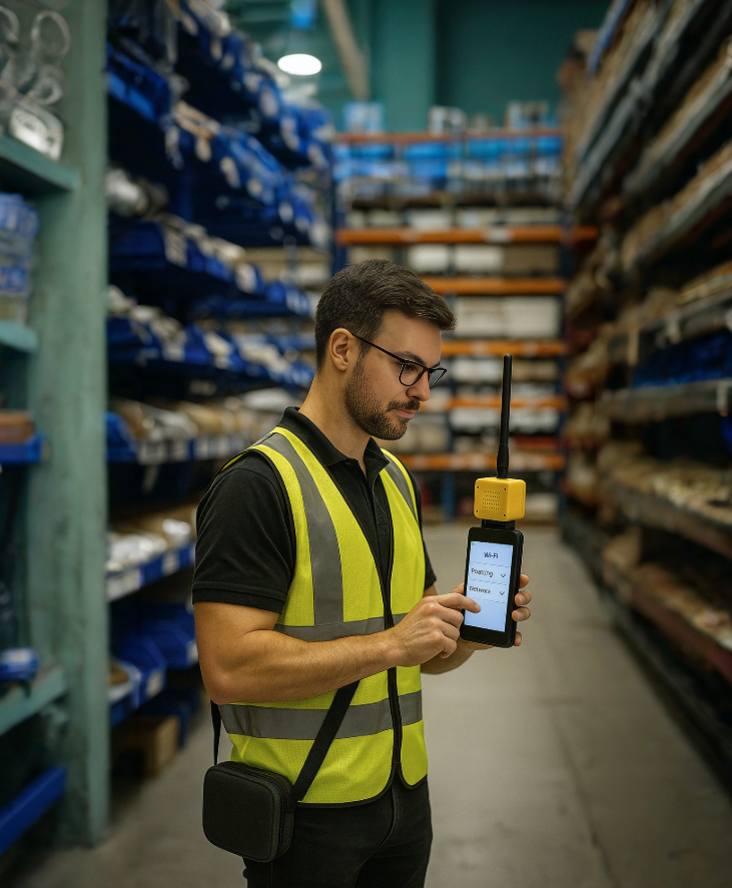](https://techblog.jcditservices.com/uploads/images/gallery/2025-04/2025-04-18-05-28-56.png)
[https://www.linkedin.com/pulse/designing-wi-fi-networks-2025-client-centric-approach-de-oliveira-j5khe](https://www.linkedin.com/pulse/designing-wi-fi-networks-2025-client-centric-approach-de-oliveira-j5khe)
In today's wireless landscape, network design demands a nuanced understanding that goes beyond infrastructure, focusing intently on client behavior, device capabilities, and the latest Wi-Fi standards. Let's delve into the critical factors shaping high-density Wi-Fi deployments and the evolving roles of protocols such as 802.11k and 802.11r.
### Understanding the Client Perspective
Effective Wi-Fi design begins with appreciating the client's viewpoint. Unlike access points (APs), client devices have limited transmit power and are heavily influenced by factors such as battery modes, antenna capability, and vendor-specific firmware.
When clients connect, their decisions are governed by:
- **AP Selection:** Determined by RSSI (Received Signal Strength Indicator), SNR (Signal-to-Noise Ratio), channel width, security, and load.
- **Roaming Decisions:** Influenced by proprietary algorithms, client devices decide when to roam, with decisions often driven by thresholds around signal strength.
Thus, designing with a clear understanding of your client devices-whether they're the latest smartphones or specialized IoT gadgets-is crucial.
### Power Dynamics and Roaming Behavior
High-density environments intensify the challenge of managing RF power levels. Excessive AP transmit power can cause sticky clients and overloaded APs, whereas insufficient power can prompt aggressive roaming and frequent disconnections.
Optimal power settings typically range from 8-11 dBm in common indoor deployments. Balancing power output helps maintain a consistent uplink-downlink symmetry, critical for stable performance. Consider customizing RF profiles for different AP height deployments, setting lower transmit power limits to reduce interference and optimize connectivity.
### The Role of 802.11k and 802.11r
Roaming efficiency dramatically improves when using protocols like 802.11k and 802.11r:
- **802.11k:** Assists clients in discovering nearby APs through neighbor reports and beacon reports, enhancing handover decisions and reducing unnecessary channel scanning.
- **802.11r (Fast Roaming):** Reduces roaming latency by allowing quicker transitions between APs without the full authentication process, significantly enhancing the experience for latency-sensitive applications like VoIP.
However, successful implementation hinges on client compatibility. It's essential to verify support and performance impact thoroughly to avoid unintended roaming loops or authentication issues.
### Wi-Fi 6E and 6GHz: Strategic Considerations
The integration of Wi-Fi 6E, particularly the 6GHz band, offers substantial advantages in high-density venues. Despite initial concerns around low adoption rates, strategically placed 6GHz APs can effectively offload traffic from crowded 5GHz bands, providing relief in high-density areas.
To ensure a seamless user experience, aim for similar cell sizes across both bands, allowing clients to select bands based on capacity rather than mere signal strength. This balanced approach proved successful in large-scale events, achieving efficient client distribution and high satisfaction rates.
### Security and Band Management
In modern deployments, transitioning fully to WPA3 for security is recommended. WPA3 offers superior protection compared to WPA2 and supports seamless roaming across 6GHz environments. While concerns about compatibility with legacy devices persist, data-driven assessments generally show high compatibility rates, making WPA3 adoption a secure and future-proof strategy.
### Practical Recommendations for Network Designers:
- **Profile Automation:** Leverage AP naming conventions and regex-based RF Tag assignments for streamlined AP management.
- **Data-Driven Adjustments:** Continuously collect client behavior data to refine your RF settings and protocols dynamically.
- **Vendor Agnostic Testing:** Regularly test diverse client devices under various network conditions to understand their unique behaviors and constraints.
### Final Thoughts
In 2025, Wi-Fi design must pivot towards a nuanced, client-aware methodology. Balancing RF power management, adopting advanced roaming standards, and strategically utilizing the 6GHz spectrum will ensure robust, secure, and high-performing wireless networks. Embracing these insights not only enhances performance but ensures client devices remain connected seamlessly, achieving the optimal user experience that modern environments demand.
# Mastering Wi-Fi 7 in Challenging High-Density and Manufacturing Environments
[](https://techblog.jcditservices.com/uploads/images/gallery/2025-04/2025-04-25-05-20-12.png)
[https://www.linkedin.com/pulse/mastering-wi-fi-7-challenging-high-density-jarryd-de-oliveira-mnkfe](https://www.linkedin.com/pulse/mastering-wi-fi-7-challenging-high-density-jarryd-de-oliveira-mnkfe)
As Wi-Fi continues to evolve, Wi-Fi 7 is ushering in significant opportunities, particularly in high-density and challenging environments. From bustling auditoriums and lecture halls to complex manufacturing floors and warehouses, understanding the nuances of deploying Wi-Fi effectively is essential for network performance and reliability.
### Common Pitfalls in Wi-Fi Design
In my experience, poor Wi-Fi performance often stems from over-reliance on simplistic deployment strategies, like using excessive transmit power or spacing access points (APs) too closely in high-density areas. The misconception that one AP with high power can cover vast areas is outdated and leads to significant capacity and interference issues. The "green is good" approach simply doesn't hold true in these demanding scenarios.
### Navigating Complex Manufacturing Environments
Manufacturing environments, especially those involved in automotive production or similar high-intensity manufacturing, present unique challenges:
- **High reflectance:** Metallic surfaces and machinery create significant RF reflections.
- **Continuous movement:** Automated Guided Vehicles (AGVs), robots, and conveyors require uninterrupted and robust connectivity.
- **Overlay networks:** Different technologies often share limited spectral resources, adding complexity.
- **Limited device capabilities:** Many industrial IoT and legacy devices have suboptimal Wi-Fi capabilities, demanding smarter infrastructure solutions.
### Optimizing Wi-Fi Deployments with Directionality and Isolation
Directional antennas offer an effective solution to these problems. By focusing RF signals, directional antennas significantly reduce unwanted reflections and co-channel interference, creating cleaner, more controlled RF environments. Mounting antennas strategically, often to columns or using specialized mounts, further optimizes coverage and minimizes disruption.
Custom mounts tailored specifically to site requirements also significantly enhance deployment effectiveness, resolving issues related to limited mounting options and structural constraints.
### Embracing Wi-Fi 7 and Dual Band Configurations
Wi-Fi 7 introduces advanced options for band configuration, such as dual 5 GHz and dual 6 GHz modes, offering enhanced capacity and flexibility. While dual 6 GHz isn't universally feasible due to regional spectrum limitations, it significantly benefits regions with extensive spectrum availability. Properly leveraging these modes ensures maximum performance, notably by reducing interference and improving client connectivity.
### Strategic SSID Deployment
Wi-Fi 7 also presents an opportunity to rethink SSID strategies. Moving critical enterprise applications to combined 5 GHz and 6 GHz bands maximizes performance benefits, while legacy and IoT devices typically remain on traditional bands (2.4 GHz and 5 GHz). Guest networks can leverage secure transition mechanisms to harness new frequencies securely without alienating older devices.
### Achieving Results in Complex Deployments
In practical terms, directional antennas and targeted deployment techniques have consistently shown improvements:
- **Reduced noise:** Controlled RF cells greatly reduce background interference.
- **Enhanced channel reuse:** Improved RF isolation means fewer available channels can still meet capacity demands effectively.
- **Better client experience:** Optimal placement and antenna choices reduce roaming needs and improve overall client connectivity.
### Final Thoughts
Successfully designing Wi-Fi networks in high-density and challenging environments like manufacturing facilities requires a nuanced approach tailored specifically to the site conditions. Off-the-shelf solutions often fall short, highlighting the need for careful planning, custom solutions, and thorough validation with advanced RF planning and spectrum analysis tools. Embracing these strategies with Wi-Fi 7 ensures robust, high-performance networks that can support the increasingly demanding requirements of today's enterprise and industrial environments.
# Advanced Wi-Fi Design Strategies for Logistics, Hospitality, and Educational Institutions in 2025
[](https://techblog.jcditservices.com/uploads/images/gallery/2025-05/may-article.png)
[https://www.linkedin.com/pulse/advanced-wi-fi-design-strategies-logistics-2025-jarryd-de-oliveira-qkd6f](https://www.linkedin.com/pulse/advanced-wi-fi-design-strategies-logistics-2025-jarryd-de-oliveira-qkd6f)
Wi-Fi technology continually evolves, and with the advent of Wi-Fi 7, significant opportunities and challenges emerge, particularly for logistics, hospitality, and educational institutions. Each sector demands specific design considerations to maximize performance, reliability, and security.
### Tackling High-Density Challenges with Wi-Fi 7
High-density Wi-Fi environments such as warehouses, lecture halls, hotels, and stadiums have historically posed unique challenges. With Wi-Fi 7, careful AP (Access Point) deployment strategies are essential to optimize network efficiency. Avoiding common mistakes, such as overly high transmit power and excessive use of omnidirectional antennas placed too closely, is crucial. Instead, leveraging directional antennas can effectively mitigate co-channel interference and enhance signal control, ensuring reliable connections even in complex layouts like high-racking warehouses or expansive public venues.
### Roaming Efficiency with 802.11r and 802.11k
Seamless roaming is critical, particularly in logistics where continuous connectivity impacts operational efficiency, or in hospitality and education settings where users frequently move around. IEEE standards like 802.11r and 802.11k significantly improve roaming performance. 802.11r facilitates fast transition roaming, crucial for VoIP and real-time applications, reducing authentication delays dramatically. Meanwhile, 802.11k helps clients make informed roaming decisions by providing detailed neighbor reports, significantly reducing "ping-pong" roaming between access points.
These protocols require precise tuning, emphasizing symmetrical power settings between clients and APs to avoid RSSI asymmetry, which can degrade network performance. Implementing these standards correctly ensures a robust and consistent user experience.
### Enhancing Security with SAE Public Key
Wi-Fi security remains paramount across all sectors. The SAE Public Key, an extension of WPA3, introduces an advanced security layer to mitigate risks from evil twin attacks, prevalent in high-traffic areas like hotels and campuses. SAE Public Key uses public/private key cryptography, allowing devices to authenticate the network securely and significantly reducing the likelihood of man-in-the-middle attacks.
Designers should adopt SAE Public Key strategically, considering compatibility and implementation complexity. Utilizing QR codes to distribute secure credentials simplifies the user experience without compromising security, a practical approach for hospitality venues and educational institutions.
### Comprehensive Wi-Fi Lifecycle Management
Continuous monitoring, optimization, and proactive management are vital to maintaining network integrity and performance over time. Using sophisticated tools for real-time analytics, network administrators can promptly identify and rectify performance bottlenecks, coverage gaps, and security vulnerabilities.
Regular site surveys and Wi-Fi health checks ensure that the network adapts dynamically to changing environments, user densities, and technological advancements, significantly extending infrastructure lifecycle and improving ROI.
### Future-Proofing Investments
As Wi-Fi 7 deployments ramp up, understanding its nuances and capabilities is essential. Network designers must carefully balance innovation with practicality - using Wi-Fi 7's broader channels for increased throughput while managing the associated risks of interference and reduced range.
The thoughtful integration of new standards and technologies ensures your Wi-Fi infrastructure remains robust, secure, and responsive to future demands.
### Final Thoughts
Wi-Fi 7 presents exciting opportunities for logistics, hospitality, and educational institutions. However, success depends heavily on advanced planning, targeted design strategies, and continuous network optimization. By embracing these best practices, organizations can achieve seamless connectivity, robust security, and a future-proof network, ready for evolving user needs and emerging technological trends.
# Stop the Signal Struggle: Avoiding Bad Wi-Fi Practices in Modern Networks
[](https://techblog.jcditservices.com/uploads/images/gallery/2025-05/fB9may-9-2025-05-26-13-am.png)
[https://www.linkedin.com/pulse/stop-signal-struggle-avoiding-bad-wi-fi-practices-jarryd-de-oliveira-nidle](https://www.linkedin.com/pulse/stop-signal-struggle-avoiding-bad-wi-fi-practices-jarryd-de-oliveira-nidle)
It’s 2025, and we still see it every day - dropped Zoom calls, inconsistent performance, slow roaming, and frustrated end users. Often, these issues don’t stem from poor hardware or underpowered access points. The root cause? Bad wireless practices that should have been phased out years ago.
In this post, I want to highlight the common wireless mistakes I encounter on client sites and provide actionable best-practice recommendations to avoid becoming your own worst enemy in the WLAN.
---
### 🚫 Bad Practice #1: Still Using 2.4 GHz as Primary Band
It’s shocking how many networks today still lean on 2.4 GHz. This band is congested, prone to interference (from microwaves to Zigbee), and offers limited usable channels - essentially just **1, 6, and 11**. Layer in Bluetooth, BLE advertising, and legacy 802.11b rates, and you’ve got a recipe for poor performance.
✅ **Fix It**: Prioritize 5 GHz or 6 GHz where client support exists. Trim your 2.4 GHz SSID footprint to essential IoT or low-bandwidth use cases. Disable low MBRs (1, 2, 5.5 Mbps) and avoid OBSS overlaps. Use tools like LinkSprinter or a proper survey kit to confirm signal levels and channel utilisation.
---
### 🚫 Bad Practice #2: Overusing Channel Bonding
Using 40 or 80 MHz channel widths across the board might seem like a performance booster, but in most environments it just leads to channel overlap, increased contention, and worse throughput.
✅ **Fix It**: Stick to **20 MHz** in dense environments, especially on 2.4 and 5 GHz. Reserve 80 MHz bonding for low-density or point-to-point mesh designs. On 6 GHz (where there's real space to breathe), consider **80 MHz carefully**, and only when you’ve verified low BSS load and channel reuse.
---
### 🚫 Bad Practice #3: Deploying Access Points Blindly
It’s 2025 - we can’t afford to install access points without understanding their RF environment, orientation, and PoE capability. I still see APs mounted sideways, 15m apart in hallways, powered by budget switches incapable of 802.3at or bt.
✅ **Fix It**: Before deploying an AP:
- Validate cable spec and length (Cat6, ≤100m with patch leads)
- Check power draw vs. switch budget
- Confirm VLAN tagging, DHCP reachability, and gateway ping success
- Use tools like EtherScope or CyberScope to validate layer 2 and 3
After install, document MAC, location, switch port, and verify all SSIDs broadcast as expected on correct VLANs.
---
### 🚫 Bad Practice #4: Ignoring DFS and Regulatory Considerations
Blindly enabling DFS channels without considering scan time, radar detection events, and client behavior can disrupt connectivity - especially for voice and roaming-sensitive applications.
✅ **Fix It**: Understand your regulatory domain. Not all 5 GHz channels are created equal. For example:
- **U-NII-1 and U-NII-3** are DFS-free and ideal for stable client operation.
- **U-NII-2a/2c** require DFS and are better suited for static client environments.
In 6 GHz, preferred scanning channels (PSC) allow better discovery - but only if devices support them. Use them smartly.
---
### 🚫 Bad Practice #5: Too Many SSIDs
A network with 8-10 SSIDs may look comprehensive on paper but kills airtime. Each SSID beacon consumes airtime, especially in high-density deployments.
✅ **Fix It**: Keep SSIDs to **4 or fewer**. Use dynamic VLAN assignment or identity-based policies to separate user roles. Use RNR (Reduced Neighbor Reports) in Wi-Fi 6/6E for better roaming efficiency across bands.
---
### 🚫 Bad Practice #6: Set-and-Forget Transmit Power and Antenna Settings
Setting APs to full power across the board creates artificial cell overlaps and increases co-channel interference (CCI). Equally, misconfigured external antennas or down-tilted internal radios ruin coverage patterns.
✅ **Fix It**:
- Use adaptive or manually tuned TX power (e.g., 7 dBm for 2.4 GHz, 13 dBm for 5 GHz)
- Validate coverage with Ekahau or similar tools
- For directional or patch antennas, respect polarization and mounting guidelines
---
### Final Thoughts
You can’t solve RF problems by throwing more APs into the mix or maxing out every setting in your controller. Wireless is a delicate balance of physics, protocol behavior, and user expectations. The good news? Most Wi-Fi problems are preventable - with planning, validation, and continuous tuning.
Whether you’re designing for a warehouse, school, hospital, or hospitality venue, the fundamentals stay the same: know your environment, reduce complexity, and **design for client experience - not signal bars**.
---
If you're struggling with poor performance or planning a new deployment, let’s connect.
I regularly help customers turn underperforming networks into high-performing platforms ready for 2025 and beyond.
\#WiFiDesign #WirelessBestPractices #WiFi6 #WiFi6E #WiFi7 #NetworkEngineering #RFMatters #80211ax #6GHz #WiFiOptimization
# Designing Better Wireless Networks in 2025: Practical Insights for Modern Challenges
[](https://techblog.jcditservices.com/uploads/images/gallery/2025-05/wireless-design.png)
[https://www.linkedin.com/pulse/designing-better-wireless-networks-2025-practical-jarryd-de-oliveira-zgmle](https://www.linkedin.com/pulse/designing-better-wireless-networks-2025-practical-jarryd-de-oliveira-zgmle)
Wireless has always been a balancing act. Coverage, capacity, performance, security - they all fight for priority depending on the environment and the devices connecting to them. As we hit 2025, it’s no longer just about slapping access points onto ceilings and hoping for green heatmaps. The industry is shifting to smarter, more intentional designs, driven by real-world usage, client device behaviour, and new technologies like Wi-Fi 7 and beyond.
### **Moving Past “Green is Good”**
One of the biggest misconceptions still lingering is the obsession with coverage maps showing "green everywhere". High transmit power doesn’t equate to better performance. In fact, oversaturating RF space with strong signals creates more problems - co-channel contention, poor roaming, and unhappy users.
Modern designs need to shift towards capacity planning, proper airtime utilization, and intelligent AP placement based on actual RF characteristics of the building, not just pretty colors.
### **The Client Perspective: The Real Source of Truth**
A major theme in recent discussions is designing from the client’s perspective. We often design networks based on theoretical models and AP specs, but it’s the client devices - with their limitations, drivers, and roaming behaviours - that dictate the user experience.
Understanding how client devices interact with the network, how they roam, and what thresholds they use to make decisions (think 802.11k/r/v) is critical. Tools that leverage client-side data for validation and continuous optimization are becoming essential in getting it right.
### **Wi-Fi 7, 6GHz, and What’s Coming**
Wi-Fi 7 is bringing new opportunities with Multi-Link Operation (MLO), higher throughput, and improved efficiency. But these benefits only come with thoughtful design. Sticking with outdated SSID strategies or failing to adapt channel plans for 6GHz will hold back performance.
Key considerations:
- Use 5GHz + 6GHz dual band SSIDs to ensure clients get the right experience.
- Understand your country’s spectrum regulations - upper bands (UNII-7/8) aren’t available everywhere.
- Don’t overdesign with omni APs for high-density; directional antennas and controlled power profiles are crucial.
### **Validation is Non-Negotiable**
Designing is half the job. Validating with proper tools - including spectrum analysis, capacity planning, and real-world roaming tests - ensures that what’s on paper translates into a working network. Off-the-shelf solutions rarely fit complex environments like manufacturing floors, auditoriums, or large public venues. Custom mounts, directional antennas, and even column-based installs are often necessary.
### **Security Still Matters**
Evolving security threats mean features like SAE Public Key (an extension of WPA3) are important for environments where Evil Twin attacks are a risk. This isn’t about marketing buzzwords - it’s about practical ways to secure your SSIDs without adding complexity for end users.
### **Takeaways for 2025 and Beyond**
- Stop designing for signal strength alone. Design for airtime, capacity, and client experience.
- Embrace 6GHz but adapt your SSID strategies accordingly.
- Validate in the real world - client behaviour will always surprise you.
- Consider sustainability and energy efficiency in your design approach.
- Security should evolve with your network - features like SAE-PK aren’t optional anymore.
- Use tools and processes that give visibility into both RF performance and client-side experience.
---
### Final Thoughts
Wireless design isn’t getting easier. But with the right mindset - focusing on fundamentals, staying client-centric, and leveraging modern validation tools - we can build networks that perform reliably in even the most challenging environments.
It’s not about chasing trends. It’s about solid engineering principles, applied with modern tools.
# 🔐 Securing the Airwaves: Mitigating Wireless Network Attacks in 2025
[](https://techblog.jcditservices.com/uploads/images/gallery/2025-06/jun-6-2025-05-32-47-am.png)
[https://www.linkedin.com/pulse/securing-airwaves-mitigating-wireless-network-attacks-de-oliveira-ld4ze](https://www.linkedin.com/pulse/securing-airwaves-mitigating-wireless-network-attacks-de-oliveira-ld4ze)
In today’s hyper-connected digital era, wireless networks have become the invisible infrastructure supporting everything from remote work and IoT to entertainment and enterprise operations. But as our dependency on Wi-Fi continues to grow, so too does the surface area for cyber threats.
In this article, I’ll walk you through some of the most common wireless attack vectors we’re seeing in the field and how you—whether an IT administrator or a tech-savvy homeowner-can harden your environment to prevent data leaks, downtime, and compromise.
---
## Understanding Wireless Attacks: Invisible Yet Invasive
Wireless attacks exploit the nature of radio frequency-open, unlicensed, and often unmonitored. These attacks don’t require a physical breach or insider access; all an attacker needs is proximity and the right toolkit.
Here are the most common wireless threats I encounter:
### 1. **Evil Twin Attacks**
This is one of the most deceptive techniques out there. The attacker spins up a fake access point broadcasting the same SSID as a legitimate one. Most devices can’t tell the difference, especially when signal strength favors the attacker. Once connected, all traffic can be intercepted, manipulated, or logged. It’s the digital equivalent of being lured into a fake bank branch.
Mitigation:
- Use **Wireless Intrusion Prevention Systems (WIPS)** in enterprise environments.
- Educate users to verify SSIDs and avoid open networks.
- Always use **VPNs** on public Wi-Fi.
- Disable auto-connect and network probing features on mobile devices.
### 2. **Man-in-the-Middle (MitM) & Spoofing**
Attackers intercept traffic between a client and an access point, modifying or eavesdropping without the user's knowledge.
Mitigation:
- Use **WPA3 Enterprise** with certificate-based authentication.
- Enforce **TLS encryption** across internal apps.
- Implement **network segmentation** to isolate guest and corporate traffic.
### 3. **Deauthentication & Disassociation Attacks**
These are denial-of-service-style attacks where the attacker sends forged management frames to disconnect users from the network.
Mitigation:
- Ensure APs support and enforce **Management Frame Protection (802.11w)**.
- Monitor for unusual disconnection patterns using analytics tools.
### 4. **Rogue Access Points**
Unauthorized APs-whether malicious or accidental-can introduce risk by creating unmonitored entry points.
Mitigation:
- Continuously scan for rogue devices using WIPS or wireless controllers.
- Physically secure switch ports and disable unused ones.
### 5. **Credential Brute Forcing & Weak Encryption**
Attackers still exploit legacy configurations using WEP or WPA with weak passwords to gain access.
Mitigation:
- **Disable WEP and WPA**; only allow **WPA2-AES or WPA3**.
- Enforce **strong password policies** or use 802.1X with RADIUS for enterprise.
### 6. **Jamming & Interference Attacks**
Malicious interference can render Wi-Fi unusable, either for disruption or to force clients to connect to rogue APs.
Mitigation:
- Deploy APs with **DFS support** to detect and move off congested channels.
- Use spectrum analysis tools to locate and eliminate interference sources.
---
## Building a Hardened Wireless Environment
Securing a wireless network isn’t just about deploying the latest gear-it’s about adopting a layered approach.
Here’s what I recommend for admins and home users alike:
### 🔧 Admin-Level Hardening
- **Enable 802.1X authentication** with dynamic VLAN assignment.
- **Segment traffic** using VLANs for IoT, guests, and production systems.
- Use **PSK rotation** or Cloudpath-like onboarding platforms for secure provisioning.
- Enforce **MAC authentication bypass (MAB)** for non-802.1X devices.
- Monitor with **Syslog**, **SNMP traps**, and **SIEMs** for wireless events.
### 🛡️ User Best Practices
- Don’t connect to public Wi-Fi without using a **VPN**.
- **Turn off auto-connect** for networks you don’t fully trust.
- **Forget unused Wi-Fi networks**, especially public ones.
- **Disable Wi-Fi** when not in use to reduce network probe exposure.
- Ask venues for the **exact SSID** and test by entering a wrong password-Evil Twin APs often allow access regardless.
- Avoid logging into sensitive accounts on public networks.
- Enable **multi-factor authentication** for everything sensitive.
- Be alert to browser warnings and unexpected reconnections.
- Only visit websites with **HTTPS** for encrypted browsing.
- Don’t autosave public networks-devices constantly probing for known SSIDs can be tricked into connecting to spoofed access points.
---
## Final Thoughts: Security is a Continuous Journey
Wireless security in 2025 isn't just about box-ticking encryption standards. It's about visibility, vigilance, and proactive controls. Attacks like Evil Twin APs or deauth floods don’t announce themselves-they exploit assumptions. That’s why education, layered defenses, and constant monitoring are your best tools.
If you’re unsure about your wireless security posture-whether for your home, office, or large enterprise-consider engaging a professional wireless audit or penetration test. Knowing your weak points is the first step in fortifying them.
🔒 Stay safe. Stay secure. And treat the airwaves like you would your front door: locked, monitored, and protected.
# Mastering High-Density Wi-Fi Design in 2025: Performance, Precision, and Practicality
[](https://techblog.jcditservices.com/uploads/images/gallery/2025-06/13-june-2025.png)
[https://www.linkedin.com/pulse/mastering-high-density-wi-fi-design-2025-performance-de-oliveira-wlene](https://www.linkedin.com/pulse/mastering-high-density-wi-fi-design-2025-performance-de-oliveira-wlene)
In today’s hyper-connected world, designing for high-density Wi-Fi is no longer reserved for stadiums and lecture halls, it’s a fundamental requirement across modern enterprises, logistics, healthcare, manufacturing, and education environments. As we shift further into Wi-Fi 6 and Wi-Fi 7 deployments, the real challenge lies not just in performance but in delivering consistency and resilience in the face of exponential device growth, mobility demands, and complex RF conditions.
Drawing on insights from recent design case studies and my own experience, this article explores the key principles and considerations for building reliable high-density wireless networks in 2025.
---
## Understanding the Nature of High-Density Design
High-density isn’t defined by square footage, it's about the number of devices competing for airtime in a confined RF space. Think:
- Auditoriums, conference spaces, and schools
- Hospitals with Wi-Fi-enabled telemetry and tablets
- Manufacturing sites with AGVs, smart tools, and OT systems
- Warehouses with handhelds, scanners, and roaming VoIP devices
In all these environments, coverage is easy. Capacity and interference mitigation are the real challenges.
---
## Common Pitfalls in High-Density Wi-Fi
Across numerous enterprise rollouts, I’ve consistently observed a few recurring issues:
- **Excessive Transmit Power:** Overpowering APs might look good in Ekahau with “green everywhere,” but it creates excessive contention. Remember: green doesn’t equal good.
- **Omni Antennas in Poorly Reflected Environments:** In RF-rich or reflective spaces (like metal-dense warehouses), omnis increase co-channel interference.
- **Overuse of Wide Channels:** Bonding 80/160 MHz in congested areas often backfires. Sometimes 20 MHz is still king in high-density design.
These decisions often stem from the misconception that “more signal equals better performance.” In reality, it’s about *signal control*, not signal strength.
---
## Strategic Antenna Choices and Mounting
One of the most powerful tools in a high-density engineer’s toolbox is directional antennas. In environments such as automotive manufacturing or retail show floors, shifting to directional 60x60° or 90x90° patterns can dramatically reduce co-channel contention and help sculpt signal propagation to avoid overlap.
Smart mounting strategies, like using custom brackets on columns or concrete pillars, allow for precise RF shaping and improved line-of-sight to client devices. We’ve seen cases where replacing ceiling-mounted omnis with strategically placed directional APs completely resolved mobility and interference issues.
---
## Making Use of Wi-Fi 6/6E/7 Features Intelligently
Wi-Fi 6 and 6E brought OFDMA, BSS coloring, and target wake time, features designed for dense environments.
Wi-Fi 7 expands this further with:
- **Multi-Link Operation (MLO)** for reduced latency and increased resiliency
- **6 GHz channel availability** for cleaner spectrum
- **High throughput modulation** (4K-QAM) to push performance further (when SNR allows)
But the success of these features is entirely dependent on accurate planning. You can’t simply deploy Wi-Fi 7 APs and expect magic, design remains critical.
---
## Design and Validation is Non-Negotiable
Whether using Ekahau AI Pro, Sidekick 2, or Catalyst-Center/Juniper Mist dashboards, validation is essential.
This includes:
- **Primary and secondary coverage heatmaps**
- **SNR and interference analysis**
- **Validation of minimum basic rates**
- **Understanding how NDP (Neighbor Discovery Protocol) traffic travels**
At large events like Cisco Live EU, thousands of clients and APs coexist because of deliberate low transmit power (often 5–11 dBm), tight RF profiles, and real-time telemetry-based tuning.
---
## Best Practice Summary
Here’s my distilled checklist when building for high density:
✅ Use directional antennas where possible (internal directional or external)
✅ Keep transmit power low-optimize for capacity, not coverage
✅ Limit channel widths appropriately (20 or 40 MHz for dense deployments)
✅ Reduce minimum data rates to 12 Mbps or higher (avoid legacy 1–2 Mbps)
✅ Leverage 5 GHz and 6 GHz (if supported) for primary SSIDs
✅ Limit SSID count to reduce beacon overhead (ideally ≤3 per band)
✅ Conduct proper validation surveys post-deployment
---
## Final Thoughts
High-density Wi-Fi is no longer an exception, it’s the rule in enterprise design. Success hinges on your ability to balance client behavior, RF conditions, and access point capability through intelligent design choices. Off-the-shelf, one-size-fits-all deployments fail in complex RF environments.
Whether you’re building a network for a hospital ward, an airport lounge, or a warehouse filled with AMRs, remember: performance starts with design, not with the AP spec sheet.
If you’re facing a high-density wireless challenge or just want to discuss best practices, feel free to connect, always happy to talk RF.
---
**\#WiFiDesign #WiFi7 #HighDensityWiFi #WirelessEngineering #Ekahau #Cisco #JuniperMist #RFDesign #WLANArchitecture #WiFiOptimization #WiFiSurvey #WirelessForWarehousing #WirelessForEducation #WirelessForHealthcare**
# Designing Wi-Fi for Large Venues: Lessons From the Field
[](https://techblog.jcditservices.com/uploads/images/gallery/2025-06/20-june-2025.png)
[https://www.linkedin.com/pulse/designing-wi-fi-large-venues-lessons-from-field-jarryd-de-oliveira-9bfge](https://www.linkedin.com/pulse/designing-wi-fi-large-venues-lessons-from-field-jarryd-de-oliveira-9bfge)
Getting wireless right in large venues is one of the most technically demanding challenges in networking. Whether it's a concert hall, arena, convention centre, or exhibition space, the expectations are always the same: stable, high-performance connectivity, everywhere.
What makes these environments difficult isn’t just size. It’s density. It's mobility. It's the unpredictable RF conditions. And it’s the fact that when things go wrong, it’s immediately visible to thousands of people.
Over the years, I’ve worked on several of these deployments. In this article, I want to share some hard-earned lessons, highlight what actually works in high-density environments, and walk through a past project I led for a 12,000-capacity venue that required full design-to-validation delivery.
### Step One: Define Your Environment Before You Touch the Design
You can’t build a successful wireless deployment without understanding the operational profile of the venue.
**Ask the right questions upfront:**
- What’s the expected maximum capacity and the realistic device count?
- What’s the take-rate for devices per person?
- What applications need priority, streaming? VoIP? Guest access?
- How does the venue layout change per event?
- What types of client devices are we dealing with, and how do they roam?
Without clarity on these factors, your design will either underperform or be massively over-engineered.
### RF Design: Shape, Don’t Blanket
One of the most common mistakes I still see is designers “flooding” the venue with APs, usually omnis, in an effort to blanket the space with signal. More APs and more power doesn’t mean more performance.
### Instead:
- Use **directional antennas** (10°, 20°, 80° beamwidths) to shape coverage cells.
- **Under-seat APs** in dense seating zones ensure high SNR at the device level.
- Deploy **20 MHz channels** to reduce contention and increase reuse.
- Make use of **DFS channels** and spread clients across 5 and 6 GHz where supported.
- Consider **AP height, angle, and mounting position**, not just coverage heatmaps.
This is about engineering signal quality, not just signal presence.
### Understand the Client Side
Roaming is driven by the client, not the infrastructure. And in large venues, poor roaming behavior can quickly result in dropped calls, stuck devices, and underutilized APs.
- Enable **802.11r (Fast BSS Transition)** and **802.11k/v** for improved client handoffs.
- Tune **RX-SOP** thresholds to help APs ignore distant/stale clients.
- Avoid mismatched TX power between AP and client, balance uplink/downlink performance.
- Build your SSID strategy with legacy and modern clients in mind.
**And keep your SSID count low** - 3 to 5 SSIDs is a sensible maximum.
Anything more burns airtime and creates overhead.
### A Deployment I Led: Wi-Fi for a 12,000-Person Indoor Venue
A few years ago, I led the wireless design and deployment for a large multi-purpose arena that held up to 12,000 people. The venue hosted live concerts, esports events, conferences, and exhibitions, all with different traffic profiles, layouts, and roaming expectations.
### Design Objectives:
- Handle **up to 12,000 concurrent users**
- Maintain a **2 Mbps/user throughput baseline**
- Ensure **roaming and seamless transitions** across zones and floors
- Segment traffic for **guests, staff, AV teams, and IoT**
- Support both **seated and standing configurations** depending on event type
### What the Deployment Looked Like:
- ~110 APs deployed across seating, concourses, backstage, and floor areas
- Mix of **directional ceiling/truss-mounted APs** and **under-seat enclosures**
- RF profiles tuned per zone - TX power, channel width, RX-SOP all tailored
- SSIDs mapped to **VLANs and user roles** to apply bandwidth shaping and access control
- Full **validation surveys** performed post-installation with adjustments based on real-world data
### What Worked Well:
- Directional and under-seat APs gave us excellent signal quality even during peak events
- RF tuning per zone kept CCI low and roaming transitions tight
- **802.11r/k/v** enhanced handoffs for roaming staff, VoIP devices, and tablets
- VLAN segmentation allowed production traffic to remain isolated from guest use
- DFS channel use and 20 MHz widths preserved airtime and improved overall client distribution
### What We Had to Tweak:
- Some initial AP placements resulted in overlap in the concourse areas, resolved with TX power reduction and angle adjustments
- Sticky client behavior in transition zones (e.g., between bowl and concourse) was improved through RX-SOP tuning
- Unexpected reflections from temporary LED walls and stage rigging caused a few dead zones - identified and corrected after validation
### Validation Is Non-Negotiable
Design without validation is guesswork. Post-deployment surveys are essential.
**Make sure to validate:**
- Coverage, SNR, and channel overlap
- Throughput under load
- Roaming across all areas
- Spectrum analysis to detect hidden interference (AV gear, lighting controllers, etc.)
Tools like Ekahau Sidekick are invaluable here. And don’t validate empty venues only - test during rehearsals and partial occupancy where possible.
### Final Thoughts
Designing Wi-Fi for large venues is a different game. You’re not just delivering connectivity, you’re engineering an experience under pressure.
- Build for how the venue operates, not how the blueprint looks.
- Don’t over-design with too many APs or SSIDs.
- Understand your clients, both people and devices.
- Validate, adapt, and evolve the network after go-live.
I’ve learned that the best venue networks are those that were **carefully shaped, rigorously tested, and tuned for how people actually use the space**, not how we hope they will.
If you’re working on a high-density Wi-Fi project and want to share ideas, feel free to reach out, always happy to chat design strategy.
# Designing Wi-Fi for Schools and Universities: What Actually Works
[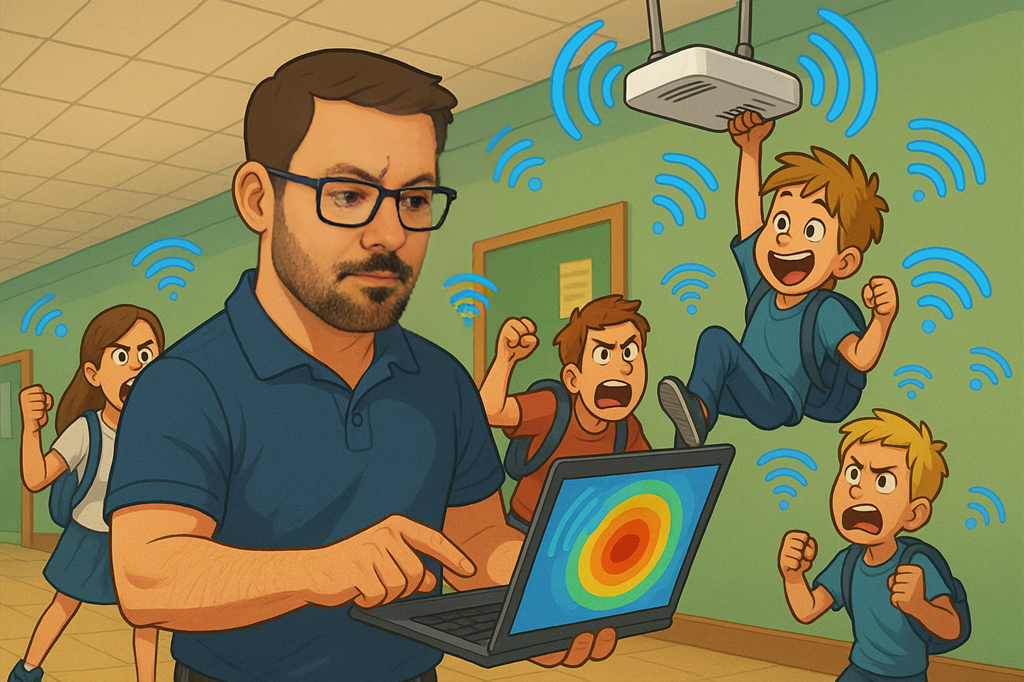](https://techblog.jcditservices.com/uploads/images/gallery/2025-06/UVvjun-26-2025-06-35-01-am.png)
[https://www.linkedin.com/pulse/designing-wi-fi-schools-universities-what-actually-jarryd-de-oliveira-zp7ue](https://www.linkedin.com/pulse/designing-wi-fi-schools-universities-what-actually-jarryd-de-oliveira-zp7ue)
Wi-Fi in education isn’t just a nice-to-have anymore. Whether it's a small primary school or a large university campus, wireless is now the backbone of learning, teaching, and admin. But getting it right can be a challenge. You’re dealing with a mix of users, devices, buildings, and expectations, often on tight budgets with limited on-site IT support.
Here’s what I’ve learned over the years when it comes to designing wireless networks for education. These are lessons that apply whether you're refreshing an old network or starting from scratch.
---
### Start with the Right Questions
Don’t jump into design tools before talking to the people who use the network. What are their pain points? What devices are in use? What applications matter most? Are they streaming video, running exams, accessing cloud resources, or all of the above?
Also ask why the current setup isn’t working. Is it slow? Dropping connections? Difficult to manage? Those answers will shape everything else.
---
### Expect a Mixed Bag of Devices
Education environments are full of different device types. You’ll find Chromebooks, iPads, Windows laptops, smartphones, printers, projectors, and IoT gear, all with different capabilities. Some support 802.1X, others don’t. Some only work on 2.4 GHz. Don’t assume everything is modern or secure.
Overestimate the number of clients. Plan for older, less capable hardware. And if you're rolling out Wi-Fi 6E or Wi-Fi 7, check how many of those newer devices will actually support the 6 GHz band.
---
### Always Do a Proper Site Survey
Good design starts with good information. A predictive design is a great starting point, but it only works if the inputs are accurate. Get proper floor plans. Measure wall attenuation if you can. If you're reusing existing infrastructure, check where the APs are, what they're running, and how the RF looks.
And after the install, do a validation survey. It's your proof that what you built matches what you planned. It also helps if things go wrong later, you’ve got a known-good baseline to compare against.
---
### Don’t Ignore the Wired Network
Wi-Fi is only as good as the network behind it. Check the cabling, if it’s old Cat5 or runs over 100 metres, you might run into problems. Make sure the switches support PoE and VLANs properly. You want managed switches, not unmanaged boxes or injectors.
Watch your PoE budget. Tri-band APs and newer radios draw more power than older models. A switch with 24 ports may not actually power 24 modern APs at once unless it has enough wattage to go around.
---
### Channel Width and Interference Matter
Use wider channels when you can, but only if the environment allows it. In dense areas like classrooms or lecture halls, 20 or 40 MHz channels on 5 GHz are often more reliable than 80 MHz. If you can use 6 GHz, great, it’s cleaner and less congested, especially for newer clients.
Don’t just enable everything and hope for the best. Stick to non-overlapping channels, keep transmit power balanced, and don’t forget about roaming. Clients should be able to hear at least two APs at -75 dBm or better from any point where you expect them to connect.
---
### Make Onboarding Easy and Secure
Whether it's students bringing their own devices or staff using managed laptops, onboarding needs to be both simple and secure. Use 802.1X where you can. Consider dynamic VLANs to segment traffic. Don’t forget about guests, make sure they have access without compromising the rest of the network.
If you're aiming for scale and long-term management, certificate-based access is worth the time investment.
---
### Is Wi-Fi 7 Worth It?
That depends. Wi-Fi 7 offers serious gains: multi-link operation, wider channels, faster modulation, and WPA3 security. If you’re building new or looking to support high-density or latency-sensitive apps like AR/VR or e-sports, it’s worth exploring.
But the wired infrastructure and device fleet need to be ready for it. Make sure the switches, cabling, and power budget can handle the upgrade. Also check how many of the devices on campus can actually benefit from Wi-Fi 7 today.
---
### Final Thoughts
Designing Wi-Fi for education is more than just placing APs. It’s understanding how people use the network, planning for a mix of old and new devices, and making sure the wired side can keep up. It means being realistic, not idealistic, and always validating your work.
If you're working on a school or university project and want to bounce ideas around, feel free to reach out. Always happy to talk through lessons from the field.
---
**\#WiFiDesign #EducationIT #WiFi7 #WirelessNetworking #NetworkDesign #WiFiSurvey**
# Wireless Best Practices: Practical Design Lessons from the Field
[](https://techblog.jcditservices.com/uploads/images/gallery/2025-07/july-2025.png)
[https://www.linkedin.com/pulse/wireless-best-practices-practical-design-lessons-from-de-oliveira-0fdee](https://www.linkedin.com/pulse/wireless-best-practices-practical-design-lessons-from-de-oliveira-0fdee)
Good wireless design isn't about chasing the latest features. It's about understanding the environment, the devices, and the people using them. Whether it's a warehouse with autonomous robots, a hotel with constant guest turnover, an office packed with video calls, or a retail space with tight margins, each setting needs a tailored approach. Here’s what I’ve learned from the field across warehousing, hospitality, corporate, and retail deployments.
---
### **Warehousing and Logistics**
Warehouses are some of the most difficult environments for Wi-Fi. You've got metal racking, forklifts, high ceilings, and old 2.4 GHz devices that still need support.
**What works:**
- Use directional antennas to focus signal down aisles and reduce reflections.
- Mount APs on racking or vertical supports instead of relying on high ceiling installs.
- 2.4 GHz coverage is still important for scanners and older IoT devices.
- Keep the number of SSIDs low to reduce beacon overhead and improve roaming.
- Consider fixed 20 MHz channels unless the spectrum is clean enough for 40 or 80 MHz.
- Validate your design with a proper survey, especially after racking and stock is in place.
---
### **Hospitality**
Hotels present a unique challenge. The network has to be fast and seamless for roaming guests, while also blending into the space without disrupting the interior design.
**Key points:**
- Make roaming smooth by enabling 802.11k, 802.11v, and 802.11r where supported.
- Use private key options like DPSK for guest traffic isolation.
- Limit the SSID count to three or four max. Any more just adds overhead.
- Hide patch leads and clean up AP mounting. Loose cables get flagged on walkthroughs.
- Don’t just go for signal strength. Consider where people move and use devices.
---
### **Corporate Offices**
Office Wi-Fi needs to support BYOD, heavy video traffic, and strong security. It also has to be resilient to changing occupancy and layout shifts.
**Recommendations:**
- Use band steering to move modern clients to 5 GHz and 6 GHz.
- WPA3-Enterprise or EAP-TLS is ideal for authentication. Avoid open or PSK setups internally.
- Avoid DFS channels in high-priority areas like meeting rooms to prevent unexpected channel changes.
- Validate RRM decisions with spectrum analysis and client telemetry, not just what the controller reports.
- Plan for quiet zones and high-density areas separately. One design won’t fit both.
---
### **Retail**
Retail Wi-Fi has to be stable, secure, and invisible to customers. From POS to handhelds, there’s no room for downtime.
**Best practices:**
- Separate guest and operational traffic using VLANs with QoS where needed.
- Maintain reliable 2.4 GHz coverage for legacy devices. Don’t push everything onto 5 GHz if clients can’t support it.
- Keep APs at mid-height, especially near checkouts where most device use happens.
- Use directional antennas when layout permits to limit interference and better control coverage.
- Analytics is useful, but make sure it’s not draining airtime or client experience.
---
### **Final Thoughts**
Every environment has its quirks, but good wireless design always comes down to fundamentals. Know your client devices, survey your space, keep SSIDs minimal, and build for real-world usage. Features like MLO, WPA3, and spectrum puncturing are powerful tools, but they work best when built on top of a strong design.
# Upgrading to Wi-Fi 7: What You Really Need to Know
[](https://techblog.jcditservices.com/uploads/images/gallery/2025-07/18-july-2025.png)
[https://www.linkedin.com/pulse/upgrading-wi-fi-7-what-you-really-need-know-jarryd-de-oliveira-qaune](https://www.linkedin.com/pulse/upgrading-wi-fi-7-what-you-really-need-know-jarryd-de-oliveira-qaune)
Wi-Fi 7 isn’t just another wireless standard. It’s a leap forward, offering serious gains in throughput, reduced latency, better spectrum use, and smarter reliability. But as with every new generation of wireless, getting the benefits isn’t as simple as swapping out your access points and calling it a day.
In this post, I want to break it down in plain terms. What Wi-Fi 7 really is. What makes it different. And how to approach upgrading to Wi-Fi 7 the right way, without the fluff, vendor marketing noise, or unnecessary overspending.
---
### **What is Wi-Fi 7 (802.11be), and Why Should You Care?**
Wi-Fi 7 builds on the improvements from Wi-Fi 6/6E and adds some serious enhancements:
- **Multi-Link Operation (MLO)**: Devices can now transmit on multiple bands (e.g., 5GHz and 6GHz) simultaneously. This means better reliability, throughput, and load balancing.
- **4K QAM (Quadrature Amplitude Modulation)**: This pushes data rates even higher, think more efficiency in the same airspace.
- **320 MHz Channel Support**: Huge channels, if your regulatory domain allows it. Great for ultra-high-throughput applications.
- **Spectrum Puncturing**: APs can dynamically drop noisy parts of the spectrum and continue transmitting on the clean portions, ideal in congested environments.
- **Mandatory WPA3**: Improved security is baked in, especially for 6GHz operation.
This is not just about theoretical speed. It's about giving your network the flexibility and resilience to handle AI workloads, AR/VR training environments, robotics, or just plain old Zoom calls, all without bottlenecks.
---
### **The 6 GHz Band – Not Just a New Frequency, A New Era**
If you're in the UK or Europe, 6 GHz spectrum is partially available (typically 500 MHz), but even that opens the door to clean airspace away from the congested 2.4 and 5 GHz bands. In countries with full 6 GHz adoption (like the US), you get up to 59 non-overlapping 20 MHz channels. That’s huge for reducing co-channel interference and supporting dense deployments.
But keep in mind: 6 GHz operation requires WPA3 and newer client devices. Your existing fleet won’t be using that spectrum unless you’re actively refreshing endpoint hardware.
---
### **What’s Needed to Be “Fully” Wi-Fi 7 Ready?**
Here’s what actually needs upgrading, not just the APs:
1. **Access Points**: Native support for Wi-Fi 7, ideally tri-band (2.4/5/6 GHz) with MLO and spectrum puncturing support.
2. **Switching**: Multigigabit (2.5G/5G/10G) PoE++ switches, especially where APs draw 30–51W.
3. **Cabling**: Cat6a or better. Cat5e isn’t going to cut it anymore, not for PoE++, not for throughput.
4. **Firewalls/Routers**: Can your edge handle multi-gigabit WAN and internal traffic? If not, it’ll be your new bottleneck.
5. **Client Devices**: Phones, tablets, laptops, they need 802.11be chipsets to access 6GHz and MLO.
6. **Survey Tools**: You’ll want tools like Ekahau Sidekick 2 to model performance in the 6 GHz band and validate deployments.
---
### **Considerations Before Jumping In**
- **Legacy Devices Still Matter**: Many IoT or industrial devices remain stuck on 2.4GHz. Design your network to support them while offloading newer clients to 6GHz.
- **Not All Regions Are Equal**: Know your local spectrum regulations. EU markets typically don’t allow full 320 MHz channels.
- **Power Budgeting Is Key**: A fully-featured Wi-Fi 7 AP might need PoE++ (802.3bt). Make sure your infrastructure supports it or you’ll end up with downgraded features.
- **Network Bottlenecks Don't Disappear**: Wi-Fi 7 won’t solve poor ISP speeds, underpowered firewalls, or congested uplinks.
- **Design Matters More Than Ever**: Blindly replacing APs doesn’t work. Use heatmaps, predictive models, and surveys to plan your deployment, especially if your layout has changed post-COVID.
---
### **Why Upgrade at All?**
You don’t upgrade to Wi-Fi 7 because it’s shiny and new. You upgrade because your current network is struggling with demand and you want to future-proof it. Whether it's for robotics in logistics, AR training in healthcare, or smoother hybrid meetings in corporate environments, Wi-Fi 7 gives you the headroom to grow.
---
### **Final Thoughts**
Wi-Fi 7 is a major step forward, but only if you approach it with a strategy. Walk your network, understand your environment, and plan the upgrade like it’s a new build. Treat cabling, switching, power, and validation with as much importance as the APs themselves.
Don’t rush it, but don’t wait too long either, especially if you’re already seeing performance or capacity issues. Wi-Fi 7 isn’t just about speed. It’s about creating a smarter, more resilient wireless network that works for the next 5–10 years.
# Designing Wi-Fi 7 for Complex Manufacturing Environments
[](https://techblog.jcditservices.com/uploads/images/gallery/2025-08/01-august-2025.png)
[https://www.linkedin.com/pulse/designing-wi-fi-7-complex-manufacturing-environments-de-oliveira-3goqe](https://www.linkedin.com/pulse/designing-wi-fi-7-complex-manufacturing-environments-de-oliveira-3goqe)
Manufacturing environments aren’t just challenging, they’re unforgiving. You’re dealing with reflective surfaces, noisy RF, limited mounting, and client devices that are far from ideal and now we’re bringing Wi-Fi 7 into that mix, which adds new tools, but also new risks if things aren’t done right.
This post covers what’s worked for me when designing and troubleshooting Wi-Fi in demanding environments, especially those with automation, moving machinery and high client density. I’ll also touch on what causes wireless issues before the install even begins and how to avoid those mistakes in the first place.
#### What Makes These Environments So Difficult?
Factory and industrial deployments push wireless harder than most environments.
Here’s why:
- **Lots of moving metal** : machines, forklifts, AMRs, AGVs, all introduce signal variability.
- **RF reflectivity** : steel racks and tooling bounce signals, creating multipath headaches.
- **Limited mounting** : not every location allows clean, line-of-sight placement.
- **Poor client radios** : budget handhelds or legacy devices often can't handle modern roaming or security properly.
- **Overlay networks** : private LTE or Zigbee sharing the airspace adds more noise.
It’s not just about getting a signal out there, it’s about managing that RF space properly.
#### Wi-Fi 7 Adds Power and Complexity
Wi-Fi 7 gives us some strong new capabilities: Multi-Link Operation, wider channels, 4K QAM, and 6 GHz spectrum. But they’re only effective if the whole design supports them.
In manufacturing, I don’t recommend starting with 320 MHz channels or relying on MLO until you’ve validated client compatibility. Stick to clean 20 or 40 MHz channel plans unless you have room and separation to go wider, especially in the 6 GHz band.
#### Don’t Skip the Fundamentals
Most wireless problems don’t start with the RF. They start with cable runs over 100 metres, poor PoE delivery, wrong VLAN assignments, or forgotten DHCP scopes.
Before even mounting an access point, check the basics:
- Cables tested and PoE budgets confirmed
- DHCP, VLANs, gateway, and DNS all reachable
- Port types (access or trunk) correctly set
- Cat6A or better cabling for Wi-Fi 7 (PoE++ up to 51W)
- APs mounted correctly with orientation and antenna alignment done right
Once live, document everything, AP MACs, locations, IPs, switch ports. You’ll thank yourself later during troubleshooting.
#### Best Practices That Actually Work
Here’s what I’ve seen make the biggest difference in industrial wireless deployments:
#### 1. Directional Antennas Over Omnis
You get better isolation, less reflection pickup, and stronger signal-to-noise if you use the right directional antenna. I aim to place these high and mount to structural steel, get above moving machinery and give clients a clear shot.
#### 2. Don’t Assume Your Clients Are Smart
A lot of warehouse or manufacturing gear is still running 2.4 GHz only, can’t do WPA3, and barely roams properly. I usually split out SSIDs based on capability, legacy devices get their own network. Newer 6 GHz devices get their own clean space.
#### 3. Validate Roaming and Coverage Yourself
I don’t rely on controller stats alone. Walk the site. Test roaming. Ping gateways and DNS. Check MCS rates and retry counts. Use tools or just a CLI, whatever gives you visibility into real-world behaviour.
#### 4. Keep SSIDs to a Minimum
Each SSID adds management overhead. If you’ve got 6 or more SSIDs, you’re likely wasting airtime. I aim for 3–4 maximum - one per authentication method is a good rule of thumb.
#### 5. Avoid Overlapping Channels
This applies especially in 2.4 and 5 GHz. Co-channel and adjacent channel contention will kill your airtime. Stick to clean channel plans, avoid auto-bonding, and turn off any automatic width adjustment settings.
#### Common Pitfalls to Avoid
- **Auto RF with wide ranges** : can lead to high transmit power and overlapping cells. I prefer tightly controlled static or bounded dynamic values.
- **DFS channels in critical areas** : you don’t want APs disappearing mid-shift.
- **Band steering without validation** : some clients get stuck or take ages to connect.
- **Captive portals on production networks** : introduces delays and friction that don’t belong in critical infrastructure.
#### Troubleshooting Before It’s Broken
Troubleshooting shouldn’t start after an outage.
Here's my go-to client checklist during commissioning:
- Sees all expected SSIDs
- Authenticates and gets an IP
- Can ping the default gateway and DNS
- Can resolve domain names
- Shows healthy MCS rates and low retry counts
- Performs speed tests in line with expected throughput
You don’t need fancy tools, just solid documentation and a plan.
#### Final Thoughts
Designing Wi-Fi 7 in complex environments is a balancing act. The technology’s there, but it’s only as good as the planning behind it. Stick to known fundamentals. Build with the client base in mind.
Validate everything.
Manufacturing Wi-Fi has no room for guesswork, if you miss the basics, the fancy features won’t save you. But with a strong foundation and a measured rollout of Wi-Fi 7 features, these environments can run smarter, faster, and more reliably than ever before.
# Designing Outdoor Wireless for 2025: Point-to-Point & Point-to-Multipoint Best Practices
[](https://techblog.jcditservices.com/uploads/images/gallery/2025-08/tKG8-august-2025.png)
[https://www.linkedin.com/pulse/designing-outdoor-wireless-2025-point-to-point-best-de-oliveira-oemde/](https://www.linkedin.com/pulse/designing-outdoor-wireless-2025-point-to-point-best-de-oliveira-oemde/)
In 2025, reliable outdoor wireless connectivity isn’t a luxury, it’s a core requirement across industries. Whether it’s public Wi-Fi in parks and event spaces, connecting remote buildings without the cost of trenching fibre, or enabling real-time CCTV and sensor networks, outdoor wireless can deliver high performance while saving on infrastructure costs.
Two core technologies make this possible: **Point-to-Point (PtP)** and **Point-to-Multipoint (PtMP)**. When designed correctly, they can offer fast, secure, and stable links even in challenging outdoor conditions. When designed poorly, they can be plagued by interference, weather-related instability, and capacity bottlenecks.
---
### PtP vs PtMP: The Core Difference
**Point-to-Point (PtP)** creates a dedicated wireless bridge between two fixed locations. It’s ideal for:
- Inter-building links across campuses
- Extending connectivity to a remote security hub
- High-capacity backhaul for Wi-Fi or CCTV networks
PtP links can deliver fibre-like performance when line-of-sight (LoS) is clear, antennas are aligned accurately, and the right frequency band is chosen.
**Point-to-Multipoint (PtMP)** uses a central base station to connect multiple remote sites. It’s typically used for:
- Public Wi-Fi across large outdoor areas
- Distributing connectivity in ports, shipping yards, and logistics hubs
- Multi-location CCTV and IoT networks
PtMP offers scalability and cost-efficiency, but needs careful spectrum planning to avoid self-interference as the network grows.
---
### Why Use Outdoor Wireless?
- **Cost Savings** : Avoids the expense and disruption of trenching fibre or copper across difficult terrain.
- **Rapid Deployment** : Links can often be installed and tested within days.
- **Flexibility** : Easy to relocate or reconfigure if site requirements change.
- **Scalability** : PtMP can expand to add more remote sites without major infrastructure work.
---
### Frequency Band Considerations
Choosing the right frequency band is critical for outdoor wireless performance.
**2.4 GHz**
- Pros: Longer range, better obstacle penetration, more forgiving with partial LoS.
- Cons: Congested, lower throughput, prone to interference.
- Best For: Low-bandwidth links where range is more important than speed.
**5 GHz**
- Pros: Higher capacity, more channels, lower interference than 2.4 GHz.
- Cons: Shorter range, more affected by obstacles, DFS requirements in some regions.
- Best For: Medium-to-high capacity outdoor links with clear LoS.
**60 GHz**
- Pros: Very high throughput, low interference thanks to narrow beamwidth.
- Cons: Very short range, rain fade, requires precise alignment.
- Best For: Short-range building-to-building PtP links needing multi-gigabit speeds.
---
### Design Requirements and Environmental Factors
When planning PtP or PtMP, assess:
1. **Line of Sight (LoS)** : Especially at higher frequencies, even small obstructions can degrade performance.
2. **Fresnel Zone Clearance** : Clear more than just the visual path to avoid diffraction losses.
3. **Distance and Capacity** : Match frequency band and channel width to range and throughput needs.
4. **Weather Impact** : Consider rain fade at 60 GHz and hardware rated for local climate.
5. **Mounting and Alignment** : Stable mounting prevents wind-related misalignment.
6. **Power and Backhaul** : Ensure PoE budgets, cable lengths, and grounding are correct.
---
### Use Cases in 2025
**Public Wi-Fi** Municipalities and event organisers are using PtMP to provide coverage in parks, plazas, and outdoor venues. Often 5 GHz for access, with a PtP 60 GHz or fibre uplink.
**CCTV and Security Networks** Wireless PtMP connects outdoor cameras to a central hub, with PtP used for high-capacity backhaul.
**Industrial and Logistics** Ports, rail yards, and warehouses use PtMP for handheld devices and sensors, with PtP backhaul ensuring low latency and high reliability.
---
### Key Tips for a Successful Outdoor Wireless Deployment
- Plan your spectrum use to avoid co-channel contention.
- Survey before deployment to identify interference sources.
- Align antennas precisely, especially at 60 GHz.
- Validate performance post-install under real conditions.
- Document hardware, locations, and link budgets for troubleshooting.
---
### Final Thoughts
Outdoor wireless with PtP and PtMP isn’t just a fallback when fibre isn’t available, it’s now a strategic choice for flexibility, scalability, and cost efficiency.
Success depends on understanding your environment, selecting the right frequency, and designing with performance and resilience in mind.
A well-planned outdoor wireless network can provide years of reliable service, whether for public connectivity, security infrastructure, or industrial operations.
# Wireless Design Tips: Avoiding Common Mistakes and Building Networks That Last
[](https://techblog.jcditservices.com/uploads/images/gallery/2025-09/05-sept-2025.png)
[https://www.linkedin.com/pulse/wireless-design-tips-avoiding-common-mistakes-last-jarryd-de-oliveira-3nbpe](https://www.linkedin.com/pulse/wireless-design-tips-avoiding-common-mistakes-last-jarryd-de-oliveira-3nbpe)
Designing Wi-Fi properly is more than just putting access points on a ceiling plan and hoping for the best. Over the years, I’ve walked into countless environments, warehouses, offices, hotels, schools, even homes where problems weren’t caused by the hardware itself, but by poor design choices, misconceptions and a lack of understanding around how wireless actually works.
In this article, I’ll share some practical tips, highlight mistakes I see time and again and explain a few concepts I regularly have to clarify for clients.
#### Misconception: Internet Speed Equals Wi-Fi Speed
One of the most common conversations I have goes like this: *“But we have a 1 Gbps internet line, why don’t all 10 of my staff get 1 Gbps each on Wi-Fi?”*
The reality is that Wi-Fi doesn’t divide bandwidth like a fixed wire.
Everyone shares the same airtime and channel width has a huge impact on throughput.
- **20 MHz channels**: Ideal for large or dense environments. Real-world throughput often sits between 150–200 Mbps per client depending on conditions.
- **40 MHz channels**: Can nearly double that throughput, but at the cost of reducing available channels and increasing co-channel contention.
- **80 MHz and beyond**: Great for small, clean environments, but in a busy office or warehouse you’ll quickly run into interference.
The right design balances speed with capacity.
In a large enterprise environment, I’ll almost always recommend sticking to **20 MHz in 2.4 GHz**, and **20 or 40 MHz in 5 GHz**, with **80 MHz reserved for 6 GHz** where the extra spectrum allows it. Wider isn’t always better, stability and capacity trump raw speed for most business networks.
#### Design Tip: Start With Requirements, Not Hardware
Too many deployments begin with, “We bought this AP model, can you make it work?” Instead, design should start with:
- **Business requirements**: voice, video, IoT, roaming, guest access.
- **Client devices**: their capabilities often dictate design (for example, scanners in warehouses may still only support 2.4 GHz).
- **Coverage vs. capacity**: not just “bars of signal” but ensuring airtime efficiency and throughput where people actually use it.
The right number of APs, in the right locations, with the right configuration, that’s the foundation.
#### Mistakes I Keep Seeing
1. **Over-relying on 2.4 GHz** This band only has three non-overlapping channels. It’s best reserved for IoT or legacy devices. Relying on it for core business connectivity is asking for trouble.
2. **Channel bonding in the wrong places** Bonding channels (40/80/160 MHz) in a dense environment reduces overall capacity. The result is more interference and *less* speed for everyone.
3. **Not disabling legacy rates** Leaving 802.11b data rates enabled drags down the entire network. Modern networks should trim minimum basic rates to 12 or even 24 Mbps.
4. **Ignoring client density** Designing only for coverage without considering capacity means that the Wi-Fi works fine with a handful of users, but collapses when 200 people walk into a lecture hall or when 50 scanners are online in a warehouse.
5. **Assuming auto settings will fix it** Automatic power and channel settings often create as many problems as they solve. RF planning and validation should drive these choices.
#### Lessons From the Field
- **Warehouses**: Long aisles full of metal racks create reflection and absorption challenges. External directional antennas often solve problems that omni antennas cannot.
- **Hospitality**: Guests expect seamless coverage, but too many SSIDs (each one eats airtime) or poorly designed captive portals cause frustration. Simplify and keep SSID count low.
- **Offices**: Roaming between floors or meeting rooms is critical. Features like 802.11k, r, and v can help, but always test with your actual client devices first.
- **Homes**: Wider isn’t always better. A 160 MHz channel might look good on paper, but in a neighborhood with dozens of competing networks it will perform worse than a clean 20 MHz channel.
#### Final Thoughts
Good Wi-Fi design is about balance.
Wider channels provide more throughput, but only if the RF environment allows it. More APs provide better coverage, but only if they’re placed and configured correctly and a fast internet circuit is only as good as the wireless design that delivers it.
The key is translating business needs into technical requirements, then designing around the realities of spectrum, client devices and the physics of RF.
Do that well, and you’ll have a network that doesn’t just work today, but scales for the future.
# Wireless Security in 2025: Evolving Standards and Real-World Use Cases
[](https://techblog.jcditservices.com/uploads/images/gallery/2025-09/55d95bc8-3f84-443b-ad27-14c7e032a9e4.png)
[https://www.linkedin.com/pulse/wireless-security-2025-evolving-standards-real-world-use-de-oliveira-axfve](https://www.linkedin.com/pulse/wireless-security-2025-evolving-standards-real-world-use-de-oliveira-axfve)
When I speak with customers about wireless networks, security often comes up as both a concern and a point of confusion.
Over the years, Wi-Fi security has evolved dramatically from the days of WEP, which could be cracked in minutes, to WPA3 and its newer extensions designed to withstand today’s attack landscape.
Understanding how these standards work and where they fit best, is key to deploying secure and reliable networks across different industries.
#### A Quick Look Back
- **WEP (Wired Equivalent Privacy):** The original Wi-Fi security method, long since broken and not suitable for any modern environment.
- **WPA (Wi-Fi Protected Access):** Introduced TKIP as a stopgap. It improved security over WEP but carried legacy limitations.
- **WPA2:** The industry mainstay for years, using AES (CCMP) encryption. Still widely deployed, but susceptible to certain attacks, particularly if misconfigured or using transition modes.
- **WPA3:** The current gold standard, with two main modes:
#### Modern Enhancements
- **SAE Public Key (SAE-PK):** An optional WPA3 extension that protects against “evil twin” attacks by binding authentication to a public/private key pair. Clients can validate the authenticity of the network before joining, closing a long-standing gap.
- **OWE (Opportunistic Wireless Encryption):** Also called Enhanced Open. It provides encryption on open networks without requiring a pre-shared key, ideal for guest networks in hospitality or retail.
- **802.11r (Fast Transition):** Reduces roaming delay by allowing clients to reuse credentials when moving between APs, critical for latency-sensitive applications like VoIP in factories and healthcare.
- **802.11k/v:** Provide clients with neighbor reports and transition management to make roaming decisions smarter and faster, improving reliability in high-density environments.
#### Where Each Security Method Fits
- **Factory & Logistics Environments:** WPA3-Enterprise with SAE-PK is well suited. Factories often have autonomous robots, scanners and VoIP devices that must stay connected while roaming across large spaces. Fast transition roaming (802.11r) and strong authentication reduce downtime and secure communications.
- **Retail & Hospitality:** Guest networks can safely use OWE, ensuring encryption without the hassle of a password. For POS systems and staff devices, WPA3-Enterprise is the right choice, ensuring separation from guest traffic and protection of sensitive data.
- **Education (Schools & Universities):** WPA3-Enterprise combined with RADIUS authentication provides per-user credentials and dynamic VLAN assignment. This simplifies onboarding for thousands of devices while keeping the network segmented and secure.
- **Corporate Offices:** WPA3-Enterprise with management frame protection ensures a baseline of strong encryption for laptops, VoIP, and collaboration tools. For BYOD or contractor access, OWE-based guest networks or Cloudpath-style onboarding portals strike the right balance between security and usability.
#### Practical Considerations
1. **Transition Modes:** While WPA2/WPA3 mixed deployments help with compatibility, they introduce downgrade risks. If possible, design for WPA3-only SSIDs and migrate legacy devices off critical WLANs.
2. **Key Management:** Avoid reusing private keys across multiple SSIDs in SAE-PK deployments.
3. **Roaming Support:** Always verify whether client devices support 802.11r/k/v before enabling them; some legacy clients may behave unpredictably.
4. **Industry Compliance:** Some verticals (e.g., healthcare or finance) may require WPA3-Enterprise with 192-bit mode to meet regulatory standards.
#### Final Thoughts
Wireless security isn’t a checkbox, it’s a design decision.
A hotel guest experience differs drastically from a warehouse full of robots and the right security standard should reflect that. By combining WPA3 with extensions like SAE-PK, leveraging OWE for open guest networks and applying fast-roaming standards where mobility is key, organizations can achieve both **security and usability**.
Vendors like Ruckus, Cisco and Juniper all support these modern standards across their latest platforms.
The real challenge is designing with intent: matching security capabilities to the environment while planning for future devices and compliance needs.
In 2025 and beyond, the message is clear, move off legacy protocols, embrace WPA3 and its extensions and design wireless networks that are as secure as they are high-performing.
# Cloud vs On-Prem Controllers, Tunneling, and VLAN Strategies: Making the Right Wireless Architecture Choices
[](https://techblog.jcditservices.com/uploads/images/gallery/2025-09/19-sept-2025.png)
[https://www.linkedin.com/pulse/cloud-vs-on-prem-controllers-tunneling-vlan-making-jarryd-de-oliveira-muboe](https://www.linkedin.com/pulse/cloud-vs-on-prem-controllers-tunneling-vlan-making-jarryd-de-oliveira-muboe)
When designing enterprise Wi-Fi, one of the most common questions is **where to anchor control and how to handle traffic**.
Should you adopt a **cloud-based controller** for simplicity, or deploy an **on-premises controller** for maximum control? Do you need GRE tunnels, proxy modes, or dynamic VLAN assignments? And in large or complex sites, when does it make sense to consider VXLAN?
These choices matter because they shape how your network scales, how traffic flows, and ultimately, the user experience.
#### Cloud Controllers – When They Fit Best
Cloud-managed controllers are appealing for their simplicity, central management and reduced onsite infrastructure.
They shine in:
- **Distributed retail chains** - centralized management across many small sites.
- **Hospitality** - easy rollout of guest policies, captive portals, and SSIDs.
- **Education with multiple campuses** - reduced IT overhead across distributed environments.
**Pros:**
- Lower CAPEX, predictable subscription costs
- Centralized management, rapid feature adoption
- Ideal for multi-site or global operations
**Cons:**
- Dependency on internet connectivity for management
- Limited control over advanced RF and tunneling features
- May not suit environments with strict data residency requirements
#### On-Prem Controllers - Where They Still Matter
On-prem controllers remain vital where reliability and local traffic control are critical.
- **Logistics & Warehousing** – AGVs, scanners, and IoT require sub-second roaming.
- **Colleges & Universities** – dynamic VLANs, advanced authentication, and policy enforcement.
- **Enterprises with compliance obligations** – traffic remains onsite for regulatory reasons.
**Pros:**
- Greater traffic control and advanced feature sets
- Resilience against WAN outages
- Ideal for ultra-low latency and high mobility
**Cons:**
- Higher CAPEX and operational overhead
- Requires skilled staff for maintenance
- Less agile than cloud for rolling out new features
#### Proxy vs Non-Proxy Modes
Controllers can operate in **proxy (tunneled)** or **non-proxy (local breakout)** modes.
- **Proxy / Tunneling Mode** – centralizes traffic, great for guest Wi-Fi or compliance.
- **Non-Proxy / Local Breakout** – traffic exits locally, reducing latency.
#### GRE Tunnels and Dynamic VLANs
- **GRE Tunnels** – useful for centralizing guest or service traffic into a data center.
- **Dynamic VLANs** – assign roles and policies without multiple SSIDs.
**Use cases:**
- Hospitality – staff, guest, IoT separation on a single SSID.
- Colleges – students, staff, and contractors segmented via RADIUS attributes.
- Warehouses – scanners isolated in dedicated VLANs, laptops in secure VLANs.
#### VXLAN – When to Consider It
VLANs max out at 4096 IDs. VXLAN expands segmentation by encapsulating L2 into L3, offering millions of IDs.
**Where VXLAN helps:**
- **Large logistics** – extend tenant isolation across warehouses and data centers.
- **Hospitality chains** – maintain isolated guest networks without VLAN sprawl.
- **Higher education** – scale segmentation for thousands of devices and research networks.
VXLAN isn’t needed everywhere but is invaluable in **very large or multi-tenant networks**.
#### Final Thoughts
Choosing between cloud and on-prem controllers isn’t about which is “better,” but which aligns with the environment.
- **Logistics** – often need on-prem resilience and ultra-low latency roaming.
- **Retail** – benefits from cloud agility and centralized management.
- **Hospitality** – blends both; cloud for guest Wi-Fi, on-prem for staff traffic.
- **Education** – uses tunneling, VLANs, and even VXLAN for scale and policy control.
By understanding these options - **cloud vs on-prem, proxy vs non-proxy, GRE tunnels, dynamic VLANs, and VXLAN** - you can design networks that work today and scale gracefully into tomorrow.
# Making the Invisible Visible: Identifying and Managing Wi-Fi Interference
[](https://techblog.jcditservices.com/uploads/images/gallery/2025-09/26-sept-2025.png)
[https://www.linkedin.com/pulse/making-invisible-visible-identifying-managing-wi-fi-de-oliveira-rrshe](https://www.linkedin.com/pulse/making-invisible-visible-identifying-managing-wi-fi-de-oliveira-rrshe)
Wi-Fi is everywhere, but so is interference.
For many organisations, the wireless network has become the primary means of connectivity, yet the challenges that affect performance are often invisible.
Interference is one of the most common causes of dropped calls, unstable connections, or inconsistent throughput and understanding it is key to building reliable wireless networks.
### The Two Faces of Interference
Interference generally falls into two categories:
- **Wi-Fi Interference**: When access points operate on the same or overlapping channels, you get co-channel contention or adjacent channel interference. This wastes valuable airtime and reduces efficiency. In practice, this means slower speeds and a poor user experience.
- **Non-Wi-Fi Interference**: Devices that were never designed with Wi-Fi in mind can still wreak havoc on your network. Microwave ovens, cordless phones, Bluetooth peripherals, motion sensors, wireless cameras, and even poorly shielded equipment all transmit within the same unlicensed spectrum.
Both types are disruptive, but they require different approaches to identify and resolve.
### Frequency Bands and Their Challenges
Each Wi-Fi frequency band has its own characteristics when it comes to interference:
- **2.4 GHz** : The most congested band, offering only three non-overlapping channels. It is heavily shared with Bluetooth, Zigbee and many IoT devices. Interference here is almost guaranteed, making careful channel planning essential.
- **5 GHz** : Provides more spectrum and less noise than 2.4 GHz, but Dynamic Frequency Selection (DFS) channels can overlap with radar systems. Mismanagement of channel width or power levels can also introduce contention.
- **6 GHz** : With Wi-Fi 6E and Wi-Fi 7, this band provides a clean slate with dozens of non-overlapping channels. Legacy device interference is reduced, but proper planning is still required to unlock its full potential.
### Managing Interference Effectively
Interference cannot be eliminated entirely, but its impact can be controlled.
Key practices include:
- **Survey and Measure** : Spectrum analysis tools allow engineers to visualise the invisible, pinpointing interference sources and ensuring design decisions are based on data, not assumptions.
- **Channel Planning** : Always stick to non-overlapping channels where possible. Consistent channel allocation reduces co-channel contention and provides predictable performance.
- **Environmental Awareness** : Every environment introduces unique challenges.
- **Adopting Modern Standards** : Newer Wi-Fi generations bring tools such as OFDMA, BSS colouring and WPA3. These features enhance efficiency, but they can only deliver results if the RF environment is well-managed.
### Final Thoughts
Interference is an unavoidable reality in shared spectrum, but it does not have to dictate performance.
By understanding where it comes from, using the right tools to measure it and designing networks with careful planning, organisations can deliver reliable, high-quality Wi-Fi in even the most challenging environments.
Making the invisible visible is the first step and once you can see interference, you can control it.
# The Recipe for Great Hospitality Wi-Fi: What Works, What Doesn’t
[](https://techblog.thewifispecialists.com/uploads/images/gallery/2025-10/3-october-2025.png)
[https://www.linkedin.com/pulse/recipe-great-hospitality-wi-fi-what-works-doesnt-jarryd-de-oliveira-lm0te](https://www.linkedin.com/pulse/recipe-great-hospitality-wi-fi-what-works-doesnt-jarryd-de-oliveira-lm0te)
Designing wireless networks for hotels, resorts, and hospitality spaces is one of the most rewarding yet challenging parts of wireless engineering.
Unlike corporate networks where you can control the type of devices that connect, hospitality Wi-Fi must serve *anything and everything* a guest brings in, from the latest smartphone to a ten-year-old tablet, smart TVs, consoles, streaming sticks, VoIP phones and IoT gadgets.
Add to that the brand standards, aesthetic requirements and the sheer variety of building types from glass-walled modern hotels to heritage stone properties and you have a recipe for complexity.
Over the years designing and deploying Wi-Fi across hotels and hospitality venues, I’ve seen what works beautifully and what causes endless problems.
Here’s my recipe for success.
### Start with a Proper Site Survey
The foundation of a reliable design is a detailed survey.
Paper floor plans or evacuation diagrams don’t cut it.
You need scaled drawings, spectrum analysis, and predictive modeling, followed by on-site validation.
Every hotel has quirks, thick concrete walls, mirrored bathrooms, hidden service ducts that change how RF propagates. Without a proper survey, you’re designing blind and that almost always leads to poor guest experience.
### In-Room Access Points Beat Corridor Coverage
One of the biggest lessons learned is to stop relying on corridor APs for guest rooms.
On paper, it looks cost-effective.
In practice, it leads to weak 5 GHz coverage in rooms, hidden node issues and frustrated guests.
Instead, in-room wall-plate APs deliver strong coverage exactly where it’s needed and provide wired ports for TVs, phones, or streaming devices. This also allows for VLAN-per-room setups, isolating devices like casting solutions or VoIP phones so they only work in that room, not across the entire property.
### Coverage and Capacity in Public Spaces
Lobbies, restaurants, spas, pools and ballrooms are capacity challenges more than coverage ones. A single AP may cover the space in terms of signal, but when you have 200+ devices competing for airtime, throughput collapses.
Design for density:
- Use dual-band or tri-band APs that support high client counts.
- Plan channel reuse carefully to minimize co-channel interference.
- Expect to use more APs than a simple coverage model suggests.
Ballrooms and conference centers are particularly tricky.
Always design based on expected attendee counts, not just floor space.
### Don’t Ignore the Back of House
Staff mobility apps, VoIP phones, point-of-sale terminals and security systems all depend on Wi-Fi in back-office areas.
These often get overlooked but are mission-critical for hotel operations.
Consistent coverage, VLAN separation and redundancy are just as important behind the scenes as they are in guest areas.
### Cabling, Switching and Power Matters
Great Wi-Fi is useless if the switching and cabling can’t support it.
I’ve seen too many hotels try to reuse 15-year-old Cat5 cabling for Wi-Fi 6/6E APs, or rely on unmanaged switches tucked in cupboards.
This results in random failures and PoE power issues.
Best practice:
- Use Cat6A or fiber for future-proofing.
- Size PoE budgets carefully as modern APs can demand 25W+ each.
- Ensure IDFs are properly ventilated; overheated switches are a silent killer in hospitality.
### Security and Guest Experience Balance
Guests expect Wi-Fi to “just work.”
Captive portals, while sometimes required by brand, add friction.
Where possible, keep them lightweight.
WPA3 and enhanced open standards are now becoming common in hospitality deployments, especially with 6 GHz.
For resident-style properties (student housing, serviced apartments, retirement communities), always isolate each unit’s devices into their own VLAN. This prevents Chromecast or Alexa devices from leaking into other rooms and keeps the experience familiar to what people have at home.
### What Doesn’t Work
- **One AP per corridor strategy**: it saves money short-term but costs more in complaints, support calls and brand damage.
- **Overloading SSIDs**: more than four SSIDs per band increases overhead and hurts airtime. Keep it lean.
- **Static channel plans without validation**: interference from neighboring hotels or events will ruin it. Auto-RF and proper planning are essential.
- **Underpowered switches**: PoE injectors and unmanaged switches are not a foundation for reliable hospitality Wi-Fi.
### Wi-Fi 6E and Wi-Fi 7: Future-Proofing Hospitality
With 6 GHz spectrum (Wi-Fi 6E and Wi-Fi 7), hospitality finally has room to breathe.
More channels mean less contention and features like Multi-Link Operation (MLO) in Wi-Fi 7 will make roaming smoother and performance more resilient. While most guest devices are still catching up, designing hotels with 6 GHz readiness today is a smart move.
### Final Thoughts
Hospitality Wi-Fi is about more than coverage maps, it’s about experience.
Guests may forgive a slow check-in queue, but they won’t forgive bad Wi-Fi.
A solid recipe combines:
- **Accurate site surveys**
- **In-room AP deployments**
- **Capacity-driven design for public spaces**
- **Robust cabling, switching, and PoE planning**
- **Security that doesn’t get in the way of usability**
- **Future-proofing with 6 GHz and Wi-Fi 7**
Get these ingredients right and you don’t just deliver Wi-Fi but you deliver a guest experience that matches the hospitality brand’s promise.
# Designing Reliable and Secure Wireless Networks for Hospitals: Lessons from the Field
[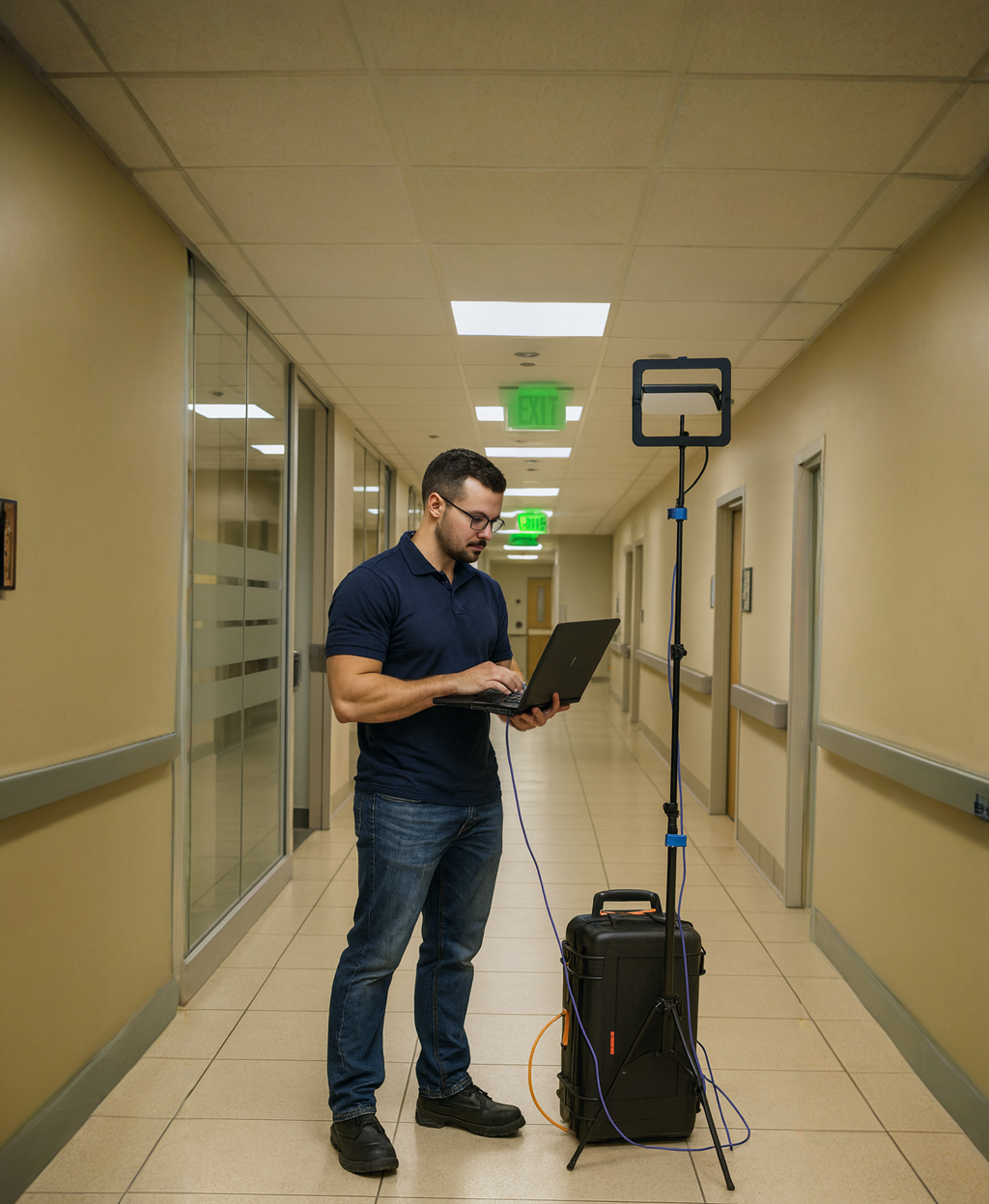](https://techblog.jcditservices.com/uploads/images/gallery/2025-10/image.png)
[https://www.linkedin.com/feed/update/urn:li:activity:7382248525025157120/](https://www.linkedin.com/feed/update/urn:li:activity:7382248525025157120/)
Hospital wireless networks aren’t just about connectivity, they’re about life-critical reliability. From real-time telemetry and nurse call systems to IoMT (Internet of Medical Things) devices and mobile EHR carts, wireless in healthcare has become a fundamental layer of patient care. Designing it well means balancing performance, security and resilience under some of the most demanding conditions an RF environment can present.
### Understanding the Hospital RF Environment
Hospitals are RF-hostile by nature.
Thick concrete walls, lead-lined imaging rooms and a mix of medical and consumer devices operating in the same bands all contribute to a challenging design.
Add to that a 24/7 operational requirement and zero tolerance for downtime and it’s clear that healthcare Wi-Fi design isn’t business as usual.
Key design considerations include:
- **Interference Management:** Many medical devices still rely on 2.4 GHz for compatibility, but that band is heavily congested. Prioritize 5 GHz for performance and leverage 6 GHz where regulations and device support allow.
- **Spectrum Discipline:** Use 20 MHz channel widths in 2.4 GHz, 40 MHz in moderate-density 5 GHz areas and expand to 80 MHz only where spectrum reuse can be controlled without co-channel contention.
- **Antenna Selection:** Directional antennas in long wards or diagnostic corridors help shape coverage and reduce overlap. Omni antennas work better in open wards and waiting areas where mobility is high.
### Coverage, Capacity, and Device Behavior
In healthcare, **capacity planning** is as important as coverage.
While a warehouse or office network might focus on throughput, hospitals demand **predictable performance under load**.
Telemetry monitors, infusion pumps, tablets and VoIP handsets all have different roaming and latency tolerances. Set minimum basic rates around 12 Mbps (or higher for dense areas) and avoid legacy rates (1, 2, 5.5, 11 Mbps) that waste airtime. Disable 802.11b support entirely and ensure quality of service (QoS/WMM) is enforced to prioritize voice and telemetry traffic.
Client behavior validation is critical. Don’t assume all devices roam gracefully, test and profile each medical vendor’s hardware in a controlled lab before deploying live. In many cases, medical devices are built on older chipsets that behave unpredictably with band steering or OFDMA.
Build policies that favor stability over theoretical efficiency.
### Switching and Infrastructure Design
Beneath every resilient wireless network lies a robust wired foundation.
Hospitals often run **redundant PoE switches** across multiple distribution zones, each supplying critical APs, nurse stations and medical rooms.
A few switching best practices to ensure uptime and performance:
- **PoE Planning:** Many Wi-Fi 6E and Wi-Fi 7 access points require 802.3bt (up to 51 W). Confirm your switching infrastructure supports full power delivery without oversubscription.
- **Segmentation:** Separate clinical systems, guest networks, building management and IoMT traffic using dedicated VLANs. This reduces broadcast domains and isolates sensitive data.
- **Redundancy:** Stack or MLAG distribution switches for failover and use redundant fiber uplinks back to the core. In hospitals, single points of failure are unacceptable.
- **Monitoring:** Integrate switch telemetry into NMS tools to alert on PoE draw, interface errors and latency spikes that can affect wireless performance.
### Security: Protecting Patients and Data
Healthcare Wi-Fi carries sensitive patient data governed by GDPR and other regulations. Wireless design must enforce **confidentiality, integrity and availability** without introducing friction for medical staff.
- **Authentication:** Use WPA3-Enterprise with certificate-based EAP-TLS for hospital-owned devices. For BYOD (doctors, consultants), implement a secure onboarding workflow through tools like Cloudpath or ClearPass.
- **Network Isolation:** Enable client isolation on guest SSIDs to prevent lateral movement. Use dynamic VLAN assignment to keep each session contained.
- **Encryption:** Avoid TKIP/WEP entirely. Use AES-CCMP or GCMP and ensure management frame protection (802.11w) is mandatory.
- **Device Segmentation:** Where possible, separate IoMT and patient-care devices from standard hospital workstations via firewalled VLANs with explicit Layer 3 rules.
- **Visibility:** Employ network access control (NAC) and anomaly detection systems to identify rogue APs or unauthorized associations in real time.
### Validation and Lifecycle Management
A hospital network design isn’t “set and forget.”
It evolves continuously with new wings, new devices and new security requirements appear regularly. Every installation should include **post-deployment validation** using professional survey tools to confirm signal-to-noise ratios (SNR), roaming behavior and airtime utilization.
Establish a **design lifecycle** similar to RIBA’s project stages, define, design, implement, validate, and optimize. Regularly revisit RF tuning, channel reuse, and power levels as the device landscape changes.
In high-density areas like surgical wards or waiting rooms, measure real-world channel utilization and noise floors to fine-tune your RF plan.
### Final Thoughts
Designing wireless networks for hospitals demands a balance between engineering precision and operational pragmatism.
Every access point, switch and VLAN carries the weight of patient care behind it.
The most successful hospital networks are the ones that quietly work, invisible, stable and secure. Achieving that requires not just technical knowledge but an understanding of how clinicians, devices, and data truly interact in real-world environments.
By applying disciplined RF planning, structured switching design and uncompromising security principles, you don’t just build Wi-Fi, you build trust in the network that helps save lives.
# Why Pre-Shared Keys No Longer Belong in Modern Wi-Fi Networks (2025 Edition)
[](https://techblog.jcditservices.com/uploads/images/gallery/2025-10/17-october-2025.png)
[https://www.linkedin.com/pulse/why-pre-shared-keys-longer-belong-modern-wi-fi-2025-de-oliveira-lleze](https://www.linkedin.com/pulse/why-pre-shared-keys-longer-belong-modern-wi-fi-2025-de-oliveira-lleze)
For many years, businesses have relied on simple Wi-Fi passwords to protect their networks. It was quick, convenient and easy to explain.
But in 2025, that same convenience is now the single largest weakness in wireless security.
Across hospitals, schools, offices and public venues, we’re connecting more devices than ever such as medical equipment, IoT sensors, laptops, handhelds and guest devices all sharing the same airspace. With this level of connectivity, using a pre-shared key (PSK) simply isn’t good enough.
From my own design work in healthcare, education and enterprise environments, I’ve seen how quickly a shared key can compromise both network integrity and compliance.
Here’s why it’s time to move beyond PSKs once and for all.
#### 1. Shared Passwords Break Zero-Trust Security
Zero-Trust has become the foundation of secure network design.
It’s built on the principle that *every device must verify its identity* before gaining access. A PSK completely breaks that model, everyone uses the same credentials, which means anyone with the password has unrestricted access.
Certificate-based 802.1X authentication backed by RADIUS or onboarding platforms like **Cloudpath** gives every user or device a unique identity.
It allows proper network segmentation, auditing and revocation which are all key components of a Zero-Trust design.
#### 2. A Lost Device Can Expose Your Entire Network
It takes less than a minute to extract a saved Wi-Fi password from a phone or laptop. When that device is stolen or misplaced, your entire wireless network is exposed.
With identity or certificate-based authentication, a single compromised device can be revoked instantly without affecting anyone else.
That means no mass SSID changes, no re-onboarding the entire workforce and just one targeted action to keep your network secure.
#### 3. PSKs Fail Compliance and Regulatory Standards
Regulations like **GDPR**, **Cyber Essentials Plus**, **NHS DSP Toolkit** and **PCI DSS** all emphasize traceability and accountability.
A PSK offers neither.
In healthcare, where patient confidentiality is critical, or in education where safeguarding and data retention laws apply, a shared Wi-Fi password simply doesn’t meet modern compliance standards.
Auditors expect to see clear user identification, encrypted communication and revocation capability which are all impossible with a shared key.
#### 4. WPA2-PSK Is Being Replaced
The industry has moved on.
With Wi-Fi 6E and Wi-Fi 7, **the 6 GHz band requires WPA3** and there’s no support for WPA2 or traditional PSKs. As highlighted in the latest *Wi-Fi 7 Upgrade Guide*, WPA3 mandates **Protected Management Frames (PMF)** and stronger encryption using **GCMP/AES**, eliminating weak cipher suites like TKIP and WEP.
If your organization still relies on WPA2-PSK, new-generation devices connecting on 6 GHz simply won’t associate.
Migrating to **WPA3-Enterprise** or **WPA3-Personal (SAE)** now ensures a smoother transition to the networks your users will expect next year, not last decade.
#### 5. Secure Alternatives Are Now Simple to Deploy
A decade ago, moving away from PSKs meant spinning up RADIUS servers, managing certificates and manually enrolling devices, tasks only large IT teams could manage.
Today, platforms like **Cloudpath**, **Extreme NAC** and **Mist Onboarding** make this process simple and automated.
These solutions handle certificate generation, onboarding workflows and self-service portals for BYOD or guest devices. They integrate cleanly with existing identity systems such as **Azure Entra**, **Active Directory**, or **Google Workspace**, eliminating the old “too complex” excuse.
And for public or hospitality spaces, **OWE (Opportunistic Wireless Encryption)** offers encrypted, password-free access for guests, no open SSIDs, no captive portal friction and full compliance with GDPR and WPA3 security requirements.
#### Sector-Specific Use Cases
- **Hospitals:** Segregate clinical, guest and IoT traffic with identity-based onboarding. Revocation ensures lost tablets or scanners never pose a risk to patient data.
- **Schools:** Integrate 802.1X onboarding with Entra or Workspace for staff and students, keeping guest networks separate and certificate-based BYOD access friction-free.
- **Offices:** Adopt WPA3-Enterprise with EAP-TLS for secure, certificate-driven access, no more password resets or shared secrets between departments.
- **Public Spaces:** Implement OWE for secure, open access while retaining encryption and analytics integration for visitor insights.
#### Security Evolves with Wi-Fi
Each generation of Wi-Fi, from 802.11i to Wi-Fi 7, has pushed both performance and security forward. Modern networks now balance **multi-link operation (MLO)**, **4K QAM** and **WPA3-Enterprise** to deliver speed and trust simultaneously.
But even with all that spectrum and efficiency, one weak password can undermine everything.
A PSK isn’t just a legacy configuration, it’s a single point of failure in an otherwise modern design.
#### Final Thoughts
The conversation has shifted from “should we upgrade security” to “how quickly can we do it.” Whether you manage wireless for a hospital, school, warehouse, or corporate office, the goal is the same: **protect data, simplify management and stay ahead of compliance.**
With WPA3, OWE and certificate-based onboarding, the barriers are gone.
Secure Wi-Fi is now easier than ever to implement and relying on a shared password is no longer acceptable.
If you’re still running PSK-based networks, now is the time to modernize.
The technology exists, the compliance mandates are clear and your users deserve a network built for 2025 and beyond.
# Designing for Voice over Wi-Fi: Getting It Right the First Time
[](http://bookstack.jcditservices.net/uploads/images/gallery/2025-10/24-october-2025.png)
[https://www.linkedin.com/pulse/designing-voice-over-wi-fi-getting-right-first-time-de-oliveira-pqvpe](https://www.linkedin.com/pulse/designing-voice-over-wi-fi-getting-right-first-time-de-oliveira-pqvpe)
Voice over Wi-Fi isn’t just another SSID, it’s one of the most demanding wireless use cases we face as engineers.
Over the years, I’ve had countless conversations with customers who assume it’s as simple as “just adding voice” to their existing Wi-Fi.
But those of us who’ve spent time in warehouses, hospitals, or manufacturing sites know that voice has its own rules.
#### Coverage Is No Longer Enough
Traditional WLAN designs focused on signal coverage, ensuring -67 dBm was available across the floor plan. But for VoWiFi, coverage is just the beginning.
We must also deliver **continuity, consistency and controlled interference**.
Key design targets I follow:
- **Primary coverage**: -67 dBm or better at the user device.
- **Secondary coverage**: ideally within 3 dB of primary (especially for roaming handsets).
- **Co-channel interference**: keep overlapping cells below -85 dBm. These aren’t arbitrary figures, they directly influence call stability, roaming performance and the ability to maintain sub-50 ms handoff times.
#### Design for Mobility, Not Portability
Data networks can tolerate session resets. Voice can’t.
When you’re designing for mobile VoIP clients, whether DECT-over-Wi-Fi, SIP handsets, or push-to-talk tablets, you’re designing for **mobility**, not **portability**.
Every roam must happen without dropping a single packet of audio.
Fast and secure roaming protocols like **802.11r/k/v** should be validated with your handset type and **Fast Secure Roaming** should be tested both in open and authenticated SSIDs before production.
#### Latency, Jitter and Packet Loss
Voice is sensitive to three things:
- **Latency:** < 50 ms end-to-end.
- **Jitter:** < 5 ms variation between packets.
- **Packet loss:** ideally < 1 %. These metrics must be verified on both wired and wireless segments. The RF layer can’t compensate for congestion or mis-tagged QoS queues further upstream, so ensure **end-to-end QoS** is implemented, from handset to core.
#### Quality of Service and Airtime Efficiency
Wi-Fi doesn’t guarantee absolute priority; it offers statistical advantage.
For that reason, ensure **WMM is enabled** and traffic is correctly mapped to **Voice AC (UP 6)**. Separate SSIDs for voice and data are advisable and especially when you can dedicate 5 GHz channels for voice traffic only.
In multi-radio environments, keep **voice and data on separate frequencies** to minimise collisions and contention.
#### Channel Planning and Spectrum Discipline
Channel planning is one of the hardest aspects to get right for voice deployments.
- Stick to **20 MHz channel widths** in 5 GHz or 6 GHz bands as wide channels reduce available non-overlapping spectrum and increase CCI.
- Avoid DFS channels if your handsets have poor radar-event recovery.
- Keep transmit power moderate (around 10–13 dBm for typical enterprise deployments) to create balanced cell sizes and predictable roaming zones.
#### Roaming Validation
Test roaming under real-world conditions.
Validate **handoff times under 50 ms** while performing active calls. If the infrastructure supports **Fast BSS Transition** and **key caching**, confirm interoperability with each handset OS and firmware version.
#### Codecs and Call Quality
When possible, use **high-quality, low-compression codecs** such as **G.711** or **Opus**. Compressed codecs may save bandwidth but often degrade quality and increase susceptibility to jitter on shared mediums.
Always verify that your call manager and handset firmware align on supported codecs.
#### Client and Infrastructure Readiness
Before rolling out VoWiFi, confirm your infrastructure can meet the demand:
- Validate PoE budgets and switch QoS queues.
- Ensure DHCP lease times and DNS response are fast as these delays compound during authentication.
- On the client side, test with your actual handsets and make a note of the **make, model, OS and firmware version**, as performance can vary dramatically.
#### Design Beyond the Office Floor
Voice doesn’t stop at desks.
Elevators, stairwells, warehouses, parking structures, all need coverage if users will move through them.
These are often the forgotten areas where calls drop, leading to frustration and lost trust in the wireless network.
#### Verification and Continuous Optimization
After deployment, **validate under load**.
Use tools like **iPerf** to test throughput and measure **upstream/downstream jitter**, **RSSI** and **retry rates**.
Document your results and re-test whenever firmware or channel changes occur.
Voice performance drifts quickly when environmental or configuration changes are made.
#### Final Thoughts
Voice over Wi-Fi isn’t plug-and-play, it’s a discipline that demands deliberate design, validation and maintenance.
A network that passes a coverage test doesn’t automatically pass a voice test.
When you design for voice, you’re designing for experience: clear, uninterrupted communication that lets users forget they’re even on Wi-Fi.
That’s when you know you’ve done it right.
# Designing Wireless Networks for Care Homes and Assisted Living Environments
[](https://techblog.jcditservices.com/uploads/images/gallery/2025-10/31-october-2025.png)
[https://www.linkedin.com/pulse/designing-wireless-networks-care-homes-assisted-jarryd-de-oliveira-oeqce](https://www.linkedin.com/pulse/designing-wireless-networks-care-homes-assisted-jarryd-de-oliveira-oeqce)
Designing Wi-Fi for care homes and assisted living facilities is a unique challenge that sits somewhere between hospitality and healthcare.
It requires the welcoming ease of a hotel experience and the reliability and security of a medical environment.
These facilities support vulnerable residents, medical staff, visitors and increasingly connected systems, meaning the wireless design must deliver both comfort and clinical dependability.
#### Balancing Comfort and Critical Connectivity
In a modern care environment, the wireless network underpins everything: medication administration, nurse call systems, building management controls, CCTV, smart TVs and resident tablets.
At the same time, it’s a lifeline for residents to stay connected with family through video calls, smart speakers and digital health monitoring devices.
This creates a design challenge that blends performance, safety and simplicity.
A good starting point is to design for **room-level coverage**, not just hallway or blanket coverage. Every resident’s room should have strong, reliable signal and low latency for both personal and medical devices. At the same time, **corridor coverage** is critical for roaming devices such as VoIP handsets or mobile care applications used by staff.
#### Design Fundamentals: Predictive and Validation-Based
As with hospital or hospitality designs, proper **surveying and validation** are key.
Predictive modelling tools like Ekahau or Hamina should be used to simulate wall materials and attenuation, but post-install validation with a Sidekick or analyzer remains essential. Confirm that each AP provides the required primary signal strength of around **-65 dBm** with a **10 dB SNR margin**, ensuring a minimum of two APs are heard above -70 dBm to support seamless roaming and redundancy.
In many care facilities, walls vary from plasterboard to reinforced concrete or fire-rated partitions, creating inconsistent attenuation.
Without proper surveying, signal reflections and dead zones can easily appear.
Validation ensures consistent coverage for Wi-Fi calling, resident medical monitoring and alarm systems, where dropouts are not an option.
#### SSID and Security Best Practices
Ease of use and security often appear to conflict, especially for elderly residents and visiting family members. Dynamic Pre-Shared Keys (DPSK) provide an ideal middle ground, combining enterprise-grade encryption with a simple connection process. Each resident or room can be issued a unique key that isolates their devices, eliminating the risk of residents accessing each other’s data while avoiding the complexity of certificate-based onboarding.
For staff networks and medical systems, use WPA3-Enterprise with RADIUS or SAML authentication to enforce proper segmentation.
Guest access should be designed for frictionless onboarding, for example, a captive portal that isn’t required for residents but is enabled for visitors.
#### Radio and Channel Planning
Care homes are dense environments with overlapping coverage between rooms, so attention to channel reuse and transmit power is critical.
Following something like the "**WLAN Pros extended checklist"**, keep 2.4 GHz to 20 MHz channels and **limit SSID count to four or fewer** to preserve airtime. Use 5 GHz as the primary band for most client devices and 6 GHz (Wi-Fi 6E/7) for new-generation systems and medical applications that benefit from low latency and interference-free operation.
Avoid the temptation to “overpower” APs, in most care homes, 8–10 dBm is sufficient for room-to-room propagation without excessive co-channel contention.
If recurring DFS events occur in 5 GHz, exclude affected channels and redistribute APs accordingly.
#### Coverage Considerations for the Elderly
Residents often use tablets or voice assistants that connect over 2.4 GHz, which has better penetration through walls but is prone to interference. Design for **dual-band operation**, ensuring that critical systems (like nurse call panels) are fixed to 5 GHz while IoT or personal devices have appropriate access on 2.4 GHz.
Remember that many medical devices and fall-detection sensors still rely on 2.4 GHz and that stability and channel isolation matter more than raw throughput.
For environments supporting dementia or assisted-living residents, network design should prioritize **seamless roaming** to prevent device disconnections during movement. Combining 802.11k/v/r (Fast Transition and Neighbor Reports) can enhance performance for supported clients, but validate against older medical or voice devices before enabling 11r globally.
#### Integration with Modern Healthcare Technologies
New technology in care environments increasingly relies on continuous connectivity, wireless medication carts, body-worn sensors, smart beds and nurse call integration platforms.
Many of these systems operate on cloud-based dashboards that require low-latency, stable connections. A well-engineered Wi-Fi 6 or Wi-Fi 7 network provides the multi-link capability, high throughput and spectral efficiency these applications demand.
Wi-Fi 7 introduces **Multi-Link Operation (MLO)**, which allows devices to use multiple bands simultaneously, improving reliability for medical telemetry and video monitoring. Its **4K-QAM modulation** and **OFDMA improvements** also enhance spectral efficiency in congested environments. For large campuses or multi-building estates, **6 GHz** provides additional capacity free from legacy interference, ideal for next-generation clinical and IoT systems.
#### Network Segmentation and QoS
Separate traffic logically using VLANs, typically isolating residents, staff, medical systems, building management and guest access. Implement **Quality of Service (QoS)** policies to prioritize voice, video and emergency alerts above general traffic.
A misconfigured network where streaming video competes with nurse call data can have severe real-world consequences.
At the switching layer, ensure that APs receive sufficient power (802.3at or bt) and that upstream links are multi-gigabit capable if possible.
This becomes especially important with Wi-Fi 7 APs operating across 2.4 GHz, 5 GHz and 6 GHz simultaneously.
#### Operational Simplicity and Maintainability
IT management in care environments is often handled by third-party support teams or stretched in-house IT staff.
Simplify wherever possible:
- Use consistent SSID naming and VLAN mapping.
- Keep firmware across all APs uniform.
- Employ cloud management or controller monitoring for proactive alerts.
- Document AP placement, switch ports and IP allocations (as per the **Wi-Fi Client Connection Checklist** and **How to NOT have a Wireless Problem** guidance).
#### Final Thoughts
Designing wireless for care homes isn’t just about connectivity, it’s about enabling dignity, safety and independence.
The residents depend on that connection for communication, entertainment and wellbeing.
The staff depend on it for timely alerts, voice communication and accurate medical record access. A well-designed network quietly supports all of this, providing reliability that goes unnoticed because it simply works.
As Wi-Fi 7 and technologies like DPSK become mainstream, care facilities can finally achieve the balance between security, usability and performance.
The design goal should always be the same: **a network that feels invisible, because it never fails when it’s needed most.**
# Designing with DFS in Mind: Understanding 5 GHz and Why 6 GHz is the Way Forward
[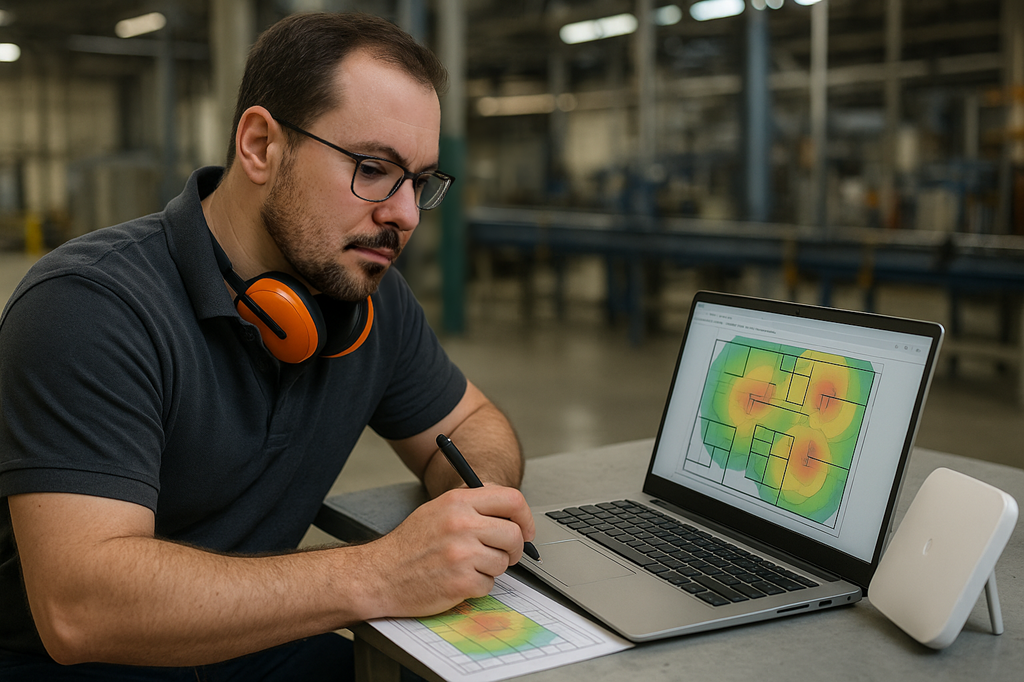](https://techblog.jcditservices.com/uploads/images/gallery/2025-11/07-11-2025.png)
[https://www.linkedin.com/pulse/designing-dfs-mind-understanding-5-ghz-why-6-way-jarryd-de-oliveira-es0re](https://www.linkedin.com/pulse/designing-dfs-mind-understanding-5-ghz-why-6-way-jarryd-de-oliveira-es0re)
Dynamic Frequency Selection, or DFS, has been around for years and anyone who’s spent time designing or troubleshooting Wi-Fi networks will have encountered it at some stage.
It’s one of those topics that often gets reduced to a single idea “radar avoidance.” In reality, DFS is much more than that.
It’s a core part of how 5 GHz Wi-Fi stays compliant, efficient and functional in a shared spectrum.
Across sectors like healthcare, logistics and hospitality, I’ve seen firsthand how DFS can either help create a balanced, interference-free design or become the root cause of unexpected roaming and connection drops.
The difference almost always comes down to how well it’s understood and planned for during design.
---
### What DFS Actually Does
At its core, DFS allows Wi-Fi access points to operate in frequency ranges that are also used by radar systems, such as weather and military radar, by continuously listening for those signals.
When radar activity is detected, the access point must vacate the channel and move to another available one.
This process involves a **Channel Availability Check (CAC)**, which can last up to 60 seconds, where the AP listens before using that channel. If radar is later detected while it’s in use, the AP must immediately switch away.
That’s why in some environments you’ll see a momentary client drop or disconnection when a DFS event occurs.
It’s not a fault, it’s the AP doing its job to protect both the Wi-Fi network and the radar systems sharing the airspace.
---
### Designing 5 GHz Networks with DFS in Mind
### 1. Know Your Environment
Not all 5 GHz environments are equal.
Indoor corporate offices, schools and care homes usually have stable DFS conditions and benefit from the extra channels DFS provides.
However, coastal regions, airports and industrial zones can see regular radar hits that trigger channel changes and client disruptions.
Before committing DFS channels to your design, it’s worth capturing a few hours of spectrum analysis data to verify how clean the airspace really is.
### 2. Consider Client Behaviour
Client devices don’t all react to DFS in the same way.
Enterprise laptops and handhelds tend to recover quickly, while medical, IoT, or voice-specific devices can struggle.
In environments where device consistency is critical, such as hospitals or warehouses with AMRs, it’s often safer to avoid DFS channels altogether.
Always verify client compatibility before deploying them at scale.
### 3. Channel Planning and Staggering
DFS channels can dramatically improve 5 GHz channel reuse and reduce co-channel contention, particularly in dense environments.
However, when multiple APs share the same DFS channel, a single radar event can cause several of them to vacate simultaneously.
Staggering channels across APs ensures that a single DFS event doesn’t impact large portions of your network.
### 4. Watch for Recurring Events
If you’re seeing repeat DFS hits on specific channels, remove them from your design.
As highlighted in most wireless checklists, recurring triggers are a clear sign that radar activity or false detection is frequent enough to impact performance.
---
### The Broader Role of DFS
DFS isn’t only about radar.
It’s also about **spectrum efficiency**, dynamically adapting to use the cleanest possible channel and improving overall airtime utilisation.
Used correctly, it helps balance traffic across the 5 GHz band, making better use of available spectrum while reducing interference from neighbouring networks.
In practice, this means better throughput and more consistent client performance, especially in multi-tenant buildings or large venues where numerous WLANs overlap.
---
### The 6 GHz Advantage
The introduction of **6 GHz with Wi-Fi 6E and Wi-Fi 7** changes everything.
We now have access to an entirely new portion of spectrum that’s **DFS-free**, which means no radar checks, no CAC delays and no forced channel changes.
In the UK and Europe, 6 GHz provides 500 MHz of spectrum (25 × 20 MHz channels), while in the US it extends to 1.2 GHz (59 × 20 MHz channels).
That’s a significant leap in clean, interference-free capacity and a major reason many organisations are accelerating their move toward 6 GHz-capable access points.
6 GHz also standardises WPA3 security, offers better spectrum reuse through **Preferred Scanning Channels (PSC)** and supports wide channels up to 320 MHz in Wi-Fi 7.
For environments where downtime from DFS events is unacceptable such as healthcare, logistics and industrial automation, the transition to 6 GHz brings genuine operational reliability.
---
### Real-World Perspective
In warehouse and logistics deployments, I’ve often used a mix of DFS and non-DFS channels to balance coverage density.
A radar hit mid-operation may not cause a site-wide outage, but it can trigger a brief roam or call drop, not something you want when your workforce relies on voice over Wi-Fi or real-time scanning applications.
Conversely, in controlled indoor office environments, DFS channels can safely increase capacity without issue.
The decision ultimately depends on how sensitive your use case is to short-term interruptions.
---
### Final Thoughts
DFS is one of those features that’s easy to overlook but impossible to ignore once it causes a problem.
It’s neither good nor bad, it’s a tool that must be applied correctly.
Designers who understand it can unlock additional capacity and improve efficiency on 5 GHz, while those who ignore it risk unexplained performance issues and client instability.
As we transition toward 6 GHz, many of those challenges fade away.
The cleaner spectrum, wider channels and DFS-free operation of Wi-Fi 7 will simplify design, improve reliability and ultimately deliver a better wireless experience for every sector, from hospitals and care homes to factories and campuses.
DFS taught us how to share spectrum intelligently.
6 GHz finally gives us the space to breathe.
# Designing Better Wi-Fi: Practical Basics for Offices, Schools, and Hospitality
[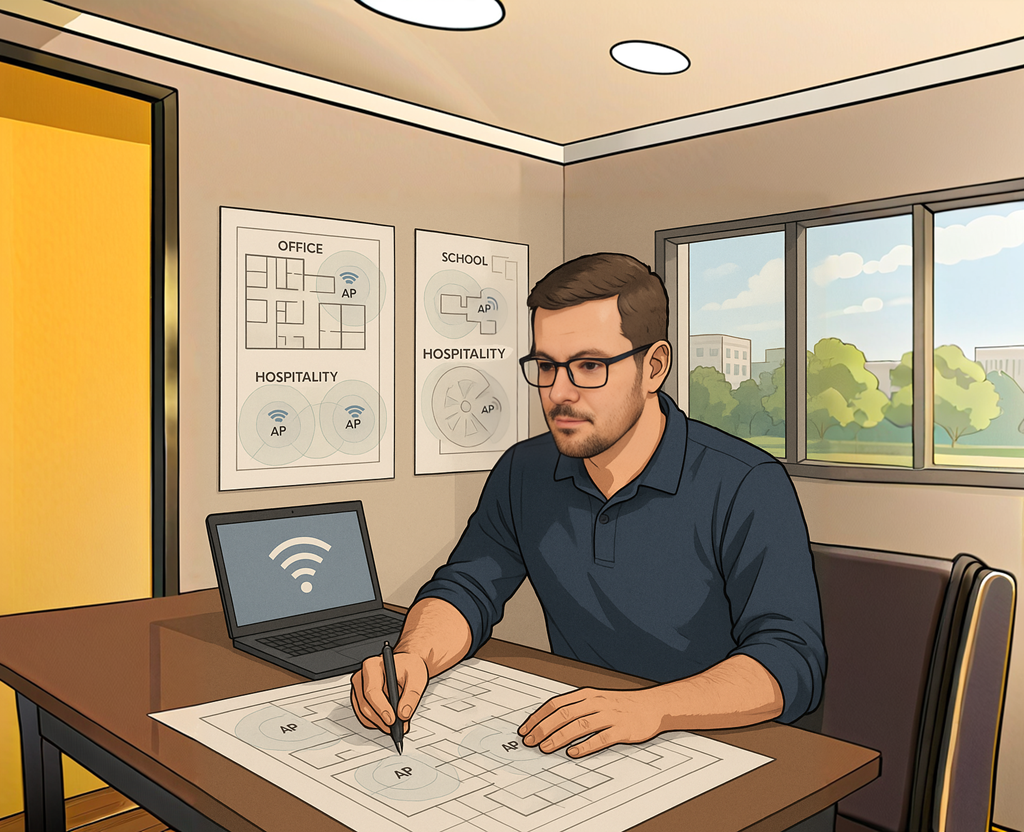](https://techblog.jcditservices.com/uploads/images/gallery/2025-11/14-nov-2025.png)
[https://www.linkedin.com/pulse/designing-better-wi-fi-practical-basics-offices-jarryd-de-oliveira-rbsve](https://www.linkedin.com/pulse/designing-better-wi-fi-practical-basics-offices-jarryd-de-oliveira-rbsve)
When people think about wireless design, they often jump straight to access points, coverage heatmaps, or the “latest Wi-Fi standard.” But the truth is, most Wi-Fi issues don’t start in the controller or the AP.
They usually come down to the basics being skipped.
Whether you’re designing for an office, a school, or a hospitality venue, the fundamentals matter more than anything else.
Good Wi-Fi isn’t an accident.
It’s predictable, intentional and built around how people and devices actually use the network.
Below are the core foundations I rely on in my own designs, followed by practical considerations for each environment.
---
### Start With the Fundamentals
#### 1. Understand the Spectrum You’re Working With
Each band behaves differently:
- **2.4 GHz:** Noisy, crowded, long range and home to IoT. Use only 20 MHz channels and stick to 1, 6, 11.
- **5 GHz:** The workhorse. More channels, better performance, DFS to consider and still the backbone for most enterprise clients.
- **6 GHz:** Clean spectrum, no legacy baggage, and ideal for high-capacity environments. Perfect for modern devices, but requires WPA3 and proper planning for discovery.
The real skill is knowing when *not* to use a band.
---
#### 2. Design With Capacity First, Coverage Second
A single AP can “cover” a huge area at high transmit power, but that’s not the goal in a business environment.
Capacity is the bottleneck, not reach.
Lower transmit power, more APs where needed and controlled cell sizes avoid co-channel contention and keep roaming smooth.
---
#### 3. Keep Channel Widths Sensible
Just because Wi-Fi 7 has 320 MHz channels doesn’t mean you should use them everywhere.
- **2.4 GHz:** 20 MHz only.
- **5 GHz:** 20 MHz in high-density areas, 40 MHz where viable, 80 MHz only when carefully planned.
- **6 GHz:** 80 MHz is usually the sweet spot for enterprises; 160 can work when you have the spectrum and limited overlap.
The wider the channel, the greater the interference footprint.
Use the widest channel *until you can’t*.
---
#### 4. Avoid SSID Bloat
Each SSID adds management overhead.
Keep it simple:
- Enterprise
- Guest
- IoT
- Specialist networks (voice/RTLS) only when required
Keep it to **four SSIDs or fewer** across the board.
---
#### 5. Build for Modern Security
WPA3 is now mainstream.
6 GHz requires it.
Transition modes “kind of work” but bring baggage.
Plan a route away from WPA2, not a permanent dependency on it.
---
#### 6. Think About the Clients, Not Just the APs
Every chip behaves differently.
Some devices have poor roaming logic.
Some cling to distant APs.
Some don’t support DFS.
Some have very weak radios.
You’re designing for clients, not controllers.
---
### Designing for Offices
Office Wi-Fi is a balancing act between performance, density, and mobility.
#### Key things I look at:
**Device Types** Laptops, softphones, collaboration tools, and wireless peripherals.
Most devices support 5 GHz well; 6 GHz adoption is increasing fast.
**Requirements**
- Stable roaming for voice and video
- Consistent SNR in meeting rooms
- Clean RF in high-capacity spaces like boardrooms
- Segmented IoT/wireless printer networks to avoid unnecessary broadcast traffic
**Tips**
- Lower AP transmit power to avoid huge overlapping cells
- Use directional antennas in tricky meeting rooms if needed
- Keep SSID count low
- Plan for roaming with 802.11k/v/r where the client base supports it
- Use 6 GHz for high-bandwidth meeting rooms and collaboration spaces
---
### Designing for Schools
Schools are some of the hardest environments you can design for because density and client variety are extreme.
#### Typical challenges include:
- Hundreds of devices connecting in short bursts
- BYOD on guest networks
- Legacy 2.4 GHz-only tablets or classroom tech
- High-density exam halls, assembly spaces, and auditoriums
- Lots of walls, concrete, and uneven floorplans
#### What works well:
- Focus on 5 GHz and 6 GHz for staff and student devices
- Keep 2.4 GHz only for IoT and legacy tech
- Separate teaching spaces from public/common areas
- Reduce transmit power to avoid giant cells across classrooms
- Use directional antennas in sports halls and auditoriums
- Use WPA3 where possible for exam devices and modern laptops
#### Non-negotiable:
Do a proper validation survey.
School Wi-Fi usage changes constantly depending on term time, exams, assemblies and device mix.
This is a living network, not a one-time setup.
---
### Designing for Hospitality
Hospitality Wi-Fi has a completely different personality from offices and schools.
Guests don’t tolerate slow logins, unreliable coverage, or complicated portals.
#### Key considerations:
**Ease of connection** Captive portals are fine, but keep them fast and simple.
DPSK/MPSK is an excellent alternative for hotels and resorts wanting security *and* usability.
**High device counts** Guests bring multiple devices. Bandwidth per user fluctuates heavily. Multicast traffic can explode if not managed.
**Building architecture** Hotels often have:
- thick walls
- mirrors
- elevators
- voids and cupboards used as AP locations
- highly reflective bathrooms
This makes predictive-only design risky.
**Best practices:**
- Smaller cell sizes to avoid coverage overlap across many rooms
- Use directional antennas in large lobbies and event spaces
- Consider 6 GHz for premium or loyalty-tier SSIDs
- Avoid overusing 2.4 GHz
- Separate IoT networks for room automation systems
- Keep SSIDs to a minimum, especially where WPA3/OWE can improve the guest experience
---
### Final Thoughts
Great Wi-Fi design is never about one magic setting or a shiny new AP.
It’s about understanding the environment, the clients, and the reality of how the network will be used day to day.
Offices need reliability and performance.
Schools need resilience and high-density planning.
Hospitality needs seamless onboarding and predictable coverage.
But across all of them, the same fundamentals apply: simple SSIDs, sensible channel widths, good capacity planning, controlled transmit power and proper validation.
If you start with that, everything else becomes easier.
# When a Wireless Network Hits Its Limit: A Real-World Redesign Story
[https://www.linkedin.com/pulse/when-wireless-network-hits-its-limit-real-world-story-de-oliveira-uudfe](https://www.linkedin.com/pulse/when-wireless-network-hits-its-limit-real-world-story-de-oliveira-uudfe)
Every now and then you walk into a site and realise straight away that the wireless issues people are dealing with aren’t caused by a single fault.
They’re the result of years of small decisions, legacy configurations and a design that simply hasn’t kept up with what the organisation needs today.
That was exactly the situation at a training and education headquarters I was asked to assess recently.
Their Wi-Fi had slowly become a daily frustration for staff:
- Dropped voice calls.
- Unstable roaming.
- Poor coverage in office areas.
- Even worse performance in archive spaces packed with dense shelving and stored materials.
On paper, the deployment seemed reasonable - modern dual-band access points, cloud-managed.
But the reality told a very different story.
---
### Starting Point: A Network Health Check Done Properly
My first step was a full discovery exercise, not a quick walk-around.
I used my wireless survey tools to build a detailed picture of how the network behaved across both floors.
The aim wasn’t just to check coverage; it was to understand *why* devices were struggling day to day.
Patterns appeared almost immediately:
• Primary and secondary coverage failed to meet the customer’s -67 dBm target across large parts of the building.
• The archive floor performed exactly like a warehouse - signal absorbed by dense materials, reflections off metal racking and uneven SNR.
• Interference wasn’t the main culprit.
The design was.
Even before diving into power settings or channel plans, it was clear the existing WLAN simply wasn’t built for the way the organisation now works.
---
### Where the Original Design Fell Apart
A few issues stood out straight away:
### 1. Transmit power levels were far too high
The access points were effectively shouting at maximum volume.
Most radios were pushing 20–26 dBm, which is a red flag indoors.
This created a classic near-far problem: clients could hear the APs, but the APs couldn’t reliably hear the return transmissions from lower-powered devices.
The result was failed roaming, sticky behaviour and unpredictable performance.
### 2. Sticky clients and low data rates left enabled
With 1 Mbps and similar legacy rates still active, clients clung to distant access points instead of moving to stronger ones.
Airtime efficiency suffered and roaming became unreliable.
### 3. Non-standard channel use
One AP was using channel 7 in 2.4 GHz - something you never want to see.
In 5 GHz, 80 MHz wide channels were deployed in a building that didn’t justify them.
With only 25 usable 20 MHz channels in 5 GHz, and a dense indoor space, 20 MHz is almost always the better choice.
Collectively, these issues weren’t something you fix with small tweaks.
This needed a proper redesign.
---
### Building a Modern WLAN: What the New Design Looked Like
After walking the customer through the findings, it became clear they were already approaching a natural hardware refresh cycle.
That made it the right moment to look at a modern Wi-Fi 7 tri-band design built on solid RF principles, realistic client behaviour and an architecture designed to support them for years rather than patch what was already failing.
Key design decisions:
### • Move to a platform with strong RF performance and adaptive antennas
Intelligent antenna systems give cleaner RF patterns, reduce vertical bleed-through and help minimise co-channel interference. BeamFlex+-style antenna adaptation became a key part of the strategy.
### • Rebuild the 5 GHz plan using 20 MHz channels
This immediately improved channel reuse and gave both floors a far more consistent RF environment.
### • Strictly control 2.4 GHz
It was limited to low-density, low-power devices. All roaming-sensitive traffic such as voice, Teams calls and other latency-sensitive applications were moved entirely to 5 GHz.
### • Disable low data rates for cleaner roaming decisions
Removing legacy rates stopped clients clinging to access points they shouldn’t.
### • Carefully redistribute and reposition APs
APoS (AP-on-a-stick) surveys were essential.
Temporary test placements allowed me to validate coverage, SNR and roaming behaviour before committing to final mounting positions.
---
### Validation: Proving the New Design Works
Post-deployment validation showed exactly what we wanted:
• Primary coverage comfortably above -67 dBm across both floors
• Secondary coverage around -70 dBm for stable roaming
• SNR consistently above 25 dB, even in the archive spaces
• Sticky client behaviour eliminated through correct power and rate tuning
• Channel reuse dramatically improved through proper 20 MHz planning
The new WLAN behaved like a modern, high-performance system should.
---
### A Few Lessons Worth Sharing
This project reinforces several core truths we see time and time again in the field:
### High power doesn’t fix bad coverage
If anything, it makes it worse, especially indoors.
Proper design fixes coverage.
High power breaks it.
### 2.4 GHz is not a capacity band
Use it carefully, or avoid it entirely for sensitive workloads.
Your network will thank you.
### Floor-to-floor bleed-through is real
If APs “see” too much between floors, roaming becomes chaotic.
### Warehousing principles apply in office archives
Dense shelving behaves like warehouse racking.
Design for it accordingly.
### Validation isn’t optional
Predictive models give you guidance.
Validation proves the result.
Data wins.
---
### Final Thoughts
This redesign turned a frustrating user experience into a stable, high-performing WLAN ready for the next several years.
More importantly, it’s a reminder that good wireless isn’t accidental.
It comes from proper RF design, realistic expectations and a willingness to revisit older deployments rather than endlessly patch them.
If you’re facing similar symptoms such as sticky clients, poor roaming, unstable calls, inconsistent coverage, there’s almost always an underlying design issue and the fix almost always starts with going back to fundamentals.
# When Wireless Security Falls Behind: A Real-World Look at Fixing a Modern WLAN
[](https://techblog.jcditservices.com/uploads/images/gallery/2025-11/28-nov-2025.png)
[https://www.linkedin.com/pulse/when-wireless-security-falls-behind-real-world-look-wlan-de-oliveira-vbuoe](https://www.linkedin.com/pulse/when-wireless-security-falls-behind-real-world-look-wlan-de-oliveira-vbuoe)
Every so often you walk into a site and realise the wireless problems aren’t caused by bad coverage or misconfigured radios, they’re rooted in security.
Not the kind of security that shows up on a penetration test, but the slow erosion of standards that happens when a network grows, changes hands and gets patched together over the years.
I had exactly that situation on a recent project at a large operational site that combined warehousing, offices and a steady mix of corporate devices, handhelds, scanners and contractors.
On the surface, the Wi-Fi “worked.”
People could connect, staff could move around and visitors could get online.
But underneath, it was a house of cards.
### Where it all started to go wrong
The network had evolved every time someone needed “one more SSID,” “one more device added,” or a shortcut to get a contractor online.
By the time I arrived, the symptoms were familiar:
- Shared PSKs floating around the building
- Guest traffic bleeding into places it shouldn’t
- Zero visibility of who or what was on the network
- Scanners and handhelds behaving unpredictably
- Corporate laptops still using legacy authentication
No single change broke the system.
It was death by a thousand cuts.
### Step one: Strip it back to fundamentals
Security problems aren’t solved by bolting on more features.
You fix them by tightening the foundation.
The first thing I did was map the environment and segment the wireless requirements properly - corporate devices, BYOD, guests, IoT and operational equipment all needed their own lanes.
The goal was simple: **Only trusted devices should reach corporate resources and everything else should be isolated, contained, or authenticated properly.**
### Bringing order back with proper onboarding
One of the biggest wins was replacing the shared PSKs with proper onboarding workflows. Using a certificate-driven approach for corporate laptops instantly closed a huge gap.
It meant:
- Devices authenticate based on identity, not passwords
- Certificates can be revoked
- Rogue or unmanaged devices are shut out automatically
For BYOD and contractor devices, I implemented **Dynamic Pre-Shared Keys (DPSK)**.
Each device gets a unique key that can be removed without touching the rest of the fleet.
It’s clean, controlled and doesn’t break the user experience.
Guest access was moved to a tightly scoped, time-limited workflow that kept all traffic away from internal networks.
No more “mystery phones” sitting on production VLANs.
### Securing the air, not just the authentication
Once onboarding was fixed, I tightened the RF-side security:
- **Management Frame Protection** to stop deauth/disassociation attacks
- **WIPS** to detect rogue APs and spoofed SSIDs
- **Client isolation** on guest networks
- **Application control** to stop recreational traffic drowning critical flows
- **Rate limiting** on the SSID where appropriate
This turned the Wi-Fi from a wide-open broadcast domain into a structured, policed environment.
### Trust, but verify - validation matters
After deploying the changes, I validated everything using my set of surveying tools.
This wasn’t just a coverage check - I needed to confirm the security policies were actually being enforced:
- Certificate-based authentication working across Windows, macOS, iOS
- Guests landing in the correct isolated VLANs
- DPSKs correctly tied to individual devices
- Rogue AP detection behaving as expected
- Traffic staying strictly within its assigned segments
The workflow records and connection logs proved the whole system behaved exactly as intended.
### What this project reinforced
Security and Wi-Fi design are inseparable.
A network can have perfect coverage, great SNR and still be wide open to risk if the authentication and segmentation aren’t right.
This job reminded me of a few simple truths:
- A well-designed wireless network starts with **identity**, not signal strength
- Certificates and DPSKs strike the balance between **security** and **usability**
- Guest networks should be **isolated by default** and never trusted
- WIPS and MFP matter far more today than they did a few years ago
- Good security is something you validate in the field, not assume in the controller
And most importantly, wireless security is not a one-time task.
It needs monitoring, adjustment and an understanding that networks evolve as quickly as the devices they support.
### Final Thoughts
This wasn’t the largest environment I’ve worked on, but it was one of the clearest examples of how wireless security can quietly fall behind while everything else keeps moving.
Fixing it wasn’t about blindly throwing features at the problem.
It was about rebuilding trust in the network through proper onboarding, segmentation and RF security.
When it all came together, the improvement was immediate.
Users had a smoother experience, devices behaved consistently and the organisation finally had visibility and control over who was on their network.
If you’re responsible for a wireless environment that has grown over time, this is the sign to take a step back and ask the hard question:
**“Do we truly know who and what is on our Wi-Fi?”**
If the answer is “not really,” it’s time to tighten the foundation.
# Designing High-Density Wi-Fi in a Stadium Environment: A Recent Project Completed
[](https://techblog.jcditservices.com/uploads/images/gallery/2025-12/5-dec-2025.png)
[https://www.linkedin.com/pulse/designing-high-density-wi-fi-stadium-environment-jarryd-de-oliveira-rkzte](https://www.linkedin.com/pulse/designing-high-density-wi-fi-stadium-environment-jarryd-de-oliveira-rkzte)
Stadium Wi-Fi is one of the toughest environments we work in as wireless engineers.
Large open spaces, rapidly shifting RF conditions, tens of thousands of mobile devices and a mix of operational needs all collide into a single design challenge.
Earlier this year I completed a stadium Wi-Fi upgrade where the initial brief sounded simple enough: improve fan connectivity, stabilise operational devices and bring the WLAN up to modern 2025 standards.
Once on site, it quickly became clear that this would require a complete redesign backed by accurate measurements, detailed modelling and proper validation to achieve the performance the venue needed.
Rather than naming the venue, I want to focus on the technical process behind it, because the lessons apply to any high-density outdoor or semi-outdoor deployment.
#### Understanding the Real RF Environment
Every stadium has its own RF personality.
Before proposing anything, I carried out an active survey using Ekahau and a test outdoor AP to simulate real propagation conditions.
What immediately stood out was that coverage wasn’t the main problem - *capacity* and *hardware health* were.
Two access points were completely offline, one serving a major concourse area and one feeding a central seating block, instantly creating service gaps and forcing surrounding APs to absorb the load.
That alone confirmed we weren’t dealing with a simple “tuning exercise” but a structural redesign .
Spectrally, the stadium was clean on the survey day, but anyone who has designed for sports venues knows how quickly that changes. A few thousand fans arrive, the body attenuation spikes, noise floor rises and both 5 GHz and 2.4 GHz behave very differently from an empty building.
This aligns with established RF guidance: human density, reflective surfaces and open-air propagation create unpredictable multipath and co-channel contention hotspots.
#### Designing for Capacity, Not Just Coverage
I built two design paths for the customer, each using different mounting strategies to suit the physical environment. This mirrors modern stadium design practice, where antenna selection and placement have a bigger impact than the AP model itself.
#### 1. Canopy-mounted directional coverage
Placing APs along the canopy with sector antennas offered:
- Strong line-of-sight into the seating bowl
- Tight vertical beam control to minimise spill into neighbouring stands
- Easy maintenance access
This approach works well when structural height allows you to “look down” into the audience and shape RF energy with predictable patterns.
#### 2. Under-seat APs for dense seating blocks
Under-seat designs continue to gain popularity in arenas for good reason.
Mounting APs below seating, angled upward through human attenuation, offered:
- Exceptional SNR at short distances
- Naturally contained cells for cleaner frequency reuse
- Reduced visual impact
Both models were simulated in Ekahau, targeting -67 dBm primary coverage and ≥25 dB SNR - values widely accepted as best practice in high-density networks .
#### Validating the Model with AP-on-a-Stick Testing
Because predictive modelling is only as good as the assumptions behind it, I validated both strategies using AP-on-a-Stick testing with a Sidekick 2.
This allowed me to:
- Measure actual propagation behaviour from proposed mounting positions
- Understand how RF interacted with canopies, railings and seating geometry
- Identify which design delivered more stable SNR and less CCI at client height
This stage is critical in any stadium project.
Propagation angles are everything, a few degrees of tilt can be the difference between a clean, isolated cell and a coverage flood that destroys spectral efficiency.
#### Selecting the Optimal Strategy
The testing confirmed what many stadium engineers already know: canopy-mounted APs offer broad, predictable coverage, but under-seat APs outperform them when it comes to handling thousands of closely packed devices.
The customer chose a hybrid model that balanced operational practicality with match-day performance.
We paired this with modern RF principles:
- Consistent 20 MHz channels in 2.4 GHz, limited use of DFS where appropriate in 5 GHz, and clean high-capacity lanes in 6 GHz for new devices
- Mandatory data rates trimmed to remove legacy modulation overhead, improving airtime efficiency in dense crowds
- Tight transmit-power control to prevent oversized cells and runaway co-channel contention
- Validation against MCS rates and client throughput expectations for both infrastructure and operational handhelds
#### Operational Improvements Beyond RF
Two offline APs in critical locations highlighted another core requirement: ongoing WLAN health monitoring.
Stadium environments are unforgiving on hardware with weather, vibration and environmental exposure all accelerate failure.
We built a proactive monitoring framework so hardware faults can be addressed before they impact thousands of users.
#### Final Thoughts
Stadium Wi-Fi isn’t about “making the bars go green.”
It’s a balance of physics, design discipline and real-world validation.
Every environment behaves differently and the only way to guarantee a reliable, high-capacity network is to combine predictive modelling with measured data and the right RF strategy.
This project was a reminder of what separates everyday wireless work from true high-density engineering:
- Design for capacity, not coverage
- Build small, predictable RF cells
- Validate everything - twice
- Tune based on real user behaviour, not assumptions
Another stadium ready for the next season, built on the fundamentals that always deliver: good measurements, good modelling and good RF discipline.
# Turning a Problem Deployment Into a Modern MDU Network: A Real-World Redesign Story
[](https://techblog.jcditservices.com/uploads/images/gallery/2025-12/12-dec-2025.png)
[https://www.linkedin.com/pulse/turning-problem-deployment-modern-mdu-network-story-de-oliveira-klvre](https://www.linkedin.com/pulse/turning-problem-deployment-modern-mdu-network-story-de-oliveira-klvre)
A little while ago, I was brought into a recently renovated block of flats that offered a mix of permanent residents and short-term holiday tenants. On paper, the building had been given a “premium” Wi-Fi upgrade during the renovation.
Every apartment had an in-wall access point mounted in the lounge and the building was fed by a 10 Gb internet circuit. Each AP broadcast its own SSID, client isolation was enabled and the investor believed this would provide a fast, secure, apartment-by-apartment wireless service.
It didn’t take long for reality to set in.
A few months after the installation went live, complaints across the complex began to pile up with poor speeds, unstable connections, devices failing to pass traffic and coverage dead zones in almost every bedroom.
That’s when we were called in to perform a health check and help the customer make sense of what had gone wrong.
### What We Found During the Health Check
Walking the site, the issues were obvious.
### 1. RF looked great in the lounges… and nowhere else.
Coverage inside each lounge was strong, but stepping into any bedroom caused a dramatic drop in RSSI for each apartments assigend SSID.
This wasn’t surprising, the APs were placed on lounge walls and every bedroom sat behind several layers of construction and neighbouring apartments.
The moment you stepped out of direct line-of-sight, attenuation stacked quickly.
### 2. Excessive channel width and transmit power
Every AP was running 5 GHz at **80 MHz wide**, coupled with **maximum transmit power**.
From an RF design perspective, that combination in a high-density MDU is a recipe for chaos:
- 80 MHz channels drastically reduce the number of unique channels available (leading to widespread co-channel contention and OBSS)
- High transmit power forces APs to talk far louder than necessary, “bleeding” into neighbouring apartments.
The result? Dozens of APs could see and hear each other at very usable RSSI levels across floors and adjacent flats. Every apartment effectively contributed to the noise floor of its neighbours.
### 3. Hundreds of SSIDs on a single /16 network
Each apartment had its own SSID, but all were dropped into one massive flat network. Client isolation on the wireless side was enabled, but every AP’s wired port was left open and those ports weren’t isolated. That meant residents could unknowingly plug something in and become visible to the entire building.
### 4. No ability to cast or stream between devices in the same flat
The legacy setup broke a fundamental requirement for many tenants: **local device discovery**. Because everything was in one giant isolated guest network, devices couldn’t discover TVs, smart speakers, or consoles, even inside the same apartment.
The customer was understandably nervous at this point. They were expecting that fixing coverage gaps meant running new cables and installing multiple APs per apartment, which would double their cost.
They also had upcoming requirements for:
- A **secure corporate network** (gym, office, building management)
- A **public guest Wi-Fi** service
- A way to keep tenants isolated but still give each flat its own “home network” feel
So we sat down with them for a redesign workshop and walked through how we could transform the deployment rather than rip it out.
### The Redesign: Leveraging Proper MDU Architecture
Fortunately, the vendor they had chosen supported two key technologies that completely changed the approach:
- **MDU networking**, allowing VLAN-per-apartment segmentation
- **DPSK (Dynamic PSK)** authentication models
These opened the door to a cleaner, scalable design without adding extra APs.
### 1. One Building-Wide SSID with DPSK
Instead of broadcasting hundreds of individual SSIDs, we deployed a single building-wide SSID named after the property and used **DPSK** to automate unique per-tenant keys.
### Why DPSK?
DPSK creates a unique PSK per user or per apartment while still using one SSID.
This gave us:
- Strong tenant isolation
- Per-apartment VLAN assignment
- No need for 200+ SSIDs
- Cleaner beacon airtime
- Simpler onboarding for non-technical residents
This also allowed all APs in the building to broadcast the same SSID, fixing the bedroom coverage issue through natural roaming, even if the “best” AP radio happened to be the one mounted in the next-door lounge.
### 2. Per-Apartment VLANs
Instead of a shared /16 network, each apartment received its own dedicated VLAN and DHCP space.
This immediately solved:
- Security concerns
- Cross-tenant visibility
- Wired port isolation
- IP exhaustion and broadcast domain inefficiency
Now, when a tenant joins the SSID with their DPSK, the network dynamically drops them into their apartment’s private VLAN.
### 3. Wired Port Isolation, Casting and Local Networking
With the new design, the in-wall AP ports inside each lounge were mapped to the **tenant’s own VLAN**, enabling:
- Chromecast / AirPlay
- Smart speakers
- Consoles
- Home IoT devices
This was a requirement that the previous deployment completely broke despite having the right hardware available.
### 4. Fixing RF: Channel Width, Power and Contention
We rebuilt the RF plan from scratch:
- 20 MHz channel widths for 5 GHz (best practice for high-density MDUs)
- Controlled transmit power rather than “max power everywhere”
- Redesigned channel reuse across floors
- Removal of unnecessary SSIDs to improve airtime efficiency
This eliminated the co-channel contention that was ruining performance.
### 5. Public Guest Wi-Fi on the Ground Floor Only
The building also needed a **public access guest network**, but there was no need for it to cover every apartment.
We deployed it only in communal spaces such as:
- Reception
- Gym
- Lounge areas
- Car park
It lived in its own isolated bandwidth-managed network with captive portal support.
### The Outcome
The customer went from being worried about doubling their investment to realising that their existing hardware could be leveraged intelligently with the right design.
They gained:
- Reliable whole-flat coverage without adding additional APs
- Proper tenant isolation using VLANs and DPSK
- Clean RF with far fewer SSIDs and properly tuned radios
- Enabled casting and device discovery within each home
- A building-wide roaming experience
- A fully separated guest Wi-Fi network
- A scalable network foundation for future residents and services
In the end, the building got the high-quality MDU Wi-Fi experience the original renovation was meant to deliver, just designed and implemented properly.
## Final Thoughts
MDU environments are some of the most unforgiving spaces for poorly planned Wi-Fi. Apartments are stacked, densely packed, full of RF obstacles and overloaded with consumer devices.
Client isolation, dozens of SSIDs and max-power omnidirectional blasting aren’t solutions, they’re symptoms of a design-first problem.
With the right approach and clean RF, proper segmentation, DPSK and a shared SSID, you can take a challenging deployment and turn it into a streamlined, secure and user-friendly network that feels like a private home network for each resident.
# Securing Warehouse Wi-Fi Without Breaking Operations
[](https://techblog.jcditservices.com/uploads/images/gallery/2025-12/image.png)
[https://www.linkedin.com/pulse/securing-warehouse-wi-fi-without-breaking-operations-de-oliveira-ftxje](https://www.linkedin.com/pulse/securing-warehouse-wi-fi-without-breaking-operations-de-oliveira-ftxje)
Warehouses are unforgiving environments for wireless. High ceilings, metal racking, moving equipment, handheld scanners, IoT devices, office users, visitors, and contractors all competing for airtime. Add security requirements on top of that, and it’s very easy to end up with a network that looks fine on paper but falls apart in day-to-day use.
I recently worked on a warehouse and office deployment that reinforced a lesson I’ve seen many times before: **wireless security only works when it’s designed as part of the RF and network architecture, not bolted on afterwards**.
This wasn’t a “high-security” site in the traditional sense. No air-gapped networks or military requirements. But it did need to meet modern enterprise expectations: strong segmentation, controlled onboarding, visibility, and the ability to scale without constant manual intervention.
#### The Environment Reality Check
The physical layout was fairly typical for a modern logistics site:
- A large warehouse space with racking, forklifts, and handheld operational devices
- Office areas spread across multiple floors
- A mezzanine with mixed usage
- External loading and yard areas needing coverage
From a wireless perspective, coverage alone was not the challenge. The harder problem was **how to allow different classes of users and devices onto the same RF infrastructure without allowing them onto the same network**.
Office laptops, BYOD phones, guest devices, scanners, and IoT systems all have very different trust levels and operational needs. Treating them the same is where most warehouse WLANs quietly fail.
#### Start With Segmentation, Not SSIDs
One of the most common mistakes I still see is equating security with SSID sprawl. More SSIDs do not mean more security. They usually mean more management traffic, more confusion, and worse client behaviour.
The design principle here was simple:
- **Authentication method defines access**, not the SSID name
- **Every device type maps to a clearly defined VLAN and policy**
- **No implicit trust between segments**
Corporate devices authenticate using certificates. BYOD devices authenticate using individually assigned credentials. Guests are isolated and time-limited. Each outcome lands the device in a different network segment with explicitly allowed access.
That segmentation starts at the wireless edge but must be enforced all the way through the switching and firewall layers. If traffic is allowed to “meet again” later in the network, you’ve only created the illusion of security.
#### Killing Shared Passwords for Good
Pre-shared keys are still incredibly common in warehouses, usually justified by “simplicity” or “operational speed”. In reality, they create long-term risk and short-term pain.
In this deployment, shared keys were removed entirely for anything beyond basic guest access.
Instead:
- Corporate laptops used certificate-based authentication
- Personal and contractor devices were onboarded with unique, revocable credentials
- Guest access was time-limited and fully isolated
This approach solves several problems at once. Credentials can be revoked without touching the RF config. Devices can be traced to users and when a contractor leaves or a phone is lost, you don’t have to rotate a password across the entire site.
From an operational perspective, this also reduces support noise. When users can self-provision securely, IT isn’t stuck acting as a gatekeeper for every new device.
#### Wireless Security Isn’t Just Authentication
Authentication gets most of the attention, but it’s only one layer.
In warehouse environments especially, **the air itself needs protection**.
Several controls were critical here:
- Management frame protection to prevent trivial deauthentication attacks
- Wireless intrusion detection to spot rogue or misconfigured APs
- Client isolation where lateral movement had no business value
- Per-SSID rate limits to stop non-critical traffic from impacting operations
None of these are exotic features. But they’re often disabled by default, misconfigured, or ignored because “we’ve never had a problem”.
That mindset usually lasts right up until someone brings a cheap AP from home and plugs it into a live switch port.
#### Validate What You Designed
One of the most important phases in this project happened after everything was “finished”.
Coverage was validated, but more importantly, **security behaviour was validated**:
- Guest devices confirmed to be internet-only
- Corporate devices confirmed to authenticate via certificates across different OS types
- VLAN mappings verified end-to-end
- Rogue AP detection tested deliberately
This step is often skipped or rushed.
It shouldn’t be.
If you don’t test segmentation and policy enforcement under real conditions, you’re guessing.
#### The Bigger Takeaway
What this deployment reinforced for me is that **secure warehouse Wi-Fi is not about locking things down**. It’s about enabling the right access, in the right place, with the right level of trust and being able to change that over time without redesigning the network.
When security, RF design and operational reality are aligned, the result is a network that people stop complaining about.
Devices connect, scanners roam, guests stay isolated and IT regains visibility instead of constantly firefighting.
That balance, between performance and control, is what good WLAN design should always aim for.
#### Final Thoughts
Warehouses will only become more demanding environments.
More automation, more mobile workflows, more IoT and more external users touching the network.
If there’s one lesson worth carrying forward, it’s this: **wireless security works best when users barely notice it’s there**.
When it’s designed properly, it doesn’t slow people down.
It quietly does its job in the background, while the business gets on with theirs.
# Wrapping Up 2025: What This Year Really Taught Us About Wireless and Networking
*and what I’m watching closely as we head into 2026*
[https://www.linkedin.com/pulse/wrapping-up-2025-what-year-really-taught-us-wireless-de-oliveira-htwee ](https://techblog.jcditservices.com/uploads/images/gallery/2025-12/26-dec-2025.png)
As 2025 comes to a close, it feels like one of those years where wireless and networking didn’t dramatically reinvent themselves, but they did quietly expose a lot of truths.
The biggest changes weren’t shiny features or headline speeds.
They showed up in real deployments, real troubleshooting sessions and real design conversations.
This was a year where fundamentals either held up or very publicly didn’t.
Here’s what stood out to me from the field and what I think actually matters as we move into 2026.
#### 1. Wi-Fi 7 moved from hype to reality (for better or worse)
2025 was the year Wi-Fi 7 stopped being theoretical. Not everywhere, not universally, but enough that it’s now a genuine part of design discussions rather than a future footnote.
What became clear very quickly is that Wi-Fi 7 isn’t about raw speed.
Very few environments genuinely need multi-gigabit throughput to a single client.
The real value is **efficiency and consistency**. Multi-Link Operation, cleaner spectrum usage, and better handling of interference all help reduce the unpredictable behaviour that has plagued dense networks for years.
At the same time, Wi-Fi 7 has been very good at exposing weak designs.
Old cabling, underpowered switches, unrealistic AP spacing and “turn everything up to max” RF strategies fall apart fast once you introduce more capable radios.
#### 2.6 GHz proved it’s not optional anymore
If there’s one thing 2025 settled, it’s this: 6 GHz is no longer a nice-to-have for modern enterprise networks.
The value isn’t just the additional spectrum, it’s how clean and predictable it is compared to 2.4 GHz and 5 GHz. Less legacy noise, fewer non-Wi-Fi interferers and far more room to design properly.
What also became clear is that 6 GHz doesn’t magically fix bad RF.
Poor placement, sloppy channel planning and oversized cells still cause problems. The difference is that now those problems are harder to justify.
Going into 2026, I expect 6 GHz to be treated less as “new tech” and more as the default band for performance-critical traffic.
#### 3. High-density design stopped being niche
High-density Wi-Fi used to be something we talked about for stadiums, arenas and big events.
In 2025, that line disappeared.
Warehouses, manufacturing sites, offices, education, hospitality and even smaller sites are now high-density environments by default.
Device counts keep growing, client behaviour keeps getting noisier and expectations keep rising.
This year reinforced a simple truth: **coverage does not equal capacity**.
Directional antennas, controlled transmit power, realistic client targets and proper cell sizing are no longer “advanced techniques”.
They’re basic requirements if you want stable networks.
The industry is slowly moving away from green heatmaps and towards usable airtime. That shift can’t come soon enough.
#### 4. Wireless security became a design input, not an afterthought
One of the more positive trends in 2025 was how much closer wireless design and security thinking became.
WPA3 adoption accelerated, management frame protection became normal and segmentation conversations started happening earlier in projects instead of during incident response.
Wireless networks are no longer treated as a friendly edge.
They’re recognised as a **primary entry point** into the network.
Fewer SSIDs, clearer authentication models, better isolation and identity-driven access control made networks both safer and easier to operate.
When security is designed in, not bolted on, everyone wins.
#### 5. Observability mattered more than speed
If I had to pick one quiet theme that defined 2025, it would be visibility.
The most successful environments weren’t the ones chasing maximum throughput. They were the ones where teams could actually see what was happening: RF conditions, roaming behaviour, airtime usage, client health and failure patterns.
Instead of endlessly tweaking configs, teams focused on understanding root cause.
That saved time, reduced finger-pointing and led to better long-term designs.
Fast networks are nice. **Predictable networks are valuable.**
#### Looking ahead into 2026
As we head into 2026, a few things feel inevitable:
- Wi-Fi 7 designs becoming more conservative and more effective
- Smarter use of 6 GHz rather than maximum channel widths everywhere
- Continued convergence between wireless, security, and identity
- Better expectation-setting around what Wi-Fi can realistically deliver
- Less obsession with vendor features, more focus on engineering fundamentals
The technology will keep evolving. That part is guaranteed.
What will continue to matter is discipline: good RF design, sensible power levels, clean segmentation, proper validation and networks built around how people and devices actually behave.
That’s what carried networks through 2025 and it’s what will matter even more in 2026.
# Back to Basics: Designing Reliable Wi-Fi That Actually Works
[](https://techblog.jcditservices.com/uploads/images/gallery/2026-01/image.png)
[https://www.linkedin.com/pulse/back-basics-designing-reliable-wi-fi-actually-works-de-oliveira-orx4e](https://www.linkedin.com/pulse/back-basics-designing-reliable-wi-fi-actually-works-de-oliveira-orx4e)
*Fundamentals for Schools, Warehouses, Hospitality, and Logistics*
It’s 2026 and wireless technology keeps moving fast. New standards, more spectrum, smarter radios and a lot of noise in the industry about what’s “next”. But if there’s one thing years of real-world deployments keep reinforcing, it’s that: good Wi-Fi still lives and dies by fundamentals.
I’ve seen beautifully specced networks fall over because the basics were ignored and I’ve seen older platforms perform brilliantly because the design was sound.
This article is a reset for the new year.
No hype.
Just solid principles that apply whether you’re designing for a primary school, a warehouse full of robots, a busy hotel, or a logistics hub that never sleeps.
#### Start With the Environment, Not the Hardware
Before thinking about access point models, Wi-Fi generations, or channel widths, you need to understand where the network is going to live.
Every environment behaves differently:
- **Schools** are high-density for short bursts. Hundreds of clients in classrooms, then empty corridors ten minutes later.
- **Warehouses** are RF-hostile. High ceilings, metal racking, moving stock, scanners, robots, and long distances.
- **Hospitality** is about consistency. Bedrooms, corridors, public areas, conference rooms, and outdoor spaces all with different expectations.
- **Logistics sites** mix everything. Office users, handheld devices, voice, video, automation, and often 24/7 operations.
The mistake I still see is assuming one design approach fits all.
It doesn’t.
The physical space, the materials, the ceiling height and the client behaviour matter more than the badge on the access point.
#### Coverage Is Not Capacity (And Never Has Been)
One of the oldest mistakes in Wi-Fi design is equating green coverage on a heatmap with a good network.
Coverage answers one question: *Can a device hear the network?* Capacity answers the harder one: *Can all those devices use it at the same time?*
- In **schools**, a single classroom can have 30-35 active clients all transmitting at once.
- In **hotels**, a bedroom might look quiet, until guests stream, video call and sync devices simultaneously.
- In **warehouses and logistics**, fewer devices may be connected, but latency and reliability matter far more than raw speed.
Designing for capacity usually means:
- More cells, not louder ones
- Controlled transmit power
- Smaller, well-defined coverage areas
- Predictable roaming behaviour
If one AP can “cover the floor”, it’s probably doing too much.
#### Channel Width: Use What You Can Sustain
Wider channels look great on spec sheets.
In practice, they only work if the RF environment supports them.
A few simple rules that still hold true:
- **2.4 GHz** stays at 20 MHz. Always.
- **5 GHz** should earn its width. Use 40 or 80 MHz only where contention and interference allow it.
- **6 GHz** gives you options, not excuses. More spectrum helps, but poor placement and power control will still break things.
In schools and high-density areas, narrower channels with clean reuse often outperform wide channels fighting for airtime.
In warehouses, controlled reuse and directional coverage often beat brute-force bandwidth every time.
#### Power Control Is a Design Tool, Not a Checkbox
Transmit power is one of the most misunderstood parts of Wi-Fi design.
More power does not mean better performance.
It often means:
- More co-channel contention
- Sticky clients that won’t roam
- Increased retries and airtime waste
Good designs usually involve:
- Lower, consistent transmit power
- Matching AP power to expected client distance
- Designing cells around where devices actually operate, not where signals can theoretically reach
This is especially critical in warehouses and logistics sites, where access points mounted high above the floor can easily overpower handheld devices below if left untuned.
#### Client Behaviour Drives Everything
Wi-Fi doesn’t exist in isolation. Clients decide how well it works.
Ask these questions early:
- Are devices modern or legacy?
- Do they support fast roaming features?
- Are they voice, data, automation, or best-effort?
- Do they move, or stay put?
In education, you often deal with a wide mix of client quality.
In logistics, devices may be locked to specific bands or roam poorly by design.
In hospitality, guest devices are completely out of your control.
Your job as the designer is to build a network that works *despite* client limitations, not one that assumes perfect behaviour.
#### Fewer SSIDs, Cleaner Design
Every SSID adds overhead. Beacons, management traffic and airtime all add up.
Across all verticals, a simple rule still applies:
- One SSID per authentication method is usually enough
Segment users properly using VLANs, policies, or dynamic assignment instead of multiplying SSIDs.
This keeps the RF clean, simplifies troubleshooting and improves overall efficiency.
#### Validate, Then Tune
Design doesn’t stop when the last AP is mounted.
A proper workflow always includes:
- Validation surveys to confirm reality matches the design
- Verification of roaming, performance, and stability
- Fine-tuning power, channels, and rates based on real data
This is where many deployments fall short.
Without validation, you’re guessing.
Without tuning, you’re leaving performance on the table.
#### Fundamentals Scale Better Than Features
New standards bring useful tools.
More spectrum helps.
Smarter radios help.
But none of it replaces good fundamentals.
Strong Wi-Fi in 2026 still comes from:
- Understanding the environment
- Designing for capacity, not coverage
- Controlling power and cell size
- Respecting client limitations
- Keeping designs simple and intentional
Get those right and the technology on top has room to shine.
#### Final Thoughts
This year will bring more innovation, faster Wi-Fi and louder marketing.
That’s all fine.
But the networks that users remember as “rock solid” will still be the ones built on boring, disciplined fundamentals.
Whether you’re designing for a classroom, a warehouse aisle, a hotel room, or a logistics floor, the basics haven’t changed and that’s a good thing.
Strong foundations always outlast trends.
# Warehouse Wireless in 2026: Designing for Reality, Not the Sales Deck
[](https://techblog.jcditservices.com/uploads/images/gallery/2026-01/US3image.png)
[https://www.linkedin.com/feed/update/urn:li:activity:7415263570700951552/ ](https://www.linkedin.com/pulse/warehouse-wireless-2026-designing-reality-sales-deck-de-oliveira-glhye/?trackingId=0fTBcmliSB6BdDWrtE0p2A%3D%3D)
Warehouses have never been quiet RF environments, but in 2026 they’ve crossed a threshold. Autonomous mobile robots, high-density scanners, wearable devices, voice picking, real-time telemetry and video-driven workflows are no longer “future requirements”.
They’re operational dependencies.
But yet, many warehouse Wi-Fi designs are still based on assumptions that stopped being true years ago.
This article isn’t about chasing the newest standard for the sake of it.
It’s about getting warehouse wireless right by returning to fundamentals, applying modern tools properly, and designing for how warehouses actually behave.
#### Warehouses Are Not Offices with Racking
This is still the biggest mental trap.
Warehouses are tall, reflective, constantly moving environments with long RF sightlines and unpredictable absorption patterns.
Racking changes.
Stock density changes.
Forklifts, cages, pallets and people all move the RF environment throughout the day.
If your design assumes:
- Flat floors
- Static obstacles
- Omni coverage “blankets”
- Clients that roam politely
…you’re already starting on the back foot.
Warehouse Wi-Fi is about **controlled cells**, not wide coverage.
#### Coverage Is Easy. Capacity and Reliability Are Not.
Most warehouses can be “green on a heatmap” with very few access points.
That has never been the problem.
The real challenges are:
- Co-channel contention over long distances
- Clients hearing too many APs
- Clients sticking to the wrong AP
- Retry rates exploding during peak movement
- Latency spikes during roaming events
A design that looks excellent at −67 dBm but collapses under load is not a good design.
In 2026, **capacity, airtime efficiency and predictability** matter far more than raw RSSI.
#### Directionality Is No Longer Optional
Internal omnidirectional antennas still have a place, but high-rack warehouses increasingly demand **deliberate RF shaping**.
Directional antennas, or APs with controlled internal patterns, allow you to:
- Reduce co-channel overlap
- Improve channel reuse
- Limit how far management traffic travels
- Stop clients from hearing APs they should never associate to
This isn’t about “longer range”. It’s about **intentional range**.
A smaller, cleaner cell nearly always outperforms a large, noisy one.
#### 6 GHz and Wi-Fi 7: Powerful Tools, Not Magic Fixes
By 2026, Wi-Fi 6E and Wi-Fi 7 are firmly in warehouse discussions, but they need context.
6 GHz brings:
- Clean spectrum
- Predictable channel plans
- Lower noise floors
But it also brings:
- Shorter propagation
- Strict power rules
- Client dependency
That means 6 GHz works brilliantly for:
- Modern robotics
- High-throughput devices
- Deterministic latency workflows
It does **not** replace 5 GHz or 2.4 GHz overnight.
A sensible warehouse design in 2026 is usually **tri-band by strategy**, not by default.
#### Channel Widths: Wider Isn’t Better in Warehouses
This one still causes debate.
In warehouse environments:
- 20 MHz remains king for density and reuse
- 40 MHz can work selectively
- 80 MHz is rarely appropriate outside of controlled zones
- 160 MHz is almost never justified indoors
Warehouses reward **predictability**, not peak speed tests.
If you need throughput, add cells. Don’t inflate channels and hope for the best.
#### Client Behaviour Dictates the Design
Warehouses don’t fail because of access points.
They fail because of clients.
Common realities:
- Legacy scanners stuck on 2.4 GHz
- Robots with aggressive roaming thresholds
- Voice devices intolerant to latency
- Devices that ignore modern roaming standards
A warehouse design that doesn’t start with **client capability analysis** is guesswork.
In 2026, successful designs:
- Segment SSIDs by purpose, not convenience
- Tune minimum data rates deliberately
- Use roaming assists carefully and validate them
- Accept that some devices must be contained, not optimised
You design *around* the weakest critical client, not the newest one.
#### Survey, Validate, Repeat
Predictive models are essential, but warehouses demand **measured data**.
You need:
- Active surveys to validate throughput and latency
- Spectrum analysis during real operations
- Post-deployment validation, not just install sign-off
- Ongoing optimisation as layouts and workflows change
Warehouses evolve weekly.
Your WLAN must be treated as a living system, not a finished project.
#### Final Thoughts
Warehouse wireless in 2026 isn’t about chasing Wi-Fi 7 logos or maximum data rates.
It’s about discipline.
Disciplined RF design. Disciplined cell sizing.
Disciplined validation.
The warehouses that succeed are the ones designed for **how RF actually behaves**, not how diagrams suggest it should.
Get the fundamentals right and the newer technologies amplify your success.
Get them wrong, and no standard will save you.
# 6 GHz in 2026: Why This Band Actually Changes Wireless
[](https://techblog.jcditservices.com/uploads/images/gallery/2026-01/16-jan-2026.png)
[https://www.linkedin.com/pulse/6-ghz-2026-why-band-actually-changes-wireless-jarryd-de-oliveira-lzage](https://www.linkedin.com/pulse/6-ghz-2026-why-band-actually-changes-wireless-jarryd-de-oliveira-lzage)
Coming back from CES 2026 in Las Vegas, one thing was hard to ignore. Almost every meaningful conversation around wireless came back to the same topics.
Capacity. Latency. Predictability.
And sitting quietly underneath all of that: **6 GHz**.
We’ve had shiny standards before. Faster PHYs. Bigger numbers on slides.
But 6 GHz is different.
This isn’t about squeezing more performance out of already crowded spectrum. This is about finally giving modern wireless room to breathe.
#### Why 6 GHz matters more than any new feature
For years we’ve been asking Wi-Fi to do more while giving it less.
2.4 GHz is noisy, fragmented, and overloaded with legacy and IoT devices. 5 GHz helped, but DFS, shared spectrum, and density limits mean it’s no longer the clean escape route it once was.
6 GHz changes the physics of the problem.
In practical terms, it gives us:
- A large block of clean spectrum
- Predictable channel reuse
- No legacy clients
- Mandatory modern security
- Far less non-Wi-Fi interference
This is the first time in a long while that Wi-Fi designers can start with **capacity**, instead of fighting constraints from day one.
#### Clean spectrum equals real-world gains
One of the biggest misconceptions is that 6 GHz is just about speed.
In reality, the biggest gains show up elsewhere.
**Lower contention** With many more non-overlapping channels available, co-channel contention drops dramatically. That alone improves consistency, latency, and airtime efficiency, even before you touch channel width.
**Predictable behaviour** No DFS events. No radar hits. No sudden channel changes mid-call.
That matters far more to voice, collaboration tools, robotics, and real-time systems than peak throughput ever did.
**Modern clients only** 6 GHz doesn’t carry legacy baggage. No 802.11a/b/g protection mechanisms. No ancient clients dragging down airtime. Everything operating here speaks modern Wi-Fi fluently.
#### Where Wi-Fi 7 fits into the picture
Wi-Fi 7 on its own is impressive. Wi-Fi 7 on 6 GHz is where it becomes genuinely useful.
Several features really come into their own only when paired with clean spectrum.
#### Multi-Link Operation (MLO)
Instead of betting everything on a single band, clients can use multiple links at once.
In real deployments this means:
- Faster recovery from interference
- Lower latency under load
- More resilient roaming
On congested bands, MLO helps. On 6 GHz, it shines.
#### 4K QAM and efficiency gains
Higher modulation only matters when RF conditions allow it. Cleaner spectrum makes that possible more often, for more clients, for longer periods of time.
The result isn’t just higher peak rates. It’s more **usable airtime** across the cell.
#### Why wider channels aren’t the goal
6 GHz gives us options, not excuses.
The real win here isn’t chasing the widest possible channel. It’s designing networks that are predictable, repeatable, and fair under load.
In most enterprise, warehouse, and manufacturing environments, narrower channels with clean reuse will outperform wide channels every single day of the week.
Wider channels reduce the number of usable cells, increase contention domains, and make RF behaviour harder to control as density rises. That’s the opposite of what most real deployments actually need.
6 GHz works best when it’s treated as a **capacity and efficiency layer**, not a speed experiment.
#### Real-world use cases that actually benefit
This is where 6 GHz stops being theoretical.
**Warehousing and logistics** High-density environments with autonomous mobile robots, scanners, telemetry, and voice all competing for airtime. Moving high-performance clients into 6 GHz frees 5 GHz to do what it does best and keeps 2.4 GHz available for constrained devices.
**Manufacturing** Overlay networks, reflective environments, and latency-sensitive systems benefit hugely from predictable RF. Directional designs combined with 6 GHz give designers far more control over cell size and interference.
**Enterprise offices** Video calls, collaboration tools, and hot-desking thrive when latency is stable. 6 GHz reduces the “Wi-Fi roulette” effect where performance changes hour by hour as density fluctuates.
**AR, VR, and spatial computing** These workloads don’t just need bandwidth. They need consistency. Frame drops and jitter kill the experience.
Clean spectrum, combined with Wi-Fi 7 features, finally makes wireless viable here at scale.
#### Security gets a quiet upgrade
6 GHz enforces better habits whether you like it or not.
WPA3 is mandatory. Management frame protection is mandatory. Opportunistic encryption is built-in for open networks.
From a security standpoint, this is one of the most meaningful steps forward Wi-Fi has taken in years.
It also simplifies design conversations. No more debating whether old security modes should still be supported on “just one SSID”.
#### Designing for 6 GHz isn’t plug-and-play
This part matters.
6 GHz doesn’t magically fix bad design.
Path loss is higher. Cells are smaller. Placement, antenna choice, power control, and validation matter more, not less.
But the trade-off is worth it.
When designed properly, 6 GHz gives wireless engineers something we rarely get: **control**.
Control over airtime. Control over contention. Control over client experience.
#### Final thoughts
6 GHz isn’t about chasing the latest standard.
It’s about finally aligning Wi-Fi with how networks are actually used in 2026.
Wi-Fi 7 brings the tools. 6 GHz provides the space.
Together, they move wireless away from “best effort” and closer to something we can genuinely engineer with confidence.
And after a week at CES talking to vendors, engineers, and customers alike, one thing is clear:
This isn’t optional anymore. It’s the foundation for what comes next.
# Why Most Wi-Fi 7 Designs Will Underperform
[](https://techblog.jcditservices.com/uploads/images/gallery/2026-01/23-jan-2026.png)
[https://www.linkedin.com/pulse/why-most-wi-fi-7-designs-underperform-jarryd-de-oliveira-jpu2f/?trackingId=NAP3kAbFT%2BODHRbm1Fr4ZA%3D%3D](https://www.linkedin.com/pulse/why-most-wi-fi-7-designs-underperform-jarryd-de-oliveira-jpu2f/?trackingId=NAP3kAbFT%2BODHRbm1Fr4ZA%3D%3D)
*(And It Won’t Be the APs)*
Wi-Fi 7 is impressive.
More spectrum.
Lower latency.
Better efficiency.
And yet, I’m already seeing designs that will underperform from day one.
Not because the access points are bad.
Not because the standard is flawed.
But because the same old design mistakes are being carried forward into a much more powerful generation of Wi-Fi.
### The problem isn’t capability. It’s discipline.
Wi-Fi 7 gives us more headroom than we’ve ever had before, especially with 6 GHz in play.
But extra headroom doesn’t fix poor fundamentals. In fact, it often hides them until the network is live and users start complaining.
The uncomfortable truth is this:
Most underperforming Wi-Fi 7 networks will fail for exactly the same reasons Wi-Fi 5 and Wi-Fi 6 networks failed.
### Bigger channels won’t save a bad channel plan
Yes, Wi-Fi 7 supports extremely wide channels.
No, that doesn’t mean you should use them everywhere.
In real environments, especially enterprise, warehouse, education, and hospitality, wider channels often reduce capacity rather than increase it. Fewer usable channels means more contention, more retries, and more unpredictable performance.
For many designs, 80 MHz is still the practical upper limit. In high-density environments, 40 MHz or even 20 MHz remains the correct choice. Throughput numbers on a slide don’t matter if airtime efficiency collapses under load.
### Power levels are still doing more harm than good
This is one of the most common mistakes I see.
Access points shipped at full power.
Designs validated by “green heatmaps”.
Cells that look great on paper and fight each other relentlessly in reality.
Wi-Fi 7 radios are more sensitive and more capable, which makes uncontrolled transmit power even more dangerous. Oversized cells increase co-channel contention, break roaming behavior, and make latency unpredictable.
Lower power, smaller cells, and intentional overlap still win. They always have.
### 6 GHz is not a shortcut
The 6 GHz band is clean, wide, and incredibly useful. But it’s not a magic reset button.
If SSID strategy is sloppy, 6 GHz won’t fix it.
If roaming behavior is ignored, 6 GHz won’t fix it.
If legacy and IoT devices are bolted on as an afterthought, 6 GHz won’t fix it.
Good designs use 6 GHz deliberately. They decide which clients belong there, how discovery works, and how fallback is handled. Bad designs just turn it on and hope for the best.
### Cabling and PoE are quietly becoming the bottleneck
Wi-Fi 7 access points are hungrier. More radios, more processing, more features.
That means:
- Multigig switch ports
- Correct PoE budgets
- Cabling that can actually deliver sustained power
I’ve already seen Wi-Fi 7 APs installed on infrastructure that forces them to operate in a reduced feature set. The network “works”, but never performs as designed. That’s not a wireless problem, that’s a planning problem.
### Validation still matters (and is still skipped)
This one hasn’t changed in 20 years.
Designs drift during install.
APs get moved.
Heights change.
Orientations change.
Without post-deployment validation, nobody notices until users do. Wi-Fi 7 doesn’t change that. If anything, it makes validation more important because small mistakes have larger consequences at scale.
### Wi-Fi 7 raises the bar. It doesn’t lower it.
Wi-Fi 7 is not forgiving technology. It rewards good engineering and exposes bad habits very quickly.
The networks that perform best won’t be the ones with the newest hardware. They’ll be the ones that still respect:
- Channel reuse
- Cell sizing
- Client behavior
- Power control
- Proper validation
In other words, the fundamentals.
### Final thoughts
Wi-Fi 7 is a big step forward, but only for teams willing to design properly.
If your design philosophy hasn’t changed since Wi-Fi 5, the results won’t either.
The APs will be fine.
The standard will be fine.
It’s the design choices around them that will decide whether the network actually delivers.
# Why Most Wi-Fi 7 Hotel Deployments Will Disappoint Guests
[](https://techblog.jcditservices.com/uploads/images/gallery/2026-01/30-jan-2026.png)
[https://www.linkedin.com/pulse/why-most-wi-fi-7-hotel-deployments-disappoint-guests-de-oliveira-c2d1e/?trackingId=SamPYVPZQCK8un2x3qA8VA%3D%3D](https://www.linkedin.com/pulse/why-most-wi-fi-7-hotel-deployments-disappoint-guests-de-oliveira-c2d1e/?trackingId=SamPYVPZQCK8un2x3qA8VA%3D%3D)
Wi-Fi 7 is arriving in hotels fast.
New access points.
6 GHz everywhere.
Big promises about speed and latency.
And yet, many hotels rolling this out in 2026 are already setting themselves up for guest complaints.
Not because Wi-Fi 7 isn’t good.
But because hotels are still repeating the same design mistakes they made with Wi-Fi 5 and Wi-Fi 6.
### Hotel Wi-Fi isn’t about speed
Most hotel guests don’t care about gigabit speeds.
They care about:
- Their video call not dropping
- Streaming working in the evening
- Their phone not disconnecting when they walk to the lift
- Wi-Fi working consistently, room to room, floor to floor
That’s not a throughput problem.
That’s a **design and airtime problem**.
Wi-Fi 7 raises the performance ceiling, but it doesn’t fix bad cell planning, poor roaming behaviour, or oversubscribed radios.
### The corridor AP mistake still hasn’t died
One of the most common hotel layouts I still see is:
- Corridor-mounted APs
- High transmit power
- “Green” coverage everywhere on a heatmap
On paper, it looks great.
In reality, every AP hears every other AP, clients cling to distant radios, and airtime disappears during peak hours.
Wi-Fi 7 doesn’t make this better.
It makes it more obvious.
Hotels need **smaller, controlled cells**, predictable overlap, and deliberate reuse.
If one AP can serve half a floor, it’s already too big.
### 6 GHz won’t save poor hotel RF
6 GHz is brilliant in hotels, when used properly.
Cleaner spectrum.
No legacy devices.
Less interference.
But in Europe especially, spectrum is limited, and channel reuse still matters.
Throwing wide channels at every floor because “6 GHz is clean” is how you burn spectrum without improving guest experience.
In most hotels, the sweet spot is:
- 6 GHz for modern guest devices
- Sensible channel widths
- Tight reuse patterns
- Clear separation between guest, staff, and IoT traffic
It’s about balance, not maximum numbers.
### Legacy devices aren’t going anywhere
Hotels are full of devices that don’t care about Wi-Fi 7:
- Door locks
- TVs
- HVAC systems
- POS terminals
- Staff handhelds
Most of these live on 2.4 GHz and 5 GHz, and they’re not getting upgraded any time soon.
A good Wi-Fi 7 hotel design doesn’t try to drag everything forward. It **creates space** for modern clients while protecting legacy ones from contention.
That means careful SSID strategy, band steering that actually works, and not pretending the old stuff doesn’t exist.
### The wired network still decides the outcome
I’m already seeing Wi-Fi 7 APs in hotels connected to:
- 1 Gbps switchports
- Marginal PoE budgets
- Old cabling reused “to save time”
At that point, the wireless upgrade is cosmetic.
Hotels need multi-gig access, proper PoE planning, and switching that can cope with sustained load during peak occupancy.
Otherwise, Wi-Fi 7 becomes a very expensive bottleneck.
### Surveys and validation are non-negotiable
Hotels are some of the least forgiving RF environments:
- Dense rooms
- Mixed building materials
- Constant human attenuation
- Highly variable usage patterns
Predictive design, validation surveys, and post-deployment optimisation aren’t optional extras. They’re how you avoid guest complaints turning into bad reviews.
If you’re not measuring real-world SNR, roaming behaviour, and contention under load, you’re guessing.
And hotels can’t afford guesswork.
### Final Thoughts
Wi-Fi 7 can absolutely transform hotel wireless networks.
But only when it’s treated as an engineering upgrade, not a marketing one.
The hotels that succeed with Wi-Fi 7 in 2026 will be the ones that:
- Design for capacity, not coverage
- Use 6 GHz deliberately
- Respect legacy devices
- Fix the wired network first
- Validate what they deploy
Guests won’t thank you for Wi-Fi 7.
They’ll thank you when it just works.
And that’s the real win in hospitality.
# Why Hospital Wi-Fi Is No Longer “Just IT Infrastructure”
[](https://techblog.jcditservices.com/uploads/images/gallery/2026-02/2026-02-06-05-33-37.png)
[https://www.linkedin.com/pulse/why-hospital-wi-fi-longer-just-infrastructure-jarryd-de-oliveira-8tndf](https://www.linkedin.com/pulse/why-hospital-wi-fi-longer-just-infrastructure-jarryd-de-oliveira-8tndf)
In healthcare, Wi-Fi is no longer a convenience layer sitting quietly in the background.
It is clinical infrastructure.
If the network fails, workflows break. If workflows break, patient safety is impacted. That changes how we should think about wireless design in hospitals entirely.
I still see Wi-Fi treated as a facilities problem. Something to “cover the building” and move on. In a hospital, that mindset doesn’t survive first contact with reality.
#### Hospitals Are Always On, and Wi-Fi Has to Be Too
Hospitals don’t shut down at night.
There is no safe maintenance window.
There is no tolerance for disruption.
That alone forces a different design approach. Dynamic RF behaviours that might be acceptable elsewhere become risky. Channel changes, reboots, or power adjustments can’t interrupt telemetry, medication systems, or staff communications.
This is why hospital Wi-Fi needs deliberate RF planning, controlled cell sizes, and predictable behaviour, not best-effort automation.
A high-performing network in healthcare isn’t about speed. It’s about **reliability, determinism, and trust**.
#### Clinical Devices Don’t Behave Like Normal Clients
Healthcare environments carry one of the most fragmented client landscapes you’ll ever see.
On the same network you’ll find:
- Legacy medical devices locked to old chipsets
- Voice and communication badges that roam aggressively
- Workstations on wheels moving continuously
- Real-time location tracking tags
- High-density patient and visitor devices
Many of these devices actively conflict with modern RF design best practices. Some prohibit certain 5 GHz channels. Others demand extremely fast roaming. Some are intolerant of retries or packet loss.
You can’t design Wi-Fi for hospitals by optimising for the newest device. You have to design for the **most fragile one**.
#### Physical Barriers You Can’t See Will Break Your Design
Hospitals are RF-hostile by default.
Lead-lined walls in radiology.
Stainless steel surfaces.
Hidden shielding from decades of refurbishments.
Unmapped reinforcement plates behind walls.
Floor plans lie.
A predictive model is only a starting point in healthcare. Without real-world validation, you’re guessing. And guessing in a hospital is expensive.
Once an AP is installed in a sterile area, moving it isn’t trivial. Infection control procedures, sealed environments, and clinical schedules mean mistakes cost time, money, and credibility.
This is why validation surveys and AP-on-a-stick testing are not “nice to have” in healthcare. They are risk management tools.
#### Patient Experience Is Now Part of Clinical Quality
Connectivity is no longer separated from care quality.
Patients expect to video call family, stream content, and stay connected, even during long admissions. Families expect seamless connectivity in waiting areas and outdoor spaces.
But here’s the challenge: patient traffic is bursty and unpredictable.
Visiting hours, waiting rooms, and emergency departments can see sudden spikes in device count that rival event venues. If your design has no headroom, performance collapses exactly when stress levels are already high.
Good healthcare Wi-Fi designs assume peak load is normal, not exceptional.
#### Security Isn’t Optional When Lives Are Involved
Hospitals transmit some of the most sensitive data that exists.
That means Wi-Fi security failures are not just IT incidents. They are regulatory, reputational, and potentially life-impacting events.
Rogue access points, weak encryption, missing management frame protection, and shadow IT are common symptoms of poorly performing networks. When staff lose trust in official Wi-Fi, they work around it.
A reliable network is a more secure network. When Wi-Fi works properly, people stop trying to bypass it.
#### Validation and Continuous Optimisation Are Where Success Lives
The biggest gap I see in healthcare Wi-Fi projects is what happens *after* installation.
APs go up.
SSIDs broadcast.
Everyone moves on.
Without post-deployment validation, you have no proof the network supports the devices it was designed for. Without continuous optimisation, RF conditions drift as equipment moves, wards change purpose, and new devices are added.
Healthcare environments evolve constantly.
Wi-Fi designs must evolve with them.
#### Final Thoughts
Hospital Wi-Fi is not about coverage maps or access point counts.
It’s about enabling care, protecting data, and removing friction from clinical workflows.
The teams that get this right stop thinking like network installers and start thinking like clinical enablers.
They design carefully, validate relentlessly and optimise continuously.
But when that happens, Wi-Fi stops being the thing everyone complains about and starts being the thing no one notices.
Which, in healthcare, is exactly how it should be.
# High-Density Wi-Fi, Manufacturing, and Wi-Fi 7: Design vs Reality
[](https://techblog.jcditservices.com/uploads/images/gallery/2026-02/13-feb-2026-high-density.png)
[https://www.linkedin.com/pulse/high-density-wi-fi-manufacturing-7-design-vs-reality-de-oliveira-pdqcf](https://www.linkedin.com/pulse/high-density-wi-fi-manufacturing-7-design-vs-reality-de-oliveira-pdqcf)
There’s a big difference between designing Wi-Fi on a slide deck and delivering it in the real world.
Factory floors. Warehouses with high racking. Stadium bowls. Auditoriums. Automotive manufacturing sites full of metal, movement, and “less than perfect” client devices.
On paper, everything looks green.
In reality, it’s reflection, noise, contention, and roaming behaviour that doesn’t follow your predictive model.
Let’s talk about what actually matters.
#### Complex Environments Are Not Bigger Offices
Manufacturing and industrial spaces introduce challenges you simply don’t see in corporate environments:
- High reflectivity from metal and machinery
- Moving assets (AGVs, AMRs, forklifts)
- Dense IoT estates stuck on 2.4 GHz
- Limited mounting positions
- Overlay wireless networks
In these environments, you’re not designing for “coverage.”
You’re designing for:
- Controlled cells
- Airtime efficiency
- Predictable roaming
- Minimal co-channel contention
Internal omnidirectional APs dropped from the ceiling often create far more overlap than expected. Reflection and multipath turn neat circles into messy RF blobs.
That’s where antenna strategy becomes critical.
#### Directionality Is Control
Directional antennas aren’t about “more signal.”
They’re about **cell isolation**.
By controlling beamwidth and limiting sidelobes, you:
- Reduce co-channel contention
- Improve channel reuse
- Lower the effective noise floor
- Keep clients closer to their serving AP
We’ve seen this repeatedly in warehouses and high-density venues. When you control the cell properly, the entire RF environment becomes more predictable.
But orientation matters. Slot alignment matters. Mounting height matters. A directional design done casually is worse than an omni done well.
#### High Density? Stop Turning the Power Up
One of the most common mistakes in dense deployments:
“Just increase the transmit power.”
High power increases overlap. Overlap increases contention. Contention destroys airtime.
Real tuning in high-density environments happens through:
- Lower transmit power ceilings
- Carefully selected mandatory data rates
- Receiver sensitivity tuning (Rx-SOP)
- Channel discipline
Rx-SOP in particular is powerful in reflective environments. By reducing how far the AP “listens” (for example around -75 dBm), you shrink the effective cell and reduce distant client stickiness.
It feels aggressive.
It works.
#### Mandatory Data Rates Define Your Cell
Mandatory data rates aren’t just about removing legacy clients.
They shape your coverage boundary.
Higher mandatory rates:
- Require higher SNR
- Reduce management overhead
- Improve airtime efficiency
- Tighten the cell
But this only works if validated properly. You cannot guess this in dense environments. Survey. Validate. Adjust.
#### Wi-Fi 7: Powerful, But Not a Shortcut
Wi-Fi 7 (802.11be) brings serious capability:
- 320 MHz channels (where spectrum allows and yes, it supports it… but that doesn’t mean you should use it)
- 4096-QAM
- Multi-Link Operation
- Spectrum puncturing
- Mandatory WPA3 in 6 GHz
The theoretical numbers look impressive.
In reality, the real value is:
- Cleaner 6 GHz spectrum
- Better multi-link resilience
- Higher modulation where SNR genuinely supports it
320 MHz channels look great in a lab or a marketing slide.
In a high-density enterprise, warehouse, or venue environment? They often create massive contention domains and reduce overall efficiency.
Just because the standard allows something doesn’t mean it’s good design practice.
In many real-world deployments:
- 20 MHz in dense environments is still king
- 80 MHz is often the sensible performance balance
- 6 GHz should be used strategically, not blindly
Wi-Fi 7 enhances the toolbox.
It does not remove the need for RF discipline.
#### Don’t Forget the Wired Side
Upgrading to Wi-Fi 7 and leaving:
- 1G switches
- Undersized PoE budgets
- Old cabling
…in place is how you create bottlenecks you didn’t plan for.
Modern APs often require multigig and 802.3bt to unlock full capability. Otherwise, you’re artificially limiting performance before you even start tuning RF.
#### Final Thoughts
High-density and complex RF environments aren’t solved by:
- More APs
- Higher power
- Wider channels
They’re solved by:
- Controlled cell design
- Directional thinking
- Airtime efficiency
- Validation-led tuning
- Real understanding of client behaviour
Wi-Fi 7 is an incredible evolution.
But the fundamentals still win.
And in manufacturing, warehousing, hospitality, and large public venues - fundamentals matter more than ever.
# If You Think You’ve Designed a “Hard” Wi-Fi Network… Try This.
[](https://techblog.jcditservices.com/uploads/images/gallery/2026-02/20-feb-2026.png)
[https://www.linkedin.com/pulse/you-think-youve-designed-hard-wi-fi-network-try-jarryd-de-oliveira-ox8te](https://www.linkedin.com/pulse/you-think-youve-designed-hard-wi-fi-network-try-jarryd-de-oliveira-ox8te)
Every few months someone tells me they’ve just completed a really difficult Wi-Fi deployment. Then I look at it.
Open office. Suspended ceiling. Omni APs. Standard clients. Minimal RF reflection.
That’s not hard.
If you want hard, try automotive manufacturing floors, 20,000+ seat arenas, high-rack warehouses with AMRs, moving assembly lines, overhead-only mounting constraints, heavy IoT on 2.4 GHz, and aggressive user take rates.
That’s where Wi-Fi stops being theoretical and becomes engineering.
---
### The Problem with “Green Heatmaps”
One of the biggest mistakes I still see is the belief that green equals good.
It doesn’t.
High transmit power, massive omni coverage, and wide 80 or 160 MHz channels look fantastic in predictive modelling. But when users show up, reality kicks in.
Now you have co-channel contention, excessive CCI, high channel utilisation, unstable MCS rates, unpredictable roaming behaviour, and APs hearing far more than they should.
In dense or reflective environments, more coverage is often worse.
You don’t need bigger cells. You need controlled cells.
---
### Manufacturing and Warehouse Reality
Industrial and warehouse environments introduce a completely different level of complexity.
You’re dealing with high reflectance from metal and machinery, moving assets such as AGVs and robotics, overlay networks, limited mounting positions, less-than-perfect client radios, heavy 2.4 GHz IoT usage, and voice roaming requirements.
The physics matter.
2.4 GHz behaves very differently to 5 GHz.
6 GHz behaves differently again.
You cannot simply deploy internal omni antennas across a factory floor and expect stability.
You need directionality. You need isolation. You need disciplined transmit power. You need to control what the AP hears as much as what it transmits.
Antenna choice becomes architectural, not aesthetic.
---
### High Density Is Not “More APs”
I’ve seen so-called high-density deployments where omnidirectional APs are five to eight metres apart.
That’s not density. That’s self-inflicted interference.
True high-density design focuses on controlled cell boundaries, reduced listening footprint, balanced transmit power, receiver sensitivity tuning, mandatory data rate strategy, and intelligent channel reuse planning.
In stadium-scale environments, you are not flooding space. You are shaping it.
Beamwidth, orientation, elevation, power limits, and data rate discipline are what separate a network that survives from one that collapses under load.
---
### Lifecycle Discipline Still Wins
No plan survives first contact with the building.
That’s why lifecycle discipline matters more than ever.
Define properly. Design intentionally. Implement accurately. Validate thoroughly. Optimise continuously.
Walk the site. Measure. Adjust. Repeat.
RRM is a tool. It is not a strategy.
---
### Wi-Fi 7 Doesn’t Fix Bad Design
Yes, Wi-Fi 7 introduces 320 MHz support, 4096-QAM, Multi-Link Operation, and expanded 6 GHz capability.
None of that fixes poor RF design.
Wider channels reduce reuse options. Higher modulation requires higher SNR. Multi-Link Operation adds complexity if the RF foundation is unstable.
New technology rewards good fundamentals. It exposes weak ones.
---
### Lessons From Real Deployments
Lower transmit power more often than you raise it.
Use directionality when physics demands it.
Trim minimum data rates intelligently.
Use 20 MHz channels in dense environments.
Control what the AP hears.
Validate with measured data, not assumptions.
Design for airtime efficiency, not marketing throughput numbers.
And above all, adapt.
Buildings change. Mounting changes. Density changes. Expectations change.
Engineering means adjusting without compromising fundamentals.
---
### Final Thoughts
The hardest Wi-Fi environments are not hard because they’re large.
They’re hard because physics, density, mobility, and business expectation collide.
That’s where proper wireless engineering shows up.
If you’re designing warehouse, manufacturing, arena, or high-density enterprise Wi-Fi in 2026, don’t design for coverage.
Design for control.
# Designing Wi-Fi for Stadiums and Large Public Venues
[](https://techblog.jcditservices.com/uploads/images/gallery/2026-03/6-march-2026.png)
[https://www.linkedin.com/pulse/designing-wi-fi-stadiums-large-public-venues-jarryd-de-oliveira-46u2f](https://www.linkedin.com/pulse/designing-wi-fi-stadiums-large-public-venues-jarryd-de-oliveira-46u2f)
Designing Wi-Fi for large public venues is one of the toughest challenges in wireless engineering.
On the surface it might look similar to deploying Wi-Fi in an office, warehouse, or campus environment. After all, we are still working with the same RF fundamentals and the same technologies.
But once you start designing for **tens of thousands of people in the same space**, everything changes.
In environments like stadiums, arenas, and large entertainment venues, the challenge isn’t coverage. In most cases, achieving strong signal across the venue is relatively straightforward.
The real challenge is **capacity**.
When thousands of users are all trying to upload photos, stream video, check scores, and access social media at the same time, the wireless network must be engineered to handle extremely high client density while maintaining stable performance.
This is where high-density wireless design becomes a completely different discipline.
---
### Coverage Is Easy. Capacity Is Hard.
In a typical enterprise environment, Wi-Fi design often starts with coverage targets.
You might aim for something like:
- −67 dBm for primary coverage
- Overlapping cells for roaming
- Standard omnidirectional access points
In a stadium environment, coverage is rarely the problem.
Instead, the design focus shifts to:
- Airtime efficiency
- Client density per radio
- Co-channel interference control
- Channel reuse
Even if signal strength looks excellent, performance can collapse if **too many clients are competing for airtime on the same channel**.
This means stadium Wi-Fi designs are built around **capacity planning first, coverage second**.
---
### Smaller RF Cells Are the Goal
One of the key principles of high-density Wi-Fi design is creating **smaller, well-controlled RF cells**.
Rather than having large overlapping coverage areas, the goal is to contain RF energy and reduce interference between neighbouring access points.
This is why large venues often use approaches such as:
- Under-seat access points
- Handrail mounted APs
- Overhead directional antennas
- Sectorised antenna designs
Directional antennas are particularly useful because they allow engineers to **focus RF energy into specific seating sections**, reducing spill-over into adjacent areas.
By controlling the RF cell size, the network can reuse channels more effectively across the venue.
---
### Client Density Drives the Design
In most enterprise networks, access point placement is determined by coverage requirements.
In stadium environments, placement is usually determined by **how many devices need to be served in a specific area**.
For example:
A single seating section may contain hundreds of users, all trying to connect at the same time. That section may require multiple radios dedicated to serving just that area.
This means design decisions often include:
- Maximum clients per radio
- AP placement aligned to seating blocks
- Antenna orientation toward user areas
- Careful channel planning to minimise contention
In other words, the network is designed around **user density rather than floor coverage**.
---
### The Role of the 6 GHz Band
The introduction of the **6 GHz spectrum** has significantly improved the potential capacity available for high-density Wi-Fi environments.
Compared to 2.4 GHz and 5 GHz, the 6 GHz band provides:
- Significantly more spectrum
- More available channels
- Less legacy device interference
For high-density deployments, this additional spectrum allows engineers to design networks with **far greater channel reuse and reduced contention**.
However, the benefits depend on **client device adoption**, which is still gradually increasing.
---
### How Wi-Fi 7 Changes the Picture
Wi-Fi 7 introduces several new technologies that can improve performance in high-density environments.
Some of the most significant include:
**Multi-Link Operation (MLO)**
Devices can communicate across multiple radios or bands simultaneously. This can improve reliability, reduce latency, and distribute traffic more efficiently across available spectrum.
**Wider Channel Options**
Wi-Fi 7 introduces channel widths up to 320 MHz in the 6 GHz band, allowing extremely high throughput in ideal conditions.
In dense environments, however, wider channels must be used carefully. Smaller channels often provide better overall performance due to improved channel reuse.
**Higher Modulation Schemes**
Wi-Fi 7 supports 4096-QAM, allowing higher throughput when signal quality is excellent.
In practice, this typically benefits clients that are located very close to the access point with strong signal-to-noise ratios.
---
### Automation Becomes Essential
Large venue deployments often include **hundreds of access points and thousands of active clients**.
Manually tuning RF settings at this scale becomes extremely difficult.
Modern deployments rely heavily on automated systems that can dynamically adjust:
- Channel assignments
- Transmit power levels
- Client steering decisions
- Load balancing between radios
These systems allow the network to adapt as user behaviour changes during an event.
---
### Validation Is Just as Important as Design
Even the best predictive designs must be validated in the real world.
Large venues introduce a range of RF challenges that are difficult to fully model in advance, including:
- Reflective building materials
- Dynamic human density
- Temporary event infrastructure
- Broadcast equipment
Post-deployment validation surveys and performance testing are essential to ensure the network performs as expected during live events.
---
### Final Thoughts
Designing Wi-Fi for stadiums and large public venues pushes wireless engineering to its limits.
Success in these environments doesn’t come from simply adding more access points. It comes from carefully balancing:
- RF cell size
- Channel reuse
- Client density
- Spectrum availability
Technologies like **Wi-Fi 6E and Wi-Fi 7** bring powerful new capabilities, particularly with the additional spectrum available in the 6 GHz band.
But even with the latest technology, the fundamentals remain the same.
Good wireless design still comes down to **understanding RF behaviour, managing interference, and engineering networks around how people actually use them.**
And in environments where tens of thousands of users expect seamless connectivity, those fundamentals matter more than ever.
# Designing Wi-Fi That Actually Works: Lessons from the RF Layer Up
[](https://techblog.jcditservices.com/uploads/images/gallery/2026-03/13-march-2026.png)
[https://www.linkedin.com/pulse/designing-wi-fi-actually-works-lessons-from-rf-layer-up-de-oliveira-5akqe](https://www.linkedin.com/pulse/designing-wi-fi-actually-works-lessons-from-rf-layer-up-de-oliveira-5akqe)
When people talk about Wi-Fi performance, the conversation often jumps straight to access points, controllers, or the latest standard like Wi-Fi 6E or Wi-Fi 7.
But the reality is much simpler.
Great Wi-Fi doesn’t start with hardware.
It starts with **understanding RF fundamentals and how client devices behave in real environments**.
Over the years working across warehouse deployments, hospitality venues, corporate campuses, and high-density environments, one thing continues to stand out:
**Most Wi-Fi problems come down to a handful of design mistakes that can be fixed early if you focus on the fundamentals.**
Let’s walk through a few lessons that consistently make the biggest difference.
---
### 1. Get the Access Points Close to the Users
This might sound obvious, but it’s one of the most common problems I still see in the field.
**Distance is the enemy of Wi-Fi performance.**
The closer a client is to an access point, the stronger the signal. Strong signal allows the device to operate at higher modulation rates, which means faster throughput and more efficient airtime usage.
As signal strength drops, the client must fall back to lower modulation schemes and slower data rates.
That slower transmission consumes more airtime and affects every device sharing the same channel.
Unfortunately, many deployments hide access points in locations that severely impact performance.
Common mistakes include:
• APs hidden above drop ceilings
• APs mounted in corridors instead of user areas
• APs installed under floors
• APs placed behind metal objects or structural elements
• APs enclosed inside cabinets or ceiling voids
In extreme cases I’ve seen access points effectively **RF-wrapped by building materials**, which destroys the intended coverage pattern.
**Best practice is simple:**
Mount access points **on the ceiling directly above the user space** so the RF pattern can propagate correctly.
In environments without traditional ceilings, you sometimes need to get creative:
• Conduit drops
• Structural mounts
• Under-desk mounting
• Wall brackets in open environments
If there is one design rule that consistently improves Wi-Fi performance, it’s this:
**Get the AP closer to the user.**
---
### 2. Coverage Alone Doesn’t Mean Good Wi-Fi
Another misconception is that strong signal everywhere automatically means a good network.
Coverage matters, but **capacity matters just as much**.
In modern environments we now see:
• More laptops and mobile devices
• Persistent video calls (Teams, Zoom, Webex)
• Cloud-based applications
• Large numbers of IoT devices
Designing purely for signal strength without considering airtime utilisation and channel reuse often leads to congestion.
This is particularly true in high-density environments such as:
• Warehouses with handheld scanners
• Hospitals with medical IoT
• Corporate offices with hybrid working
• Stadiums, arenas, and event venues
A successful WLAN design must balance **coverage and capacity**.
---
### 3. Rethinking 2.4 GHz in Modern Networks
The 2.4 GHz band was critical in early Wi-Fi deployments, but today it often becomes a bottleneck.
The reason is simple.
There are only **three non-overlapping 20 MHz channels available** in most regions.
At the same time, client density has increased dramatically.
In many enterprise environments this leads to problems such as:
• Latency spikes
• Roaming delays
• Video call interruptions
• Clients remaining connected to weak signals
Many devices will stubbornly remain connected to weak 2.4 GHz signals instead of roaming to stronger 5 GHz or 6 GHz coverage.
For this reason, many enterprise WLAN deployments now take a more deliberate approach:
• Disable 2.4 GHz on corporate SSIDs
• Use 5 GHz or 6 GHz as the primary bands
• Place IoT or legacy devices on separate networks where necessary
Guest networks may still support 2.4 GHz for compatibility, but **business-critical users benefit greatly from operating on higher-capacity spectrum.**
---
### 4. Legacy Data Rates Quietly Kill Performance
Another hidden performance issue comes from legacy data rates.
Older Wi-Fi standards such as 802.11b introduced extremely slow transmission rates like:
1 Mbps
2 Mbps
5.5 Mbps
11 Mbps
When these rates remain enabled, management traffic such as beacons must be transmitted at those slow speeds.
This consumes significantly more airtime than necessary and reduces overall network efficiency.
It also encourages **sticky clients** that remain connected to an AP at extremely low throughput instead of roaming to a better signal.
A common optimisation in enterprise WLAN deployments is to remove these legacy rates entirely.
Typical approaches include:
• Disable all 802.11b rates
• Set the minimum basic rate to **12 Mbps**
• In very dense environments increase this to **24 Mbps**
These changes reduce airtime overhead and encourage devices to roam earlier.
---
### 5. Transmit Power Should Match the Design
Modern wireless systems often rely on automatic radio management systems to adjust transmit power and channel selection.
While these systems can be very effective, they sometimes allow transmit power to drop far lower than intended during the original design.
When transmit power falls too low:
• Signal strength drops
• Clients fall back to lower modulation rates
• Airtime usage increases
• Overall network capacity drops
A practical approach is to configure a **minimum transmit power** that aligns with the original design goals of the network.
This maintains consistent coverage while still allowing the system to optimise the RF environment.
---
### Troubleshooting Still Requires a Structured Approach
When users report Wi-Fi issues, having a structured troubleshooting workflow makes a huge difference.
A simple but effective process is to walk through the connection lifecycle step by step:
1️⃣ Can the client see the SSID?
2️⃣ Can it associate with the AP?
3️⃣ Does authentication succeed?
4️⃣ Does the client receive an IP address?
5️⃣ Can it reach the gateway and external services?
Following this sequence quickly isolates where the failure occurs, whether it’s RF, authentication, DHCP, routing, or application related.
---
### Final Thoughts
Reliable Wi-Fi rarely comes from a single feature or technology.
Great wireless networks are built through a combination of:
• Solid RF fundamentals
• Careful access point placement
• Smart band utilisation
• Removing legacy constraints
• Structured troubleshooting
When those fundamentals are in place, even complex environments can deliver fast and reliable wireless connectivity.
And in most cases, the biggest improvements come from **fixing the basics rather than simply adding more hardware.**
# Wi-Fi 7 in Stadiums: What Actually Matters in the Real World
[](https://techblog.jcditservices.com/uploads/images/gallery/2026-03/19-march-2026.png)
[https://www.linkedin.com/pulse/wi-fi-7-stadiums-what-actually-matters-real-world-jarryd-de-oliveira-hnlse/?trackingId=G7%2FRLQ9aSbi09SBUShNJ0g%3D%3D](https://www.linkedin.com/pulse/wi-fi-7-stadiums-what-actually-matters-real-world-jarryd-de-oliveira-hnlse/?trackingId=G7%2FRLQ9aSbi09SBUShNJ0g%3D%3D)
When Wi-Fi 7 started gaining attention, the conversation quickly focused on the headline features.
320 MHz channels
4K QAM
Multi-Link Operation
On paper, it all looks like a major leap forward.
But if you have ever designed or troubleshot Wi-Fi in a stadium, arena, or large public venue, you will already know something important.
What looks impressive on a datasheet does not always translate into real-world performance.
And that is where things get interesting.
---
## **High-Density Wi-Fi Is a Different Problem**
Designing Wi-Fi for a stadium is not just scaling up a normal deployment.
It is a completely different RF challenge.
You are dealing with:
- Tens of thousands of devices
- Heavy airtime contention
- A wide mix of client capabilities
- Constant movement and shifting density
- Critical services like ticketing, payments, and live content
At this scale, success is not about peak throughput.
It is about predictability, efficiency, and control of the RF environment.
---
## **Wi-Fi 7: What Actually Moves the Needle**
Let’s focus on what really matters in large public venues.
### **1. Better Radios**
This is the part that gets overlooked.
Wi-Fi 7 radios are simply more efficient:
- Better receive sensitivity
- Smarter scheduling
- Improved airtime usage
In a stadium, airtime is the most valuable resource.
You are not trying to make one device fast.
You are trying to make thousands of devices work at the same time.
---
### **2. Multi-Link Operation (MLO)**
MLO is one of the most talked about features.
The idea is straightforward:
- Clients can use multiple bands at the same time
- Traffic can be spread more effectively
In practice today:
- Client support is still limited
- Behaviour can be inconsistent
- It adds complexity to an already complex environment
There is real potential here, but it is not something most high-density designs rely on yet.
---
### **3. Wider Channels (320 MHz)**
This is where expectations and reality often do not align.
In high-density design:
- Spectrum is limited
- Channel reuse is critical
- Interference needs tight control
Using wider channels reduces reuse and increases contention.
Most large venue designs still rely on:
- 20 MHz or 40 MHz channels
- Careful channel planning
- Controlled cell sizes
Wider channels work well in low-density environments.
They are not a good fit for stadiums.
---
### **4. 4K QAM**
Higher modulation can increase peak speeds.
But it requires:
- Very strong signal
- Clean RF conditions
- Close proximity to the access point
That is not typical in a stadium.
Most clients will not operate at these levels consistently, so it does not drive design decisions.
---
### **5. OFDMA and MU-MIMO Enhancements**
This is where Wi-Fi 7 starts to show real value.
Improvements here mean:
- Better airtime efficiency
- More consistent performance under load
- Improved handling of many active clients
This aligns directly with the challenges of high-density environments.
---
## **The Part That Still Gets Missed**
Even with Wi-Fi 7, the fundamentals have not changed.
You can deploy the latest hardware and still end up with poor performance if the design is wrong.
Common issues still include:
- Poor access point placement
- Incorrect antenna selection
- Overlapping coverage
- Lack of RF containment
- Ignoring how clients actually behave
These are the things that break networks, not the standard itself.
---
## **Design Still Wins**
Strong large venue deployments all follow the same principles:
- Start with RF design, not hardware
- Control cell size carefully
- Use directional antennas where it makes sense
- Design for capacity instead of just coverage
- Validate in the real world
Predictive models are useful, but they do not fully account for:
- Human density
- Device variability
- Environmental changes
Validation and optimisation are just as important as the initial design.
---
## **Is Wi-Fi 7 Worth It for Stadiums**
Yes, but not for the reasons people expect.
It is not about:
- Wider channels
- Maximum throughput
- Marketing features
It is about:
- Better efficiency
- Improved airtime management
- Incremental gains that scale across thousands of users
Wi-Fi 7 does not replace good design.
It amplifies it.
---
## **Final Thoughts**
Wi-Fi 7 is a solid step forward.
But in large public venues, it is not a silver bullet.
The engineers who will get the most out of it are the ones who:
- Understand RF fundamentals
- Design for real-world conditions
- Validate properly
- Focus on user experience
Because in a stadium full of people, no one cares what standard you are running.
They just care that it works.
# Why Most Wi-Fi Site Surveys Go Wrong (And How to Get Them Right)
[](https://techblog.jcditservices.com/uploads/images/gallery/2026-03/27-march-2026-02.png)
[https://www.linkedin.com/pulse/why-most-wi-fi-site-surveys-go-wrong-how-get-them-jarryd-de-oliveira-y42ye/](https://www.linkedin.com/pulse/why-most-wi-fi-site-surveys-go-wrong-how-get-them-jarryd-de-oliveira-y42ye/)
When people talk about Wi-Fi design, the focus usually lands on access points, controllers, or the latest standard.
But in reality, none of that matters if your site survey is wrong.
A poor survey doesn’t just create a few coverage gaps. It sets the entire deployment up to fail before a single access point is installed.
Over the years, I’ve seen the same mistakes come up again and again. Not because engineers don’t know what they’re doing, but because the fundamentals get rushed, skipped, or assumed.
Let’s walk through where things go wrong and how to get it right.
---
## 1. Starting Without a Clearly Defined Scope
This is the biggest one.
“Wi-Fi everywhere” sounds simple, but it means nothing without context.
Are we talking about full coverage, capacity-driven design, or just basic connectivity in key areas?
Different use cases demand completely different designs. A warehouse running AMRs is not the same as a hotel lobby or an office floor.
If you don’t define:
- Coverage expectations
- Capacity requirements
- Application needs
- Deliverables
…then you’re not doing a survey. You’re guessing.
A simple questionnaire early on makes a massive difference. It forces clarity before you even step on site.
---
## 2. Working With Poor Floor Plans
If your floor plan is wrong, your survey will be wrong.
It’s that simple.
You want:
- As-built architectural drawings
- Correct scale
- Room names and structure
- Up-to-date layouts
Anything less creates problems. I’ve seen surveys done on outdated plans where entire sections of buildings didn’t even exist anymore.
Even when the plans look good, always verify scale on-site. Never trust it blindly.
---
## 3. Underestimating Site Access and Real-World Constraints
This is where theory meets reality.
You might have a perfect plan, but:
- You can’t access certain areas
- You need an escort
- Access windows are restricted
- Safety requirements slow you down
In environments like healthcare or manufacturing, access can be tightly controlled. If you don’t plan for it, you’ll miss critical data.
And once you leave site, going back is never as easy as it sounds.
---
## 4. Turning Up Unprepared
A proper survey isn’t just a laptop and a tool.
You need to think practically:
- Identification and site credentials
- PPE where required
- Reliable survey device
- Laser measure for validation
- Backup copies of plans
- Spectrum visibility if needed
Even small things like battery life, screen visibility outdoors, or just having the right footwear start to matter when you’re on your feet all day.
Preparation directly impacts data quality.
---
## 5. Skipping the Predictive Phase
A predictive survey is not optional. It’s your baseline.
It gives you:
- A starting design
- Expected coverage patterns
- Early visibility of problem areas
Walking into a site without a predictive model is like trying to troubleshoot blind.
You might still get results, but it won’t be efficient, and it won’t be consistent.
---
## 6. Poor Survey Execution on Site
Even with good planning, execution matters.
Some of the most common mistakes I see:
- Inconsistent walking speed
- Skipping difficult areas
- Backtracking and creating messy datasets
- Not validating data during the survey
Good surveys are methodical.
You:
- Move consistently
- Start with hard-to-access areas
- Cover spaces sequentially
- Review data as you go
If something looks off, fix it there and then. Not later.
---
## 7. Ignoring the Real Environment
Wi-Fi doesn’t exist in isolation.
What’s happening on site matters just as much as what’s on your screen.
You need to understand:
- Existing infrastructure
- Interference sources
- Client behaviour
- Operational workflows
In environments like warehouses or hospitals, the RF layer is constantly changing. Materials move. Devices roam. Interference comes and goes.
If you rely purely on the data without understanding the environment, you’ll miss the bigger picture.
And that’s usually where the real issues are.
---
## What a Good Survey Actually Looks Like
A solid site survey follows a clear flow:
1. Define scope and expectations
2. Validate floor plans
3. Prepare access and equipment
4. Build a predictive model
5. Execute the survey properly
6. Validate data on-site
7. Deliver against agreed outcomes
Nothing complicated. Just disciplined.
---
## Final Thoughts
Most Wi-Fi problems don’t start with bad hardware or poor configuration.
They start with bad assumptions.
And those assumptions usually come from a weak or rushed site survey.
If you get the survey right:
- Your design improves
- Your deployment becomes smoother
- Your troubleshooting workload drops significantly
It’s not the most glamorous part of wireless engineering, but it’s easily one of the most important.
Because at the end of the day, Wi-Fi doesn’t fail in production.
It fails in design.
# The Evolution of Wi-Fi: From Best Effort to Mission-Critical Infrastructure
[](https://techblog.thewifispecialists.com/uploads/images/gallery/2026-04/3-april-2026.png)
[https://www.linkedin.com/pulse/evolution-wi-fi-from-best-effort-mission-critical-jarryd-de-oliveira-hvnne](https://www.linkedin.com/pulse/evolution-wi-fi-from-best-effort-mission-critical-jarryd-de-oliveira-hvnne)
For years, Wi-Fi has been treated as “best effort.”
If it worked most of the time, that was good enough.
If users complained, we added another access point and moved on.
That approach doesn’t work anymore.
What we’re seeing now across warehouses, hospitals, hospitality, and large enterprise environments is a complete shift in how Wi-Fi is perceived, designed, and measured.
It’s no longer just connectivity.
It’s infrastructure.
And in many cases, it’s the difference between business continuity and operational failure.
---
### The Crisis of Success
Wi-Fi didn’t fail. It succeeded.
And that’s exactly the problem.
We’ve moved from a handful of laptops to environments where every user carries multiple devices, and every business relies on connected systems.
In hospitality, Wi-Fi directly drives guest satisfaction and revenue. In warehousing, it keeps robots, scanners, and inventory systems running in real time. In healthcare, it underpins patient monitoring and clinical workflows.
At that point, Wi-Fi stops being a convenience.
It becomes a utility.
Just like power or water.
The expectation shifts from “it should work” to “it must work.”
And that’s where a lot of current designs fall short.
Because while the technology has evolved rapidly, the way we design and validate networks hasn’t always kept pace.
---
### The Real Shift: From Coverage to Confidence
Historically, Wi-Fi design was driven by coverage.
Can I get signal everywhere?
Today, that question is almost irrelevant on its own.
You can have full signal bars and still have a completely unusable network.
What matters now is confidence.
Can the network deliver consistent, predictable performance under load?
Can it support critical applications without failure?
Can a business invest in modern Wi-Fi, including 6 GHz, and trust that it will actually deliver the outcome it promises?
That shift is happening across every vertical.
- In hospitality, Wi-Fi is now a primary factor in guest satisfaction and brand perception
- In warehousing, even short connectivity drops can stop operations and impact automation systems
- In healthcare, reliability directly impacts patient care and safety
This is no longer about “getting online.”
It’s about keeping systems running.
---
### The Three Pillars of Modern Wi-Fi Design
So how do we move forward?
From what we’re seeing across the industry, there are three major shifts that are redefining Wi-Fi.
---
#### 1. Standardised Design
One of the biggest challenges in Wi-Fi today is inconsistency.
Two engineers can design the same space and come up with completely different outcomes.
That’s a problem when Wi-Fi becomes mission-critical.
What’s emerging now is the idea of standardised design frameworks.
Think of it like building regulations.
You don’t design electrical systems from scratch every time. You follow standards that ensure safety, consistency, and predictable outcomes.
Wi-Fi is heading in the same direction.
Designs need to be:
- Repeatable
- Measurable
- Validated against real performance targets
Because at scale, manual interpretation doesn’t hold up.
And in environments like warehouses or hospitals, getting it wrong isn’t just inconvenient.
It’s expensive.
---
#### 2. Seamless Onboarding and Identity (OpenRoaming)
Let’s be honest.
Captive portals are broken.
They introduce friction, they frustrate users, and they don’t scale well.
The industry is moving toward seamless onboarding using technologies like Passpoint.
The idea is simple.
Your device connects securely and automatically, just like it does with cellular.
No login pages. No repeated authentication.
From a user perspective, it just works.
From a business perspective, it’s even more powerful.
Because now:
- Devices can be recognised
- Users can be understood
- Engagement becomes possible without friction
There are real-world cases showing measurable business impact from this.
Not because of faster Wi-Fi.
But because of better visibility and user experience.
---
#### 3. Quality of Experience Over Signal Strength
This is probably the biggest mindset shift.
Signal strength is not performance.
We’ve all seen it.
Full bars, but nothing loads.
That’s the difference between RF visibility and actual user experience.
Modern Wi-Fi design is moving toward QoE.
Quality of Experience.
Which means asking better questions:
- Is the application working?
- Is latency low enough?
- Is packet loss controlled?
- Is airtime being used efficiently?
New mechanisms are starting to support this shift.
Things like:
- Networks signalling load to clients before they connect
- Traffic prioritisation based on application type
- Low latency handling for real-time services
This becomes even more important as we move into Wi-Fi 7 and beyond.
Because throwing more bandwidth at the problem doesn’t fix poor design.
---
### Wi-Fi vs Cellular: That Conversation Is Over
For a long time, Wi-Fi and cellular were treated as competing technologies.
That’s no longer the case.
What we’re seeing now is convergence.
Devices are starting to make decisions based on performance, not just signal.
The future isn’t Wi-Fi or 5G.
It’s both.
Working together.
Your device will use whichever network provides the best experience at that moment.
Not the strongest signal.
Not the default setting.
The best outcome.
And that has a big impact on how we design networks.
Because now Wi-Fi isn’t just competing with itself.
It’s part of a wider connectivity strategy.
---
### The 6 GHz Opportunity
6 GHz is often positioned as “more Wi-Fi.”
But in reality, it’s something else entirely.
It’s a reset.
A cleaner spectrum.
Less legacy interference.
More opportunity to design properly from the start.
But that only works if we design it properly.
If we repeat the same mistakes from 2.4 and 5 GHz, we’ll end up in the same place again.
The difference now is that expectations are much higher.
Because these networks are no longer optional.
---
### Where This Is Heading
We’re moving away from managing radios.
And toward managing experience.
That changes everything.
It means:
- Design needs to be data-driven
- Validation becomes critical, not optional
- Automation will play a bigger role
- Standards will matter more than individual interpretation
And most importantly…
Wi-Fi is now part of core infrastructure.
Not an add-on.
Not a “best effort” service.
But something businesses depend on every single day.
---
### Final Thoughts
Wi-Fi didn’t become mission-critical overnight.
It happened gradually.
One device at a time.
One application at a time.
Until suddenly, everything depended on it.
The challenge now isn’t keeping up with new standards.
It’s changing how we think about design.
Because the networks we build today aren’t just supporting users.
They’re supporting operations, revenue, safety, and experience.
And that requires a different level of thinking.
# Designing Wi-Fi for Industrial Environments: Where OT Breaks Traditional IT Thinking
[](https://techblog.jcditservices.com/uploads/images/gallery/2026-04/10-april-2026.png)
[https://www.linkedin.com/pulse/designing-wi-fi-industrial-environments-where-ot-jarryd-de-oliveira-c5uze](https://www.linkedin.com/pulse/designing-wi-fi-industrial-environments-where-ot-jarryd-de-oliveira-c5uze)
For years, most Wi-Fi designs have followed a familiar pattern.
Design for coverage.
Add capacity where needed.
Tune it after deployment.
That approach works reasonably well in traditional IT environments.
It doesn’t work in industrial.
Because in OT environments, Wi-Fi isn’t just connectivity.
It’s control.
And when control depends on wireless, the tolerance for failure drops to zero.
---
## IT vs OT: Same Technology, Completely Different Expectations
Before going further, it’s worth being clear on one thing.
**OT stands for Operational Technology.**
This refers to the systems and networks that monitor and control physical processes.
Think:
- Manufacturing lines
- Robotics and automation systems
- Industrial control systems
- Warehouse automation like conveyors, cranes, and AGVs
This is very different from IT, which is focused on users, applications, and data.
In OT, the network isn’t just supporting the business.
It’s directly controlling how the business operates.
---
One of the biggest mistakes I still see is treating industrial WLANs like corporate office deployments.
On the surface, it’s still Wi-Fi. Same standards, same access points, same spectrum.
But the requirements are fundamentally different.
In IT environments, we design around users.
In OT environments, we design around machines and processes.
That shift changes everything.
- IT devices are unpredictable. OT devices are controlled and known
- IT networks tolerate retries and latency. OT networks often cannot
- IT refresh cycles are measured in years. OT lifecycles stretch well beyond a decade
In a warehouse or manufacturing plant, you’re not just supporting email and Teams calls.
You’re supporting:
- Robotics and automation systems
- Real-time telemetry and control systems
- Safety mechanisms that depend on continuous communication
And when that communication drops, it’s not a user complaint.
It’s a production stop. Or worse.
This is why modern industrial Wi-Fi is treated as a **mission-critical backbone for operations**, not just a convenience layer .
---
## The RF Environment: Where Theory Meets Reality
Industrial environments are some of the most unforgiving RF spaces you’ll ever design in.
You’re dealing with:
- Metal racking reflecting and scattering RF
- Concrete and dense materials absorbing signal
- Constantly changing layouts as inventory moves
- High ceilings that break traditional cell design
What looks clean in a predictive model rarely stays that way in production.
Even something as simple as a fully stocked aisle vs an empty one can completely change propagation characteristics.
And then there’s the noise floor.
Heavy machinery, motors, and even lighting systems introduce electromagnetic interference that raises the noise floor and reduces SNR. When SNR drops, everything slows down .
This is why designing purely for RSSI in industrial environments is a mistake.
You design for:
- SNR
- Consistency
- Predictability
---
## Fixed Path Design: Engineering RF Instead of Hoping for It
This is where industrial Wi-Fi starts to get interesting.
Unlike IT environments, OT often gives you something valuable:
Predictability.
Machines don’t wander randomly. They follow defined paths.
And that allows you to engineer RF with intent.
### Directional Coverage in “Steel Canyons”
Warehouse aisles behave like waveguides.
Instead of fighting that, you can use it.
Directional antennas aligned down aisles allow you to:
- Control cell boundaries
- Reduce co-channel interference
- Deliver consistent signal along movement paths
### Midspan and Bidirectional Design
In long runs, especially where work happens mid-aisle, relying on edge coverage isn’t enough.
You need to design for where the operation actually occurs.
That often means:
- Midspan antenna placement
- Bidirectional coverage patterns
- Controlled overlap for roaming stability
### Leaky Feeder (R-Coax)
In highly controlled environments, R-Coax becomes a powerful tool.
Instead of traditional cells, you create a continuous RF zone.
When done properly, clients operate within a predictable RF envelope, often just inches from the radiating cable.
This removes a lot of the variability that traditional Wi-Fi introduces.
### Omnidirectional Still Has a Place
Not everything is linear.
As soon as movement becomes multi-directional, you need to shift back to more traditional coverage models.
But even then, placement is driven by process, not aesthetics.
---
## Designing for Roaming, Not Just Coverage
In industrial environments, roaming isn’t a nice-to-have.
It’s fundamental.
Devices move constantly:
- Forklifts
- AGVs and AMRs
- Crane systems
- Handheld scanners
If roaming isn’t clean, the system breaks.
This is where many deployments fail.
Because coverage alone doesn’t guarantee:
- Fast roaming
- Stable sessions
- Low latency transitions
The network has to be engineered for movement.
That means:
- Predictable cell overlap
- Consistent signal levels
- Clean RF boundaries
Because even short interruptions can disrupt operations or cause system desynchronisation .
---
## The Reality of Client Devices: Design for the Worst, Not the Best
One of the biggest challenges in OT is the client landscape.
You’re not dealing with modern smartphones.
You’re dealing with:
- Legacy barcode scanners
- Vehicle-mounted terminals
- Industrial controllers
- Robotics systems
And here’s the reality.
The least capable device is often the most important.
Older scanners with poor radios and limited roaming capability still sit at the heart of many operations. If they fail, the entire workflow stops .
So you don’t design for peak performance.
You design for:
- Lowest common denominator RF
- Stable connectivity at lower data rates
- Predictable behaviour under movement
---
## Redundancy in Industrial Wi-Fi: When One Path Isn’t Enough
In IT, packet loss is annoying.
In OT, packet loss can trigger a shutdown.
That’s why redundancy becomes a design requirement, not an afterthought.
Technologies like Parallel Redundancy Protocol (PRP) take this further.
Instead of relying on a single path, traffic is duplicated and sent across multiple independent paths.
The receiving system accepts the first packet and discards the duplicate.
From a wireless perspective, this means designing:
- Multiple RF paths
- Independent coverage strategies
- True path diversity
It’s not about making Wi-Fi faster.
It’s about making it predictable under failure.
---
## The Hidden Challenge: Industrial Environments Never Stay Static
Unlike offices, industrial environments constantly evolve.
- Inventory levels change daily
- Machinery moves or gets replaced
- New systems get introduced
- RF conditions shift over time
What worked six months ago might not work today.
This is why validation isn’t a one-time exercise.
It’s an ongoing process.
You design, you validate, and you continuously adapt.
---
## Final Thoughts
Industrial Wi-Fi forces you to think differently.
You stop designing for coverage maps and start designing for behaviour.
You stop focusing on peak throughput and start focusing on consistency.
And most importantly, you stop treating Wi-Fi as a convenience.
Because in OT environments, it isn’t.
It’s part of the control system.
And if the control system fails, everything else follows.
# Designing Wi-Fi for Cold Storage: When RF Meets Reality
[](https://techblog.jcditservices.com/uploads/images/gallery/2026-04/17-april-2026.png)
[https://www.linkedin.com/pulse/designing-wi-fi-cold-storage-when-rf-meets-reality-jarryd-de-oliveira-gcc1e](https://www.linkedin.com/pulse/designing-wi-fi-cold-storage-when-rf-meets-reality-jarryd-de-oliveira-gcc1e)
Most Wi-Fi designs follow a familiar pattern.
Coverage. Capacity. Optimisation.
Cold storage environments don’t care about that pattern.
Because once you step into sub-zero environments, everything changes. RF behaves differently. Hardware behaves differently. Even the way you deploy and maintain the network changes.
At that point, Wi-Fi stops being a design exercise.
It becomes an engineering problem.
---
## The Environment Changes Everything
Cold storage facilities sit at the extreme end of what we deal with in warehousing and industrial deployments.
You’re not just designing around walls and racking. You’re designing around physics, temperature, and constantly changing RF conditions.
Frozen product is dense. Really dense.
High-density racking filled with frozen goods can introduce significant attenuation, often in the range of 20–25 dB or more depending on material composition and moisture content. That’s not a small loss. That’s the difference between a usable signal and a dead zone.
And it doesn’t stay static.
Inventory moves. Aisles that were clear yesterday are fully loaded today. Signal paths change constantly, which means your design has to be resilient, not just accurate on day one.
Then there’s condensation.
Every time equipment or cabling transitions between ambient and sub-zero environments, you introduce thermal shock. Moisture forms, freezes, and over time, that starts to affect connectors, enclosures, and hardware reliability.
This isn’t a clean environment.
It’s a hostile one.
---
## Hardware Doesn’t Behave the Way You Expect
One of the biggest mistakes in these environments is trusting datasheets.
Most enterprise access points are rated for low temperatures, but that doesn’t mean they behave the same way when they are actually deployed in a freezer.
This is where proper validation comes in.
A cold soak test is one of the simplest and most effective ways to validate hardware before deployment:
- Power the AP off
- Expose it to sub-zero temperatures for an extended period
- Then power it on while still cold
You’re not just checking if it boots.
You’re validating whether it can recover after a power event and immediately handle client traffic in real conditions.
Because in a real failure scenario, that’s exactly what happens.
No warm-up period. No ideal conditions.
Just a cold start under load.
---
## RF Design Needs to Be Intentional
If you approach cold storage like a standard warehouse with omni-directional coverage, it will fail.
This is where design maturity shows.
Directional antennas become critical.
Instead of trying to “flood” the environment with RF, you shape it. You push signal down aisles, control cell sizes, and minimise unnecessary overlap.
This is especially important in high-density environments where airtime is already under pressure and signal paths are unpredictable.
The real challenge is not coverage.
It’s consistency.
### The End-of-Aisle Problem
One of the most overlooked areas in these designs is the aisle end.
This is where devices turn, roam, and transition between cells. It’s also where forklifts and vehicles are moving at speed.
If your design falls apart here, the network falls apart operationally.
You need:
- Clean overlap between cells
- Stable RSSI at transition points
- Predictable roaming behaviour
Because in these environments, roaming is not a user experience issue.
It’s an operational dependency.
And as we see across warehousing and manufacturing, mobility and seamless handoff are fundamental to keeping operations running without interruption.
---
## Installation Is Half the Battle
Designing the network is one thing.
Installing it in a freezer is something else entirely.
Everything takes longer.
Engineers are working in full cold-weather gear. Dexterity is reduced. Simple tasks become time-consuming. Equipment behaves differently.
Then you hit the lift problem.
Battery performance drops significantly in cold environments. It’s not unusual to lose 30–50% of usable capacity.
If you don’t plan for that, your deployment stalls.
This is where the “1:1 rule” comes in:
For every lift in use, you need another charging.
Without that rotation, your engineers spend more time waiting than installing.
And that has a direct impact on project timelines and cost.
---
## Design for the Device, Not the Network
This is the part that still gets missed far too often.
The network is not designed for the best device.
It’s designed for the worst one that matters.
In cold storage, that is usually a handheld scanner, a voice-picking device, or a vehicle-mounted terminal.
These devices typically have:
- Low transmit power
- Small antennas
- Limited spatial streams
- Poor roaming logic
But they are business-critical.
If they drop, operations stop.
This is what I refer to as the LCMI principle.
Least Capable. Most Important.
And it aligns directly with what we see across industrial environments, where legacy and constrained devices often define the design baseline for the entire network.
So if a scanner roams at -65 dBm, your design has to deliver that everywhere it matters.
Not just in the middle of the aisle.
At the edges. At the turns. Under load.
---
## What This Really Comes Down To
Cold storage Wi-Fi is not about pushing signal.
It’s about control.
Control of RF.
Control of behaviour.
Control of outcomes.
Because in these environments, Wi-Fi is directly tied to operations.
Inventory systems. Picking workflows. Automation. Safety.
If the network drops, the business feels it immediately.
---
## Final Thoughts
If you take one thing away from this, it’s this:
You can’t treat cold storage like a normal warehouse.
The environment is harsher. The margins are tighter. The tolerance for failure is lower.
So the design has to be better.
- Validate hardware in real conditions, not just on paper
- Use directional design to control RF, not flood it
- Prioritise roaming performance at aisle transitions
- Plan installation around environmental constraints
- Always design for the least capable, most critical device
Get those right, and the network becomes invisible.
Get them wrong, and it becomes the bottleneck.
# Designing Wireless for Robotics and AMRs in Warehouse Environments
[](https://techblog.jcditservices.com/uploads/images/gallery/2026-04/24-april-2026-linkedin.png)
[https://www.linkedin.com/pulse/designing-wireless-robotics-amrs-warehouse-jarryd-de-oliveira-c1koe](https://www.linkedin.com/pulse/designing-wireless-robotics-amrs-warehouse-jarryd-de-oliveira-c1koe)
Warehouses have changed.
They’re no longer just forklifts, pallet racks, and handheld scanners.
Autonomous Mobile Robots (AMRs) and robotic picking systems are now part of the core operation, and that changes everything for Wi-Fi.
Designing for a handheld scanner is forgiving.
The device moves slowly. The user can pause. A brief roam isn’t noticeable.
AMRs don’t give you that margin.
They move continuously. They carry real payloads. They interact with people. And they rely on the network not just for data, but for real-time decision making and safety.
A 300 ms roam might mean a failed scan.
For an AMR, that same delay can mean a stopped workflow, a mission failure, or worse.
At that point, Wi-Fi stops being connectivity.
It becomes part of the control system.
#### Understanding the Traffic
Before you even open a floor plan, you need to understand what the robots are doing on the network.
AMR traffic is not enterprise traffic.
Most platforms operate with two key flows:
• A control channel to the Fleet Management System (FMS)
• Sensor and telemetry data (LiDAR, cameras, IMU, etc.)
The control channel is low bandwidth, but extremely sensitive to latency and jitter.
Sensor data can be heavy, depending on the platform.
The key point:
You’re not designing for throughput.
You’re designing for consistency.
#### Latency Over Throughput
This is where most designs fall over.
Typical Wi-Fi design focuses on capacity.
AMR environments live and die by latency and stability.
A solid baseline to design around:
• Latency: < 20 ms • Jitter: < 5 ms • Packet loss: < 0.1% • Roam time: < 50 ms (ideally < 20 ms)
If your network can’t hold that under load, the robots will feel it immediately.
And unlike users, they don’t adapt.
They fail.
#### QoS Is Not Optional
QoS needs to be part of the design, not an afterthought.
• WMM enabled and mapped correctly
• Control traffic prioritised (AC\_VO / AC\_VI depending on vendor)
• DSCP preserved end-to-end
I’ve seen solid RF designs fall apart because QoS markings were dropped somewhere upstream.
#### Coverage, Capacity… and Continuity
We all know the CWDP pillars:
Coverage Capacity Continuity
In AMR environments, continuity is the one that matters most.
Because it’s not about whether the robot has signal.
It’s about whether that signal stays stable while moving.
#### Cell Overlap and Roaming
Standard enterprise guidance sits around 15–20% overlap.
For AMRs, that’s not enough.
You’re typically looking at:
• 20–30% overlap
Robots don’t stop and wait for a clean roam.
They move through coverage boundaries, and they need time to make decisions while still on a strong signal.
If they’re roaming at the edge, you’ve already lost.
#### RF Targets That Actually Work
A solid baseline:
• RSSI: -55 dBm or better
• SNR: 25 dB or better
• Overlap: 20–30%
• MCS: MCS7+ preferred
And this is important.
Don’t design to minimums.
Warehouses are dynamic. Racking, stock, and environment all change.
What looks clean on paper rarely stays that way.
#### 5 GHz, 6 GHz… and Avoiding 2.4 GHz
5 GHz is still the workhorse:
• 20 MHz channels for control and reuse
• 40 MHz is situational
• 80 MHz rarely makes sense in dense robotics
6 GHz (Wi-Fi 6E) is where things get interesting.
More spectrum. Less legacy overhead. Lower latency potential.
If the robots support it, it’s worth serious consideration.
2.4 GHz?
Avoid it where possible.
Limited channels, high contention, and legacy overhead all work against you.
#### Antennas and Placement
Warehouse RF is driven by structure.
High-bay environments behave very differently to open spaces.
• High racking (8m+): mid-rack, end-of-aisle mounting often works best
• Lower ceilings: ceiling-mounted APs can work, but watch multipath
The key principle:
Design around robot movement paths.
Not just coverage maps.
Focus on:
• Travel routes
• High-speed zones
• Charging areas
• Pick locations
Those are your critical RF zones.
#### Roaming Design
This is where deployments either work… or don’t.
Fast roaming is non-negotiable:
• 802.11r • 802.11k • 802.11v
But don’t just enable them.
Validate that the robot platform actually supports them properly.
#### The Sticky Client Problem
Robots can hold onto poor connections longer than they should.
Minimum RSSI thresholds can help:
• Typically around -70 to -75 dBm
But this needs careful tuning.
Too aggressive = disconnect loops Too relaxed = no roaming
#### Roaming Velocity
A robot moving at 2 m/s in a 30m cell will roam roughly every 15 seconds.
That’s fine… if roaming is fast.
It’s a problem if one roam spikes to 300 ms.
Because that single failure can cascade.
This is why telemetry matters.
Track roaming performance continuously, not just at deployment.
#### Channel Planning and Interference
Warehouses can help and hurt RF at the same time.
Racking can:
• Improve reuse by isolating RF
• Create hidden node problems within aisles
Key approach:
• Stick to 20 MHz channels
• Use DFS carefully (understand the impact)
• Avoid auto channel changes in production
• Plan and lock channels based on survey data
#### Transmit Power
More power is not better.
It increases overlap, interference, and roaming ambiguity.
The goal:
Just enough signal for coverage, with a clear dominant AP per area.
#### Ekahau and Validation
Shortcuts here will cost you later.
Model properly:
• Accurate floorplan scale
• Racking attenuation (typically 3–6 dB, but validate)
• Correct survey height (match the robot, not a human)
#### Active Survey Matters
Passive surveys show coverage.
They don’t show behaviour.
For AMRs, you need:
• Active surveys
• Realistic movement speeds
• Ideally real client hardware
Measure:
• RSSI and SNR along paths
• Roaming behaviour
• Latency to FMS
• Performance under movement
#### Validate Under Load
This is where most projects fall short.
You need to test:
• Real robot movement
• Real traffic load
• Real operating conditions
Then correlate:
• RF metrics
• Infrastructure telemetry
• Robot fault logs
That’s where the truth is.
#### Network Architecture
Keep it simple where possible.
#### Dedicated SSID
Always isolate AMR traffic:
• Dedicated SSID
• Enterprise authentication (cert-based where possible)
• QoS applied correctly
• Minimum data rates enforced
#### VLAN and Mobility
In a single warehouse:
• One VLAN across the entire site is often the simplest and most reliable approach
The key requirement:
The robot must never lose its IP during a roam.
#### Wired Still Matters
Perfect RF won’t save a poor wired network.
Check:
• Link speeds
• PoE budgets
• Packet loss
• Stable switching topology
#### Common Mistakes
A few that come up again and again:
• Designing coverage without modelling load
• Leaving roaming at vendor defaults
• Not involving the robot vendor early
• Surveying empty environments
• Forgetting charging zones
Charging areas are often where the most data exchange happens.
They need solid coverage.
#### Final Thoughts
Designing Wi-Fi for AMRs is not just another wireless deployment.
It sits somewhere between RF engineering and real-time systems design.
The margin for error is lower.
The impact of getting it wrong is immediate.
But the fundamentals are clear:
Design for continuity Prioritise latency over throughput Validate under real conditions Work closely with the robot vendor Avoid relying on defaults
Get it right, and the network disappears into the background.
And in these environments, that’s exactly where it should be.
\----
\----
Written by Jarryd De Oliveira, CWNE #594
# Designing Wi-Fi for Hospitality: Where Experience Meets Engineering
[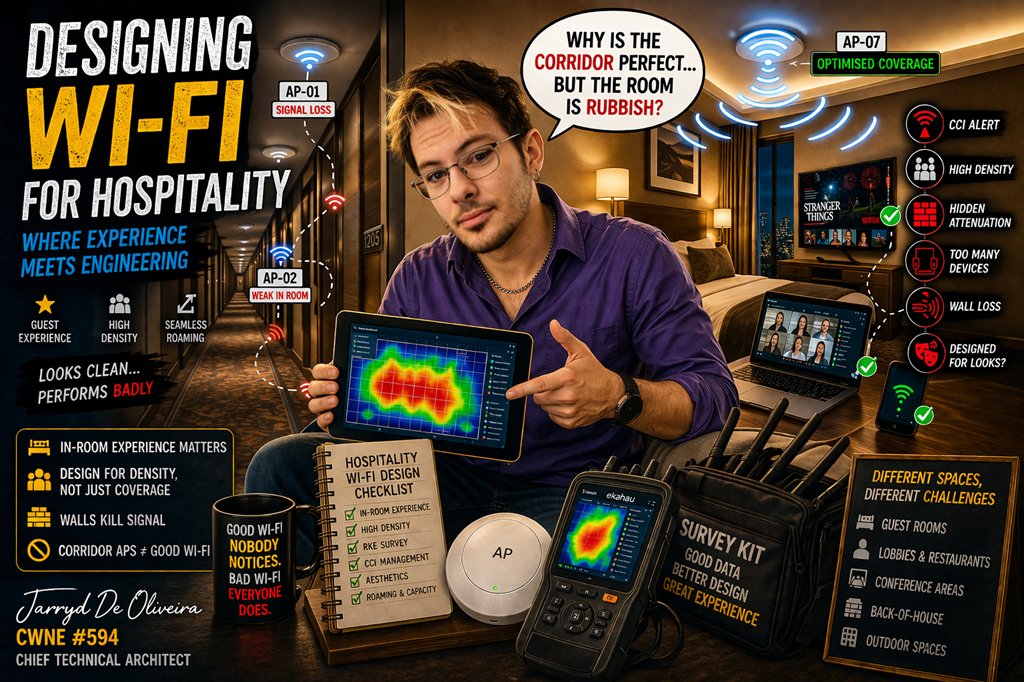](https://techblog.jcditservices.com/uploads/images/gallery/2026-05/1-may-2026-banner.png)
[https://www.linkedin.com/pulse/designing-wi-fi-hospitality-where-experience-meets-jarryd-de-oliveira-gskze](https://www.linkedin.com/pulse/designing-wi-fi-hospitality-where-experience-meets-jarryd-de-oliveira-gskze)
For years, Wi-Fi in hotels was treated as a “nice to have.”
That’s not the case anymore.
Today, Wi-Fi is part of the guest experience.
If it doesn’t work well, guests notice. And they remember.
In many cases, it’s one of the first things people check when they walk into a room.
At that point, Wi-Fi stops being IT.
It becomes part of the product.
---
## Wi-Fi Is Now a Core Utility
In hospitality, Wi-Fi sits alongside power, water, and heating.
Guests expect it to just work. Everywhere.
Rooms
Lobbies
Restaurants
Conference areas
Outdoor spaces
And not just basic connectivity. High performance.
Streaming, video calls, gaming, mobile check-in, digital keys… it all relies on the network being stable and fast.
Get it right, and it improves guest satisfaction and operations.
Get it wrong, and it shows up in reviews almost immediately.
---
## The Challenge: Hotels Are Not Easy RF Environments
On paper, hotels look simple.
In reality, they are some of the most challenging wireless environments to design.
You’re dealing with:
- Dense, repetitive room layouts
- Thick walls and heavy materials
- High user density
- Constantly changing devices
- A mix of guest and operational traffic
And all of that sits inside buildings that were never designed with RF in mind.
---
## Guest Rooms: Where Most Designs Go Wrong
This is where I still see the biggest mistakes.
Corridor-based designs.
They look clean. They’re easy to install. They keep APs out of sight.
But they rarely deliver good in-room performance.
Why?
Because the signal has to go through:
- Concrete
- Tiles
- Insulation
- Plumbing
- Furniture
By the time it reaches the client, it’s weak and inconsistent.
On top of that, you often get the “hallway waveguide” effect. APs hear each other, power gets reduced, and coverage inside rooms drops even further.
If you care about user experience, you design for the room.
Not the corridor.
---
## Density: The Silent Killer
Hotels don’t just have users.
They have *lots* of devices per user.
A single room can easily have:
- Phones
- Laptops
- Tablets
- Smart TVs
- IoT devices
Multiply that across a full floor or building, and density becomes the real challenge.
It’s not about coverage anymore.
It’s about airtime.
Without proper design, the network becomes congested very quickly, especially during peak hours.
---
## Not All Spaces Are Equal
One of the key things in hospitality design is understanding that every area behaves differently.
You’re not designing one network.
You’re designing multiple RF environments inside the same building.
### Guest Floors
- High attenuation
- Repetitive layouts
- Requires consistent, predictable coverage
### Lobbies and Restaurants
- Open spaces
- High ceilings
- Reflective materials like glass and marble
### Conference Areas
- High density
- High throughput
- Temporary changes (walls, staging, AV gear)
### Back-of-House
- Harsh environments
- Metal, equipment, and interference
- Still mission-critical for operations
### Outdoor Spaces
- Coverage extension
- Roaming continuity
- Environmental challenges
Each one needs a different approach.
---
## RF Challenges You Can’t Ignore
Hospitality environments introduce a few consistent RF problems:
**Co-channel interference**
APs are often too close together, especially across rooms and floors.
**Hidden attenuation**
Walls aren’t just walls. There’s metal, pipes, HVAC, and other materials you can’t see.
**Signal loss into rooms**
This is the biggest issue with poor placement strategies.
All of this leads to inconsistent performance if not properly designed and validated.
---
## The Aesthetic Problem
This is where engineering meets reality.
Hotels care about how things look.
That means:
- APs hidden above ceilings
- Mounted behind walls
- Integrated into furniture or fixtures
From a design point of view, these are rarely ideal placements.
But they are often required.
So the job becomes balancing performance with aesthetics, without compromising the user experience.
---
## One Network, Multiple Roles
Hotel Wi-Fi doesn’t just serve guests.
It also supports:
- Staff devices
- Operational systems
- IoT (locks, sensors, automation)
Everything shares the same infrastructure.
That adds pressure on:
- Capacity
- Segmentation
- Security
A failure is no longer just a guest issue.
It impacts operations as well.
---
## What Good Looks Like
Good hospitality Wi-Fi doesn’t happen by accident.
It comes down to a few fundamentals:
- Design for the client, not the floor plan
- Prioritise in-room experience
- Plan for density, not just coverage
- Validate everything with a proper survey
- Understand how each space behaves
- Balance aesthetics without breaking RF
And most importantly…
Stop treating hospitality like a standard office deployment.
Because it isn’t.
---
## Final Thoughts
Hospitality Wi-Fi sits in a unique space.
It’s not purely IT.
It’s not purely user experience.
It’s both.
And when it’s done right, nobody notices.
When it’s done badly, everyone does.
That’s the difference.
# Your Wi-Fi Problems Are Probably Design Problems
[](https://techblog.thewifispecialists.com/uploads/images/gallery/2026-05/8-may-2026.png)
[https://www.linkedin.com/pulse/your-wi-fi-problems-probably-design-jarryd-de-oliveira-ihpjf](https://www.linkedin.com/pulse/your-wi-fi-problems-probably-design-jarryd-de-oliveira-ihpjf)
For years, Wi-Fi problems have been blamed on the wrong things.
The vendor.
The firmware.
The ISP.
The client device.
Sometimes those things are part of the problem.
Most of the time, they are not.
In reality, many wireless issues start long before the first user ever connects.
They start during the design phase.
Or more accurately…
The lack of one.
## Wi-Fi Starts with Requirements
One of the biggest mistakes in enterprise wireless is starting with hardware instead of requirements.
“What access point should we buy?”
That should never be the first question.
The real question is:
“What does the business actually need this network to support?”
Because not all wireless devices behave the same.
A Teams call behaves differently to a warehouse scanner.
A medical device behaves differently to a guest phone.
A roaming voice handset behaves differently to a laptop sitting at a desk.
Different applications have different expectations around:
- Latency
- Roaming
- Retry tolerance
- Packet loss
- Bandwidth
- Airtime usage
That matters far more than people think.
And then comes the most important part of all:
What is the weakest and most critical device on the network?
That old handheld scanner the warehouse still depends on?
That legacy IoT device the business cannot replace?
That is the device you design around.
Not the shiny new Wi-Fi 7 laptop in the boardroom.
## The Environment Shapes Everything
Wireless design is heavily influenced by the environment itself.
- Concrete walls
- Metal racking
- High ceilings
- HVAC ducting
- Machinery
- Glass partitions
- Cold storage
- Dense office spaces
RF behaves differently in every one of them.
A floor plan helps.
A proper site walk tells the real story.
I still regularly see APs mounted in poor locations:
- Hidden above ceiling obstructions
- Installed next to metal structures
- Mounted without consideration for propagation patterns
At that point, you are not engineering coverage.
You are hoping coverage works.
## Predictive Design Is Only the Beginning
Modern wireless planning tools are excellent.
- AI-assisted modelling
- 3D RF visualisation
- Automated placement tools
They genuinely help.
But predictive design is still a prediction.
If the floor plans are inaccurate, wall materials are wrong, or ceiling heights are missing, the final deployment will drift away from the original design.
That is why validation matters so much.
A proper post-deployment survey validates:
- Coverage
- Capacity
- Roaming behaviour
- Interference
- Channel overlap
- Client experience
Because the network on paper is rarely identical to the network in reality.
Good wireless engineering always validates the final result with real-world measurements.
## Wireless Networks Change Over Time
Even a good network will degrade over time if nobody maintains it properly.
The RF environment is constantly changing.
New neighbouring networks appear.
Buildings get refurbished.
Walls move.
More users arrive.
Applications evolve.
A network originally designed for email and web browsing may suddenly be expected to support hundreds of real-time voice and video sessions.
But many businesses never revisit the original assumptions.
That is where wireless health checks become critical.
Not simply looking at controller dashboards.
Real surveys.
Real measurements.
Real RF analysis.
Because wireless networks are living systems.
They need continuous review and optimisation like any other critical infrastructure.
## Where Wi-Fi 7 Fits In
Wi-Fi 7 is a genuine step forward for enterprise wireless.
Not because of the huge theoretical speed numbers.
But because of the engineering improvements underneath.
Multi-Link Operation (MLO) introduces meaningful improvements for reliability and latency-sensitive traffic by allowing devices to utilise multiple bands simultaneously.
Spectrum puncturing improves efficiency by allowing parts of a wide channel experiencing interference to be excluded instead of abandoning the entire channel.
And then there is 6 GHz.
- Cleaner spectrum
- More available channels
- Far less legacy interference
For high-density enterprise environments, that additional clean spectrum is a major advantage.
Security improves too.
Mandatory WPA3 within 6 GHz introduces stronger authentication and management frame protection than many enterprise environments still use today.
## But Wi-Fi 7 Does Not Fix Poor Design
This is where many refresh projects go wrong.
Replacing old APs with newer APs while keeping poor placements is not a redesign.
It is simply repeating the same mistakes with newer hardware.
And modern wireless places far greater demands on the wired infrastructure as well.
- Multi-gig switching
- PoE++
- WAN throughput
- Firewall performance
- Cabling standards
The wireless network is only one part of the overall system.
A fast wireless connection means very little if the bottleneck exists everywhere else.
## Final Thoughts
The best wireless networks are rarely the ones with the most expensive hardware.
They are usually the ones that were designed properly from the start.
- Good requirements gathering
- Good RF design
- Proper validation
- Ongoing optimisation
That is still what separates stable enterprise Wi-Fi from constant support tickets.
Because Wi-Fi is no longer “best effort” connectivity.
Today, it supports logistics, healthcare, automation, voice, collaboration, industrial systems, and business-critical operations every single day.
The expectations are higher than ever.
The engineering standard needs to be as well.
\#WiFi #Wireless #WiFi7 #Networking #EnterpriseNetworking #CWNE #RF #WirelessDesign #NetworkEngineering #Infrastructure #WLAN #Technology #ITInfrastructure
# Your Warehouse Wi-Fi Is Probably Broken. Here’s How to Fix It.
[](https://techblog.jcditservices.com/uploads/images/gallery/2026-05/15-may-2026.png)
[https://www.linkedin.com/pulse/your-warehouse-wi-fi-probably-broken-heres-how-fix-jarryd-de-oliveira-hl8se](https://www.linkedin.com/pulse/your-warehouse-wi-fi-probably-broken-heres-how-fix-jarryd-de-oliveira-hl8se)
Published by Jarryd De Oliveira | Chief Technical Architect | CWNE #594
Most warehouse Wi-Fi problems don’t show themselves during deployment.
They show up at 6am on a Monday when scanners stop roaming properly, a forklift terminal disconnects mid-pick, or an AMR freezes halfway down an aisle while operations are trying to move product.
By the time the helpdesk starts getting flooded with calls, the issue has usually been building for months.
And the reality is simple.
Warehouse and manufacturing Wi-Fi is some of the most difficult wireless engineering you can do.
Yet many deployments are still treated like basic office Wi-Fi with bigger access points and higher ceilings.
That approach fails repeatedly.
### The Environment Is Working Against You
Warehouses are brutal RF environments.
High ceilings.
Metal racking.
Moving forklifts.
Dense pallet storage.
Concrete walls.
Machinery.
Reflective surfaces everywhere.
And unlike office environments, nothing stays consistent for long.
One week you have open aisles with predictable RF propagation.
The next week those same aisles are packed floor-to-ceiling with liquid stock, paper products, or shrink-wrapped inventory introducing massive attenuation changes across the environment.
That matters.
Because Wi-Fi designs built around “best case” propagation usually collapse the moment the warehouse reaches operational capacity.
The network has to work in real operational conditions, not just during an empty-site survey.
Then you add the things many designs still overlook completely.
LED lighting systems introducing interference.
Industrial machinery generating electromagnetic noise.
Conveyor systems.
Robotics traffic.
IoT sensors.
Bluetooth devices.
Handheld scanners constantly roaming between aisles.
All of it contributes to airtime contention and RF instability if the design is not properly engineered.
### Mezzanine Floors Change Everything
Mezzanine environments are where a lot of warehouse designs quietly fall apart.
Steel grating, reinforced concrete, structural steelwork, storage cages, and varying ceiling heights create completely different RF behaviour above and below the mezzanine itself.
Ground-floor APs rarely provide reliable mezz coverage.
Mezz-mounted APs often overserve downward into the warehouse floor.
Now you suddenly have vertical RF overlap, co-channel interference, and roaming behaviour that becomes inconsistent depending on device location.
The fix is usually not “more APs.”
It’s designing each layer independently.
The warehouse floor, mezzanine levels, offices, welfare spaces, and loading areas all have different requirements and should be treated as separate RF environments sharing the same infrastructure.
That distinction matters more than most people realise.
### Your Biggest Problem Is Probably the Oldest Device
This is the part many projects get wrong.
Everyone gets excited about designing for the newest robotics platform or autonomous vehicle system.
But the device that normally causes the biggest operational problems is the one nobody talks about.
The old barcode scanner.
Warehouses are full of legacy handhelds and mobile terminals running aging Wi-Fi chipsets with terrible roaming logic, poor receiver sensitivity, and limited support for modern wireless features.
These become your Least Capable, Most Important devices.
And if they fail, operations fail with them.
The WMS loses visibility.
Picking slows down.
Loading bays stop flowing properly.
Users start blaming “the Wi-Fi.”
So the network has to be designed around those devices first.
That means:
- Proper minimum basic rates
- Strong secondary coverage
- Predictable roaming behaviour
- Controlled cell sizing
- Careful channel planning
- Avoiding unnecessary co-channel interference
Designing purely around your newest devices while hoping the legacy fleet survives is one of the fastest ways to create instability in a warehouse environment.
### Design First. Validate Properly. Then Deploy.
One of the most expensive mistakes in warehouse Wi-Fi is skipping proper design and validation.
Throwing APs onto a ceiling grid and hoping for the best almost always ends in a redesign later.
A proper deployment starts with predictive modelling.
Not guesswork.
You need:
- Accurate floor plans
- Realistic attenuation values
- Correct mounting heights
- Inventory-aware modelling
- Defined coverage requirements
- Capacity planning by operational zone
- Roaming considerations for mobile devices
- Antenna selection based on aisle geometry
Directional antennas often become critical in long-aisle warehouse designs because they allow you to control RF propagation instead of flooding adjacent aisles unnecessarily.
And this is where proper tooling matters.
Platforms like [Ekahau AI Pro](https://www.ekahau.com/products/ekahau-ai-pro/?utm_source=chatgpt.com) allow engineers to model changing warehouse states, validate AP-on-a-Stick placements, and predict how RF behaves before cable installation even starts.
But predictive design alone is never enough.
The validation survey is where reality meets theory.
Because the real environment always differs from the model.
A post-installation survey identifies:
- Coverage gaps
- Unexpected attenuation
- Interference sources
- Poor antenna positioning
- Roaming instability
- Channel overlap
- Capacity bottlenecks
Those issues are manageable during validation.
They become expensive operational problems after project sign-off.
### More APs Does Not Mean Better Wi-Fi
This one still causes problems across the industry.
Poor performance gets reported.
Someone responds by adding more APs.
Now the environment has even more overlapping RF, more contention, more co-channel interference, and even less stable roaming behaviour.
The clients perform worse than before.
Warehouse Wi-Fi is about control, not saturation.
A properly engineered RF environment usually performs better with fewer well-positioned APs than with excessive coverage density and uncontrolled overlap.
Good warehouse Wi-Fi is deliberate.
Not loud.
### Wi-Fi Is Operational Infrastructure Now
Warehouses, logistics facilities, and manufacturing plants increasingly rely on wireless connectivity for core business operations.
Scanners.
Voice picking.
AMRs.
Industrial IoT.
Inventory systems.
Real-time telemetry.
Safety systems.
Wi-Fi is no longer a convenience layer.
It is operational infrastructure.
And the companies getting this right are the ones treating wireless engineering as a core operational discipline instead of a last-minute installation task.
Because when warehouse Wi-Fi is designed properly, users barely notice it.
When it’s designed badly, the entire facility notices immediately.
### Final Thoughts
Warehouse Wi-Fi done properly is demanding engineering work.
It requires planning, validation, ongoing optimisation, and a strong understanding of how RF behaves in constantly changing industrial environments.
But when it’s done correctly, the network becomes something operations can trust rather than something they work around.
And in environments where uptime directly affects productivity, that difference matters more than ever.
# Healthcare Wi-Fi Isn’t Just Wireless. It’s Critical Infrastructure
[](https://techblog.jcditservices.com/uploads/images/gallery/2026-05/healthcare-22-may-2026.png)
[https://www.linkedin.com/pulse/healthcare-wi-fi-isnt-just-wireless-its-critical-jarryd-de-oliveira-q9dkf](https://www.linkedin.com/pulse/healthcare-wi-fi-isnt-just-wireless-its-critical-jarryd-de-oliveira-q9dkf)
For years, many organisations treated Wi-Fi as a convenience layer.
If it dropped out for a few seconds, someone’s laptop disconnected from a meeting, a video buffered, or an email took a little longer to send.
In healthcare, the conversation changes completely.
When wireless connectivity supports infusion pumps, telemetry systems, clinical communication devices, electronic patient records, and critical monitoring systems, the network stops being “just Wi-Fi.”
It becomes part of the operational infrastructure of the hospital itself.
And that changes how you design it.
### Hospitals Fight RF in Ways Most Buildings Don’t
Before you even place an access point, the environment is already working against you.
Radiology departments often contain lead-lined walls.
Operating theatres are full of stainless steel surfaces.
Older buildings may still have hidden shielding or reinforcement buried behind walls from previous clinical installations.
The problem is that most of this never appears properly on floor plans.
You only discover it when you physically survey the environment and realise the RF behaves nothing like the predictive model suggested.
MRI and CT environments add another layer of complexity.
These systems generate substantial electromagnetic interference during normal operation, and if you haven’t accounted for that properly in the design phase, you will absolutely feel it later during validation and troubleshooting.
Healthcare is one of the few environments where predictive modelling alone simply is not enough.
An AP-on-a-Stick validation survey before final deployment is not optional here.
It’s essential.
### The Ceiling Isn’t Just a Ceiling
One thing people outside healthcare often underestimate is how difficult physical changes become once the environment is live.
Moving an AP in a warehouse might take 15 minutes.
Moving an AP in a hospital can trigger infection control processes, containment requirements, out-of-hours access scheduling, and clinical coordination.
In some environments, even opening a ceiling tile requires formal approval and managed procedures.
That’s why design accuracy matters so much more in healthcare.
Getting it wrong after deployment is expensive, disruptive, and sometimes operationally difficult to recover from.
### Healthcare Devices Create a Wireless Paradox
Healthcare environments are one of the few places where cutting-edge applications and decade-old wireless hardware are expected to coexist on the same infrastructure.
You may have modern clinical tablets supporting the latest roaming standards sitting on the same WLAN as specialist medical equipment still operating on extremely old chipsets.
And those legacy devices cannot simply be replaced because they are tied directly into certified clinical workflows.
I’ve seen multi-million-pound medical systems still relying on very old wireless standards because the vendor has not recertified newer hardware revisions.
So the network has to adapt around them.
That creates difficult engineering decisions.
Because every slow or inefficient client consumes airtime that impacts everything else sharing that RF environment.
### Voice Roaming Becomes Mission Critical
Clinical communication devices introduce another challenge entirely.
Devices like Vocera badges, wireless handsets, and roaming voice endpoints are extremely sensitive to roaming performance.
A roaming delay that nobody notices during web browsing becomes immediately obvious during a live voice conversation.
Dropped audio.
Clipped speech.
One-way communication.
In healthcare, those problems are operational issues, not user annoyances.
That’s why seamless roaming matters so much.
Proper 802.11r and 802.11k configuration, well-designed transition zones, sensible cell overlap, and careful channel planning become critical components of the design rather than optional optimisations.
You are engineering mobility, not just coverage.
### Dynamic RF Sounds Good… Until It Doesn’t
In many enterprise environments, dynamic channel management works reasonably well.
In hospitals, engineers are often far more cautious.
You cannot afford widespread RF instability at 2am because an automated system decided to reshuffle channels across a live clinical environment.
You also cannot risk unexpected service interruptions caused by unnecessary channel changes or AP reconfiguration events.
That’s why many healthcare deployments rely on carefully engineered static channel plans.
The network is validated thoroughly upfront and then deliberately stabilised.
In these environments, predictability matters more than automation.
### The Wired Network Matters Just as Much
One of the biggest mistakes people make is treating wireless as separate from the wired infrastructure underneath it.
In reality, the wired network is the wireless network.
Reliable healthcare Wi-Fi depends on resilient switching, redundant uplinks, proper controller redundancy, resilient authentication services, and local survivability.
If the WAN fails, the site still needs to function.
Clinical workflows do not stop because a central data centre becomes unreachable.
Authentication, DHCP, local switching, and critical services need to continue operating even during upstream failures.
Segmentation is equally important.
Guest traffic should never sit alongside clinical systems.
Biomedical IoT should not have unrestricted access to core infrastructure.
Patient networks, staff networks, and medical systems should all be separated properly based on role and function.
In healthcare, segmentation is not just security best practice.
It is operational hygiene.
### Validation Is Where the Truth Appears
Predictive designs are only as good as the information fed into them.
The software does not know about hidden lead shielding.
It does not know about undocumented structural changes.
It does not know about interference sources that were never disclosed.
That’s why validation surveys matter so much.
Walking the environment with calibrated survey equipment is the only way to confirm that the RF environment behaves the way you expected.
And equally important, those surveys create a baseline.
Six months later, when somebody reports intermittent issues in a ward, you have real-world deployment data to compare against.
That historical context becomes incredibly valuable during troubleshooting.
#### Final Thoughts
Healthcare Wi-Fi is one of the most demanding areas of wireless engineering.
You are designing for mobility, resilience, clinical workflow continuity, and environments where downtime can have serious consequences.
The fundamentals of wireless design still apply.
Coverage.
Capacity.
Roaming.
Interference management.
Redundancy.
Validation.
But in healthcare, the tolerance for error is dramatically smaller.
And that’s what makes designing these environments both challenging and incredibly rewarding as an engineer.
Jarryd De Oliveira
Chief Technical Architect | CWNE #594
# The Line That Changed Enterprise Wi-Fi Forever
[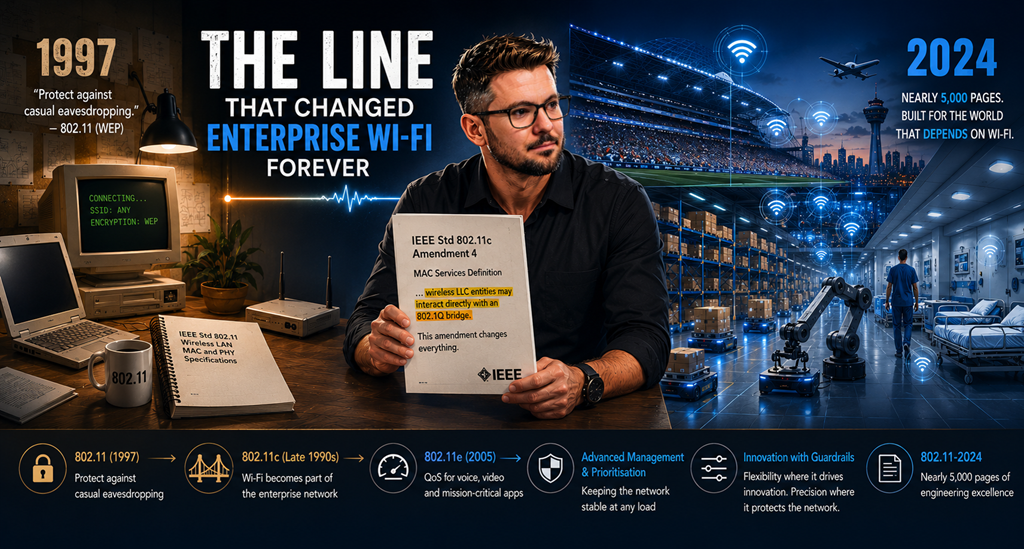](https://techblog.jcditservices.com/uploads/images/gallery/2026-05/29-may-2026.png)
Most people working in networking have never read the original 802.11 specification. Even fewer have compared that original standard to what 802.11 looks like today.
That’s a shame.
If you really want to understand how Wi-Fi evolved from a convenience technology into mission-critical enterprise infrastructure, the story is written directly into the standards themselves.
Strangely enough, that story starts with a security goal so modest that it almost sounds ridiculous today:
> “Protect against casual eavesdropping.”
That was the stated goal behind Wired Equivalent Privacy (WEP) in the original 802.11 specification released in 1997.
Not corporate espionage.
Not advanced threat actors.
Not nation-state attacks.
Just casual eavesdropping.
It was the digital equivalent of stopping somebody from overhearing a conversation through a wall.
The engineers writing the standard were not being careless; they were being honest about what they believed Wi-Fi was going to be at the time.
A niche convenience technology.
A replacement for short Ethernet cables.
Something useful for small offices, homes, and temporary connectivity.
Nobody was designing wireless to become the operational backbone of hospitals, automated warehouses, stadiums, airports, and global enterprise environments.
You can see that mindset all through the early standard.
The MAC services clauses describe peer entities exchanging packets in what is effectively a small, standalone environment. There is very little consideration for large-scale enterprise integration, traffic prioritization, mobility at scale, or high-density operations.
Back then, none of that was expected to matter.
---
### The Amendment Almost Nobody Talks About
When people discuss major Wi-Fi milestones, they usually point to the flashy headline-grabbers:
- 802.11a (5 GHz)
- 802.11b (mainstream adoption)
- 802.11n (MIMO)
- Wi-Fi 6 (OFDMA)
But one of the most important structural pivots in enterprise Wi-Fi history came from a much quieter, frequently forgotten amendment:
### 802.11c
What made 802.11c vital was not a new radio technology or a physical layer breakthrough.
It was a single line added to the MAC services definition:
A sentence formally acknowledging that wireless LLC entities could interact directly with an 802.1Q bridge.
At first glance, that sounds incredibly pedantic.
It wasn’t.
That single sentence fundamentally redefined the scope of wireless technology.
Wi-Fi was no longer just device-to-device connectivity inside an isolated room.
The standard had formally recognized wireless as a native extension of the enterprise switching infrastructure, an entry point into the corporate network fabric itself.
Once that line was written, everything else had to change.
Enterprise infrastructure comes with enterprise expectations.
---
### Wi-Fi Had to Grow Up Fast
The moment wireless became part of the production network, the industry suddenly required standardized answers to architectural demands that the original working group never anticipated:
- Voice and video stability
- Seamless fast roaming
- Infrastructure scalability
- Deterministic latency
- High-density client environments
This operational pressure drove the next major wave of amendments.
802.11e introduced Quality of Service (QoS) mechanisms, ensuring delay-sensitive traffic like voice and video could reliably coexist with bulk data on a shared RF medium.
Management traffic also had to evolve.
As networks scaled, the infrastructure required robust methods to ensure critical control and management frames maintained priority, preventing network instability even under extreme airtime utilization.
Over time, Wi-Fi stopped behaving like a “best effort” convenience layer and transformed into a resilient utility.
---
### Nearly 5,000 Pages of Precision
The modern 802.11-2024 specification now runs to nearly 5,000 pages.
That staggering number alone tells the story of our industry.
What started as a lightweight blueprint for short-range cable replacement has evolved into one of the most complex, highly engineered networking standards in existence.
What makes the modern standard fascinating is how carefully the IEEE balances standardization with vendor innovation.
Some behaviors are intentionally left open.
Dynamic Rate Switching (DRS), for example, is not strictly defined by the IEEE. Vendors are free to implement proprietary algorithms for deciding exactly how and when a client shifts data rates based on RF conditions.
This flexibility allows vendors to innovate and optimize performance differently across environments and verticals.
But where inconsistency would break interoperability or destabilize the physical medium, the standard becomes ruthlessly precise.
- ACK timing
- Interframe Spacing (SIFS, DIFS, AIFS)
- Contention windows
- Backoff calculations
These are tightly controlled mechanics designed to prevent shared RF environments from collapsing under heavy client load.
In dense enterprise environments, these mechanisms are the difference between a stable network and complete RF chaos.
---
### The Language Tells the Story
Standards documents are historical records.
They reveal exactly what an industry believed at a specific moment in time:
- What problems mattered
- What limitations existed
- What future the authors imagined
In 1997, Wi-Fi was designed to stop casual eavesdropping.
By the time 802.11c arrived, wireless was being structurally integrated into enterprise switching fabrics.
Today, Wi-Fi underpins mission-critical operations across healthcare, logistics, manufacturing, retail, hospitality, education, and financial services.
The standards did not create this transformation on their own.
They documented it.
Amendment by amendment.
Revision by revision.
The industry pushed wireless far beyond its original expectations, and the standards evolved alongside it.
That is worth remembering the next time someone dismisses standards as “just paperwork.”
Sometimes, a single sentence changes an entire industry.
---
### Final Thoughts
Modern enterprise Wi-Fi did not appear overnight.
It was forged gradually through thousands of engineering decisions, interoperability challenges, and real-world deployment demands.
One of the greatest turning points was not a flashy new PHY layer or a headline-grabbing speed increase.
It was a quiet architectural acknowledgment that wireless was now an intrinsic part of the enterprise network itself.
That single line changed everything.
# Good Wi-Fi Isn't an Accident: What It Actually Takes to Design a Wireless Network
[](https://techblog.jcditservices.com/uploads/images/gallery/2026-06/good-wi-fi-isnt-a-accident.png)
[https://www.linkedin.com/pulse/good-wi-fi-isnt-accident-what-actually-takes-design-de-oliveira-rh0de/](https://www.linkedin.com/pulse/good-wi-fi-isnt-accident-what-actually-takes-design-de-oliveira-rh0de/)
Most bad Wi-Fi was never designed. It was installed.
Someone bought access points, mounted them where the cabling was convenient, left everything on default settings, and hoped. Then the complaints started. Dropped connections, dead zones, devices that won't roam, and a network team stuck firefighting something that was broken before it went live.
Designing a wireless network that actually works isn't about buying the latest hardware. It comes down to three things: understanding how RF behaves, understanding what the business actually needs, and using the right process to bring the two together. Get those right and the vendor choice almost takes care of itself.
---
## 1. Understand the Physics First
Wi-Fi lives or dies on radio frequency behaviour, and RF doesn't care about your project deadline.
**The bands are not interchangeable.** 2.4 GHz gives you reach but only three usable channels and a band crowded with everything from legacy devices to non-Wi-Fi interference. 5 GHz provides significantly more spectrum and cleaner air, at the cost of shorter range. 6 GHz introduces a huge amount of new spectrum with no legacy clients, but the coverage footprint shrinks again. Every band represents a trade-off between coverage and capacity, and a good design uses each one deliberately rather than treating them as one large pool of spectrum.
**Signal drops fast, then slowly.** Free space path loss means you lose the most signal in the first few metres, then approximately 6 dB every time the distance doubles. Higher frequencies start with a larger initial loss, which is exactly why a 6 GHz cell is smaller than a 2.4 GHz one from the same access point.
**Coverage and capacity are different problems.** A warehouse may require large coverage cells, while a conference space may need many smaller cells to support hundreds of simultaneous users. Designing for one without considering the other is a common reason wireless networks struggle under load.
**Signal strength alone tells you nothing.** What matters is signal-to-noise ratio. A -65 dBm signal in a quiet RF environment performs well. The same signal next to a noisy production line or surrounded by wireless cameras may be unusable. Coverage, SNR, and co-channel interference together determine whether a design works, not a single colour on a heatmap.
If a design conversation never mentions attenuation, transmit power, capacity planning, or channel reuse, it isn't a design conversation. It's a shopping trip.
---
## 2. Requirements Before Radios
This is the step most organisations skip, and it's where CWDP methodology gets it right: design starts with requirements, not equipment.
**Business requirements** come from stakeholders. What is the Wi-Fi for? Barcode scanners on a warehouse floor, voice handsets in a hospital, laptops in an office, and AMRs in a distribution centre all need very different networks. "Everywhere, fast" is not a requirement.
**Technical requirements** define the detail. Which client devices matter most? Design for the worst device that has to work, not the best one. A modern laptop will cope almost anywhere. A handheld scanner with a weak radio, used inside a metal rack aisle, will not. That device sets your coverage targets, not your phone.
**Environmental reality** shapes everything else. Brick, concrete, glass, metal racking, changing stock levels, machinery generating RF noise, and building layout all influence wireless performance. These factors must be measured or modelled, not guessed.
The output of this stage is a set of measurable RF targets: minimum signal level, minimum SNR, secondary coverage for roaming, and acceptable interference limits, defined per band and per area. If you can't write those numbers down, you can't validate the network later, and you'll have no way to prove it's working as designed.
---
## 3. Design, Validate, Then Trust the Data
With physics understood and requirements defined, the process is straightforward, and deliberately boring.
Build a predictive model using accurate floor plans, real wall materials, and realistic AP mounting positions. The model is only as good as the information going into it. A plan drawn on a guessed scale with default wall types will produce a confident, wrong answer.
Then validate against reality. Survey the site properly, measure attenuation through the walls you care about rather than assuming it, and confirm coverage at the height and locations where devices will actually be used. An AP tested at two metres and installed at ten behaves like a different network.
After deployment, perform a validation survey. This is where design assumptions meet reality. Coverage, SNR, roaming behaviour, interference levels, and application performance should all be measured against the original requirements. If you don't validate, you're guessing.
Finally, configure with intent. Transmit power matched to your weakest client, sensible minimum data rates, channel widths the environment can support, and a channel plan that minimises contention. Defaults are a starting point for the vendor, not for you.
---
## Final Thought
None of this is vendor magic, and none of it is optional.
The organisations with reliable wireless aren't the ones that spent the most money. They're the ones that treated Wi-Fi as engineering: physics first, requirements second, validation always.
Good Wi-Fi isn't an accident. It's the result of a repeatable design process backed by measurable outcomes.
If your network was installed rather than designed, you already know which one you've got.
*Jarryd De Oliveira, CWNE #594.*
# Half Your Wi-Fi Tickets Aren't Actually Wi-Fi Problems
[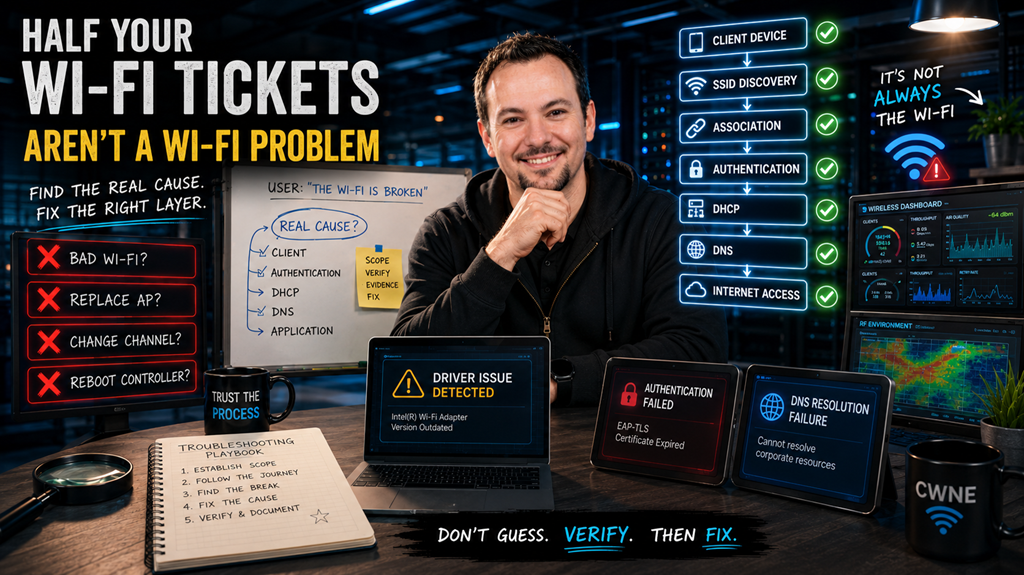](https://techblog.jcditservices.com/uploads/images/gallery/2026-06/cover-19-june-2026.png)
[https://www.linkedin.com/pulse/half-your-wi-fi-tickets-arent-actually-problems-jarryd-de-oliveira-xaise](https://www.linkedin.com/pulse/half-your-wi-fi-tickets-arent-actually-problems-jarryd-de-oliveira-xaise)
One of the most common phrases heard by IT teams is:
*"The Wi-Fi is down."*
It arrives through a support ticket, a phone call, or someone appearing at your desk looking frustrated because they can't get online.
The natural reaction is often to head straight for the wireless controller, check the access points, review channel utilisation, and start investigating the wireless infrastructure.
The problem is that many of these tickets have very little to do with Wi-Fi at all.
Over the years, whether working in warehouses, hospitals, hospitality venues, schools, offices, or large enterprise environments, I've found that one of the biggest troubleshooting mistakes engineers make is assuming the fault exists where the user experiences the symptom.
A user can't connect to the network.
That doesn't automatically make it a wireless problem.
The challenge is determining where the connection process is actually failing.
---
### Good Troubleshooting Starts With Scope
Before looking at logs, packet captures, dashboards, or controller alarms, I always start with the same question:
**Who is affected?**
That single question often eliminates half the possible causes before you've logged into anything.
If one user on one device is experiencing an issue, the odds are heavily weighted towards the client itself.
If multiple users are affected in the same physical area, then the access point, switching infrastructure, power, or RF environment becomes a stronger possibility.
If users across an entire site are affected, attention quickly shifts towards shared services such as DHCP, DNS, authentication platforms, internet connectivity, or controller infrastructure.
The wider the impact, the higher up the infrastructure stack I tend to look.
The smaller the impact, the closer I start to the client.
It sounds simple, but it prevents countless hours being spent troubleshooting the wrong layer.
---
### Follow The Connection Journey
A wireless connection is not a single event.
It is a sequence of processes that all need to succeed before the user can access resources.
A simplified version looks like this:
**Client Device → SSID Discovery → Association → Authentication → DHCP → DNS → Network Access**
When troubleshooting, I work through these stages one by one.
Can the client see the SSID?
Can it associate successfully?
Can it authenticate?
Does it receive an IP address?
Can it reach the default gateway?
Can it resolve DNS?
Can it access the required application?
The point where the process fails usually tells you exactly where the investigation needs to continue.
A device that authenticates successfully but never receives an IP address is not suffering from an RF issue.
A device that cannot even discover the SSID is unlikely to have a DHCP problem.
Understanding where the journey stops is often more valuable than understanding the symptom itself.
---
### The Client Is Frequently The Culprit
This is sometimes an unpopular observation because infrastructure is often the first thing people want to blame.
In reality, many wireless support cases originate on the endpoint.
Driver issues.
Corrupted wireless profiles.
Operating system updates.
Security software.
Credential problems.
Certificate issues.
Supplicant misconfigurations.
I've lost count of the number of times an engineer has spent hours analysing access points and RF performance only to discover that the root cause was a stale driver or a broken wireless profile on the user's device.
That doesn't mean infrastructure faults don't happen.
They absolutely do.
But experience has taught me to eliminate the client early before assuming there is a wider network problem.
---
### Not Every Dropout Is A Coverage Issue
Another common assumption is that devices disconnect because signal strength is poor.
Sometimes that's true.
Often it isn't.
Many disconnects occur because the client or infrastructure deliberately terminates the session.
Examples include:
- Authentication failures
- Group key updates
- Roaming issues
- Security policy enforcement
- Certificate expiry
- DHCP lease problems
- Client driver instability
- Band steering interactions
This is where logs become invaluable.
Wireless controllers, RADIUS servers, and packet captures can often reveal exactly why a client was disconnected.
Rather than guessing, the goal should always be to find evidence.
The reason codes are frequently telling you precisely what happened.
---
### Simple Tests Can Save Hours
One of the most useful troubleshooting techniques is reducing complexity.
If you're trying to determine whether a problem relates to RF coverage, Layer 2 connectivity, or authentication, create a temporary test environment.
A simple open SSID can often answer questions in minutes that might otherwise take hours to investigate.
If the client connects immediately and functions normally, the wireless infrastructure is likely operating correctly and the investigation can focus on authentication and security.
If the client still cannot connect, attention shifts back towards coverage, RF conditions, or switching infrastructure.
Good troubleshooting is often about removing possibilities until only the real cause remains.
---
### Engineering Discipline Beats Guesswork
The best wireless engineers I've worked alongside all share one characteristic.
They don't immediately start changing things.
They gather information first.
They establish scope.
They verify assumptions.
They follow a process.
They let evidence guide the investigation.
Wireless networks are complex systems involving RF, switching, routing, authentication, security, applications, and client devices.
The symptom may appear on Wi-Fi, but the root cause can exist almost anywhere along that path.
Understanding that distinction is often the difference between a twenty-minute fix and a two-hour troubleshooting session.
### Final Thoughts
When someone says, *"The Wi-Fi isn't working,"* resist the temptation to jump straight into the controller.
Start by understanding who is affected.
Understand where the connection process is failing.
Follow the client journey from beginning to end.
Most importantly, let evidence guide your decisions rather than assumptions.
The fastest engineers aren't necessarily the ones who know the most commands.
They're the ones who consistently look in the right place first.
# Why Your New Laptop Won't Join the 6 GHz Network
[](https://techblog.thewifispecialists.com/uploads/images/gallery/2026-06/jun-26-2026-05-19-16-am.png)
[https://www.linkedin.com/pulse/why-your-new-laptop-wont-join-6-ghz-network-jarryd-de-oliveira-gdjpe](https://www.linkedin.com/pulse/why-your-new-laptop-wont-join-6-ghz-network-jarryd-de-oliveira-gdjpe)
### 6 GHz plays by a different set of rules, and that's exactly why these support tickets keep appearing.
This is becoming one of the most common wireless support tickets I see.
A user receives a brand-new laptop. It's advertised as supporting Wi-Fi 6E or even Wi-Fi 7, yet it refuses to connect to the new 6 GHz network you've just deployed.
The first reaction is usually to blame the access point, the wireless controller, or even the laptop itself.
In reality, it's usually none of those.
6 GHz doesn't behave like 2.4 GHz or 5 GHz. The standards deliberately removed much of the flexibility we've relied on for years in favour of better security, improved efficiency, and a cleaner RF environment.
If there's one thing to remember, it's this:
**On 6 GHz, many of the features that used to be considered best practice are now mandatory. There is no fallback.**
Most "won't join 6 GHz" issues fall into one of three buckets.
---
## Bucket 1: The security requirements are no longer optional
For years we've relied on transition modes and mixed security to support older devices while gradually introducing newer standards.
That approach stops at 6 GHz.
The band requires WPA3. WPA2 simply isn't supported, and there is no WPA2/WPA3 transition mode available on 6 GHz.
Protected Management Frames (802.11w) are also mandatory rather than optional, meaning any client that cannot support PMF is excluded by design.
Even open wireless networks aren't truly open anymore. They must use OWE (Enhanced Open), while WPA3-Personal replaces the familiar WPA2-PSK authentication with SAE.
The practical outcome is simple.
A client that connects perfectly to your 5 GHz WPA2 network may never join the 6 GHz version because it doesn't meet the WPA3 and PMF requirements.
That isn't a configuration problem.
It's the standard working exactly as intended.
This is also why an older operating system build or outdated wireless driver can prevent an otherwise capable Wi-Fi 6E adapter from joining 6 GHz. Before blaming the infrastructure, always verify the client software is up to date.
---
## Bucket 2: Discovery works differently, and that's where many deployments get caught out
Client discovery also changes significantly.
On 2.4 GHz and 5 GHz, clients actively probe across channels looking for available networks.
Doing that across the much larger 6 GHz spectrum would generate an unnecessary amount of management traffic, so the standard introduced a more efficient approach.
Instead, most clients discover 6 GHz networks using information advertised by the colocated 2.4 GHz and 5 GHz radios through the Reduced Neighbor Report (RNR). Once directed towards 6 GHz, they scan the Preferred Scanning Channels (PSC) to locate the network.
This is where an easy mistake can create hours of unnecessary troubleshooting.
If your 2.4 GHz or 5 GHz SSID is unavailable, or it uses a different name to the 6 GHz SSID, many clients lose the discovery information that tells them where the 6 GHz network exists.
Some clients will eventually discover the network by scanning the PSC channels themselves.
Others appear as though they simply cannot see the network at all.
Keeping the lower-band SSIDs available and consistently named removes an entire category of "I can't see the 6 GHz network" support tickets.
This also feeds into your SSID design strategy.
Running a single SSID across all bands provides a clean user experience, but it also means every band must operate using WPA3 and mandatory PMF. That may exclude legacy devices that were previously working perfectly on 2.4 GHz and 5 GHz.
There isn't a universally correct answer.
The important thing is making that design decision deliberately, based on your client estate rather than convenience.
---
## Bucket 3: The client and the regulator still have the final say
Before spending hours analysing RF or controller logs, confirm the basics.
Not every device marketed as "Wi-Fi 6" supports 6 GHz.
Many Wi-Fi 6 devices only operate on 2.4 GHz and 5 GHz.
Only Wi-Fi 6E and Wi-Fi 7 clients support the 6 GHz band.
Always verify the wireless adapter rather than relying on the sticker on the laptop.
Regulatory domains also matter.
The available channels, permitted transmit power, and support for Standard Power operation (where Automated Frequency Coordination, or AFC, is available) vary between countries.
If the access point is configured for the wrong country code, clients may lose access to part of the band or operate with incorrect power levels.
Finally, don't overlook MAC address randomisation.
Modern operating systems typically generate a unique MAC address for every wireless network.
If your security policy relies on MAC allow lists, randomisation can silently block perfectly legitimate devices.
It's a simple thing to check, but it's often forgotten.
---
## A quick 6 GHz join checklist
Before diving into packet captures or controller debugs, I usually verify these first:
✔ Is the client genuinely Wi-Fi 6E or Wi-Fi 7?
✔ Is the operating system and wireless driver fully up to date?
✔ Is the SSID using WPA3?
✔ Are Protected Management Frames mandatory?
✔ Is the lower-band SSID available to advertise the Reduced Neighbor Report?
✔ Is the AP configured for the correct regulatory domain?
✔ If MAC filtering is used, has MAC randomisation been considered?
Working through this list resolves a surprising number of support cases in just a few minutes.
---
## Final Thoughts
One thing I've learned over the years is that most 6 GHz issues aren't RF problems.
They're usually client capability, security compliance, or discovery problems.
The flexibility we've grown accustomed to on 2.4 GHz and 5 GHz, transition modes, mixed security, and aggressive probing, simply doesn't exist on 6 GHz. That's intentional, and it's one of the reasons the band performs so well.
When a Wi-Fi 6E or Wi-Fi 7 client refuses to join, resist the temptation to immediately investigate the access point.
Start with the three buckets.
Confirm the client meets the security requirements.
Confirm discovery is working as expected.
Confirm the client and regulatory settings support the band.
More often than not, you'll have your answer long before you need to look at packet captures.
---
*This article is part of my ongoing Wireless Troubleshooting Series, where I break down common enterprise Wi-Fi problems into practical troubleshooting methods that engineers can apply in the real world.*
# You Can't Force a Client to Roam
[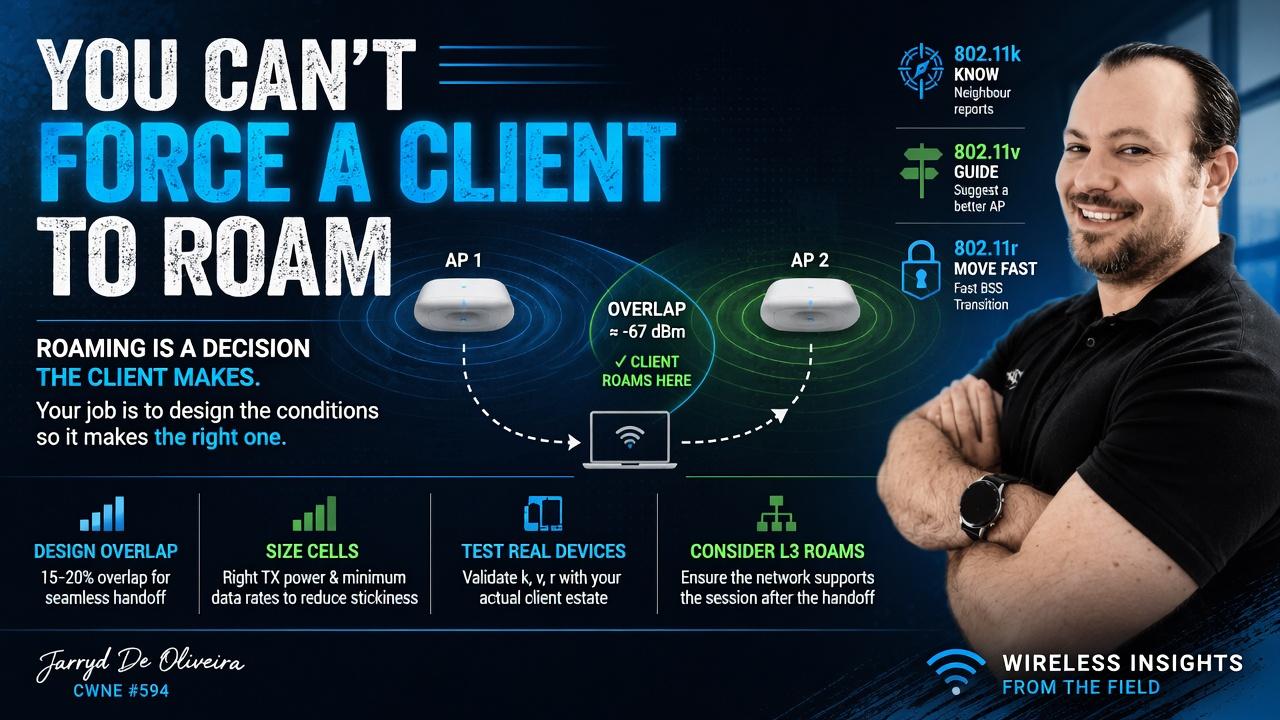](https://techblog.jcditservices.com/uploads/images/gallery/2026-07/9qaus.jpg)
[https://www.linkedin.com/pulse/you-cant-force-client-roam-jarryd-de-oliveira-w0b2e](https://www.linkedin.com/pulse/you-cant-force-client-roam-jarryd-de-oliveira-w0b2e)
#### Roaming is a decision the client makes. Your job is to design the conditions so it makes the right decision.
Two tickets land on your desk.
The first is a user whose call drops as they walk from one end of the building to the other.
The second is a user sat directly under a brand-new access point, while their laptop is still clinging to one halfway across the building at a terrible data rate.
Opposite symptoms.
Same root problem.
In both cases, the client is deciding when to roam, and it is making a poor decision.
That is the part people often miss with Wi-Fi. You cannot reach into a laptop, phone, scanner, or handheld terminal and force it to roam at the exact moment you want. Roaming is client-driven.
What you can do is design the RF environment so the correct decision becomes the obvious one.
That shift in thinking is important.
Stop trying to control the roam.
Start controlling the conditions around it.
#### No overlap, no roam
Before any of the clever roaming features matter, the physical design has to give the client somewhere better to go.
A client cannot roam cleanly if the next access point is not already viable before the current connection becomes poor. This is especially important for real-time traffic like voice and video, where the session does not have much tolerance for delay, retries, or packet loss.
For voice-capable WLANs, you would typically design for around 15 to 20 percent cell overlap. The goal is to make sure there is always a suitable neighbouring AP available before the current cell fades too far.
A common design target is for the neighbouring AP to be available at around -67 dBm at the edge of the serving cell. That gives the client a sensible roaming candidate while the current connection is still healthy enough to maintain the session.
Get this wrong and the rest of the tuning will only get you so far.
If there is no good AP for the client to move to, no amount of 802.11k, 802.11v, 802.11r, transmit power tuning, or data rate adjustment will magically produce a clean roam.
The client needs somewhere better to go.
#### The k, v and r trio, and the catch
There are three roaming amendments that are commonly discussed when trying to improve roaming behaviour.
802.11k helps the client by providing neighbour reports. Instead of the client having to scan every possible channel, it can be told which neighbouring APs are worth checking.
802.11v allows the infrastructure to suggest a better AP using BSS Transition Management. That word matters: suggest. The client can still ignore the suggestion.
802.11r enables Fast BSS Transition, allowing the client to roam without going through the full authentication process again. This can make a big difference for voice, video, and other time-sensitive applications.
In the right environment, enabling k, v and r can make roaming faster and cleaner.
But here is the catch.
You still need to test it against your real client estate.
Some older devices, budget chipsets, handheld terminals, scanners, printers, IoT devices, and poorly maintained drivers do not always behave well with these features. 802.11r in particular can cause issues with certain clients, including failed associations, dropped connections, or devices refusing to join the SSID entirely.
This is why you do not just enable everything because the controller has a checkbox for it.
Test it.
Test it with the devices that actually matter to the business.
A reference laptop is useful, but it does not tell you how the warehouse scanner, payment terminal, medical device, voice handset, or three-year-old Android tablet is going to behave.
Also check whether the roam crosses a subnet.
A Layer 2 roam within the same VLAN is one thing. A Layer 3 roam is another. If the client roams to an AP that places it into a different subnet without proper mobility support, the wireless handoff may look successful, but the session can still break because the client is left holding an IP address that no longer routes correctly.
The RF roam and the network path both need to work.
#### Sticky clients are the same problem in reverse
The other side of roaming is the sticky client.
This is the device that refuses to let go.
It might be sat under a perfectly good AP, but it is still connected to one at the other end of the building. The signal is poor, the data rate is low, retries are high, and the user experience is terrible.
It is easy to blame the client, and sometimes the client really is part of the problem.
But a lot of sticky client behaviour is caused by cell sizing.
If the distant AP is transmitting too loudly, the client can still hear it well enough to justify staying connected. From the client’s point of view, the current AP has not become bad enough yet.
That is why access point transmit power matters.
Use RRM carefully, or set power manually where the environment requires it. The goal is not to make every AP shout as loudly as possible. The goal is to size the cells properly and keep AP power broadly aligned with what a typical client can transmit back.
Wi-Fi is a two-way conversation.
It does not help if the AP can shout across the building, but the client cannot talk back properly.
One of the most effective tools for influencing roaming behaviour is the minimum basic data rate.
Removing legacy rates such as 1, 2, 5.5 and 11 Mbps, then setting 12 Mbps or 24 Mbps as the minimum where appropriate, reduces the effective size of each cell. A client at the edge of coverage can no longer sit comfortably on very low data rates, which makes a closer AP a more attractive option.
But be clear about what this is.
It is a cell-sizing tool.
It is not an instant kick.
The client still chooses when to roam.
Before making aggressive data rate changes, audit the client estate. Some older scanners, sensors, printers, and legacy devices may still rely on lower rates to associate or operate correctly, especially in older 2.4 GHz environments.
On modern enterprise WLANs, particularly where the focus is 5 GHz and 6 GHz, removing legacy rates is usually the right direction. But like everything in Wi-Fi, validate it against the real environment and the real devices.
#### RSSI is not the whole story
Another common mistake is treating roaming as if it is based only on signal strength.
RSSI matters, but it is not the only factor.
Different client devices use different roaming algorithms. Some look at SNR, retries, packet loss, current data rate, band preference, application behaviour, driver logic, power-saving state, and vendor-specific thresholds.
This is why two devices in the same location can behave differently.
One may roam early and cleanly.
Another may hang on until the connection is nearly unusable.
That does not mean the WLAN is automatically broken, but it does mean you need to design with client behaviour in mind rather than assuming every device will make the same decision at the same time.
#### Final thoughts
Roaming problems and sticky clients are two sides of the same reality.
You are not directly in control of the roaming decision.
The client is.
Your job is to control the conditions around that decision.
Build proper cell overlap so a good neighbouring AP is available before the current connection falls apart.
Enable 802.11k, 802.11v and 802.11r where they make sense, but prove them against your actual client estate before trusting them in production.
Use transmit power and minimum data rates to size cells properly, rather than allowing APs to shout across the building and create sticky client behaviour.
And always remember that a roam is not just an RF event. The network behind it still needs to support the session after the handoff.
Do that well, and most roaming tickets stop being mysterious roaming problems.
They become design questions.
Which is where they belonged all along.
---
*This is part of an ongoing wireless troubleshooting series, building on the opening piece on triage: scope the problem first, then work the layer the symptom actually points at.*
*Jarryd De Oliveira, CWNE #594.*
# When the Wi-Fi Works but Everything Is Slow
[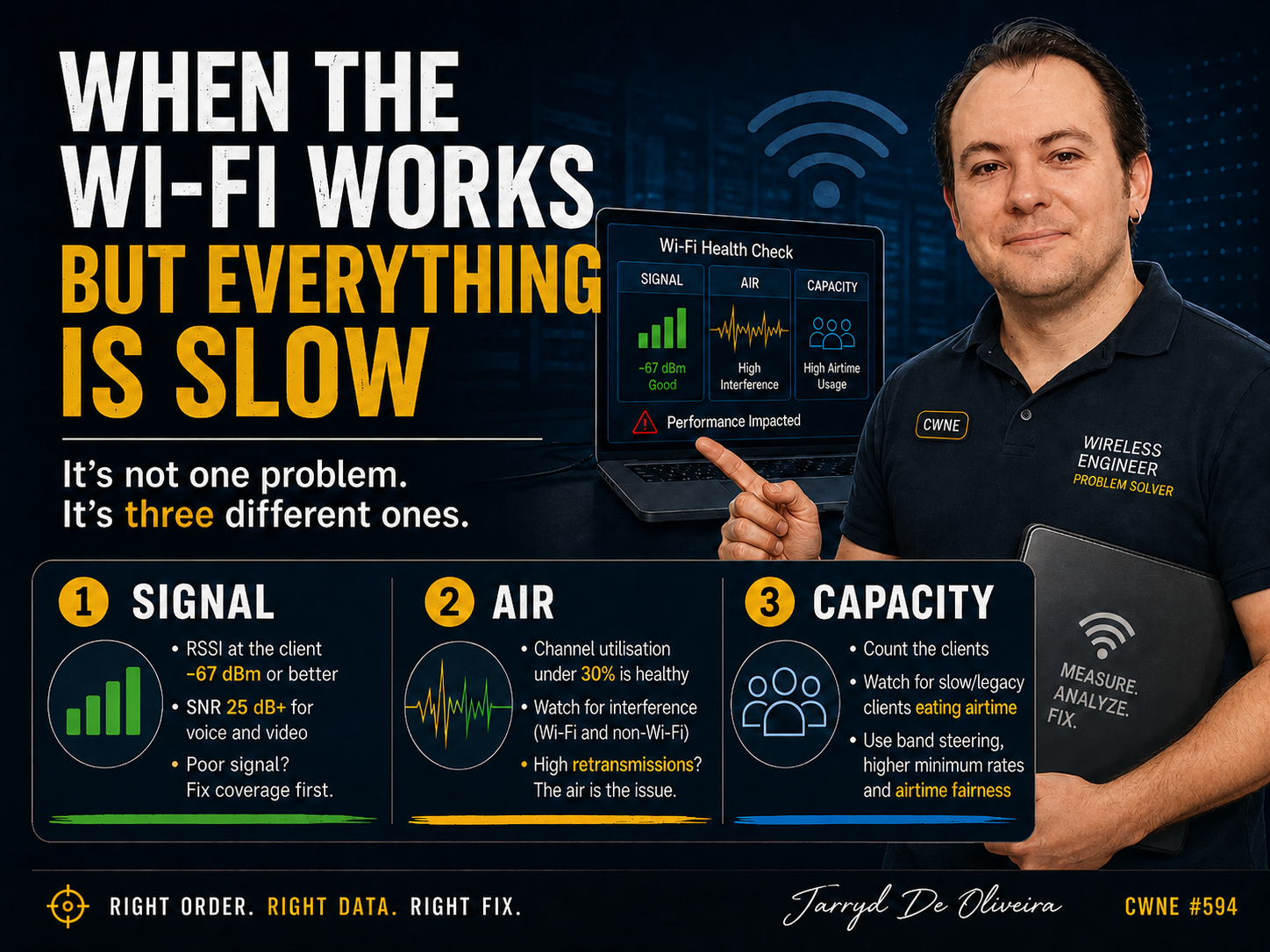](https://techblog.jcditservices.com/uploads/images/gallery/2026-07/jul-9-2026.png)
[https://www.linkedin.com/pulse/when-wi-fi-works-everything-slow-jarryd-de-oliveira-z360e/?trackingId=GNlfJdNvTwCLcSCW%2BVMhCw%3D%3D](https://www.linkedin.com/pulse/when-wi-fi-works-everything-slow-jarryd-de-oliveira-z360e/?trackingId=GNlfJdNvTwCLcSCW%2BVMhCw%3D%3D)
"Slow" is not a diagnosis. It is three different problems wearing the same description.
This is one of the most frustrating tickets to receive, and one of the easiest to mishandle.
The user is connected.
They have an IP address.
Authentication is fine.
Nothing is obviously broken.
It is just slow.
Or laggy.
Or it stutters at the worst possible moment on a video call.
"The Wi-Fi is slow" tells you almost nothing on its own.
There are at least three very different causes hiding behind that sentence, and the engineers who solve these tickets quickly are not guessing better than everyone else.
They are checking things in the right order.
That order is:
Signal first.
Then the air.
Then capacity.
Get the signal right. Then look at what else is using the channel. Then count how many devices are fighting over it.
Skip ahead and you can easily end up tuning capacity on a link that was never going to perform, because the signal was poor from the start.
### Start with signal
Measure RSSI at the client, not just at the AP.
That distinction matters.
The AP's view of the client and the client's view of the AP are not always the same thing, and the client is the one trying to hold the video call.
As a working guide, -67 dBm or better is where you want to be for reliable data, voice, and video. Around -70 dBm is the usable edge. Below -75 dBm, expect problems.
At that point, stop blaming anything else until the signal has been checked properly.
But RSSI alone is not the whole story, and this is where a lot of troubleshooting stops too early.
Check the signal-to-noise ratio as well.
Aim for 25 dB or higher for voice and video. Treat 20 dB as the floor for solid data.
A high noise floor can wreck throughput even when the RSSI reading looks healthy, because the client cannot cleanly pull the signal out of the noise around it.
A strong signal sitting in a noisy band is still a slow link.
If the signal is genuinely good, move on to the air.
If it is poor, you have a coverage problem, and the answer is upstream of tuning. It could be a failed AP, an obstruction that was not there during the original design, a change in the environment, or a survey that needs doing properly.
You do not tune your way out of a coverage hole.
### Then the air
A good signal into a congested channel is still a slow link.
So the next question is simple:
How busy is the air?
Look at channel utilisation on the AP.
Under 30 percent is generally healthy.
Between 30 and 50 percent is moderate and can start to bite.
Over 50 percent means real contention, with clients waiting for airtime and retries stacking up.
Two things commonly drive that congestion.
The first is co-channel interference.
Neighbouring APs sharing a channel politely take turns transmitting, and slow each other down in the process. In 2.4 GHz, this is often self-inflicted, and the fix is as old as the problem:
Use channels 1, 6, and 11 only.
Anything else overlaps its neighbours.
Yes, people still get this wrong in 2026.
The second is non-Wi-Fi interference, and utilisation graphs will not always tell the full story.
Microwaves.
Bluetooth.
DECT phones.
Video senders.
Radar.
All of it can raise the noise floor without appearing as normal Wi-Fi traffic.
This is where a spectrum analyser earns its money.
It is the difference between saying, "The channel is busy with Wi-Fi," and saying, "Something in the environment is dumping energy into the band."
And here is one of the most useful tells in the whole exercise:
Retransmissions.
Even with a strong signal and a quiet-looking channel, a high retry percentage means the air is the problem. Frames are not getting through cleanly the first time, and every retry consumes airtime that nobody else can use.
When RSSI looks fine but throughput does not, the retry count is often where the truth is hiding.
### Then capacity
Signal is good.
The air is clean.
Now the problem is about sharing.
Start by counting the associated clients on the radio.
But the number alone does not tell the whole story. You also need to understand what kind of medium Wi-Fi actually is.
Wi-Fi is shared airtime.
One legacy or poorly connected device transmitting at a low data rate can consume a disproportionate amount of airtime. While that client is talking, everyone else has to wait.
A single slow client can genuinely degrade the experience for the rest of the cell.
Not metaphorically.
Mechanically.
The fix is the same cell-sizing lever from the roaming discussion.
Disable the lowest legacy data rates, so clients either connect at a reasonable rate or move to a better AP. That reclaims airtime across the cell.
Confirm band steering is actually working, so dual-band clients end up on 5 GHz or 6 GHz instead of piling into a crowded 2.4 GHz band.
And where the vendor supports it, enable airtime fairness, so one slow device cannot monopolise the radio at everyone else's expense.
The usual warning applies before you raise any rates:
Audit the estate first.
Some older scanners, sensors, printers, and handheld devices genuinely need lower rates to associate at all. A blanket minimum data rate change can quietly knock them off the network.
The goal is to reclaim airtime, not create a new outage.
### Final Thoughts
"Slow" is not one problem.
It is three problems wearing the same description, and the order you investigate them in is what makes you fast or slow at solving it.
Fix the signal first, because nothing downstream matters on a weak or noisy link.
Then look at what is using the air, and let the retransmission rate tell you when the channel itself is the issue.
Only then start counting clients and reclaiming airtime.
Work it in that sequence and "the Wi-Fi is slow" stops being a vague complaint and becomes a measurement you can act on.
Which, when you strip everything else away, is the whole job.
*This is part of an ongoing wireless troubleshooting series, building on the opening piece on triage: scope the problem first, then work the layer the symptom actually points at.*
# Your Wi-Fi Drops Aren’t Random
### [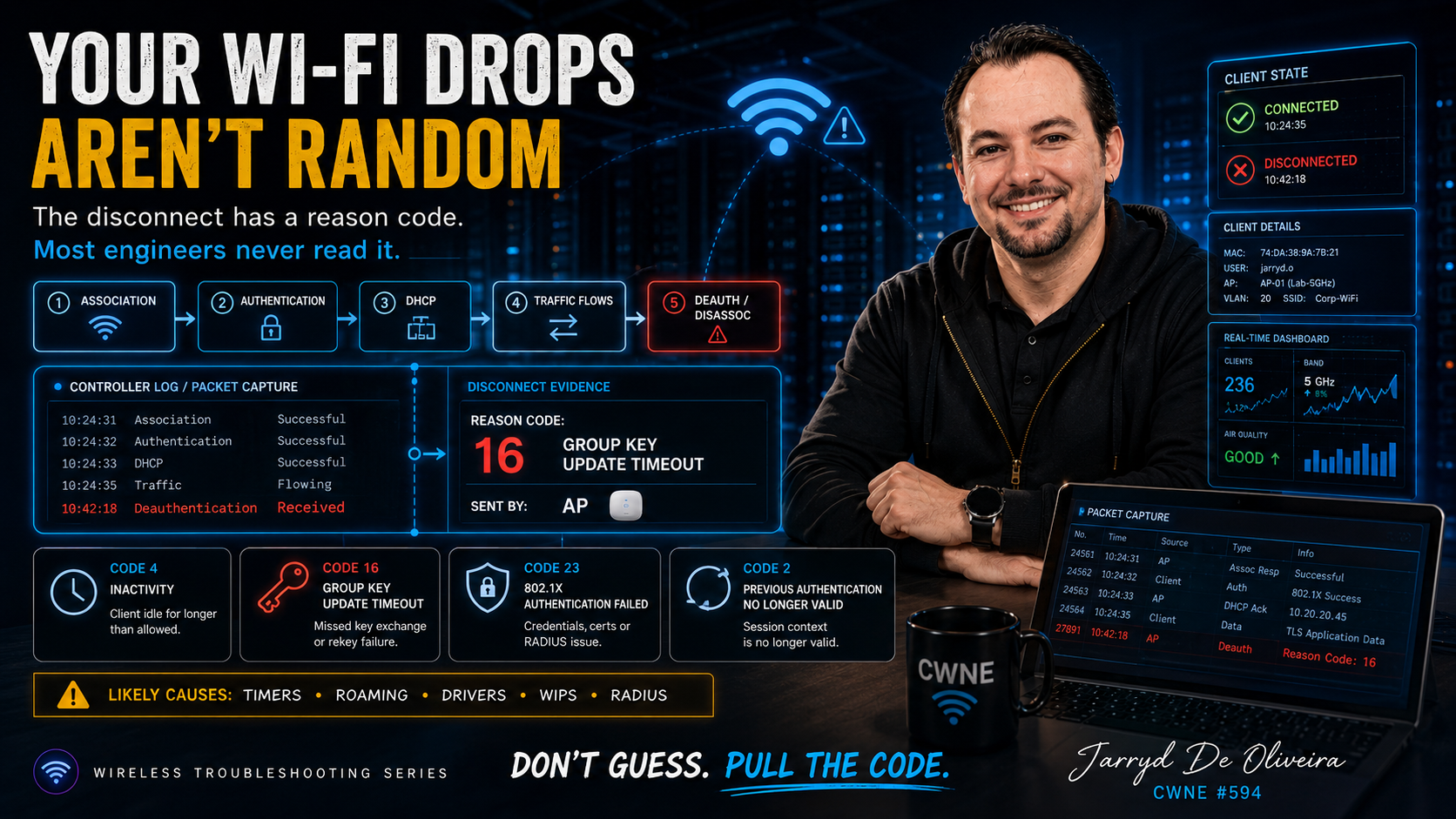](https://techblog.jcditservices.com/uploads/images/gallery/2026-07/your-wi-fi-drops-arent-random.png)
[https://www.linkedin.com/pulse/your-wi-fi-drops-arent-random-jarryd-de-oliveira-uocee/?published=t](https://www.linkedin.com/pulse/your-wi-fi-drops-arent-random-jarryd-de-oliveira-uocee/?published=t)
### The disconnect has a reason code. Most engineers never read it.
This ticket is a different animal from the ones we have covered so far.
The client joins perfectly.
Authentication succeeds. It gets an IP address. Traffic flows.
Then, seconds or minutes later, it is kicked off.
Sometimes it happens once an hour. Sometimes every ninety seconds. Sometimes it affects one device, in one corner of the building, on one particular day of the week.
The instinct is to call it a coverage problem and start looking at signal strength.
But a client that connects cleanly and then drops is often not a coverage problem.
Coverage problems usually prevent a client from connecting in the first place, or cause performance to degrade as it reaches the edge of a cell. They do not normally admit a client, pass traffic successfully, and then remove it at a repeatable interval.
When a session ends like that, something usually ended it.
One side sent a deauthentication or disassociation frame, or a timer expired somewhere in the process.
And here is the part that can save hours of troubleshooting:
That termination carries a reason code.
The network is telling you why the client was disconnected.
Most engineers never look.
## Stop guessing. Pull the code.
You can usually get the reason code from one of two places.
The first is the controller or AP logs, where most enterprise wireless platforms record deauthentication and disassociation events along with the associated reason code.
The second is a frame capture, where the deauthentication or disassociation frame carries the code over the air.
Either way, before changing a single setting, get the code.
Two pieces of information matter:
What does the code say?
And who sent it?
A disconnect sent by the AP and one sent by the client lead to very different investigations.
If the AP removed the client, start looking at policy, timers, security, capacity, or infrastructure behaviour.
If the client left on its own, look at drivers, power-saving behaviour, roaming logic, or the device deciding that another connection looked better.
The symptom may look identical to the user.
The fix will not be.
## The codes worth knowing
You do not need to memorise the entire reason-code table. A small number appear repeatedly in real troubleshooting.
**Code 4: Inactivity**
The AP timed the client out because it stopped communicating. This is common with devices that sleep aggressively, or where idle timers are shorter than the client’s power-saving behaviour.
**Code 5: AP unable to handle additional clients**
The AP is unable to service the client, often due to capacity or resource constraints. That is a capacity conversation, not simply an RF coverage problem.
**Code 15: Four-way handshake timeout**
The client did not complete the security handshake in time. Possible causes include an incorrect passphrase, driver instability, packet loss during the exchange, or an interoperability issue.
**Code 16: Group key update timeout**
This is a classic cause of repeatable disconnects. The network rotates the group key, the client fails to complete the update, and the session is terminated.
A short rekey interval combined with a poor client driver can produce the familiar “drops every hour on the hour” pattern.
**Code 23: IEEE 802.1X authentication failure**
Now the investigation moves towards RADIUS, certificates, credentials, supplicant behaviour, and authentication policy rather than RF.
**Code 2: Previous authentication no longer valid**
This is often seen around roaming, key caching, session state, and authentication context problems.
Six codes.
Between them, they cover a significant proportion of connects-then-drops tickets, and each points towards a different layer.
That is the value.
The reason code performs the first stage of triage for you.
## The usual suspects behind the codes
Once you have the code, the root cause is often one of a relatively short list.
### Timers set too tightly
Group key rekey intervals, EAP reauthentication periods, session timeouts and idle timers are all deliberate disconnect mechanisms.
Each one also interacts with client behaviour.
A rekey interval that causes no problems for modern laptops may be disastrous for a warehouse scanner running an old wireless driver.
### DHCP problems beneath a healthy Wi-Fi session
Sometimes the wireless association remains intact while the IP configuration underneath it fails.
From the user’s perspective, the Wi-Fi has dropped.
From the AP’s perspective, the client is still connected.
Check DHCP lease duration, renewal behaviour, duplicate addresses and gateway reachability before blaming the radio.
### Aggressive band steering
The infrastructure may be trying to encourage a client onto a different band, while the client handles that steering poorly.
To the user, it looks random.
In reality, it was a policy decision.
### Roaming interactions
Everything from the previous roaming article applies here.
A bad roam and a disconnect are often the same event described from two different perspectives.
The user says the Wi-Fi dropped.
The infrastructure says the client moved, failed to complete the transition, and had to reconnect.
### Driver instability
This remains one of the most common causes and one of the least glamorous.
When one model of device drops while the rest of the estate remains stable, the client driver should be near the top of the suspect list.
### WIPS containment
And then there is my favourite war story: wireless intrusion prevention.
A WIPS platform containing a genuine rogue AP is doing exactly what it was designed to do.
A WIPS platform misclassifying your own infrastructure, a neighbouring network, or a legitimate device and then transmitting deauthentication frames is a self-inflicted outage.
I have seen sites chase “random drops” for days when their own security platform was actively disconnecting their clients.
The reason codes and source MAC addresses told the whole story in a single capture.
Your security tooling belongs on the suspect list.
It does not get a free pass because it is yours.
## The method
The troubleshooting sequence for a connects-then-drops ticket is straightforward.
First, confirm the pattern.
Is the interval regular or genuinely random?
Does it affect one device or many?
One area or the entire site?
One SSID, one AP, one band, one operating system or one device model?
The scoping questions from episode one still apply.
Next, pull the reason code from the controller logs or a frame capture.
Then identify who sent the disconnect.
Map the code to the layer it points towards and investigate that layer.
Finally, verify the fix for longer than the original failure interval.
If the client previously dropped every hour, a twenty-minute test proves nothing.
A fix that has not survived the rekey, reauthentication, idle or session timer has not yet been proven.
There is no guessing in that sequence.
Just evidence.
## Final Thoughts
A client that connects and then drops is not suffering from bad luck.
It may not be suffering from bad coverage either.
Something ended the session, and in many cases, that something left a note.
Pull the reason code.
Check who sent it.
Let that evidence point you towards the correct layer, in the same way that scope pointed you towards the correct layer in episode one.
The engineers who resolve these tickets quickly are not necessarily the ones with the best intuition.
They are the ones who read the note.
---
*This is part of an ongoing wireless troubleshooting series, building on the opening article on triage: scope the problem first, then work the layer the symptom actually points towards.*
*Jarryd De Oliveira, CWNE #594*
# Full Bars. No Internet.
#### [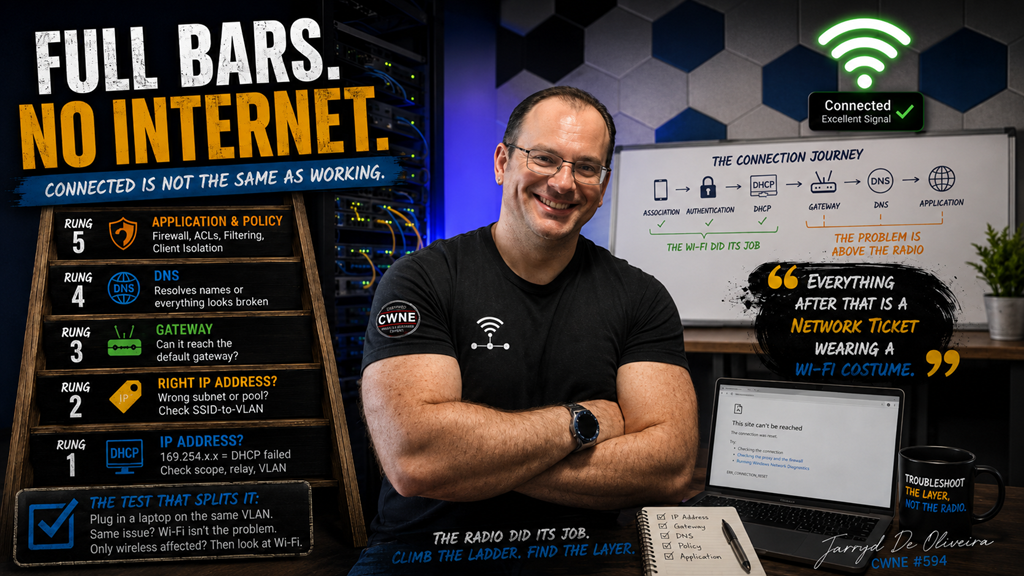](https://techblog.jcditservices.com/uploads/images/gallery/2026-07/article.png)
#### Connected is not the same as working. The Wi-Fi did its job. The problem is above it.
This is the ticket that makes users angriest.
Full signal bars. Connected to the correct SSID. The little Wi-Fi icon looking perfectly healthy.
And nothing loads.
The user blames the Wi-Fi because the Wi-Fi is the part they can see.
But here is the uncomfortable truth for anyone about to spend an hour staring at RF dashboards:
If the client associated cleanly and authenticated successfully, the wireless network has largely done its job.
Association is only part of the journey.
Back in episode one, we walked through the connection path:
Association. Authentication. DHCP. Gateway. DNS. Application.
A client showing full bars and a connected status has passed the first stages.
The failure is probably above the radio.
Which means this ticket is not really a wireless investigation.
It is a ladder.
And you climb it from the bottom.
#### Rung one: did the client actually get an IP address?
Before touching the infrastructure, look at the client’s own network configuration.
IP address. Subnet mask. Default gateway. DNS servers.
Those four values will often tell you most of the story before you log into a controller, switch, or firewall.
The first thing to look for is the classic tell: a self-assigned `169.254.x.x` address.
That means DHCP never completed.
The client asked for an address, nobody replied, and it assigned itself an address that will not take it beyond the local link.
When you see one, the suspect list is usually short:
- The DHCP scope is exhausted.
- The DHCP relay or IP helper is missing or incorrect for that VLAN.
- The VLAN is not tagged across the trunk carrying the SSID.
- The SSID is mapped to the wrong VLAN.
- DHCP traffic is being blocked somewhere along the path.
Notice that none of those is an RF problem.
#### Rung two: is it the right IP address?
Sometimes the client gets an address, but it is the wrong one.
The wrong subnet. The wrong pool. An address from the guest range while connected to the corporate SSID, or the other way around.
That usually points towards the SSID-to-VLAN mapping, an incorrect native VLAN, or a switching configuration carrying traffic somewhere it should not.
This one often appears after a change.
A new AP or switch goes in. One SSID works, another does not. The difference turns out to be a VLAN that was never added to the new switch port or trunk.
The AP is innocent.
The trunk configuration is not.
#### Rung three: can it reach the gateway?
The client has a sensible IP address.
Now test the default gateway.
If the gateway cannot be reached, the problem is likely sitting in Layer 2 or Layer 3:
VLAN membership. Trunking. Switching. ARP. Routing. Security policy between the client and its gateway.
Some gateways will not respond to ICMP, so a failed ping is not absolute proof by itself. Check whether the client can resolve the gateway’s MAC address and whether other traffic can reach it.
If the gateway is reachable, the local network path is probably working.
Keep climbing.
#### Rung four: DNS
Here is a line worth remembering:
> “The internet is down” is often just DNS.
The client can reach the gateway. It may even be able to reach the outside world by IP address.
But it cannot resolve names.
From the user’s point of view, everything is broken.
Check which DNS servers the client was actually given.
Then check whether those servers are reachable from that VLAN.
Internal resolvers that work perfectly from the corporate network may be unreachable from a guest or IoT segment, either by design or by accident.
A manual lookup against the assigned DNS server helps confirm whether it is responding correctly.
Testing a known public resolver can split the problem further. If the public resolver works but the assigned resolver does not, you have found the failing layer.
Just remember that some environments intentionally block direct access to external DNS services, so interpret the result in the context of the network design.
#### Rung five: the application and the policy
The client has an IP address, reaches the gateway, and resolves names.
Something still does not work.
Now you are in application and policy territory.
Firewall rules. ACLs between VLANs. Proxy configuration. Web filtering. Captive portals. Certificate inspection. Application-specific ports.
And one that catches people constantly: client isolation.
Client isolation deliberately prevents wireless clients from communicating directly with each other.
On a guest network, that is often exactly what you want.
But it is also the answer to a whole family of confused tickets:
“I can’t find the printer.”
“Casting doesn’t work.”
“The app can’t discover the device.”
Nothing may be broken.
A policy could be doing exactly what it was configured to do, on an SSID where somebody did not expect it.
Before troubleshooting a discovery problem as a fault, check whether isolation was part of the design.
Also remember that some discovery protocols, such as mDNS, do not naturally cross VLAN boundaries without a gateway or service designed to relay them.
#### The test that splits the problem in half
Episode one had the temporary open SSID.
This ticket has its own version of the same idea:
Test from a wired port on the same VLAN.
Place a laptop on a switch port assigned to the same VLAN as the SSID.
If the wired client experiences the same problem, wireless was probably never the issue.
You have just saved yourself hours of RF investigation.
The fault is likely in DHCP, switching, routing, DNS, firewall policy, or an upstream service, and it would affect any client using that segment.
If the wired client works and only wireless clients are affected, the wireless path deserves a closer look.
Check the AP’s switch port, VLAN tagging, tunnelling or local breakout configuration, SSID mapping, access policies, and any wireless-specific isolation settings.
One test.
The problem space cut in half.
#### A war story about Monday mornings
My favourite version of this ticket is the guest network that works perfectly in the morning and falls over by lunchtime.
Every day.
Like clockwork.
The cause was a DHCP scope designed for a quiet office, combined with long lease times on a guest network used by hundreds of phones each day.
Every device that walked through the door consumed a lease.
Those leases remained allocated long after the users had left.
By midday, the pool was empty. Every new device received a self-assigned address and generated a complaint ticket.
Nobody had touched the wireless infrastructure in months.
The wireless was fine.
A larger address pool and shorter guest lease times fixed a “Wi-Fi problem” that had never been a Wi-Fi problem.
Check lease duration against how long clients actually remain on the network.
A guest lease measured in days can become a pool exhaustion event running on a timer.
#### The method
The sequence is short, and the order matters.
Start with the client’s own configuration:
IP address. Subnet mask. Default gateway. DNS servers.
Those values often identify the failing layer before you log into anything.
A `169.254.x.x` address?
DHCP never completed. Check the scope, relay, VLAN, trunk, and any policy blocking DHCP.
A valid address from the wrong subnet?
Check the SSID-to-VLAN mapping and switching configuration.
A valid address but no path to the gateway?
Work through Layer 2 and Layer 3. VLAN membership, switching, ARP, routing, and firewall policy.
The gateway works but names do not resolve?
Investigate DNS.
DNS works but the application still fails?
Look at policy, filtering, proxying, isolation, discovery protocols, and application-specific requirements.
And when the failing layer is unclear, run the wired test and cut the problem in half.
Scope it the same way as always.
One user usually points towards the client.
One SSID, AP group, or VLAN usually points towards mapping, trunking, relay, or policy.
Everyone, everywhere usually points towards shared upstream infrastructure.
#### Final thoughts
Full bars mean the radio conversation is healthy.
They promise nothing about DHCP, routing, DNS, firewall policy, or the services sitting between the user and the thing they are trying to reach.
Connected is not the same as working.
So when the ticket says, “Connected, but nothing works,” resist the urge to open the RF dashboards first.
Read the client’s network configuration.
Climb the ladder from the bottom.
Let each rung tell you whether to stop or keep climbing.
The wireless network completed its part of the journey at association and authentication.
Everything after that is often a network ticket wearing a Wi-Fi costume.
---
*This is part of an ongoing wireless troubleshooting series, building on the opening article about triage: scope the problem first, then work the layer the symptom actually points towards.*
*Jarryd De Oliveira, CWNE #594*
# The Login Page That Never Appears
# [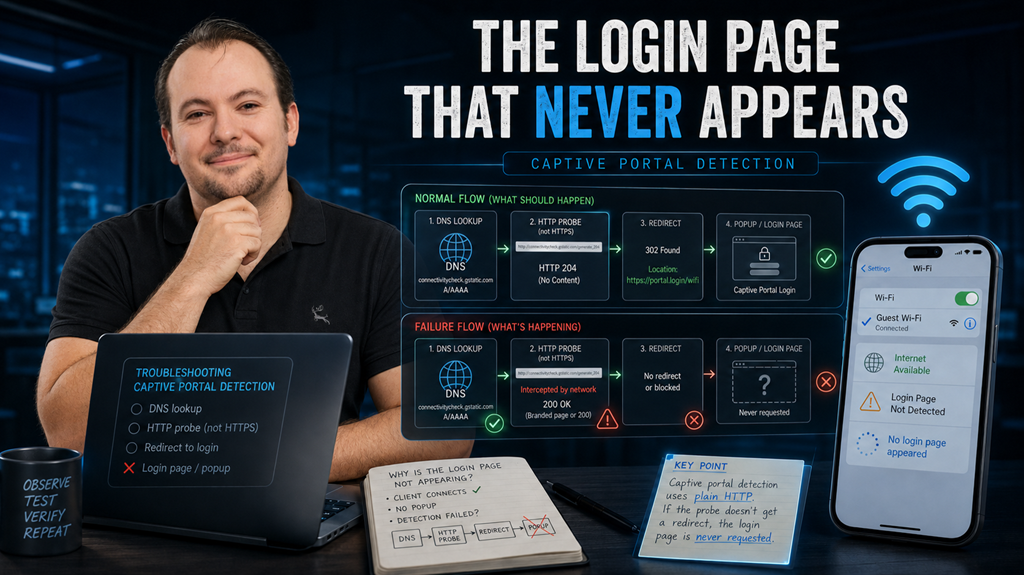](https://techblog.jcditservices.com/uploads/images/gallery/2026-07/jul-30-2026.png)
### Captive portal problems are usually detection problems. Understand what triggers the popup, and most failures explain themselves.
Every guest network gets this ticket.
A visitor connects to the guest Wi-Fi and waits for the login page.
Nothing appears.
They open a browser and try a website. They get an error, a blank page, or an endless spinner.
The ticket says, “Guest Wi-Fi doesn’t work.”
Someone reboots an access point.
Nothing changes, because the access point was never the problem.
Here is the part about captive portals that is rarely explained properly:
The portal page itself is usually not broken.
What breaks is detection.
It is the small exchange between the device and the network that tells the device a captive portal exists.
Understand that exchange, and most portal tickets start to make sense.
## How the popup actually appears
When a device joins a network, it does not simply wait for the user to open a browser.
It quietly sends a connectivity probe: a plain HTTP request to a known address operated by the device’s operating system vendor.
Apple devices check an Apple-owned address. Android checks a Google connectivity endpoint. Windows uses Microsoft’s network connectivity test.
Each operating system knows exactly what the expected response should look like.
Then one of three things happens.
If the probe receives the expected response, the device concludes that internet access is available. No portal is detected, so no popup appears.
If the probe receives something different, usually a redirect injected by the network, the device concludes that it is behind a captive portal and opens the login window.
If the probe receives no response at all, the device concludes that connectivity is unavailable.
Usually, there is still no popup.
That is the key point:
**The popup appears only when the network successfully intercepts the probe and returns a redirect.**
The portal is not a page the device actively searches for.
It is a trap the network has to spring correctly.
## The failure modes, in the order I usually meet them
### The probe leaks through
The walled garden, the small set of destinations an unauthenticated client is allowed to reach, is too permissive.
If the probe reaches the real vendor server and receives the expected response, the device believes the internet is working normally.
No popup appears.
Real traffic may still be blocked, leaving the user connected but unable to do anything. It looks like an internet problem, but it is really a portal-detection problem.
The ironic version happens when someone whitelists operating system domains to solve a different issue and accidentally includes the probe destinations.
Whitelist the probe and you kill the popup.
Every time.
### DNS is blocked before authentication
Detection usually starts with a DNS lookup.
The device must resolve the probe hostname before it can send the request.
If unauthenticated clients cannot reach DNS, the detection process never starts.
The walled garden must allow DNS before authentication.
That is not optional. It is part of the mechanism.
### The HTTPS trap
You cannot cleanly intercept HTTPS.
Redirecting an encrypted request without the correct certificate produces a security warning, not a login page. That is exactly how HTTPS is designed to behave.
Captive portal detection works because the operating system probes use plain HTTP.
This is also why the classic user test often fails.
The guest opens a browser, which loads an HTTPS homepage, and sees a certificate warning, an error, or a dead page instead of the portal.
The engineer’s test is different:
Use a plain HTTP website.
A site such as `neverssl.com` exists specifically for this purpose.
If the portal appears when visiting a plain HTTP site but not when loading the user’s normal homepage, you have just seen the HTTPS trap in action.
### The garden has gaps
Sometimes the popup appears, but the page is broken.
It may be blank, partially rendered, or have a login button that does nothing.
The portal hostname may be allowed while its stylesheets, scripts, fonts, or images are hosted somewhere else.
Social login may require access to an identity provider.
Payment may depend on a third-party processor.
The portal is a small web application, and every service it relies on must be reachable before authentication.
That can include:
- The portal hostname
- CDN-hosted assets
- Identity providers
- Payment processors
- API endpoints
- Certificate validation services
The portal itself should also be served over HTTPS using a certificate that matches its hostname. Otherwise, the device’s captive portal browser may reject it.
### MAC randomisation strikes again
Modern devices use private MAC addresses.
They often generate a different MAC address for each network, and some may rotate it over time.
Captive portal sessions are commonly tied to the client MAC address.
That means the device that “keeps asking the user to log in” may not be malfunctioning.
It may simply be presenting a new identity.
From the portal’s point of view, it is a new device.
Per-network private addresses also mean that a returning guest may appear as a completely new guest.
Session duration, reauthentication, and registration flows need to be designed around that reality.
The old assumption of a permanent client MAC address no longer holds.
### It works when we test it
This is my favourite version of the ticket.
Staff insist the portal is working.
They test it from their desk and the login page appears immediately.
The complaints continue.
The problem is that the staff devices may already have valid sessions.
Their MAC addresses are known, authorised, or remembered from a previous visit.
Guests are joining with fresh private MAC addresses and no session history.
The staff are testing the authenticated path.
The guests are experiencing the unauthenticated path.
Test like a guest.
Forget the network. Use a private MAC address. Join from a cold state with no previous session.
That is the experience your visitors are actually having.
## The method
Start by scoping the problem, as always.
Is every guest affected, or only one platform?
If all Android devices fail but iPhones work, investigate how the network handles Android’s connectivity probe.
If only one device is affected, look at that device’s portal history, cached session, private MAC behaviour, and DNS state.
Then work through the mechanism.
Confirm that unauthenticated clients can reach DNS.
Confirm that the operating system probes are being intercepted rather than allowed through.
The probe destinations should not be included in the walled garden.
Test detection using a plain HTTP site, not an HTTPS homepage.
If the portal appears but does not render properly, inspect every dependency in the garden:
- Portal hostname
- CDN assets
- Identity provider
- Payment services
- API calls
- Certificate chain
Check that the portal certificate is valid and matches the hostname.
Finally, test from a clean state using a randomised MAC address.
Test like a guest, not like a member of staff.
## Final Thoughts
The captive portal is the visible part of the process, but it is rarely the part that failed.
Detection is the mechanism:
A plain HTTP probe.
An interception.
A redirect.
A popup.
Four steps.
Nearly every captive portal problem is one of those steps failing.
Know the probe.
Control the garden.
Test like a guest.
The login page that never appeared was not lost.
It was never requested.
---
*This article is part of an ongoing wireless troubleshooting series. The method remains the same: scope the problem first, then investigate the layer the symptom actually points towards.*
*Jarryd De Oliveira, CWNE #594*
# The Channels You Don't Own
[](https://techblog.jcditservices.com/uploads/images/gallery/2026-08/the-channels-you-dont-own-copy.png)
[https://www.linkedin.com/pulse/channels-you-dont-own-jarryd-de-oliveira-abyyf/](https://www.linkedin.com/pulse/channels-you-dont-own-jarryd-de-oliveira-abyyf/)
### A large slice of 5 GHz is borrowed from radar. DFS is the lease. Sometimes the landlord knocks.
This ticket has a signature, and once you know it, you will rarely mistake it for anything else.
Every client in one area stalls or drops at the same moment.
Not one flaky laptop. All of them. Together.
Moments later, or perhaps a minute later, most of them are back and everything looks normal.
The logs show the access point changed channel. Nobody touched anything. There was no configuration change, no planned maintenance, no reboot and no ordinary RRM decision.
The ticket says, “The Wi-Fi glitched.”
What actually happened is simpler and stranger:
Your access point heard radar, and the law told it to leave.
### You are a tenant on that spectrum
Here is the part of 5 GHz that rarely gets explained properly.
A large portion of the 5 GHz band is shared spectrum. The primary users are radar systems, including weather, maritime, aviation and military radar.
Your WLAN is the secondary user.
DFS, Dynamic Frequency Selection, is the mechanism that makes that sharing legal. It is not an optional vendor feature. It is the condition of the lease.
The lease terms are roughly this:
Before an AP can transmit on a DFS channel, it must listen first. That is the Channel Availability Check, normally around 60 seconds.
In the ETSI regulatory domain used across Europe, channels overlapping the 5600–5650 MHz weather-radar range can require a much longer check, commonly ten minutes.
While operating, the AP keeps listening. That is in-service monitoring.
If radar is detected, the AP must stop using the affected channel and move, normally announcing the change to its clients on the way out.
The vacated channel then enters a non-occupancy period, typically around thirty minutes, before it can even be considered again.
Radar detected, everybody out.
That is the whole deal.
### What it looks like from the floor
The ticket signature follows directly from the mechanism.
A simultaneous stall or disconnect affecting every client on one AP’s 5 GHz radio, because the whole cell moved together.
Some clients follow the channel switch announcement cleanly and experience only a pause. Others disconnect and rejoin. The visible result depends on the AP, the client and where the AP moves next.
Recovery may be almost immediate if the AP selects a non-DFS channel or has already cleared another channel in the background.
It may take longer if the destination channel also requires an availability check.
And there is often a knock-on performance complaint afterwards.
The AP may flee to whatever channel is available, which is frequently a crowded non-DFS channel already occupied by its neighbours.
The radar event lasts a moment. The resulting co-channel contention may last far longer.
There is a second, sneakier signature worth knowing:
The AP that takes a minute to appear.
Reboot an AP that lives on a DFS channel and its 5 GHz radio may not come up at the same time as the rest of the AP.
It sits silent through the availability check, listening for radar, before it is allowed to transmit.
On parts of the European weather-radar range, that wait may be closer to ten minutes than one.
If you have ever rebooted an AP, watched it come online and then spent a confused minute wondering where the 5 GHz network went, that was not necessarily a fault.
That was the lease.
### Not every detection is radar
Now the honest complication.
Radar detection is pattern matching against pulse signatures, and pattern matching can produce false positives.
Some radios, some firmware versions and some noisy environments produce radar detections when there is no radar present.
Certain interference can resemble a pulse pattern closely enough to trigger an event.
So read the pattern, not the single event.
Occasional events across several APs, particularly at a site near plausible radar activity, may be genuine.
Airports, ports, coastlines, weather radar installations and military activity are useful clues, although proximity alone does not prove the source.
One AP logging events constantly while its neighbours on the same channels hear nothing deserves suspicion.
Look at that AP’s environment. Compare its event history with nearby APs. Check whether the behaviour began after a firmware change.
Detection behaviour genuinely changes between hardware and software releases.
The event log is evidence either way.
DFS events are normally logged, timestamped and tied to a channel.
This is one of the easiest tickets in wireless to prove, and one of the most commonly guessed at instead.
### So why use DFS channels at all?
Because without them, 5 GHz is small.
Strip out the DFS ranges and you are left with a limited number of non-DFS channels.
In a dense deployment, or anywhere you want wider channels, that is nowhere near enough spectrum to build a clean reuse plan.
Every AP ends up sharing airtime with its neighbours, and you trade occasional radar events for permanent co-channel contention.
That is usually a bad trade.
DFS is not the enemy.
Unmanaged DFS is.
The design questions are the same ones as always, just with a landlord involved.
How close is the site to plausible radar sources?
Airports, ports, coastlines, weather radar installations and military sites may help explain the event pattern, but the logs still need to support the theory.
Which DFS channels have a clean history here?
The AP logs will tell you, per channel and per AP, over days or weeks.
Let the site’s own evidence prune the channel plan.
Do wider channels make sense?
A wide channel touching a troubled frequency range inherits its radar events. Sometimes the right answer is narrower channels on quieter spectrum.
And what is the client population?
Client discovery behaviour on DFS channels varies by chipset, driver and regulatory domain.
Some clients search those channels less aggressively, take longer to rediscover an AP after a move, or behave poorly during channel changes.
For most estates this is a footnote.
For some specialist devices, it matters.
Modern platforms may reduce the disruption using background scanning, dedicated sensor radios, zero-wait DFS or bandwidth reduction.
These features can shorten the interruption, but they do not remove the regulatory requirement.
When radar is detected, the affected spectrum still has to be vacated.
### A war story from the aisles
The version of this ticket I will always remember was a warehouse full of autonomous robots, a few miles from an airport.
The robots would pause.
Not everywhere, and not on a schedule.
Specific aisles. Random times. Several robots at once. Then recovery.
Everyone was staring at the robots’ software because the pattern felt like a system fault.
The AP logs told a different story.
Radar events, over and over, on the same cluster of channels, on the APs covering exactly those aisles.
Every pause lined up with a channel evacuation.
The robots were not crashing.
Their cell was being evicted, and a fleet that expects continuous connectivity noticed the gap that a person carrying a laptop might never see.
The fix was not turning DFS off.
It was pruning the channel plan away from the ranges with the worst event history, keeping the cleaner DFS channels and re-checking the logs monthly.
The robots stopped pausing.
The spectrum was the same.
The lease was just being managed instead of ignored.
### The method
Recognise the signature first.
Simultaneous per-cell stalls or drops, a logged channel change and self-recovery.
That combination should put DFS near the top of the list.
Pull the AP event log and confirm the radar detection, the channel and the time.
This ticket comes with receipts.
Map the events.
Which APs are affected? Which channels? How often?
One AP constantly detecting alone points towards that AP, its immediate environment or its software.
Many APs detecting on the same frequency range at similar times points more strongly towards genuine radar activity.
Check the geography, but do not use it as proof.
Airports, coasts, ports and weather radar sites can make events more likely, but the event history still has to support the conclusion.
Then manage the lease.
Prune persistently noisy channels from the plan.
Keep the clean DFS channels.
Consider narrower channel widths where wider channels repeatedly overlap troubled spectrum.
Understand whether the platform supports background scanning or zero-wait DFS.
Mind the availability check when scheduling reboots.
And review the logs periodically, because the RF neighbourhood changes.
### Final Thoughts
A big slice of your 5 GHz network runs on borrowed spectrum, and the borrowing comes with rules.
Listen before transmitting.
Keep listening.
Leave when told.
Do not come back for half an hour.
Many of the most mysterious “the Wi-Fi glitched and then recovered” tickets on DFS channels are the lease working exactly as written.
You cannot negotiate with radar.
But you can read your own logs, learn which channels are quiet at your site and design as a good tenant.
The channels were never yours.
Manage them like you know it.
*This is part of an ongoing wireless troubleshooting series. The method remains the same: scope the problem first, then investigate the layer the symptom actually points towards.*
# The AP That Never Woke Up Properly
### [](https://techblog.jcditservices.com/uploads/images/gallery/2026-08/banner.png)
[https://www.linkedin.com/pulse/ap-never-woke-up-properly-jarryd-de-oliveira-awmzf](https://www.linkedin.com/pulse/ap-never-woke-up-properly-jarryd-de-oliveira-awmzf)
### Nothing is broken. The AP just negotiated less power than it needed, and quietly turned itself down.
This is the ticket that survives every round of troubleshooting because nothing ever looks wrong.
One access point underperforms.
Clients connect, but throughput is poor. Coverage feels smaller than the design said it would be. Maybe the 6 GHz radio is missing entirely, or a second radio never appears at all. USB ports do nothing.
Everything is green. The AP is up. The controller is happy. The logs are quiet.
Somebody replaces the AP. Same behaviour on the new one.
Somebody replaces the cable. No change.
Here is the thing nobody checked:
The AP is doing exactly what it was designed to do when it cannot get the power it asked for.
It came up, negotiated what was available, and then turned parts of itself off.
Not a fault. A budget decision, made in a switch closet, by a device that never told anybody.
### Powered devices negotiate. They do not demand.
Power over Ethernet is not simply "power arrives down the cable".
It is a negotiation between the Power Sourcing Equipment, usually a switch, and the Powered Device, in this case the access point.
The AP identifies what it needs. The switch determines what it can provide through PoE classification and, on many platforms, additional negotiation such as LLDP.
If the AP cannot obtain the power required for full operation, it may fall back to a reduced-power mode rather than simply refusing to boot.
And that is the part that creates this ticket.
A modern AP is not one fixed power draw. It is a collection of features with different appetites: multiple radios, higher spatial streams, multi-gigabit Ethernet, USB, Bluetooth or IoT radios, and sometimes a dedicated scanning radio.
When the allocation comes up short, the AP does not necessarily fail.
It degrades.
Deliberately, and sometimes remarkably quietly.
Depending on the platform, an underpowered AP may:
- Disable a radio entirely, often the newest band.
- Reduce the number of spatial streams, cutting maximum throughput.
- Reduce transmit power, shrinking the cell and undermining the coverage design.
- Disable USB ports and auxiliary features.
- Disable dedicated scanning or security radios.
- Restrict multi-gigabit Ethernet behaviour.
Every one of those looks like a wireless problem to the user.
Very few of them immediately look like a power problem.
### The three places the power goes missing
### The switch never offered enough
The most common cause is simply the wrong PoE standard for the AP.
An older switch port providing 802.3af PoE cannot provide the same power as 802.3at PoE+ or 802.3bt PoE++.
The AP may still boot.
It will just boot smaller.
That distinction matters because vendor documentation often lists two very different requirements: the minimum power required to bring the AP online and the power required for full functionality.
Those are not always the same number.
A tri-band Wi-Fi 6E or Wi-Fi 7 AP may happily join the controller on a lower PoE class while disabling radios, spatial streams or auxiliary features in order to remain inside its available power envelope.
Check what the port can actually deliver, not simply what the switch model supports on paper.
Line cards, port groups, switch configuration, firmware and PoE standards all matter.
### The budget ran out before your AP did
This one is more interesting, and it is the one that produces the classic:
"It worked last month."
A PoE switch has a total power budget across all of its ports.
Fill enough ports with cameras, phones, APs, sensors and other powered devices, and eventually that budget gets tight.
When it does, behaviour varies by platform.
Some switches deny power to additional devices entirely.
Others use configured power priorities to determine which devices are allowed to consume the remaining budget.
That means the AP that worked perfectly when the switch was first installed can behave differently six months later without anybody changing a single wireless setting.
Nothing changed about your RF design.
Somebody added twenty IP phones and twelve cameras to the same access switch.
Now the power budget is tight, and the AP covering the far end of the warehouse happens to be one of the devices that loses when the switch starts enforcing its power priorities.
Check total PoE budget utilisation, not just the capability of the individual port.
And check power priority.
When the budget runs out, priority decides who loses.
### The cable ate the difference
Power delivered by PoE is not immune to physics.
Every conductor has resistance, and resistance creates voltage drop and heat.
The PoE standards already account for a defined amount of loss through a standards-compliant Ethernet channel. That is why the amount of power supplied by the PSE can be higher than the power guaranteed to reach the powered device.
Problems begin when the real installation moves outside those assumptions.
Long cable runs approaching or exceeding the Ethernet channel limit.
Thin or poor-quality conductors.
Copper-clad aluminium instead of solid copper.
Poor terminations.
Damaged cable.
Cheap patch leads.
Excessive patching.
Bad connectors or patch panels.
Every one of those increases resistance.
An installation sitting comfortably inside the power envelope on a short, clean cable run may behave very differently when that same AP is placed at the end of a marginal 90-metre permanent link with questionable patch leads at both ends.
That is why "we replaced the AP and it did the same thing" is such a common line in these tickets.
The AP was never the problem.
### The evidence is one command away
The reason this ticket can survive for days is that people investigate it from the wireless side, where the symptoms are, rather than the power side, where the cause is.
The switch already knows most of what happened.
Ask the switch what PoE class was negotiated.
Check how many watts are allocated to the port.
Check how much power the device is actually drawing.
Then compare that with the AP manufacturer's requirement for full functionality.
Do not stop at "PoE is enabled".
That tells you the port is supplying power. It does not tell you whether the AP received enough power to operate as designed.
Then ask the AP what power mode it believes it is operating in.
Most enterprise wireless platforms expose this somewhere, whether through CLI, controller telemetry, events, alarms or AP status information.
Some will explicitly tell you that the AP is operating in a reduced-power state.
Others will expose the clue indirectly: a radio administratively enabled but operationally unavailable, reduced spatial streams, disabled USB, or a lower-capability operating mode.
The event may even be in the logs.
It just was not dramatic enough for anyone to notice.
Then do the fastest test in this entire investigation:
Compare the problem AP with a healthy AP of the same model.
Same hardware.
Same firmware.
Same WLAN configuration.
Different behaviour.
Now compare the PoE negotiation.
Very often, the answer is sitting right there.
### A war story from a mezzanine
The site was a distribution centre, and the complaint was that coverage on the mezzanine had "got worse" over the winter.
Nobody had touched the wireless.
The design had been validated.
The survey was good.
What had changed was downstairs.
A new set of PoE cameras had been installed on the same access switch.
The work was clean.
The cameras were properly installed.
The project was documented.
There was nothing obviously wrong with any of it.
But the switch's PoE budget was now tight.
The APs on the mezzanine happened to sit lower in the configured power priority order, and they were coming up in a reduced operating mode.
Their transmit power was lower than it had been when the wireless network was originally validated.
The coverage had not degraded.
It had been turned down, one watt at a time, by a project nobody thought was related to Wi-Fi.
The fix was boring.
Rebalance the PoE load across the switches.
Correct the power priorities.
Confirm that each AP was correctly detecting and operating at the intended PoE mode.
Then validate the radios and transmit power again.
The lesson was not boring at all.
Your wireless design assumes the access point is operating at the capability you designed around.
Nothing in the switch closet is obliged to honour that assumption unless you designed the power infrastructure properly as well.
### Design as if the power matters
A few habits prevent this ticket almost entirely.
Specify the PoE standard the AP requires for full functionality, not the minimum required to make it boot.
Those are different numbers, and vendors usually publish both.
Design the switch PoE budget for what the switch will carry in two or three years, not just what is connected on installation day.
PoE loads rarely get smaller.
Cameras get added.
Phones get added.
IoT devices get added.
Access points get replaced by newer models that need more power.
Leave headroom.
Set PoE priority deliberately.
If a switch ever does run short of power, the device that loses should be something you chose, not whatever the switch's default priority logic happens to sacrifice.
Keep the cabling honest.
Solid copper.
Correct category.
Standards-compliant lengths.
Good patch leads.
Proper terminations.
And add negotiated PoE power to the AP installation sign-off process.
You already check mounting position.
You already check channel assignment.
You already check transmit power.
You probably check that the AP joined the controller.
Checking the negotiated power level takes seconds.
It can save days.
### The method
Recognise the shape first.
One AP, or a group of APs connected to the same switch, are underperforming while the controller reports that everything is healthy.
You may see:
- Missing radios.
- Reduced spatial streams.
- Lower transmit power.
- Smaller cells than the design predicted.
- USB or auxiliary features unavailable.
- Reduced Ethernet capability.
- Otherwise healthy clients with inexplicably poor performance.
Then work through it in order.
Ask the switch what it allocated to the port.
Ask the AP what power mode it believes it is running in.
Compare that with the manufacturer's requirement for full functionality.
Compare the result with a healthy AP of the same model.
Then investigate the cause:
The PoE standard available on the port.
The total switch PoE budget.
The configured power priorities.
The cable run.
Once corrected, verify the result properly.
Do not finish the ticket by asking a user whether the Wi-Fi "feels better".
Confirm the AP has returned to its expected power mode.
Confirm all radios are operational.
Confirm the expected spatial streams are available.
Confirm transmit power is where the design expects it to be.
Then test the RF.
### Final Thoughts
Wireless design assumes an AP running at full capability.
PoE quietly decides whether it gets one.
An AP short of power does not always crash.
It does not always throw a serious alarm.
It does not necessarily disappear from the controller.
Sometimes it simply shuts down a radio, drops its spatial streams, disables a feature or turns down its transmit power.
Then somebody spends three days investigating the RF.
Everything is green.
The dashboard is happy.
Half the AP is switched off.
When one AP underperforms for no visible reason, go and look at the switch port.
The answer is often measured in watts.
---
*This is part of an ongoing wireless troubleshooting series. The method remains the same: scope the problem first, then investigate the layer the symptom actually points towards.*
*Jarryd De Oliveira, CWNE #594*
# The Escalation That Went Nowhere
[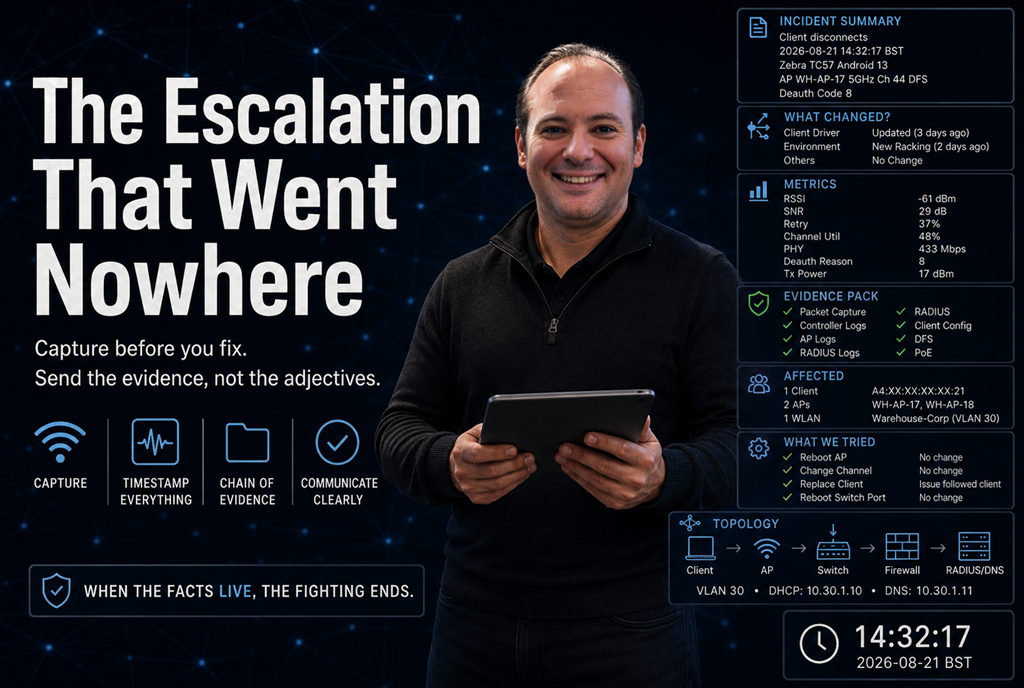](https://techblog.jcditservices.com/uploads/images/gallery/2026-08/the-escalation-that-went-nowhere-copy-2.png)
[https://www.linkedin.com/pulse/escalation-went-nowhere-jarryd-de-oliveira-h4dpe/?trackingId=0OnnyqgJTEibTDbcUUqD5Q%3D%3D](https://www.linkedin.com/pulse/escalation-went-nowhere-jarryd-de-oliveira-h4dpe/?trackingId=0OnnyqgJTEibTDbcUUqD5Q%3D%3D)
### Support cannot troubleshoot what you have not captured. The case you build in the first hour often decides how long the ticket lives.
You have done the work.
You scoped it. You worked the layers. You are confident it is not a design problem, not a client configuration problem, and not something you can fix from the controller.
So you escalate.
And then nothing happens.
The case comes back asking for information you do not have. You go and collect it, and by the time you do, the logs have rotated and the user cannot remember exactly when it happened.
Another round trip.
Another week.
Six weeks later, the ticket is still open, everybody is frustrated, and nobody is any closer to understanding what actually happened.
Here is the uncomfortable truth about escalations.
Sometimes the vendor is slow.
But very often, the case was never properly made.
Support engineers cannot see your network. They were not standing next to the client when it failed. They cannot see the dashboards you were looking at, the RF environment around the AP, or the changes somebody made three days earlier.
They have exactly what you send them.
The quality of the case you hand over determines how quickly they can begin doing useful engineering instead of asking you for basic information.
And the case is built at the moment the fault happens, not at the moment you decide to escalate.
### The four questions every case has to answer
Strip away the support templates, portal forms and mandatory dropdown boxes, and a good escalation answers four questions.
### What exactly happened?
Not:
"The Wi-Fi is slow."
Not:
"Users keep dropping."
Not:
"The AP is behaving strangely."
Describe a specific, observable failure.
A client disassociated.
A radio stopped transmitting.
Authentication failed after the client sent its credentials.
Throughput fell from an expected value to a measured one.
The client received an IP address but could not reach its default gateway.
Support needs a fault that can be investigated, not an adjective.
### When exactly did it happen?
To the second if possible, with the time zone stated.
This is one of the most common gaps in escalations, and one of the easiest ways to lose days.
A useful timestamp looks something like:
2026-08-21 14:32:17 BST (UTC+1)
Now somebody can search a controller log, RADIUS log, switch log, firewall session table or packet capture for the same event.
"About half three yesterday" is not a timestamp.
### Who exactly was affected?
Which client?
MAC address, device model, operating system version, wireless driver or firmware version where available.
Which AP?
AP name, radio, BSSID or MAC address, channel and band.
Which WLAN?
SSID, VLAN, security method and authentication path where relevant.
If twenty clients were affected, say that.
If one client was affected while another device beside it worked perfectly, say that too.
That distinction matters.
### What changed?
Firmware.
Configuration.
Client fleet.
Drivers.
Switching.
Authentication infrastructure.
Cabling.
AP placement.
The physical environment.
Neighbouring networks.
Another project happening somewhere else in the building.
"Nothing changed" is rarely as simple as it sounds.
Maybe nobody changed the WLAN configuration, but Windows Update installed a new wireless driver.
Maybe the AP firmware stayed the same, but a switch was replaced.
Maybe nobody touched the network, but new racking was installed and filled with stock.
Maybe somebody commissioned another wireless system next door.
Change does not always mean somebody logged into the controller.
Answer those four questions properly and you have already removed a large percentage of the normal support round trips.
### Timestamps are the whole game
If I could give one habit to every engineer raising a support case, it would be this.
Get the time right.
The controller has one clock.
The switch has another.
The RADIUS server has a third.
The firewall has a fourth.
The client has a fifth.
And the user's description of "about half three" is effectively a sixth.
If those clocks are not aligned, nobody can correlate anything.
The investigation becomes guesswork.
Make sure NTP is actually working across the infrastructure, not merely configured.
There is an important difference.
State the time zone explicitly on every timestamp you provide.
Support teams work across countries and regions. Daylight-saving changes make things even more interesting.
A ticket that says:
14:32
is incomplete.
A ticket that says:
14:32:17 BST (UTC+1)
is something an engineer can work with.
And record the failure time from the most reliable source available, not from somebody's memory several hours later.
A packet capture with an accurate timestamp and a controller log with an accurate timestamp can be overlaid almost frame by frame.
Two captures with drifting clocks are just two files.
### Capture before you fix
This is the part that hurts, because the natural instinct is exactly wrong.
When something breaks, engineers want to make it work again.
Reboot the AP.
Bounce the switch port.
Reconnect the client.
Restart the service.
Change a setting and see what happens.
Every one of those actions can destroy evidence.
A reboot can clear the state that would have explained the fault.
A configuration change breaks the trail because nobody can tell which of your five adjustments actually affected the behaviour.
Logs rotate.
Buffers overwrite.
Client state disappears.
Association tables change.
The event you needed is gone by the time anybody looks.
So when a fault is live, capture first.
Get the relevant logs off the system while the state still exists.
Take the packet capture while the failure is happening.
Record the client details.
Record the AP.
Record the channel.
Record what you observed and the exact time you observed it.
Then restore service.
There is an important caveat here.
Capture intelligently.
Do not blindly enable every possible debug category on a live production controller because an article told you to collect more logs.
Target the logging at the client, AP, protocol or subsystem you are investigating wherever the platform allows it.
Debugging can itself create load, generate enormous amounts of data and occasionally make an already difficult incident worse.
Collect enough evidence to understand the problem without creating another one.
And sometimes service restoration has to come first.
If the warehouse is stopped, the hospital system is unavailable or hundreds of users are offline, you may not have twenty minutes to build the perfect evidence pack.
That is fine.
Restore service.
But say what happened.
An honest note such as:
> Service impact required us to restart the AP before a packet capture could be taken. Controller logs covering the incident window were preserved.
is far more useful than a vague description pretending evidence exists when it does not.
### Every episode of this series produced an artefact
That is the point of working the layers properly.
Each type of troubleshooting leaves something behind that is worth capturing.
### Scope and pattern
Who was affected?
Where?
When?
How many clients?
How often?
One device or fifty?
One AP or an entire floor?
Every morning at 08:15 or genuinely unpredictable?
### Client state
Capture what the client actually received.
IP address.
Subnet mask.
Default gateway.
DNS servers.
DHCP information.
Do not assume the configuration is correct because the controller says the client is connected.
Look at the client.
### Disconnect evidence
For deauthentication or disassociation events, capture the reason code and the transmitting address.
That can be extraordinarily valuable.
A disconnect described as:
"Wi-Fi dropped"
could have dozens of causes.
A deauthentication frame with a reason code, transmitter address and timestamp is evidence.
### Performance evidence
Capture numbers.
Retry or retransmission percentage.
Channel utilisation.
SNR.
RSSI where appropriate.
PHY rate.
MCS information where the tooling exposes it.
Actual throughput.
Expected throughput.
"Signal looked good" tells support almost nothing.
-59 dBm, 31 dB SNR, 48% channel utilisation and 37% retries
tells them considerably more.
### DFS events
Capture the radar or DFS event.
Channel.
AP.
Radio.
Exact timestamp.
Channel change.
What happened to associated clients afterwards.
DFS problems become much easier to investigate when the event can be lined up with what the client experienced.
### Power
Capture the negotiated PoE class.
Requested power.
Allocated power.
LLDP or CDP negotiation where relevant.
Switch port information.
An AP that is "up" does not necessarily mean it received enough power to operate with every radio and feature enabled.
### Roaming
Capture what the WLAN is configured to offer.
802.11k.
802.11v.
802.11r where applicable.
But also capture what the client actually did.
Which AP did it leave?
Which AP did it join?
How long did the transition take?
Was there a reassociation, authentication exchange or complete reconnect?
And record the client driver or firmware version.
A surprising number of wireless problems live there.
Attach the artefacts that apply to the fault.
A case containing the timestamp, reason code, AP details and client driver version is a case somebody can investigate.
A case saying:
"Clients keep dropping."
is a case likely to receive a template response.
### Give support enough topology
Support does not need your entire network architecture document.
But they do need enough context to understand the path.
Something as simple as this can be incredibly useful:
Client → AP → Access Switch → Firewall → RADIUS/DHCP/DNS
Add the relevant VLANs, addresses and authentication path.
If traffic tunnels through a controller, say so.
If it breaks out locally, say so.
If RADIUS is hosted in another data centre, say so.
If DHCP lives behind a firewall, say so.
If the client moves through three different network devices before reaching the service that is failing, support needs to know those devices exist.
A five-line topology diagram can prevent five emails.
### Reproduce it once, deliberately
Intermittent faults are difficult to escalate because:
"It happens sometimes."
gives support almost nothing to work with.
So if you can safely reproduce the problem, make it happen deliberately.
Find the smallest reliable set of steps that causes the failure.
One client.
One AP.
One action.
One observable result.
Then reproduce it once, safely, with targeted logging enabled and a capture running.
Do not create another production outage simply to produce a prettier support case.
If reproduction is disruptive, use a test device, maintenance window or controlled environment.
A reproduction recipe changes the escalation completely.
It moves the conversation from:
"We believe something is wrong."
to:
"Here is how you can see it."
And that means the support engineer can start testing hypotheses and fixes instead of trying to prove the original problem exists.
If you cannot reproduce the fault, say that clearly.
Then provide the pattern instead.
For example:
> Three to five occurrences per day, normally between 08:00 and 09:30, affecting clients associated with WH-AP-17 and WH-AP-18. No occurrences observed on neighbouring APs.
That is useful.
"Randomly" is not.
### What a bad escalation looks like
Consider this:
> Users are randomly disconnecting from Wi-Fi in the warehouse. Please investigate.
Technically, it describes a problem.
Operationally, it gives support almost nothing.
Which users?
Which devices?
Which AP?
What time?
Which radio?
What happened during the disconnect?
Did the AP disconnect the client?
Did the client leave?
Did authentication fail?
Was there DFS?
Was the client roaming?
Was the AP rebooting?
Was the switch port bouncing?
Support now has to ask you all of those questions.
That is the first round trip.
### What a useful escalation looks like
Now compare it with this:
> Client A4:XX:XX:XX:XX:21, Zebra TC57 running Android 13, disconnected from WH-AP-17 at 14:32:17 BST on 20 August 2026.
That ticket may still contain a difficult problem.
But now the support engineer can actually start engineering.
### A war story about two cases
Same vendor.
Same product.
Same organisation.
Two escalations, a few months apart.
The first ran for six weeks.
The original ticket said clients were dropping in one area.
No timestamps.
No reason codes.
No meaningful client information beyond:
"laptops."
By the time support asked for logs, the retention window had passed.
Somebody had rebooted the controller during the first week, clearing useful state.
Three settings had been changed along the way.
Nobody could even say with confidence what configuration had been active when the original fault occurred.
Six weeks of emails, log requests, retesting and round trips followed.
The case eventually closed without a definitive root cause.
The second case was completely different.
Same team.
But this time the evidence pack was ready.
Timestamps to the second with the time zone stated.
Deauthentication reason code and transmitting address.
Client model.
Operating system build.
Driver version.
AP name.
AP MAC.
Channel.
Firmware.
A short packet capture collected while the fault was live.
A simple topology showing the traffic path.
And a short note listing what had already been tested and what each test actually changed.
The support engineer recognised the pattern quickly and pointed towards known client-driver behaviour.
The issue moved forward almost immediately.
Nothing about the second fault was necessarily easier than the first.
The difference was entirely in the handover.
### The method
When the fault is live, capture before you change anything if operationally possible.
Get the clocks right.
Make sure NTP is genuinely synchronised.
State the time zone on every timestamp.
Answer the four questions:
What happened?
When did it happen?
Who was affected?
What changed?
Capture the artefact produced by the layer you investigated.
Reason codes.
Retry rates.
Channel utilisation.
Packet captures.
DFS events.
Authentication logs.
Client configuration.
PoE negotiation.
Roaming timelines.
Give support enough topology to understand the traffic path.
Include everything you have already tested.
Do not simply say:
"We tried rebooting it."
Say what you changed and what happened afterwards.
If changing channel width made no difference, say so.
If replacing the client fixed the problem, say so.
If the issue followed the client to another AP, say so.
Those are findings.
They stop another engineer repeating the same tests.
Provide a reproduction recipe when you have one.
If you cannot reproduce the problem, give the frequency, locations, devices and pattern instead.
Then send the case once, complete, rather than building it across six emails over three weeks.
### Final Thoughts
Escalation is not an admission that you could not solve the problem.
It is a handover.
And handovers are a skill.
The engineer at the other end is not standing in your building.
They cannot see your spectrum analysis.
They cannot see the controller dashboard you were watching.
They have never met your client estate.
They do not know which switch was replaced last week or which firmware deployment happened on Tuesday night unless you tell them.
Everything they know about your problem is what you chose to write down.
Everything they can correlate depends on the timestamps you give them.
And everything they can prove depends on what you captured before the evidence disappeared.
So build the case while the fault is in front of you.
**Get the time right.**
**Capture before you fix.**
**Send the evidence, not the adjectives.**
The escalation that goes nowhere is almost never the one nobody understood.
**It is the one nobody could see.**
*This is part of an ongoing wireless troubleshooting series. The method remains the same: scope the problem first, then investigate the layer the symptom actually points towards.*
*Jarryd De Oliveira, CWNE #594*
# Every Device Joins At Once: Designing Wi-Fi for Schools
[](https://techblog.jcditservices.com/uploads/images/gallery/2026-08/every-device-joins-at-once.png)
[https://www.linkedin.com/pulse/every-device-joins-once-designing-wi-fi-schools-jarryd-de-oliveira-0if7e](https://www.linkedin.com/pulse/every-device-joins-once-designing-wi-fi-schools-jarryd-de-oliveira-0if7e)
### Designing wireless for a school. The timetable is the load profile, and it is unlike almost anything else you will design for.
Most buildings load gradually.
People arrive over an hour. They open laptops when they get to their desks. Traffic builds and fades across the day, and the network rarely sees one defining moment.
A school does not work like that.
A bell rings, and three hundred devices wake up within the same few seconds.
Thirty of them land on one access point, in one classroom, at once. Nothing much happens for the next forty minutes. Then a teacher says, “Right, everyone open the video,” and thirty devices start streaming from an idle standing start.
Then the bell rings again and the whole class moves somewhere else.
That is the load profile.
Not necessarily busy.
Synchronised.
A school is not always a high-throughput environment. It is a highly synchronised one.
And almost every school Wi-Fi issue I have investigated has had some connection back to a design that was sized for coverage when the building’s real problem was concurrency.
## Coverage is not the design question here
Walk into a school with a struggling wireless network and you will often find access points mounted in the corridors.
It is an understandable decision.
The cabling is easier. The AP count can be lower. A predictive heat map drawn from the corridor may still appear to cover the classrooms either side.
But the RF does not care how convenient the cabling was.
A corridor AP has to reach through walls to serve the clients inside the classroom. Signal levels fall, modulation rates reduce, and frames take longer to transmit.
Meanwhile, that same AP may be heard clearly in multiple adjacent classrooms, which means clients across several rooms can end up competing for the same airtime.
You do not necessarily have a coverage problem.
You have thirty clients sharing a slower, more contended cell through a wall.
For classroom teaching with any meaningful device density, an access point inside the room should normally be the working baseline rather than an AP in the corridor trying to serve several rooms at once.
That placement decision solves problems that no amount of controller tuning can properly compensate for afterwards.
## Design for the device, not the access point
This is where school design can still go wrong even when the AP placement is correct.
Schools do not usually buy the fastest wireless clients available.
They buy identical, affordable devices in volume.
A trolley of thirty Chromebooks or tablets may all have the same relatively modest radio capability. Some may be single spatial stream. Many may have no 6 GHz capability. Some will still prefer 2.4 GHz if the network allows them to.
Your shiny tri-band access point cannot rescue that.
The client capability influences the achievable data rate. The data rate affects how long frames occupy the medium. And airtime ultimately determines how much useful capacity the room has.
An AP being heard clearly by a Chromebook does not automatically mean the Chromebook can be heard equally well by the AP either.
Client transmit power matters.
So design around the actual device.
Put one of the real devices in the room, at desk height, and test it.
That result is worth more than a datasheet.
And count devices rather than people.
A class of thirty may also contain a teacher laptop, an interactive display, printers, staff phones, classroom technology and other connected equipment.
What looks like a thirty-person classroom can easily become a forty-plus-client cell before you have accounted for anything outside the lesson itself.
## The concurrency moment is the design case
Every environment has a moment that defines its design.
In a school there are several, and they are all worse than the average.
### The bell
Everyone moves.
Devices roam, reassociate and authenticate within seconds of each other.
This is not only an RF event.
Your wireless infrastructure, RADIUS or NAC platform, certificate services, DHCP, DNS and the rest of the access path can all be exercised at roughly the same time.
If there is a weakness in authentication or address allocation, this is when it shows.
The bell also exposes poor roaming design brutally because entire groups of clients change cells together.
Coverage overlap, minimum data rates, transmit power and 802.11k, 802.11v and potentially 802.11r behaviour can suddenly matter at exactly the same moment.
### The instruction
“Everyone open the video.”
Thirty simultaneous streams start from an idle state.
This is where capacity assumptions get tested honestly.
A room that looked perfectly healthy with three active devices may suddenly behave very differently when every client begins transmitting at once.
### The assessment
Online exams are the day when the network absolutely cannot fail.
They may also be the day when the largest number of devices are doing something time-sensitive simultaneously, with almost no tolerance for failed authentication, roaming issues, poor coverage or retries.
Design for those moments and the ordinary school day generally looks after itself.
Design for the average and you may find yourself standing in a corridor with a laptop on results day.
## Channel plan matters more than channel width
The instinct with a new wireless deployment is often to use wider channels because wider channels produce higher headline speeds.
In a school building, that instinct is usually wrong.
Classrooms are small, close together and often separated by walls that attenuate less RF than people expect.
Put an AP in every room and you immediately have a dense deployment.
Dense deployments need channel reuse more than they need maximum channel width.
In many classroom environments, 20 MHz channels on 5 GHz remain a sensible starting point.
The objective is not to give one client the largest possible PHY rate.
The objective is to create enough usable RF cells and enough channel reuse for many classrooms to operate at the same time.
Wi-Fi 6E and Wi-Fi 7 give us significantly more spectrum in 6 GHz, which can transform the channel-planning options available.
But only if the school’s client estate can actually use it.
If most of the devices are still 5 GHz only, that 6 GHz radio does not solve your classroom capacity problem.
Then there is 2.4 GHz.
It still has a role because schools almost always have something old that needs it.
But leaving 2.4 GHz running at high power from every classroom AP manufactures co-channel interference in a building that already has enough contention.
Use it where it is genuinely required.
Keep transmit power controlled.
And where appropriate, stay with the conventional 20 MHz channel plan of 1, 6 and 11.
## The spaces that break the pattern
Classrooms are the repeating unit, but a school is not only classrooms.
The hall or sports hall is a different design entirely.
High ceilings, hard reflective surfaces and a room that may be empty most of the week before suddenly holding the entire school for an assembly.
Simply fixing omnidirectional APs to a very high ceiling is rarely the best starting point.
Depending on the geometry of the room and the mounting options available, lower mounting positions or carefully aimed directional antennas can provide much better control over where the RF actually goes.
Then there are the awkward spaces.
Temporary classrooms in the playground with their own cabling challenges.
Libraries and open-plan study areas where density is real but less predictable.
Outdoor spaces that someone will eventually decide need coverage.
Old buildings with thick walls.
Listed buildings where you cannot simply mount equipment wherever you want.
And comms rooms that are never where you would ideally put them.
On that last point, remember the structured cabling limits.
A typical copper Ethernet permanent link is designed around 90 metres, with a 100-metre channel once patch leads are included.
Then consider PoE.
Schools are exactly the kind of environments where an AP ends up on a marginally long or poor-quality cable run, connected through ageing cabling or to a switch with an overlooked PoE budget.
The AP may still boot.
It may even appear healthy.
But if the available power is insufficient, some platforms can enter a reduced-power state and quietly disable radios or functionality.
Coverage is only useful if the AP at the end of the cable is operating as designed.
## It has to run without you
This is the part that separates school design from many corporate deployments, and it is frequently overlooked.
There is often no on-site wireless engineer.
There may be one IT person supporting several schools.
There may be an outsourced provider.
There may be a teacher who happens to understand IT and has a spare period.
Nobody is going to spend every morning staring at channel utilisation.
Nobody is going to notice immediately that one AP has been operating in a degraded state for three weeks.
Nobody is going to manually retune the RF plan in February.
So the design has to survive being left alone.
That means sensible configuration rather than unnecessarily clever configuration.
Clear documentation showing what is installed and where.
Useful naming.
Remote monitoring that highlights genuine problems.
Management tools that someone other than the original designer can understand.
And ideally, a spare access point on a shelf that is already licensed, documented and ready to replace a failed unit.
A failure should be a swap.
Not a project.
A design that only works while an expert watches it is not a design for a school.
## Validate it like a student
Empty-room surveys can tell you a lot about RF coverage.
They tell you considerably less about what happens when the room is actually being used.
Thirty bodies change propagation.
Thirty active devices change airtime.
A classroom surveyed at eight in the morning with nobody in it does not behave exactly the same way at ten past nine when every seat is occupied.
So validate using the real client device.
Test at desk height.
Check the far corner rather than only the centre of the room.
Look at retries, channel utilisation, data rates and roaming behaviour, not only RSSI.
And where possible, validate under realistic occupancy.
Most importantly, test the concurrency moment deliberately.
Have a class connect at once.
Have them open the same application at once.
Test authentication while multiple devices are joining.
Walk devices between classrooms as lessons change.
A five-minute real concurrency test can expose things that a week of perfectly coloured heat maps never will.
## Final Thoughts
School wireless is not difficult because schools are large.
Plenty of buildings are larger.
It is difficult because the timetable synchronises everything, the client devices are often modest by design, and there may be nobody on site capable of compensating for a mediocre deployment.
So design for the room, not the corridor.
Design around the client you actually have, not the access point you bought.
Design for channel reuse rather than headline channel width.
Plan for the bell, the instruction and the assessment rather than the daily average.
And build something that keeps working when nobody is watching it.
Get that right, and the network disappears into the background.
Which, in a school, is exactly where it belongs.
---
*This is part of a series on designing wireless for real environments, where the constraint that dominates the building decides the design.*
*Jarryd De Oliveira, CWNE #594*
# Every Room Is Its Own Problem: Designing Wi-Fi for Hotels
[](https://techblog.jcditservices.com/uploads/images/gallery/2026-09/every-room-is-its-own-problem-designing-wi-fi-for-hotels.png)
[https://www.linkedin.com/pulse/every-room-its-own-problem-designing-wi-fi-hotels-jarryd-de-oliveira-acz1e/?trackingId=myUcZjVsReWHjCzjU3B2fQ%3D%3D](https://www.linkedin.com/pulse/every-room-its-own-problem-designing-wi-fi-hotels-jarryd-de-oliveira-acz1e/?trackingId=myUcZjVsReWHjCzjU3B2fQ%3D%3D)
### The guest is not comparing you to an enterprise network. They are comparing you to their broadband at home.
A school fails all at once.
A hotel fails one room at a time.
Two hundred rooms are fine. Room 412 generates a complaint most weeks, and nobody can work out why, because the survey looked good and the corridor coverage is excellent.
That is the shape of hotel wireless, and it comes from the constraint that dominates the building.
A hotel is not one space with a load profile. It is a couple of hundred small, walled, isolated spaces, each containing one or two people who expect the network to behave exactly like the one at home.
They are not comparing you to a corporate WLAN.
They are comparing you to their broadband at home, on their own sofa, with their own access point serving nobody but them.
That is a difficult benchmark.
And it is the one you are actually designing against.
### The walls decide the design
In many environments, wall construction is one input into the design.
In a hotel it can become the dominant one.
Guest rooms are separated by walls built for fire separation and acoustic isolation, not for RF propagation.
Depending on the age and construction of the property, those walls might be dense block, poured concrete, plasterboard on metal stud, or, in older buildings, solid stone.
Every one attenuates RF differently.
And then there is the detail that catches people out.
In a great many hotels, the bathroom sits between the corridor and the bed.
So an access point mounted in the corridor is not necessarily transmitting through one bedroom wall.
The RF path may go through the corridor wall, across a bathroom containing tile, mirrors, plumbing and metal fittings, through another partition, and only then reach the guest sitting on the bed with a laptop.
The corridor reading is excellent.
The reading where the guest actually uses the network may be considerably worse.
And the return path matters too.
The AP may be capable of transmitting at considerably more power than the phone in the guest's hand. Seeing the SSID or measuring a strong downlink signal does not automatically mean the client has an equally reliable path back to the AP.
Understand the room layout.
Understand the wall construction.
Understand where the bathroom sits.
Then decide where the radios belong.
In this building type, geometry can drive the entire design.
### Corridor or in-room
This is one of the decisions that defines a hotel deployment, and there is no universal answer.
**Corridor-mounted access points** can serve several rooms each.
That means fewer APs, less cabling, easier maintenance and no equipment inside the room for guests to interfere with.
The cost is that almost every client is being served through building material.
Sometimes that is one relatively benign partition.
Sometimes it is several walls and a bathroom.
The RF cells can also become irregular, with their usable boundaries ending up in places that are difficult to predict without understanding the actual construction.
**In-room access points**, often wall-plate units positioned near the desk, television or bedside area, bring the radio much closer to the client.
The cells are smaller, RF reuse becomes easier to control, and many wall-plate units also provide wired connectivity for televisions, phones or other room devices.
The trade-off is obvious.
More APs.
More switch ports.
More cabling.
More devices to manage, power, monitor and potentially license.
The answer is not that one topology is universally better.
The building decides.
A modern hotel with dense construction, compact rooms and a refurbishment programme already opening walls may strongly favour an in-room architecture.
A property with lighter construction, larger rooms and no practical way of pulling cable into every bedroom may be perfectly capable of using a corridor design, provided the RF design accounts for what those signals actually have to travel through.
What does not work is choosing the topology based on AP count alone and then validating it from the corridor afterwards.
### Consistency matters more than headline speed
Hotels have an unusual client distribution.
The total number of devices across the property can be enormous.
The number associated with any individual bedroom AP or RF cell may be relatively small.
A room might contain two phones, a laptop, a tablet, a watch and perhaps a streaming device the guest has brought with them.
That is still enough traffic to require proper capacity planning, especially when several devices are streaming or performing large cloud transfers.
But inside ordinary guest rooms, raw density is often not the primary design problem.
Consistency is.
You are not only trying to construct a high-capacity WLAN.
You are trying to build hundreds of small RF environments that behave predictably whichever room the guest happens to receive.
That changes what you optimise for.
Transmit power.
Cell size.
Channel reuse.
Co-channel contention.
Minimum data rates.
Roaming behaviour.
Interference.
And, above all, repeatability from one room to another.
A guest who has a superb experience in room 210 and a poor one in room 412 does not conclude that room 412 has an RF problem.
They conclude that the hotel has bad Wi-Fi.
Uniformity is part of the product.
### The guest brings expectations from home
At home, a guest's devices can usually discover and communicate with each other.
That is how casting works.
It is how wireless speakers, printers and other consumer devices have been designed to behave.
Hotel guest networks traditionally break that model for a very good reason.
Security.
Place hundreds of unrelated guests onto the same Layer 2 network without suitable isolation and you have created a very different problem.
So client isolation is enabled.
Now the guest walks into room 412, connects their phone and tries to cast Netflix to the television.
Nothing appears.
From the network's perspective, the security policy is doing exactly what it was designed to do.
From the guest's perspective, the Wi-Fi is broken.
Modern hospitality networking needs a better answer.
DPSK or other per-user or per-room credential mechanisms can be combined with segmentation, policy enforcement and appropriate service-discovery controls to create something much closer to a private home network.
The guest's devices can belong to the same logical room or user network.
Their own devices can communicate where policy allows.
Devices belonging to another guest remain isolated.
Room 315 cannot see room 316.
The exact implementation varies by platform. It might use DPSK, Passpoint, dynamic VLAN assignment, identity-based policy or another form of private network segmentation.
The important concept is the same.
Do not make hundreds of unrelated guests share one enormous trust domain simply because they joined the same SSID.
And if you want casting to work, design for it deliberately.
It should not be an accidental side effect of relaxing client isolation.
### Onboarding has to be almost invisible
The guest has just travelled.
They may have been driving for hours, getting off a flight or moving through airports and railway stations all day.
They are standing in a room they have never been in before.
Their patience for troubleshooting your Wi-Fi is measured in seconds.
Every unnecessary step in joining the network increases the likelihood of a support call.
Keep the process short.
A room number and surname.
A credential on the room key wallet.
A QR code.
A dynamically issued private key.
Whatever mechanism you choose, it should work first time on the device the guest is holding.
If you use a captive portal, understand the mechanisms underneath it as well.
Clients need working IP addressing and DNS. Required portal resources, certificate-validation services and anything else needed before authentication must be reachable through the pre-authentication policy.
Operating systems also perform connectivity checks to determine whether they have unrestricted Internet access or have joined a captive network, while newer mechanisms such as CAPPORT can provide explicit information about captive status.
Get any of that wrong and you produce one of the most frustrating faults in hospitality Wi-Fi:
The guest is connected to the SSID.
They have an IP address.
But the login page never appears.
That guest does not raise a ticket saying:
"Captive portal detection appears to have failed."
They ring reception.
"The Wi-Fi doesn't work."
### The public spaces break every rule
Once you leave the bedrooms, the design problem changes again.
The lobby, bar and restaurant may contain considerably more clients per RF cell, users are mobile, and these are often the first places where guests experience the network.
Then there are the meeting rooms.
Conference spaces and ballrooms are where hotel wireless can become a completely different engineering exercise.
The same property where an AP normally serves a handful of devices in each bedroom may suddenly have three hundred people arriving in one ballroom for an event, each carrying a phone and a laptop.
Now airtime absolutely matters.
So does channel reuse.
So does contention.
And the room you designed yesterday may not physically exist tomorrow.
A ballroom might operate as one large room for a conference on Monday, be divided into three meeting rooms using movable partitions on Tuesday, and be opened back into one large space for a wedding at the weekend.
The RF design has to tolerate all of those configurations.
Understand what those partitions are made from.
Do not assume that because a partition looks substantial it provides useful RF attenuation.
And do not assume the opposite either.
Measure it.
Then design the channel and power plan so that the WLAN remains usable when the room configuration changes.
Beyond that there are lifts, stairwells, corridors where guests continue voice and video calls while walking, pool and spa areas with unusual construction and environmental conditions, gardens and outdoor terraces that someone will eventually want covered.
At that point you are no longer designing one hotel WLAN.
You are designing several different RF environments that happen to share the same controller.
### You only get the room when it is empty
Hotel deployment has another constraint that is easy to underestimate.
The building is trading while you work.
You get access to a bedroom when it is unoccupied.
That means installation may happen in phases.
Different floors may be completed at different times.
Different room types may become available on different days.
And for some period of the project, the hotel may operate with part of the new design installed and part of the old one still running.
That transition needs designing too.
The WLAN cannot become unusable simply because the installation is halfway through.
Cabling becomes its own project.
Risers may be full.
Fire stopping needs to be maintained.
Listed or boutique properties may restrict new penetrations or visible containment.
Some areas may be practically impossible to cable without significant building work.
Refurbishment cycles are therefore one of the best opportunities to fix hotel wireless properly.
If walls are already being opened and rooms are already out of service, that is the moment to be discussing AP placement and cabling.
Not six months after the decorators have finished.
Plan the deployment phasing as carefully as the RF.
Because in hospitality, the operational constraints of the building frequently decide what is technically possible.
### Validate from the bed, not the doorway
Here is how room 412 gets created.
The engineer walks the corridor.
Signal looks excellent.
They step inside a few bedrooms.
Signal still looks fine.
The validation passes.
But nobody booked that hotel room to use the Wi-Fi while standing beside the door.
The guest uses it on the bed.
At the desk.
Perhaps on the balcony.
Their phone may be sitting on a bedside table.
Their laptop may be on the opposite side of the room.
Their body may be directly between the client and the access point.
And if the AP is in the corridor, the bathroom may still be sitting in the RF path.
That is where you validate.
Take calibrated, repeatable RF measurements using the appropriate survey equipment.
But do not stop there.
Validate the experience using representative client devices as well.
A modern smartphone.
A typical laptop.
If casting is part of the service, test casting.
If a captive portal is used, test onboarding.
If voice or video mobility matters, make a real call and walk from the bedroom down the corridor towards the lift.
Survey a representative sample of every room type.
Corner rooms.
Rooms at the end of corridors.
Rooms with mirrored layouts.
Suites.
Accessible rooms.
Rooms beside stairwells or lift shafts.
Top-floor and ground-floor rooms where surrounding construction may be different.
And investigate the exceptions.
If 199 rooms behave correctly and room 412 does not, room 412 is not noise in the dataset.
Room 412 is the job.
### Final Thoughts
A hotel is not one wireless network.
It is hundreds of small RF environments that guests expect to behave identically, attached to public and conference spaces that may have completely different capacity and mobility requirements.
The walls decide what is possible.
The room layout influences where the radio needs to be.
The RF design determines whether the connection is reliable.
The network architecture determines whether the guest's devices behave the way they expect.
And the guest decides whether you succeeded using a benchmark set by the broadband connection they left at home.
So understand the construction before choosing the topology.
Design for consistency between rooms, not simply coverage across a floor plan.
Keep cells controlled.
Consider the client transmit power, not just the AP.
Give guests private connectivity that behaves as much like home as is safely possible.
Make onboarding take seconds.
Design casting rather than hoping it works.
And when you validate the deployment, walk past the doorway.
Sit on the bed.
Because that is where the guest is going to judge it.
Get all of that right and nobody mentions the Wi-Fi at all.
In a hotel, that might be the highest praise available.
---
*This is part of a series on designing wireless for real environments, where the constraint that dominates the building decides the design.*
*Jarryd De Oliveira, CWNE #594*
# The Network That Cannot Go Down: Designing Wi-Fi for Hospitals
[](https://techblog.jcditservices.com/uploads/images/gallery/2026-09/the-network-that-cannot-go-down.png)
[https://www.linkedin.com/pulse/network-cannot-go-down-designing-wi-fi-hospitals-jarryd-de-oliveira-jzgee/?trackingId=jvabS9YFT7KivFtW5MoylA%3D%3D](https://www.linkedin.com/pulse/network-cannot-go-down-designing-wi-fi-hospitals-jarryd-de-oliveira-jzgee/?trackingId=jvabS9YFT7KivFtW5MoylA%3D%3D)
### In most buildings, bad Wi-Fi is an inconvenience. Here it sits on a clinical risk register.
In a school, a bad design produces complaints.
In a hotel, it produces refunds.
In a hospital, it produces incident reports.
That single difference changes every decision you make, because the wireless network is no longer just carrying email and video calls. It is carrying infusion pump data, vital signs telemetry, nurse call, bedside observations, barcode medication administration, clinical images and voice handsets that staff use to reach each other quickly.
None of that can be treated as an acceptable failure.
And here is the part that makes hospital design genuinely different from almost anything else in this series.
You cannot simply take the network down to fix it, and you cannot necessarily fix the clients.
## The client estate spans thirty years, and you are not allowed to change it
Everywhere else, the answer to an awkward legacy device is eventually to replace it.
In a hospital, that device may be a regulated medical device.
An infusion pump, telemetry transmitter or diagnostic cart may have been validated by its manufacturer against a specific wireless configuration. Changing what it connects to is not a matter of preference. It may require the manufacturer's involvement, revalidation or a documented clinical risk assessment before anything moves.
So you may be designing for a client estate that includes a brand-new tablet issued last month and a pump that expects 2.4 GHz, an older security method and possibly low data rates, with years of service life still left in it.
The instinct built from almost every other environment is to modernise that away.
Disable 2.4 GHz.
Raise the minimum data rates.
Move everything to WPA3 and 6 GHz.
In a hospital, applying that instinct without checking first is how you take clinical equipment offline.
The answer is not to drag the entire estate down to the capability of the oldest device, and it is not to force the oldest device to keep up.
It is to separate them.
A dedicated SSID and VLAN for legacy clinical devices, with the settings those devices actually require and tightly controlled policy around them, allows the rest of the hospital to move forward while the pumps keep working.
Then you find out what is actually on the network before changing anything.
Not what the asset register says.
What is associated right now, by device type, radio capability and security method.
That inventory should be one of the first deliverables in a hospital wireless design, and it is often the thing that changes the plan.
## Roaming is a clinical function here
In an office, a bad roam interrupts a call.
Here, the things that roam may be a nurse carrying a voice handset down a corridor, a workstation on wheels being pushed from bay to bay during a drug round, or telemetry attached to a patient who is walking between departments.
Those sessions have to survive the transition consistently, in a building made up of long corridors, fire doors, lift lobbies, stairwells and varying construction materials.
That means coverage overlap, cell sizing and roaming-assist features all matter more than usual.
More importantly, they need to be proven with the actual clinical devices rather than a laptop.
The handset your staff carry has its own roaming logic, and it was almost certainly not written with your building in mind.
Then there is location.
Many hospitals rely on real-time location services for equipment tracking, staff safety badges and infant protection.
Location is not the same requirement as coverage.
It depends on how many access points can hear a tag, the quality of those observations and the geometry of where those APs sit. That sometimes means placing radios where a pure coverage design would not bother.
If location is in scope, it has to be part of the design from the beginning.
Retrofitting location accuracy into a coverage-only deployment is expensive and rarely satisfying.
## The building is actively hostile
Hospitals contain construction you will not find in most other environments.
Radiology rooms may be lead lined.
Theatre suites can have dense construction and sealed finishes.
There are plant rooms, fire compartments, thick structural walls and long service corridors that can behave like waveguides.
And then there is the MRI suite.
An MRI room is a shielded enclosure, effectively a Faraday cage, built to keep RF interference out.
Your signal stops at the boundary, and that is by design.
Coverage inside becomes a specialist conversation involving the scanner manufacturer, medical engineering and the people responsible for that environment. It is not something you solve by simply adding another access point nearby.
You also cannot put equipment wherever you like near the magnet.
Ferrous material and strong static magnetic fields do not mix, and the safety zoning around an MRI scanner is not negotiable.
So the wireless design has to accept hard edges.
There are places in a hospital where wireless coverage may stop, and sometimes the correct engineering answer is to document that boundary clearly and design the clinical workflow around it rather than promising coverage that cannot safely or realistically be delivered.
## Infection control decides where things go
In most buildings, mounting is an engineering question.
In clinical areas, it can become a governance question.
Clean areas may not permit exposed containment or surface-mounted equipment.
Ceilings in some spaces are sealed and are not opened casually.
Cleaning regimes may involve chemicals that punish the wrong enclosure.
Older estates may also contain asbestos, turning what looks like a simple cable route into a managed process.
Access is its own constraint.
You may need a permit to work, an escort and an agreed slot that does not disturb patients or clinical activity.
Some areas can only be entered when they are not in use, which may mean three in the morning or during a planned closure months away.
None of this changes the RF.
All of it changes what is achievable, and when.
That is why the estates and infection-control conversations belong at the beginning of a hospital wireless design rather than at installation.
The people who tell you where you cannot mount an access point are doing you a favour early and ruining your programme late.
## There is no easy maintenance window
Most other environments have a quieter period.
A school has holidays.
A hotel has shoulder seasons and empty floors.
A hospital runs continuously.
There is no week when the wards are conveniently empty, and a controller upgrade is not simply a technical decision taken by a network team on a Tuesday evening.
It may need clinical approval, a documented rollback plan, change advisory board approval and agreement from the teams responsible for the systems riding on top of the WLAN.
That reality has to be designed in rather than discovered afterwards.
Build for resilience so that a single failure does not remove service from a clinical area.
Think about what happens when a switch fails.
An uplink.
A controller.
A WAN or data-centre link.
Ask whether the wireless service continues to support patient care while that failure is being repaired.
Plan changes in small, reversible steps.
Group related changes where appropriate.
Get them approved as part of a controlled programme rather than repeatedly asking for emergency windows because dependencies were discovered late.
And document what each change touches clinically.
Because the person approving the change is thinking about patients, not packets.
And they are entirely right to.
## You will never get a perfect survey
Here is one of the practical constraints that catches people who are used to surveying offices.
You cannot walk everywhere.
Occupied bays, isolation rooms, theatres in use, paediatric and maternity areas, mental health units and anywhere a patient has a reasonable expectation of privacy are not places you simply wander through with a survey rig on a trolley.
So a hospital survey becomes a negotiation.
You go where you are allowed.
When you are allowed.
Often escorted.
And you build the picture from the spaces you can physically reach combined with careful analysis of the construction and layout in the spaces you cannot.
That means accepting that some data will be inferred.
It also means being completely honest in the report about which measurements are observed and which conclusions have been inferred.
Most importantly, validation needs to use the clinical devices that matter.
A voice handset on a real call.
A workstation on wheels pushed along the route a drug round actually takes.
A telemetry device following the journey a patient makes from a ward to imaging and back again.
Those tests tell you whether the design works.
Heat maps tell you whether the coverage exists.
They are not the same statement.
## A war story about an optimisation
The example I keep coming back to was not a failed deployment.
It was a tidy-up.
A hospital had a well-intentioned optimisation carried out.
Disable the legacy data rates.
Reduce 2.4 GHz.
Clean up the channel plan.
All defensible practice in a modern enterprise environment.
All recommended in good faith.
Within hours, a set of clinical devices had dropped off the network.
They were older.
They were 2.4 GHz.
They depended on the rates that had just been removed.
And nobody involved in the change had a complete picture of what was still relying on them.
The RF was measurably better afterwards.
The clinical service was worse.
That is the lesson.
Optimisation is not wrong.
Modernisation is not wrong.
But in a hospital, best practice borrowed from another environment is a hypothesis, not an instruction.
Every change has to be checked against what is actually associated to the network, and the estate has to be segmented so that modernising one part cannot quietly break another.
## Final Thoughts
Hospital wireless is not harder simply because the buildings are complicated, although they are.
It is harder because the wireless network has become part of a clinical system.
It carries services that can affect patient care.
It supports equipment you may not be permitted to reconfigure.
It operates in a building where you cannot mount freely, survey completely or casually schedule downtime.
And it never really stops.
So start with the inventory, not the heat map.
Segment the legacy estate rather than designing the whole network down to it or forcing devices to modernise beyond their capability.
Treat roaming and location as clinical requirements where they matter, and prove them with the actual devices and workflows.
Accept the hard edges the building gives you and document them honestly.
Design resilience around failures before they happen.
And build a change process that includes the people who are thinking about patients as well as the people who are thinking about packets.
Before any optimisation, ask the question that matters most in this environment.
**What is still relying on the thing I am about to remove?**
---
*This is part of a series on designing wireless for real environments, where the constraint that dominates the building decides the design.*
*Jarryd De Oliveira, CWNE #594*
# The Building That Changes Shape: Designing Wi-Fi for Warehouses
### [](https://techblog.jcditservices.com/uploads/images/gallery/2026-09/the-building-that-changes-shape-designing-wi-fi-for-warehouses.png)
[https://www.linkedin.com/pulse/building-changes-shape-designing-wi-fi-warehouses-jarryd-de-oliveira-whype/?published=t](https://www.linkedin.com/pulse/building-changes-shape-designing-wi-fi-warehouses-jarryd-de-oliveira-whype/?published=t)
### You are not designing for the building you surveyed. You are designing for the building it becomes.
A school is synchronised.
A hotel is repeated.
A hospital is unforgiving.
A warehouse is none of those things. A warehouse moves.
The floor plan you were given is a snapshot. The racking gets reconfigured. Aisles are repurposed. A pick face becomes bulk storage. Stock arrives and the building fills up, then Christmas ends and it empties again.
And every one of those changes alters the RF environment, because in a warehouse the stock is the building.
That is the constraint that dominates everything else here. Not size, although these sites are large. Not density, although peak can be brutal. The fact that the environment you measured will not be the environment your design has to work in.
## Full racking and empty racking are different buildings
This is the point that separates warehouse design from every other environment in this series.
An empty aisle can behave much closer to open space. Signal travels, sometimes further than you want.
Fill that same aisle with pallets of stock and it becomes an absorber. Liquids, metal, dense goods, shrink-wrapped pallets stacked several levels high. The attenuation changes dramatically, and it changes aisle by aisle depending on what is in them this month.
So a survey carried out in an empty building is not wrong, exactly. It is a measurement of a state the building may rarely be in.
If you can, measure both. Walk it loaded and walk it empty, or at least walk a loaded aisle and an empty one and understand the difference for that product mix.
If you cannot, be explicit about which state you measured and design margin for the other. A design validated only in an empty warehouse will look excellent in August and generate tickets in November.
## The aisles are the design, not the floor
Warehouse RF does not behave like an office because the geometry is completely different.
Racking runs in long parallel rows, floor to ceiling, usually metal, often filled. What you have is a set of corridors with absorbing or reflecting walls, and coverage behaves accordingly. Signal travels along an aisle far better than it travels across the racking between aisles.
Which leads directly to one of the most common mistakes in this building type.
Mounting access points high, at ceiling level, in a building with a twelve or fifteen metre roof.
It feels natural. It is easy to cable and easy to access with equipment already on site. But an omnidirectional AP mounted at that height can put much of its useful energy above the working area, while the racking obstructs the path down to devices operating at pick height.
Coverage can look reasonable on a floor plan and still be poor where the work actually happens.
The answer is usually some combination of lower mounting and directional antennas aimed down the aisles, so the energy goes where the people and the devices are.
That also means antenna selection is a real design decision here rather than a default. Patch and directional antennas down aisles, omnidirectional in open areas such as goods in, marshalling and packing, and a deliberate choice about mounting height for each zone rather than one height across the building.
## The clients are the hardest part
Warehouse device estates are unlike anything else.
Handheld scanners, often the same model bought in volume years ago, with small antennas, modest transmit power and roaming logic written by someone optimising for battery life.
Vehicle-mounted terminals on forklifts, moving at speed, roaming through cells while the operator is mid-task.
Voice picking headsets, where the session is the job. A dropout is not an inconvenience, it is a picker standing still.
Wearable ring scanners and wrist terminals, where the human body sits between the antenna and the access point for a good proportion of the working day.
And increasingly, autonomous mobile robots that expect continuous connectivity while following fixed routes.
Two things follow from that estate.
First, some of these will be among the stickiest clients you will ever design for. A scanner may happily cling to a distant AP at a poor data rate while a much better one is directly overhead, because its roaming threshold is conservative, its driver behaviour is limited, or its firmware has not been touched in years.
That makes cell sizing, transmit power and minimum data rates more important here than almost anywhere, and it makes testing with the actual device non-negotiable.
Second, mobility is not an edge case. It is the normal operating mode.
Almost everything in a warehouse is moving while it is working, so roaming behaviour is the design, not a feature you enable afterwards.
## Design along the routes
In an office you design for where people sit. In a warehouse you design for where things travel.
Pick routes. Forklift lanes. AMR paths. The route from goods in to putaway. The journey from pick face to packing to dispatch.
Those routes are known, they are repetitive, and they are where connectivity actually has to hold.
A coverage design that averages nicely across the floor plan but has a weak spot at a specific junction will produce a fault report that looks random and is not.
If robots are in scope, treat their routes and charging areas as first-class requirements. A fleet that expects continuous connectivity will notice a gap that a person carrying a scanner might simply walk through without comment.
## Cold storage is its own project
Freezer and chilled areas deserve separating out, because they break several assumptions at once.
Temperatures can fall outside the operating range of ordinary access points, pushing the design toward specialist hardware, suitably rated enclosures or other environmental protection depending on the site.
Cabling has to cross a thermal barrier without compromising it. Condensation and ice are real failure modes, and doors that open and close all day change the RF environment at the same time as they change the physical environment.
Access for maintenance is restricted and unpleasant, which means anything you install there needs to be more reliable than the rest of the estate, not less.
Treat cold storage as a distinct design within the design, and budget for it properly rather than discovering it late.
## Everything else in the building
Warehouses accumulate environments.
Mezzanines and pick towers create multiple levels of RF that leak into each other vertically, which is a channel planning problem people frequently miss on a single-floor drawing.
Conveyors, wrapping machines, chargers, motors and other industrial equipment can introduce RF noise or other interference, and they are usually installed by someone who was not thinking about your spectrum.
The yard matters too. Trailer loading, yard management systems, gatehouses and outdoor marshalling all need coverage that behaves in weather, with external-grade hardware and antennas chosen for the distances involved.
And offices, canteens and training rooms sit inside the same building with completely ordinary requirements, which is a small design in its own right that nobody mentions until it is missing.
## A war story about November
The site was designed and validated in July.
It was a new distribution centre, the racking was installed, and the building was largely empty. The survey was competent, the heat maps were clean, and the sign-off was straightforward.
It worked well through the summer.
Then the seasonal build started.
By late October the racking was filling with stock, and by November the site was at peak with several levels of dense product in every aisle.
The scanners started dropping mid-pick.
Not everywhere, and not constantly. In the aisles holding the densest stock, and worst at the far end from the access points.
Nothing had changed in the wireless configuration. Nothing had failed.
The design had simply been validated against a version of the building that no longer existed, at exactly the time of year when the site could least afford to lose picking time.
The fix involved additional access points and antenna changes in the worst aisles, carried out during the busiest period of the year, which is the most expensive time to do anything.
The lesson is not that the original survey was bad.
It is that a warehouse survey needs a date, a stock state, and an explicit statement about what happens when that state changes.
## Validate at pick height, on the move, with the real device
Warehouse validation has its own rules.
Measure at the height the work happens, not automatically at chest height in the middle of the aisle.
A scanner used at a low pick face and a terminal on a forklift at three metres are different measurements in the same physical location.
Walk the routes rather than the floor plan.
Pick routes, forklift lanes, the path to the charging bays, the route through goods in.
Test while moving, because everything here is moving.
A static reading in an aisle tells you very little about a terminal roaming along it at forklift speed.
Use the actual devices.
The scanner your pickers carry. The vehicle-mount terminal. The voice headset. The robot if there is one.
Their radios, antennas, drivers and roaming logic are the design's real test.
And where a site has significant seasonal variation, validate at more than one point in the year, or at minimum document the stock state at survey and agree a trigger for revalidation when the building changes materially.
That last point is the one worth writing into the handover.
Not as a caveat, but as a design assumption with an owner.
## Final Thoughts
Every environment in this series has had one constraint that decides the design.
In a school, the timetable synchronises everything.
In a hotel, every room is its own isolated problem.
In a hospital, nothing is allowed to fail and nothing can be turned off.
And in a warehouse, the building itself will not sit still.
So design for the aisles rather than the floor.
Get the antennas and the mounting height right before you argue about anything else.
Respect the client estate, because scanners and vehicle terminals can behave very differently from the laptops and phones you design around in an office.
Follow the routes rather than the square metres.
And treat the stock state as a design input rather than an inconvenience.
Above all, write down what the building looked like on the day you measured it.
Because the design has to work in the building it becomes, not the one you walked through.
---
*This is part of a series on designing wireless for real environments, where the constraint that dominates the building decides the design.*
*Jarryd De Oliveira, CWNE #594*
# The Room With No Walls: Designing Wi-Fi for Stadiums
### [](https://techblog.jcditservices.com/uploads/images/gallery/2026-09/stadium-wifi.png)
[https://www.linkedin.com/pulse/room-walls-designing-wi-fi-stadiums-jarryd-de-oliveira-hrkye/](https://www.linkedin.com/pulse/room-walls-designing-wi-fi-stadiums-jarryd-de-oliveira-hrkye/)
### Every other building gives you walls to separate your cells. A stadium gives you an open bowl and sixty thousand phones.
In every environment we have looked at so far, the building has quietly helped you.
Classroom walls separate one cell from the next. Hotel rooms isolate their guests. Hospital construction, for all its difficulty, breaks the space into pieces. Even warehouse racking creates aisles.
A stadium takes all of that away.
It is an open bowl. Tens of thousands of people sit in one continuous space with very little physical separation between them, and every access point has the potential to hear a large number of other access points using the same channel.
That is the constraint that decides the design.
In a stadium there are no walls to separate your cells.
So you have to build them yourself.
## Coverage is free. Capacity is everything.
Here is the thought experiment that explains why stadium design is different.
Stand in the middle of the pitch with a powerful access point and a high-gain antenna, turn it up to full power, and you could probably put a usable signal into most of the seats.
Every heat map would be green.
And the network would fail completely the moment the gates opened.
Signal strength was never the problem. One radio, or even a handful, cannot share airtime between tens of thousands of devices trying to transmit at the same time.
The coverage exists.
The capacity does not.
In most buildings, coverage is the thing you design for and capacity is the thing you check.
In a stadium it is the other way around.
Coverage often comes relatively easily because nearly every seat can be placed within range of something.
Capacity is the whole design.
## Manufacturing the walls
If the building will not separate your cells, the RF design has to.
The objective is to carve one enormous open space into a large number of small, controlled cells, each serving a manageable number of seats and each using spectrum in a way that allows aggressive reuse without creating unnecessary contention.
The tools for doing that are familiar.
They are simply used far more deliberately than in most other environments.
**Directional antennas.** Specialist directional antennas with carefully selected beamwidth and gain that place energy into a defined block of seats while limiting how much spills into neighbouring sections. In an open bowl, the antenna pattern becomes the wall.
**Low transmit power.** Turning power down helps shrink each cell so that it covers only the seats it is intended to serve. More radios at lower power, rather than fewer radios shouting across the venue.
**A disciplined channel plan.** Narrow channels, planned deliberately and usually held static, because the goal is reuse across a huge number of cells rather than headline speed for any individual client. Allowing an automated algorithm to reshuffle channels during a live event can introduce risk into an environment where the reuse plan has been carefully engineered.
**Controlled overlap.** Enough overlap to maintain usable mobility between cells, but no more than necessary. Excessive overlap in an open bowl quickly becomes co-channel contention across entire seating blocks.
Put simply, you are using physics to recreate the walls the architect left out.
## Where the radios go
In a stadium, mounting position is one of the biggest design decisions you will make because it determines how effectively you can contain each cell.
There are three broad approaches, and large venues often use more than one.
**Overhead.** Access points mounted on roof structures, gantries or catwalks, aimed down into the seating with directional antennas. This keeps equipment out of reach and can work very well, but the distance to the client is large and the angle matters, so antenna selection, mounting height and aiming become critical.
**Under the seat.** Access points mounted beneath the seating, radiating into the crowd above. The radio is very close to the clients it serves, and the people sitting around it provide a significant amount of additional RF attenuation and containment.
**In the handrail.** Access points integrated into handrails, step risers or similar structures, often used where seating geometry, aesthetics or access limitations make other approaches difficult.
Each comes with practical constraints that have nothing to do with RF.
Seats get stood on.
Drinks get spilled.
Seating areas are jet-washed after events.
Equipment has to survive weather in open-air venues, remain accessible for maintenance and, in many cases, stay visually unobtrusive so it does not spoil the appearance of the venue.
Colour matching, low-profile enclosures and hidden mounting are real design requirements here, not afterthoughts.
## The crowd is the building
This is the part that surprises people who have not worked in venues before.
A human body is mostly water, and water absorbs RF energy.
A sold-out stadium contains tens of thousands of absorbers packed closely together, and that additional attenuation is a large part of why high-density designs such as under-seat deployments can achieve useful cell containment.
It also means an empty stadium is not the stadium you are designing for.
Survey an empty bowl and RF will often travel significantly further than it does when the venue is full. Cells appear larger, neighbouring sections can interact more strongly and the overall propagation environment looks very different.
Then fill the same bowl with people and everything changes.
The crowd introduces substantial attenuation, but it also introduces tens of thousands of active client radios, all contending for airtime and generating traffic.
So the occupied state is not simply a quieter RF environment.
It is a completely different one.
If that sounds familiar, it should.
It is the warehouse problem again, with people in place of pallets.
The occupied state is the one that matters, and it is the hardest one to measure.
## Everyone does the same thing at the same moment
Stadium traffic is entirely event driven.
Large numbers of devices sit relatively quietly for long periods, then act together at predictable moments.
Gates opening.
Kick-off.
A goal.
Half-time.
A controversial decision.
The final whistle.
And the traffic profile at those moments is unusual.
Most enterprise networks are built around users who consume far more data than they send.
A stadium crowd at a big moment can behave very differently.
Thousands of people capture the same moment and try to upload it at almost exactly the same time, posting photos, videos and messages before the person sitting next to them does.
Meanwhile, the people are there to watch the event, so sustained internet video streaming may be less dominant than it would be in many other environments.
Capacity planning therefore has to account for sudden upstream demand, not just average downstream consumption.
It also has to account for everything else sharing the air.
The public guest network may carry most of the clients, but the same venue is also running point-of-sale terminals, ticket scanning at the turnstiles, staff communications, broadcast and media operations, security systems and sometimes wireless video.
Those operational systems cannot be allowed to suffer because the crowd decided to post the same goal at once.
Segment them properly.
Give them their own networks, their own policies and appropriate priority, and make sure the design protects them from guest load rather than forcing them to compete with it.
## Plan the capacity honestly
Nobody designs a stadium on the assumption that every device will be transmitting at full rate at the same moment.
The numbers would be absurd.
Stadium design works on oversubscription: an informed assumption about what proportion of attached devices will be actively demanding bandwidth during peak periods, and how much throughput those active clients are likely to require.
That ratio depends on the venue, the event, the audience and the services being offered.
The important part is being explicit about the assumptions behind it.
Then protect the shared resources.
Per-client rate limits are common in venues, and their main purpose is not to magically create more airtime.
Their purpose is to stop a small number of heavy users consuming a disproportionate share of the venue's internet or upstream capacity, which can become a bottleneck independently of the RF.
Push capable clients towards the higher bands where there is far more spectrum available.
Use 5 GHz and, where the client population supports it, 6 GHz for capacity, and keep 2.4 GHz limited to what genuinely needs it.
Features that steer clients between bands or distribute them across access points can help, but they are implemented differently by different vendors and behave differently with different client devices.
Treat them as tools to be tested, not settings to be trusted.
## The bowl is only half the venue
It is easy to focus entirely on the seating bowl and forget that a stadium contains several other environments.
Concourses are corridors of moving people that can fill almost instantly and empty just as quickly.
Food, beverage and retail areas carry the point-of-sale terminals that generate revenue.
Hospitality suites and executive boxes have their own expectations, often closer to a premium hotel than a public network.
Press areas and broadcast positions need reliable, protected connectivity.
Back-of-house areas, offices, changing rooms, car parks and external plazas all need consideration in their own right.
Each is a separate design with its own requirements, even though they may share the same controllers, switching infrastructure and spectrum.
## A war story from half-time
The moment I always think of was not in the seating bowl at all.
It was the concourse at half-time.
The bowl design was solid.
The seating cells were well contained and performed well throughout the first half.
Then the whistle went.
Within minutes, a large part of the crowd left their seats together and poured into the concourses, queuing for food, drink and toilets.
The concourse access points had been designed around people moving through the area.
For fifteen minutes they were serving a crowd several times larger, all standing still, all reaching for their phones at once.
The guest network slowed.
More importantly, the point-of-sale terminals serving those same queues were sharing the same RF environment, and card payments started taking far longer than they should.
The queues grew.
And every slow transaction meant lost revenue at exactly the moment the venue made most of its money.
The fix was to design the concourses for their true peak rather than their average, give payment traffic its own protected network with appropriate policy and priority, and validate the design during a real half-time rather than a quiet walkthrough.
The lesson was simple.
In a stadium, the crowd moves as one.
Your design needs to follow it.
## The deadline does not move
Stadium projects have a constraint many wireless projects do not.
The date is fixed.
The opening fixture, the start of the season or the major event is going to happen whether the network is ready or not.
There is no extension.
That affects everything.
Some design options you would prefer may simply not be possible within the available time.
Installation windows fall between events.
Access to parts of the venue may be limited.
Building and safety requirements may dictate low-smoke cabling, restrict certain mounting locations or require specific approval processes.
A realistic stadium design is not just one that works on paper.
It is one that can actually be installed, tested and tuned before the gates open.
## Validate with a full house
This is where stadium validation differs from almost everywhere else.
An empty survey can confirm coverage, check antenna alignment and establish a baseline.
It cannot tell you exactly how the network will behave when the seats are full because both the RF environment and the traffic load change when the crowd arrives.
So plan to validate under real conditions.
Monitor the first live events closely.
Watch channel utilisation, retries, airtime utilisation, client counts and throughput section by section.
Pay particular attention to the moments that matter:
Gates opening.
Kick-off.
Half-time.
The final whistle.
Measure at seat height rather than simply walking the aisles.
And expect to tune.
In a venue like this, the first sold-out event is not the end of the project.
It is the first real test of the design.
## Final Thoughts
Every environment in this series has had a constraint that decides the design.
In a stadium, that constraint is the absence of walls.
The building will not separate your cells, so you have to separate them yourself with antennas, transmit power, mounting position, channel planning and, surprisingly often, the crowd itself.
So design for capacity, because coverage will usually be the easy part.
Carve the bowl into small, controlled cells.
Choose mounting positions that allow you to contain them.
Plan for upload surges at the moments that matter, not average daily demand.
Protect the operational systems from the guest network.
Design the concourses for the rush, not the stroll.
And never trust an empty stadium to tell you how the full one will behave.
Because in this environment, sixty thousand people are part of the RF design whether you planned for them or not.
---
*This is part of a series on designing wireless for real environments, where the constraint that dominates the building decides the design.*
*Jarryd De Oliveira, CWNE #594*
# The Problem Next Door: Designing Wi-Fi for Multi-Tenant Buildings
[](https://techblog.jcditservices.com/uploads/images/gallery/2026-10/article-multi-tenant-buildings-copy.png)
[https://www.linkedin.com/pulse/problem-next-door-designing-wi-fi-multi-tenant-jarryd-de-oliveira-iky7e/](https://www.linkedin.com/pulse/problem-next-door-designing-wi-fi-multi-tenant-jarryd-de-oliveira-iky7e/)
### You can get your own network right and still spend much of your airtime waiting for someone else's.
Every building in this series so far has had one thing in common.
You were in charge of the network.
The school, the hotel, the hospital, the warehouse and the stadium all presented difficult constraints, but the access points in the building were yours. You chose the channels. You set the power. You decided what went where.
A multi-tenant building takes that away.
Shared office blocks, business centres, serviced offices and co-working floors all put your network a few metres away from networks you did not design, cannot see on your drawings and have no authority to change.
The tenant upstairs. The firm across the corridor. The co-working operator two floors down. The landlord's reception network in the lobby.
That is the constraint that decides the design here.
Your biggest RF problem may belong to someone else.
## Airtime does not care whose access point it is
This is the fact everything else follows from.
Wi-Fi contention does not distinguish between your access points and your neighbour's. If a neighbouring network is operating on the same channel and its transmissions are strong enough for your devices to detect and defer to, it shares the airtime your own traffic needs.
Your clients wait while their clients transmit.
Their beacons consume airtime on your channel.
Their retries take another turn on the same channel.
And when devices cannot hear one another well enough to take turns properly, overlapping transmissions can result in failed frames and yet more retries.
So a design that is perfect within your own leased space can still perform poorly, because a large part of the RF environment it lives in was never part of the design.
And unlike a coverage problem, you cannot fix it by simply adding more equipment.
More of your own access points on an already crowded channel simply add more contenders.
## The environment changes without you touching anything
Most of the buildings in this series change on predictable cycles.
Stock levels. Timetables. Events.
Multi-tenant buildings change on a cycle you do not control and are rarely told about.
Tenants move out. Floors sit empty for months, then a new tenant fits out and installs a complete WLAN in a fortnight.
Each new network brings its own channel plan, its own transmit power and frequently its own automated radio management, all making decisions for their own network without a shared plan for the building.
The result is a building whose RF environment can shift significantly between one quarter and the next while your configuration stays exactly the same.
Which is why the classic multi-tenant ticket sounds like this:
"Nothing has changed, but the Wi-Fi keeps getting worse."
Nothing has changed on your side.
Plenty has changed next door.
## Survey the neighbours, not just the space
A survey in a multi-tenant building has to measure more than your own coverage.
It has to record the RF you are inheriting.
Which foreign networks are visible from your floor?
Which channels are they using?
How strongly are they being received?
How many SSIDs are beaconing on each channel?
What does channel utilisation look like before your own network carries any meaningful load?
Count what is there, but measure what it is doing.
A long list of neighbouring BSSIDs is not the same as a busy channel. One heavily used network can matter more than a dozen quiet ones.
And take those measurements during the hours when the building is actually occupied.
Look beyond your own floor plate too.
RF does not stop at the edge of your lease.
Floor construction, glazing, open atria and shared risers all affect how it travels between spaces. Some routes attenuate it heavily. Others allow signals to reach much further than the floor plan suggests.
The tenant directly above or below you may contribute more to the RF environment than the one across the corridor.
Then treat that baseline as a document with a date on it.
If that sounds familiar, it is the same discipline as the warehouse article.
The environment you measured is a snapshot, and you need to know what it looked like on the day you measured it, because it is going to change.
## Design defensively
You cannot control the networks around you, but you can design a network that tolerates them better and contributes less to the problem.
**Smaller cells, where the channel plan supports them.**
Place access points so clients have a good link to a nearby radio, then set power to suit the coverage you actually need.
That can improve link quality and reduce unnecessary overlap.
But adding APs without a workable channel reuse plan adds contention, and turning down an AP does not turn down every client.
A stronger connection does not give you permission to ignore a busy channel.
**Narrower channels help too.**
Wide channels in a crowded 5 GHz environment overlap with more of your neighbours and leave you fewer clean options.
Narrower channels give you more choices and reduce how much spectrum each BSS occupies.
**Use 6 GHz where you can.**
Where your region permits it and your client estate supports it, 6 GHz gives you additional spectrum and another place to serve capable clients.
How much spectrum is available, what operating modes are permitted and how busy it is will depend on the country and the building.
Survey it too.
**Keep your SSID count low.**
Extra SSIDs add management overhead, particularly where each has its own beacon.
Features such as Multiple BSSID can reduce that overhead, but they are not a reason to broadcast networks nobody needs.
In a building already sharing airtime with several organisations, keep your own contribution disciplined.
**Raise minimum data rates where your estate allows.**
Disabling low legacy rates can reduce the airtime consumed by management traffic transmitted at those rates.
Validate coverage, roaming and device support before making the change.
Higher rates do not stop your RF travelling through the wall, and they do not make neighbouring transmissions disappear.
**Be careful with automated channel management.**
Dynamic channel selection can help a network adapt as neighbours arrive and leave.
But in a dense multi-tenant building, several independently managed WLANs may all be making channel decisions based on the same changing RF environment.
The result can be channel changes that are difficult to predict across the building.
Whether you allow the system to adapt freely, slow the rate of change, or plan statically and review periodically, make it a deliberate choice rather than a default.
## Be a good neighbour, because you are someone else's problem too
There is a symmetry here that is easy to forget.
To the tenant upstairs, you are the foreign network.
The same design choices that protect you also reduce the impact you have on them:
Sensible power.
Controlled cell sizes.
Narrower channels.
Fewer SSIDs.
Less unnecessary RF spilling beyond the area you actually need to serve.
That matters practically, not just politely.
A building where every tenant shouts at maximum power on wide channels is worse for everyone.
A building where tenants design with some restraint is better for everyone, including you.
## Never contain a neighbour
This deserves its own section, because the temptation is real.
Most enterprise platforms include wireless intrusion prevention features that can actively disrupt access points classified as rogue.
In a multi-tenant building, the system will see dozens of networks it does not recognise.
Being unfamiliar does not make them malicious.
Many will simply be your neighbours' legitimate networks.
Deliberately disrupting another organisation's wireless network is not a design technique.
In the UK, unauthorised deliberate interference with wireless communications can be unlawful.
It is also a quick way to turn a technical problem into a dispute with the people you share a building with.
Classify foreign networks properly.
Distinguish legitimate neighbours from unauthorised APs connected to your own wired network and from devices impersonating your service.
Monitor them.
Do not attack them.
## Talk to the building
You cannot reconfigure your neighbour's network, but you are not entirely powerless either.
Most multi-tenant buildings have a landlord or managing agent, and many have shared infrastructure of their own:
Reception networks.
Lift lobbies.
Meeting suites.
Building management systems.
Common-area Wi-Fi.
That gives you a route.
A conversation through building management, armed with data rather than complaints, can achieve things that no amount of tuning on your side will.
Agreement on sensible power levels.
Avoiding unnecessarily wide channels in the most contested bands.
A shared understanding of who is operating what.
Some landlords take this seriously and coordinate wireless across the building.
Many do not until someone shows them the problem clearly.
Bring the evidence.
Channel maps, utilisation, foreign BSSID counts and how they have changed over time make the conversation about engineering rather than blame.
## Co-working is a different shape of the same problem
Co-working spaces deserve a separate mention, because here the operator does own the network, but not the people on it.
Members arrive with their own devices, their own travel routers, printers that broadcast their own networks and phones running personal hotspots.
Each of those is another transmitter in a space that was already dense.
So the operator has two jobs.
The first is the familiar one:
Design for density, with small cells and disciplined channel planning.
The second is policy.
Make it clear what members may and may not bring and broadcast.
Give them a good enough network that they have no reason to run their own.
And give each member business its own private network rather than putting everyone on one flat guest network, for the same reasons covered in the hotel article.
That isolation does not need a separate SSID for every business.
The separation belongs in the access policy and network design, with access to shared printers and other services handled deliberately.
Membership churns constantly.
The design has to cope with a population that changes every month.
## The network that got worse without changing
The site that taught me this was an office tenant on a middle floor of a shared building.
The design was sound and validated.
For the first few months it performed well.
Then the complaints started, and they kept growing quarter by quarter.
Nothing had changed in the configuration.
The access points were healthy.
Client counts had not grown.
The neighbour scans told the story.
When the network was installed, a handful of foreign networks were visible on the channels in use.
By the end of the year it was several dozen.
The floors above and below had been let, one of them to a co-working operator running wide channels at high power to cover an open-plan floor with as few access points as possible.
The tenant's configuration had not changed.
The RF environment around it had.
The fix was partly ours and partly theirs.
On our side:
Narrower channels.
Additional access points at lower power.
Moving capable clients onto 6 GHz.
On theirs:
A conversation through the managing agent, backed by the data, which led the operator above to reduce power and channel width.
Neither change alone would have been enough.
## Monitor it, because it will move
A multi-tenant design is never really finished, because the building around it never stops changing.
So build monitoring into the handover.
Track foreign networks over time, not just your own.
Watch channel utilisation alongside your own traffic, retries and client performance.
High utilisation with modest traffic of your own is a reason to investigate.
It can point to neighbouring Wi-Fi, but your own inefficient transmissions or non-Wi-Fi interference may also be involved.
Note when problems started and compare that against what changed around the building.
A new tenant?
A new co-working floor?
A refurbishment?
Then check whether the measurements support the connection.
Agree a trigger for review:
A new tenant fitting out above, below or alongside.
A sustained rise in channel utilisation.
Increased retries.
A measurable drop in client performance.
A rise in user-visible problems.
And keep the original baseline.
Because the most useful thing you can show anyone in a multi-tenant building is what the environment looked like before it changed.
## Final Thoughts
Every environment in this series has had a constraint that decides the design.
In a multi-tenant building, that constraint is ownership.
You control your network.
You do not control the RF environment it lives in.
So survey the neighbours as well as your own space, and date the result.
Design defensively, with smaller cells, narrower channels, fewer SSIDs and 6 GHz where you can.
Be a good neighbour, because you are consuming someone else's airtime too.
Never contain a network that is not yours.
Use the building to start the conversations you cannot have through configuration.
And monitor what changes, because the problem next door will move in without asking.
---
*This is part of a series on designing wireless for real environments, where the constraint that dominates the building decides the design.*
*Jarryd De Oliveira, CWNE #594*
# The Building You Cannot Touch: Designing Wi-Fi for Heritage and Listed Buildings
[](https://techblog.jcditservices.com/uploads/images/gallery/2026-10/09-october-2026.png)
[https://www.linkedin.com/pulse/building-you-cannot-touch-designing-wi-fi-heritage-jarryd-de-oliveira-5bv4c/](https://www.linkedin.com/pulse/building-you-cannot-touch-designing-wi-fi-heritage-jarryd-de-oliveira-5bv4c/)
*When the walls are older than the standard, the design starts with what you are allowed to do, not what the RF wants.*
Every building in this series so far has let you put the access points roughly where the design needed them.
You might have argued about ceiling heights, budgets or change windows, but the building itself was not the obstacle.
A heritage building is different.
Country houses converted into hotels and wedding venues. Museums and galleries. Churches and cathedrals. College buildings that are centuries old. Town halls, theatres and historic offices.
In each of them, the building has its own protection, and that protection does not care about your coverage plan.
Where you can mount an access point, how you route a cable, how many holes you can make and what the finished installation looks like may all need approval from someone whose job is to protect the fabric of the building.
That is the constraint that decides the design here.
You are not designing for where the RF wants the access points.
You are designing for where you are allowed to put them.
### Permission Comes Before Placement
In England, listed building consent is generally required where proposed alterations affect the character of a building of special architectural or historic interest. That protection applies to interiors as well as exteriors.
Not every cable or access point installation automatically requires consent.
However, drilling original masonry, disturbing historic plasterwork, routing cables through protected features or introducing visible equipment may affect the building's special character and trigger that requirement.
Carrying out works that require listed building consent without obtaining it can be a criminal offence.
So this is not a box-ticking exercise, and it is not the installer's problem to sort out on the day.
The conservation officer at the local planning authority, and often the building's own heritage adviser, will have a view on what is acceptable. Their priorities are usually minimal intervention, reversibility and keeping the installation as discreet as possible.
Those priorities are reasonable.
They just need to be in the design from the start, not discovered after the equipment has been ordered.
The rules and approval processes differ across the UK, and some historic places of worship have separate arrangements. Establish which permissions apply to the particular building before committing to the design.
Where consent is required, the approval process can add weeks or months to the programme.
If your project timeline assumes you can survey on Monday and install on Friday, it is already wrong.
### The Walls Are Not on the Drawing
Predictive design depends on knowing what the walls are made of.
In a modern building, that is usually a reasonable assumption.
In a heritage building, it rarely is.
A wall that looks like plaster may be lath and plaster over timber, solid brick, or stone and rubble the best part of a metre thick. Some older plaster contains metal lath or mesh. Later alterations add steel beams, concrete floors, foil-backed insulation and modern partitions inside historic rooms.
Two walls that look identical can behave very differently.
The drawings, where they exist, will tell you where the walls are.
They will rarely tell you what is inside them.
So in a heritage building, a predictive model is a starting point for the conversation, not a design you can defend on its own.
The design has to be validated on site.
An AP-on-a-stick survey, taken from the locations you might realistically be allowed to use, is how you find out what the building actually does to the signal.
That means testing the proposed installation height, orientation and antenna arrangement rather than simply standing in the middle of a room with an access point.
And the survey itself needs care.
Use freestanding equipment and temporary supports that do not damage historic surfaces. Avoid adhesive mounts, fixings or anything that could mark original finishes, and agree access with the people responsible for the building before you start.
Even a temporary survey needs to respect the environment.
### Thick Walls Work Both Ways
There is a useful side to all that masonry.
The same walls that stop coverage reaching the room next door also stop interference reaching it.
That is the hotel article again.
In a building with very solid internal walls, each room can behave like its own RF cell, which can make channel reuse easier and reduce contention between neighbouring rooms.
But it also means the familiar shortcut of covering several rooms from a corridor may not work.
If the wall between the corridor and the room is thick stone, the room may need its own access point, or a design that places the access point within the space it is serving.
That changes the AP count, the cable count and potentially the number of locations requiring approval.
There is another consideration here that is easy to overlook.
Just because the access point can be heard through a thick wall does not mean the client can reliably communicate back.
An access point may have more available transmit power, better antenna performance or a more favourable mounting position than a visitor's phone or handheld device.
The uplink matters just as much as the downlink.
A design that appears acceptable when looking at RSSI alone can still suffer from poor uplink performance, excessive retries, reduced data rates and unreliable roaming.
That is particularly important where the network needs to support handheld ticketing devices, card payment terminals, voice applications or other equipment that may be moving between rooms.
Do not assume that hearing the access point means the connection will perform.
Validate both directions of communication, the required application performance and the behaviour of the actual client devices wherever possible.
The building may provide excellent RF isolation, but that does not automatically make the wireless design successful.
### Design From the Permitted Locations
Once you know where you are allowed to work, the design becomes a problem of making the most of those locations.
**Start with the routes that already exist.**
Existing service ducts, floor voids, risers, previous cable routes and earlier penetrations are often easier to get approved than creating new ones.
Use them first, where their condition and suitability have been confirmed.
That does not mean every existing opening is automatically suitable. Historic buildings often contain undocumented alterations, and an old penetration may still have structural, conservation or fire protection implications.
**Mount where it is discreet, then validate the coverage.**
That may mean a low-level enclosure, a position on or inside joinery, a freestanding plinth or a location behind an existing feature rather than the centre of a decorative ceiling.
But discreet does not always mean effective.
Mounting height and position change how the coverage behaves. People and furniture can obstruct or absorb more signal at low level, and an access point positioned inside an enclosure may behave differently from one mounted openly on a ceiling.
The enclosure itself can also affect antenna performance, depending on its materials and construction.
Validate it rather than assuming a ceiling-mount model still applies.
**Use antennas to put the signal where the access point cannot go.**
Where the permitted mounting location is not ideal, a directional or external antenna can sometimes help direct coverage into the required area.
This can be particularly useful in long galleries, corridors, large reception rooms or spaces where the access point must remain out of sight.
But antenna selection needs to be part of the engineering design.
A directional antenna does not create additional capacity by itself, and it cannot overcome the attenuation of a wall that the signal cannot reliably penetrate.
Cable losses, antenna gain, regulatory transmit power limits and manufacturer-supported antenna configurations all need consideration.
The objective is not simply to push more signal into a room.
It is to provide predictable coverage and usable capacity from a location the building will accept.
**Treat wireless backhaul as a last resort, not a default.**
Mesh links can avoid a cable run that would never be approved.
But wireless backhaul comes with its own limitations.
Where the backhaul shares the same radio and channel as the clients, it consumes airtime that would otherwise be available for client traffic. Multiple hops can make this progressively worse, particularly under load.
A dedicated backhaul radio or separate channel can reduce the impact, but the link still needs enough capacity, suitable signal quality and a reliable path.
And in a heritage building, that path may be obstructed by exactly the same thick walls that caused the original coverage problem.
Where you can get copper or fibre through an acceptable existing route, use it.
Where you cannot, engineer the backhaul as carefully as the access layer.
**Think about power as well as data.**
A cable route that reaches the proposed access point still needs to remain within the relevant Ethernet channel limits, taking account of the actual cable type, terminations and installation environment.
PoE also needs attention.
The switch may have sufficient total power budget, but cable resistance and voltage drop still matter, especially where long runs or higher-power access points are involved.
For longer routes, fibre with an appropriately located and approved power source may be a better solution.
In a building where every route matters, discovering a power limitation after the cable has been installed is an expensive mistake.
### Design for Maintenance, Not Just Installation
One thing that often gets overlooked in these environments is what happens after the installation has been signed off.
An access point may be in a location that is acceptable to the conservation officer and provides good RF coverage.
But can you actually get back to it?
Historic buildings can have restricted rooms, delicate furnishings, high ceilings, limited access windows and areas that are only available outside visitor hours.
A device mounted behind decorative joinery may be almost invisible, but replacing it might involve specialist access or assistance from the building's maintenance team.
That needs to be considered during the design.
Think about how the access point will be serviced, reset, replaced or physically inspected.
Consider whether the cable termination is accessible and whether maintenance can be carried out without disturbing protected finishes.
Remote management and monitoring become particularly valuable here.
Being able to investigate client performance, monitor access point health, review PoE conditions and diagnose faults without physically accessing the equipment can save considerable disruption.
But remote management does not remove the need for physical access entirely.
The design should account for both.
A discreet installation that cannot be maintained without damaging the building is not a particularly good installation.
### Install Once, Because Getting Back In Is Hard
In most buildings, adding an access point later is an inconvenience.
In a listed building, it can mean another consent application, another conversation with the conservation officer and another intervention in the fabric.
So design for what the building will need over its lifetime, not just what it needs on day one.
Where permitted, pull spare cable while the route is open.
Leave capacity in the containment.
Allow room for future switch ports and PoE requirements.
Think about future use cases now, whether that is visitor applications, ticketing, card payments, security, events or environmental sensors protecting a collection.
The network may initially be installed to provide guest Wi-Fi, but a few years later it could be supporting an entirely different set of services.
You cannot predict every future requirement.
You can, however, avoid creating unnecessary obstacles for the next engineer.
There is also the physical appearance of the equipment to consider.
Consent may be tied to specific locations, installation methods or visual details.
If an access point is later replaced by a model with a different size, shape or colour, check whether the original approval still covers the proposed change.
A routine hardware refresh in a modern office might require little more than swapping the equipment.
In a protected building, the same change can require further consideration.
### Make the Installation Part of the Approval
One of the best ways to make the approval process easier is to show the people responsible for the building exactly what you intend to install.
Photographs of each proposed location.
Marked-up drawings showing the cable routes.
Details of any proposed penetrations or fixings.
The enclosure finish and colour.
The equipment dimensions and visibility from normal occupied areas.
A sample installation in one room, where the building allows it.
The aim is to remove uncertainty.
Conservation officers and heritage advisers are there to protect the building, not to prevent it from having modern services.
If they can understand the proposed work, see how the installation will affect the space and assess whether it can be reversed in the future, the conversation is usually far more productive.
A discreet, reversible and well-documented proposal is much easier to assess than a drawing with access point symbols and very little explanation of how the equipment will actually be installed.
Then record what was approved and why.
Document the final access point locations, cable routes, equipment types, mounting arrangements and any specific conditions attached to the work.
Include photographs of the completed installation and, where appropriate, retain the relevant approval records with the network documentation.
Whoever maintains the network in five years will need to know that a particular access point is in that position because it was the only one the building would accept.
Without that information, a future engineer may look at the installation and assume somebody simply made a poor placement decision.
### Do Not Forget Fire and Safety
Every penetration through a wall or floor needs to be considered for its possible effect on fire compartmentation.
In a historic building, fire stopping has to be done properly and, where relevant, in a way that is sympathetic to the historic fabric.
Cable choice and support matter as well.
The cable specification needs to be appropriate for the environment, and the installation must meet the applicable fire safety and electrical requirements.
Cable supports should not allow wiring systems to collapse prematurely in a fire and obstruct escape or firefighting activities.
Existing cable routes should not be assumed to be compliant simply because they are already in use.
The fire strategy, conservation requirements and proposed installation methods need to be considered together.
This is not something to leave to whoever happens to be on the ladder.
It needs to be resolved during the design and installation planning, with the appropriate specialists involved where necessary.
### The House That Wanted Wi-Fi in Every Room
The site that taught me this was a listed country house being converted into a hotel and event venue.
The initial design had been done from drawings.
Access points in the corridors, covering the rooms on either side, with ceiling mounts in the main reception rooms.
On paper, it worked.
In reality, the internal walls were solid stone in most of the original house, and the corridor access points barely reached past the bedroom doors.
The conservation officer also declined ceiling mounts in the principal rooms, which had decorative plaster ceilings that could not be drilled.
The design had to start again, from the building rather than the drawings.
We surveyed from the locations the building would actually allow.
Bedrooms were served by access points in each room, fed through existing floor voids and earlier service routes.
The principal rooms were covered from low-level enclosures in the joinery, finished to match.
Those locations were validated to account for the different mounting positions and the effect of furniture and occupants on coverage.
The solid walls that had broken the original design then worked in our favour, giving us excellent separation between rooms and clean channel reuse.
But that was only useful because each room had been designed to receive suitable coverage in the first place.
The finished network performed well.
The interesting part was that the RF environment had not really changed.
The walls were still the same walls.
What changed was our understanding of the building, the available installation options and how the wireless network needed to work within them.
The redesign added months to the project, and almost all of that time could have been avoided by speaking to the conservation officer and surveying the building before the first design was drawn.
That is an expensive lesson, but a useful one.
### Final Thoughts
Every environment in this series has had a constraint that decides the design.
In a heritage building, that constraint is permission.
The building has its own protection, and the people responsible for preserving it have every right to challenge how new technology is introduced.
So involve the conservation officer and relevant heritage specialists early, and treat any required consent as part of the design timeline.
Survey on site, because the walls are rarely what the drawings suggest.
Remember that a usable wireless connection depends on both uplink and downlink performance, not simply whether a client can hear an access point.
Use existing routes, discreet locations and careful antenna choices to get the most from the positions you are allowed.
Consider maintenance and future equipment replacement before committing to locations that may be difficult to access again.
Install with spare capacity where it is permitted and practical, because coming back later can be considerably harder than getting it right the first time.
And document every decision, because in a building you cannot touch, every access point is there for a reason.
Good wireless design in a heritage building is not about forcing the building to accommodate the network.
It is about delivering a network that respects the building, works within its limitations and can still be maintained years after the original installation.
The best installation is one that performs as intended without leaving an unnecessary mark on the building it serves.
---
*This is part of a series on designing wireless for real environments, where the constraint that dominates the building decides the design.*
**Jarryd De Oliveira, CWNE #594**
# The Same Store, Five Hundred Times: Designing Wi-Fi for Retail Chains
[](https://techblog.jcditservices.com/uploads/images/gallery/2026-10/16-oct-2026.png)
*[https://www.linkedin.com/pulse/same-store-five-hundred-times-designing-wi-fi-retail-de-oliveira-hklne](https://www.linkedin.com/pulse/same-store-five-hundred-times-designing-wi-fi-retail-de-oliveira-hklne)*
*On its own, a shop floor is rarely the hardest RF environment you will see. Multiply it by five hundred and every decision changes weight.*
Every building in this series so far has been designed as a building.
One school. One hotel. One hospital. One warehouse. One stadium.
Retail chains are different.
You are rarely designing a store.
You are designing an estate.
A design decision that costs ten minutes in one shop can cost more than eighty hours across five hundred. An access point placed incorrectly is not necessarily one complaint. It could become the same complaint in every store sharing that layout.
And a configuration mistake that affects one site can affect hundreds if the same change is deployed everywhere.
That is the constraint that decides the design here.
**Repetition.**
Everything you decide has the potential to be copied.
## One store is easy. Five hundred is the problem.
On its own, a typical shop floor is not necessarily a difficult wireless environment.
The capacity demand is often moderate. Staff carry handhelds for price checks, stock lookups and replenishment. Some stores take payments on the shop floor. Customers may use guest Wi-Fi while browsing.
Coverage and capacity are usually manageable.
The challenge is delivering that same level of reliability across hundreds of locations without designing every store from scratch.
There is rarely a budget for a comprehensive RF survey at every location. There may not be a wireless engineer available for every installation. And once the stores are operational, there is little opportunity for extensive individual tuning.
So the job changes.
You are no longer designing the perfect wireless network for one building.
You are developing a repeatable design standard that can be deployed consistently, while recognising that some buildings will need a different approach.
And that distinction matters.
## The stores are not as identical as the brand says
Head office will often tell you the stores are all the same.
They look the same to customers.
They rarely look the same to RF.
A unit in a shopping centre sits among neighbouring tenants' wireless networks, creating some of the same challenges discussed in the multi-tenant article.
A high street store may occupy a long, narrow building with a stockroom behind a solid masonry wall.
A retail park unit might have a steel-framed structure, a high ceiling and an open shop floor with very different signal propagation.
Inside, the differences continue.
Mezzanines. Stockrooms. Cold rooms and freezers lined with metal. Tall shelving that behaves differently when full and empty. Seasonal fixtures that appear for a few weeks before being removed.
Even the position of the tills, display units and back-office facilities can change the requirements.
Two stores with the same floor area and the same branding can need different wireless designs.
The design standard has to account for that.
## Design a template, not a store
The answer is not necessarily to survey every store to the same level of detail.
It is also not to design one store and copy its access point locations everywhere.
A better approach is to develop a small number of **store archetypes** that represent the estate.
Group stores according to the characteristics that influence wireless performance.
Size and shape. Construction materials. Ceiling height. Number of floors. Stockroom layout. Mounting restrictions. Surrounding RF conditions.
Then design each archetype properly.
**Survey representative stores.**
Select a sample from each archetype and carry out proper RF assessments. Include older buildings and awkward locations, not just the newest or largest store.
A flagship store is often a poor representation of the wider estate.
**Develop placement rules, not just drawings.**
An AP count and a set of placement principles are more useful across an estate than a floor plan copied from one building.
Where should the access point be positioned relative to the stockroom wall?
How should mounting change between suspended and open ceilings?
When does the stockroom need its own access point?
What installation constraints require engineering approval?
These are decisions that can be documented and repeated.
**Pilot before rolling out.**
Deploy each template in a small number of representative stores.
Validate RF coverage, roaming, application performance and client compatibility using the devices that will actually operate there.
Particular attention should be given to the least capable, most important devices.
A ten-year-old handheld scanner may be far more important to store operations than a modern smartphone supporting the latest wireless standard.
**Define when a store breaks the template.**
Some buildings simply will not fit.
A listed property, an unusual floor layout, additional levels or a substantial cold room may need a dedicated survey and design.
Every store should still receive a basic suitability assessment before installation, even when it matches an approved archetype.
The objective is to standardise engineering decisions, not eliminate engineering judgement.
That distinction can save an enormous amount of rework later.
## Front of house, back of house
Most stores have two very different operating environments under one roof.
The shop floor is where customers spend their time.
The back of house is where much of the operational work happens.
Stockrooms. Back offices. Goods-in areas. Loading bays. Sometimes outdoor collection points supporting click and collect.
Customers generally do not need guest Wi-Fi in the stockroom.
Staff absolutely need their handhelds to work there.
This is one of the most common weaknesses in retail wireless designs.
The shop floor receives good coverage because it is the visible part of the business. The stockroom, behind a masonry wall and surrounded by shelving and stock, receives whatever signal happens to propagate through.
Then the handhelds disconnect exactly where replenishment takes place.
A device may work perfectly at the till line and struggle as soon as someone walks into the stockroom.
That is not a successful wireless design.
Coverage should follow the operational workflow.
Where do staff receive deliveries?
Where are stock counts performed?
Where do devices move between access points?
Are scanners used inside cold rooms or outside at collection points?
And does the design still work when the stockroom is fully stocked?
These are the questions that should influence AP placement.
**Design for where the work happens, not just where customers stand.**
## Everything ends up on one network
A modern retail store asks a lot of its connectivity infrastructure.
Handheld scanners and stock management devices.
Mobile point-of-sale terminals.
Electronic shelf labels.
Digital signage, cameras, music systems and sensors.
Staff smartphones.
Guest Wi-Fi.
Not all these systems necessarily use Wi-Fi. Electronic shelf labels, for example, may use a separate radio technology that still needs consideration when assessing spectrum use and coexistence.
The systems that do use Wi-Fi may have very different requirements.
Some need mobility and predictable roaming behaviour.
Others require stronger authentication or restricted access to particular services.
Some are older devices with limited wireless capabilities.
And many were selected by different business teams without considering the wider wireless design.
The temptation is to create another SSID every time a new system arrives.
Resist it.
Every additional SSID introduces management traffic and consumes airtime on the channels where it is advertised.
Across hundreds of stores, that unnecessary overhead becomes another problem copied throughout the estate.
Keep the SSID count disciplined.
Where appropriate, use authentication, dynamic VLAN assignment, network access policies and segmentation to support different device groups without broadcasting a separate network for every application.
Not every device needs its own SSID.
But every device does need an appropriate security and connectivity policy.
## Payments change everything
As soon as payment systems enter the discussion, wireless design becomes part of a much wider security conversation.
The Payment Card Industry Data Security Standard, PCI DSS, establishes security requirements for environments that store, process or transmit cardholder data, as well as certain connected or security-impacting systems.
Exactly what falls within scope depends on the payment architecture.
That needs to be understood before the wireless design is finalised.
Wireless payment terminals may form part of the cardholder data environment.
Other store networks, particularly guest networks, should be appropriately isolated from payment infrastructure unless access is explicitly required and controlled.
Strong authentication and encryption, secure configuration, access controls, monitoring and the detection of unauthorised wireless infrastructure all need consideration in line with the applicable requirements.
The important point is that a VLAN on its own does not automatically establish PCI DSS compliance.
Segmentation must be properly designed, enforced and validated.
Some payment solutions may use independently encrypted communications or cellular connectivity, potentially changing the organisation's compliance scope.
But that determination belongs with the organisation and its PCI assessor, not with the wireless engineer making assumptions.
Find out early.
It influences network segmentation, firewall rules, authentication, monitoring and the architecture used across the estate.
And when a design is repeated five hundred times, getting that decision wrong becomes expensive.
## Guest Wi-Fi is a business system, not a courtesy
In many retail chains, guest Wi-Fi is part of the wider customer experience.
It may support loyalty applications, customer registration, promotional services or other digital engagement.
That makes it more important to design properly, not less.
Guest devices should be isolated from internal operational networks and payment infrastructure.
Client isolation should be considered to prevent unnecessary communication between guests.
Bandwidth and airtime consumption also need managing so customer traffic does not unnecessarily compete with business-critical applications.
A handheld processing stock movements should not be disadvantaged because someone is streaming video while waiting in a queue.
And if a captive portal is involved, test it properly.
Portal detection varies between operating systems and device types. A network can provide perfectly acceptable RF coverage while the customer never sees the login page.
That is a guest connectivity problem, even if the wireless infrastructure is otherwise healthy.
There is also a privacy consideration.
If wireless infrastructure is used for presence detection, location analytics or customer engagement, data protection requirements must be considered before those capabilities are enabled.
Guest Wi-Fi might be a business service.
But it should never become an uncontrolled path into the business network.
## Deploy like a factory
At estate scale, the installation process becomes part of the technical design.
The aim is simple.
Store three hundred should follow the same approved standard as store three, without requiring a wireless design engineer to supervise every installation.
That only works when the engineering has been completed before the installer arrives.
**Build a staging environment.**
Create a representative store setup.
The same switching platform. The same access points. The same firewall and WAN connectivity model. The same authentication and security policies.
Use it to validate configuration templates, firmware updates and changes before releasing them to production.
Where practical, pre-stage equipment, apply approved firmware and test it before shipping.
Finding a faulty access point on a bench is considerably easier than discovering it above a shop ceiling at six in the morning.
**Separate the template from the store.**
A standard configuration should contain only the variables genuinely required for the individual site.
Store identifiers. IP addressing. Device names. Site assignments. Relevant VLANs and switch port configurations.
Maintain those variables in a controlled source of information rather than relying on manually edited configurations.
This allows a store's configuration to be reproduced, audited and compared with the approved standard.
**Use zero-touch provisioning where supported.**
Assign equipment to the correct site and configuration profile before deployment.
Once connected, devices can retrieve their configuration from the management platform, provided the necessary connectivity and onboarding requirements are available.
The installer can then concentrate on the physical installation and acceptance checks.
**Version-control the standard.**
Record what changed, why it changed, who approved it and which stores are running which configuration version.
And critically, document how to roll back a change.
Without that discipline, an estate gradually drifts away from the original standard.
One store receives a local workaround.
Another gets a different firmware version.
A third has a temporary configuration adjustment that nobody removes.
Eighteen months later, troubleshooting becomes an exercise in discovering what was actually deployed.
**Standardise the physical installation.**
Use consistent switching, PoE specifications, cabling standards, patching, labelling and mounting hardware wherever the archetype permits.
Provide installers with a clear installation pack.
Equipment lists. Mounting instructions. AP placement drawings. Port assignments. Labelling requirements. Escalation procedures.
And instructions covering what to do when the physical store does not match the approved design.
An installer should never need to improvise an RF design because a mounting position is unavailable.
## Online is not the same as working
Every store needs an acceptance process before handover.
An access point appearing online in a dashboard does not prove that the wireless network is operating correctly.
A practical functional checklist should confirm that critical devices can connect, authenticate, obtain addressing and reach their required applications.
Walk the handheld devices through the shop floor, stockroom and goods-in areas.
Test roaming where operational workflows require it.
Confirm that wireless payment terminals can complete transactions where applicable.
Verify guest connectivity and captive portal behaviour.
Check that the devices appear correctly in the management and monitoring platform.
Capture any installation deviations.
A short functional acceptance test can identify obvious problems before the store is handed over.
But it is not a replacement for an RF validation survey.
The validation approach should be defined according to the risks, complexity and agreed requirements of the estate, with more extensive testing where necessary.
A fifteen-minute check is still much cheaper than an avoidable return visit.
Just do not confuse that check with proof that the entire RF design meets specification.
**Capture the as-built installation.**
Photograph AP locations, mounting arrangements, network cabinets and patching.
Record the installed device identifiers and their physical locations.
Make sure those records match the site documentation.
Across five hundred stores, nobody will remember which access point was moved because someone discovered a steel beam in the original mounting position.
## Think about the WAN
Retail stores often have limited WAN connectivity, sometimes with cellular backup.
That creates another design question.
What happens when the WAN fails?
If the wireless system is cloud-managed, does the access point continue broadcasting and forwarding client traffic?
Can staff devices still authenticate?
Are DHCP and DNS services available locally or remotely?
Can payment transactions continue?
Do critical applications depend on services hosted outside the store?
These behaviours vary by architecture, management platform and application.
Cloud management does not automatically mean the store Wi-Fi stops working when the internet connection fails.
Equally, an operational access point does not guarantee the business applications behind it will continue working.
Test the failure scenarios rather than assuming.
The busiest Saturday of the year is not the time to discover that every handheld depends on a remote authentication service that has become unreachable.
## Operate the estate, not the store
Once hundreds of stores are operational, one of the most valuable troubleshooting tools is comparison.
Stores using the same archetype should display broadly similar behaviour, allowing for differences in client demand and local RF conditions.
When one store becomes an outlier, investigate why.
Higher retry rates.
Repeated client disconnections.
Increased channel utilisation.
Poorer stockroom connectivity.
Unusual changes in client distribution.
A neighbouring business may have installed additional wireless infrastructure.
A store refit may have moved a partition wall.
A new refrigerated unit may have changed the RF environment.
Or perhaps an access point has been moved during building maintenance.
Establish meaningful baselines and use them to identify exceptions.
That is considerably more effective than waiting for every store to raise its own support ticket.
And treat change management seriously.
A firmware upgrade that causes problems in one building is an incident.
The same upgrade deployed to every store simultaneously could become a major business outage.
Introduce changes in controlled waves.
Start with a small number of representative stores, including examples from each archetype.
Observe their behaviour during normal trading conditions.
Validate critical client functions and application performance.
Then progressively expand the deployment.
Maintain a documented rollback procedure and know which configuration versions are deployed where.
**At estate scale, controlled change is part of network reliability.**
## The template that came from the flagship
The scenario that illustrates this problem particularly well is a retail chain introducing a new wireless standard across its estate.
The original template had been designed and validated in the flagship store.
Large, open, recently refitted, with a suspended ceiling and a stockroom separated from the shop floor by a relatively light partition.
The wireless performed well.
So the template was rolled out.
Within weeks, complaints began arriving from smaller high street stores.
Handhelds disconnecting in stockrooms.
Stock counts failing partway through.
Staff walking back onto the shop floor just to regain connectivity.
These stores were very different from the flagship.
Deep and narrow, often in older buildings, with stockrooms behind substantial masonry walls.
The original template did not include a dedicated stockroom access point because the flagship store had not required one.
Nothing was necessarily wrong with the equipment.
The problem was that the template did not represent the buildings receiving it.
The solution was to stop treating the entire estate as one store type.
Stores were grouped into more appropriate archetypes. Representative locations were assessed, stockroom coverage requirements were revised and clear exceptions were introduced for buildings needing their own design.
The rollout could then continue using a more suitable standard.
But the locations already installed needed revisiting.
And that was where the real cost appeared.
The expensive part was not adding another access point.
It was repeating the corrective work across stores that should never have received the same design in the first place.
## Final Thoughts
Every environment in this series has had a constraint that influences the design.
In a retail chain, that constraint is repetition.
Every decision you make has the potential to be copied, good or bad.
So design archetypes rather than a single store, and survey representative buildings rather than assuming the flagship reflects the entire estate.
Cover the back of house as carefully as the shop floor, because that is where the handhelds earn their keep.
Understand the client devices and their limitations before deciding on the wireless configuration.
Keep SSID counts disciplined, and use appropriate segmentation and access controls.
Treat payment security and PCI DSS scope as design inputs from the beginning.
Build repeatable deployment processes, with controlled configurations, consistent installations and meaningful acceptance testing.
And introduce changes in stages, with monitoring and rollback procedures in place.
Because one poorly positioned access point might be a relatively small problem.
**Copy that mistake five hundred times, and you have created an estate-wide problem before the first support ticket arrives.**
*This is part of a series on designing wireless for real environments, where the constraint that dominates the environment influences the design.*
**Jarryd De Oliveira, CWNE #594**
# The Network With No Second Chance: Designing Wi-Fi for Events and Exhibitions
[](https://techblog.jcditservices.com/uploads/images/gallery/2026-10/banner-22-october.png)
*[https://www.linkedin.com/pulse/network-second-chance-designing-wi-fi-events-jarryd-de-oliveira-okrie](https://www.linkedin.com/pulse/network-second-chance-designing-wi-fi-events-jarryd-de-oliveira-okrie)*
*Most networks get months to settle in. An event network gets one morning, in front of everyone.*
Every environment in this series so far has had a network that stays.
If something was not quite right on day one, there was a day two. A week two. A quarter two. Time to measure, tune and improve.
Events do not work like that.
An exhibition, conference or trade show network may be designed weeks in advance, built in a matter of hours, used intensively for two or three days and then taken down.
The busiest moment of its life may be the first hour it carries real traffic.
And everyone is watching.
That is the constraint that influences the design here.
Time.
There is no second chance to make that first impression.
## The empty hall will lie to you
We covered this with stadiums, and it applies here too.
An exhibition hall during the survey can be a large, empty space with a high roof and very little to absorb signal.
By opening morning, it is a different building.
Hundreds of stands. Metal framing. Raised floors. LED video walls. Exhibitor storage. Display vehicles, machinery or racking. Thousands of people.
Most of that does not exist when the hall is surveyed, and much of it is not finalised until days before the build.
So the RF environment you measured is not the one the network will operate in.
Design from the floor plan and the stand plan, not just the empty hall.
Ask for stand heights, large structures, double-deck stands and the locations of video walls and heavy equipment. Then expect them to change.
Plan to validate again once the stands are built, and once their equipment is running.
That is when the environment you designed for starts to become real.
## The neighbours arrive the night before
The multi-tenant article talked about neighbours you do not control.
An exhibition hall concentrates that problem into a single space and a single weekend.
Exhibitors bring their own access points for demonstrations. Travel routers. Mobile hotspots. Wireless video systems. Devices that need to show a cloud service working on the stand.
Production teams bring other wireless systems too. Understanding which frequencies those systems use is part of coordinating the event.
Many devices will power up for the first time on opening morning.
Some will never have appeared in your channel plan.
Set the rules before the event, not during it.
The organiser controls the exhibitor contract and the exhibitor manual. That is where the wireless policy belongs.
Whether exhibitors may run their own Wi-Fi. If they may, how they register it, which channels and transmit powers they may use, and what happens if their equipment affects other services.
Ideally, give exhibitors a reason not to bring their own network at all.
A reliable exhibitor service, wired connections to stands that need them and a clear way to request help can remove a lot of unnecessary equipment before it arrives.
Monitor, then talk to people.
Have spectrum and WLAN monitoring running from the start of the build.
When an unknown network appears on a channel you depend on, investigate whether it is affecting the service. Find the stand and speak to the exhibitor.
The same principle from the multi-tenant article applies. Disrupting someone else’s network is not a design technique, and in the UK unauthorised deliberate interference with wireless communications can be unlawful.
Use the event’s agreed wireless policy and coordinate changes with the exhibitor.
## Not every connection matters equally
An event network serves very different groups of users, and they do not all need the same priority.
**Registration and badge printing.**
Often the first service delegates encounter, and the first failure everyone notices. A queue of delegates at eight thirty in the morning is not the time to discover the scanners cannot hold a connection.
**Payments.**
Catering, merchandise and exhibitor sales. The same PCI DSS considerations from the retail article apply, and someone needs to know which terminals depend on the event’s Wi-Fi.
**Production and streaming.**
Live streams, presentation systems, recording and press uploads. Often better on wired connections wherever possible.
**Exhibitors.**
Demonstrations that may be business-critical to the people who paid for the stand.
**Organiser operations.**
Event apps, staff communications over IP, security, signage and venue systems. Some of these may have requirements that put them above everything else.
**Delegates.**
Usually the largest number of devices, and often the least critical traffic.
Decide the priorities with the organiser before the event and design them in.
That may mean carefully planned radios and channels for registration, wired connections for production, airtime and bandwidth controls for delegates, and QoS that reflects what the event actually needs.
Those controls help manage the resources you own. They cannot stop neighbouring devices from competing for airtime.
And prioritisation does not mean a separate SSID for every group. Keep the SSID count low, as discussed in the retail article, and use authentication and policy to separate traffic where the platform and client devices support it.
## Design for the moments, not the average
Events have predictable peaks.
The registration rush when the doors open.
The keynote, when the main hall fills and everyone checks their phone at the same time.
The breaks, when thousands of people leave the sessions and move onto the exhibition floor.
The close of the day, when the crowds leave and demand falls away.
That is the school article and the stadium article combined.
Map the timetable against the floor plan.
Where will people be at nine o’clock? At eleven? At lunch?
Which areas need capacity at the same time, and where will demand move during the day?
A keynote hall may need stadium-style density for ninety minutes. The exhibition floor may need it for the rest of the day.
Registration may only reach its peak for the first hour, but that hour defines the delegates’ first impression.
## Build it like a temporary installation, because it is one
Event infrastructure has to be installed quickly, often overnight, in a space shared with stand builders, riggers, electricians and caterers.
Pre-stage everything.
Configure, update and test the equipment before it arrives. The retail article’s factory approach applies directly here. The same discipline used for store three hundred belongs at event number thirty.
Know where the access points will go, and when.
High-level mounting on truss or roof structures may need to be completed before the stands go up and lifting equipment can no longer reach. Floor-level or stand-mounted access points may need agreement with the stand builders.
Plan cabling and power as carefully as RF.
Temporary cable runs across the floor need appropriate routing, protection and ramps. Power and PoE budgets need to be known for every distribution point.
Cable lengths, temporary switches and shared power all need checking.
Bring spares.
Access points, switches, cables, PoE injectors and power supplies. There is no time to wait for a replacement delivery on the morning of the event.
Test with real clients after the stands are built.
Walk registration, the keynote hall and the exhibition floor with the devices that matter, especially the registration scanners and payment terminals.
Then validate again when the stands are powered.
A completed stand and an operating stand are not necessarily the same RF environment.
## A good signal is only the beginning
A device can have excellent signal and still fail to register a delegate, process a payment or reach a demonstration service.
Check the internet connection, DHCP, DNS, authentication and the applications themselves.
Those services need to cope with the opening rush too. Thousands of devices arriving together can expose a problem that an evening walk test never will.
Test the complete transaction.
Scan a registration code. Print a badge. Process a test payment through the agreed procedure. Open the exhibitor’s demonstration application.
Know what happens if the primary internet connection fails. If there is a backup, test the failover and confirm which services it can support.
Agree a workable fallback for the services the event cannot run without.
A wired connection may help if the problem is Wi-Fi. An internet outage needs an alternative upstream connection or an application’s supported offline process.
The fallback has to match the failure.
And the people at the registration desk need to know how to use it before the queue starts.
## Operate it live, but carefully
During the event, the network needs people watching it.
An on-site operations team with visibility of client counts, channel utilisation, retries, interference and the services that matter most.
A clear way for exhibitors and the organiser to report problems.
And someone with the authority to make changes quickly.
But fast does not mean careless.
A change made to fix one stand can affect the hall. Changing channels during a keynote can interrupt connected clients at exactly the wrong moment.
Agree what can be changed live, who decides and how it is rolled back.
Where possible, make significant changes during quieter periods rather than in the middle of the busiest session.
## Take the lessons with you
Most venues host many events, and many events return to the same venue.
So the network does not have to start from nothing every time.
Keep the survey data, the final AP locations, the channel plan, the utilisation peaks, the interference that appeared and the problems that were reported.
Record what the stand layout looked like and how the network behaved with it.
Next year’s event at the same venue starts with real evidence rather than assumptions.
That is the warehouse article again.
A baseline with a date on it, and a record of what the building looked like at the time.
## The scanners that failed at eight thirty
Consider a trade show in a large exhibition hall.
The network has been designed from the floor plan, surveyed in the empty hall and tested the evening before opening.
Everything looks good.
At eight o’clock on the first morning, the exhibitors arrive and switch on their stands.
Demonstration access points. Mobile hotspots. Wireless video links.
By eight thirty, the delegate queue is growing and the badge scanners at registration are struggling to stay connected.
The registration access points share channels with several exhibitor networks that did not exist the previous evening. Monitoring shows heavy airtime contention in the registration area.
The response has to be practical.
Where the equipment supports it, registration workstations and printers move onto wired connections, reducing their reliance on Wi-Fi.
After checking the affected scanners’ capabilities, the team moves the registration radios to a cleaner channel. Other event-managed radios are planned around it, and the operations team coordinates changes with exhibitors under the event’s wireless policy.
Contention falls, and the team verifies that the scanners can complete the registration process.
The channel is still shared spectrum. The improvement comes from reducing competing traffic and coordinating its use.
By the second morning, registration is smooth.
But the first impression has already been made.
The lessons are about preparation and timing.
Exhibitor wireless rules in the manual. Registration treated as a critical service. A tested fallback.
And validation planned for the moment the stands are powered, not just the evening before.
## Final Thoughts
Every environment in this series has had a constraint that influences the design.
At an event, that constraint is time.
The network is built quickly, used intensively and removed, and its busiest moment may be its first.
So design from the stand plan, not the empty hall.
Set the exhibitor wireless rules before anyone arrives, and monitor from the start of the build.
Prioritise the services that define the event, starting with registration and the organiser’s critical operations.
Design for the timetable’s peaks rather than the average.
Pre-stage everything, plan cabling and power as carefully as RF, and bring spares.
Test the complete service, from the client device to the application, and make sure the fallback works.
Operate it live, with clear rules about what can change and when.
And keep the evidence, because the next event in the same hall should not have to learn the same lessons again.
Because an event network rarely gets a second chance.
It has to work the first time, in front of everyone.
---
*This is part of a series on designing wireless for real environments, where the constraint that dominates the environment influences the design.*
**Jarryd De Oliveira, CWNE #594**
# Find the Constraint First: Designing Wi-Fi for Any Environment
[](https://techblog.jcditservices.com/uploads/images/gallery/2026-10/banner.png)
[https://www.linkedin.com/pulse/find-constraint-first-designing-wi-fi-any-environment-de-oliveira-lidse](https://www.linkedin.com/pulse/find-constraint-first-designing-wi-fi-any-environment-de-oliveira-lidse)
*Nine buildings, nine different problems, and one question that should come before every design.*
Over the last nine articles, this series has walked through nine very different environments.
A school. A hotel. A hospital. A warehouse. A stadium. A multi-tenant building. A heritage building. A retail chain. An event.
On the surface, they had very little in common.
Different users. Different devices. Different construction. Different budgets. Different risks.
But underneath, the same thing happened every time.
One constraint dominated the environment.
And once that constraint was understood, most of the important design decisions followed from it.
That is the idea this final article is about.
Before you choose an access point, a channel width or a mounting position, find the constraint first.
## Nine buildings, nine constraints
It is worth putting them side by side.
**Schools: synchronised demand.**
The timetable moves everyone at once. Devices connect and become active together, and the network has to cope with the bell, not just the average.
**Hotels: consistency.**
Hundreds of rooms, each with its own walls and its own guests, all expected to deliver a consistent experience.
**Hospitals: criticality.**
A network where an outage can affect patient care, supporting critical devices and clinical workflows.
**Warehouses: change.**
The building changes shape with the stock. The RF environment on the day of the survey is not necessarily the one the network lives in.
**Stadiums: density without separation.**
A space with no walls between seating sections, where the crowd itself becomes part of the RF design.
**Multi-tenant buildings: ownership.**
You control your network, but not the RF environment it lives in.
**Heritage buildings: permission.**
You design for where you are allowed to put the access points, not simply where the RF wants them.
**Retail chains: repetition.**
Every decision is copied, good or bad, across the estate.
**Events: time.**
The network is built quickly, used intensively and removed. It has to work the first time.
None of those constraints replaced good wireless design.
Coverage, capacity, roaming, security and validation mattered in every one of them.
What the constraint changed was the order of priority. It decided which trade-offs mattered most, where the effort went and what had to be proven before the network could be called finished.
## How to find the constraint
The dominant constraint is not always obvious, and the customer will rarely describe it in those terms.
They will tell you how many users there are, how big the building is and when they need it installed.
The constraint is usually hiding in the answers to a different set of questions.
**What happens if this network fails?**
If the answer involves patient care, safety, lost revenue or a queue of people watching, criticality may be the constraint.
**What changes, and how quickly?**
Stock levels. Tenants. Stands. Seasons. Timetables. If the environment changes, the design has to account for that change.
**When does demand arrive?**
Steadily through the day, or all at once? A design built only for the average can fail at the peak.
**Who controls the building, the spectrum and the installation?**
Neighbours, landlords, conservation officers, exhibitors and stand builders can all limit what you are able to do.
**How many times will this design be built?**
Once, or five hundred times? Repetition changes the cost of every decision.
**What opportunity is there to test and correct problems before the network is needed?**
Can you run a representative pilot, or is the first realistic test the morning everyone arrives?
**What are the least capable, most important devices?**
A ten-year-old scanner, a clinical device or a payment terminal can define the design more than the newest smartphone.
Ask those questions before the design starts.
The answers will usually point to one constraint that matters more than the others.
## Most buildings have more than one
Real buildings rarely fit neatly into a single article.
Consider a hotel in a listed country house that hosts weddings and conferences.
Consistency matters, because every guest room should deliver a reliable experience.
Permission matters, because the building limits where the access points and cables can go.
Time matters, because the conference suite has to work on the first morning of every event.
That does not mean all three constraints are equal.
On a refurbishment project, permission may decide the design, because nothing else is possible until the access point locations are approved.
On an event weekend, time may become the dominant constraint for that one space.
So identify the dominant constraint, then identify the secondary ones.
Write them down.
Make the trade-offs visible, so that everyone involved understands why a decision was made, rather than discovering the competing constraint after installation.
## The constraint can change over time
The constraint that dominates the design is not always the one that dominates operation.
A warehouse may be designed around stock and racking, then operated around the reliability of automated vehicles.
A retail estate may be designed around repetition, then operated around change management and outlier stores.
A multi-tenant building may be stable on handover day and dominated by new neighbours a year later.
That is why design documentation matters.
Record the constraint the design was built around, the assumptions that were made and the baseline that existed at the time.
When the building changes, the next engineer can see whether the original constraint still applies or whether a new one has taken its place.
## Validate against the constraint
Every network needs validation.
But the most important test is usually the one that challenges the dominant constraint directly.
In a school, test when the bell goes and the devices move.
In a warehouse, test with the racking full and representative stock in place.
In a stadium, test with people in the seats where possible, and account explicitly for what an empty bowl cannot tell you.
In a hospital, validate the clinical workflows and critical devices with the teams responsible for them.
In a retail chain, test the template in representative stores before it is copied.
At an event, test registration with the stands powered and the surrounding infrastructure running, not just in a quiet hall the evening before.
A survey report full of good signal measurements can still miss the one condition that defines success.
If the constraint is time, test the first hour.
If the constraint is change, test after the change.
If the constraint is criticality, validate failure and recovery under controlled conditions.
## The mistakes that repeat across every building
Looking back across the series, the same mistakes appear in different forms.
**Copying a design from the wrong environment.**
A flagship store template rolled out to buildings it does not represent. A best practice from one environment applied to another without asking what still depends on the old behaviour.
**Designing for the drawing instead of the building.**
The empty hall. The empty warehouse. The empty stadium. The floor plan with no walls marked. The heritage drawing that says nothing about what is inside the stone.
**Designing for the average instead of the moment that matters.**
The steady state looks fine. The bell, the kick-off, the registration rush and the break between sessions do not.
**Treating the network as finished.**
New tenants. New stock. New stands. New firmware. New devices. Every environment in this series changed after handover in some way.
**Forgetting the device that matters most.**
The scanner, the clinical device, the payment terminal, the handheld in the stockroom. Good coverage for a laptop does not guarantee a working service for those devices.
Each of those mistakes points back to the same question.
Was the constraint understood and carried through the design?
## What does not change
The fundamentals still apply in every building.
Gather requirements properly. Understand the client devices. Survey and validate on site. Plan channels and capacity. Secure the network. Document the decisions. Monitor what changes.
The constraint tells you where those activities need the most attention, which compromises are acceptable and which ones are not.
That is the difference between a design that is technically correct and a design that works in the building it was built for.
## Final Thoughts
Every environment in this series looked like a different problem.
In practice, each one brought us back to the same question.
What dominates this environment?
Synchronised demand. Consistency. Criticality. Change. Density. Ownership. Permission. Repetition. Time.
Find it before the design starts.
Identify the secondary constraints and make the trade-offs visible. Validate against the condition that defines success, not just the conditions that are easiest to measure.
And write the constraint down, because the building will change long after the design has been handed over.
Good wireless design does not start with the access point.
It starts with understanding what the building will not let you ignore.
---
*This is the final part of a series on designing wireless for real environments, where the constraint that dominates the environment influences the design.*
**Jarryd De Oliveira, CWNE #594**